
ആമുഖം
Thank you for choosing the Portronics Bubble Dock Wireless Keyboard. This keyboard offers versatile connectivity options, including 2.4 GHz RF and Bluetooth 5.3, allowing seamless pairing with multiple devices. Its integrated tablet holder and rechargeable battery enhance convenience for both home and office use. This manual provides detailed instructions for setup, operation, maintenance, and troubleshooting to ensure optimal performance of your device.
പാക്കേജ് ഉള്ളടക്കം
- Portronics Bubble Dock Wireless Keyboard
- USB-C ചാർജിംഗ് കേബിൾ
- 2.4 GHz USB Receiver (typically stored in the keyboard's battery compartment or a dedicated slot)
- ഉപയോക്തൃ മാനുവൽ
ഉൽപ്പന്നം കഴിഞ്ഞുview
Familiarize yourself with the key components of your Portronics Bubble Dock Wireless Keyboard.

ചിത്രം: മുകളിൽ നിന്ന് താഴേക്ക് view of the Portronics Bubble Dock Wireless Keyboard, showcasing its QWERTY layout and ergonomic design.
- QWERTY കീബോർഡ് ലേഔട്ട്: Standard layout for comfortable typing.
- ഇന്റഗ്രേറ്റഡ് ടാബ്ലെറ്റ് ഹോൾഡർ: A groove along the top edge designed to securely hold tablets or smartphones upright.
- വൈദ്യുതി സ്വിച്ച്: Located on the side or back of the keyboard to turn the device on or off.
- കണക്റ്റിവിറ്റി സൂചകങ്ങൾ: LEDs to show active connection mode (2.4 GHz, BT1, BT2, BT3) and battery status.
- USB-C ചാർജിംഗ് പോർട്ട്: ആന്തരിക ബാറ്ററി റീചാർജ് ചെയ്യുന്നതിന്.
- ഫംഗ്ഷൻ കീകൾ (F1-F12): Multimedia hotkeys accessible via the 'Fn' key for quick control of media, volume, and other functions.
സജ്ജമാക്കുക
1. കീബോർഡ് ചാർജ് ചെയ്യുന്നു

Image: Close-up of the keyboard's USB-C charging port with a cable connected, indicating the rechargeable battery feature.
Before initial use, fully charge the keyboard. Connect the provided USB-C charging cable to the keyboard's charging port and the other end to a USB power source (e.g., computer USB port, USB wall adapter). The charging indicator light will show the charging status and turn off or change color when fully charged.
2. പവർ ഓൺ/ഓഫ്
Locate the power switch on the keyboard. Slide it to the 'ON' position to power on the keyboard. Slide it to the 'OFF' position when not in use to conserve battery.
3. Connecting via 2.4 GHz Wireless

Image: The keyboard connected to a laptop using the 2.4 GHz USB receiver, demonstrating one of its dual connectivity options.
- Locate the 2.4 GHz USB receiver, usually stored in a compartment on the keyboard.
- നിങ്ങളുടെ കമ്പ്യൂട്ടറിലോ ഉപകരണത്തിലോ ലഭ്യമായ ഒരു USB പോർട്ടിലേക്ക് USB റിസീവർ ചേർക്കുക.
- കീബോർഡ് ഓണാക്കുക.
- Press the 'Fn' key simultaneously with the '2.4G' key (often F1) to switch to 2.4 GHz mode. The corresponding indicator light will illuminate.
- കീബോർഡ് നിങ്ങളുടെ ഉപകരണത്തിലേക്ക് യാന്ത്രികമായി കണക്റ്റുചെയ്യണം.
4. Connecting via Bluetooth (Multi-Device Pairing)

Image: The keyboard paired with multiple devices (monitor, tablet, smartphone) via Bluetooth, demonstrating its multi-device pairing capability.
The keyboard supports pairing with up to three Bluetooth devices.
- കീബോർഡ് ഓണാക്കുക.
- Press the 'Fn' key simultaneously with one of the Bluetooth keys (BT1, BT2, or BT3, often F2, F3, F4) to select a Bluetooth channel. The corresponding indicator light will blink rapidly, indicating pairing mode.
- On your device (laptop, tablet, smartphone), enable Bluetooth and search for new devices.
- Select "Portronics Bubble Dock" (or similar name) from the list of available devices.
- ആവശ്യപ്പെടുകയാണെങ്കിൽ, കീബോർഡ് ഉപയോഗിച്ച് നിങ്ങളുടെ സ്ക്രീനിൽ പ്രദർശിപ്പിച്ചിരിക്കുന്ന ജോടിയാക്കൽ കോഡ് നൽകി എന്റർ അമർത്തുക.
- Once paired, the indicator light will stop blinking and remain solid for a few seconds before turning off, indicating a successful connection.
- Repeat these steps for other devices using BT2 and BT3 channels.
പ്രവർത്തന നിർദ്ദേശങ്ങൾ
1. ഉപകരണങ്ങൾക്കിടയിൽ മാറൽ
To switch between connected devices, simply press the 'Fn' key along with the corresponding connectivity key:
- Fn + 2.4G (F1): 2.4 GHz വയർലെസ് മോഡിലേക്ക് മാറുക.
- Fn + BT1 (F2): Switch to Bluetooth Device 1.
- Fn + BT2 (F3): Switch to Bluetooth Device 2.
- Fn + BT3 (F4): Switch to Bluetooth Device 3.
2. Using the Tablet Holder

Image: A tablet positioned in the keyboard's built-in holder, illustrating how it conveniently holds devices upright.
The integrated groove at the top of the keyboard is designed to hold your tablet or smartphone upright, providing an optimal viewing angle while typing. Simply place your device into the groove.
3. Function Keys / Multimedia Hotkeys
The top row of keys (F1-F12) doubles as multimedia hotkeys. To activate these functions, press and hold the 'Fn' key while pressing the desired function key.
| കീ കോമ്പിനേഷൻ | ഫംഗ്ഷൻ |
|---|---|
| Fn + F1 | 2.4G മോഡ് |
| Fn + F2 | ബ്ലൂടൂത്ത് 1 മോഡ് |
| Fn + F3 | ബ്ലൂടൂത്ത് 2 മോഡ് |
| Fn + F4 | ബ്ലൂടൂത്ത് 3 മോഡ് |
| Fn + F5 | മുമ്പത്തെ ട്രാക്ക് |
| Fn + F6 | പ്ലേ/താൽക്കാലികമായി നിർത്തുക |
| Fn + F7 | അടുത്ത ട്രാക്ക് |
| Fn + F8 | നിശബ്ദമാക്കുക |
| Fn + F9 | വോളിയം ഡൗൺ |
| Fn + F10 | വോളിയം കൂട്ടുക |
| Fn + F11 | തിരയൽ |
| Fn + F12 | സ്ക്രീൻഷോട്ട് |
4. വിശാലമായ അനുയോജ്യത
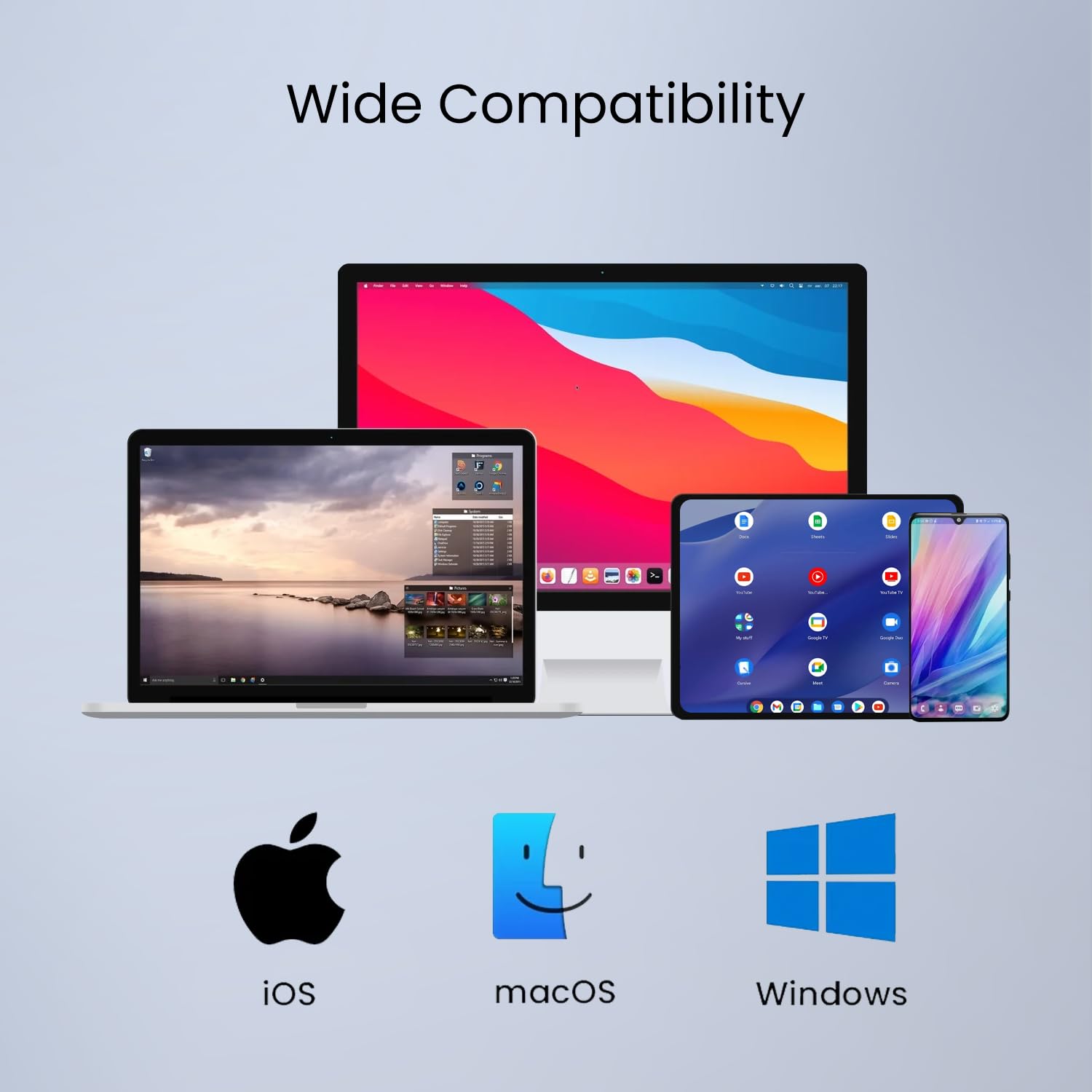
Image: Visual representation of the keyboard's compatibility with various operating systems including iOS, macOS, and Windows.
The Portronics Bubble Dock Wireless Keyboard is compatible with a wide range of operating systems, including iOS, macOS, Windows, and Android devices (for tablets/smartphones).
മെയിൻ്റനൻസ്
- വൃത്തിയാക്കൽ: കീബോർഡ് പ്രതലം വൃത്തിയാക്കാൻ മൃദുവായതും ഉണങ്ങിയതുമായ തുണി ഉപയോഗിക്കുക. കഠിനമായ അഴുക്കിന്, ചെറുതായി dampവെള്ളം അല്ലെങ്കിൽ നേരിയ ക്ലീനിംഗ് ലായനി ഉപയോഗിച്ച് തുണി തുടയ്ക്കുക. അമിതമായ ഈർപ്പം ഒഴിവാക്കുക.
- സംഭരണം: നേരിട്ടുള്ള സൂര്യപ്രകാശവും കടുത്ത താപനിലയും ഏൽക്കാത്ത തണുത്തതും വരണ്ടതുമായ സ്ഥലത്ത് കീബോർഡ് സൂക്ഷിക്കുക.
- ബാറ്ററി കെയർ: To prolong battery life, avoid fully discharging the keyboard frequently. Charge it regularly, even if not in constant use.
- USB റിസീവർ: When not in use, store the 2.4 GHz USB receiver in its designated slot on the keyboard to prevent loss.
ട്രബിൾഷൂട്ടിംഗ്
| പ്രശ്നം | സാധ്യമായ പരിഹാരം |
|---|---|
| Keyboard not turning on. | Ensure the power switch is in the 'ON' position. Charge the keyboard fully using the USB-C cable. |
| Keyboard not connecting via 2.4 GHz. | Ensure the USB receiver is securely plugged into your device. Press Fn + 2.4G (F1) to select 2.4 GHz mode. Try a different USB port. |
| കീബോർഡ് ബ്ലൂടൂത്ത് വഴി ബന്ധിപ്പിക്കുന്നില്ല. | Ensure Bluetooth is enabled on your device. Press Fn + BT1/BT2/BT3 to select the correct channel and enter pairing mode. Remove previous pairings from your device's Bluetooth list and try pairing again. Ensure the keyboard is within range. |
| Keys not responding or delayed input. | Check battery level and recharge if necessary. Ensure the keyboard is close to your device and there are no strong interferences. Re-pair the keyboard. |
| മൾട്ടിമീഡിയ കീകൾ പ്രവർത്തിക്കുന്നില്ല. | Ensure you are pressing the 'Fn' key simultaneously with the desired function key. Some functions may require specific software or operating system support. |
സ്പെസിഫിക്കേഷനുകൾ
| ബ്രാൻഡ് | പോര്ട്രോണിക്സ് |
| മോഡലിൻ്റെ പേര് | Bubble Dock |
| മോഡൽ നമ്പർ | POR-2192 |
| കണക്റ്റിവിറ്റി ടെക്നോളജി | Bluetooth 5.3, 2.4 GHz RF |
| അനുയോജ്യമായ ഉപകരണങ്ങൾ | ലാപ്ടോപ്പ്, ടാബ്ലെറ്റ്, സ്മാർട്ട്ഫോൺ |
| കീബോർഡ് ലേഔട്ട് | QWERTY |
| സ്വിച്ച് തരം | മെംബ്രൺ |
| ഉൽപ്പന്ന സവിശേഷതകൾ | Dual Wireless, Multi-Device Pairing, Multimedia Hotkeys, Noise-Free Keystrokes, Built-in Tablet Holder |
| ബാറ്ററി | റീചാർജ് ചെയ്യാവുന്നത് |
| അളവുകൾ (L x W x H) | 30.5L x 17.3W x 2.8H സെൻ്റീമീറ്റർ |
| ഭാരം | 460 ഗ്രാം |
| എൻക്ലോഷർ മെറ്റീരിയൽ | എബിഎസ് പ്ലാസ്റ്റിക് |
വാറൻ്റിയും പിന്തുണയും
വാറൻ്റി വിവരങ്ങൾ
This Portronics Bubble Dock Wireless Keyboard comes with a 1 Year Manufacturing Defects Only warranty from the date of purchase. This warranty covers defects in materials and workmanship under normal use. It does not cover damage caused by misuse, accidents, unauthorized modifications, or normal wear and tear.
ഉപഭോക്തൃ പിന്തുണ
For any product-related queries, technical assistance, or warranty claims, please contact Portronics customer support:
- ഇമെയിൽ: help@portronics.com
- ഫോൺ: +91 9555-245-245
- നിർമ്മാതാവിൻ്റെ വിലാസം: Portronics Digital Pvt ltd, First Floor Property No D 8 Upper Basement Sector 8 Noida Uttar Pradesh 201301