
AS03
AS03 WiFi Camera User Manual
Model: AS03 | Brand: Generic
ആമുഖം
This user manual provides comprehensive instructions for the setup, operation, and maintenance of your AS03 WiFi Camera. Please read this manual thoroughly before using the device to ensure proper functionality and safety.

Figure 1: AS03 WiFi Camera with stand.
The AS03 WiFi Camera is a compact, low-power consumption device designed for home security and sports monitoring. It features HD night vision, two-way intercom functionality, and supports local storage via TF card.
പാക്കേജ് ഉള്ളടക്കം
പാക്കേജിൽ എല്ലാ ഇനങ്ങളും ഉണ്ടെന്ന് ഉറപ്പാക്കുക:
- 1 x AS03 WiFi Camera
- 1 x സ്റ്റാൻഡ്
- 1 x ടൈപ്പ്-സി ചാർജിംഗ് കേബിൾ
- 1 x ഇൻസ്ട്രക്ഷൻ മാനുവൽ (ഈ ഡോക്യുമെന്റ്)
ഉൽപ്പന്നം കഴിഞ്ഞുview
Familiarize yourself with the camera's components and dimensions.

Figure 2: Various angles of the AS03 WiFi Camera.

Figure 3: AS03 WiFi Camera dimensions.
The camera measures approximately 36mm x 40mm x 36mm, making it highly compact and discreet.
സജ്ജമാക്കുക
1. ക്യാമറ ചാർജ് ചെയ്യുന്നു
Before initial use, fully charge the camera using the provided Type-C charging cable and a 5V/1A power adapter (not included).

Figure 4: Charging the AS03 WiFi Camera.
The camera can record while charging, allowing for continuous operation when connected to a power source.
2. Inserting a TF Card (Optional)
For local video storage, insert a TF (microSD) card into the designated slot. The camera supports up to a 32GB TF card (not included). Ensure the camera is powered off before inserting or removing the card.
3. ആപ്പ് ഇൻസ്റ്റാളേഷനും കണക്ഷനും
The AS03 WiFi Camera uses the iWFCam application for remote monitoring and control. Download the app from your device's app store (iOS/Android).
- ഡൗൺലോഡ് ചെയ്ത് ഇൻസ്റ്റാൾ ചെയ്യുക iWFCam അപ്ലിക്കേഷൻ.
- Power on the camera. The camera will emit a WiFi hotspot.
- On your smartphone, go to WiFi settings and connect to the camera's hotspot (usually named something like "iWFCam-XXXXXX").
- തുറക്കുക iWFCam app. The camera should automatically be detected and added.
- Follow the in-app instructions to connect the camera to your home 2.4GHz WiFi network for remote access.

Figure 5: Connecting to the camera via iWFCam app.
പ്രവർത്തന നിർദ്ദേശങ്ങൾ
തത്സമയം View ഒപ്പം റെക്കോർഡിംഗ്
Once connected to the iWFCam app, you can access the live video feed from your camera. The app allows you to:
- View തത്സമയ വീഡിയോ.
- Initiate manual video recording.
- നിശ്ചല ചിത്രങ്ങൾ പകർത്തുക.
- ടു-വേ ഓഡിയോ ആശയവിനിമയത്തിൽ ഏർപ്പെടുക.
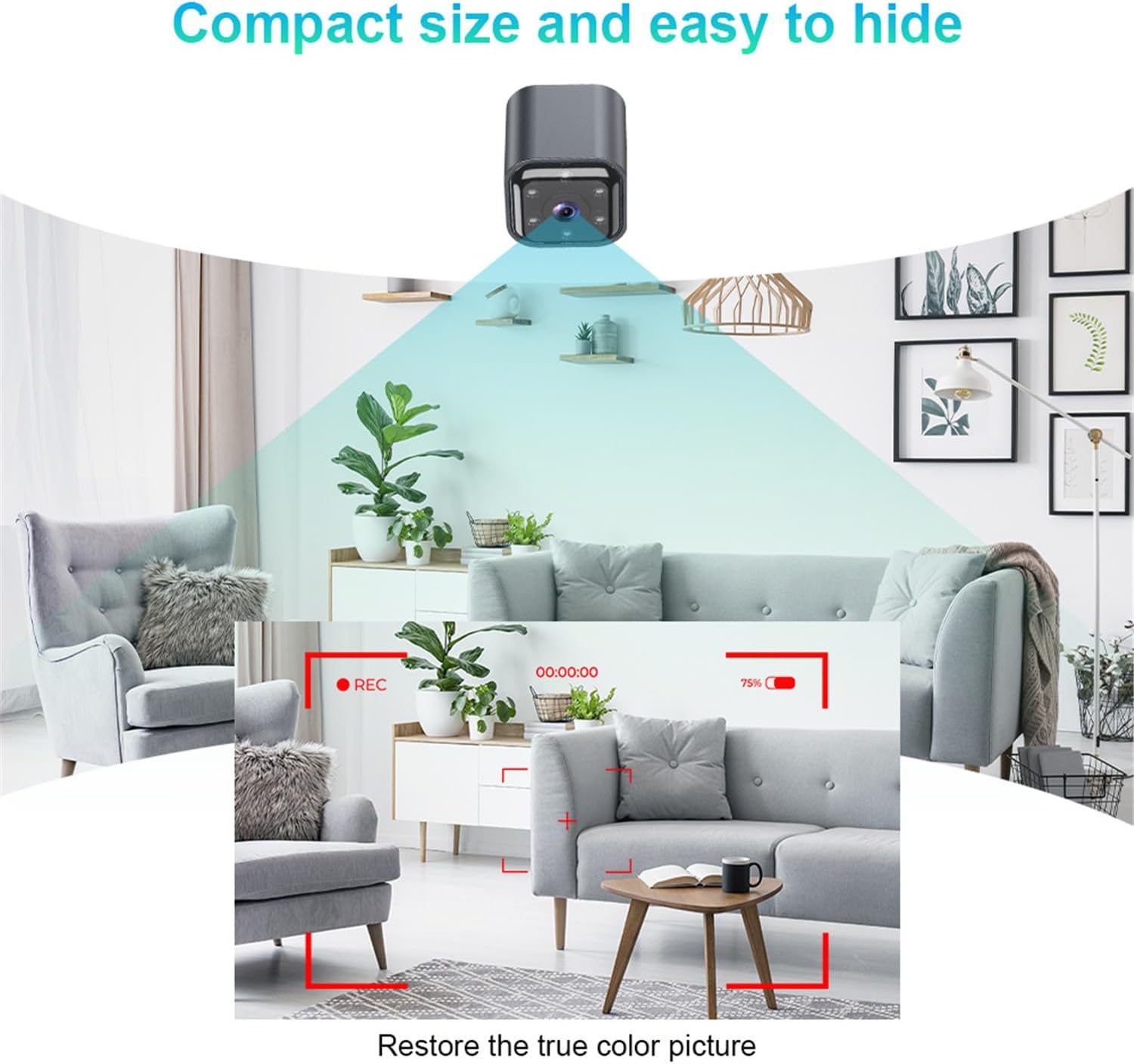
Figure 6: Camera's field of view and image clarity.
നൈറ്റ് വിഷൻ
The camera features automatic infrared night vision, enabling clear video capture in low-light or no-light conditions. The infrared irradiation distance is effective up to 5 meters, with optimal results within 2 meters.
ടു-വേ ഇന്റർകോം
Utilize the built-in microphone and speaker for two-way audio communication through the iWFCam app. This allows you to speak to and hear from the area where the camera is placed.
മോഷൻ ഡിറ്റക്ഷനും അലാറങ്ങളും
The camera supports motion detection. When motion is detected, the camera can trigger an alarm and send push notifications to your smartphone via the iWFCam app.
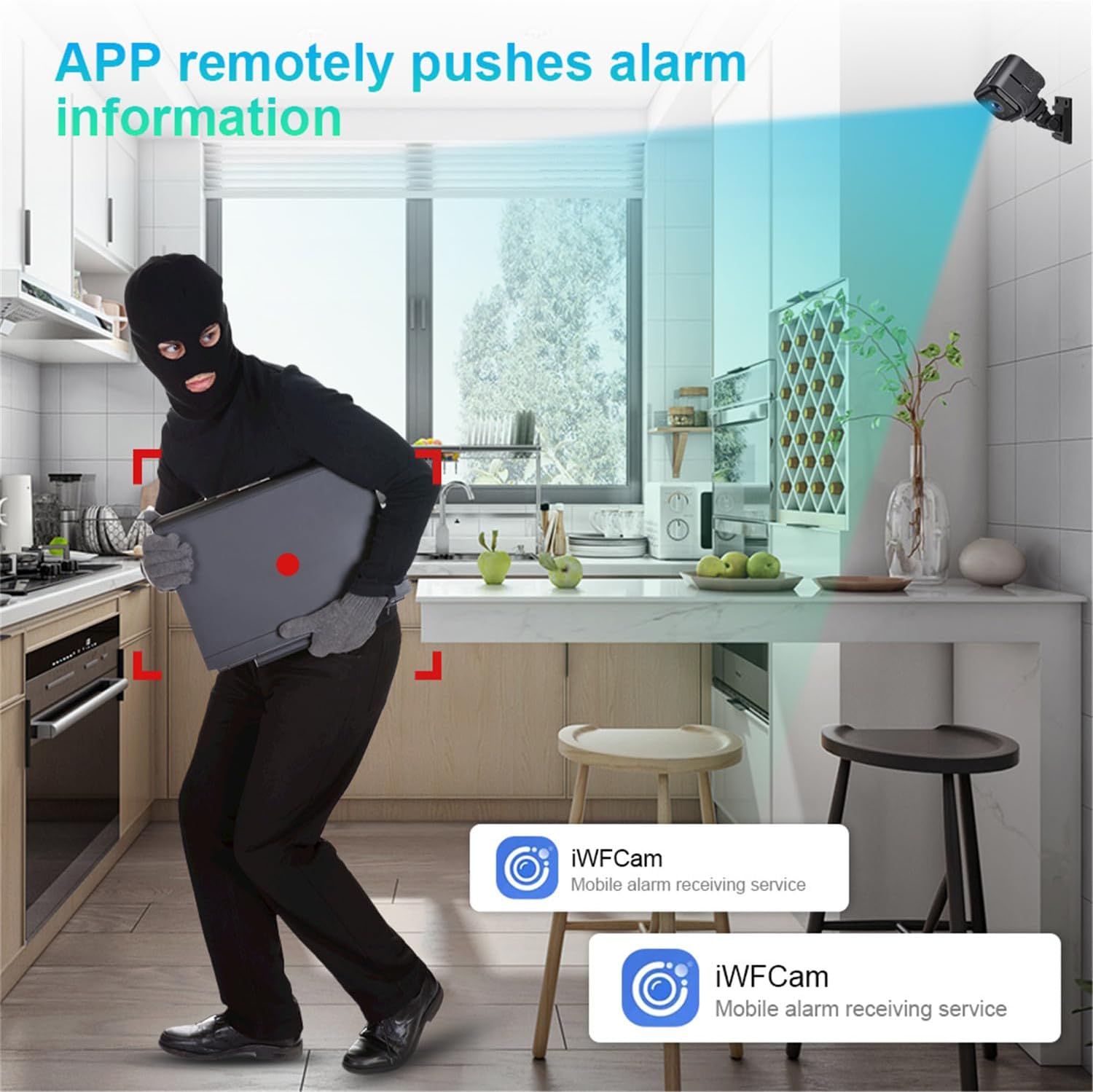
Figure 7: Motion detection and alarm notification.
ലൂപ്പ് റെക്കോർഡിംഗ്
When a TF card is inserted, the camera supports loop recording. This means that when the memory card is full, the oldest video files will be automatically overwritten by new recordings, ensuring continuous surveillance.
മെയിൻ്റനൻസ്
- വൃത്തിയാക്കൽ: Use a soft, dry cloth to clean the camera lens and body. Avoid using liquid cleaners or abrasive materials.
- സംഭരണം: ക്യാമറ ദീർഘനേരം സൂക്ഷിക്കുകയാണെങ്കിൽ, അത് പൂർണ്ണമായും ചാർജ് ചെയ്തിട്ടുണ്ടെന്നും തണുത്തതും വരണ്ടതുമായ സ്ഥലത്ത് സൂക്ഷിക്കുന്നുണ്ടെന്നും ഉറപ്പാക്കുക.
- ഫേംവെയർ അപ്ഡേറ്റുകൾ: Periodically check the iWFCam app for any available firmware updates for your camera to ensure optimal performance and security.
ട്രബിൾഷൂട്ടിംഗ്
| പ്രശ്നം | സാധ്യമായ കാരണം | പരിഹാരം |
|---|---|---|
| ക്യാമറ ഓണാക്കുന്നില്ല. | ബാറ്ററി കുറവാണ്; ചാർജിംഗ് കേബിൾ/അഡാപ്റ്റർ തകരാറിലാണ്. | Charge the camera for at least 2 hours. Try a different Type-C cable and 5V/1A adapter. |
| Cannot connect to camera WiFi hotspot. | Camera not powered on; too far from camera; WiFi interference. | Ensure camera is on. Move closer to the camera. Restart camera and phone. |
| Camera offline in iWFCam app. | No internet connection; incorrect WiFi password; camera too far from router. | Check your home WiFi. Reconfigure camera's WiFi settings in the app. Move camera closer to router. |
| No recording to TF card. | TF card not inserted; card full; card corrupted; incorrect format. | Ensure TF card is inserted correctly. Check card capacity. Format the TF card via the app or on a computer. Try a different TF card. |
| മോശം രാത്രി കാഴ്ച നിലവാരം. | Obstruction in front of lens; camera too far from subject. | Clean the lens. Ensure no objects are blocking the infrared lights. Position camera closer to the area of interest (optimal within 2 meters). |
സ്പെസിഫിക്കേഷനുകൾ
| ഉൽപ്പന്നത്തിൻ്റെ പേര് | AS03 WiFi Camera |
| മോഡൽ നമ്പർ | AS03 |
| ഇമേജ് സെൻസർ | കോംസ് |
| ഡിസ്പ്ലേ റെസല്യൂഷൻ | 640*480P (30W) |
| TF കാർഡ് പിന്തുണ | പരമാവധി 32GB (ഉൾപ്പെടുത്തിയിട്ടില്ല) |
| ഇൻപുട്ട് | അന്തർനിർമ്മിത മൈക്രോഫോൺ |
| ഔട്ട്പുട്ട് | സ്പീക്കർ |
| ചാർജ് ചെയ്യുന്നു വോളിയംtage | 5V/1A |
| ബാറ്ററി ശേഷി | 960mAH/4.2V |
| ബാറ്ററി സ്റ്റാൻഡ്ബൈ സമയം | Approx. 6.2 hours continuous use; 45 days low power standby |
| ഇൻഫ്രാറെഡ് ദൂരം | 1-5 meters (optimal 2 meters) |
| പ്രവർത്തന താപനില | -10 ℃ ~ 50 ℃ |
| നെറ്റ്വർക്ക് | 2.4G Wireless Connection (IEEE802.11b/g/n) |
| ഓഡിയോ | Built-in noise cancelling microphone, Two-way intercom |
| പവർ കണക്റ്റർ | ടൈപ്പ്-സി |
| ആപ്പ് | iWFCam |
| അളവുകൾ | 36mm x 40mm x 36mm |
| ഭാരം | 166 ഗ്രാം |

Figure 8: Versatile applications of the AS03 WiFi Camera.
വാറൻ്റിയും പിന്തുണയും
For warranty information and technical support, please refer to the seller's policy on the purchase platform or contact the seller directly. Keep your purchase receipt as proof of purchase.
വിൽപ്പനക്കാരൻ: Kasongde
ASIN: B0DFQ1TDRH
ആദ്യം ലഭ്യമായ തീയതി: 30 ഓഗസ്റ്റ് 2024
Ask a question about this manual
Ask about setup, troubleshooting, compatibility, parts, safety, or missing instructions. Manuals+ will review the question and use this page’s manual context to help answer it.