
1. ആമുഖം
Thank you for choosing the ANSTEN Q40 Open-Ear Earphones. This manual provides essential information for setting up, operating, and maintaining your device. Please read it carefully before use to ensure optimal performance and longevity of your earphones.
2 സുരക്ഷാ വിവരങ്ങൾ
- ഇയർഫോണുകളോ ചാർജിംഗ് കേസോ ഡിസ്അസംബ്ലിംഗ് ചെയ്യുകയോ പരിഷ്കരിക്കുകയോ ചെയ്യരുത്.
- ഉപകരണം തീവ്രമായ താപനില, ഈർപ്പം, നശിപ്പിക്കുന്ന വസ്തുക്കൾ എന്നിവയിൽ നിന്ന് അകറ്റി നിർത്തുക.
- കേൾവിക്ക് കേടുപാടുകൾ സംഭവിക്കാതിരിക്കാൻ ഉയർന്ന ശബ്ദത്തിൽ ദീർഘനേരം കേൾക്കുന്നത് ഒഴിവാക്കുക.
- Clean the earphones regularly with a soft, dry cloth.
- പ്രാദേശിക നിയന്ത്രണങ്ങൾ അനുസരിച്ച് ഉപകരണവും അതിന്റെ ബാറ്ററിയും ഉത്തരവാദിത്തത്തോടെ നിർമാർജനം ചെയ്യുക.
3. പാക്കേജ് ഉള്ളടക്കം
പാക്കേജിൽ ഇനിപ്പറയുന്ന ഇനങ്ങൾ ഉണ്ടോ എന്ന് പരിശോധിക്കുക:
- ANSTEN Q40 Open-Ear Earphones (Left and Right)
- ചാർജിംഗ് കേസ്
- യുഎസ്ബി ചാർജിംഗ് കേബിൾ
- ഉപയോക്തൃ മാനുവൽ
4. ഉൽപ്പന്നം കഴിഞ്ഞുview
The ANSTEN Q40 earphones feature an open-ear design for comfort and situational awareness. The compact charging case provides extended battery life and includes a digital display for battery status.

5. സജ്ജീകരണം
5.1. ഇയർഫോണുകളും കേസും ചാർജ് ചെയ്യുന്നു
ആദ്യ ഉപയോഗത്തിന് മുമ്പ്, ഇയർഫോണുകളും ചാർജിംഗ് കേസും പൂർണ്ണമായും ചാർജ് ചെയ്യുക.
- ചാർജിംഗ് കെയ്സിലേക്ക് ഇയർഫോണുകൾ വയ്ക്കുക.
- യുഎസ്ബി ചാർജിംഗ് കേബിൾ കേസിലെ ചാർജിംഗ് പോർട്ടിലേക്കും ഒരു പവർ സ്രോതസ്സിലേക്കും ബന്ധിപ്പിക്കുക.
- The digital display on the case will show the charging progress. Once 100% is displayed, charging is complete.

5.2. നിങ്ങളുടെ ഉപകരണവുമായി ജോടിയാക്കുന്നു
- ചാർജിംഗ് കേസ് തുറക്കുക. ഇയർഫോണുകൾ സ്വയമേവ ഓണാകുകയും ജോടിയാക്കൽ മോഡിലേക്ക് പ്രവേശിക്കുകയും ചെയ്യും.
- നിങ്ങളുടെ സ്മാർട്ട്ഫോണിലോ മറ്റ് ഉപകരണത്തിലോ ബ്ലൂടൂത്ത് പ്രവർത്തനക്ഷമമാക്കുക.
- ഇതിനായി തിരയുക "Q40" in the list of available Bluetooth devices and select it to connect.
- Once connected, you will hear a confirmation tone. The earphones will automatically reconnect to the last paired device when taken out of the case.
5.3. ഇയർഫോണുകൾ ധരിക്കൽ
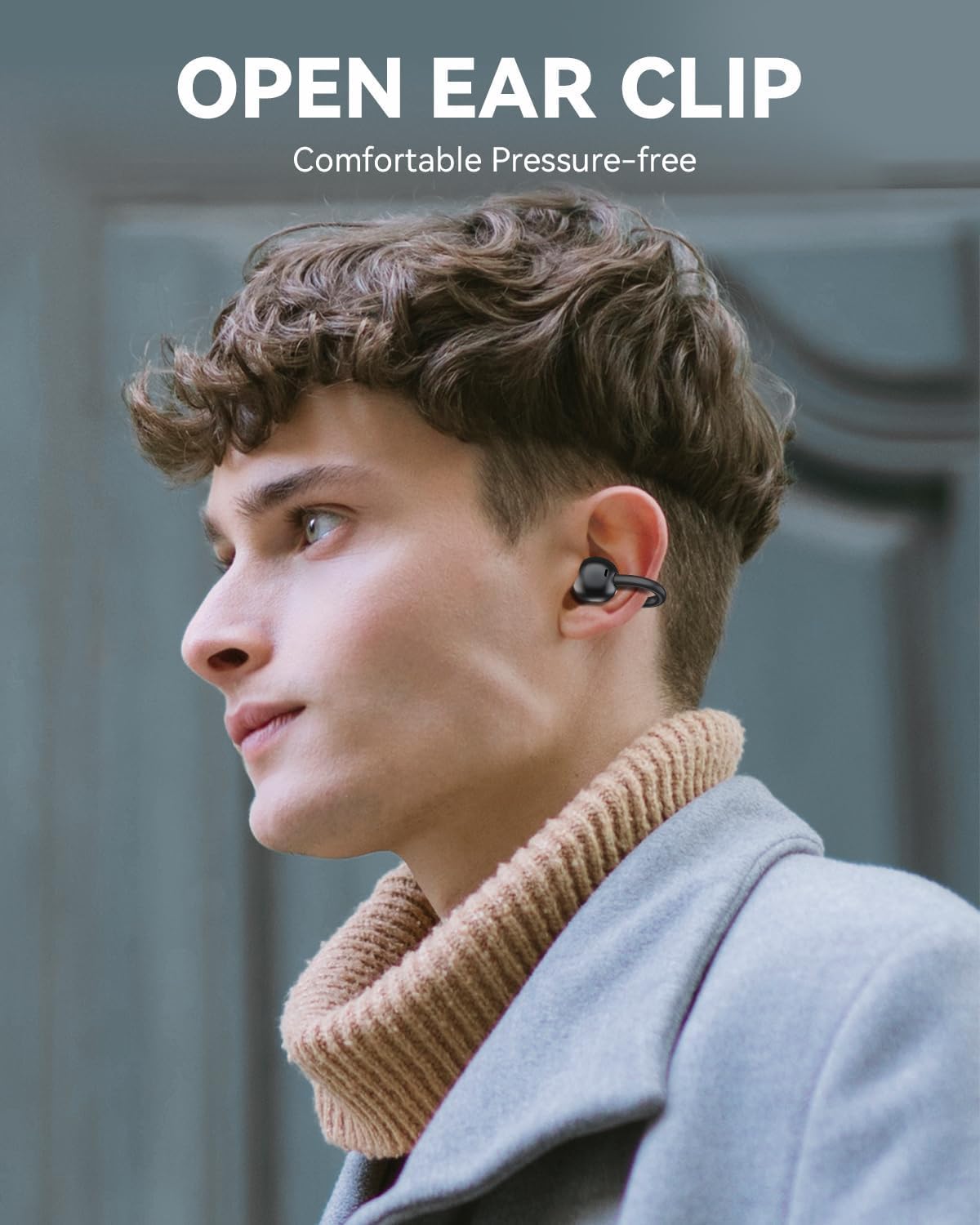
The ANSTEN Q40 earphones feature an open-ear clip design for comfortable and stable wear.
- Gently clip the earphone onto your ear, ensuring the speaker is positioned near your ear canal.
- Adjust the earphone for a secure and comfortable fit. The lightweight design (approximately 5.2g per earbud) ensures minimal pressure even during extended use.

6. ഇയർഫോണുകൾ പ്രവർത്തിപ്പിക്കുക
6.1. ടച്ച് നിയന്ത്രണങ്ങൾ
The ANSTEN Q40 earphones feature multi-function touch controls on each earbud. The following actions can be performed:
- ഒറ്റ ടാപ്പ്: സംഗീതം പ്ലേ ചെയ്യുക/താൽക്കാലികമായി നിർത്തുക, കോൾ സ്വീകരിക്കുക/അവസാനിപ്പിക്കുക.
- രണ്ടുതവണ ടാപ്പ് ചെയ്യുക (വലത് ഇയർബഡ്): വോളിയം കൂട്ടുക.
- രണ്ടുതവണ ടാപ്പ് ചെയ്യുക (ഇടത് ഇയർബഡ്): വോളിയം കുറയ്ക്കുക.
- ട്രിപ്പിൾ ടാപ്പ് (വലത് ഇയർബഡ്): അടുത്ത ട്രാക്ക്.
- ട്രിപ്പിൾ ടാപ്പ് (ഇടത് ഇയർബഡ്): മുമ്പത്തെ ട്രാക്ക്.
- ദീർഘനേരം അമർത്തുക (2 സെക്കൻഡ്): Reject call, Activate Voice Assistant.

6.2. പവർ ഓൺ/ഓഫ്
- പവർ ഓൺ: ചാർജിംഗ് കേസ് തുറക്കുക, ഇയർഫോണുകൾ യാന്ത്രികമായി ഓണാകും.
- പവർ ഓഫ്: ഇയർഫോണുകൾ ചാർജിംഗ് കെയ്സിലേക്ക് തിരികെ വയ്ക്കുക, ലിഡ് അടയ്ക്കുക. അവ യാന്ത്രികമായി ഓഫാകുകയും ചാർജ് ചെയ്യാൻ തുടങ്ങുകയും ചെയ്യും.
7. പരിപാലനം
7.1. വൃത്തിയാക്കൽ
പതിവായി വൃത്തിയാക്കുന്നത് ശബ്ദ നിലവാരവും ശുചിത്വവും നിലനിർത്താൻ സഹായിക്കുന്നു.
- ഇയർഫോണുകളും ചാർജിംഗ് കെയ്സും തുടയ്ക്കാൻ മൃദുവായതും ഉണങ്ങിയതും ലിന്റ് രഹിതവുമായ ഒരു തുണി ഉപയോഗിക്കുക.
- അബ്രാസീവ് ക്ലീനറുകൾ, ആൽക്കഹോൾ, കെമിക്കൽ ലായകങ്ങൾ എന്നിവ ഉപയോഗിക്കരുത്.
7.2. ജല പ്രതിരോധം (IPX7)
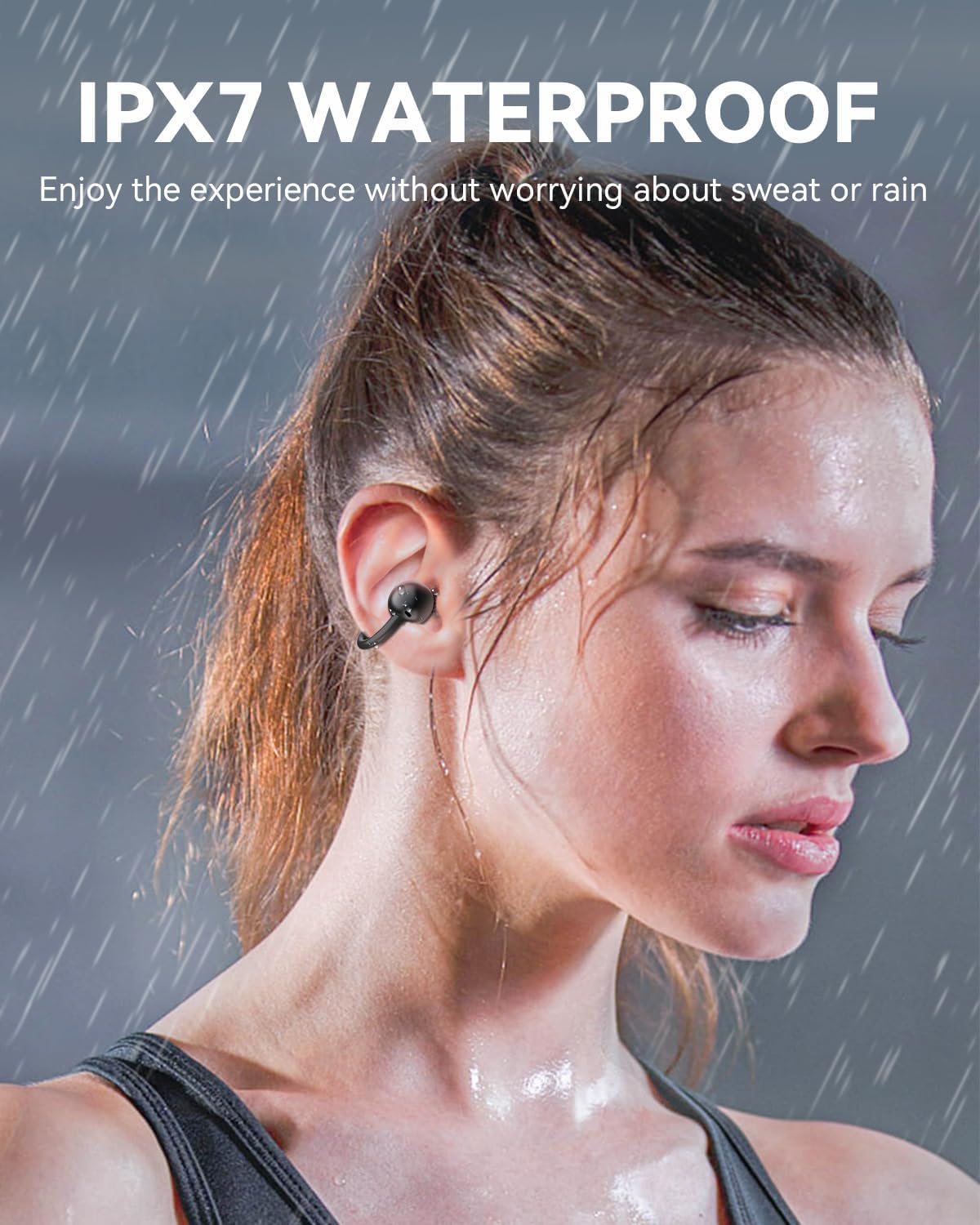
The ANSTEN Q40 earphones are IPX7 waterproof, meaning they can withstand immersion in water up to 1 meter for 30 minutes. This makes them suitable for use during workouts or in light rain.
- ചാർജ് ചെയ്യുന്നതിനുമുമ്പ് ചാർജിംഗ് പോർട്ട് ഡ്രൈ ആണെന്ന് ഉറപ്പാക്കുക.
- ചാർജിംഗ് കേസ് വാട്ടർപ്രൂഫ് അല്ലാത്തതിനാൽ മനഃപൂർവ്വം അതിൽ മുക്കരുത്.
8. പ്രശ്നപരിഹാരം
8.1. Earphones not connecting/pairing
- ഇയർഫോണുകൾ ചാർജ് ചെയ്തിട്ടുണ്ടെന്ന് ഉറപ്പാക്കുക.
- നിങ്ങളുടെ ഉപകരണത്തിൽ ബ്ലൂടൂത്ത് പ്രവർത്തനക്ഷമമാക്കിയിട്ടുണ്ടെന്ന് ഉറപ്പാക്കുക.
- നിങ്ങളുടെ ഉപകരണത്തിൽ Bluetooth ഓഫാക്കുക, തുടർന്ന് അത് വീണ്ടും ഓണാക്കി ജോടിയാക്കാൻ ശ്രമിക്കുക.
- If issues persist, try resetting the earphones (refer to specific reset instructions if available, otherwise place them back in the case and try again).
8.2. No sound or low volume
- Check the volume level on both your earphones and your connected device.
- ഇയർഫോണുകൾ ശരിയായി ജോടിയാക്കി ബന്ധിപ്പിച്ചിട്ടുണ്ടെന്ന് ഉറപ്പാക്കുക.
- ഇയർഫോൺ സ്പീക്കറുകളിൽ നിന്ന് അവശിഷ്ടങ്ങൾ വൃത്തിയാക്കുക.
8.3. ചാർജിംഗ് പ്രശ്നങ്ങൾ
- ചാർജിംഗ് കേബിൾ കേസിലേക്കും പവർ സ്രോതസ്സിലേക്കും സുരക്ഷിതമായി ബന്ധിപ്പിച്ചിട്ടുണ്ടെന്ന് ഉറപ്പാക്കുക.
- മറ്റൊരു ചാർജിംഗ് കേബിളോ പവർ അഡാപ്റ്ററോ ഉപയോഗിക്കാൻ ശ്രമിക്കുക.
- Make sure the charging contacts on the earphones and inside the case are clean and free of obstruction.
9 സ്പെസിഫിക്കേഷനുകൾ
| മോഡലിൻ്റെ പേര് | Q40 |
| ബ്രാൻഡ് | ആൻസ്റ്റെൻ |
| കണക്റ്റിവിറ്റി ടെക്നോളജി | വയർലെസ് (ബ്ലൂടൂത്ത്) |
| ഹെഡ്ഫോൺ ഫോം ഫാക്ടർ | In-Ear (Open-Ear Clip) |
| ഡ്രൈവർ വലിപ്പം | 11 മി.മീ |
| ജല പ്രതിരോധം | IPX7 |
| ഇയർബഡ് ഭാരം | ഒരു ഇയർബഡിന് ഏകദേശം 5.2 ഗ്രാം |
| Headset Life Time | 6 മണിക്കൂർ |
| Charging Case Duration | 18 hours (additional) |
10. വാറൻ്റിയും പിന്തുണയും
ANSTEN products are designed and manufactured to the highest quality standards. This product is covered by a limited warranty from the date of purchase. Please refer to the warranty card included in your package for specific terms and conditions.
For technical support, warranty claims, or any other inquiries, please contact ANSTEN customer service through the retailer where you purchased the product or visit the official ANSTEN webബന്ധപ്പെടാനുള്ള വിവരങ്ങൾക്കുള്ള സൈറ്റ്.