
1. ആമുഖം
This manual provides detailed instructions for the proper use and maintenance of your EBTOOLS Body Camera, model EBTOOLSs1gq2a4o5t-13. This portable camcorder is designed for various recording needs, including law enforcement, outdoor activities, and personal security. It features 1080p HD video recording, night vision, a 130° wide-angle lens, and loop recording capabilities.
2. പാക്കേജ് ഉള്ളടക്കം
താഴെ ലിസ്റ്റ് ചെയ്തിരിക്കുന്ന എല്ലാ ഇനങ്ങളും നിങ്ങളുടെ പാക്കേജിൽ ഉൾപ്പെടുത്തിയിട്ടുണ്ടെന്ന് ദയവായി പരിശോധിക്കുക. ഏതെങ്കിലും ഇനങ്ങൾ നഷ്ടപ്പെട്ടിട്ടുണ്ടെങ്കിലോ കേടായിട്ടുണ്ടെങ്കിലോ, ദയവായി ഉപഭോക്തൃ പിന്തുണയുമായി ബന്ധപ്പെടുക.
- EBTOOLS Body Camera
- യുഎസ്ബി ചാർജിംഗ് കേബിൾ
- മ Cl ണ്ട് ക്ലിപ്പ്
- Bicycle/Motorcycle Mount
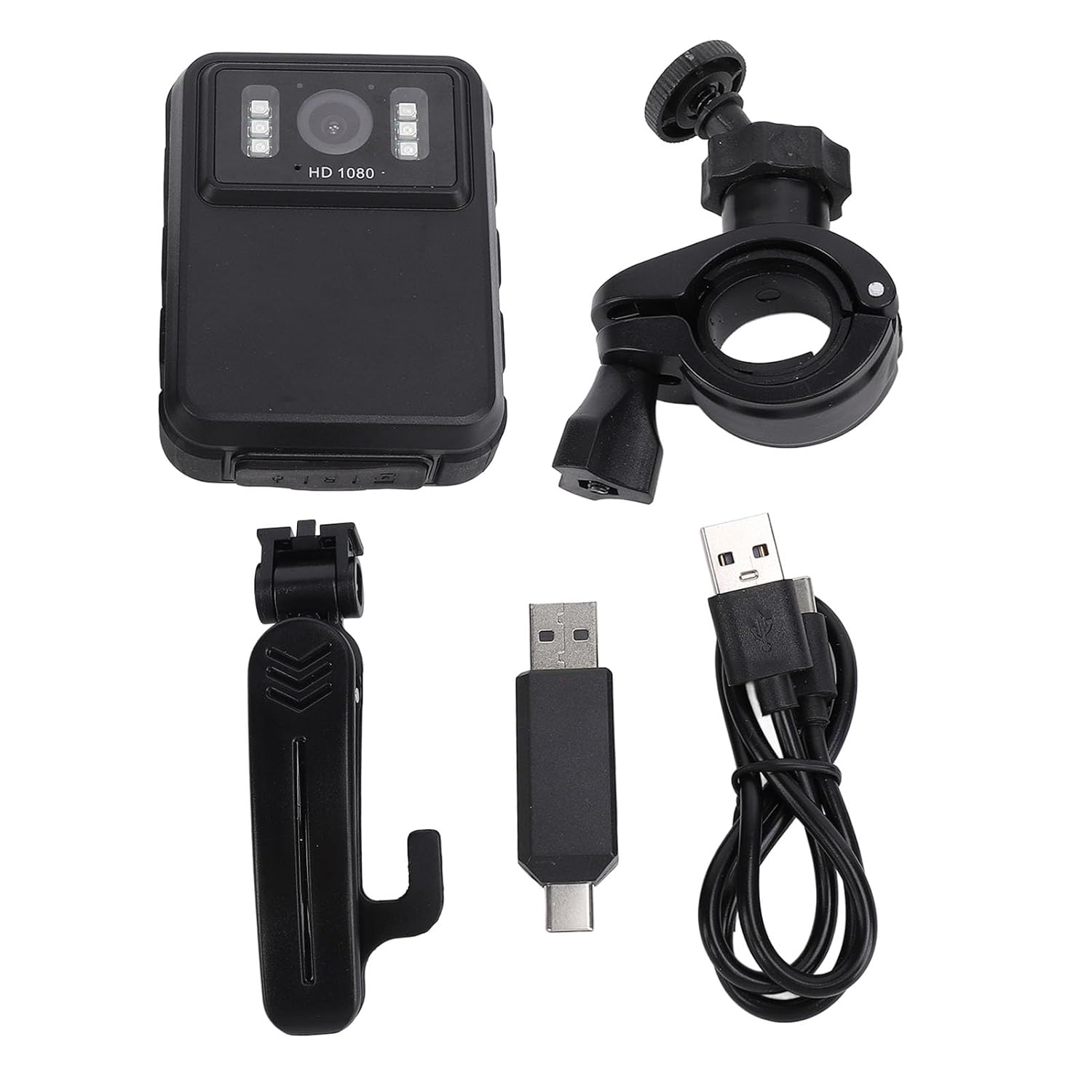
Figure 2.1: Included accessories with the EBTOOLS Body Camera.
3. സജ്ജീകരണം
3.1 ബാറ്ററി ചാർജ് ചെയ്യുന്നു
Before first use, fully charge the camera's integrated 1800mAh lithium battery. Connect the camera to a power source using the provided USB cable. The charging indicator light will show the charging status and turn off or change color when fully charged.
3.2. Inserting a Storage Card
The camera supports storage cards (not included). Locate the card slot, typically on the side or bottom of the device. Insert a compatible storage card (e.g., up to 128GB) with the contacts facing down until it clicks into place. Ensure the card is formatted correctly (FAT32 recommended) for optimal performance.
3.3. പവർ ഓൺ/ഓഫ്
To power on the camera, press and hold the Power button for a few seconds until the screen illuminates. To power off, press and hold the Power button again until the device shuts down.
4. പ്രവർത്തന നിർദ്ദേശങ്ങൾ
4.1. അടിസ്ഥാന വീഡിയോ റെക്കോർഡിംഗ്
Once powered on, press the Record button to start video recording. The recording indicator will typically flash or remain solid red. Press the Record button again to stop recording. Videos are saved automatically to the inserted storage card.

Figure 4.1: The camera supports various resolutions, including 2K (2304x1296P) and 1080P (1920x1080P).
4.2. Night Vision Function
The camera is equipped with 6 infrared LEDs for night vision, effective up to 33 feet. Night vision can be set to Off, Auto, or Manual Adjustment via the camera's menu. In Auto mode, the camera will automatically activate night vision in low-light conditions.

Figure 4.2: The camera's built-in infrared lights enable clear recording in low-light environments.
4.3. ലൂപ്പ് റെക്കോർഡിംഗ്
When loop recording is enabled, the camera will automatically overwrite the oldest video files when the storage card becomes full. This ensures continuous recording without manual intervention. You can typically set the duration of each video segment in the camera's settings.
4.4. Viewഫൂtage on Screen
The camera features a 2.0-inch IPS screen (320x240 resolution) for direct playback of recorded videos and viewing photos. Navigate through your files using the control buttons below the screen. This allows for immediate review without needing a computer.

Figure 4.3: The 130° wide-angle lens captures more of the scene, and the 2.0-inch IPS screen provides clear playback.

Figure 4.4: Detail of the camera's display and user interface.
4.5. ഒരു കമ്പ്യൂട്ടറിലേക്ക് ബന്ധിപ്പിക്കുന്നു
കൈമാറാൻ files, connect the camera to your computer using the USB cable. The camera will typically appear as a removable storage device. You can then copy video and photo fileനിങ്ങളുടെ കമ്പ്യൂട്ടറിലേക്ക് എസ്.
4.6. ക്യാമറ ഘടിപ്പിക്കുന്നു
The camera comes with a mounting clip and a bicycle/motorcycle mount. The clip allows attachment to clothing, while the mount enables use as a dash cam or on a motorcycle. Ensure the camera is securely fastened before use.

Figure 4.5: The camera can be worn or mounted for versatile recording.
5. പരിപാലനം
5.1. വൃത്തിയാക്കൽ
Use a soft, dry cloth to clean the camera body. For the lens and screen, use a specialized lens cleaning cloth and solution to avoid scratches. Do not use harsh chemicals or abrasive materials.
5.2. ബാറ്ററി പരിചരണം
To prolong battery life, avoid exposing the camera to extreme temperatures. If the camera will not be used for an extended period, charge it to about 50% before storing and recharge every few months.
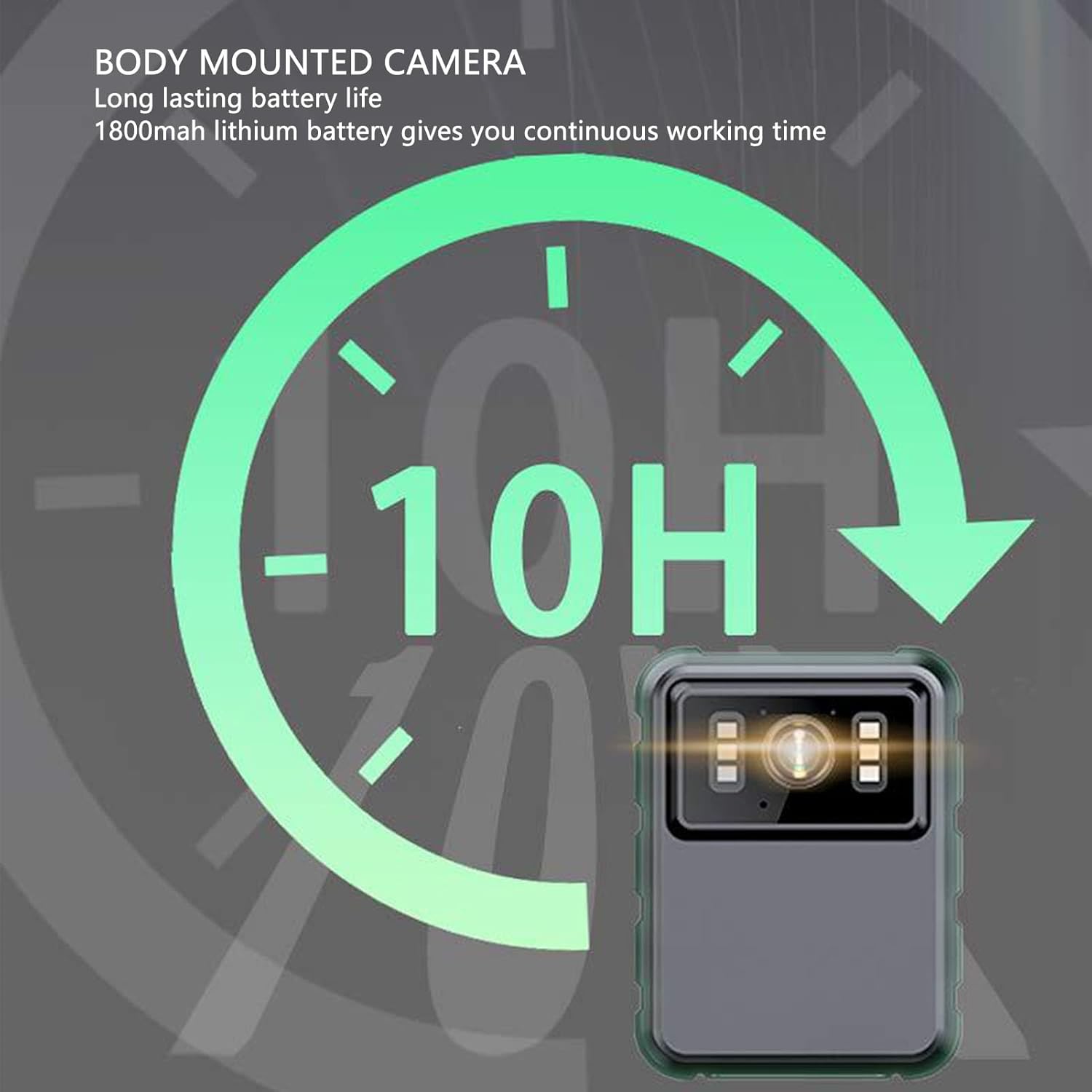
Figure 5.1: The camera offers approximately 10 hours of continuous operation on a full charge.
5.3. സംഭരണം
Store the camera in a cool, dry place away from direct sunlight and moisture. Keep it in its original packaging or a protective case to prevent damage.
6. പ്രശ്നപരിഹാരം
6.1. ക്യാമറ ഓണാക്കുന്നില്ല
- ബാറ്ററി ചാർജ്ജ് ചെയ്തിട്ടുണ്ടെന്ന് ഉറപ്പാക്കുക. ഒരു പവർ സ്രോതസ്സിലേക്ക് കണക്റ്റ് ചെയ്ത് വീണ്ടും ശ്രമിക്കുക.
- Press and hold the Power button for a longer duration (5-10 seconds).
6.2. Recording Issues (e.g., not saving, corrupted files)
- Check if a storage card is properly inserted and has sufficient free space.
- Ensure the storage card is formatted correctly (FAT32). Reformat if necessary (this will erase all data).
- Try using a different, high-quality storage card.
6.3. മോശം ഇമേജ് നിലവാരം
- മൃദുവായതും ലിനില്ലാത്തതുമായ തുണി ഉപയോഗിച്ച് ക്യാമറ ലെൻസ് വൃത്തിയാക്കുക.
- Ensure there is adequate lighting. For low-light conditions, activate night vision.
- Check the recording resolution settings in the camera menu.
6.4. Night Vision Not Activating
- Verify that night vision is set to 'Auto' or 'Manual' in the camera settings, not 'Off'.
- Ensure the environment is dark enough for automatic activation.
7 സ്പെസിഫിക്കേഷനുകൾ
| ഫീച്ചർ | സ്പെസിഫിക്കേഷൻ |
|---|---|
| മോഡൽ | EBTOOLSs1gq2a4o5t-13 |
| ബാറ്ററി | Integrated 1800mAh Lithium Battery |
| ലെൻസ് | Fixed lens, 100° viewing angle (product description states 130°, refer to product for exact) |
| പ്രദർശിപ്പിക്കുക | 2.0 inch IPS Screen, 320x240 resolution |
| ക്യാമറ റെസല്യൂഷൻ | 3840x2160p (2K), 2560x1440p, 1920x1080p (1080P) |
| ഓഡിയോ ബിറ്റ് നിരക്ക് | WAV (512KBPS) |
| ഇൻഫ്രാറെഡ് നൈറ്റ് വിഷൻ | Support, built-in 6 infrared lights, up to 33 feet |
| മൈക്രോഫോൺ | Omni-directional MIC with integrated capacitor |
| കണക്റ്റിവിറ്റി | USB |
| ഇനത്തിൻ്റെ ഭാരം | 310 ഗ്രാം |
Note: Some specifications, such as viewing angle, may vary slightly. Refer to product packaging for the most accurate details.
8. വാറൻ്റിയും പിന്തുണയും
For warranty information and customer support, please refer to the documentation included with your product packaging or visit the official EBTOOLS webസൈറ്റ്. ഏതെങ്കിലും വാറന്റി ക്ലെയിമുകൾക്ക് വാങ്ങിയതിന്റെ തെളിവായി നിങ്ങളുടെ വാങ്ങൽ രസീത് സൂക്ഷിക്കുക.