
ഉൽപ്പന്നം കഴിഞ്ഞുview ഫീച്ചറുകളും
The Dhiedas Smart Cabinet Lock (Model A1BFPC-HB) offers multiple unlocking methods for enhanced security and convenience. This lock is designed for cabinets and drawers, providing a robust solution for securing personal items or child-proofing furniture.
- 5-ഇൻ-1 അൺലോക്കിംഗ് രീതികൾ: Unlock using fingerprints (up to 100), passcodes (up to 20), Bluetooth app, RFID (13.56 MHz) cards, and Apple Watch.
- Invisible Mounting: Can be installed inside the cabinet using 3M adhesive tape without drilling, or with screws for a more permanent fixture. The front lock supports remote unlocking and can also be mounted with 3M tape or used without mounting.
- Long Battery Life & Emergency Power: Powered by 2 AA batteries (not included) with an energy-saving design for up to one year of use. Features a USB-C port for emergency power if batteries deplete.
- നീണ്ടുനിൽക്കുന്ന നിർമ്മാണം: Made of robust zinc alloy, offering resistance against breaking and picking.
- ബഹുമുഖ ആപ്ലിക്കേഷൻ: Suitable for various furniture types including double-door cabinets, drawers, wall cabinets, liquor cabinets, pantries, desks, and metal boxes.

ചിത്രം 1: ഓവർview of the Dhiedas Smart Cabinet Lock and its multiple unlocking options.
സജ്ജീകരണവും ഇൻസ്റ്റാളേഷനും
The Dhiedas Smart Cabinet Lock offers two primary installation methods: adhesive mounting or screw mounting. Both methods are detailed below.
1. ഇൻസ്റ്റാളേഷനായി തയ്യാറെടുക്കുക
- Ensure the cabinet or drawer surface is clean and dry.
- Insert 2 AA batteries (not included) into the main lock unit.
- Familiarize yourself with the components: main lock unit, keypad, RFID cards, 3M adhesive stickers, and optional screws.

Figure 2: Included components for installation.
2. Adhesive Mounting (No Drilling)
- Attach the 3M adhesive stickers to the back of the main lock unit and the keypad.
- Position the main lock unit inside the cabinet or drawer, ensuring it aligns with the locking mechanism. Press firmly for 30 seconds.
- Position the keypad on the exterior of the cabinet or drawer, aligning it with the main lock unit. Press firmly.
- For double-door cabinets, use the provided double door accessory and 3M adhesive to secure it to the secondary door.
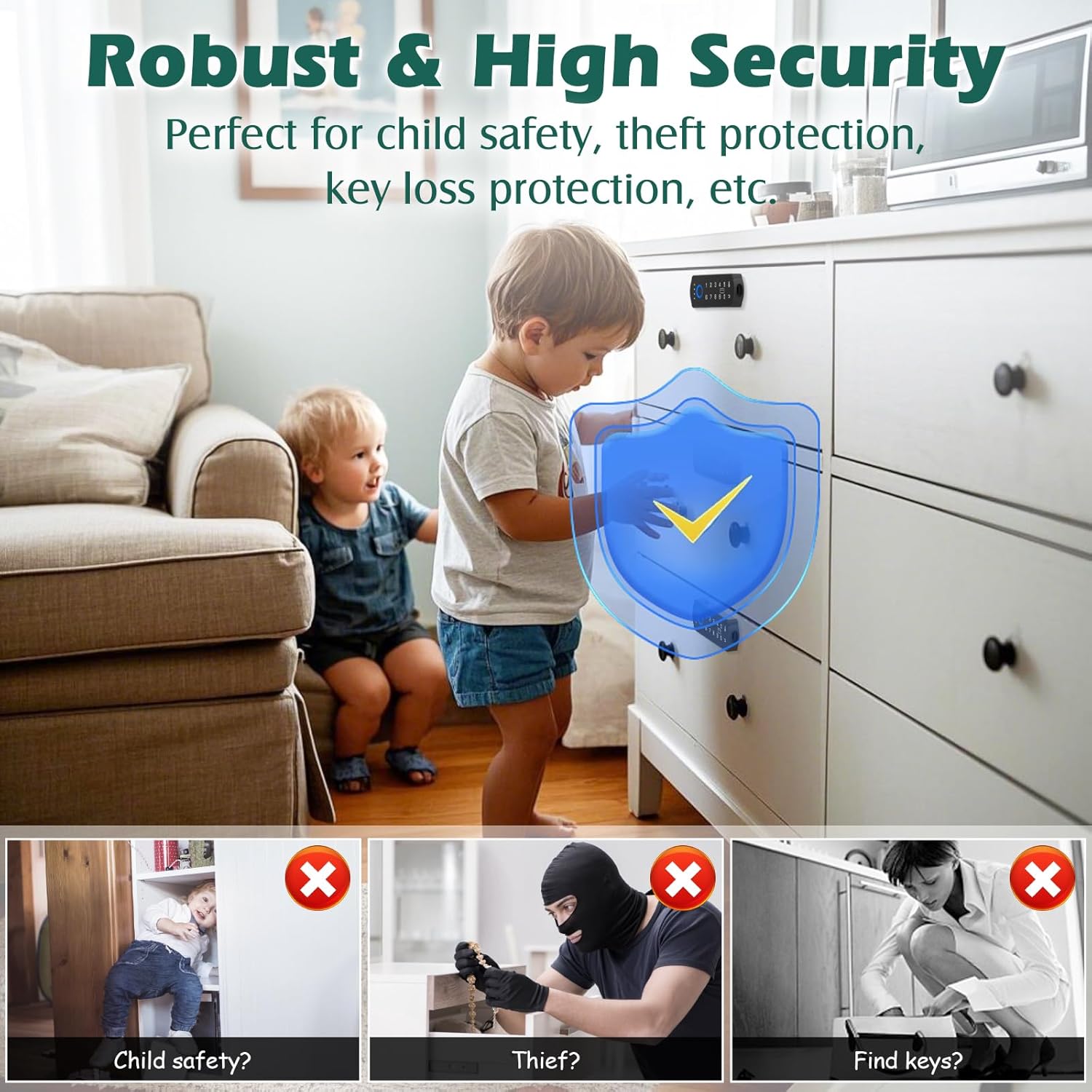
Figure 3: Dimensions and components for installation.

Figure 4: Wireless installation method for the smart cabinet lock.

Figure 5: Installation on a double-door cabinet using the accessory.
3. Screw Mounting (Optional)
- Use the provided positioning card to mark the drilling points for the main lock unit and the keypad.
- അടയാളപ്പെടുത്തിയ സ്ഥാനങ്ങളിൽ പൈലറ്റ് ദ്വാരങ്ങൾ തുരത്തുക.
- Secure the main lock unit and keypad using the provided screws.
Video 1: Installation process of the smart cabinet lock using screws. This video demonstrates how to attach the lock components to a drawer.
ലോക്ക് പ്രവർത്തിപ്പിക്കുന്നു
1. പ്രാരംഭ സജ്ജീകരണവും ജോടിയാക്കലും
- Download the companion Bluetooth app (refer to the user manual for app name and QR code).
- Follow the in-app instructions to pair your smartphone with the lock.
- Register administrator fingerprints and passcodes through the app.
2. അൺലോക്ക് രീതികൾ
- ഫിംഗർപ്രിന്റ്: Place a registered finger on the fingerprint sensor on the keypad. The lock will unlock if the fingerprint is recognized.
- പാസ്കോഡ്: Enter a registered passcode on the keypad, then press the unlock button.
- ബ്ലൂടൂത്ത് ആപ്പ്: Open the app on your paired smartphone and select the unlock option.
- RFID കാർഡ്: Tap a registered RFID card against the designated area on the keypad.
- ആപ്പിൾ വാച്ച്: If configured, use your Apple Watch to unlock the cabinet.

Figure 6: Unlocking the cabinet using the fingerprint sensor.

ചിത്രം 7: വിശദമായി view of the fingerprint unlocking method.

Figure 8: Unlocking with an RFID card.

Figure 9: Unlocking with an Apple Watch.

Figure 10: Generating a temporary passcode via the app.
3. റിമോട്ട് അൺലോക്കിംഗ്
The front lock allows for remote unlocking via the Bluetooth app within a range of 5-6 meters. This feature provides convenient access without direct interaction with the keypad.

Figure 11: Remote unlocking via Bluetooth app.
മെയിൻ്റനൻസ്
- ബാറ്ററി മാറ്റിസ്ഥാപിക്കൽ: The lock is powered by 2 AA batteries. Replace them when the battery indicator shows low power.
- അടിയന്തര പവർ: If batteries die, use a USB-C cable to connect to the emergency power port on the keypad for temporary power to unlock.
- വൃത്തിയാക്കൽ: Wipe the keypad and lock surfaces with a soft, dry cloth. Avoid using abrasive cleaners or solvents.
- ഫേംവെയർ അപ്ഡേറ്റുകൾ: ഒപ്റ്റിമൽ പ്രകടനവും സുരക്ഷയും ഉറപ്പാക്കാൻ ലഭ്യമായ ഏതെങ്കിലും ഫേംവെയർ അപ്ഡേറ്റുകൾക്കായി കമ്പാനിയൻ ആപ്പ് ഇടയ്ക്കിടെ പരിശോധിക്കുക.

Figure 12: Battery and emergency power features.
ട്രബിൾഷൂട്ടിംഗ്
- ലോക്ക് പ്രതികരിക്കുന്നില്ല: Check battery level. If low, replace batteries or use emergency USB-C power.
- വിരലടയാളം തിരിച്ചറിയാൻ കഴിഞ്ഞില്ല: നിങ്ങളുടെ വിരൽ വൃത്തിയുള്ളതും വരണ്ടതുമാണെന്ന് ഉറപ്പാക്കുക. പ്രശ്നങ്ങൾ നിലനിൽക്കുകയാണെങ്കിൽ നിങ്ങളുടെ വിരലടയാളം വീണ്ടും രജിസ്റ്റർ ചെയ്യുക.
- ആപ്പ് കണക്റ്റിവിറ്റി പ്രശ്നങ്ങൾ: Ensure Bluetooth is enabled on your device and the app is updated. Try restarting the app or your device.
- RFID card not working: Ensure the card is properly registered. Try tapping it firmly against the sensor.
- Lock not securing: Verify that the main lock unit and strike plate are correctly aligned and installed.
സ്പെസിഫിക്കേഷനുകൾ
| ബ്രാൻഡ് | ധിദാസ് |
| മോഡൽ നമ്പർ | A1BFPC-HB |
| ലോക്ക് തരം | Biometric, Keypad, RFID |
| അൺലോക്ക് രീതികൾ | Fingerprint (100), Passcode (20), Bluetooth App, RFID (13.56 MHz), Apple Watch |
| മെറ്റീരിയൽ | Metal, Zinc Alloy |
| ഇനത്തിന്റെ അളവുകൾ (L x W x H) | 1.7 x 0.5 x 4.3 ഇഞ്ച് |
| ഇനത്തിൻ്റെ ഭാരം | 0.8 പൗണ്ട് |
| പവർ ഉറവിടം | 2 x AA ബാറ്ററികൾ (ഉൾപ്പെടുത്തിയിട്ടില്ല) |
| എമർജൻസി പവർ | യുഎസ്ബി-സി പോർട്ട് |
| കണക്റ്റിവിറ്റി | ബ്ലൂടൂത്ത് |
| പ്രത്യേക സവിശേഷതകൾ | Auto-Lock, Battery Indicator, Touchscreen |
| ഉൾപ്പെടുത്തിയ ഘടകങ്ങൾ | 2*RFID cards, 3M adhesive stickers, English manual, RFID Drawer lock full components, double door accessory |
വാറൻ്റിയും പിന്തുണയും
Dhiedas offers 12 months of customer support and lifetime technical service for the Smart Cabinet Lock. For any questions or assistance, please contact Dhiedas customer service.
For further information or to visit the Dhiedas store, please refer to the official product page or the included user manual.