

ആമുഖം
This manual provides comprehensive instructions for setting up, operating, and maintaining your KZZI Z98 Wireless Mechanical Keyboard. The Z98 keyboard is designed to enhance your typing and gaming experience with its innovative smart display, versatile tri-mode connectivity, and customizable features.
ബോക്സിൽ എന്താണുള്ളത്
- Z98 Wireless Mechanical Keyboard
- കീക്യാപ് പുള്ളർ
- Replacement Switch (x4)
- USB കേബിൾ
- പൊടി കവർ
സജ്ജമാക്കുക
The KZZI Z98 keyboard offers three connection modes: Bluetooth 5.0, 2.4GHz wireless, and USB-C wired. Follow these steps to connect your keyboard.
ട്രൈ-മോഡ് കണക്ഷൻ

Diagram illustrating the three connection modes: Bluetooth 5.0, 2.4GHz Wireless, and USB-C Wired.
- ബ്ലൂടൂത്ത് കണക്ഷൻ:
Use the toggle switch on the keyboard to select BT1, BT2, or BT3. Long press the push button for 3 seconds to initiate pairing. The display will show 'BT Linking'. On your device (PC, Laptop, Smart TV, Tablet), search for 'Kzzi Z98' in Bluetooth settings and connect. The display will confirm 'BT Success'. You can store up to 3 different Bluetooth devices. - 2.4GHz വയർലെസ് കണക്ഷൻ:
Select the 2.4G icon using the toggle switch and click the push button. The keyboard will switch to 2.4G mode, and the display will show '2.4G Linking'. Insert the 2.4GHz USB receiver into your device. The display will show '2.4G Success' upon successful connection. The receiver is pre-paired from the factory. - USB-C വയർഡ് കണക്ഷൻ:
Connect the provided USB-C cable from the keyboard to your device. The keyboard will automatically switch to wired mode. This provides a stable and reliable connection, ideal for competitive gaming.
പ്രാരംഭ ചാർജ്
Before first use, ensure the keyboard is fully charged using the provided USB-C cable. The robust 3750mAh battery offers extended usage time.
Official product video demonstrating the KZZI Z98 Wireless Mechanical Keyboard's features, including connection modes, smart display, and customization.
പ്രവർത്തന നിർദ്ദേശങ്ങൾ
Smart Display & Knob Functions
The Z98 features an innovative smart display and a built-in three-way knob for easy control and information display.

Visual guide to the Smart Digital Screen's various display modes and functions, including home screen, GIF display, system connection, RGB mode, brightness/speed, and volume control.
- പുഷ് ബട്ടൺ പ്രവർത്തനങ്ങൾ:
Press and hold for 3 seconds to turn the keyboard ON/OFF. Press to switch between Volume and Menu settings on the main interface. Press to confirm selections. - സ്വിച്ച് ഫംഗ്ഷനുകൾ ടോഗിൾ ചെയ്യുക:
Toggle up or down to adjust volume, select connection mode, or navigate through menu sections. - വിവരങ്ങൾ പ്രദർശിപ്പിക്കുക:
View system information, battery status, connection mode, and customize GIF images directly on the screen.
സോഫ്റ്റ്വെയർ കസ്റ്റമൈസേഷൻ
Unlock the full potential of your Z98 keyboard with the dedicated software. This allows for advanced customization of lighting, macros, and the smart display.

കഴിഞ്ഞുview of the customization software, highlighting 18 RGB lighting effects, music audio visualizer, and macro recording/editing capabilities.
- GIF Customization: Upload and display custom GIFs on the smart screen.
- മാക്രോ പ്രോഗ്രാമിംഗ്: Program complex keyboard macros for enhanced productivity or gaming.
- RGB ലൈറ്റിംഗ്: Fine-tune RGB lighting effects, brightness, and speed. Utilize 'Music Syncing' mode for dynamic lighting.
ഹോട്ട്-സ്വാപ്പ് ചെയ്യാവുന്ന സ്വിച്ചുകൾ
The Z98 keyboard features hot-swappable sockets, allowing you to easily change switches without soldering. It supports both 3-pin and 5-pin switches.

ക്ലോസ് അപ്പ് view of the hot-swappable PCB, demonstrating how switches can be easily removed and replaced.
- To remove a switch, use the provided switch puller to gently pull it straight up.
- To install a new switch, align the pins with the holes on the PCB and press down firmly until it clicks into place. Ensure pins are not bent.
RGB ബാക്ക്ലൈറ്റിംഗ്
The keyboard offers 16.8 million RGB backlight colors and various lighting effects. Adjust them via the smart display or the customization software.

ഊർജ്ജസ്വലമായ RGB ബാക്ക്ലൈറ്റിംഗ് കൊണ്ട് പ്രകാശിതമായ കീബോർഡ്, ഷോക്asing the extensive customization options available.
ടൈപ്പിംഗ് അനുഭവം
The Z98 is engineered for an incredible typing experience, featuring a multi-layer structure for shock absorption and reduced noise.

Detailed diagram showing the internal layers of the keyboard, including the sound-absorbing silicone layer and cotton for a quiet and creamy typing sound.
മെയിൻ്റനൻസ്
വൃത്തിയാക്കൽ
- Use a soft, dry cloth to wipe down the keyboard surface regularly.
- For deeper cleaning, remove keycaps using the provided keycap puller and use compressed air to clear debris from beneath.
- കഠിനമായ രാസവസ്തുക്കളോ ഉരച്ചിലുകളോ ഉപയോഗിക്കുന്നത് ഒഴിവാക്കുക.
ബാറ്ററി കെയർ
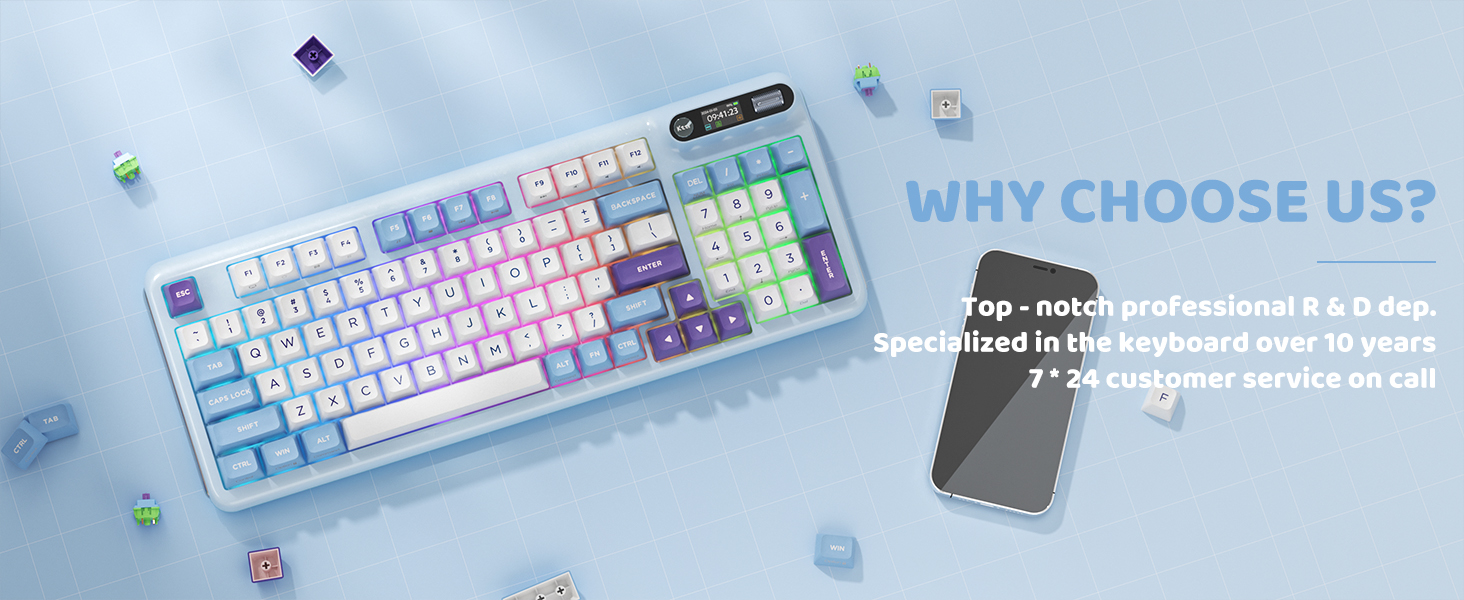
Illustration of the keyboard's internal 3750mAh battery, emphasizing its ultra-long lasting life.
- Charge the keyboard using the provided USB-C cable and a compatible power source.
- ബാറ്ററിയുടെ ആയുസ്സ് വർദ്ധിപ്പിക്കുന്നതിന് ഇടയ്ക്കിടെ പൂർണ്ണമായും ഡിസ്ചാർജ് ചെയ്യുന്നത് ഒഴിവാക്കുക.
- ദീർഘനേരം ഉപയോഗിക്കാത്തപ്പോൾ കീബോർഡ് തണുത്തതും വരണ്ടതുമായ സ്ഥലത്ത് സൂക്ഷിക്കുക.
ട്രബിൾഷൂട്ടിംഗ്
| ഇഷ്യൂ | സാധ്യമായ കാരണം | പരിഹാരം |
|---|---|---|
| കീബോർഡ് ബന്ധിപ്പിക്കുന്നില്ല | Incorrect mode selected, low battery, out of range, interference. | Ensure correct connection mode (BT/2.4G/USB-C) is selected. Charge the keyboard. Move closer to the receiver/device. Reduce interference from other wireless devices. Re-pair Bluetooth or 2.4G connection. |
| Smart display not working | Software issue, display setting. | Restart the keyboard. Check display settings in the customization software. Ensure firmware is up to date. |
| RGB ലൈറ്റുകൾ പ്രവർത്തിക്കുന്നില്ല | Lighting mode off, software setting. | Check if RGB is enabled via the smart display or software. Adjust brightness and effect settings. |
| കീകൾ പ്രതികരിക്കുന്നില്ല | Loose switch, software error. | Ensure switches are properly seated. Restart the keyboard. If issue persists for specific keys, consider replacing the switch. |
സ്പെസിഫിക്കേഷനുകൾ
| ഫീച്ചർ | വിശദാംശങ്ങൾ |
|---|---|
| മോഡൽ നമ്പർ | Z98 |
| കണക്റ്റിവിറ്റി ടെക്നോളജി | ബ്ലൂടൂത്ത്, RF (2.4GHz), USB-C |
| കീകളുടെ എണ്ണം | 98 |
| കീബോർഡ് ലേഔട്ട് | 90% |
| കീക്യാപ് മെറ്റീരിയൽ | ഡബിൾ-ഷോട്ട് പിബിടി |
| സ്വിച്ചുകൾ | Hot-Swappable Linear Switches (supports 3-pin/5-pin) |
| ബാക്ക്ലൈറ്റിംഗ് | RGB (16.8 ദശലക്ഷം നിറങ്ങൾ) |
| ബാറ്ററി ശേഷി | 3750mAh |
| അനുയോജ്യമായ ഉപകരണങ്ങൾ | Gaming Console, Laptop, PC, Smart TV, Tablet |
| ഇനത്തിൻ്റെ ഭാരം | 3 പൗണ്ട് |
| പാക്കേജ് അളവുകൾ | 16.93 x 8.03 x 2.13 ഇഞ്ച് |
വാറൻ്റിയും പിന്തുണയും
For any inquiries or technical assistance, KZZI offers 7*24 customer service. Please refer to your product packaging or the official KZZI webനിർദ്ദിഷ്ട വാറന്റി വിശദാംശങ്ങൾക്കും ബന്ധപ്പെടാനുള്ള വിവരങ്ങൾക്കും സൈറ്റ്.