
1. ആമുഖം
The pTron Studio Evo headphones offer a versatile audio experience with wireless Bluetooth 5.3 connectivity, long battery life, and multiple sound modes. This manual provides instructions for setup, operation, and maintenance to ensure optimal performance and longevity of your device.
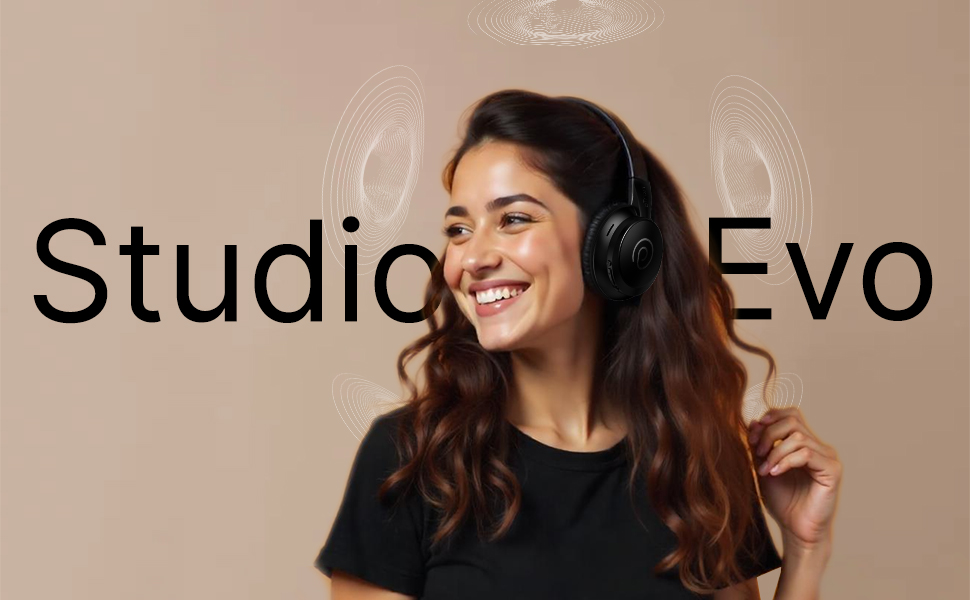
ചിത്രം: കഴിഞ്ഞുview of pTron Studio Evo features including sound quality, battery life, and connectivity.
2. പാക്കേജ് ഉള്ളടക്കം
താഴെ പറയുന്ന ഇനങ്ങൾക്കായി ബോക്സ് ചെക്ക് ചെയ്യുക:
- pTron Studio Evo Wireless Over-Ear Headphones
- ടൈപ്പ്-സി ചാർജിംഗ് കേബിൾ
- 3.5mm AUX ഓഡിയോ കേബിൾ
- ഉപയോക്തൃ മാനുവൽ
3. ഉൽപ്പന്നം കഴിഞ്ഞുview
The pTron Studio Evo headphones feature an ergonomic design with soft earcups and an adjustable headbeam for comfortable wear. Integrated controls allow for easy management of audio and calls.
3.1 ഹെഡ്ഫോൺ ഘടകങ്ങൾ
- ക്രമീകരിക്കാവുന്ന ഹെഡ്ബാൻഡ്: For a customized fit.
- Soft Earcups: Designed for comfort during extended listening.
- Integrated Control Buttons: Power, Volume Up/Next Track, Volume Down/Previous Track, EQ Mode.
- HD മൈക്രോഫോൺ: വ്യക്തമായ ഹാൻഡ്സ്-ഫ്രീ കോളുകൾക്ക്.
- ടൈപ്പ്-സി ചാർജിംഗ് പോർട്ട്: വേഗത്തിലുള്ള ചാർജിംഗിനായി.
- 3.5mm AUX പോർട്ട്: വയർഡ് ഓഡിയോ കണക്ഷന്.
- LED സൂചകം: Displays power and connection status.
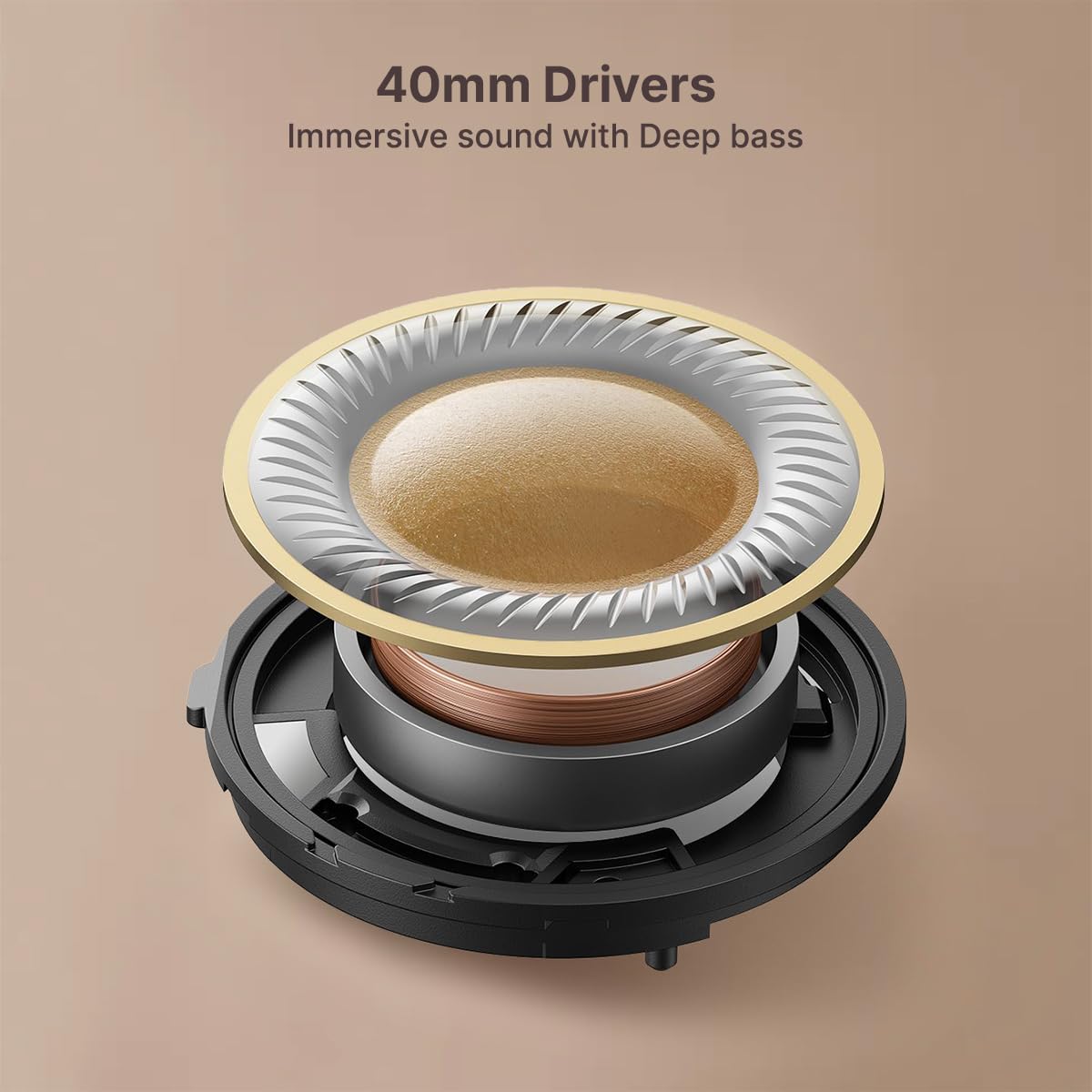
- 40 എംഎം ഡൈനാമിക് ഡ്രൈവറുകൾ: For rich and powerful stereo sound.
ചിത്രം: വിശദമായത് view ഹെഡ്ഫോൺ നിയന്ത്രണങ്ങളുടെ.
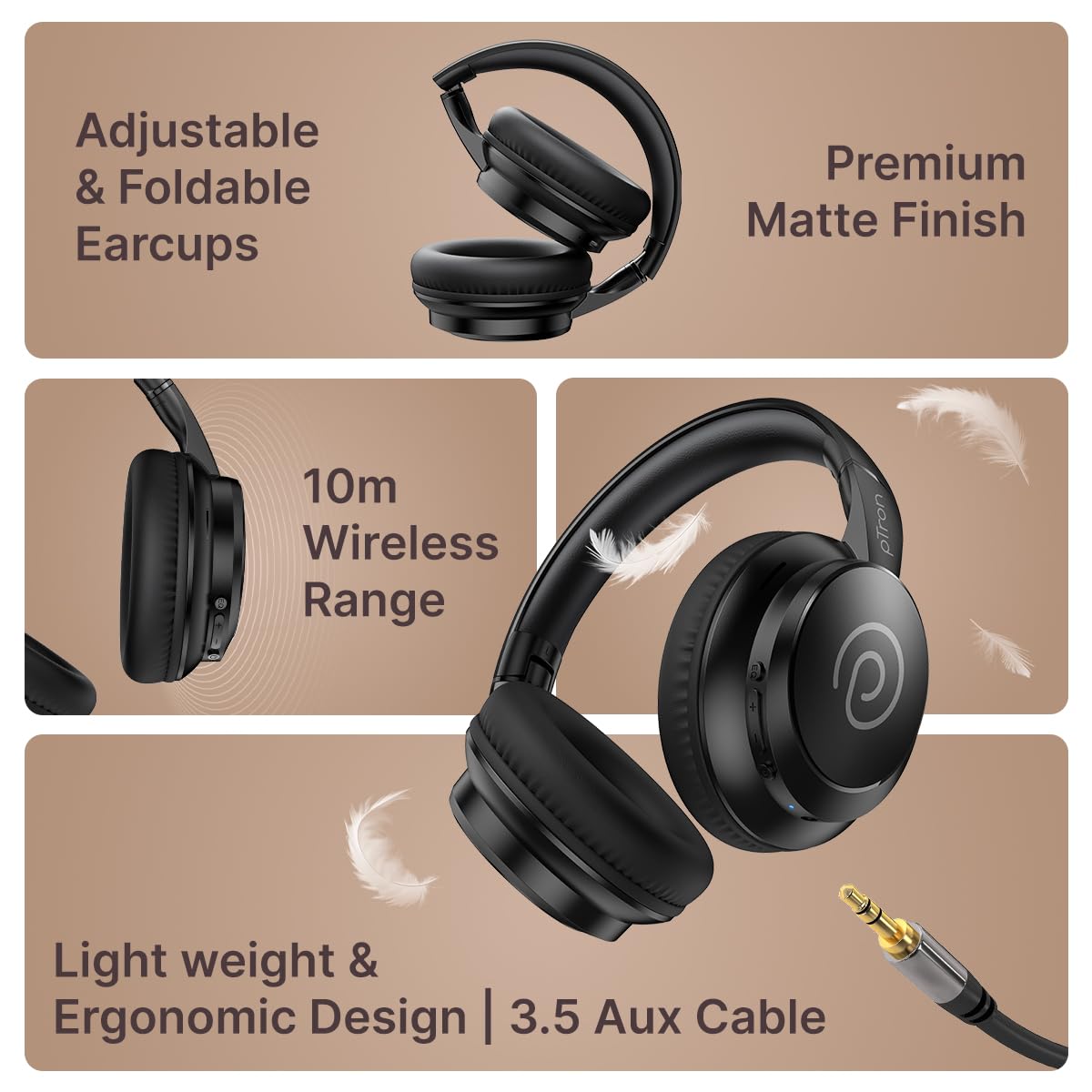
Image: Foldable design and AUX port.
4. സജ്ജീകരണം
4.1 ഹെഡ്ഫോണുകൾ ചാർജ് ചെയ്യുന്നു
- ഹെഡ്ഫോണുകളിലെ ചാർജിംഗ് പോർട്ടിലേക്ക് ടൈപ്പ്-സി ചാർജിംഗ് കേബിൾ ബന്ധിപ്പിക്കുക.
- കേബിളിന്റെ മറ്റേ അറ്റം അനുയോജ്യമായ ഒരു USB പവർ സ്രോതസ്സിലേക്ക് പ്ലഗ് ചെയ്യുക (ഉദാ: വാൾ അഡാപ്റ്റർ, കമ്പ്യൂട്ടർ USB പോർട്ട്).
- The LED indicator will illuminate to show charging status. A full charge takes approximately 2 hours.
- Once fully charged, the LED indicator will change or turn off (refer to specific LED behavior in the full manual if available).
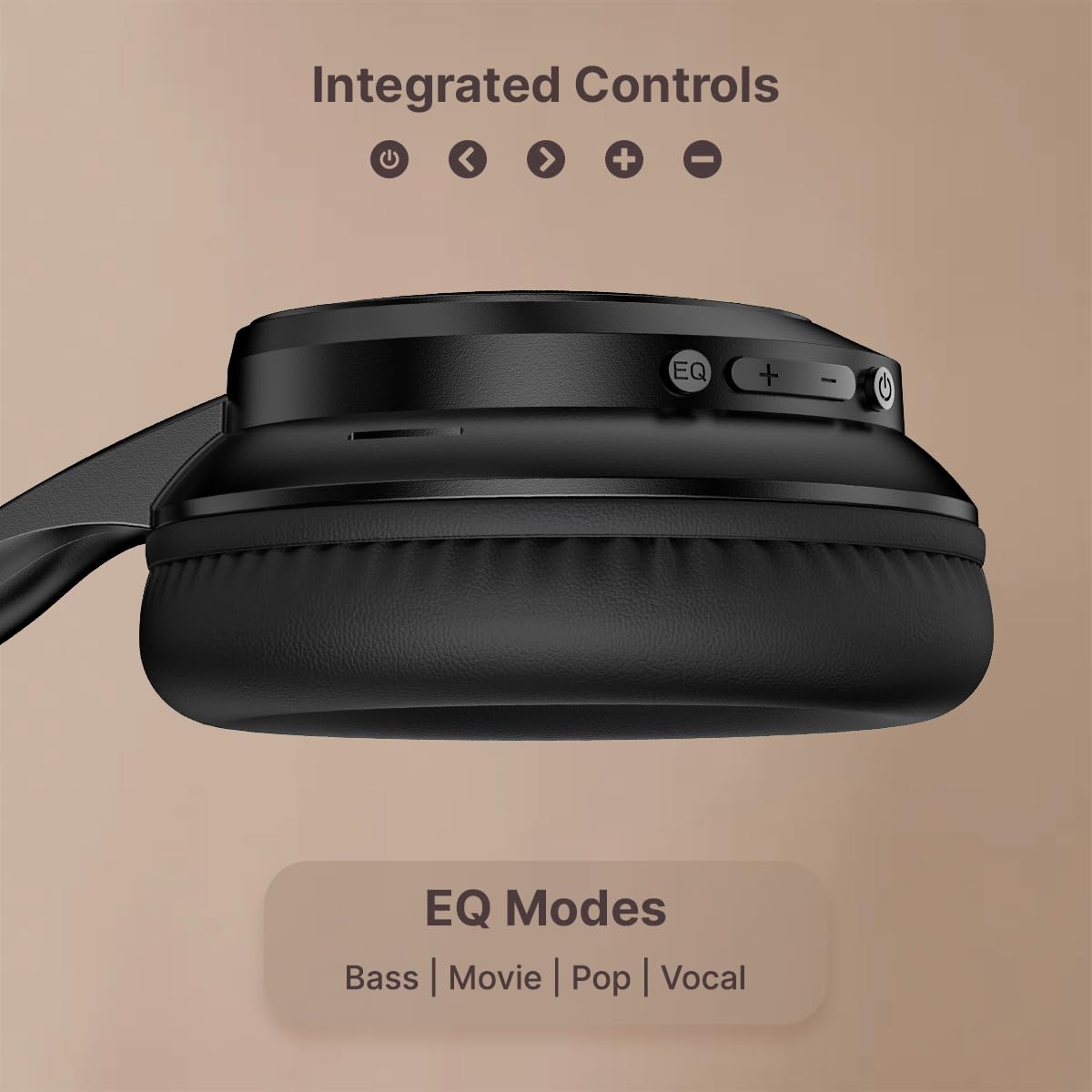
Image: Type-C fast charging connection.
The headphones provide up to 70 hours of playtime on a single full charge.
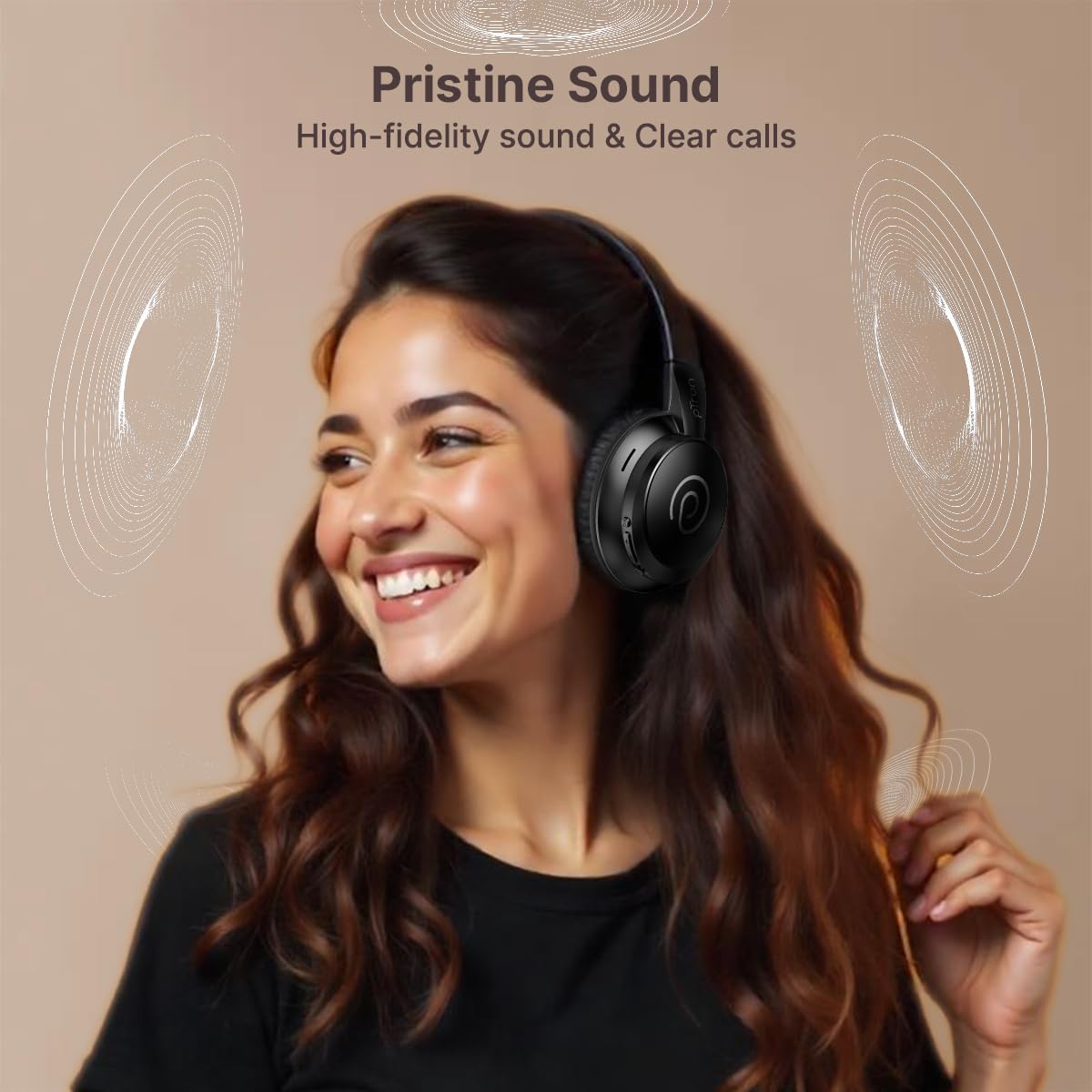
Image: Headphones showcasing long battery life and charging time.
4.2 ബ്ലൂടൂത്ത് ജോടിയാക്കൽ
- ഹെഡ്ഫോണുകൾ ഓഫാണെന്ന് ഉറപ്പാക്കുക.
- ജോടിയാക്കൽ മോഡ് സൂചിപ്പിക്കുന്ന LED ഇൻഡിക്കേറ്റർ നീലയും ചുവപ്പും മാറിമാറി മിന്നുന്നതുവരെ ഏകദേശം 5 സെക്കൻഡ് പവർ ബട്ടൺ അമർത്തിപ്പിടിക്കുക.
- നിങ്ങളുടെ സ്മാർട്ട്ഫോണിലോ ടാബ്ലെറ്റിലോ ലാപ്ടോപ്പിലോ ബ്ലൂടൂത്ത് പ്രവർത്തനക്ഷമമാക്കി ലഭ്യമായ ഉപകരണങ്ങൾക്കായി തിരയുക.
- Select 'pTron Studio Evo' from the list of found devices.
- കണക്റ്റ് ചെയ്തുകഴിഞ്ഞാൽ, എൽഇഡി ഇൻഡിക്കേറ്റർ കടും നീലയായി മാറും.
4.3 ഡ്യുവൽ ഡിവൈസ് ജോടിയാക്കൽ
The pTron Studio Evo supports dual device pairing, allowing connection to two devices simultaneously.
- വിഭാഗം 4.2-ൽ വിവരിച്ചിരിക്കുന്നതുപോലെ ഹെഡ്ഫോണുകൾ ആദ്യ ഉപകരണവുമായി ജോടിയാക്കുക.
- ആദ്യത്തെ ഉപകരണത്തിൽ ബ്ലൂടൂത്ത് പ്രവർത്തനരഹിതമാക്കുക.
- രണ്ടാമത്തെ ഉപകരണവുമായി ഹെഡ്ഫോണുകൾ ജോടിയാക്കുക.
- Re-enable Bluetooth on the first device. The headphones should automatically connect to both devices, allowing seamless switching between them.
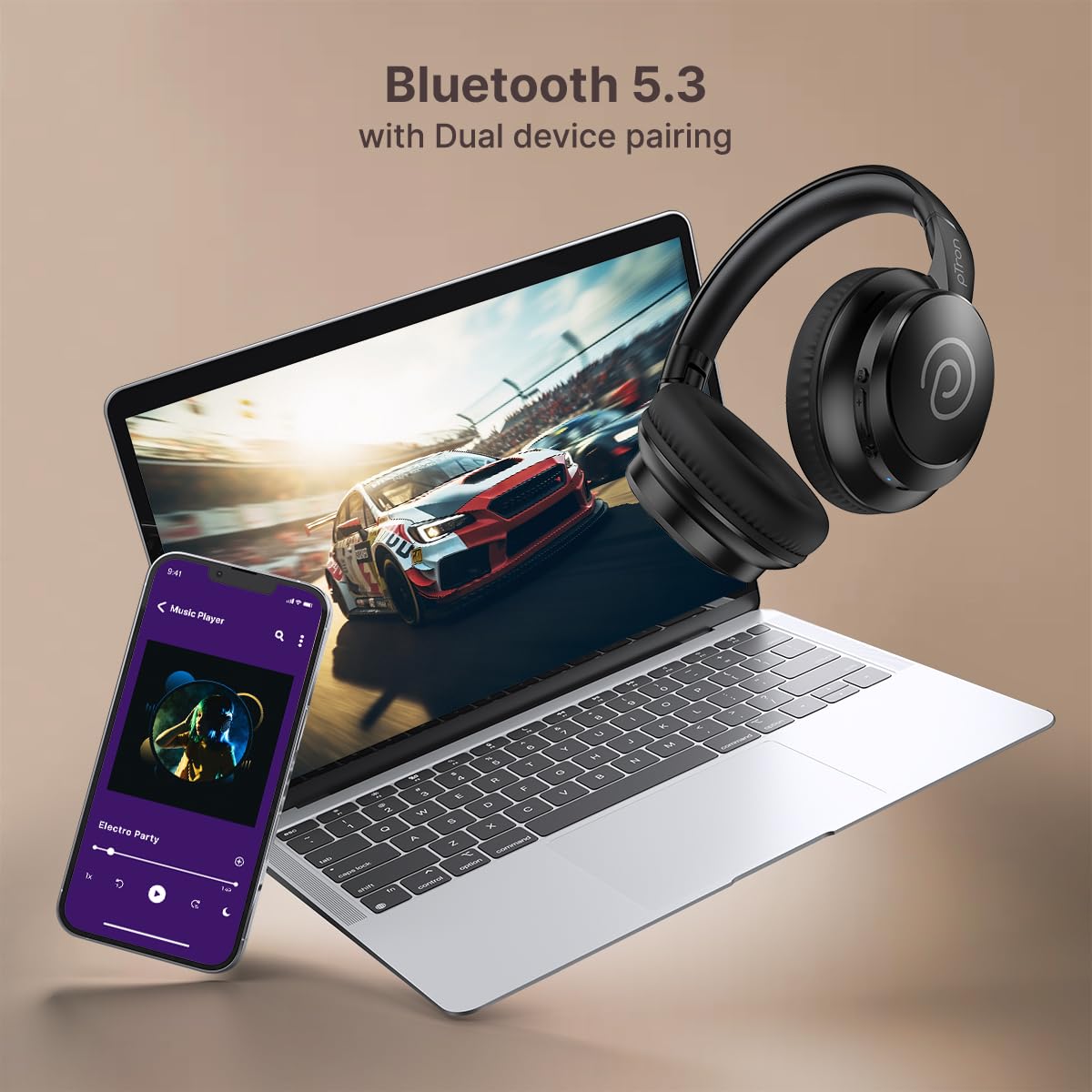
Image: Dual device pairing with a phone and laptop.
4.4 Wired Connection (AUX-in)
For a wired connection, use the provided 3.5mm AUX audio cable.
- Insert one end of the 3.5mm audio cable into the AUX port on the headphones.
- Insert the other end into the 3.5mm audio output jack of your device.
- ഹെഡ്ഫോണുകൾ സ്വയമേവ വയർഡ് മോഡിലേക്ക് മാറും.
5. പ്രവർത്തന നിർദ്ദേശങ്ങൾ
5.1 പവർ ഓൺ/ഓഫ്
- പവർ ഓൺ: പവർ ബട്ടൺ 3 സെക്കൻഡ് അമർത്തിപ്പിടിക്കുക.
- പവർ ഓഫ്: പവർ ബട്ടൺ 3 സെക്കൻഡ് അമർത്തിപ്പിടിക്കുക.
5.2 വോളിയം നിയന്ത്രണം
- വോളിയം വർദ്ധിപ്പിക്കുക: '+' ബട്ടൺ അമർത്തുക.
- വോളിയം കുറയ്ക്കുക: '-' ബട്ടൺ അമർത്തുക.
5.3 മ്യൂസിക് പ്ലേബാക്ക്
- പ്ലേ/താൽക്കാലികമായി നിർത്തുക: പവർ ബട്ടൺ ഒരിക്കൽ അമർത്തുക.
- അടുത്ത ട്രാക്ക്: '+' ബട്ടൺ അമർത്തിപ്പിടിക്കുക.
- മുമ്പത്തെ ട്രാക്ക്: '-' ബട്ടൺ അമർത്തിപ്പിടിക്കുക.
5.4 കോൾ മാനേജ്മെന്റ്
- ഉത്തരം/അവസാന കോൾ: പവർ ബട്ടൺ ഒരിക്കൽ അമർത്തുക.
- കോൾ നിരസിക്കുക: പവർ ബട്ടൺ അമർത്തിപ്പിടിക്കുക.
5.5 EQ മോഡുകൾ
The headphones feature multiple EQ modes for optimized audio experience.
- Press the 'EQ' button to cycle through available modes: Bass, Movie, Pop, Vocal.
- Select the mode that best suits your content (e.g., Movie mode for films, Game mode for gaming).
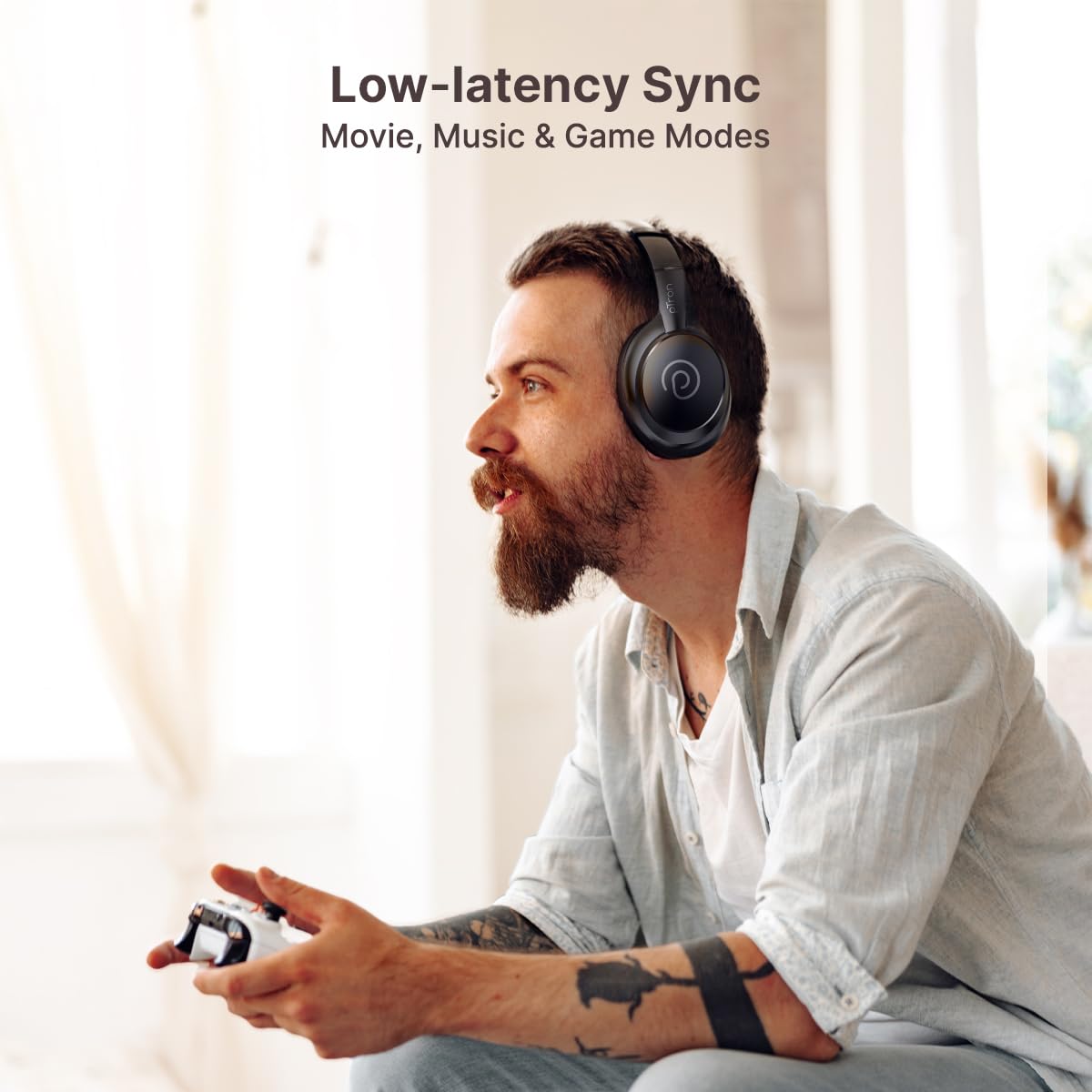
Image: Headphones in use for gaming, demonstrating low-latency modes.
5.6 വോയ്സ് അസിസ്റ്റന്റ്
- വോയ്സ് അസിസ്റ്റന്റിനെ സജീവമാക്കുക: Triple press the Power button to activate your device's voice assistant (e.g., Siri, Google Assistant).
6. പരിപാലനം
6.1 വൃത്തിയാക്കൽ
- മൃദുവായതും ഉണങ്ങിയതും ലിന്റ് രഹിതവുമായ തുണി ഉപയോഗിച്ച് ഇയർകപ്പുകളും ഹെഡ്ബാൻഡും തുടയ്ക്കുക.
- കഠിനമായ രാസവസ്തുക്കൾ, ക്ലീനിംഗ് ലായകങ്ങൾ അല്ലെങ്കിൽ ശക്തമായ ഡിറ്റർജന്റുകൾ ഉപയോഗിക്കരുത്.
- ഏതെങ്കിലും ദ്വാരങ്ങളിൽ ഈർപ്പം കയറുന്നത് ഒഴിവാക്കുക.
6.2 സംഭരണം
- നേരിട്ടുള്ള സൂര്യപ്രകാശത്തിൽ നിന്നും കടുത്ത താപനിലയിൽ നിന്നും മാറി തണുത്തതും വരണ്ടതുമായ സ്ഥലത്ത് ഹെഡ്ഫോണുകൾ സൂക്ഷിക്കുക.
- Utilize the foldable design for compact and safe storage when not in use.
6.3 ബാറ്ററി കെയർ
- Charge the headphones regularly to maintain optimal battery health.
- ബാറ്ററി ഇടയ്ക്കിടെ പൂർണ്ണമായും ഡിസ്ചാർജ് ചെയ്യുന്നത് ഒഴിവാക്കുക.
- ബാറ്ററിയെ കടുത്ത ചൂടിലോ തണുപ്പിലോ ഏൽപ്പിക്കരുത്.
7. പ്രശ്നപരിഹാരം
If you encounter issues with your pTron Studio Evo headphones, refer to the following common problems and solutions:
- ശക്തിയില്ല:
Ensure the headphones are charged. Connect to a power source using the Type-C cable and allow it to charge for at least 10 minutes before attempting to power on. - ബ്ലൂടൂത്ത് വഴി ജോടിയാക്കാൻ കഴിയില്ല:
Ensure the headphones are in pairing mode (LED flashing blue and red). Turn off and on your device's Bluetooth. Clear previous Bluetooth pairings on your device and try again. Ensure the headphones are within the 10-meter Bluetooth range. - ശബ്ദമില്ല:
Check the volume level on both the headphones and your connected device. Ensure the correct audio output is selected on your device. If using AUX, ensure the cable is fully inserted and functional. - മോശം ശബ്ദ നിലവാരം:
Move closer to your connected device to reduce interference. Ensure there are no obstacles between the headphones and the device. Try a different audio source or file. - മൈക്രോഫോൺ പ്രവർത്തിക്കുന്നില്ല:
Ensure the microphone is not obstructed. Check your device's audio input settings to confirm the headphones are selected as the microphone source.
8 സ്പെസിഫിക്കേഷനുകൾ
Technical details of the pTron Studio Evo Wireless Over-Ear Headphones:
| ഫീച്ചർ | വിശദാംശങ്ങൾ |
|---|---|
| മോഡലിൻ്റെ പേര് | സ്റ്റുഡിയോ |
| കണക്റ്റിവിറ്റി ടെക്നോളജി | വയർഡ്, വയർലെസ്സ് (ബ്ലൂടൂത്ത്) |
| ബ്ലൂടൂത്ത് പതിപ്പ് | 5.3 |
| ബ്ലൂടൂത്ത് ശ്രേണി | 10 മീറ്റർ |
| ഓഡിയോ ഡ്രൈവർ വലിപ്പം | 40 മില്ലിമീറ്റർ |
| ബാറ്ററി ലൈഫ് | 70 മണിക്കൂർ |
| ചാർജിംഗ് സമയം | 2 മണിക്കൂർ |
| ഹെഡ്ഫോണുകൾ ജാക്ക് | 3.5 mm ജാക്ക് |
| ജല പ്രതിരോധ നില | വാട്ടർ റെസിസ്റ്റന്റ് (IPX5) |
| ഇനത്തിൻ്റെ ഭാരം | 157 ഗ്രാം |
| മെറ്റീരിയൽ | അക്രിലോണിട്രൈൽ ബ്യൂട്ടാഡീൻ സ്റ്റൈറൈൻ (എബിഎസ്) |
| പ്രത്യേക സവിശേഷതകൾ | Low-Latency Game/Movie/Music Modes, Dual Device Pairing, Voice Assistant, Fast Charging, Foldable, Adjustable Headband, Noise Isolation |
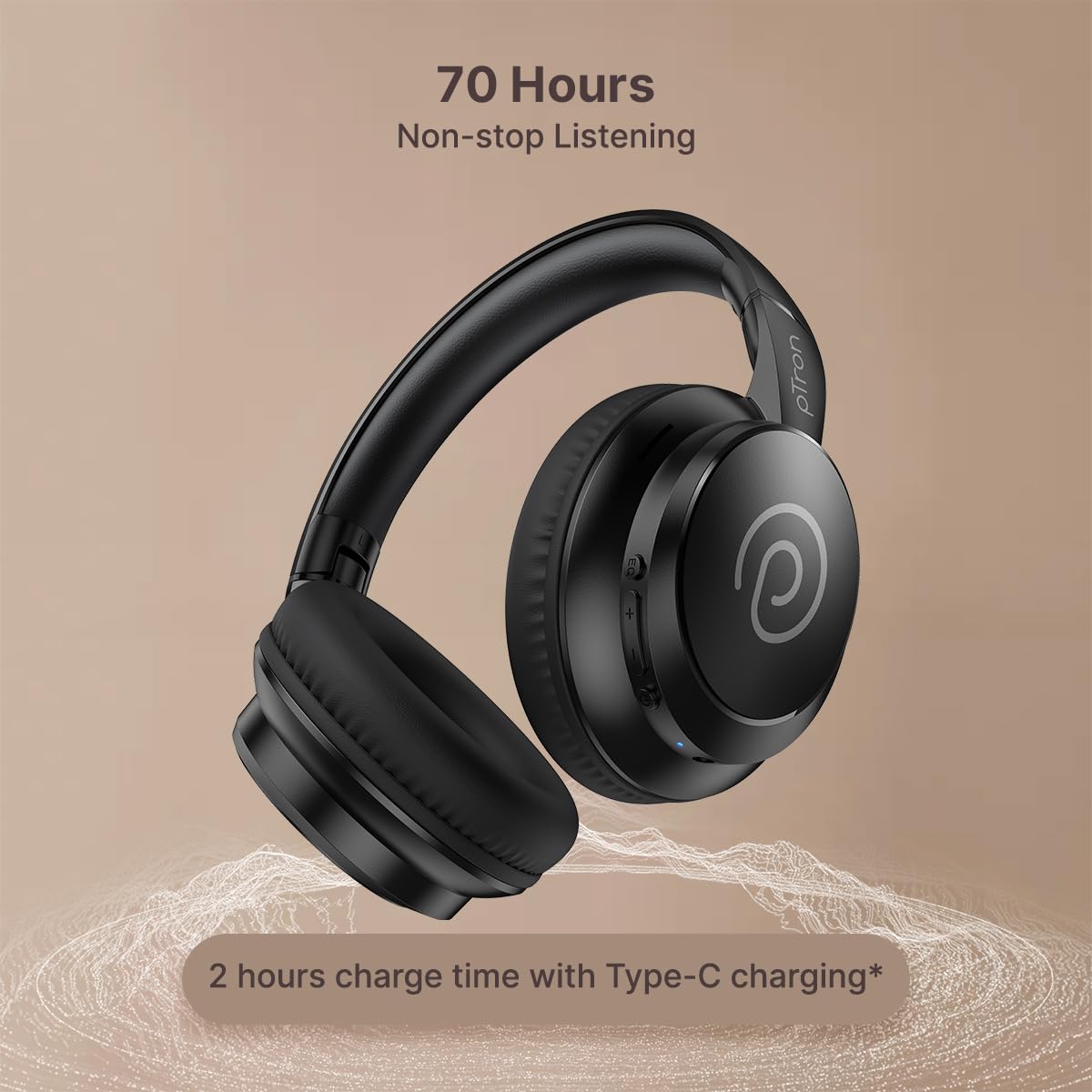
Image: 40mm dynamic driver for immersive sound.
9. വാറണ്ടിയും പിന്തുണയും
9.1 വാറൻ്റി വിവരങ്ങൾ
The pTron Studio Evo headphones come with a 1 വർഷത്തെ നിർമ്മാതാവിൻ്റെ വാറൻ്റി from the date of purchase. This warranty covers manufacturing defects only. Please retain your purchase receipt for warranty claims.
9.2 ഉപഭോക്തൃ പിന്തുണ
എന്തെങ്കിലും ചോദ്യങ്ങൾ, സാങ്കേതിക സഹായം അല്ലെങ്കിൽ വാറന്റി ക്ലെയിമുകൾ എന്നിവയ്ക്കായി, ദയവായി pTron ഉപഭോക്തൃ പിന്തുണയുമായി ബന്ധപ്പെടുക:
- ഇമെയിൽ: support@ptron.in
- ഫോൺ: 040-67138888