
ഡോറോ ലെവ L20
Doro Leva L20 Mobile Phone User Manual
Model: Doro Leva L20 | Brand: Doro
ആമുഖം
The Doro Leva L20 is an unlocked mobile phone designed for seniors, featuring a large display, powerful HD sound, a camera, and an assistance button with GPS location. This basic phone operates without internet access, focusing on ease of use and essential communication.
This manual provides comprehensive instructions for setting up, operating, maintaining, and troubleshooting your Doro Leva L20 mobile phone.
പാക്കേജ് ഉള്ളടക്കം
പാക്കേജ് തുറക്കുമ്പോൾ, എല്ലാ ഇനങ്ങളും ഉണ്ടെന്ന് ഉറപ്പാക്കുക:
- Doro Leva L20 Mobile Phone
- ചാർജിംഗ് ഡോക്ക്
- യുഎസ്ബി-സി കേബിൾ
- ബാറ്ററി (മുൻകൂട്ടി ഇൻസ്റ്റാൾ ചെയ്തതോ വേറിട്ടതോ)
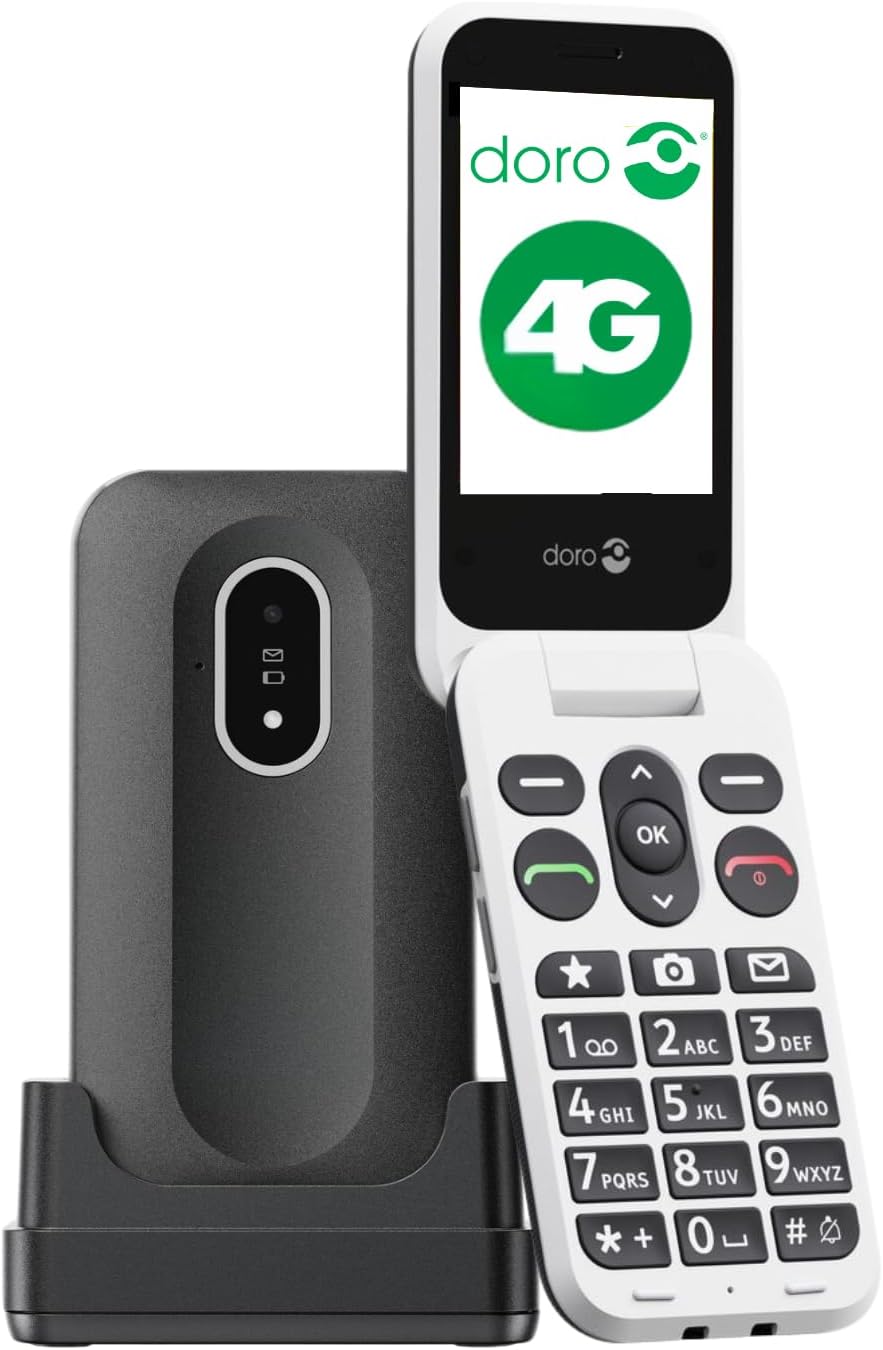
Image: The Doro Leva L20 mobile phone, a black flip phone with large white keys, shown alongside its black charging dock.
സജ്ജമാക്കുക
1. സിം കാർഡും ബാറ്ററിയും ചേർക്കൽ
Before first use, ensure the SIM card is correctly inserted. The Doro Leva L20 supports 4G networks. If the battery is not pre-installed, carefully insert it into the designated compartment, ensuring the contacts align.
2. ഫോൺ ചാർജ് ചെയ്യുന്നു
For optimal performance, fully charge the phone before initial use. Connect the USB-C cable to the charging dock and then to a power source. Place the phone in the charging dock. The phone will indicate when it is charging.
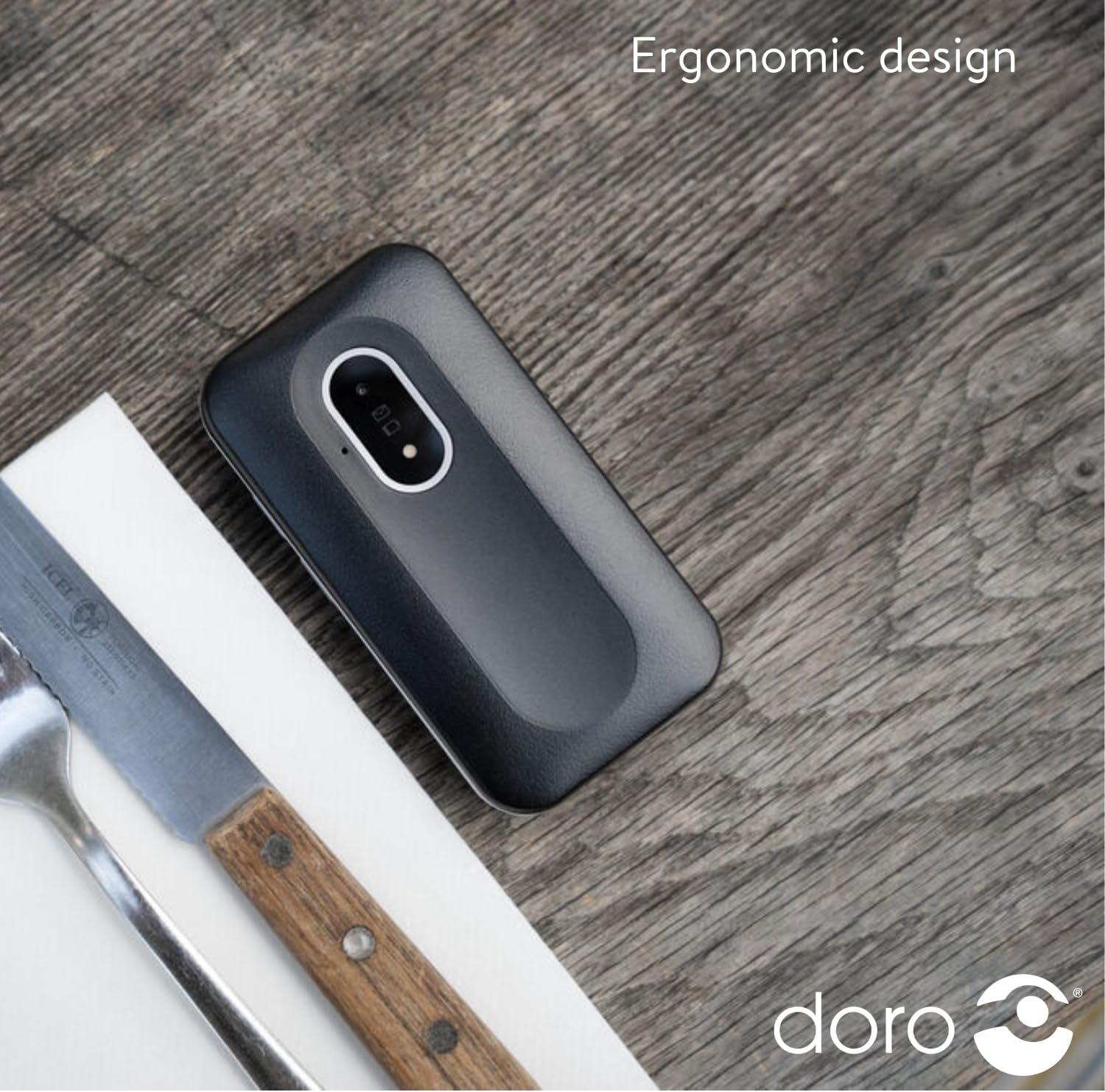
Image: The Doro Leva L20 phone, closed and lying on a wooden surface, highlighting its compact and ergonomic design.
3. പവർ ഓൺ/ഓഫ്
To power on, press and hold the power button until the screen illuminates. To power off, press and hold the power button, then follow the on-screen prompts.
പ്രവർത്തന നിർദ്ദേശങ്ങൾ
കോളുകൾ ചെയ്യലും സ്വീകരിക്കലും
- ഒരു കോൾ ചെയ്യുന്നു: Enter the phone number using the large, high-contrast keys and press the green call button.
- ഒരു കോൾ സ്വീകരിക്കുന്നു: Open the flip phone or press the green call button to answer. Close the flip phone or press the red end call button to hang up.
വാചക സന്ദേശങ്ങൾ അയയ്ക്കുന്നു
Navigate to the 'Messages' menu using the clear, simple menu interface. Select 'New Message', enter the recipient's number or select from contacts, type your message, and send.
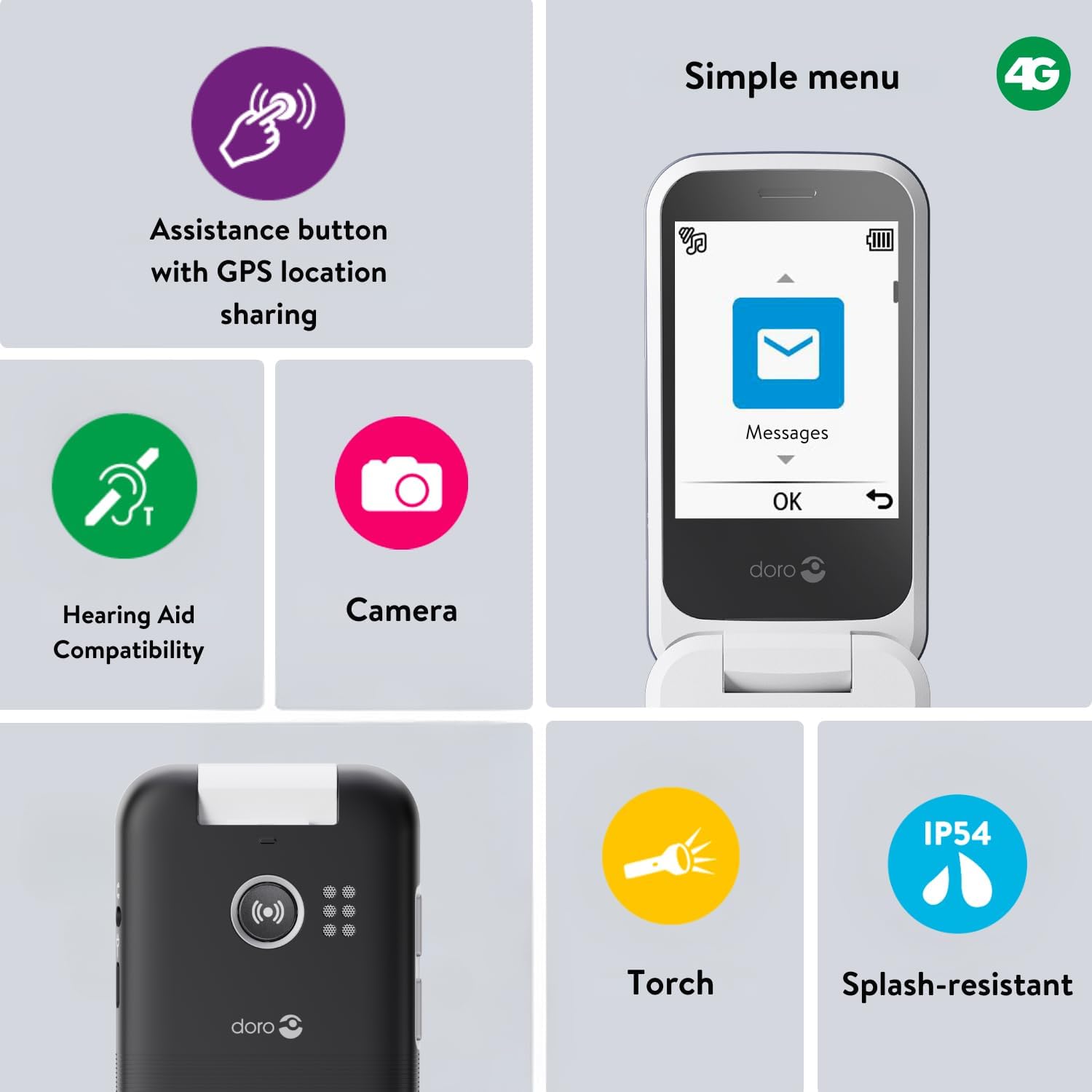
Image: A close-up of the Doro Leva L20's screen displaying a simple menu with large icons for Messages, Camera, and other functions, alongside icons for Torch, Splash-resistant, Assistance button, and Hearing aid compatibility.
Assistance Button with GPS Location
The Doro Leva L20 features a dedicated assistance button on the back of the phone. In an emergency, pressing this button sends an alert SMS with your GPS location to up to five trusted contacts, followed by calling them in sequence until one answers. This feature provides added peace of mind.
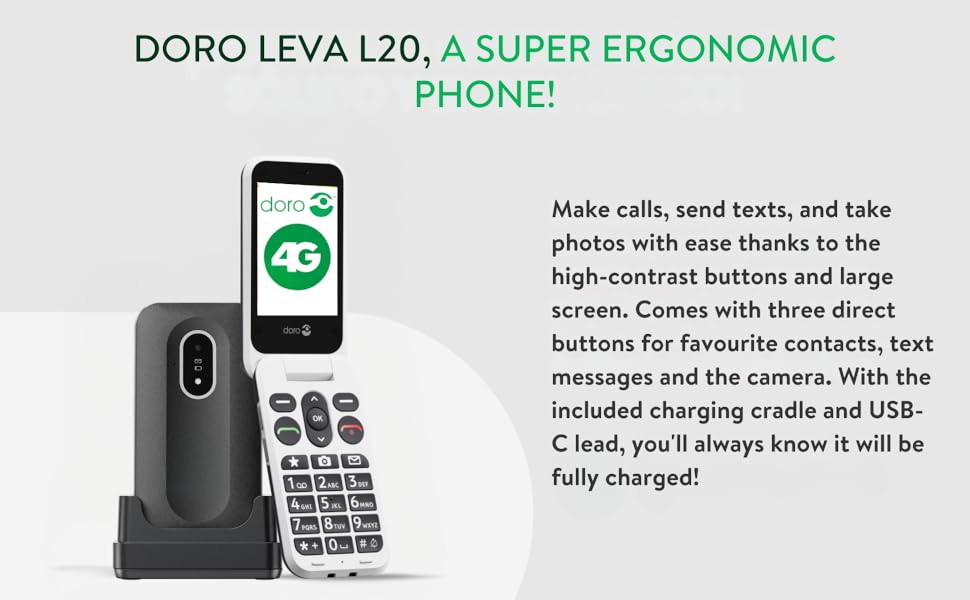
Image: A diagram illustrating the Doro Leva L20's assistance button on the back of the phone, showing how it connects to a network of five pre-set contacts in an emergency.
ക്യാമറ പ്രവർത്തനം
The phone includes a 2MP camera for taking photos. Access the camera through the menu or via a dedicated shortcut key. Photos can be viewഗാലറിയിൽ ed.
ശബ്ദവും പ്രവേശനക്ഷമതയും
Enjoy clear conversations with HD Voice and powerful sound. The phone is compatible with hearing aids, ensuring excellent audio quality for all users.
ബിൽറ്റ്-ഇൻ ടോർച്ച്
A convenient built-in torch is included for added everyday utility. Activate it via the menu or a shortcut.
കുറുക്കുവഴി കീകൾ
The Doro Leva L20 features shortcut keys for quick access to frequently used functions such as favourite contacts, camera, and messages, simplifying navigation.
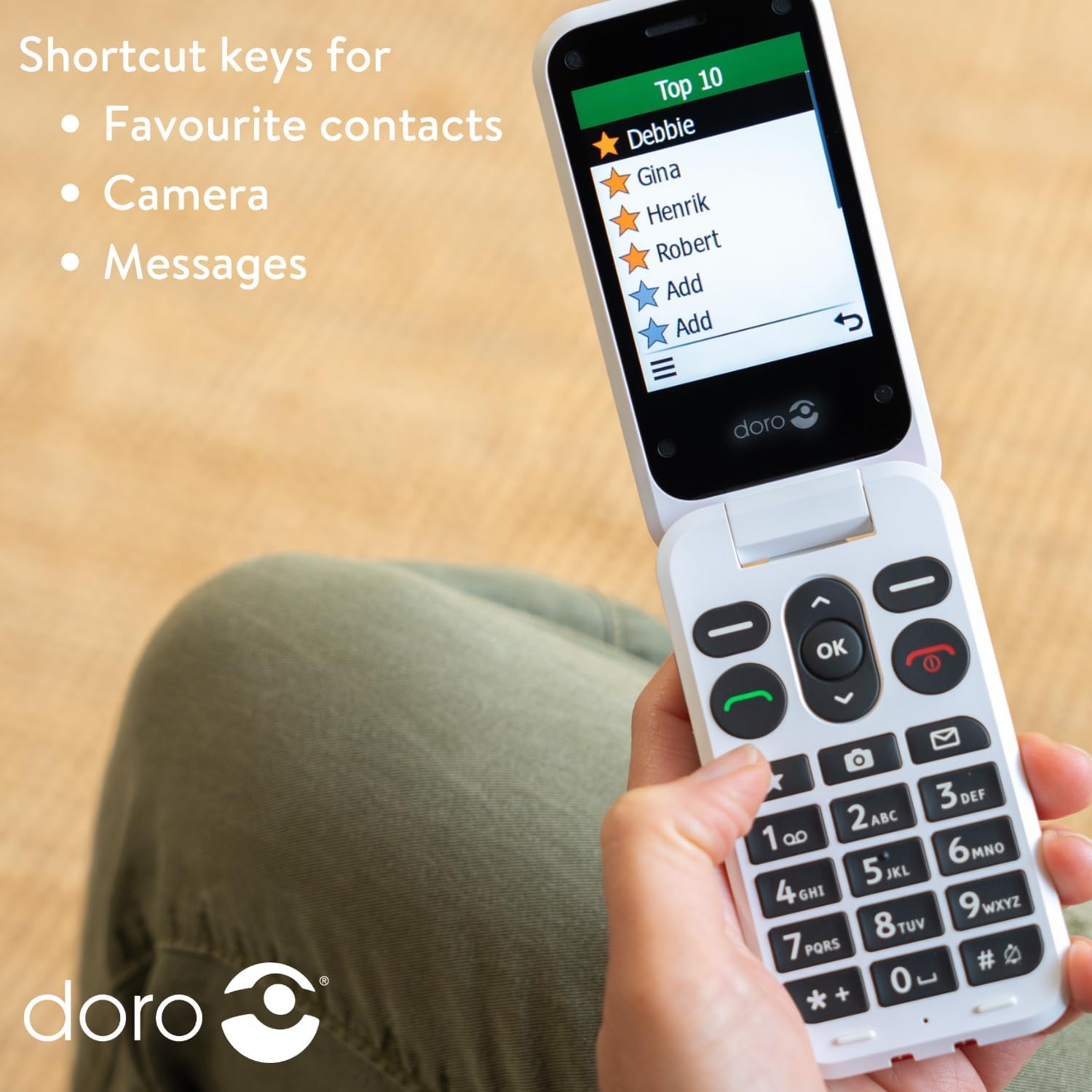
Image: A person holding the Doro Leva L20 phone, with the screen displaying a list of "Top 10" favourite contacts, illustrating the use of shortcut keys.
മെയിൻ്റനൻസ്
ബാറ്ററി കെയർ
To prolong battery life, avoid extreme temperatures and fully discharge and recharge the battery periodically. The 1000mAh battery offers long-lasting performance.
നിങ്ങളുടെ ഫോൺ വൃത്തിയാക്കൽ
Wipe the phone with a soft, dry cloth. Avoid using harsh chemicals or abrasive materials. The phone is splash-resistant (IP54), but it is not waterproof; avoid submerging it in liquids.
ട്രബിൾഷൂട്ടിംഗ്
This section addresses common issues you might encounter with your Doro Leva L20 phone.
ഫോൺ ഓണാക്കുന്നില്ല
- ബാറ്ററി ശരിയായി ചേർത്തിട്ടുണ്ടെന്നും ചാർജ് ചെയ്തിട്ടുണ്ടെന്നും ഉറപ്പാക്കുക.
- Connect the phone to the charger and wait a few minutes before attempting to power on again.
No Network Signal
- Check that the SIM card is correctly inserted.
- നെറ്റ്വർക്ക് കവറേജ് ഉള്ള ഒരു മേഖലയിലാണെന്ന് ഉറപ്പാക്കുക.
- ഫോൺ പുനരാരംഭിക്കുക.
ശബ്ദ പ്രശ്നങ്ങൾ
- Adjust the volume settings during a call or from the main menu.
- സ്പീക്കർ തടസ്സപ്പെടുന്നില്ലെന്ന് ഉറപ്പാക്കുക.
If you continue to experience issues, please refer to the support information provided in the Warranty and Support section.
സ്പെസിഫിക്കേഷനുകൾ
| ഫീച്ചർ | വിശദാംശങ്ങൾ |
|---|---|
| ബ്രാൻഡ് | ഡോറോ |
| മോഡലിൻ്റെ പേര് | Leva L20 (Internal Model: 8740) |
| ഇനം മോഡൽ നമ്പർ | Doro Leva X10 |
| ഉൽപ്പന്ന അളവുകൾ | 13 x 9 x 9 സെ.മീ; 320 ഗ്രാം |
| സ്ക്രീൻ വലിപ്പം | 2.8 ഇഞ്ച് (ദൃശ്യമായ സ്ക്രീൻ ഡയഗണൽ: 3" / 8 സെ.മീ) |
| റെസലൂഷൻ | 320 x 240 |
| ഓപ്പറേറ്റിംഗ് സിസ്റ്റം | KaiOS |
| വയർലെസ് കാരിയർ | അൺലോക്ക് ചെയ്തു |
| സെല്ലുലാർ ടെക്നോളജി | 4G |
| കണക്റ്റിവിറ്റി ടെക്നോളജി | 4G |
| നിറം | കറുപ്പ് |
| ബാറ്ററികൾ | 1 ബാറ്ററി ആവശ്യമാണ് (ഉൾപ്പെടുത്തിയിരിക്കുന്നു) |
| നിർമ്മാതാവ് | ഡോറോ |
| മാതൃരാജ്യം | ചൈന |
വാറൻ്റിയും പിന്തുണയും
For warranty information and technical support, please contact Doro Official Store or refer to the documentation included with your purchase. Keep your proof of purchase for any warranty claims.
While specific software update guarantees are not provided, Doro aims to ensure product longevity and user satisfaction.
For further assistance, you may visit the official Doro webസൈറ്റ് അല്ലെങ്കിൽ അവരുടെ ഉപഭോക്തൃ സേവന വിഭാഗവുമായി ബന്ധപ്പെടുക.
Ask a question about this manual
Ask about setup, troubleshooting, compatibility, parts, safety, or missing instructions. Manuals+ will review the question and use this page’s manual context to help answer it.