
HONOR CHOICE ROS-ME01
HONOR CHOICE Wireless Bluetooth 5.4 Headphones
Model: ROS-ME01 | Brand: HONOR CHOICE
ആമുഖം
Thank you for choosing the HONOR CHOICE Wireless Bluetooth 5.4 Headphones. This manual provides essential information for setting up, operating, and maintaining your new headphones. Designed for superior audio experience, these headphones feature Hi-Res Audio, extended battery life, and advanced call noise cancellation.

Image: The HONOR CHOICE Wireless Bluetooth 5.4 Headphones in black, showcasinഅവരുടെ സ്ലീക്ക് ഓവർ-ഇയർ ഡിസൈൻ.
പാക്കേജ് ഉള്ളടക്കം
- HONOR CHOICE Wireless Bluetooth 5.4 Headphones
- USB-C ചാർജിംഗ് കേബിൾ
- ഉപയോക്തൃ മാനുവൽ (ഈ പ്രമാണം)
ഉൽപ്പന്ന സവിശേഷതകൾ
- 80 Hours Playback: Enjoy up to 80 hours of listening or 40 hours of talk time on a single full charge, ideal for extended travel.
- ബ്ലൂടൂത്ത് 5.4: Experience stable and faster wireless connectivity with the latest Bluetooth technology, including a low-latency game mode for enhanced gaming.
- Dual ENC Microphone: Integrated dual microphones with active ambient noise cancellation ensure crystal-clear calls in various environments, from offices to busy streets.
- ഹൈ-റെസ് ഓഡിയോ: Equipped with 40mm drivers, these headphones deliver powerful stereo sound with a subwoofer effect, providing excellent music and immersive gaming audio.
- ഉപയോക്തൃ-സൗഹൃദ ഡിസൈൻ: High sensitivity controls make operation quick and simple. Soft earcups ensure comfortable wear for long periods.

ചിത്രം: ഒരു ഓവർview of the headphones' main features, including Hi-Res Audio, 80-hour battery life, Bluetooth 5.4, dual-microphone noise reduction, bass enhancement, and game mode.
സജ്ജമാക്കുക
1. ഹെഡ്ഫോണുകൾ ചാർജ് ചെയ്യുന്നു
ആദ്യ ഉപയോഗത്തിന് മുമ്പ്, നിങ്ങളുടെ ഹെഡ്ഫോണുകൾ പൂർണ്ണമായും ചാർജ് ചെയ്യുക.
- നൽകിയിരിക്കുന്ന USB-C ചാർജിംഗ് കേബിൾ ഹെഡ്ഫോണുകളിലെ ചാർജിംഗ് പോർട്ടുമായി ബന്ധിപ്പിക്കുക.
- കേബിളിന്റെ മറ്റേ അറ്റം ഒരു USB പവർ അഡാപ്റ്ററുമായി (ഉൾപ്പെടുത്തിയിട്ടില്ല) അല്ലെങ്കിൽ ഒരു കമ്പ്യൂട്ടറിന്റെ USB പോർട്ടുമായി ബന്ധിപ്പിക്കുക.
- The indicator light will show charging status (e.g., red for charging, blue/off for fully charged).
- A full charge takes approximately 2 hours and provides up to 80 hours of playback or 40 hours of talk time.

Image: Visual representation of the impressive battery life: 80 hours of playtime, 40 hours of talk time, and a quick 2-hour full charge.
2. ബ്ലൂടൂത്ത് ജോടിയാക്കൽ
Pair your headphones with your device (smartphone, tablet, PC, etc.) for wireless audio.
- ഹെഡ്ഫോണുകൾ ചാർജ്ജ് ചെയ്തിട്ടുണ്ടെന്നും ഓഫാക്കിയിട്ടുണ്ടെന്നും ഉറപ്പാക്കുക.
- Press and hold the Multi-Function Button (MFB) for 5 seconds until the indicator light flashes red and blue alternately, indicating pairing mode.
- നിങ്ങളുടെ ഉപകരണത്തിൽ, ബ്ലൂടൂത്ത് പ്രവർത്തനക്ഷമമാക്കി ലഭ്യമായ ഉപകരണങ്ങൾക്കായി തിരയുക.
- Select "HONOR CHOICE Headphones" (or similar name) from the list.
- Once connected, the indicator light will turn solid blue or off, and you will hear a confirmation tone.
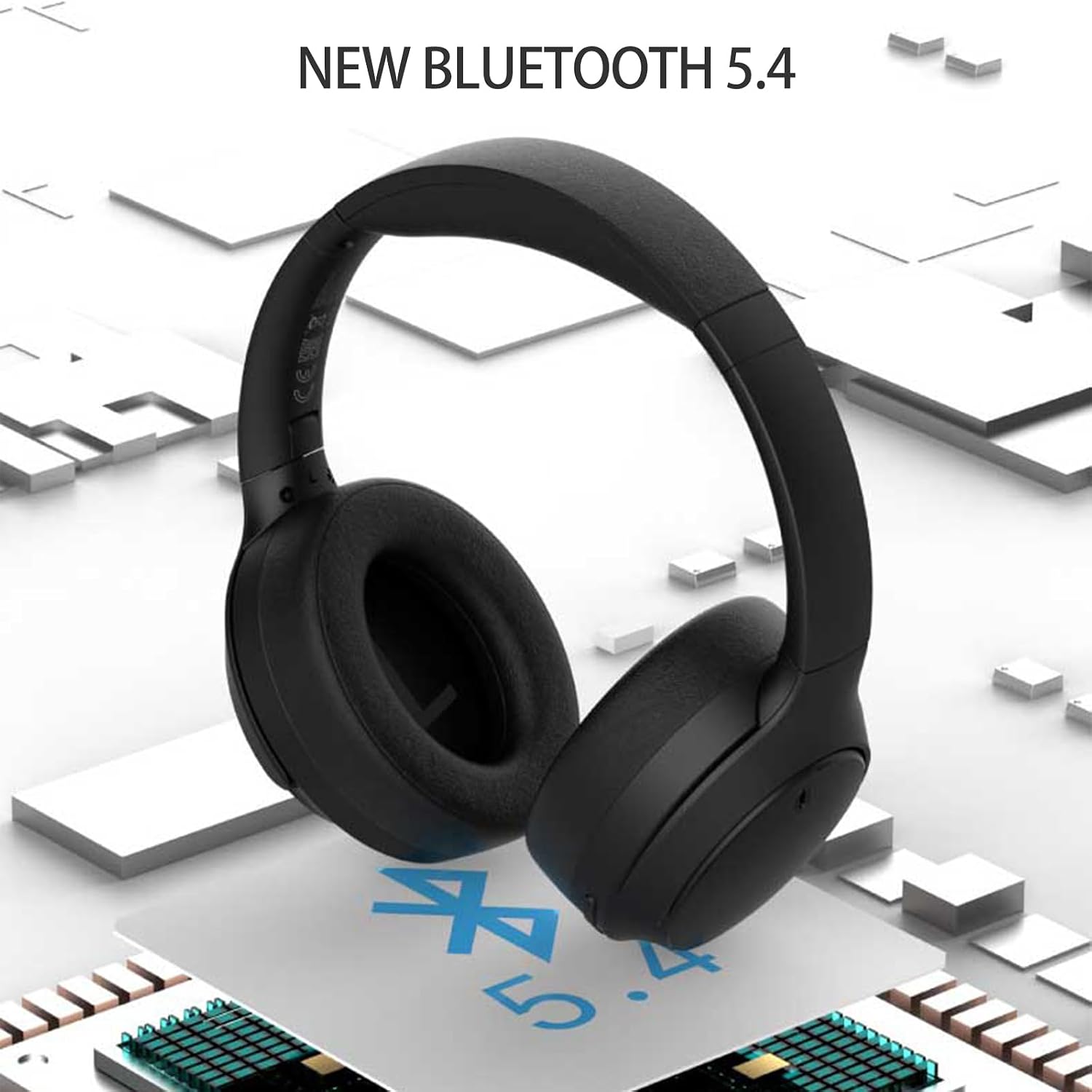
Image: The headphones highlighting the integration of new Bluetooth 5.4 technology for stable and fast connections.
പ്രവർത്തന നിർദ്ദേശങ്ങൾ

Image: Detailed diagram of the headphone controls, including volume buttons, MFB, USB-C port, and mode switch.
മൾട്ടി-ഫംഗ്ഷൻ ബട്ടൺ (MFB)
- പവർ ഓൺ/ഓഫ്: Long press for 5 seconds to switch on/off.
- സംഗീതം പ്ലേ ചെയ്യുക/താൽക്കാലികമായി നിർത്തുക: സംഗീതം പ്ലേ ചെയ്യാനോ താൽക്കാലികമായി നിർത്താനോ ഹ്രസ്വമായി അമർത്തുക.
- ഉത്തരം/ഹാംഗ് അപ്പ് കോൾ: ഒരു കോളിന് ഉത്തരം നൽകുന്നതിനോ അവസാനിപ്പിക്കുന്നതിനോ ഹ്രസ്വമായി അമർത്തുക.
- കോൾ നിരസിക്കുക: ഇൻകമിംഗ് കോൾ നിരസിക്കാൻ ദീർഘനേരം അമർത്തുക.
- ഫാക്ടറി പുന et സജ്ജമാക്കുക: When the headset is off, long press for 10 seconds. The red and blue lights will flash to restore factory mode and automatically enter Bluetooth pairing mode.
വോളിയം ബട്ടണുകൾ
- വോളിയം കൂട്ടുക (+): Short press to increase volume. Long press to skip to the next song.
- വോളിയം ഡൗൺ (-): Short press to decrease volume. Long press to go to the previous song.
Bass Mode / Game Mode Button
- Short press to switch between Bass Mode and Game Mode.
- ബാസ് മോഡ്: Enhances low frequencies for a richer audio experience.
- ഗെയിം മോഡ്: Reduces audio latency for improved synchronization during gaming.
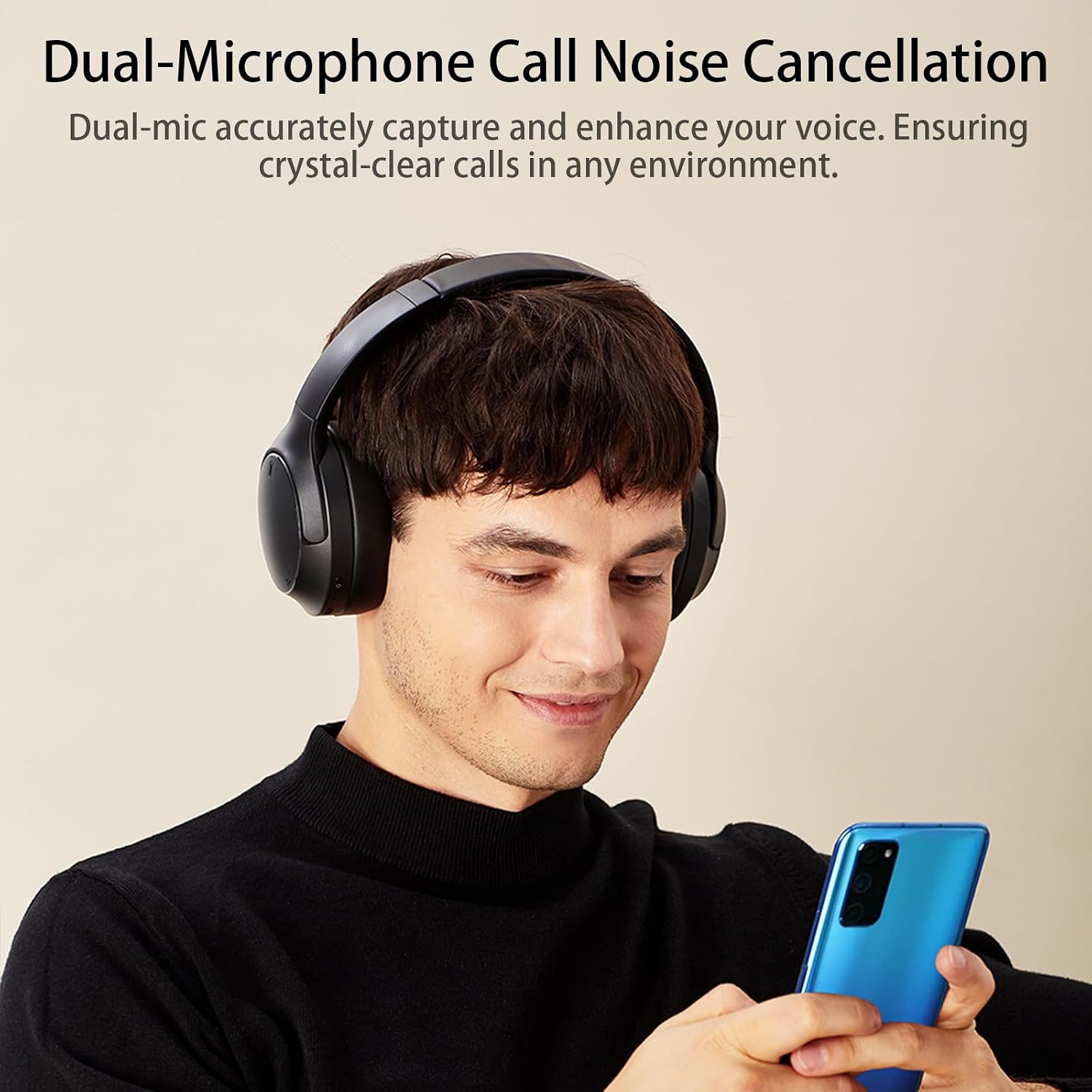
Image: A user demonstrating the headphones' dual-microphone call noise cancellation feature, ensuring clear communication.
മെയിൻ്റനൻസ്
- മൃദുവായതും ഉണങ്ങിയതുമായ തുണി ഉപയോഗിച്ച് ഹെഡ്ഫോണുകൾ പതിവായി വൃത്തിയാക്കുക.
- ഹെഡ്ഫോണുകൾ തീവ്രമായ താപനിലയിലോ, ഈർപ്പം അല്ലെങ്കിൽ ദ്രാവകങ്ങളിലോ തുറന്നുകാട്ടുന്നത് ഒഴിവാക്കുക.
- ഉരച്ചിലുകളുള്ള ക്ലീനറുകളോ ലായകങ്ങളോ ഉപയോഗിക്കരുത്.
- ഉപയോഗിക്കാത്തപ്പോൾ തണുത്തതും ഉണങ്ങിയതുമായ സ്ഥലത്ത് ഹെഡ്ഫോണുകൾ സൂക്ഷിക്കുക.
- ഹെഡ്ഫോണുകൾ സ്വയം ഡിസ്അസംബ്ലിംഗ് ചെയ്യാനോ നന്നാക്കാനോ ശ്രമിക്കരുത്, കാരണം ഇത് വാറന്റി അസാധുവാക്കും.
ട്രബിൾഷൂട്ടിംഗ്
| പ്രശ്നം | സാധ്യമായ പരിഹാരം |
|---|---|
| ഹെഡ്ഫോണുകൾ പവർ ഓൺ ചെയ്യുന്നില്ല. | Ensure the headphones are fully charged. Press and hold the MFB for 5 seconds. |
| ഉപകരണവുമായി ജോടിയാക്കാൻ കഴിയില്ല. |
|
| ശബ്ദമില്ല അല്ലെങ്കിൽ കുറഞ്ഞ ശബ്ദമില്ല. |
|
| മോശം കോൾ നിലവാരം. |
|
സ്പെസിഫിക്കേഷനുകൾ
| ഫീച്ചർ | വിശദാംശങ്ങൾ |
|---|---|
| ബ്രാൻഡ് | ഹോണർ ചോയ്സ് |
| മോഡൽ നമ്പർ | ROS-ME01 |
| നിറം | കറുപ്പ് |
| കണക്റ്റിവിറ്റി ടെക്നോളജി | വയർലെസ്സ് (ബ്ലൂടൂത്ത് 5.4) |
| ഫോം ഫാക്ടർ | ഓവർ-ഇയർ |
| ശബ്ദ നിയന്ത്രണം | ആക്ടീവ് നോയ്സ് റദ്ദാക്കൽ (ENC മൈക്ക്) |
| ഡ്രൈവർ യൂണിറ്റ് | 40 മി.മീ |
| ഫ്രീക്വൻസി റേഞ്ച് | 20 ഹെർട്സ് - 40 കിലോ ഹെർട്സ് |
| ബാറ്ററി ലൈഫ് (പ്ലേബാക്ക്) | 80 മണിക്കൂർ വരെ |
| ബാറ്ററി ലൈഫ് (സംവാദ സമയം) | 40 മണിക്കൂർ വരെ |
| ചാർജിംഗ് സമയം | ഏകദേശം 2 മണിക്കൂർ |
| ബാറ്ററി കോമ്പോസിഷൻ | ലിഥിയം അയോൺ |
| അനുയോജ്യമായ ഉപകരണങ്ങൾ | Phone, Computer, Tablet, Television |
| ഉൽപ്പന്ന ഭാരം | 440 ഗ്രാം |
| മെറ്റീരിയൽ | വഴക്കമുള്ള മെറ്റീരിയൽ |

ചിത്രം: പൊട്ടിത്തെറിച്ച ഒരു view highlighting the 40mm driver unit, which is responsible for the Hi-Res Audio performance.
വാറൻ്റിയും പിന്തുണയും
Your HONOR CHOICE headphones come with a standard manufacturer's warranty. For detailed warranty information, please refer to the warranty card included with your purchase or visit the official HONOR CHOICE webസൈറ്റ്.
For technical support, troubleshooting assistance, or any inquiries regarding your product, please contact HONOR CHOICE customer service through their official channels.
അനുബന്ധ രേഖകൾ - ROS-ME01
 |
ഓണർ ചോയ്സ് ഹെഡ്ഫോണുകൾ പ്രോ ക്വിക്ക് സ്റ്റാർട്ട് ഗൈഡ് - സജ്ജീകരണവും പ്രവർത്തനവും HONOR CHOICE ഹെഡ്ഫോണുകൾ പ്രോ (ROS-ME00) യുടെ ഔദ്യോഗിക ദ്രുത ആരംഭ ഗൈഡ്. HONOR AI സ്പേസ് ആപ്പ് എങ്ങനെ ജോടിയാക്കാം, പ്രവർത്തിപ്പിക്കാം, നോയ്സ് റദ്ദാക്കൽ ഉപയോഗിക്കാം, ചാർജ് ചെയ്യാം, ഡൗൺലോഡ് ചെയ്യാം എന്നിവ പഠിക്കൂ. |
 |
ഓണർ ചോയ്സ് ഇയർബഡ്സ് X3 ലൈറ്റ്: ദീർഘ ബാറ്ററി ലൈഫും ബ്ലൂടൂത്ത് 5.3 ഉം ഉള്ള പ്രീമിയം TWS ഇയർബഡുകൾ 28 മണിക്കൂർ ബാറ്ററി ലൈഫ്, തടസ്സമില്ലാത്ത ഡ്യുവൽ ഡിവൈസ് കണക്ഷൻ, ബ്ലൂടൂത്ത് 5.3, വ്യക്തമായ കോളുകൾക്കായി AI ENC നോയ്സ് റിഡക്ഷൻ, IPX-4 വാട്ടർ റെസിസ്റ്റൻസ് എന്നിവ ഉൾക്കൊള്ളുന്ന HONOR CHOICE ഇയർബഡ്സ് X3 ലൈറ്റ് കണ്ടെത്തൂ. സംഗീതം, കോളുകൾ, ഗെയിമിംഗ് എന്നിവയ്ക്ക് അനുയോജ്യം. |
 |
intdash Bridge デベロッパーガイド This developer guide provides comprehensive instructions for using intdash Bridge, a software that mediates between ROS spaces and the intdash Edge Agent. It covers installation, configuration, and detailed tutorials for connecting two ROS spaces and visualizing ROS messages with Data Visualizer. |
 |
Source Elements Remote Overdub Sync User Guide for Remote Audio Recording Comprehensive user guide for Source Elements Remote Overdub Sync, a suite of plugins enabling seamless remote audio recording for music and audiobook professionals with Pro Tools and other DAWs. Learn setup and usage for synchronized remote sessions. |
 |
Raven Viper 4+ ROS Software Update Instructions (v23.4.0.30) Step-by-step guide for updating the Raven Viper 4+ field computer software to version 23.4.0.30 for AGCO systems, including installation, troubleshooting, and release notes. |
 |
TurtleBot 4 User Manual: Open-Source Robotics Platform for Education and Research Explore the TurtleBot 4 and TurtleBot 4 Lite with this comprehensive user manual. Discover features, setup, software, and advanced robotics applications for education and research using ROS 2. |
Ask a question about this manual
Ask about setup, troubleshooting, compatibility, parts, safety, or missing instructions. Manuals+ will review the question and use this page’s manual context to help answer it.