
1. ആമുഖം
Thank you for choosing the ANSTEN Wireless TV Headphones. This manual provides detailed instructions on how to set up, operate, and maintain your new headphones, ensuring a seamless and enjoyable audio experience for your television and other compatible devices. These headphones are designed to provide clear, low-latency audio, ideal for private listening without disturbing others, and are particularly beneficial for individuals who may require adjustable volume levels.
2. പാക്കേജ് ഉള്ളടക്കം
താഴെ ലിസ്റ്റ് ചെയ്തിരിക്കുന്ന എല്ലാ ഇനങ്ങളും നിങ്ങളുടെ പാക്കേജിൽ ഉൾപ്പെടുത്തിയിട്ടുണ്ടെന്ന് ദയവായി പരിശോധിക്കുക:
- ANSTEN Wireless Headphones
- ട്രാൻസ്മിറ്റർ ചാർജിംഗ് ഡോക്ക്
- USB അഡാപ്റ്റർ
- ട്രാൻസ്മിറ്ററിനുള്ള പവർ കേബിൾ
- ഓക്സ് 3.5 എംഎം ഓഡിയോ കേബിൾ
- ഒപ്റ്റിക്കൽ ഓഡിയോ കേബിൾ
- Aux 3.5mm മുതൽ RCA അഡാപ്റ്റർ വരെ
- ഉപയോക്തൃ മാനുവൽ

Figure 2.1: Package Contents Overview
This image displays all the items you should find in your ANSTEN Wireless TV Headphones box, including the headphones, the charging dock, and all necessary audio and power cables.
3. സജ്ജീകരണ ഗൈഡ്
The ANSTEN Wireless TV Headphones are designed for easy plug-and-play setup. Follow these steps to connect your headphones to your TV.
3.1 നിങ്ങളുടെ ടിവിയിലേക്ക് ട്രാൻസ്മിറ്റർ ബന്ധിപ്പിക്കുന്നു
The transmitter supports multiple audio input options to ensure wide compatibility with most TVs.
- ഒപ്റ്റിക്കൽ കണക്ഷൻ (ശുപാർശ ചെയ്യുന്നത്): Connect one end of the Optical Audio Cable to the OPTICAL OUT port on your TV and the other end to the OPTICAL IN port on the transmitter.
- AUX 3.5mm Connection: Connect one end of the Aux 3.5mm Audio Cable to the AUDIO OUT (headphone jack) port on your TV and the other end to the AUX IN port on the transmitter.
- RCA കണക്ഷൻ: If your TV has RCA audio output (red and white ports), connect the Aux 3.5mm to RCA Adapter to the AUX 3.5mm Audio Cable, then connect the RCA ends to the corresponding red and white AUDIO OUT ports on your TV. Connect the 3.5mm end to the AUX IN port on the transmitter.
NOTE: Please confirm your TV has one of the above OUTPUT interfaces before purchasing. If not, you can still connect the headphones directly via Bluetooth (see section 3.2).

Figure 3.1: Wide Compatibility - TV Connection Options
This image illustrates the various audio output ports on a television and how to connect the ANSTEN transmitter using Optical, AUX 3.5mm, or RCA cables.
3.2 Powering On and Initial Pairing
- Connect the Power Cable to the transmitter and plug the USB adapter into a power outlet.
- Place the headphones onto the charging dock. The headphones and transmitter will automatically pair.
- Ensure your TV's audio output settings are configured to send audio through the connected port (e.g., Optical Out, Headphone Out). You may need to disable internal TV speakers or select the correct audio output in your TV's sound settings.
3.3 Direct Bluetooth Connection (Alternative)
The headphones can also connect directly to other Bluetooth-enabled devices (phones, tablets, computers) without the transmitter.
- Ensure the transmitter is turned off or unplugged to avoid interference.
- Put the headphones into Bluetooth pairing mode (refer to the specific button combination in the Quick Start Guide if needed).
- On your device, go to Bluetooth settings and select "ANSTEN UKK2PRO" to pair.

Figure 3.2: Versatile Usage with Bluetooth Devices
This image demonstrates the ANSTEN headphones' ability to connect directly to various Bluetooth devices such as smartphones, tablets, and computers, offering flexible listening options.
4. പ്രവർത്തന നിർദ്ദേശങ്ങൾ
4.1 Private Listening Experience
Once connected, the headphones provide a private audio experience, allowing you to enjoy TV programs, movies, or music without disturbing others. This is particularly useful for late-night viewing or for individuals with hearing difficulties who need higher volume levels.
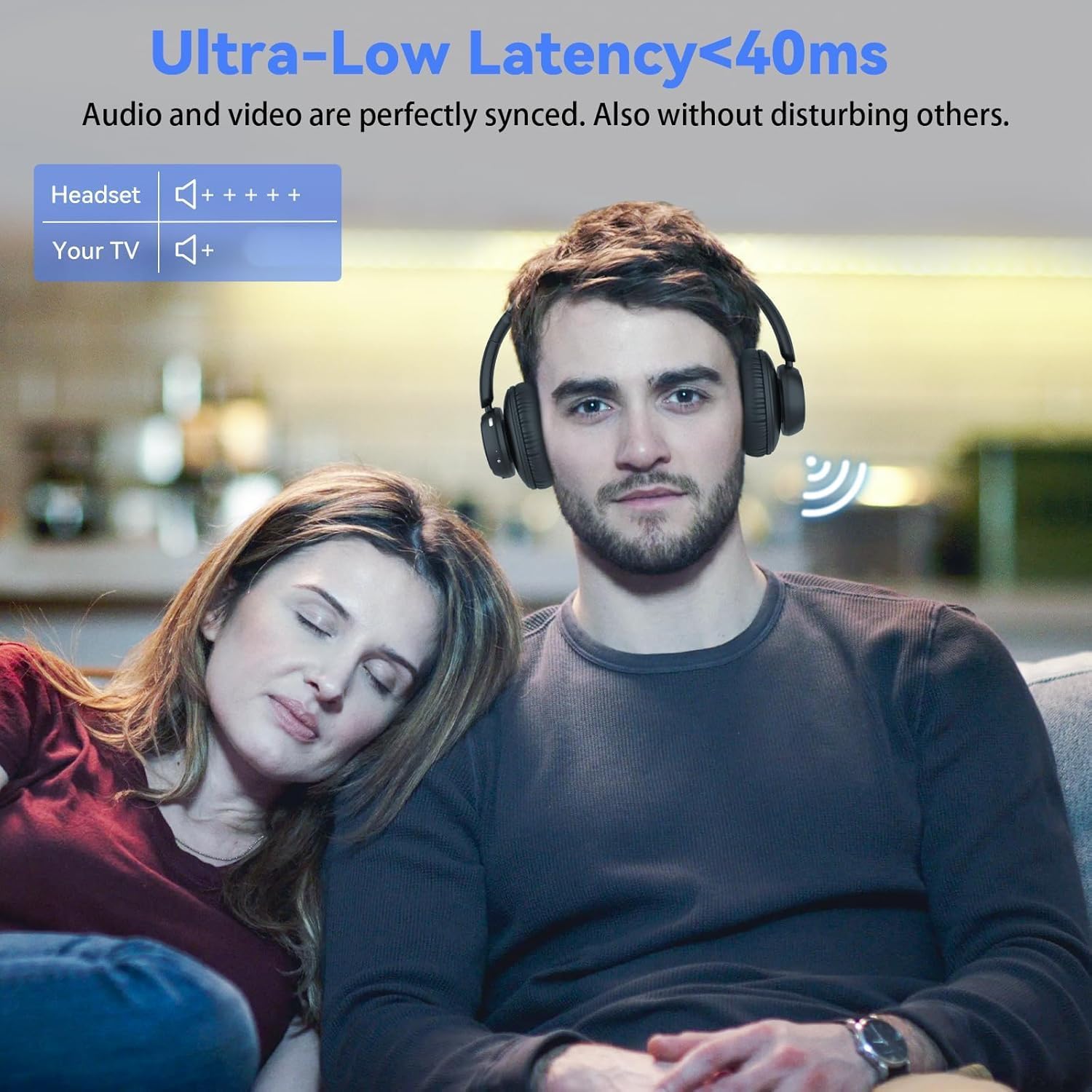
Figure 4.1: Private Watching Experience
This image shows the benefit of using the ANSTEN headphones for private TV viewing, highlighting the ultra-low latency feature that ensures audio and video synchronization.
4.2 Ultra-Low Latency Audio
Equipped with Bluetooth 5.2 technology, these headphones offer an ultra-low latency of less than 40ms. This ensures that audio and video are perfectly synchronized, providing a smooth and immersive viewing experience without noticeable delays.
4.3 Freedom of Movement
The headphones maintain a strong connection with the transmitter up to a range of 30 meters (approximately 100 feet). This allows you to move freely around your home without losing audio quality or connection, providing flexibility during your listening sessions.
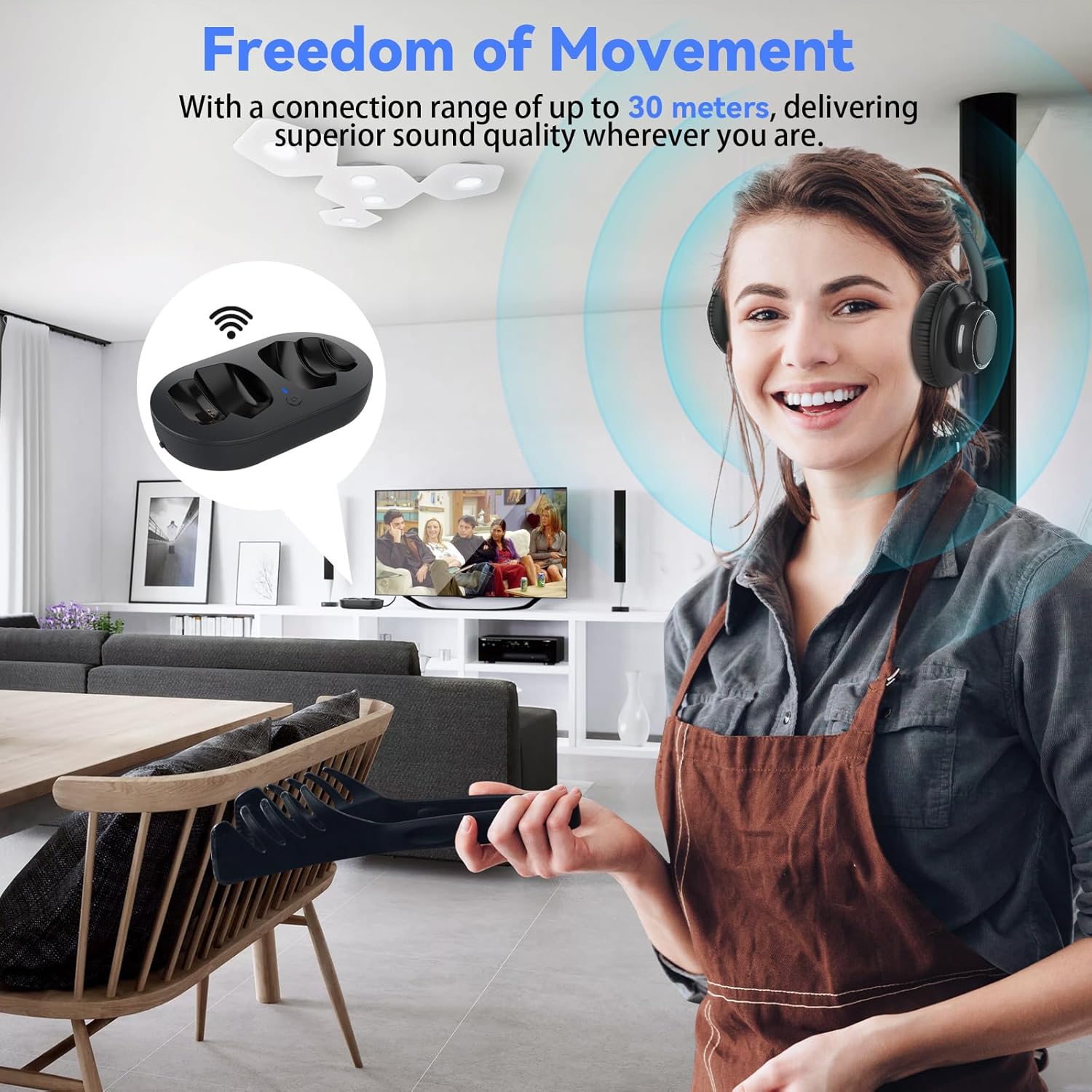
Figure 4.2: Freedom of Movement
This image illustrates the extended wireless range of the ANSTEN headphones, allowing users to move up to 30 meters from the transmitter while maintaining clear audio.
4.4 വോളിയം നിയന്ത്രണം
The headphones feature independent volume controls, allowing you to adjust the audio level directly on the headset without affecting the TV's main volume. This is particularly useful when others are present in the room or for personalized listening preferences.
5. ചാർജിംഗും ബാറ്ററി ലൈഫും
The ANSTEN Wireless TV Headphones offer extended playback time and convenient charging methods.
5.1 ഹെഡ്ഫോണുകൾ ചാർജ് ചെയ്യുന്നു
To charge the headphones, simply place them onto the transmitter charging dock. The headphones will automatically begin charging. Ensure the charging dock is connected to a power source.
5.2 ബാറ്ററി ലൈഫ്
A single full charge provides up to 45 hours of audio playback. This long battery life ensures extended listening sessions without frequent recharging.

Figure 5.1: Easy Charging & Long Battery Life
This image illustrates the convenience of charging the ANSTEN headphones by simply placing them on the dedicated charging dock, emphasizing their impressive 45-hour battery life.
6. സുഖവും രൂപകൽപ്പനയും
The headphones are designed for comfort during prolonged use. The earcups are made from high-quality protein leather and breathable cotton, providing continuous comfort even when worn for extended periods. The lightweight headband ensures a secure yet comfortable fit for all-day wear.

Figure 6.1: Tailored for Comfort
This image emphasizes the ergonomic design of the ANSTEN headphones, showcasing their lightweight headband and soft earcups engineered for all-day comfort, particularly beneficial for seniors or those needing enhanced volume.
7. പരിപാലനം
To ensure the longevity and optimal performance of your ANSTEN Wireless TV Headphones, follow these maintenance guidelines:
- വൃത്തിയാക്കൽ: Use a soft, dry cloth to wipe the headphones and charging dock. Do not use abrasive cleaners or solvents. For earcups, a slightly damp cloth can be used, but ensure they are completely dry before use.
- സംഭരണം: When not in use, store the headphones on the charging dock in a cool, dry place away from direct sunlight and extreme temperatures.
- കേബിൾ കെയർ: Avoid bending or twisting cables excessively. Always grasp the plug, not the cable, when disconnecting.
- ബാറ്ററി കെയർ: For optimal battery health, avoid fully discharging the headphones frequently. Charge them regularly, especially if they will not be used for an extended period.
8. പ്രശ്നപരിഹാരം
If you encounter any issues with your ANSTEN Wireless TV Headphones, please refer to the following troubleshooting tips:
| പ്രശ്നം | സാധ്യമായ കാരണം | പരിഹാരം |
|---|---|---|
| No audio from headphones | Headphones not paired/connected Incorrect TV audio output settings കേബിൾ ശരിയായി ബന്ധിപ്പിച്ചിട്ടില്ല Headphones battery low | Ensure headphones are placed on the dock for automatic pairing. Check your TV's audio settings to ensure the correct output (Optical, AUX, RCA) is selected and active. Verify all audio cables are securely plugged into both the TV and the transmitter. ഹെഡ്ഫോണുകൾ പൂർണ്ണമായും ചാർജ് ചെയ്യുക. |
| ഓഡിയോ കട്ട് ഔട്ട് അല്ലെങ്കിൽ സ്റ്റാറ്റിക് | പരിധിക്ക് പുറത്ത് മറ്റ് ഉപകരണങ്ങളിൽ നിന്നുള്ള ഇടപെടൽ കുറഞ്ഞ ബാറ്ററി | ട്രാൻസ്മിറ്ററിന് അടുത്തേക്ക് നീങ്ങുക. Move the transmitter away from other wireless devices (e.g., Wi-Fi routers, cordless phones). ഹെഡ്ഫോണുകൾ ചാർജ് ചെയ്യുക. |
| Charger plug does not fit | Regional plug incompatibility | The included USB adapter may be designed for a specific region. You can use any standard USB power adapter (e.g., from a smartphone charger) with the provided USB power cable for the transmitter. Ensure the output is 5V. |
| ഹെഡ്ഫോണുകൾ ചാർജ് ചെയ്യുന്നില്ല | Dock not powered Headphones not correctly seated on dock | Ensure the transmitter charging dock is connected to a power source and the power indicator light is on. Adjust the headphones on the dock to ensure proper contact with the charging pins. |
| Audio delay (latency) | Bluetooth connection directly to TV (not via transmitter) TV processing delay | Ensure you are using the transmitter for TV audio, as it provides ultra-low latency. Direct Bluetooth connections to TVs can sometimes have higher latency. Check your TV's audio settings for any audio delay or lip-sync adjustments. |
9 സ്പെസിഫിക്കേഷനുകൾ
| ഫീച്ചർ | വിശദാംശങ്ങൾ |
|---|---|
| മോഡലിൻ്റെ പേര് | UKK2PRO |
| ബ്രാൻഡ് | ആൻസ്റ്റെൻ |
| കണക്റ്റിവിറ്റി ടെക്നോളജി | വയർലെസ് (ബ്ലൂടൂത്ത്) |
| വയർലെസ് കമ്മ്യൂണിക്കേഷൻ ടെക്നോളജി | ബ്ലൂടൂത്ത് 5.2 |
| ഓഡിയോ ലേറ്റൻസി | <40ms (via transmitter) |
| വയർലെസ് ശ്രേണി | 30 മീറ്റർ വരെ (100 അടി) |
| ബാറ്ററി ലൈഫ് | 45 മണിക്കൂർ വരെ (പ്ലേബാക്ക്) |
| ചെവി പ്ലേസ്മെൻ്റ് | ചെവിക്ക് മുകളിൽ |
| ഫോം ഫാക്ടർ | ഓവർ-ചെവി |
| മെറ്റീരിയൽ | Protein Leather, Cotton |
| നിറം | കറുപ്പ് |
| ഉൽപ്പന്ന അളവുകൾ | 22.7 x 20.1 x 10 സെ.മീ |
| ഇനത്തിൻ്റെ ഭാരം | 810 ഗ്രാം |
| ഉൽപ്പന്നത്തിൻ്റെ പ്രത്യേക ഉപയോഗങ്ങൾ | ഹോം വിനോദം |
10. വാറൻ്റിയും പിന്തുണയും
ANSTEN products are manufactured to the highest quality standards. For information regarding warranty coverage and customer support, please refer to the warranty card included in your package or visit the official ANSTEN website. Our professional team is available to answer questions and provide one-on-one service.
For further assistance, please contact ANSTEN customer support through the contact information provided on our official webസൈറ്റ് അല്ലെങ്കിൽ നിങ്ങളുടെ വാങ്ങൽ പ്ലാറ്റ്ഫോം.