
TK913
TK913 4G Worldwide GPS Tracker User Manual
മോഡൽ: TK913
1. ആമുഖം
The TK913 4G Worldwide GPS Tracker is a compact and advanced real-time location tracking device designed for global use. It offers lifetime active service without any monthly subscriptions, providing peace of mind for tracking vehicles, assets, or loved ones. Its user-friendly design and robust features make it a reliable solution for various tracking needs.
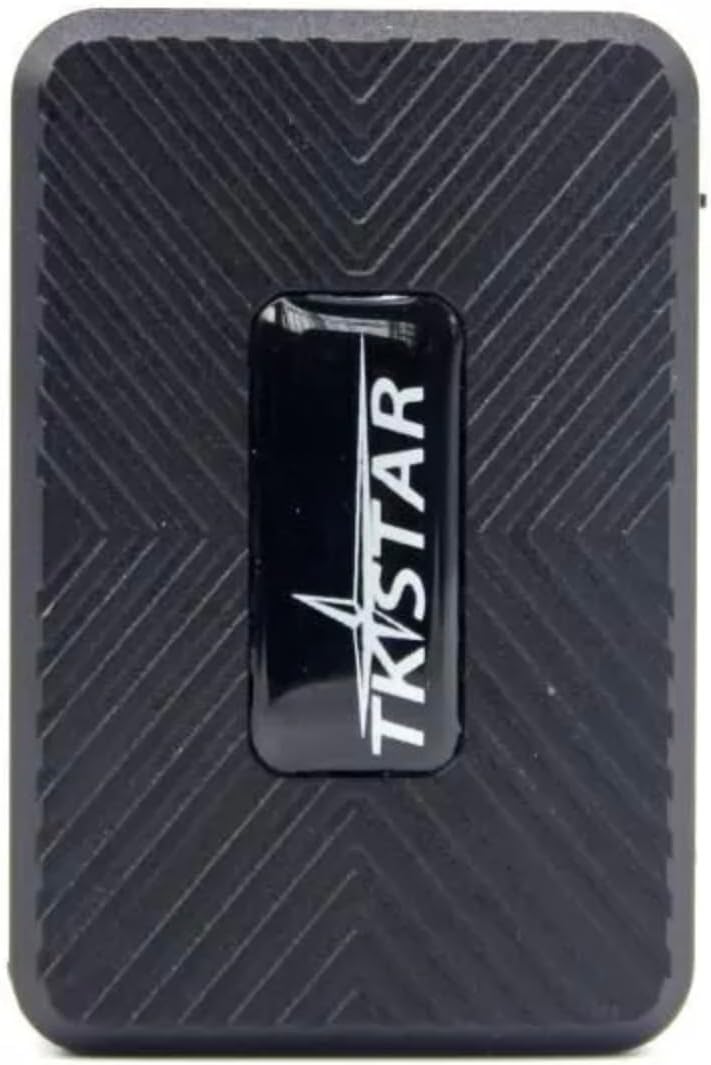
ചിത്രം: മുകളിൽ view of the TK913 GPS Tracker, showing its compact black design with the TKSTAR logo.
2 പ്രധാന സവിശേഷതകൾ
- Lifetime Active Service: No renewal or subscription fees required.
- No Monthly Subscriptions: Eliminates recurring costs.
- വിശാലമായ അനുയോജ്യത: Operates in over 170 countries globally.
- തത്സമയ ട്രാക്കിംഗ്: Real-time location monitoring via free iOS and Android applications.
- Vibration Sensor Alerts: Notifies users of suspicious movement or tampഎറിംഗ്.
- Overspeeding Notifications: Alerts when set speed limits are exceeded.
- Geofence Alerts: Instant notifications when virtual boundaries are crossed.
- കുറഞ്ഞ വോളിയംtagഇ പ്രവർത്തനം (3.7V): Energy-efficient design for extended battery life.
- കാന്തിക മൗണ്ട്: Allows for easy and discreet attachment to metal surfaces.
- USBC Charging Port: Modern and reliable charging interface.

Image: The TK913 GPS Tracker shown alongside icons representing its tracking capabilities for cars, pets, and luggage, emphasizing its versatility.
3. ബോക്സിൽ എന്താണുള്ളത്?
പാക്കേജ് തുറക്കുമ്പോൾ, എല്ലാ ഘടകങ്ങളും അവിടെ ഉണ്ടെന്ന് ഉറപ്പാക്കുക:
- TK913 GPS Tracker Unit
- മാഗ്നെറ്റിക് മ .ണ്ട്
- USBC Charging Cable (Note: Power adapter may not be included)
- ഉപയോക്തൃ മാനുവൽ (ഈ പ്രമാണം)
4. സജ്ജീകരണ ഗൈഡ്
Follow these steps to set up your TK913 GPS Tracker:
- ഉപകരണം ചാർജ് ചെയ്യുക: Connect the provided USBC charging cable to the tracker's USBC port and plug the other end into a compatible USB power adapter (not included). Charge the device fully before first use.
- സിം കാർഡ് ചേർക്കുക: The TK913 requires a 4G Nano SIM card (not included) with data capabilities for real-time tracking. Locate the SIM card slot (refer to the diagram below) and insert the SIM card correctly. Ensure the device is powered off before inserting or removing the SIM card.
- പവർ ഓൺ: Press and hold the On/Off button until the indicator light illuminates.
- മൊബൈൽ ആപ്പ് ഡൗൺലോഡ് ചെയ്യുക: ഇതിനായി തിരയുക the official tracking application (e.g., "TKSTAR GPS" or similar, check packaging for exact name) on the Apple App Store (for iOS) or Google Play Store (for Android). Install the app on your smartphone.
- രജിസ്റ്റർ ചെയ്ത് ലോഗിൻ ചെയ്യുക: Open the app, register a new account if you don't have one, and log in.
- ഉപകരണം ചേർക്കുക: Within the app, locate the "Add Device" or "Bind Device" option. You will typically need to scan a QR code on the device or enter its unique ID number (IMEI) found on the device or packaging.
- പ്രാരംഭ സ്ഥാനനിർണ്ണയം: Take the device outdoors or to an area with clear sky view to allow it to acquire a GPS signal for the first time. This may take a few minutes.

Image: Diagram illustrating the mini size of the TK913 GPS Tracker with dimensions, and a detailed view of its ports: 1. Indicator light, 2. SIM card slot, 3. On/Off button, 4. USB port. Also shows the strong magnetic mount.
5. പ്രവർത്തന നിർദ്ദേശങ്ങൾ
Once set up, you can utilize the various features of your TK913 GPS Tracker through the mobile application:
- തത്സമയ ട്രാക്കിംഗ്: Open the mobile app to view the current location of your tracker on a map. The location updates continuously as the device moves.
- Historical Track Playback: Access the "Historical Track" feature in the app to review the device's movement history for up to 180 days. You can view routes, speed, and time stamps.
- Geofence Setup: Create virtual boundaries (geofences) on the map. You will receive an instant alert on your phone whenever the tracker enters or exits these predefined areas.
- Vibration Sensor Alerts: Enable this feature in the app. If the tracker detects significant vibration or movement while stationary, it will send an alert to your phone, indicating potential tampഅനധികൃത ചലനം അല്ലെങ്കിൽ ചരക്ക് നീക്കം.
- Overspeeding Alerts: Set a maximum speed limit within the app. If the tracker exceeds this speed, you will receive an immediate notification.
- കുറഞ്ഞ ബാറ്ററി അലേർട്ട്: The app will notify you when the device's battery level is critically low, prompting you to recharge it.

Image: Screenshots from the tracking application showing the "Electronic fence" feature with a circular geofence area, and the "Historical track" feature displaying a past route on a map.
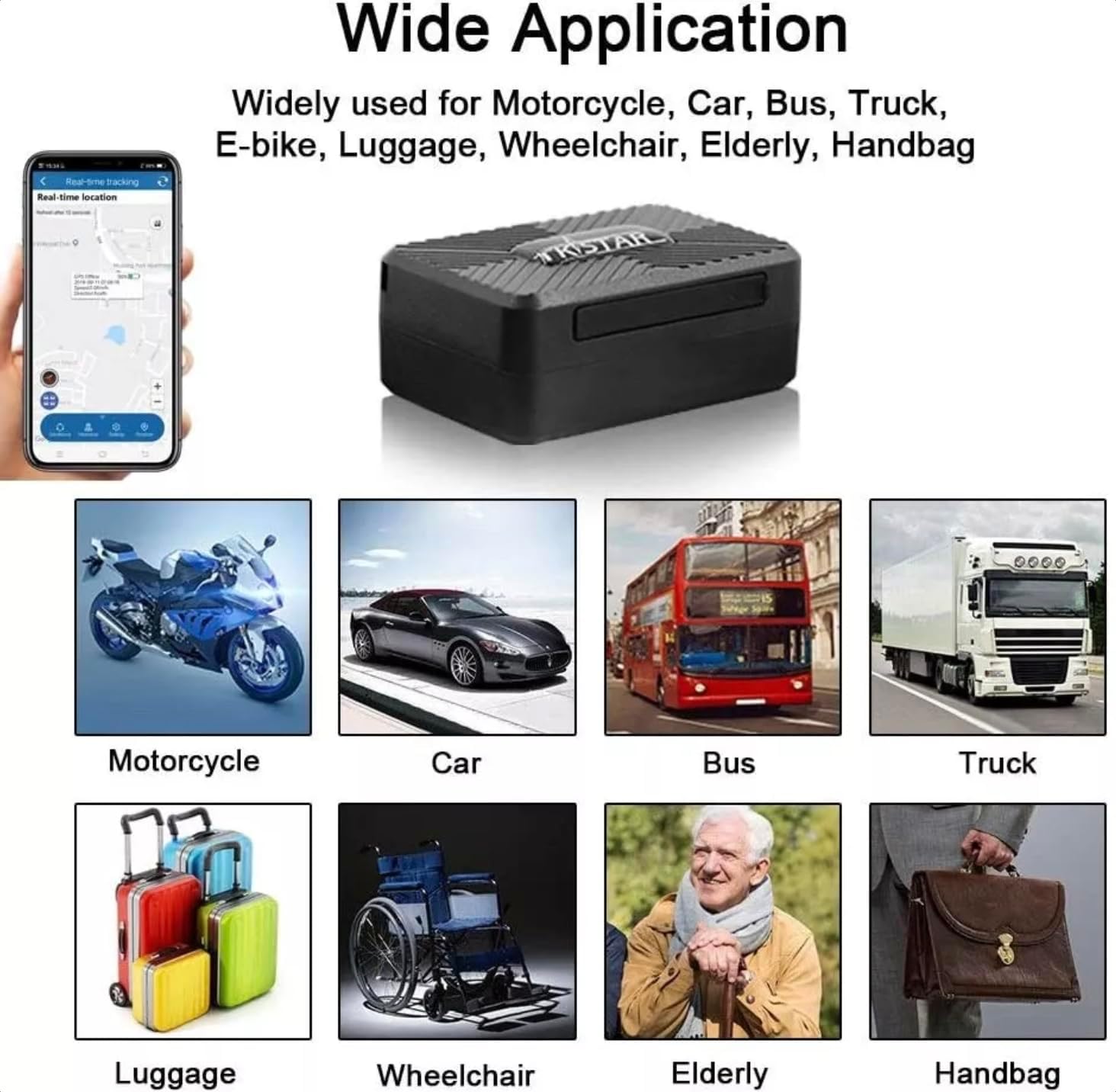
Image: A collage demonstrating the wide range of applications for the TK913 GPS Tracker, including use with motorcycles, cars, buses, trucks, e-bikes, luggage, wheelchairs, for the elderly, and handbags.
6. പരിപാലനം
To ensure the longevity and optimal performance of your TK913 GPS Tracker, please follow these maintenance guidelines:
- പതിവ് ചാർജിംഗ്: Charge the device regularly, especially if it's used frequently or left in standby for extended periods. Avoid completely draining the battery.
- ശുചിത്വം: മൃദുവായതും ഉണങ്ങിയതുമായ തുണി ഉപയോഗിച്ച് ഉപകരണം തുടയ്ക്കുക. കഠിനമായ രാസവസ്തുക്കളോ ഉരച്ചിലുകളുള്ള ക്ലീനറുകളോ ഉപയോഗിക്കുന്നത് ഒഴിവാക്കുക.
- സംഭരണം: When not in use for a long time, store the device in a cool, dry place. It is recommended to charge it to about 50% before long-term storage and recharge every few months to prevent deep discharge.
- പരിസ്ഥിതി വ്യവസ്ഥകൾ: Avoid exposing the device to extreme temperatures, direct sunlight for prolonged periods, or excessive moisture. While durable, it is not fully waterproof unless specified.
- സോഫ്റ്റ്വെയർ അപ്ഡേറ്റുകൾ: Keep the mobile application updated to the latest version to ensure compatibility and access to new features or bug fixes.
7. പ്രശ്നപരിഹാരം
If you encounter issues with your TK913 GPS Tracker, refer to the following common problems and solutions:
| പ്രശ്നം | സാധ്യമായ കാരണം | പരിഹാരം |
|---|---|---|
| ഉപകരണം ഓണാക്കുന്നില്ല. | Low battery; faulty charging cable/adapter; device malfunction. | Charge the device for at least 2 hours. Try a different USBC cable and adapter. If still unresponsive, contact support. |
| GPS സിഗ്നൽ ഇല്ല അല്ലെങ്കിൽ കൃത്യമല്ലാത്ത സ്ഥാനം. | Device indoors or in an area with poor signal; SIM card issues; device not acquiring satellites. | Move the device to an open outdoor area. Ensure SIM card is properly inserted and has data. Wait a few minutes for satellite acquisition. |
| ആപ്പ് ഉപകരണം ഓഫ്ലൈനിൽ കാണിക്കുന്നു. | Device powered off; no SIM card data; poor network coverage; incorrect device ID in app. | Check if the device is powered on. Verify SIM card has active data plan. Check network signal in the device's location. Re-verify device ID in the app. |
| Alerts not received. | Alerts disabled in app; app notifications blocked by phone settings; poor network connection. | Ensure alert settings are enabled in the app. Check your phone's notification settings for the app. Verify stable internet connection on your phone. |
8 സ്പെസിഫിക്കേഷനുകൾ
| ഫീച്ചർ | വിശദാംശങ്ങൾ |
|---|---|
| മോഡൽ | TK913 |
| കണക്റ്റിവിറ്റി ടെക്നോളജി | 4G LTE, GPS |
| പിന്തുണയ്ക്കുന്ന ആപ്ലിക്കേഷൻ | iOS, Android |
| പവർ ഇൻപുട്ട് | 3.7V (കുറഞ്ഞ വോളിയംtagഇ ഓപ്പറേഷൻ) |
| ചാർജിംഗ് പോർട്ട് | USBC |
| മൗണ്ടിംഗ് | മാഗ്നെറ്റിക് മ .ണ്ട് |
| നിർമ്മാതാവ് | TKSTAR |
| ആദ്യം ലഭ്യമായ തീയതി | 6 ജനുവരി 2025 |
| പ്രത്യേക ഉപയോഗങ്ങൾ | Motorcycles, Luggage, Wheelchair, Handbag, Car, Bus, Truck |
9. വാറൻ്റിയും പിന്തുണയും
The TK913 GPS Tracker is designed to provide reliable service with its unique Lifetime Active Service, meaning there are no recurring subscription fees for its core tracking functionalities.
For technical support or inquiries regarding your device, please refer to the contact information provided on the product packaging or the official TKSTAR website. Ensure you have your device's unique ID (IMEI) ready when contacting support.
Ask a question about this manual
Ask about setup, troubleshooting, compatibility, parts, safety, or missing instructions. Manuals+ will review the question and use this page’s manual context to help answer it.