
1. ആമുഖം
This manual provides detailed instructions for the ieGeek 2K HD Baby Monitor, Model baby 1T. This system includes two cameras and a 5-inch parent unit, offering both secure non-WiFi monitoring and remote access via a smartphone application. Key features include 2K HD video quality, crystal clear night vision, split-screen viewing, pan/tilt/zoom control, two-way audio, and environmental sensors.
2. സജ്ജീകരണം
2.1 എന്താണ് ഉൾപ്പെടുത്തിയിരിക്കുന്നത്
പാക്കേജിൽ എല്ലാ ഘടകങ്ങളും ഉണ്ടെന്ന് ഉറപ്പാക്കുക:
- 1x ക്യാമറ
- 1x Monitor (Parent Unit)
- 2x പവർ അഡാപ്റ്ററുകൾ
- 2x പവർ കേബിളുകൾ
- 3x Screws & 3x Screw Hats
- 1x ബ്രാക്കറ്റ്
- 1x പിൻ
- 1x ദ്രുത ഗൈഡ്
ചിത്രം 2.1: പാക്കേജ് ഉള്ളടക്കം
2.2 പവർ ചെയ്യുന്നു
Connect the provided power adapters to the cameras and the parent unit. The cameras require continuous power, while the parent unit has a rechargeable battery for portable use. Ensure both units are fully charged or connected to power before initial setup.
2.3 മൗണ്ടിംഗ് ഓപ്ഷനുകൾ
The cameras can be placed on a flat surface or mounted to a wall or ceiling using the included bracket and screws. The monitor can be placed on a table or other flat surface.

Figure 2.2: Camera Mounting Example
3. മോണിറ്റർ പ്രവർത്തിപ്പിക്കുക
3.1 Display and Video Quality
The parent unit features a 5-inch IPS display with 2K HD resolution, providing a clear view of your baby. Advanced infrared night vision automatically activates in low-light conditions, offering a clear video feed without any disturbing glow.
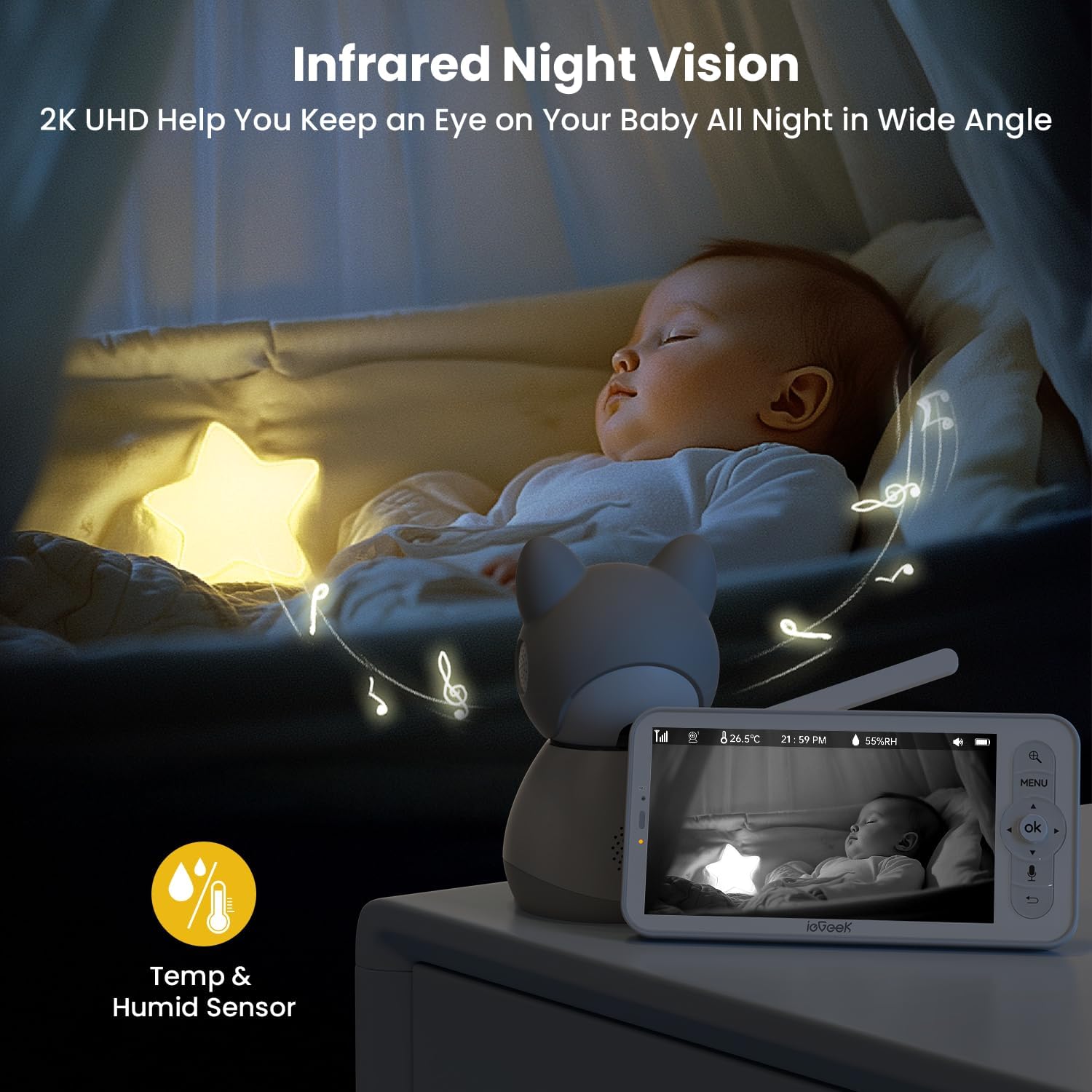
Figure 3.1: Night Vision Display
3.2 Multi-Camera and Split-Screen Viewing
The system supports up to two cameras (included) and offers split-screen viewing, allowing you to monitor two areas simultaneously. The cameras feature motorized 350° pan and 60° tilt capabilities, along with 4x digital zoom, enabling comprehensive coverage of the nursery. An auto-tracking feature can follow your baby's movements.

ചിത്രം 3.2: സ്പ്ലിറ്റ്-സ്ക്രീൻ പ്രവർത്തനം
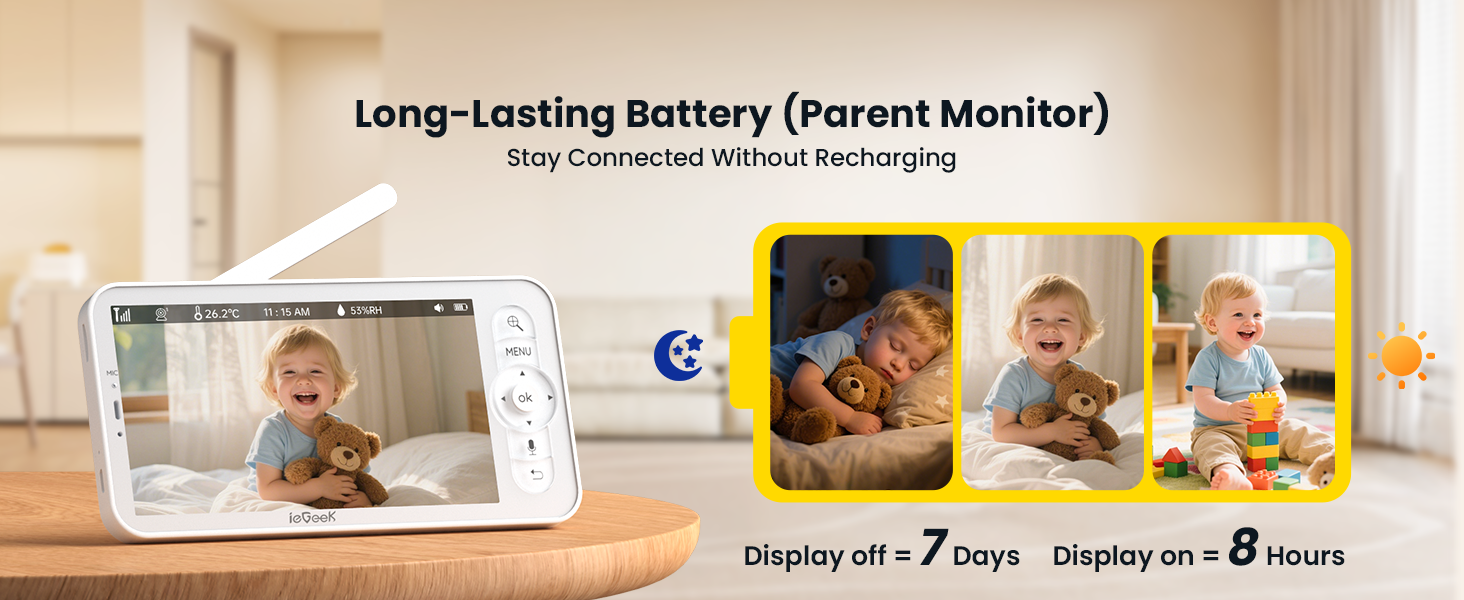
Figure 3.3: Pan, Tilt, and Motion Detection
3.3 ടു-വേ ഓഡിയോയും അലേർട്ടുകളും
Engage in clear two-way communication with your baby using the push-to-talk button on the parent unit. The monitor provides instant alerts and push notifications for sound detection (including cry detection) and motion detection, ensuring you are promptly informed of any activity.

ചിത്രം 3.4: ടു-വേ ഓഡിയോ
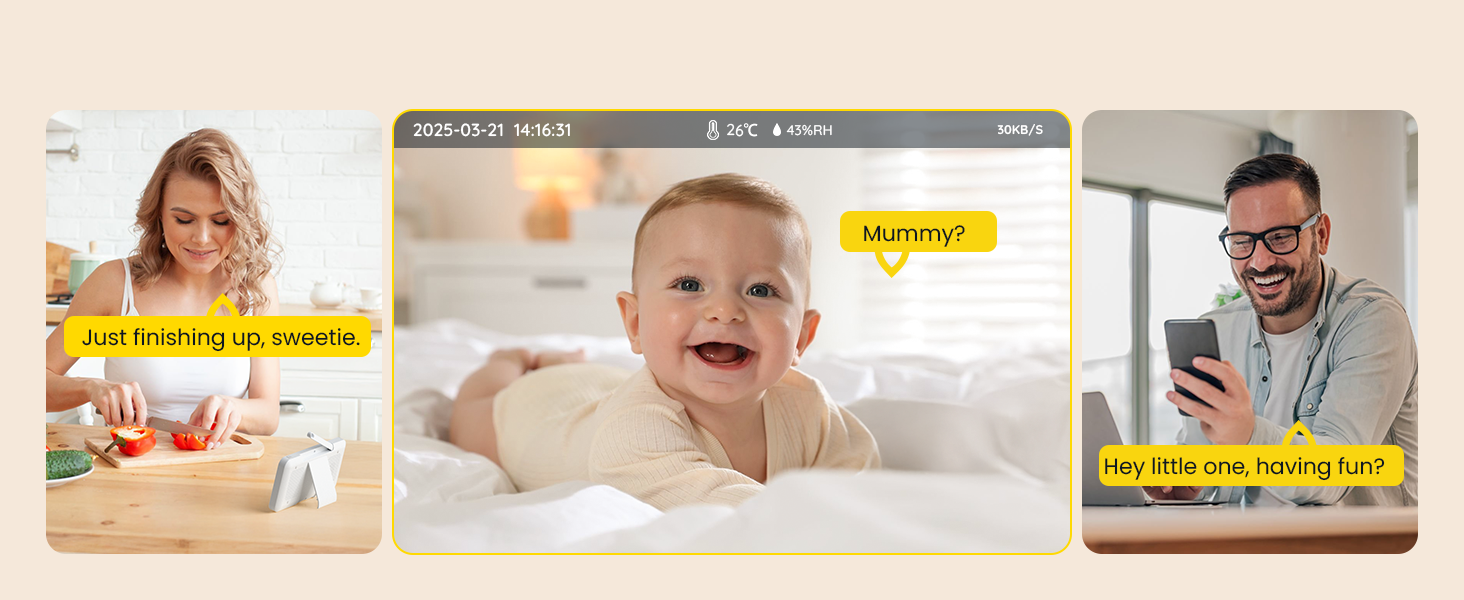
Figure 3.5: Movement and Cry Detection Alerts
3.4 Connectivity and Remote Access
The system offers dual connectivity: a secure non-WiFi connection to the parent unit for local monitoring (no internet required, no hack risks), and optional remote viewing via a free smartphone app when connected to 2.4GHz WiFi. This allows for flexible monitoring at home or on the go.
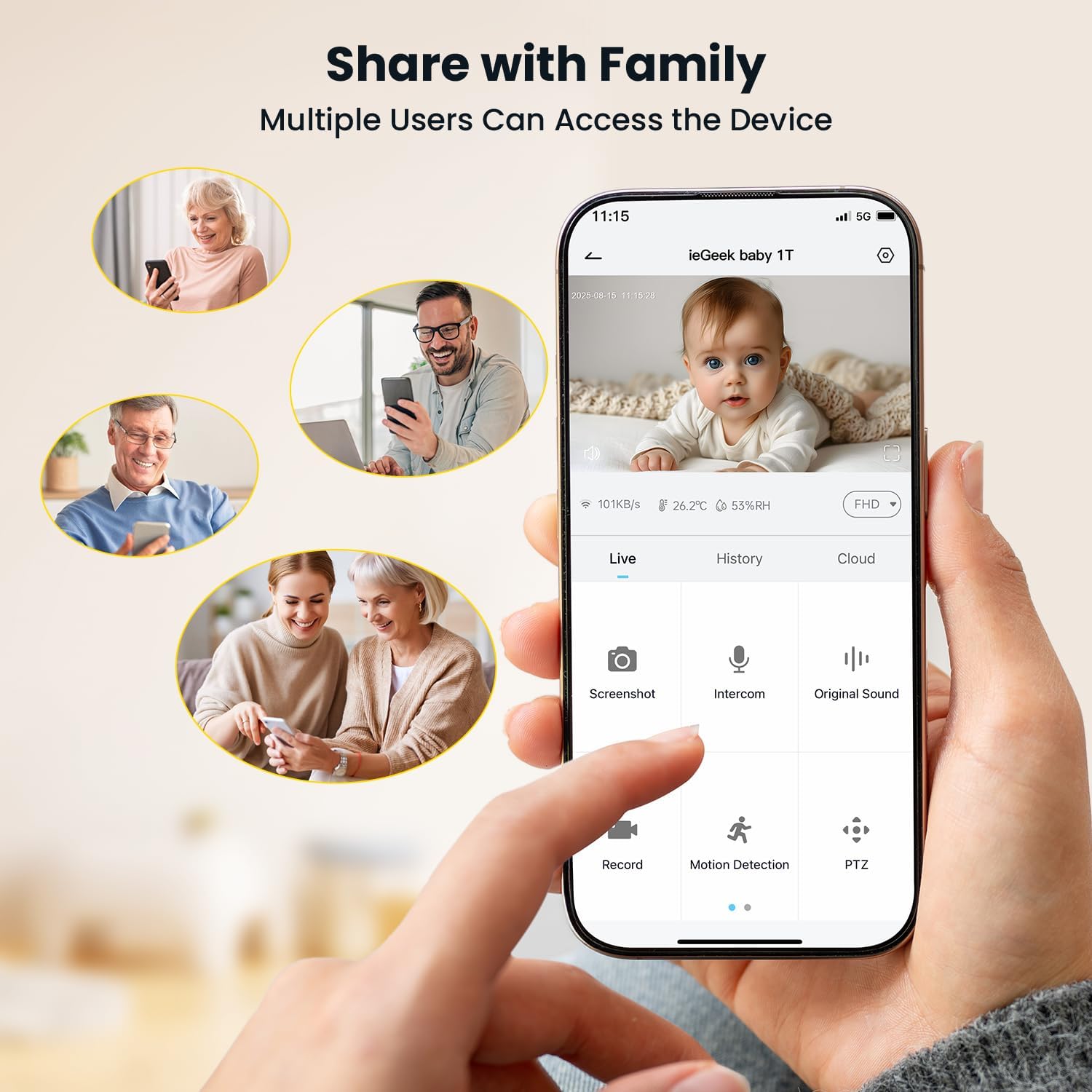
Figure 3.6: Smartphone App Interface
3.5 വിപുലമായ സവിശേഷതകൾ
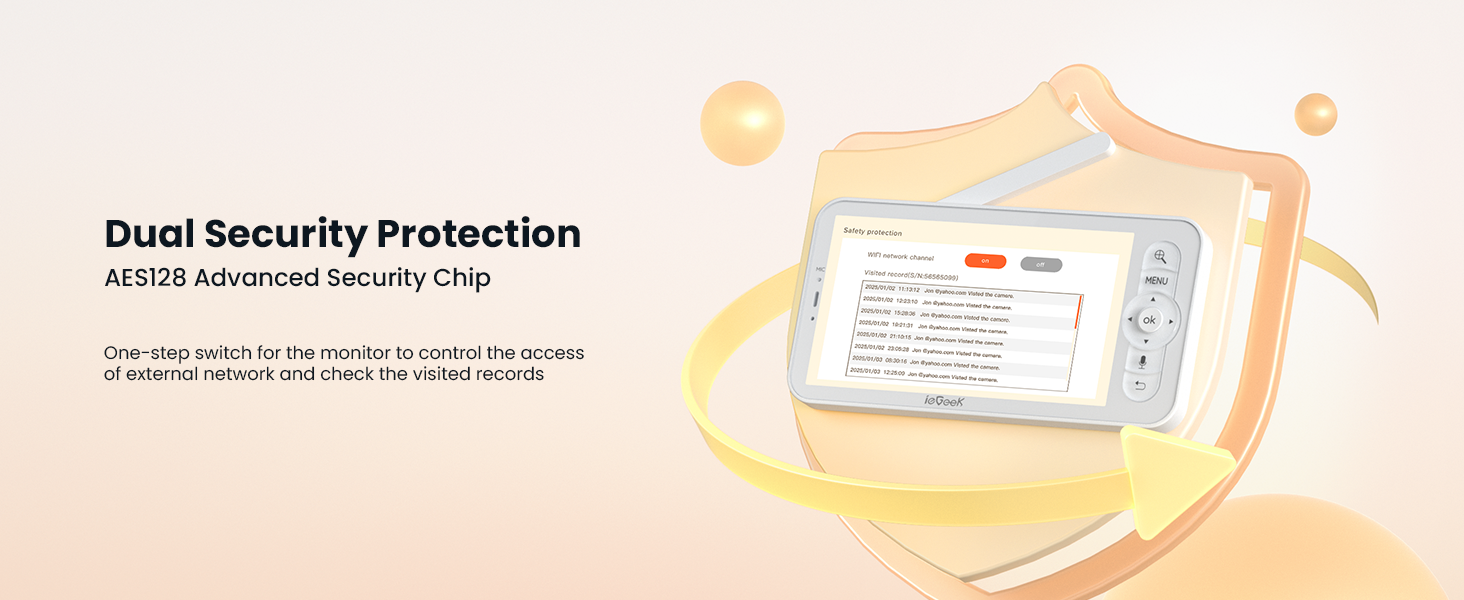
The monitor includes a room temperature and humidity sensor to ensure your baby's comfort. A virtual danger zone can be set up via the app for enhanced security. All connections are secured with advanced FHSS encryption technology for privacy.
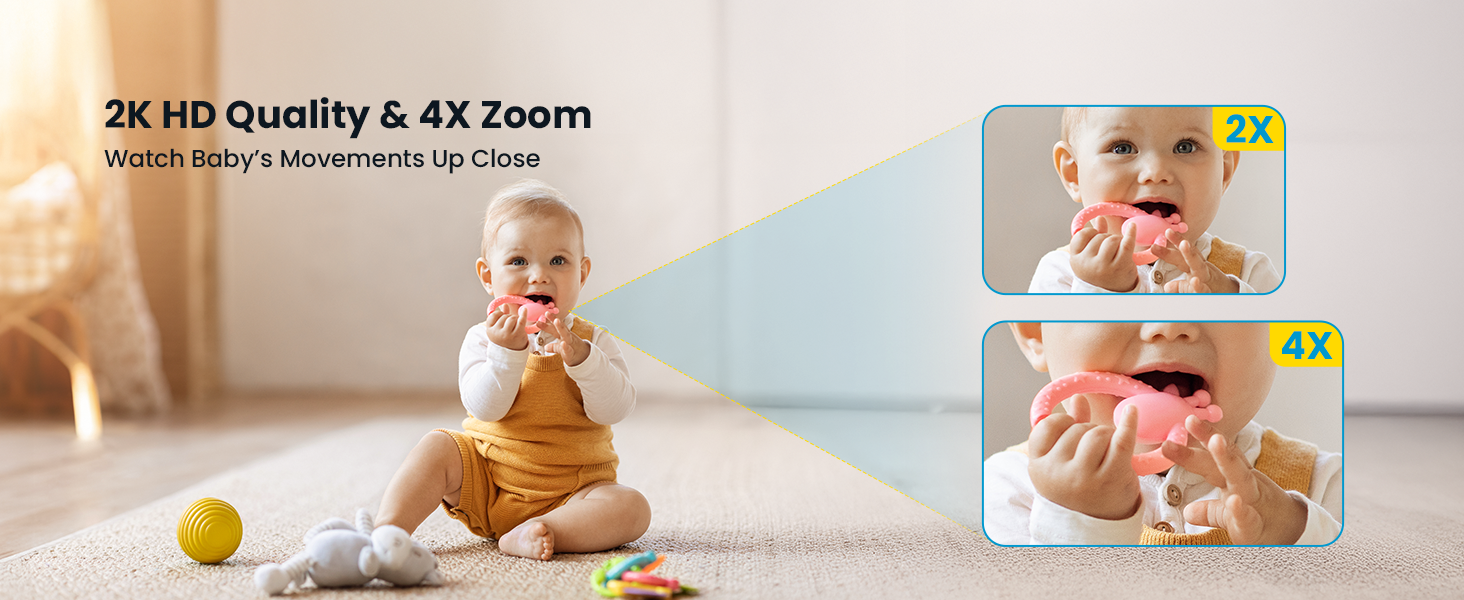
Figure 3.7: Temperature and Humidity Monitoring
3.6 Storage and Multi-User Access
The system supports local storage via an SD card (not included) and offers lifetime free 6-second cloud storage for event recordings. Multiple users can access the device, allowing family members to monitor the baby simultaneously.
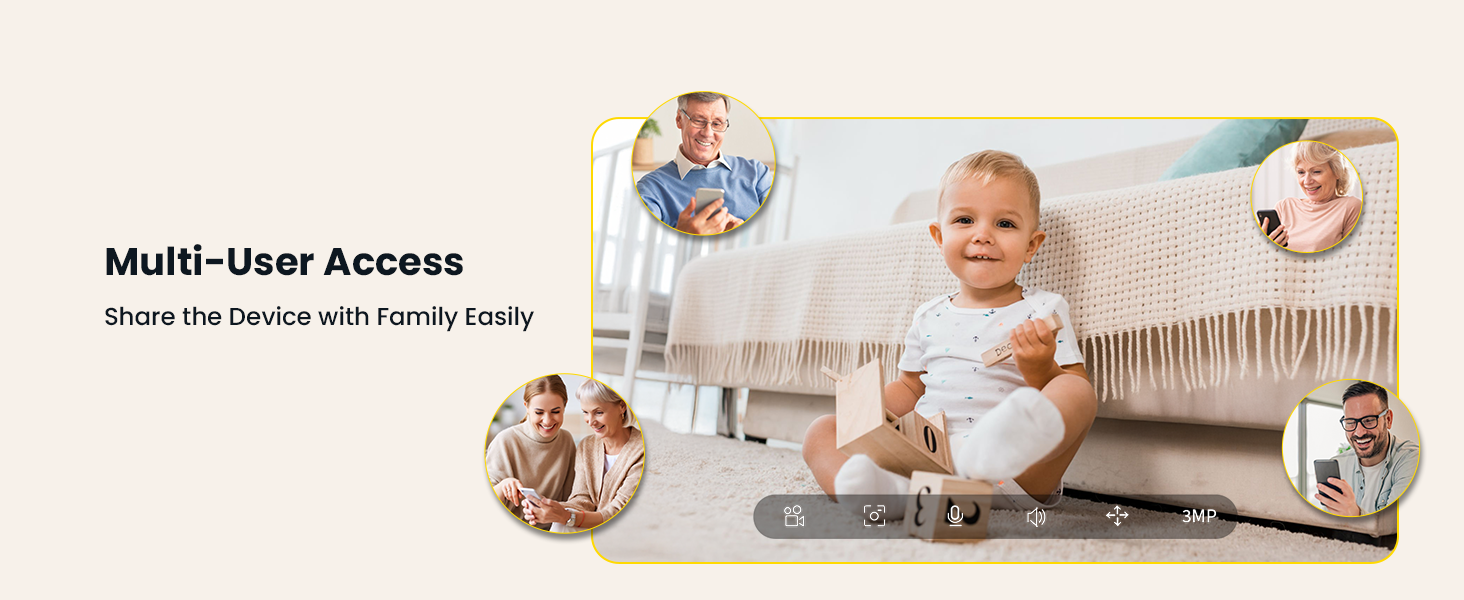
Figure 3.8: Multi-User Access
3.7 ബാറ്ററി ലൈഫ്
The parent monitor features a long-lasting battery, providing approximately 8 hours of continuous display-on time or up to 7 days with the display off, allowing for extended monitoring without frequent recharging.
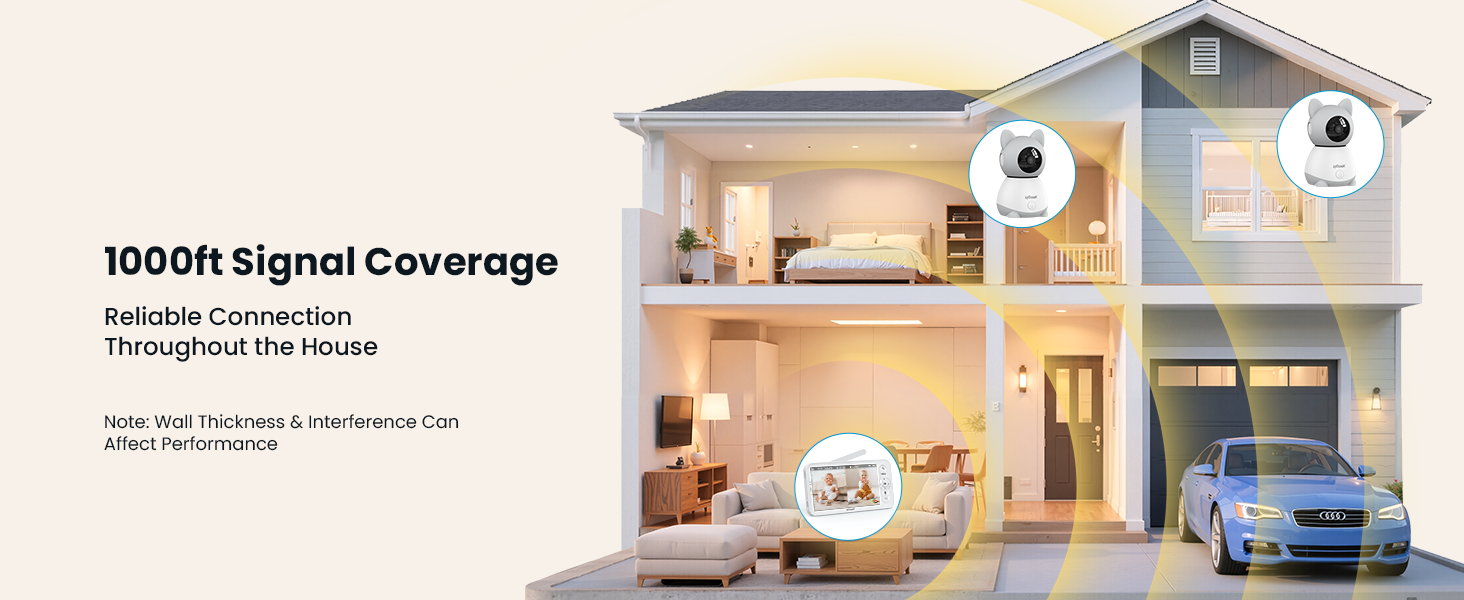
Figure 3.9: Parent Unit Battery Life
3.8 ഔദ്യോഗിക ഉൽപ്പന്ന വീഡിയോ
Video 3.1: ieGeek Baby Monitor with Camera and Audio Overview
4. പരിപാലനം
To ensure optimal performance and longevity of your ieGeek Baby Monitor, follow these maintenance guidelines:
- വൃത്തിയാക്കൽ: Gently wipe the camera lenses and monitor screen with a soft, dry cloth. Avoid using abrasive cleaners or solvents.
- പവർ കേബിളുകൾ: Regularly inspect power cables for any signs of damage. Replace immediately if frayed or broken.
- ബാറ്ററി കെയർ: For the parent unit, avoid fully discharging the battery frequently. Charge it regularly to maintain battery health.
- സംഭരണം: ഉപകരണം ദീർഘനേരം സൂക്ഷിക്കുകയാണെങ്കിൽ, അത് പൂർണ്ണമായും ചാർജ് ചെയ്തിട്ടുണ്ടെന്നും തണുത്തതും വരണ്ടതുമായ സ്ഥലത്ത് സൂക്ഷിക്കുന്നുണ്ടെന്നും ഉറപ്പാക്കുക.
5. പ്രശ്നപരിഹാരം
If you encounter issues with your ieGeek Baby Monitor, refer to the following common troubleshooting steps:
- No Signal/Connection:
- Ensure both the camera(s) and parent unit are powered on and within range.
- Check for obstructions or interference from other electronic devices.
- Try re-pairing the camera(s) with the parent unit according to the quick guide.
- ശബ്ദമില്ല/മോശം ഓഡിയോ:
- പാരന്റ് യൂണിറ്റിലെ വോളിയം ക്രമീകരണങ്ങൾ ക്രമീകരിക്കുക.
- Ensure the microphone on the camera is not obstructed.
- Screen Freezing/Lag:
- Restart both the camera(s) and the parent unit.
- Ensure the parent unit is within optimal range of the camera(s).
- ആപ്പ് കണക്റ്റിവിറ്റി പ്രശ്നങ്ങൾ:
- Verify your smartphone is connected to a stable 2.4GHz WiFi network.
- Ensure the camera is properly connected to your home WiFi network.
- ഏറ്റവും പുതിയ പതിപ്പിലേക്ക് ആപ്പ് അപ്ഡേറ്റ് ചെയ്യുക.
6 സ്പെസിഫിക്കേഷനുകൾ
| ഫീച്ചർ | സ്പെസിഫിക്കേഷൻ |
|---|---|
| മോഡൽ നമ്പർ | baby 1T |
| സ്ക്രീൻ വലിപ്പം | 5 ഇഞ്ച് |
| വീഡിയോ റെസല്യൂഷൻ | 2K HD |
| കണക്റ്റിവിറ്റി ടെക്നോളജി | Wireless (2.4G WiFi, FHSS) |
| പാൻ/ടിൽറ്റ് ശ്രേണി | 350° പാൻ, 60° ചരിവ് |
| സൂം ചെയ്യുക | 4x ഡിജിറ്റൽ സൂം |
| നൈറ്റ് വിഷൻ റേഞ്ച് | 32.81 അടി |
| പ്രത്യേക സവിശേഷതകൾ | 2-Way Audio, Cry Detection, Motion Sensor, Temperature Sensor, Humidity Sensor |
| Power Source (Monitor) | ബാറ്ററി പവർ |
| Power Source (Camera) | കോർഡഡ് ഇലക്ട്രിക് |
| അനുയോജ്യമായ ഉപകരണങ്ങൾ | iOS/Android |
| മൗണ്ടിംഗ് തരം | Wall Mount & Table |
| ഇനത്തിൻ്റെ ഭാരം | 2.2 പൗണ്ട് |
| ഉൽപ്പന്ന അളവുകൾ | 2.36 x 2.36 x 3.15 ഇഞ്ച് |
7. വാറൻ്റിയും പിന്തുണയും
ieGeek is committed to providing reliable security solutions. For any inquiries or support needs, please refer to the following contact information:
- വാറൻ്റി: The product typically includes a 2-year warranty.
- റിട്ടേണുകൾ: A 90-day free return policy is generally offered.
- ഗുണനിലവാര പ്രശ്നങ്ങൾ: Replacements are provided for quality-related issues.
ബന്ധപ്പെടാനുള്ള വിവരങ്ങൾ:
ഫോൺ: +1(202) 656-9955
Working Hours: Mon-Fri 9:00 am-18:00 pm (ET)
ഇമെയിൽ പിന്തുണ: service@iegeek.com
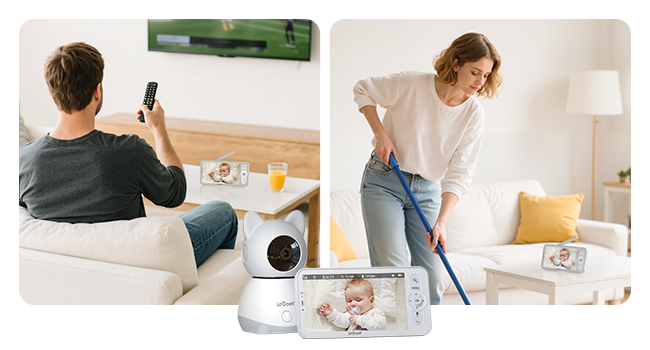
Figure 7.1: After-Sales Service Information