
ut3KiV9X0
K08 Portable Ear Mini Wireless Headset Bluetooth 5.0 InEar Earbuds User Manual
Model: ut3KiV9X0 | Brand: Generic
ആമുഖം
Thank you for choosing the K08 Portable Ear Mini Wireless Headset. This manual provides essential information for setting up, operating, and maintaining your new Bluetooth earbuds. Please read it carefully before use to ensure optimal performance and longevity of your device.
The K08 earbuds feature Bluetooth 5.0 for stable connectivity, a lightweight design for comfort, and a built-in microphone for calls. They are designed for convenience and high-quality audio experience.
സജ്ജീകരണ ഗൈഡ്
1. ഇയർബഡുകൾ ചാർജ് ചെയ്യുന്നു
Before first use, ensure the earbuds are fully charged. The K08 earbuds have a 50mAh battery capacity, providing approximately 5-6 hours of use on a full charge. A full charge typically takes about 1 hour.
- Connect the charging cable to the earbud's charging port.
- Connect the other end to a compatible USB power source.
- ഇൻഡിക്കേറ്റർ ലൈറ്റ് ചാർജിംഗ് സ്റ്റാറ്റസ് കാണിക്കുകയും പൂർണ്ണമായി ചാർജ് ചെയ്യുമ്പോൾ അത് ഓഫാക്കുകയോ നിറം മാറ്റുകയോ ചെയ്യും.
2. ഒരു ഉപകരണവുമായി ജോടിയാക്കൽ
The K08 earbuds utilize Bluetooth 5.0 for quick and stable pairing.
- ഇയർബഡുകൾ ചാർജ് ചെയ്തിട്ടുണ്ടെന്നും പവർ ഓണാണെന്നും ഉറപ്പാക്കുക.
- Activate Bluetooth on your mobile phone, laptop, or other device.
- ഇതിനായി തിരയുക available Bluetooth devices. The earbuds should appear as "K08" or similar.
- Select "K08" from the list to initiate pairing.
- ജോടിയാക്കിക്കഴിഞ്ഞാൽ, ഇയർബഡുകൾ കണക്ഷൻ വിജയകരമാണെന്ന് സൂചിപ്പിക്കും (ഉദാഹരണത്തിന്, ഒരു വോയ്സ് പ്രോംപ്റ്റ് അല്ലെങ്കിൽ ഇൻഡിക്കേറ്റർ ലൈറ്റ് മാറ്റം).
The transmission distance for a stable connection is approximately 10 meters (33 feet).
പ്രവർത്തന നിർദ്ദേശങ്ങൾ
The K08 earbuds support button operation for various functions.
അടിസ്ഥാന പ്രവർത്തനങ്ങൾ
| ആക്ഷൻ | ബട്ടൺ പ്രവർത്തനം |
|---|---|
| പവർ ഓൺ | Press and hold the button for approximately 3 seconds |
| പവർ ഓഫ് | Press and hold the button for approximately 5 seconds |
| സംഗീതം പ്ലേ ചെയ്യുക/താൽക്കാലികമായി നിർത്തുക | ഒറ്റത്തവണ ബട്ടൺ അമർത്തുക |
| ഉത്തരം / കോൾ അവസാനിപ്പിക്കുക | Single press the button during an incoming call or active call |
| കോൾ നിരസിക്കുക | Press and hold the button during an incoming call |
| അടുത്ത ട്രാക്ക് | ബട്ടൺ രണ്ടുതവണ അമർത്തുക |
| മുമ്പത്തെ ട്രാക്ക് | Triple press the button |
The K08 earbuds are designed for comfortable wear, featuring silicone earplugs that ensure comfort even during extended use. Their lightweight design makes them suitable for various activities like running, jogging, hiking, climbing, and cycling.

ചിത്രം 1: K08 Earbud in use. The earbud is designed to fit snugly and comfortably in the ear, ideal for active lifestyles.
പരിപാലനവും പരിചരണവും
Proper maintenance ensures the longevity and optimal performance of your K08 earbuds.
- വൃത്തിയാക്കൽ: മൃദുവായതും ഉണങ്ങിയതും ലിന്റ് രഹിതവുമായ തുണി ഉപയോഗിച്ച് ഇയർബഡുകൾ സൌമ്യമായി തുടയ്ക്കുക. കഠിനമായ രാസവസ്തുക്കളോ ഉരച്ചിലുകളോ ഉള്ള വസ്തുക്കൾ ഉപയോഗിക്കരുത്.
- സംഭരണം: Store the earbuds in a cool, dry place when not in use. Avoid extreme temperatures.
- ജല പ്രതിരോധം: The earbuds support daily life water resistance, meaning they are resistant to sweat and light rain. Do not submerge them in water or expose them to heavy rain.
- ബാറ്ററി കെയർ: To preserve battery life, avoid fully discharging the earbuds frequently. Charge them regularly.
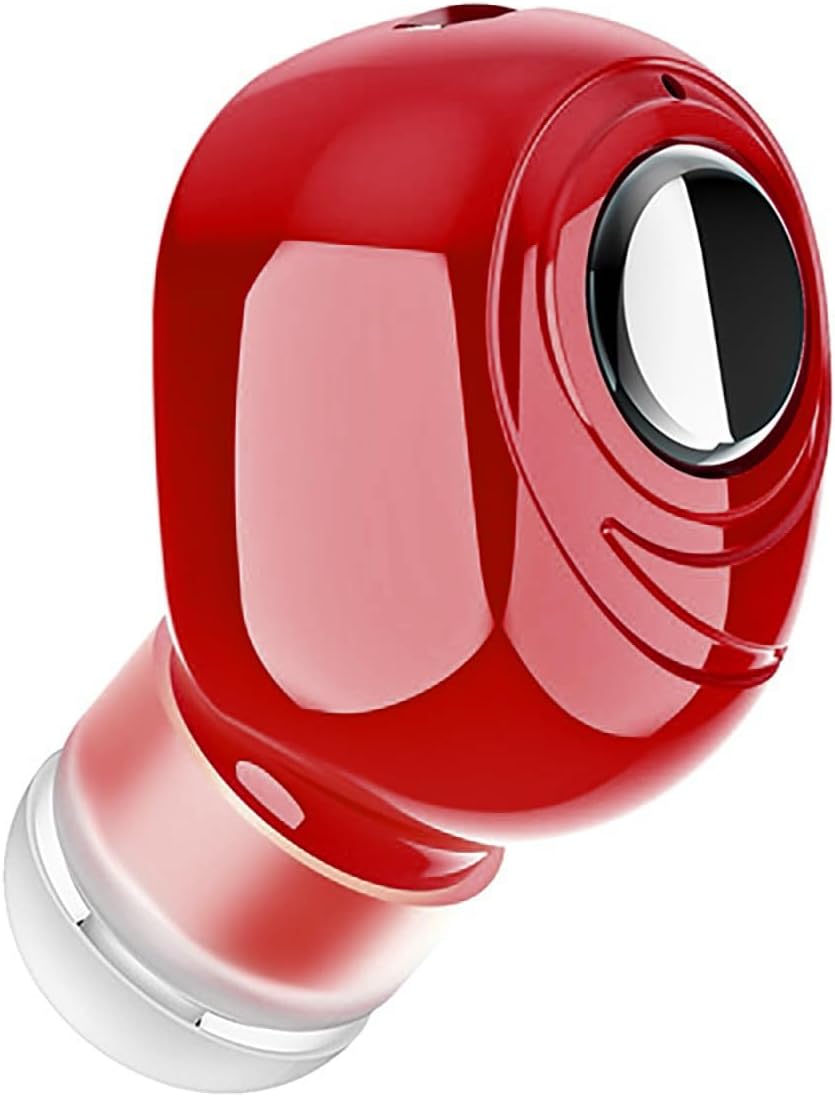
ചിത്രം 2: K08 Earbud design. The compact and sleek design makes it easy to handle and maintain.
ട്രബിൾഷൂട്ടിംഗ്
If you encounter issues with your K08 earbuds, refer to the following common problems and solutions:
| പ്രശ്നം | സാധ്യമായ പരിഹാരം |
|---|---|
| ഇയർബഡുകൾ ഓണാക്കുന്നില്ല | Ensure the earbuds are fully charged. Press and hold the power button for a longer duration. |
| ഉപകരണവുമായി ജോടിയാക്കാൻ കഴിയില്ല |
|
| ശബ്ദമോ കുറഞ്ഞ വോളിയമോ ഇല്ല |
|
| ഇടവിട്ടുള്ള കണക്ഷൻ |
|
ഉൽപ്പന്ന സവിശേഷതകൾ
| ഫീച്ചർ | വിശദാംശങ്ങൾ |
|---|---|
| മോഡലിൻ്റെ പേര് | K08 |
| മോഡൽ നമ്പർ | ut3KiV9X0 |
| ബ്രാൻഡ് | ജനറിക് |
| ബ്ലൂടൂത്ത് പതിപ്പ് | 5.0 |
| വയർലെസ് കമ്മ്യൂണിക്കേഷൻ ടെക്നോളജി | ബ്ലൂടൂത്ത് |
| ട്രാൻസ്മിഷൻ ദൂരം | 10 മീറ്റർ (ഏകദേശം 33 അടി) |
| ബാറ്ററി ശേഷി | 50mAh |
| ഉപയോഗ സമയം | 5-6 മണിക്കൂർ (ഏകദേശം) |
| ചാർജിംഗ് സമയം | 1 മണിക്കൂർ (ഏകദേശം) |
| സംവേദനക്ഷമത | 101.7dB±3dB |
| സിഗ്നൽ-ടു-നോയിസ് അനുപാതം | 95dB |
| മെറ്റീരിയൽ | Plastic, Silicone (earplugs) |
| ഇനത്തിൻ്റെ ഭാരം | 25 ഗ്രാം (0.882 ഔൺസ്) |
| നിറം | ചുവപ്പ് |
| ഫോം ഫാക്ടർ | ചെവിയിൽ |
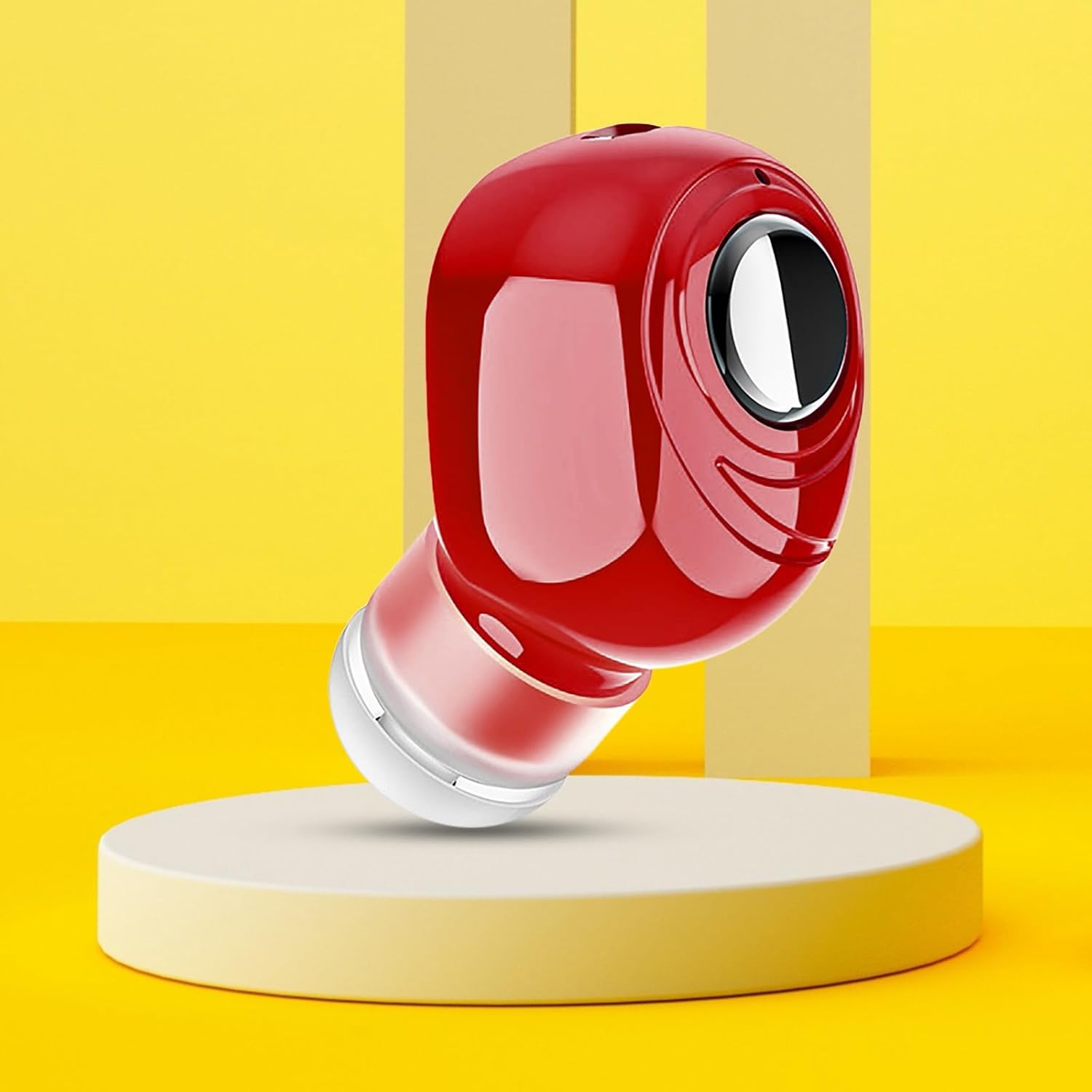
ചിത്രം 3: K08 Earbud showcasing its compact size and vibrant red color.
വാറൻ്റി വിവരങ്ങൾ
Specific warranty details are not provided in the product description. For information regarding warranty coverage and terms, please refer to the retailer's return policy or contact the manufacturer directly. Keep your purchase receipt as proof of purchase.
ഉപഭോക്തൃ പിന്തുണ
For further assistance, technical support, or inquiries not covered in this manual, please contact your point of purchase or visit the Generic brand's official support channels if available. Please have your model number (ut3KiV9X0) ready when contacting support.
പ്രസക്തമായ രേഖകളൊന്നുമില്ല.
Ask a question about this manual
Ask about setup, troubleshooting, compatibility, parts, safety, or missing instructions. Manuals+ will review the question and use this page’s manual context to help answer it.