
ആമുഖം
These Lifenaxx thermal label rolls are specifically designed for use with the Lifenaxx LX-048 mini label printer. Each package contains 3 rolls, with each roll providing 180 self-adhesive labels, measuring 14mm in width and 30mm in length. These labels enable clear, smudge-free printing without the need for ink, making them ideal for various organizational and identification tasks in both home and office environments. They feature strong adhesion and are designed for easy application and removal without leaving residue.
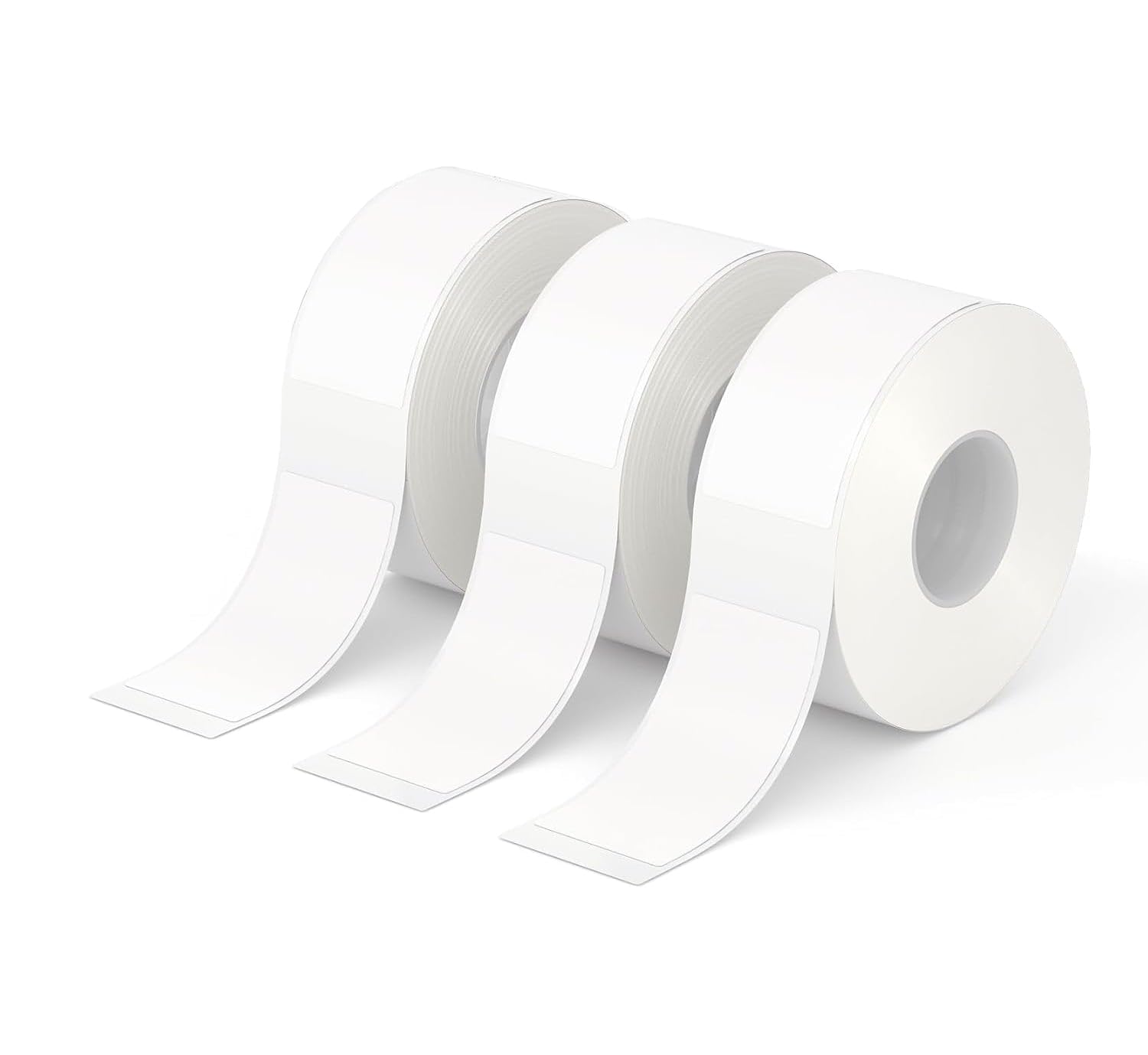
This image displays the Lifenaxx thermal label rolls, highlighting their dimensions of 14mm in width and 30mm in length. The labels are white and come on a roll, ready for use with a compatible thermal label printer.
സജ്ജമാക്കുക
To begin using your Lifenaxx thermal label rolls with the LX-048 mini label printer, follow these steps:
- Ensure your LX-048 mini label printer is powered off.
- Locate and open the label compartment on your LX-048 printer. Refer to your printer's manual for specific instructions on opening the compartment.
- Insert one roll of Lifenaxx thermal labels into the compartment. Ensure the labels are oriented correctly so that they feed smoothly towards the print head. The printing surface should face upwards or as indicated by your printer's design.
- ലേബൽ കമ്പാർട്ട്മെൻ്റ് സുരക്ഷിതമായി അടയ്ക്കുക.
- Power on your LX-048 printer. The printer should automatically detect the new label roll.

This image shows three individual rolls of Lifenaxx thermal labels, indicating the quantity provided in the package. Each roll contains self-adhesive labels suitable for various labeling tasks.
പ്രവർത്തന നിർദ്ദേശങ്ങൾ
Once the label roll is loaded, you can proceed with printing:
- Connect your LX-048 printer to your device (e.g., smartphone, tablet, computer) via Bluetooth or USB, following the connection instructions provided with your printer.
- Open the dedicated label printing application on your device.
- Select the desired label template or create a new one.
- Enter the text, images, or barcodes you wish to print onto the label.
- Ensure that the label size setting within the application is configured to match the 14x30mm dimensions of these labels.
- Initiate the print command from the application. The printer will feed and print the label.
- Carefully tear off the printed label from the printer's output slot.
- Peel the printed label from its backing and apply it to your desired surface. These labels are designed to adhere strongly and remove cleanly.

A hand is shown peeling a Lifenaxx thermal label from a surface, demonstrating that the labels can be removed without leaving sticky residue. The image also highlights that the labels are safe and BPA-free.

This composite image illustrates the versatility of Lifenaxx thermal labels, showing them successfully applied to different materials such as glass, ceramic, metal, plastic, and wood, demonstrating their strong adhesion.
മെയിൻ്റനൻസ്
Proper care of your label rolls and printer ensures optimal performance:
- സംഭരണം: Store unused label rolls in a cool, dry place away from direct sunlight and excessive heat. This helps preserve the thermal sensitivity and adhesive quality of the labels.
- കൈകാര്യം ചെയ്യൽ: Avoid touching the thermal printing surface of the labels with bare hands, as oils and dirt can affect print quality.
- പ്രിന്റർ ക്ലീനിംഗ്: Regularly clean the print head of your LX-048 printer with a soft, lint-free cloth or an alcohol wipe specifically designed for thermal print heads. Refer to your LX-048 printer manual for detailed cleaning instructions. A clean print head is crucial for clear and consistent label printing.
ട്രബിൾഷൂട്ടിംഗ്
If you encounter issues while using your Lifenaxx thermal label rolls, consider the following:
- Poor Print Quality (Faint, Streaky, or Missing Text):
- Ensure the print head of your LX-048 printer is clean.
- Verify that the label roll is inserted correctly and feeding properly.
- Check if the label type selected in your printing application matches thermal labels.
- Confirm the labels are not expired or damaged from improper storage.
- ഭക്ഷണം നൽകാത്തതോ ജാം ചെയ്യുന്നതോ ആയ ലേബലുകൾ:
- Confirm the label roll is properly seated in the compartment and not loose.
- ലേബൽ പാതയിൽ എന്തെങ്കിലും തടസ്സങ്ങളോ അവശിഷ്ടങ്ങളോ ഉണ്ടോയെന്ന് പരിശോധിക്കുക.
- Ensure the printer cover is securely closed.
- Labels Not Sticking Properly:
- Ensure the application surface is clean, dry, and smooth. Dust, grease, or moisture can reduce adhesion.
- Avoid applying labels to heavily textured or oily surfaces.
- Check the ambient temperature; extreme cold can affect adhesive performance.
സ്പെസിഫിക്കേഷനുകൾ
| ഫീച്ചർ | വിശദാംശങ്ങൾ |
|---|---|
| ബ്രാൻഡ് | ലൈഫ്നാക്സ് |
| മോഡൽ നമ്പർ | 5244 |
| ലേബൽ അളവുകൾ | 14 മിമി x 30 മിമി |
| Labels Per Roll | 180 |
| Rolls Per Pack | 3 |
| Total Labels | 540 |
| മെറ്റീരിയൽ | തെർമൽ പേപ്പർ |
| നിറം | വെള്ള |
| അഡീഷൻ | Strong, Self-Adhesive |
| അനുയോജ്യത | Lifenaxx LX-048 Mini Label Printer |
| പ്രത്യേക സവിശേഷതകൾ | BPA-free, No ink required, Tear off without glue traces |
| ഇനത്തിൻ്റെ ഭാരം | 12 ഗ്രാം |
വാറൻ്റി വിവരങ്ങൾ
These Lifenaxx thermal label rolls come with a 2 വർഷത്തെ വാറൻ്റി. This warranty covers manufacturing defects. Please retain your proof of purchase for any warranty claims.
പിന്തുണ
For further assistance, technical support, or inquiries regarding your Lifenaxx thermal label rolls or the LX-048 mini label printer, please:
- Refer to the comprehensive user manual provided with your Lifenaxx LX-048 Mini Label Printer.
- Visit the official Lifenaxx webപതിവുചോദ്യങ്ങൾ, പിന്തുണാ ഉറവിടങ്ങൾ, ബന്ധപ്പെടാനുള്ള വിവരങ്ങൾ എന്നിവയ്ക്കുള്ള സൈറ്റ്.
- Contact Lifenaxx customer service directly if your issue persists after consulting available resources.