
1. ആമുഖം
This manual provides detailed instructions for the safe and efficient use of your DOOGEE Tab G6 Android 15 Tablet. Please read this manual thoroughly before operating your device to ensure proper functionality and to prevent damage. Keep this manual for future reference.
2. പാക്കേജ് ഉള്ളടക്കം
താഴെ ലിസ്റ്റ് ചെയ്തിരിക്കുന്ന എല്ലാ ഇനങ്ങളും നിങ്ങളുടെ പാക്കേജിൽ ഉൾപ്പെടുത്തിയിട്ടുണ്ടെന്ന് ഉറപ്പാക്കുക. ഏതെങ്കിലും ഇനങ്ങൾ നഷ്ടപ്പെട്ടിട്ടുണ്ടെങ്കിലോ കേടായിട്ടുണ്ടെങ്കിലോ, ദയവായി നിങ്ങളുടെ റീട്ടെയിലറെ ബന്ധപ്പെടുക.
- DOOGEE Tab G6 Tablet
- ടൈപ്പ്-സി കേബിൾ
- ചാർജർ
- Stylus (VIP Edition)
- Pre-applied Screen Protector Film
- Bluetooth Mouse (VIP Edition)
- Protective Leather Case (VIP Edition)
- Bluetooth Keyboard (VIP Edition)
- സിം എജക്ടർ ഉപകരണം
- ഉപയോക്തൃ മാനുവൽ

Image: The DOOGEE Tab G6 tablet shown with its full set of accessories, including a Bluetooth keyboard, mouse, stylus, charger, and protective case.

Image: A visual representation of the complete package contents for the DOOGEE Tab G6, detailing each accessory.
3. ഉപകരണ ലേഔട്ട്
The DOOGEE Tab G6 features a sleek design with a metallic body. It is designed to be thin and lightweight for portability.
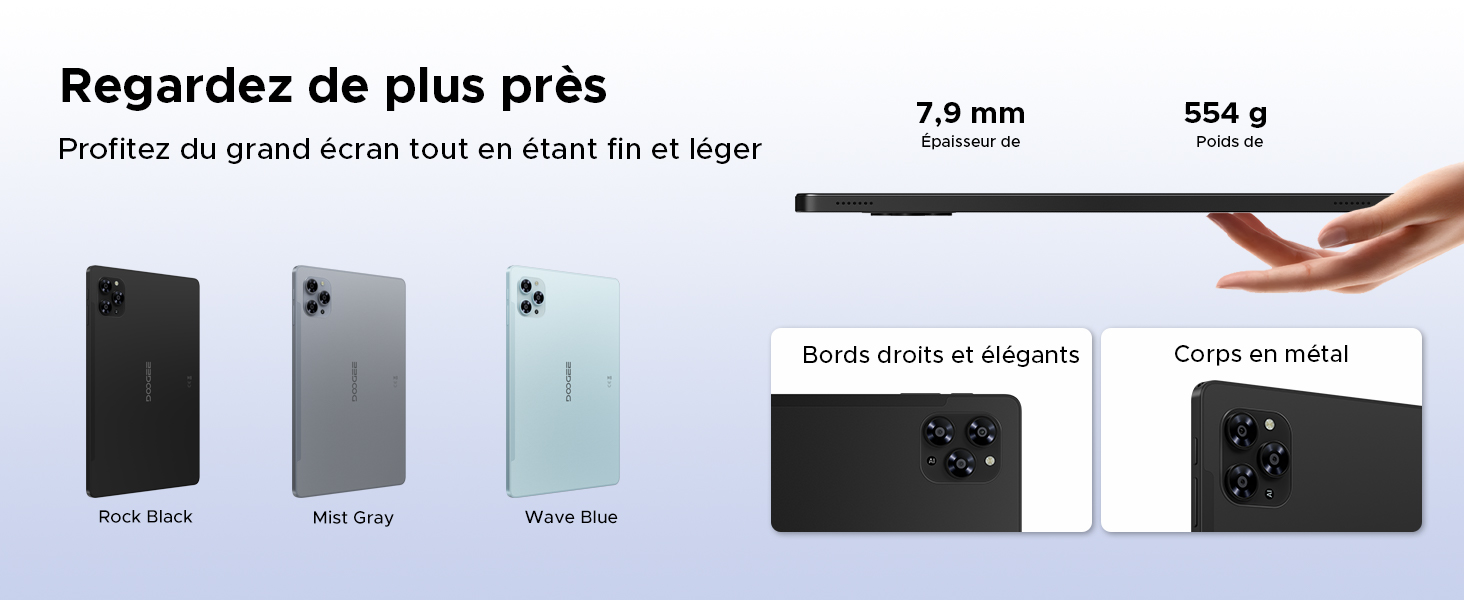
Image: A visual emphasizing the tablet's slim profile (7.9 mm thickness) and light weight (554 g), alongside details of its metal construction and design.
4. പ്രാരംഭ സജ്ജീകരണം
4.1 ടാബ്ലെറ്റ് ചാർജ് ചെയ്യുന്നു
Before first use, fully charge your DOOGEE Tab G6 using the provided charger and Type-C cable. Connect the Type-C cable to the tablet's charging port and the charger to a power outlet. The battery indicator on the screen will show the charging status.
4.2 പവർ ഓൺ/ഓഫ്
- പവർ ഓണാക്കാൻ: Press and hold the Power button until the DOOGEE logo appears on the screen.
- പവർ ഓഫ് ചെയ്യാൻ: Press and hold the Power button until the power options appear. Select 'Power off' and confirm.
4.3 സിം, മൈക്രോ എസ്ഡി കാർഡ് ഇൻസ്റ്റാളേഷൻ
The DOOGEE Tab G6 supports dual SIM cards and a MicroSD card for expanded storage.
- ടാബ്ലെറ്റിന്റെ വശത്ത് സിം കാർഡ് ട്രേ കണ്ടെത്തുക.
- ട്രേയുടെ അടുത്തുള്ള ചെറിയ ദ്വാരത്തിലേക്ക് സിം എജക്റ്റർ ഉപകരണം തിരുകുക, ട്രേ പുറത്തേക്ക് വരുന്നത് വരെ സൌമ്യമായി അമർത്തുക.
- Place your Nano-SIM cards and/or MicroSD card into the designated slots on the tray, ensuring correct orientation.
- ട്രേ അതിന്റെ സ്ഥാനത്ത് ക്ലിക്കായി വരുന്നത് വരെ ശ്രദ്ധാപൂർവ്വം ടാബ്ലെറ്റിലേക്ക് തിരികെ തള്ളുക.

ചിത്രം: വിശദമായ ഒരു ചിത്രം view of the tablet's dual SIM and MicroSD card tray, illustrating how to insert the cards.
4.4 Connecting Bluetooth Accessories
Your DOOGEE Tab G6 comes with a Bluetooth keyboard and mouse. To connect them:
- Ensure the accessories are charged and in pairing mode (refer to their individual manuals if needed).
- നിങ്ങളുടെ ടാബ്ലെറ്റിൽ, ഇതിലേക്ക് പോകുക ക്രമീകരണങ്ങൾ > കണക്റ്റുചെയ്ത ഉപകരണങ്ങൾ > ബ്ലൂടൂത്ത്.
- ബ്ലൂടൂത്ത് ഓണാക്കി ലഭ്യമായ ഉപകരണങ്ങൾക്കായി സ്കാൻ ചെയ്യുക.
- ജോടിയാക്കാൻ ലിസ്റ്റിൽ നിന്ന് കീബോർഡോ മൗസോ തിരഞ്ഞെടുക്കുക. സ്ക്രീനിലെ ഏതെങ്കിലും നിർദ്ദേശങ്ങൾ പാലിക്കുക.
5. നിങ്ങളുടെ ടാബ്ലെറ്റ് പ്രവർത്തിപ്പിക്കൽ
5.1 ആൻഡ്രോയിഡ് 15 ഓപ്പറേറ്റിംഗ് സിസ്റ്റം
The DOOGEE Tab G6 runs on the latest Android 15 operating system, offering an intuitive interface and enhanced features.
- Multi-User System: Create separate user profiles for different individuals, each with their own apps, settings, and data.
- രക്ഷാകർതൃ നിയന്ത്രണം: Manage and restrict content, screen time, and app usage for children's profiles.
- ബെഡ്ടൈം മോഡ്: Schedule the tablet to automatically switch to grayscale and silence notifications for a better night's sleep.
- Enhanced Security and Privacy: Benefit from improved app permission management, data encryption, and regular security updates.

Image: An illustration of the Android 15 operating system and its key features for user management and well-being.
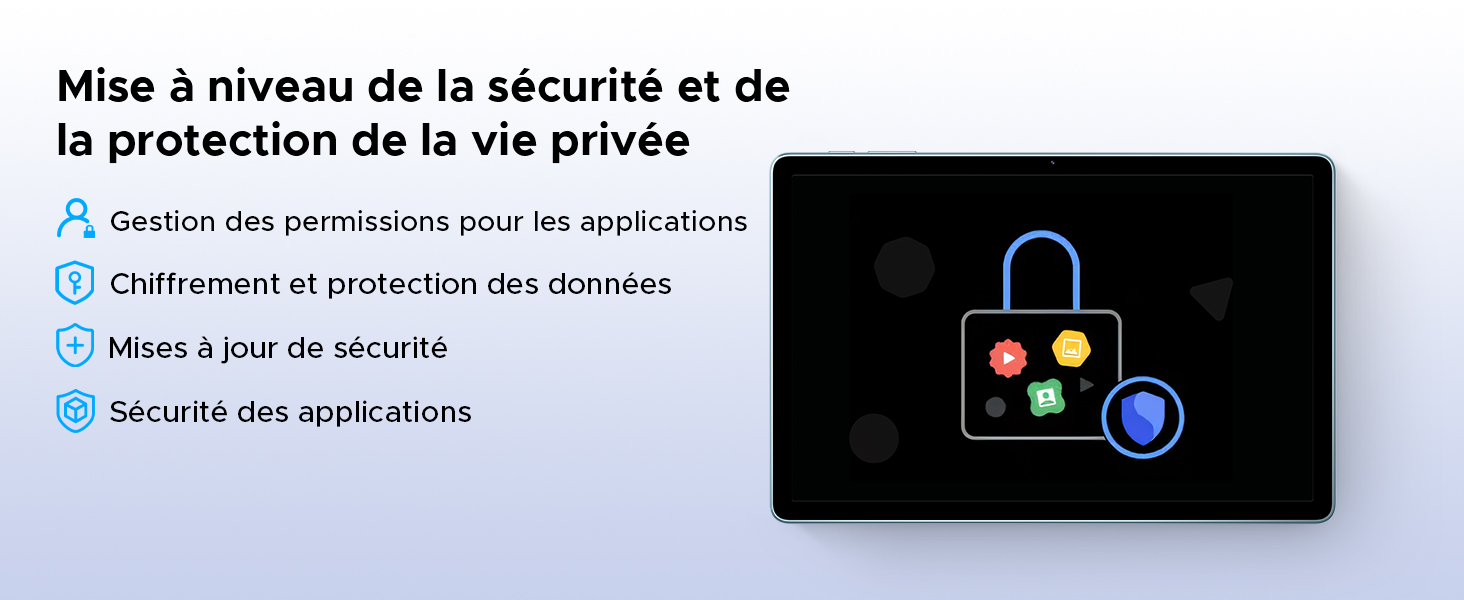
Image: A visual representation of the security and privacy enhancements in Android 15.
5.2 ഡിസ്പ്ലേയും ദൃശ്യങ്ങളും
The tablet features an 11-inch HD IPS display with a 90Hz refresh rate for smooth visuals.
- 90Hz പുതുക്കൽ നിരക്ക്: Provides a smoother scrolling and gaming experience.
- ഐ കംഫർട്ട് മോഡ്: കണ്ണിന്റെ ആയാസം കുറയ്ക്കുന്നതിന് നീല വെളിച്ചം പുറന്തള്ളുന്നത് കുറയ്ക്കുന്നു, പ്രത്യേകിച്ച് ദീർഘനേരം ഉപയോഗിക്കുമ്പോൾ.
- ഡാർക്ക് മോഡ്: Changes the system's color scheme to a darker palette, which can be more comfortable for eyes in low-light conditions and save battery.
- വൈഡ്വൈൻ എൽ1 പിന്തുണ: Allows for streaming high-definition content from supported platforms like Netflix, Amazon Prime Video, and YouTube.

Image: The tablet's 11-inch HD 90Hz IPS display, showcasing its visual clarity and smooth performance.
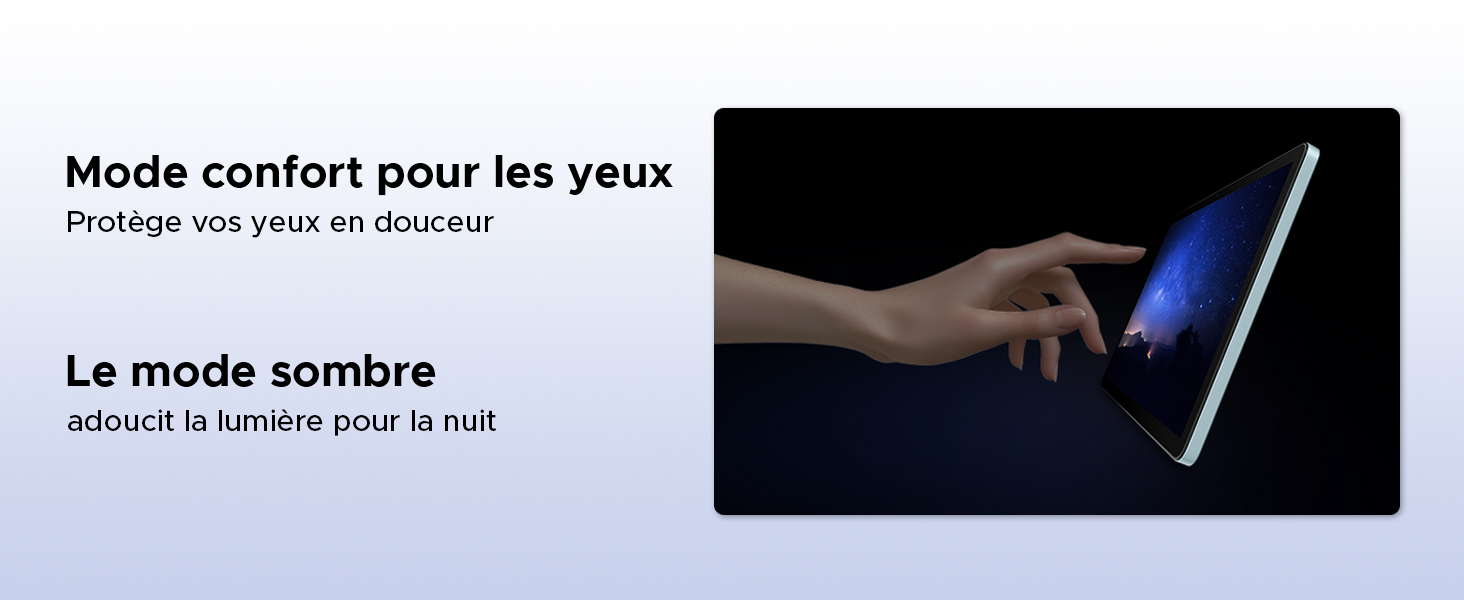
Image: Demonstrating the eye comfort and dark mode features for improved viewഅനുഭവം.
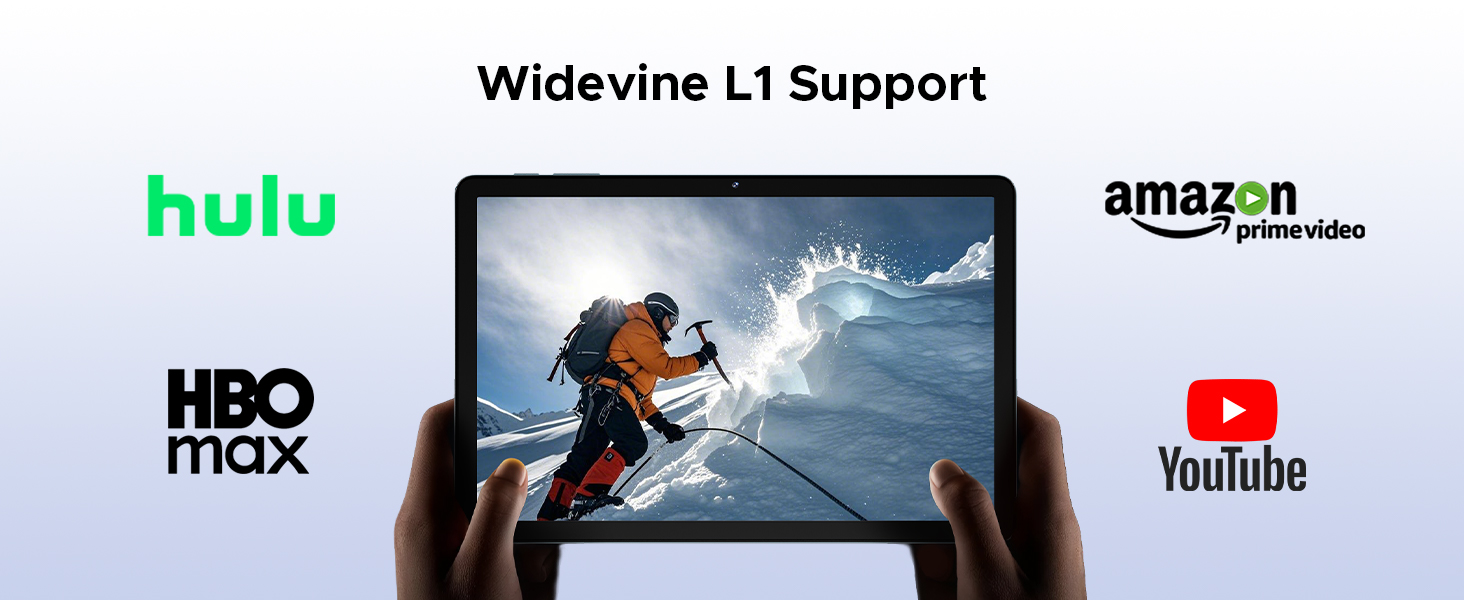
Image: Highlighting the tablet's Widevine L1 support for streaming HD content from popular platforms.
5.3 പ്രകടനവും സംഭരണവും
The DOOGEE Tab G6 is powered by an Octa-Core Unisoc T7250 processor and offers ample സംഭരണം.
- Unisoc T7250 Octa-Core Processor: Provides efficient performance for multitasking, gaming, and media consumption.
- 30GB RAM (6GB Physical + 24GB Virtual): Ensures smooth operation and quick app switching.
- 256GB Internal Storage (ROM): Sufficient space for applications, photos, and videos.
- Expandable Storage up to 2TB (TF Card): Allows for significant expansion of storage capacity for large media libraries.

ചിത്രം: വിശദമായ ഒരു ചിത്രം view of the Unisoc T7250 octa-core processor, emphasizing its role in the tablet's performance.
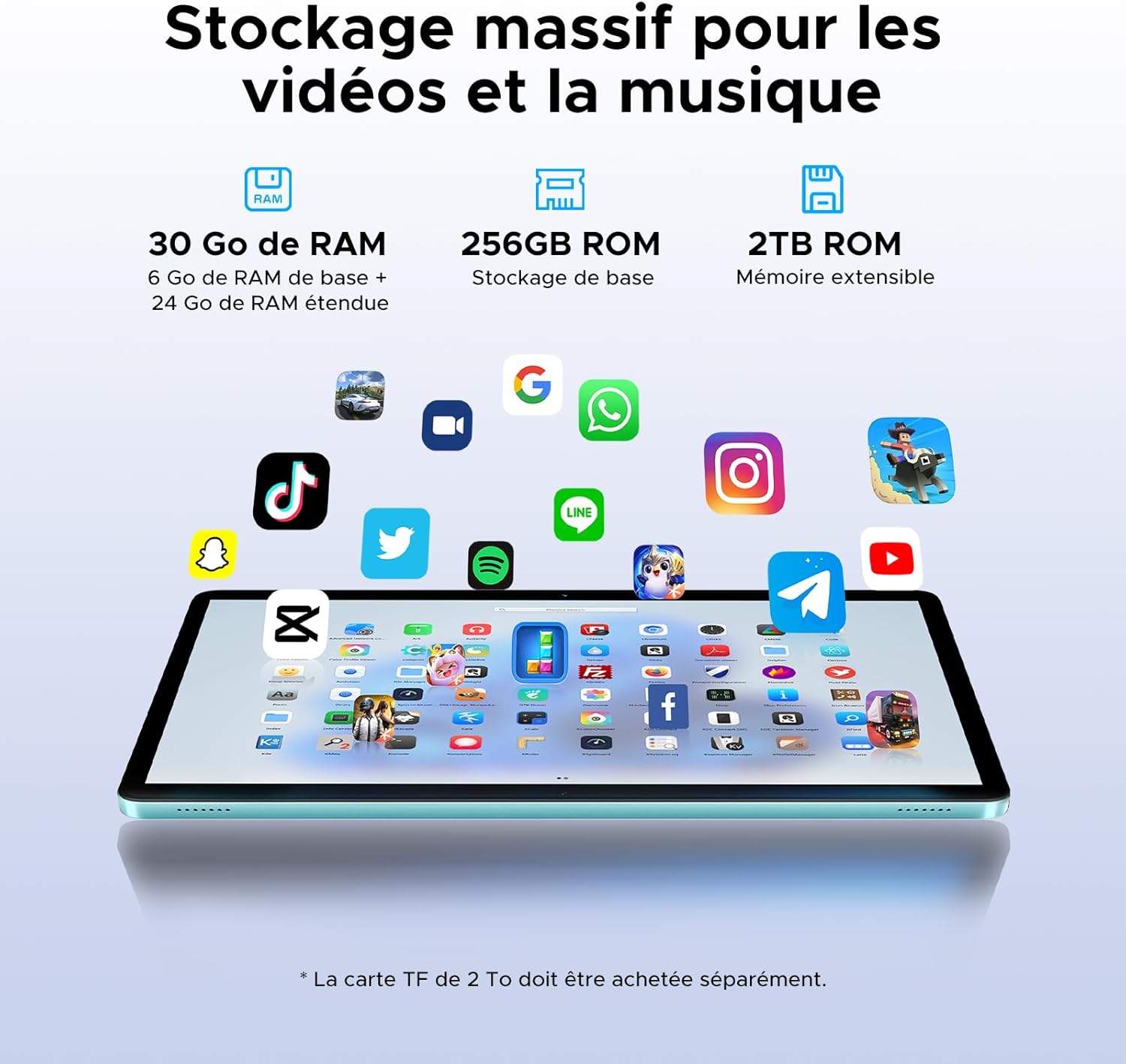
Image: Illustrating the tablet's substantial storage capabilities for apps, videos, and music.
5.4 കണക്റ്റിവിറ്റി
Stay connected with versatile network options.
- Dual SIM 4G LTE: Supports mobile data and calls, providing connectivity even without Wi-Fi.
- Wi-Fi 5 (802.11ac): Offers fast and stable wireless internet connection.
Image: Highlighting the benefits of 4G LTE dual SIM connectivity for mobile internet and calls.
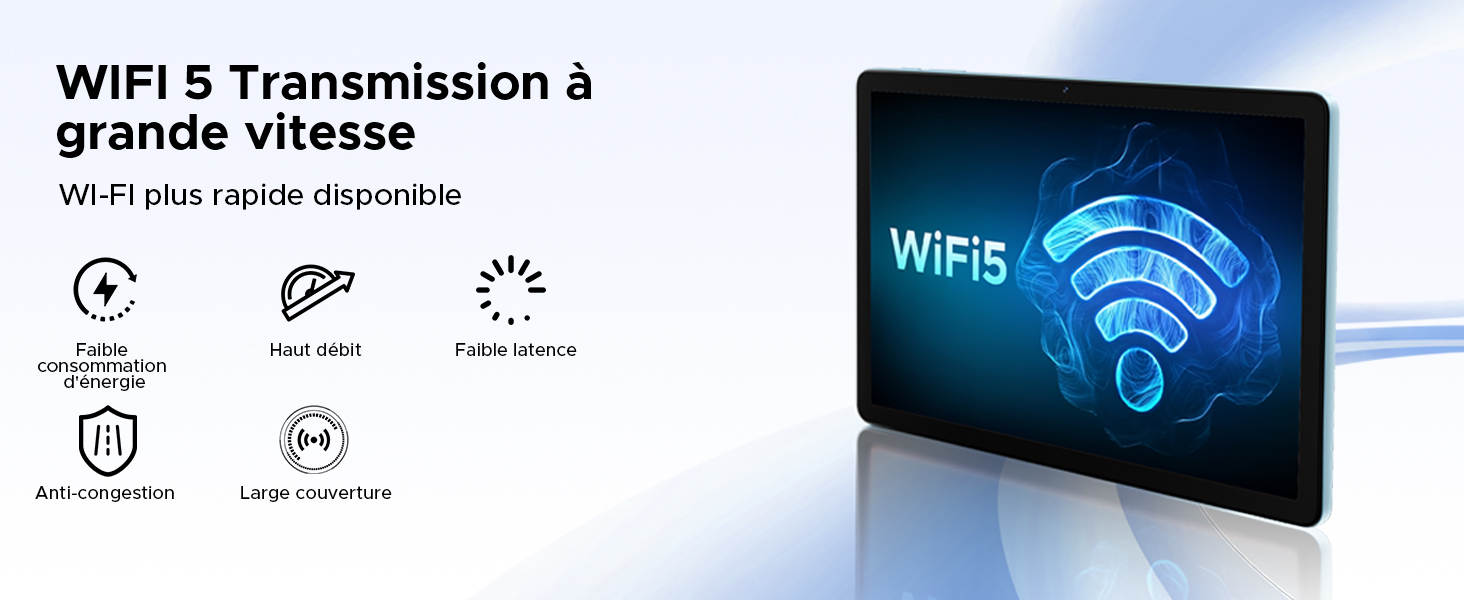
Image: Detailing the advantages of WiFi 5 for fast and reliable internet access.
5.5 ക്യാമറ പ്രവർത്തനങ്ങൾ
Capture moments and unlock your device with the integrated cameras.
- 13MP പ്രധാന ക്യാമറ: For clear photos and videos.
- 5MP മുൻ ക്യാമറ: Ideal for video calls and selfies.
- മുഖം തിരിച്ചറിയൽ: മുഖം തിരിച്ചറിയൽ ഉപയോഗിച്ച് നിങ്ങളുടെ ടാബ്ലെറ്റ് സുരക്ഷിതമായി അൺലോക്ക് ചെയ്യുക.
- ക്യാമറ മോഡുകൾ: Includes filter and beauty modes for enhanced photography.

ചിത്രം: ഷോക്asing the tablet's 13MP main and 5MP front cameras, along with sampലെ ചിത്രങ്ങൾ.
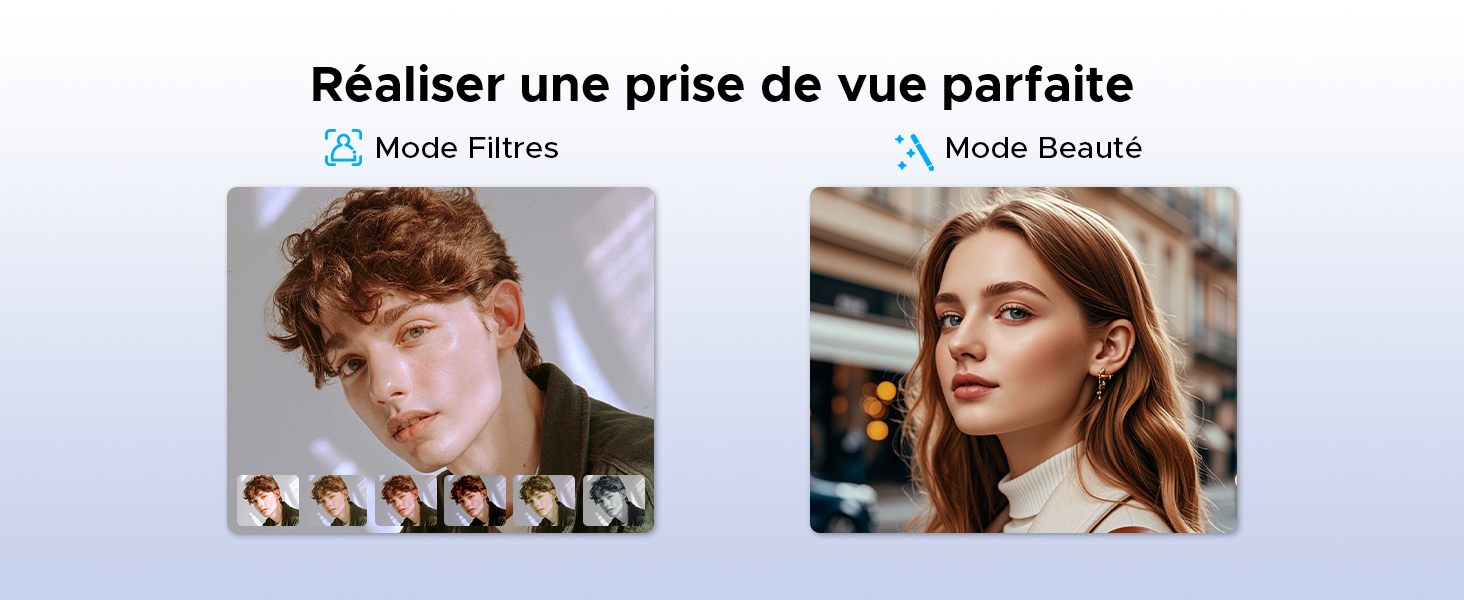
ചിത്രം: ഉദാamples of filter and beauty modes available in the camera application.
5.6 ഓഡിയോയും വിനോദവും
Enjoy immersive sound and radio on your tablet.
- Premium 1217 BOX Dual Speakers: Delivers clear and immersive stereo sound.
- എഫ്എം റേഡിയോ: Connect wired earphones to use the built-in FM radio function.

Image: The tablet's dual speakers providing an immersive audio experience during gaming.
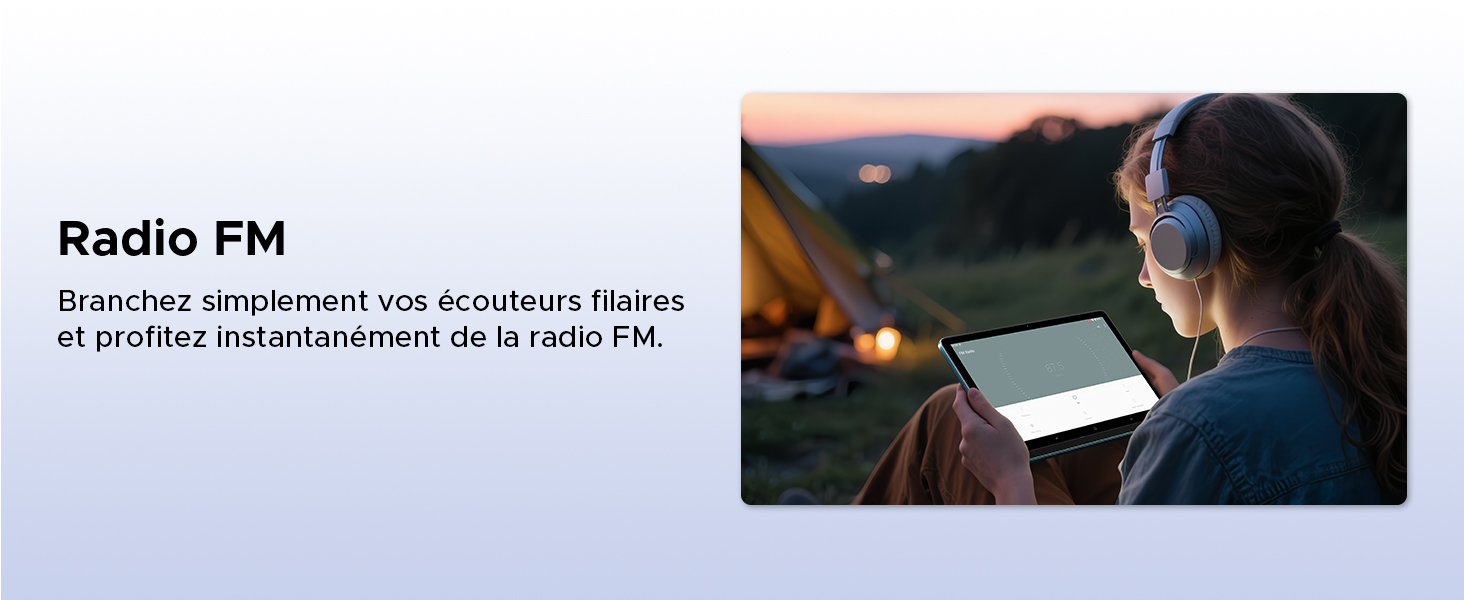
Image: Demonstrating the FM radio functionality, accessible by plugging in wired earphones.
5.7 Productivity
Enhance your work and multitasking capabilities.
- WPS Office Integration: Pre-installed WPS Office allows for easy document editing and file viewing.
- Split Screen Multitasking: Use two applications simultaneously side-by-side for increased productivity.
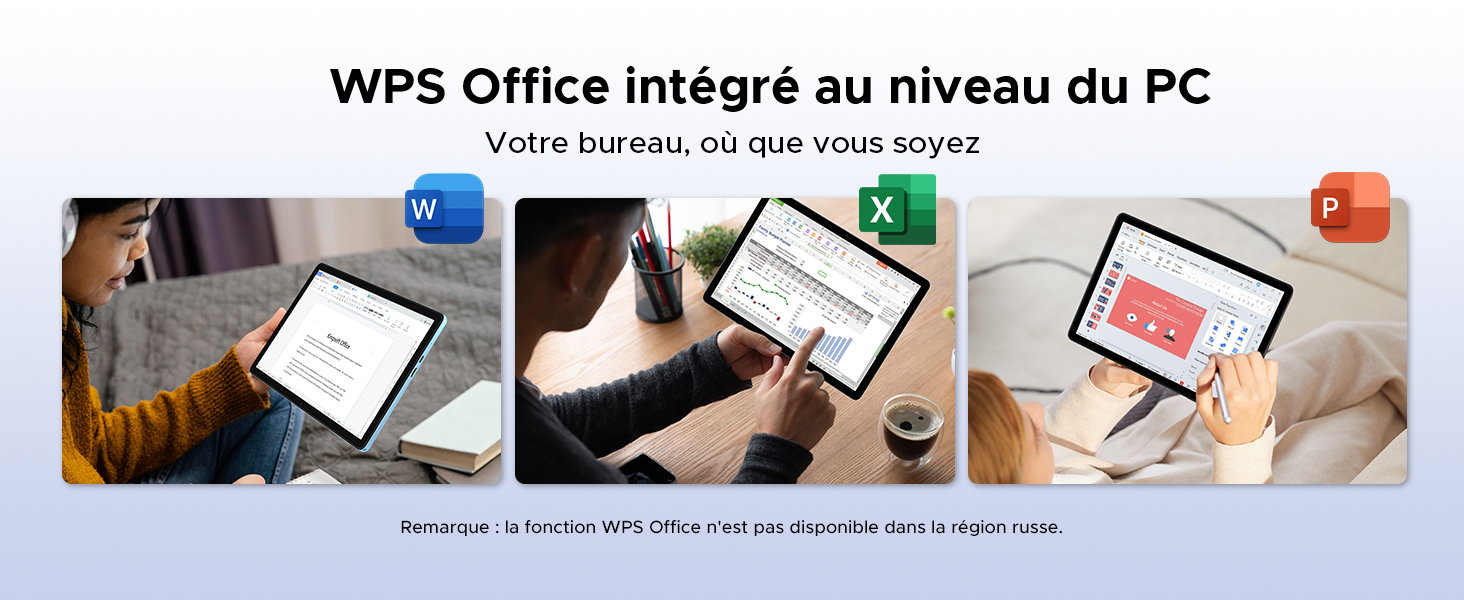
Image: Illustrating the tablet's capability for office tasks using WPS Office, anytime and anywhere.
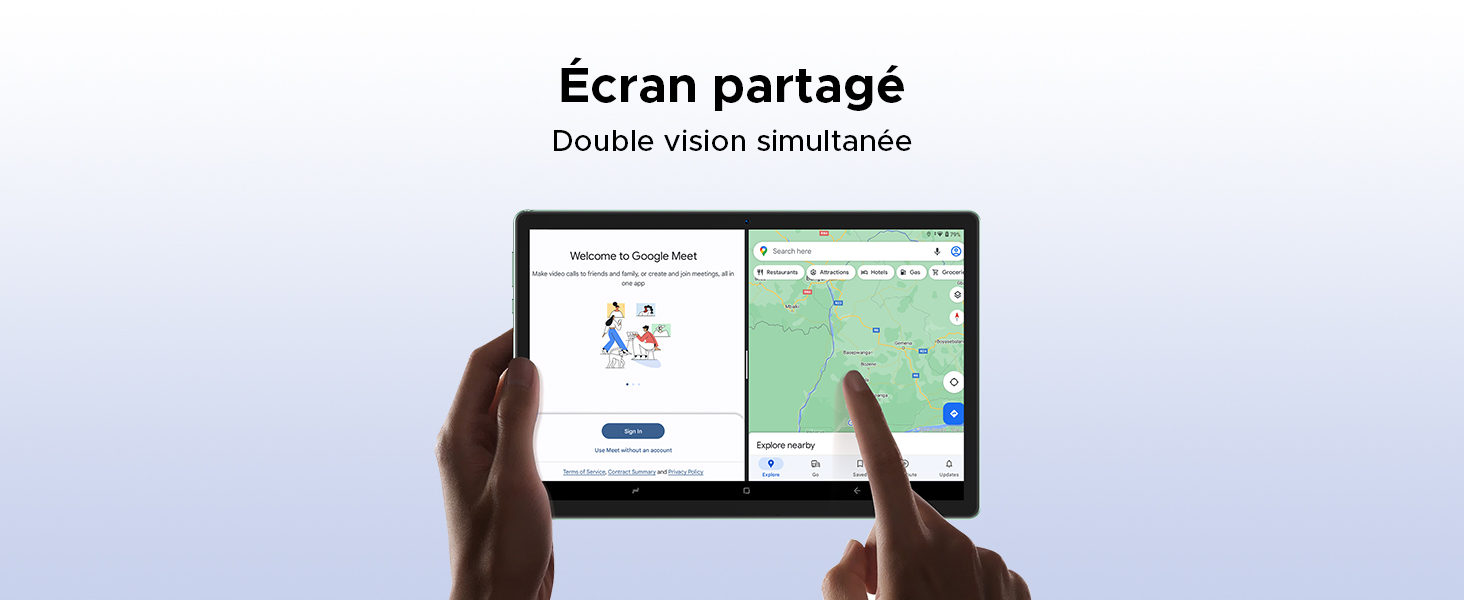
Image: Demonstrating the split-screen feature for simultaneous dual-app viewing.
5.8 നാവിഗേഷൻ
The DOOGEE Tab G6 supports multiple global navigation satellite systems for precise positioning.
- GPS, Glonass, Galileo, Beidou: Ensures accurate and reliable navigation services.
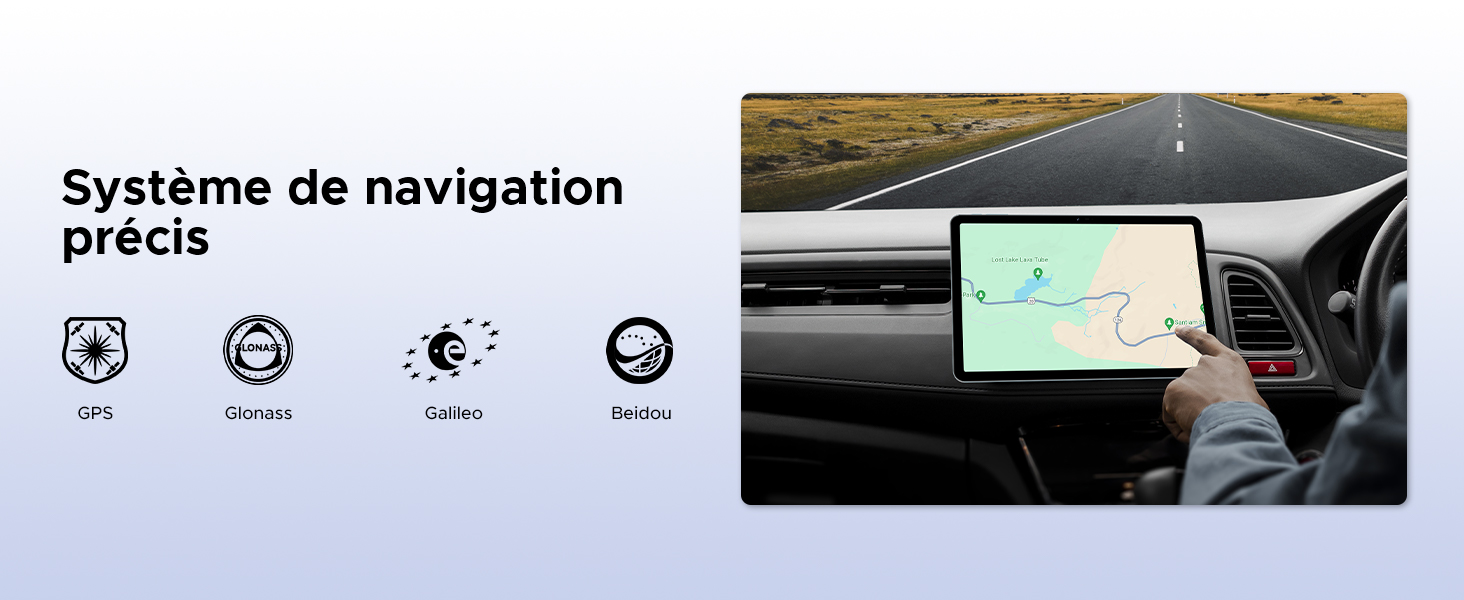
Image: The tablet being used for precise navigation in a vehicle, supported by multiple satellite systems.
6. പരിപാലനവും പരിചരണവും
6.1 നിങ്ങളുടെ ടാബ്ലെറ്റ് വൃത്തിയാക്കൽ
നിങ്ങളുടെ ടാബ്ലെറ്റ് വൃത്തിയാക്കാൻ, മൃദുവായ, ലിന്റ് രഹിത തുണി ഉപയോഗിക്കുക. കഠിനമായ പാടുകൾക്ക്, ചെറുതായി dampen the cloth with water or a screen cleaner designed for electronics. Avoid using harsh chemicals, abrasive materials, or excessive moisture.
6.2 ബാറ്ററി ആയുസ്സ്
The DOOGEE Tab G6 is equipped with an 8000mAh battery. To maximize its lifespan:
- തീവ്രമായ താപനില ഒഴിവാക്കുക.
- ബാറ്ററി ഇടയ്ക്കിടെ പൂർണ്ണമായും തീർന്നുപോകാൻ അനുവദിക്കരുത്.
- ഒറിജിനൽ ചാർജറും കേബിളും ഉപയോഗിക്കുക.
- For long-term storage, charge the tablet to about 50% and power it off.

ചിത്രം: ഒരു ആന്തരികം view of the tablet highlighting its 8000mAh battery, along with its charging capabilities.
6.3 സോഫ്റ്റ്വെയർ അപ്ഡേറ്റുകൾ
Regularly check for and install software updates to ensure your tablet has the latest features, security patches, and performance improvements. You can usually find this option in ക്രമീകരണങ്ങൾ > സിസ്റ്റം > സിസ്റ്റം അപ്ഡേറ്റ്.
7. പ്രശ്നപരിഹാരം
If you encounter issues with your DOOGEE Tab G6, try the following common solutions:
- ഉപകരണം ഓണാക്കുന്നില്ല: ബാറ്ററി ചാർജ്ജ് ചെയ്തിട്ടുണ്ടെന്ന് ഉറപ്പാക്കുക. ചാർജർ കണക്റ്റ് ചെയ്ത് വീണ്ടും പവർ ചെയ്യാൻ ശ്രമിക്കുന്നതിന് മുമ്പ് കുറച്ച് മിനിറ്റ് കാത്തിരിക്കുക.
- ആപ്പുകൾ ക്രാഷാകുകയോ മരവിക്കുകയോ ചെയ്യുന്നു: Close and restart the app. If the issue persists, clear the app's cache (Settings > Apps > [App Name] > Storage > Clear cache) or reinstall the app.
- കണക്റ്റിവിറ്റി പ്രശ്നങ്ങൾ (വൈ-ഫൈ/4G): Toggle Wi-Fi or mobile data off and on. Restart your router for Wi-Fi issues. Ensure your SIM card is correctly inserted and active for 4G issues.
- മന്ദഗതിയിലുള്ള പ്രകടനം: ആവശ്യമില്ലാത്ത പശ്ചാത്തല ആപ്പുകൾ അടയ്ക്കുക. കാഷെ മായ്ക്കുക, താൽക്കാലികം files. അവസാന ആശ്രയമായി ഫാക്ടറി റീസെറ്റ് ചെയ്യുന്നത് പരിഗണിക്കുക (ആദ്യം നിങ്ങളുടെ ഡാറ്റ ബാക്കപ്പ് ചെയ്യുക).
- ടച്ച്സ്ക്രീൻ പ്രതികരിക്കുന്നില്ല: Restart the tablet. If the issue continues, contact support.
For more complex issues, refer to the online support resources or contact DOOGEE customer service.
8 സ്പെസിഫിക്കേഷനുകൾ
| ഫീച്ചർ | സ്പെസിഫിക്കേഷൻ |
|---|---|
| ബ്രാൻഡ് | ഡോഗി |
| മോഡൽ നമ്പർ | TAB G6-V |
| പരമ്പര | TAB G6 VIP |
| ഓപ്പറേറ്റിംഗ് സിസ്റ്റം | ആൻഡ്രോയിഡ് 15 |
| പ്രോസസ്സർ ബ്രാൻഡ് | യൂണിസോക്ക് |
| സ്ക്രീൻ വലിപ്പം | 11 Inches (10.1 Inches in some specs) |
| സ്ക്രീൻ റെസല്യൂഷൻ | 1200 x 1920 pixels (1280x800 in some images) |
| റാം | 30 ജിബി (6 ജിബി ഫിസിക്കൽ + 24 ജിബി വെർച്വൽ) |
| സംഭരണ ശേഷി | 256 ജിബി |
| വികസിപ്പിക്കാവുന്ന സംഭരണം | Up to 2 TB (TF card) |
| കണക്റ്റിവിറ്റി തരം | സെല്ലുലാർ, വൈ-ഫൈ |
| ഹാർഡ്വെയർ ഇന്റർഫേസ് | ബ്ലൂടൂത്ത്, യുഎസ്ബി |
| അനുയോജ്യമായ പെരിഫറലുകൾ | കീബോർഡ്, മൗസ് |
| ബാറ്ററി ലൈഫ് (ശരാശരി) | 24 hours (8000 mAh) |
| ഇനത്തിന്റെ അളവുകൾ (L x W x H) | 24.5 x 16.3 x 1 സെൻ്റീമീറ്റർ |
| ഇനത്തിൻ്റെ ഭാരം | 514 ഗ്രാം |
| പ്രധാന ക്യാമറ | 13 എം.പി |
| മുൻ ക്യാമറ | 5 എം.പി |
| മോഡൽ വർഷം | 2025 |
9. വാറന്റി, പിന്തുണ വിവരങ്ങൾ
For warranty details, please refer to the warranty card included in your product packaging or visit the official DOOGEE website. If you require technical assistance or have questions not covered in this manual, please contact DOOGEE customer support through their official channels.