
1. ആമുഖം
The OTIC Wallet Tracker Card is an ultra-thin, rechargeable Bluetooth item finder designed to help you locate your valuables using Apple's Find My network. This manual provides instructions for setup, operation, maintenance, and troubleshooting to ensure optimal use of your device.
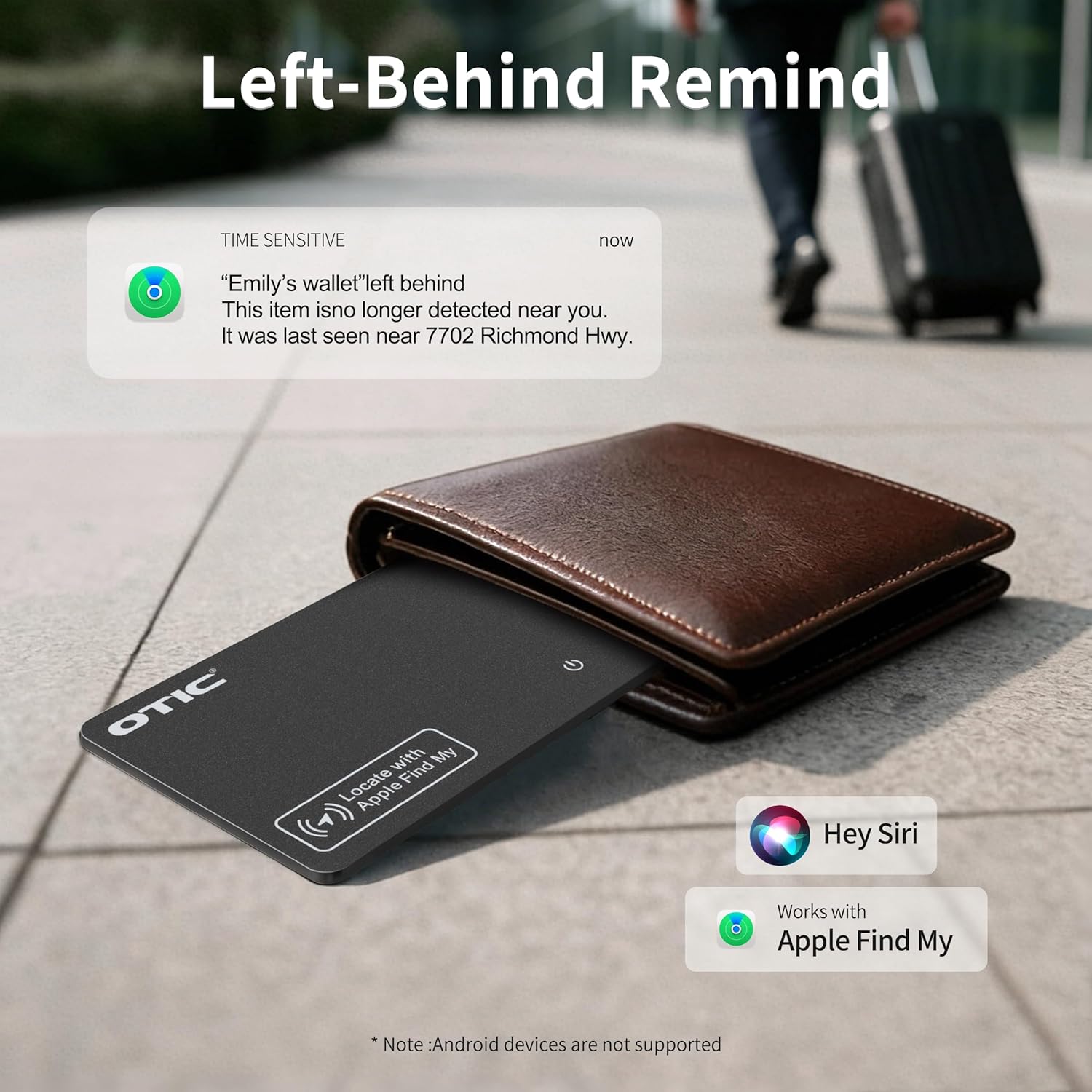
Figure 1: OTIC Wallet Tracker Card in use, demonstrating the 'Left-Behind Remind' feature.
2. ഉൽപ്പന്ന സവിശേഷതകൾ
- അൾട്രാ സ്ലിം ഡിസൈൻ: At just 1.7mm thin, it fits easily into wallets, passport covers, luggage tags, and laptop sleeves.
- ആപ്പിൾ ഫൈൻഡ് മൈ നെറ്റ്വർക്ക് ഇന്റഗ്രേഷൻ: Works seamlessly with the Apple Find My app on iPhone, iPad, or Mac. No additional apps required.
- നഷ്ടപ്പെട്ട മോഡ്: Activate Lost Mode to display your contact details to anyone who finds your item.
- കേൾക്കാവുന്ന അലാറം: Trigger a 60dB sound alert to locate items nearby.
- IP67 വാട്ടർപ്രൂഫ് റേറ്റിംഗ്: Resistant to dust and can withstand water exposure up to 30 minutes in 3.3 feet of water.
- വയർലെസ് ചാർജിംഗ്: Rechargeable 100mAh chip battery lasts up to 10 months on a single charge. (Wireless charger not included).
- LED സൂചകങ്ങൾ: Three intuitive LED indicators show battery and charging status.
- Smart Power Cut-Off: Automatically stops charging if input exceeds 5W to protect the battery.

Figure 2: Dimensions of the OTIC Wallet Tracker Card, highlighting its ultra-thin profile.
3. സജ്ജീകരണ നിർദ്ദേശങ്ങൾ
- പവർ ഓൺ: Press the power button on the OTIC Wallet Tracker Card. The card will emit a beep, indicating it is ready for pairing.
- ബ്ലൂടൂത്ത് പ്രവർത്തനക്ഷമമാക്കുക: Ensure Bluetooth is enabled on your iPhone, iPad, or Mac.
- ഫൈൻഡ് മൈ ആപ്പ് തുറക്കുക: Launch the Apple Find My app on your device.
- ഇനം ചേർക്കുക:
- Tap the "Items" tab at the bottom of the screen.
- Tap the "+" icon to add a new item.
- Select "Add Other Item" from the options.
- ബന്ധിപ്പിക്കുക: Your device will detect the "Smart Card". Tap "Connect" to pair.
- നിങ്ങളുടെ ഇനത്തിന് പേര് നൽകുക: Follow the on-screen prompts to name your OTIC Wallet Tracker Card (e.g., "My Wallet", "Passport Tracker").
- സജ്ജീകരണം സ്ഥിരീകരിക്കുക: Once named, the card is successfully paired and ready for use.

Figure 3: Visual guide for connecting the OTIC Wallet Tracker Card to the Apple Find My app.
Video 1: Demonstrates the unboxing and initial setup of the OTIC Smart Card, including pairing with the Find My app.
4. പ്രവർത്തന നിർദ്ദേശങ്ങൾ
4.1 Locating Nearby Items
If your item is nearby, you can use the Find My app to play a sound on your OTIC Wallet Tracker Card.
- Find My ആപ്പ് തുറക്കുക.
- Select the "Items" tab.
- Tap on your named OTIC Wallet Tracker Card.
- Tap "Play Sound". The card will emit a 60dB alarm to help you pinpoint its location.

Figure 4: Using the Find My app to play a sound and locate the OTIC Wallet Tracker Card.
4.2 Locating Far Away Items
If your item is not nearby, the Find My network can help you locate it on a map.
- Find My ആപ്പ് തുറക്കുക.
- Select the "Items" tab.
- Tap on your named OTIC Wallet Tracker Card.
- The map will display the last known location of your card. You can get directions to this location.

Figure 5: Tracking the OTIC Wallet Tracker Card's location on a map via the Find My app.
4.3 Activating Lost Mode
If your item is lost, you can activate Lost Mode to help others return it to you.
- Find My ആപ്പ് തുറക്കുക.
- Select the "Items" tab.
- Tap on your named OTIC Wallet Tracker Card.
- Scroll down and tap "Activate" under Lost Mode.
- Follow the instructions to enter a phone number and a message that will be displayed to anyone who finds your card and scans it.
Video 2: Illustrates the various features of the OTIC Wallet Tracker Card, including its integration with Apple Find My and Lost Mode.
5. പരിപാലനം
5.1 ഉപകരണം ചാർജ് ചെയ്യുന്നു
The OTIC Wallet Tracker Card features wireless charging. A single charge can last up to 10 months.
- Place the OTIC Wallet Tracker Card on a compatible wireless charger (not included).
- The LED indicators on the card will show the charging status. An orange light indicates charging.
- The smart power cut-off feature will automatically stop charging if the input exceeds 5W, protecting the battery.

Figure 6: Wireless charging of the OTIC Wallet Tracker Card.
Video 3: Demonstrates the wireless charging capability of the OTIC Smart Card and its long battery life.
5.2 വാട്ടർപ്രൂഫിംഗ്
The device is IP67 rated, meaning it is resistant to dust and can survive water exposure up to 30 minutes in 3.3 feet of water. While durable, avoid prolonged submersion or exposure to high-pressure water jets.
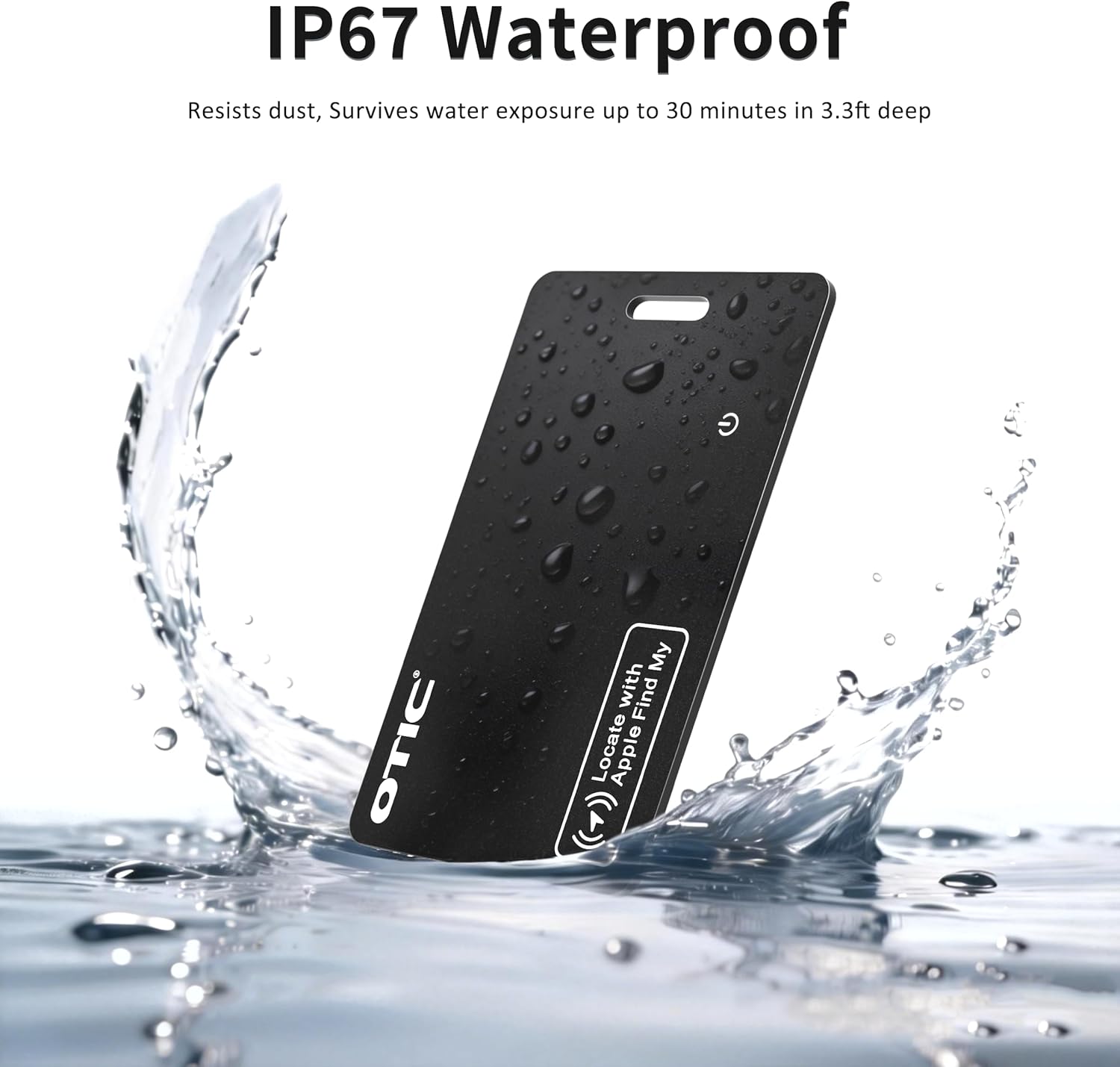
Figure 7: The OTIC Wallet Tracker Card's IP67 waterproof feature.
6. പ്രശ്നപരിഹാരം
- ഉപകരണം ജോടിയാക്കുന്നില്ല: Ensure the card is powered on and Bluetooth is enabled on your Apple device. Make sure the Find My app is updated to the latest version of iOS/iPadOS. Try restarting both the card (by pressing the power button) and your Apple device.
- Cannot hear the alarm: Check if the card's battery is charged. The 60dB alarm is designed for nearby location; if the item is in a noisy environment or deeply concealed, the sound may be muffled.
- Inaccurate location on map: The accuracy of the location depends on the Find My network coverage. In areas with limited Apple device density, location updates might be less frequent or precise. Ensure your device has a stable internet connection.
- Card not charging wirelessly: Ensure you are using a compatible wireless charger. Check the LED indicators on the card; an orange light should appear during charging. If no light appears, try repositioning the card on the charger or using a different wireless charger.
7 സ്പെസിഫിക്കേഷനുകൾ
| ഫീച്ചർ | വിശദാംശങ്ങൾ |
|---|---|
| ബ്രാൻഡ് | OTIC |
| മോഡൽ | BS-3514AA |
| അളവുകൾ (L x W x Th) | 3.36" x 2.12" x 0.06" (85.3mm x 53.85mm x 1.52mm) |
| ഭാരം | 0.029 പ bs ണ്ട് (13.2 ഗ്രാം) |
| മെറ്റീരിയൽ | പ്ലാസ്റ്റിക് |
| കണക്റ്റിവിറ്റി | ബ്ലൂടൂത്ത് |
| അനുയോജ്യത | Apple Find My (iOS Only) |
| ബാറ്ററി തരം | Rechargeable 100mAh chip battery |
| ബാറ്ററി ലൈഫ് | ഒരു ചാർജിന് 10 മാസം വരെ |
| ചാർജിംഗ് | Wireless (charger not included) |
| വാട്ടർപ്രൂഫ് റേറ്റിംഗ് | IP67 |
| ശബ്ദ അലാറം | 60dB |
8. വാറൻ്റിയും പിന്തുണയും
OTIC provides a 1 വർഷത്തെ നിർമ്മാതാവിൻ്റെ വാറൻ്റി for the Wallet Tracker Card. Additionally, a 24-Month Free Warranty ഒപ്പം 30-ദിവസത്തെ പണം തിരികെ നൽകാനുള്ള ഗ്യാരണ്ടി are offered. For any product inquiries, technical support, or warranty claims, please contact OTIC customer service.
Contact information can typically be found on the product packaging or the official OTIC webസൈറ്റ്.