
1. ഉൽപ്പന്നം കഴിഞ്ഞുview
The DOOGEE Tab A9 Pro+ is an advanced Android 15 tablet designed for versatile use, from productivity and gaming to entertainment. It features an 11-inch 90Hz display, a powerful octa-core processor, ample storage, and a long-lasting battery, making it an ideal companion for various daily tasks.

Figure 1.1: DOOGEE Tab A9 Pro+ highlighting its main specifications.
2. പാക്കേജ് ഉള്ളടക്കം
Upon opening the box, verify that all the following items are included:
- 1* DOOGEE Tab A9 Pro+ Tablet
- 1* ടൈപ്പ്-സി യുഎസ്ബി കേബിൾ
- 1* ചാർജർ
- 1* പാക്കിംഗ് ബോക്സ്
- 1* ഉപയോക്തൃ മാനുവൽ

Figure 2.1: Items included in the DOOGEE Tab A9 Pro+ package.
Video 2.1: An unboxing video demonstrating the contents of the DOOGEE Tab A9 Pro+ package.
3. പ്രാരംഭ സജ്ജീകരണം
3.1 പവർ ഓണും ഓഫും
- പവർ ഓണാക്കാൻ: Press and hold the power button located on the side of the tablet until the DOOGEE logo appears on the screen.
- പവർ ഓഫ് ചെയ്യാൻ: Press and hold the power button until a power-off menu appears. Select "Power off" and confirm.
- പുനരാരംഭിക്കാൻ: From the power-off menu, select "Restart" and confirm.
3.2 പ്രാരംഭ കോൺഫിഗറേഷൻ
ആദ്യമായി പവർ-ഓൺ ചെയ്യുമ്പോൾ, ടാബ്ലെറ്റ് പ്രാരംഭ സജ്ജീകരണ പ്രക്രിയയിലൂടെ നിങ്ങളെ നയിക്കും. ഇതിൽ ഇവ ഉൾപ്പെടുന്നു:
- നിങ്ങളുടെ ഭാഷ തിരഞ്ഞെടുക്കുന്നു.
- ഒരു Wi-Fi നെറ്റ്വർക്കിലേക്ക് കണക്റ്റുചെയ്യുന്നു.
- നിങ്ങളുടെ Google അക്കൗണ്ട് ഉപയോഗിച്ച് സൈൻ ഇൻ ചെയ്യുകയോ പുതിയൊരെണ്ണം സൃഷ്ടിക്കുകയോ ചെയ്യുക.
- Setting up screen lock (PIN, pattern, password, or Face Unlock).
- Reviewനിബന്ധനകളും വ്യവസ്ഥകളും അംഗീകരിക്കുകയും അംഗീകരിക്കുകയും ചെയ്യുന്നു.
4. നിങ്ങളുടെ ടാബ്ലെറ്റ് പ്രവർത്തിപ്പിക്കൽ
4.1 ഡിസ്പ്ലേയും ദൃശ്യങ്ങളും
The DOOGEE Tab A9 Pro+ features a vibrant 11-inch IPS HD display with a 90Hz refresh rate, providing smooth visuals and an immersive viewing experience. It supports Widevine L1 for high-definition streaming from platforms like Prime Video.
- റെസലൂഷൻ: 1280*800 പിക്സലുകൾ
- പുതുക്കൽ നിരക്ക്: 90Hz for smooth scrolling and gaming.
- വൈഡ്വൈൻ എൽ1: Enables 1080P HD streaming on supported platforms.
- അഡാപ്റ്റീവ് തെളിച്ചം: ആംബിയന്റ് ലൈറ്റ് അനുസരിച്ച് സ്ക്രീൻ തെളിച്ചം യാന്ത്രികമായി ക്രമീകരിക്കുന്നു.
- Eye-Caring Mode: Reduces blue light emission to protect your eyes during prolonged use.
- ഡാർക്ക് മോഡ്: Softens screen light for comfortable night-time use.

Figure 4.1: The 11-inch 90Hz IPS HD display of the tablet.

Figure 4.2: Visual comfort features including Eye-Caring Mode and Dark Mode.
4.2 പ്രകടനവും സംഭരണവും
Equipped with the Unisoc T7200 octa-core processor, the tablet ensures smooth multitasking and responsive performance. It offers substantial memory and expandable storage.
- പ്രോസസ്സർ: Unisoc T7200 Octa-Core Processor (1.6GHz Ultimate Frequency, 12nm Advanced Process Technology).
- റാം: 30GB (6GB physical + up to 24GB virtual extended RAM) for efficient multitasking.
- ROM: 128GB of internal storage.
- വികസിപ്പിക്കാവുന്ന സംഭരണം: Supports up to 2TB via microSD card (sold separately).

Figure 4.3: The Unisoc T7200 Octa-Core Processor for enhanced speed and efficiency.

ചിത്രം 4.4: ഓവർview of the tablet's 30GB RAM and 128GB ROM, indicating massive storage.
4.3 ബാറ്ററി ലൈഫും ചാർജിംഗും
The tablet is equipped with an 8580mAh high-capacity battery, providing extended usage times for various activities.
- ബാറ്ററി ശേഷി: 8580എംഎഎച്ച്.
- Usage Times: Up to 24 days standby (airplane mode), 36 hours music playing, 6.5 hours video watching, 7 hours web ബ്രൗസിംഗ്.
- ചാർജിംഗ്: 10W ഫാസ്റ്റ് ചാർജിംഗ് പിന്തുണയ്ക്കുന്നു.
- വിപരീത ചാർജിംഗ്: Can act as a power bank for other devices via OTG.

Figure 4.5: Visual representation of the 8580mAh battery and its long-lasting power capabilities.
4.4 Cameras and Face Unlock
Capture moments and stay connected with the tablet's integrated cameras and convenient Face Unlock feature.
- പിൻ ക്യാമറ: 13MP main camera for sharp photos.
- മുൻ ക്യാമറ: 5MP for clear selfies and video calls, enhanced with AI optimization.
- ഫേസ് അൺലോക്ക്: Effortless and secure access to your device.

Figure 4.6: Details of the tablet's 13MP main camera and 5MP front camera.
വീഡിയോ 4.1: ഒരു പ്രൊമോഷണൽ വീഡിയോ ഷോasing the DOOGEE Tab A9 Pro+ tablet's features, including its display, performance, and cameras.
Video 4.2: A video highlighting the DOOGEE Tab A9 Pro+ as an all-in-one study buddy, demonstrating its use for various tasks.
4.5 ഓഡിയോയും കണക്റ്റിവിറ്റിയും
Experience clear audio and reliable connectivity with the tablet's features.
- സ്പീക്കറുകൾ: High-fidelity dual speakers for immersive sound.
- ഓഡിയോ ജാക്ക്: Standard 3.5mm audio jack for wired headphones.
- ബ്ലൂടൂത്ത്: Bluetooth 5.0 for wireless device connections.
- വൈഫൈ: Faster Wi-Fi 5 (2.4G/5G) for seamless internet access.
- ജിപിഎസ്: Built-in GPS for accurate navigation.

Figure 4.7: The tablet's high-quality dual speakers for enhanced audio.

Figure 4.8: The standard 3.5mm audio jack for stable and distortion-free audio transmission.
4.6 ഉൽപ്പാദനക്ഷമത സവിശേഷതകൾ
The tablet supports various features to enhance productivity and user experience.
- ആൻഡ്രോയിഡ് 15: Latest operating system for smoother navigation, smarter privacy controls, and adaptive battery management.
- WPS Office: Built-in PC-level WPS Office for seamless productivity on the go.
- Split-Screen Multitasking: Efficiently manage multiple applications simultaneously.
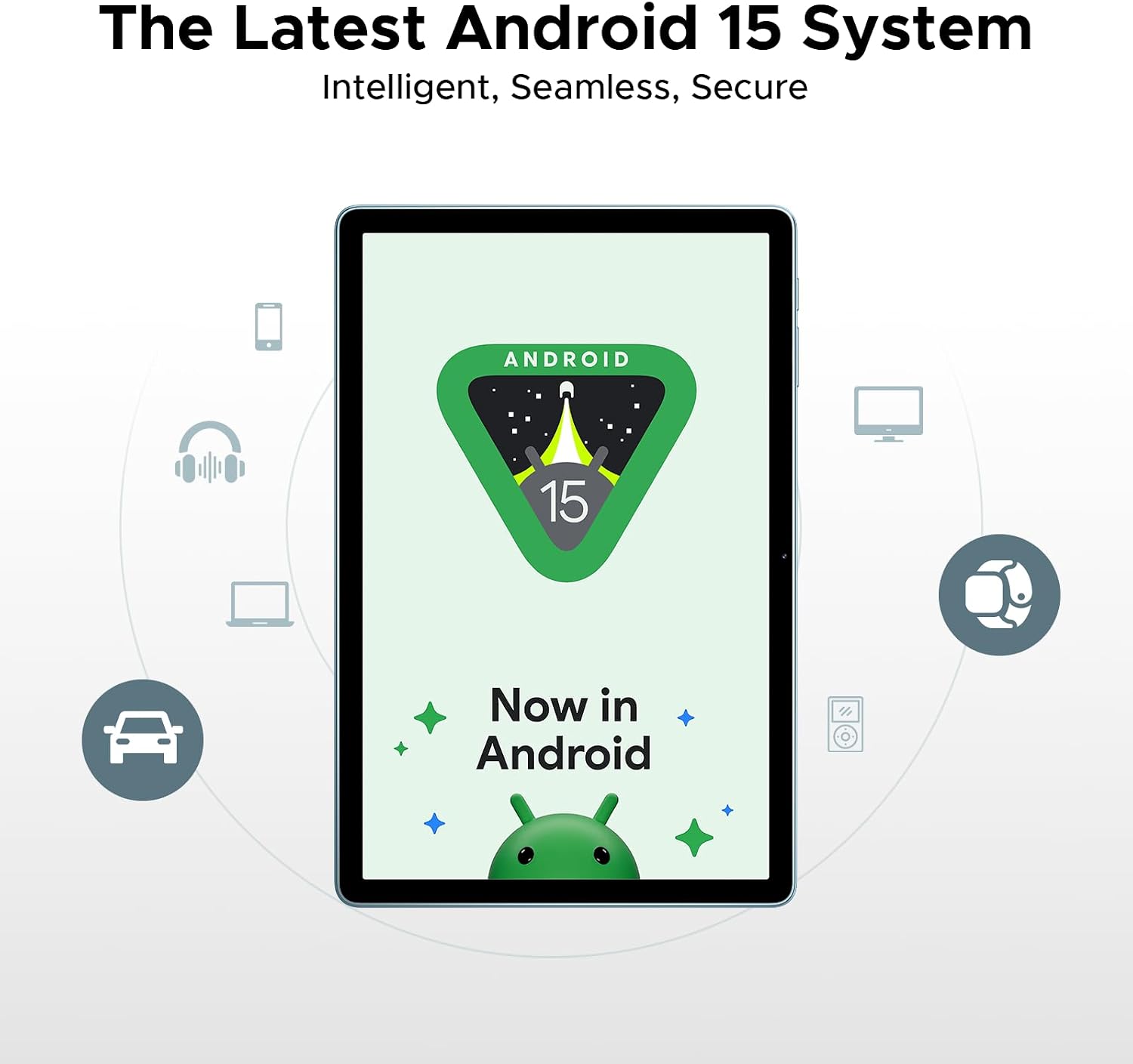
Figure 4.9: The tablet running the latest Android 15 system.

Figure 4.10: The tablet's built-in WPS Office for productivity.

Figure 4.11: Demonstrating efficient split-screen multitasking.
5. പരിപാലനവും പരിചരണവും
To ensure the longevity and optimal performance of your DOOGEE Tab A9 Pro+, follow these maintenance guidelines:
- വൃത്തിയാക്കൽ: സ്ക്രീനും ബോഡിയും വൃത്തിയാക്കാൻ മൃദുവായ, ലിന്റ് രഹിത തുണി ഉപയോഗിക്കുക. ഉരച്ചിലുകൾ ഉള്ള ക്ലീനറുകളോ ലായകങ്ങളോ ഉപയോഗിക്കുന്നത് ഒഴിവാക്കുക.
- സോഫ്റ്റ്വെയർ അപ്ഡേറ്റുകൾ: Regularly check for and install system updates to ensure your tablet has the latest features, security patches, and performance improvements. Navigate to ക്രമീകരണങ്ങൾ > സിസ്റ്റം > സിസ്റ്റം അപ്ഡേറ്റ്.
- ബാറ്ററി കെയർ: Avoid extreme temperatures. Do not fully discharge the battery frequently. For long-term storage, charge the battery to around 50-60%.
- സ്റ്റോറേജ് മാനേജ്മെന്റ്: Utilize the built-in Memory Manager to free up space by removing junk files, duplicates, and large downloads.
- ശാരീരിക സംരക്ഷണം: തുള്ളികൾ, പോറലുകൾ എന്നിവയിൽ നിന്ന് സംരക്ഷിക്കാൻ ഒരു പ്രൊട്ടക്റ്റീവ് കേസും സ്ക്രീൻ പ്രൊട്ടക്ടറും ഉപയോഗിക്കുന്നത് പരിഗണിക്കുക.
6. പ്രശ്നപരിഹാരം
നിങ്ങളുടെ ടാബ്ലെറ്റിൽ നിങ്ങൾ നേരിട്ടേക്കാവുന്ന സാധാരണ പ്രശ്നങ്ങൾ ഈ വിഭാഗം അഭിസംബോധന ചെയ്യുന്നു.
6.1 ടാബ്ലെറ്റ് ഓണാക്കുന്നില്ല
- ബാറ്ററി ചാർജ്ജ് ചെയ്തിട്ടുണ്ടെന്ന് ഉറപ്പാക്കുക. ചാർജർ കണക്റ്റ് ചെയ്ത് പവർ ഓൺ ചെയ്യാൻ ശ്രമിക്കുന്നതിന് മുമ്പ് കുറച്ച് മിനിറ്റ് കാത്തിരിക്കുക.
- പുനരാരംഭിക്കാൻ നിർബന്ധിക്കുന്നതിന് പവർ ബട്ടൺ കുറഞ്ഞത് 10-15 സെക്കൻഡ് അമർത്തിപ്പിടിക്കുക.
6.2 ബ്ലൂടൂത്ത് കണക്റ്റിവിറ്റി പ്രശ്നങ്ങൾ
- Ensure Bluetooth is enabled on both the tablet and the device you are trying to connect.
- Forget the device in the tablet's Bluetooth settings and try pairing again.
- Restart the tablet and the Bluetooth device.
- Check for system updates, as some Bluetooth issues may be resolved with software patches.
6.3 മന്ദഗതിയിലുള്ള പ്രകടനം
- ഉപയോഗിക്കാത്ത പശ്ചാത്തല ആപ്ലിക്കേഷനുകൾ അടയ്ക്കുക.
- പതിവായി ഉപയോഗിക്കുന്ന ആപ്പുകൾക്കായി കാഷെ ഡാറ്റ മായ്ക്കുക.
- Ensure sufficient storage space is available. Use the Memory Manager to clean up unnecessary files.
- ടാബ്ലെറ്റ് ഇടയ്ക്കിടെ പുനരാരംഭിക്കുക.
6.4 വൈഫൈ കണക്ഷൻ പ്രശ്നങ്ങൾ
- ടാബ്ലെറ്റിൽ വൈ-ഫൈ പ്രവർത്തനക്ഷമമാക്കിയിട്ടുണ്ടെന്ന് ഉറപ്പാക്കുക.
- നിങ്ങളുടെ വൈഫൈ റൂട്ടർ പുനരാരംഭിക്കുക.
- Forget the Wi-Fi network on your tablet and reconnect.
- മറ്റ് ഉപകരണങ്ങൾക്ക് ഒരേ വൈഫൈ നെറ്റ്വർക്കിലേക്ക് കണക്റ്റ് ചെയ്യാൻ കഴിയുമോ എന്ന് പരിശോധിക്കുക.
7 സ്പെസിഫിക്കേഷനുകൾ
| ഫീച്ചർ | സ്പെസിഫിക്കേഷൻ |
|---|---|
| മോഡൽ | TABA9PRO+ |
| ഓപ്പറേറ്റിംഗ് സിസ്റ്റം | ആൻഡ്രോയിഡ് 15 |
| ഡിസ്പ്ലേ വലിപ്പം | 11 ഇഞ്ച് |
| പരമാവധി സ്ക്രീൻ റെസല്യൂഷൻ | 1280*800 പിക്സലുകൾ |
| പ്രോസസ്സർ | യൂണിസോക്ക് T7200 ഒക്ടാ-കോർ |
| റാം | 30GB (6GB ഫിസിക്കൽ + 24GB വെർച്വൽ) |
| ROM | 128 ജിബി |
| വികസിപ്പിക്കാവുന്ന സംഭരണം | 2TB വരെ (മൈക്രോഎസ്ഡി) |
| ബാറ്ററി ശേഷി | 8580mAh |
| പിൻ ക്യാമറ | 13എംപി |
| മുൻ ക്യാമറ | 5എംപി |
| കണക്റ്റിവിറ്റി | Wi-Fi 5 (2.4G/5G), Bluetooth 5.0, GPS |
| ഓഡിയോ | ഡ്യുവൽ സ്പീക്കറുകൾ, 3.5mm ഓഡിയോ ജാക്ക് |
| അളവുകൾ (LxWxH) | 10.1 x 0.31 x 6.64 ഇഞ്ച് |
| ഇനത്തിൻ്റെ ഭാരം | 2.02 പൗണ്ട് |
8. വാറൻ്റിയും പിന്തുണയും
Your DOOGEE Tab A9 Pro+ comes with a 2-year limited warranty, ensuring peace of mind regarding manufacturing defects and performance issues. For any inquiries or technical assistance, 24/7 online support is available.
- വാറൻ്റി: 2 വർഷത്തെ പരിമിത വാറൻ്റി.
- പിന്തുണ: 24/7 online support for customer assistance.