
X9
X9 Smart Wireless Video Doorbell User Manual
മോഡൽ: എക്സ് 9
1. ആമുഖം
Thank you for choosing the X9 Smart Wireless Video Doorbell. This device provides enhanced home security with its 1080P HD video, infrared night vision, and two-way intercom capabilities. This manual will guide you through the installation, operation, and maintenance of your new doorbell system.
2. ഉൽപ്പന്നം കഴിഞ്ഞുview
2.1 പാക്കേജ് ഉള്ളടക്കം
- 1 x X9 Smart Doorbell Unit
- 1 x ഇൻഡോർ ചൈം യൂണിറ്റ്
- 1 x ഉപയോക്തൃ മാനുവൽ
- 1 x ചാർജിംഗ് കേബിൾ
2.2 പ്രധാന സവിശേഷതകൾ
- Motion Detection (PIR Sensor): Configured with a pyroelectric infrared sensor, the camera pushes alert messages to your APP when motion is detected.
- രാത്രി കാഴ്ച: Utilizes an ICR infrared filter for powerful night vision, providing clear visibility even in low light.
- 166° Ultra-Wide Angle Lens: വിശാലമായി പിടിച്ചെടുക്കുന്നു view of your doorstep, ensuring you see every detail.
- Real-time Intercom: Allows two-way audio communication with visitors via the APP, even when you are away from home.
- 1080P Full HD Video: വ്യക്തവും വിശദവുമായ വീഡിയോ ഫൂ നൽകുന്നുtage.
- ഇരട്ട പവർ സപ്ലൈ: Supports lithium battery power for wireless installation and power adapter charging for continuous power.
- Adjustable Chime: The indoor chime offers 4 ringtones and 3 adjustable volume levels (up to 100dB), including a silent mode.
- കുറഞ്ഞ ബാറ്ററി പ്രോംപ്റ്റ്: Customizable low battery warning threshold in the APP.
- പ്രാദേശികവും ക്ലൗഡ് സംഭരണവും: Supports photo and video recording (no SD card required) with free 7-day cloud storage.
- Voice Message Function: Pre-store up to 3 voice messages (10 seconds each) for quick responses to visitors.
- Multi-user Function: Cloudedge App supports multi-user group sharing, allowing family members to view surveillance video.
- Voice Change Intercom: Features a voice change function for privacy and security during intercom calls.
2.3 Product Components and Dimensions
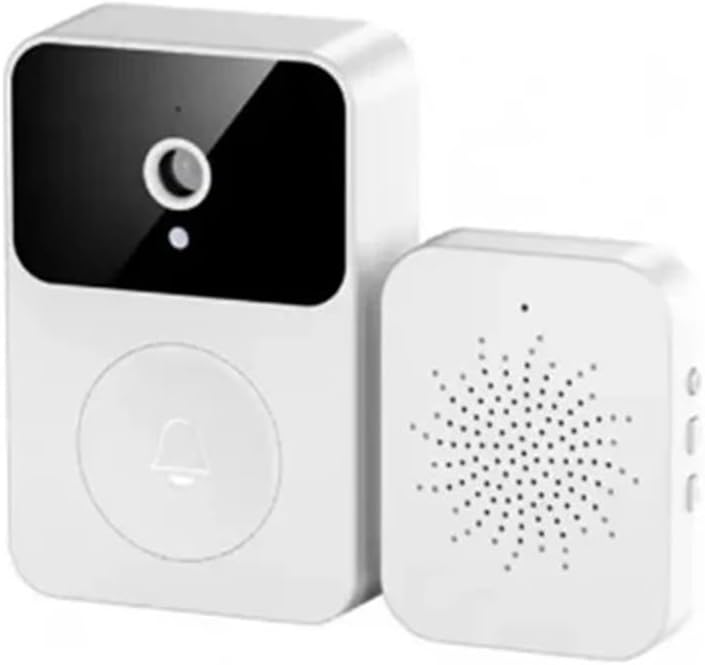
Image: The X9 Smart Wireless Video Doorbell unit and its accompanying indoor chime unit, both in white, showcasinഅവയുടെ ഒതുക്കമുള്ള ഡിസൈൻ.
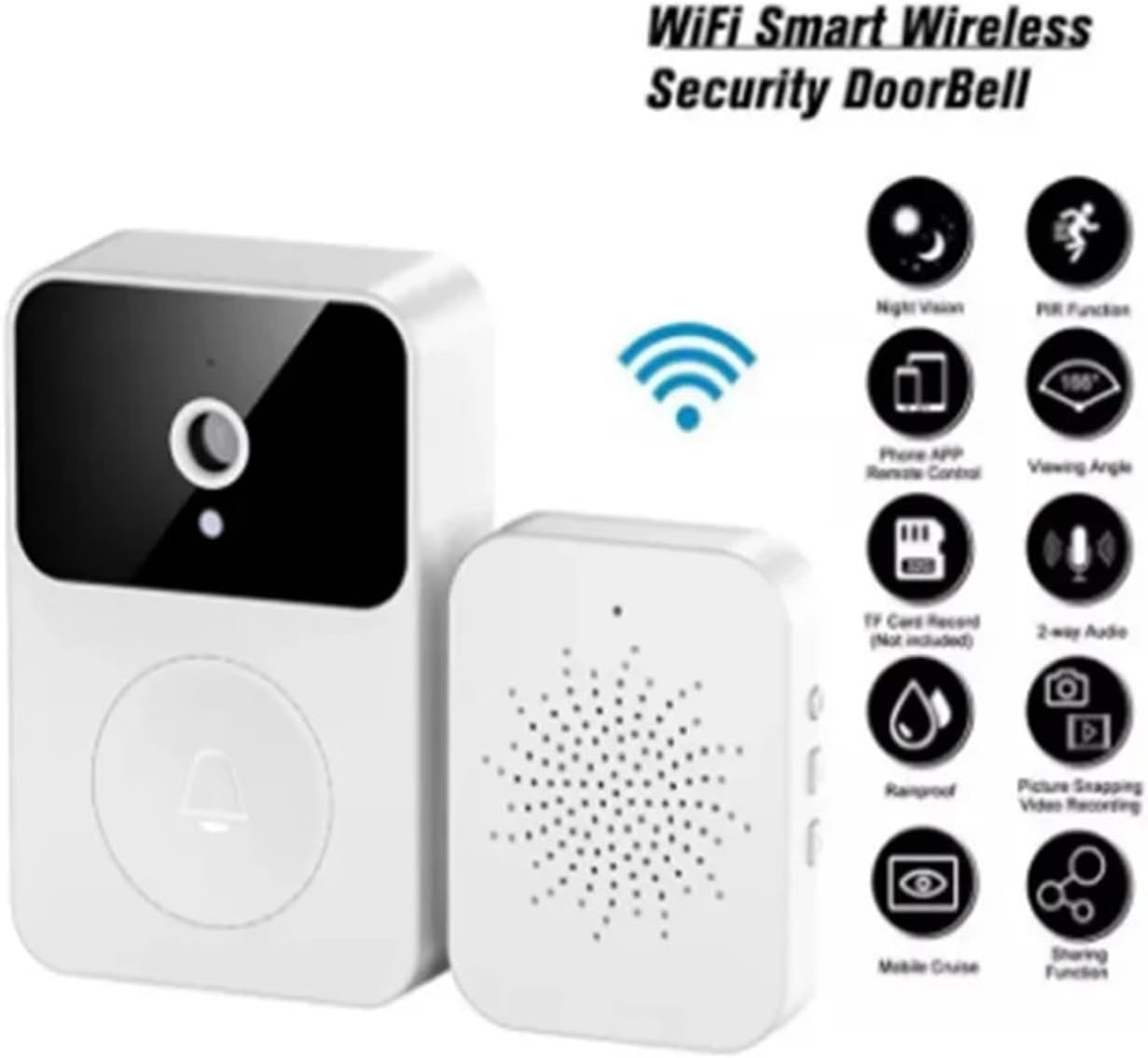
Image: An infographic highlighting key features of the X9 Smart Wireless Security Doorbell, including WiFi connectivity, night vision, PIR function, phone APP remote control, 166° viewing angle, TF card record, 2-way audio, rainproof, picture snapping, video recording, mobile cruise, and sharing function.

Image: Technical drawing showing the dimensions of the X9 Smart Doorbell unit (85mm height, 53mm width, 24mm depth) and the indoor chime unit (55mm width, 42mm depth, 13mm height).
3. സജ്ജീകരണം
3.1 ഡോർബെൽ ചാർജ് ചെയ്യുന്നു
Before initial use, ensure the doorbell unit is fully charged using the provided charging cable. The device supports lithium battery power, offering a long standby time of up to 365 days on a single charge, eliminating the need for frequent battery replacement.
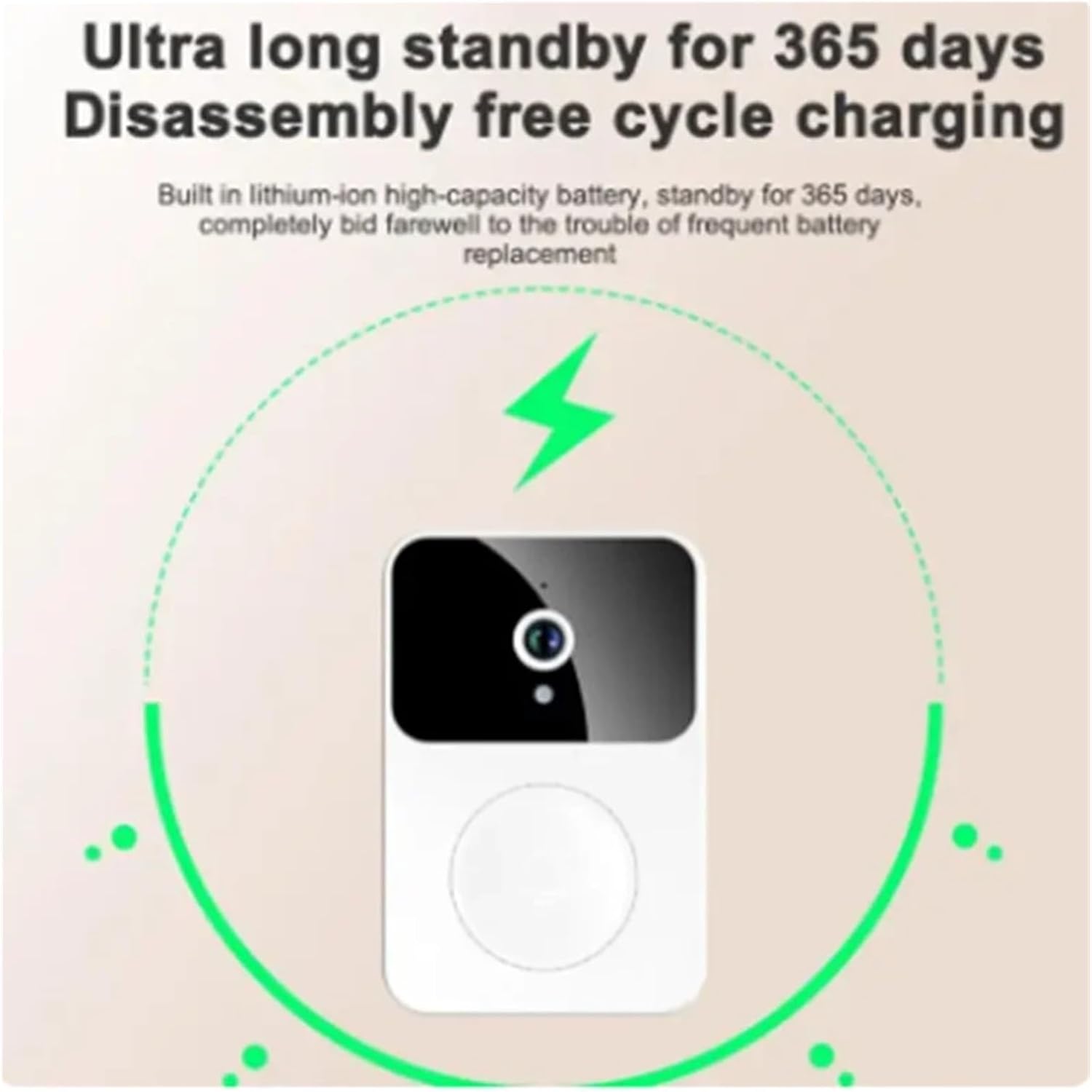
Image: An illustration depicting the X9 Smart Doorbell unit with a charging icon, emphasizing its ultra-long standby of 365 days and disassembly-free cycle charging capability.
3.2 ആപ്പ് ഇൻസ്റ്റാളേഷനും ജോടിയാക്കലും
- ഡൗൺലോഡ് ചെയ്യുക Cloudedge App നിങ്ങളുടെ സ്മാർട്ട്ഫോണിന്റെ ആപ്പ് സ്റ്റോറിൽ നിന്ന് (iOS അല്ലെങ്കിൽ Android).
- ഒരു അക്കൗണ്ടിനായി രജിസ്റ്റർ ചെയ്ത് ലോഗിൻ ചെയ്യുക.
- Follow the in-app instructions to add your X9 Smart Doorbell. This typically involves powering on the doorbell and connecting it to your home Wi-Fi network.
- Pair the indoor chime unit with the doorbell according to the app's instructions. The chime offers 4 ringtones and 3 adjustable volume levels.

Image: An illustration of the indoor chime unit with musical notes, indicating that it offers 38 selectable melodies and adjustable volume.
3.3 ഇൻസ്റ്റലേഷൻ
The X9 Smart Doorbell is designed for simple, wireless installation. Choose a suitable location near your front door, ensuring good Wi-Fi signal strength. Mount the doorbell unit securely using the provided hardware. No complex wiring is required.
4. പ്രവർത്തന നിർദ്ദേശങ്ങൾ
4.1 Answering Calls and Intercom
When a visitor presses the doorbell, you will receive a notification on your smartphone via the Cloudedge App. You can then view the real-time video feed and engage in two-way audio communication. The app supports sharing with up to 10 family members simultaneously.

Image: A smartphone screen displaying a video call interface from the doorbell, showing a delivery person at the door. Text indicates easy handling of visitors and multi-user sharing.
4.2 Voice Change Intercom
For added security and privacy, especially when alone, utilize the voice change intercom function. This feature allows you to alter your voice during conversations with visitors. The doorbell supports original sound and an 'uncle' voice mode.

Image: A woman looking up, with a speech bubble saying "Voice changing uncle 'who are you?'" and a smartphone screen showing a video call with a male figure, illustrating the voice change intercom feature.
4.3 മുൻകൂട്ടി റെക്കോർഡ് ചെയ്ത ശബ്ദ സന്ദേശങ്ങൾ
The doorbell allows you to pre-store up to 3 voice messages, each up to 10 seconds long. This enables quick responses to visitors when you are unable to answer directly.
4.4 സ്റ്റോറേജ് മാനേജ്മെൻ്റ്
The X9 Smart Doorbell supports both local and cloud storage for photos and videos. It provides a free 7-day cloud storage service. For extended storage, additional cloud plans may be purchased through the Cloudedge App.
5. പരിപാലനം
5.1 ബാറ്ററി മാനേജ്മെൻ്റ്
The Cloudedge App allows you to set a low battery warning threshold (10%-50%). When the power drops below your set threshold, the app will send you a reminder. Recharge the doorbell unit promptly using the provided charging cable to ensure continuous operation.
5.2 വൃത്തിയാക്കൽ
Wipe the doorbell and chime units with a soft, dry cloth. Do not use harsh chemicals or abrasive cleaners. Ensure the lens is clean for optimal video quality.
6. പ്രശ്നപരിഹാരം
- ശക്തിയില്ല: Ensure the doorbell is charged. If using battery, check battery level in the app. If using adapter, check power connection.
- വൈഫൈ കണക്ഷൻ ഇല്ല: Verify your Wi-Fi network is active and the doorbell is within range. Re-pair the device if necessary.
- മോശം വീഡിയോ നിലവാരം: Check if the camera lens is clean. Ensure adequate lighting, especially at night (night vision should activate automatically).
- അറിയിപ്പുകളൊന്നുമില്ല: Check app settings to ensure notifications are enabled. Verify your phone's notification settings for the Cloudedge App.
- ഇന്റർകോം പ്രശ്നങ്ങൾ: Ensure your phone's microphone and speaker are enabled for the app. Check internet connection stability.
7 സ്പെസിഫിക്കേഷനുകൾ
| ആട്രിബ്യൂട്ട് | വിശദാംശങ്ങൾ |
|---|---|
| ഉൽപ്പന്നത്തിൻ്റെ പേര് | സ്മാർട്ട് ഡോർബെൽ |
| മോഡൽ | X9 |
| ഉൽപ്പന്ന മെറ്റീരിയൽ | എബിഎസ് |
| Product Size (Doorbell) | 15.5 x 6.8 x 3.5 സെ.മീ (ഏകദേശം) |
| ഉൽപ്പന്ന ഭാരം | 85 ഗ്രാം (ഏകദേശം) |
| വീഡിയോ റെസല്യൂഷൻ | 1080P HD |
| Viewing ആംഗിൾ | 166° |
| നൈറ്റ് വിഷൻ | Infrared (ICR filter) |
| സംഭരണം | Local (no SD card required), 7-day free cloud storage |
| വൈദ്യുതി വിതരണം | Lithium battery / Power adapter charging |
| Chime Ringtones | 4 (adjustable volume up to 100dB) |
| നിർമ്മാതാവ് | YUD5DAS |
| മാതൃരാജ്യം | ചൈന |
| ASIN | B0F2M8HRF9 |
| ആദ്യ തീയതി ലഭ്യമാണ് | 27 മാർച്ച് 2025 |
8. വാറൻ്റിയും പിന്തുണയും
For warranty information and technical support, please refer to the product packaging or contact the seller directly through your purchase platform. Keep your proof of purchase for any warranty claims.
Ask a question about this manual
Ask about setup, troubleshooting, compatibility, parts, safety, or missing instructions. Manuals+ will review the question and use this page’s manual context to help answer it.