
Mini 1080P WiFi Doorbell Camera
Mini 1080P WiFi Doorbell Camera User Manual
Model: Mini 1080P WiFi Doorbell Camera | Brand: Generic
ആമുഖം
This user manual provides comprehensive instructions for the installation, operation, and maintenance of your Mini 1080P WiFi Doorbell Camera. Please read this manual carefully before using the product to ensure proper functionality and safety. This device offers advanced security features, including HD video, two-way audio, and remote access, designed to enhance your home's protection and convenience.
ഉൽപ്പന്നം കഴിഞ്ഞുview
The Mini 1080P WiFi Doorbell Camera is a smart wireless video doorbell designed for home security. It features a 1080P HD camera, two-way intercom, and WiFi connectivity for remote monitoring via the Tuya Smartlife APP.

ചിത്രം 1: മുൻഭാഗം view of the Mini 1080P WiFi Doorbell Camera, showing the camera lens, motion sensor, and doorbell button.
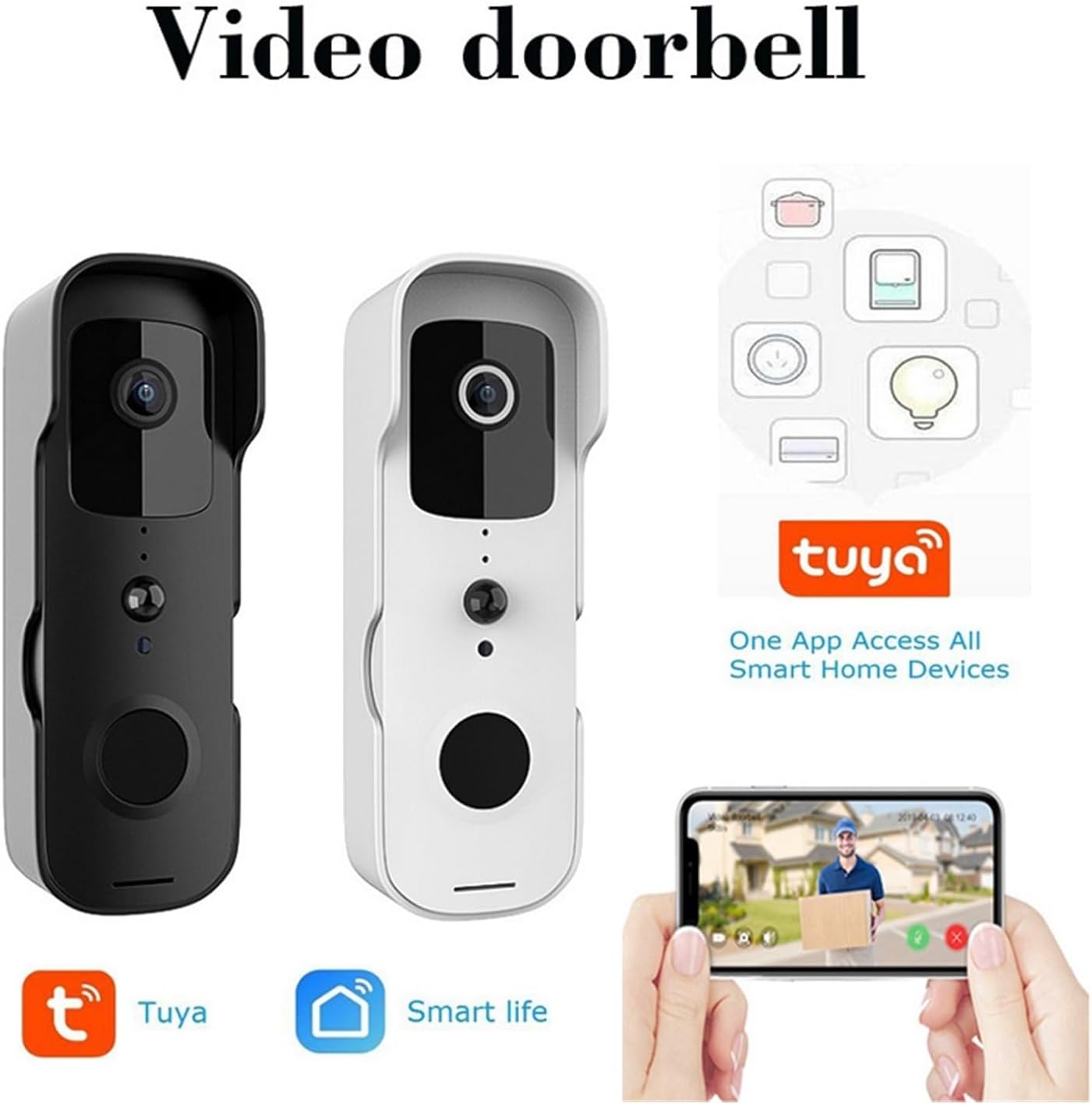
Figure 2: The Mini 1080P WiFi Doorbell Camera available in both black and white finishes, highlighting its compatibility with the Tuya and Smart Life applications for smart home integration.
പ്രധാന സവിശേഷതകൾ
- HD 1080P Picture Quality: Provides clear images and videos for effective doorway monitoring.
- വയർലെസ് കണക്ഷൻ: Easy communication with your smartphone or tablet via WiFi for remote viewing.
- സുരക്ഷാ സംരക്ഷണം: Equipped with intelligent detection and alert features for unusual activity or intrusion.
- Interactive Intercom: Built-in function for real-time two-way dialogue with visitors.
- Tuya Smartlife APP Support: Manage and control doorbell settings, including alarm settings and video playback, through the app.
- ലളിതമായ ഇൻസ്റ്റാളേഷൻ: Designed for easy mounting and connection to your Wi-Fi network.
- വിദൂര ആക്സസ്: Monitor your doorway from anywhere with an internet connection.
- Low Power Design: Optimized for extended battery life and reduced power consumption.
- മൾട്ടി-യൂസർ പങ്കിടൽ: Share access to the doorbell camera with family or friends.
- വാട്ടർപ്രൂഫ് ഡിസൈൻ: Ensures proper operation even in adverse weather conditions.
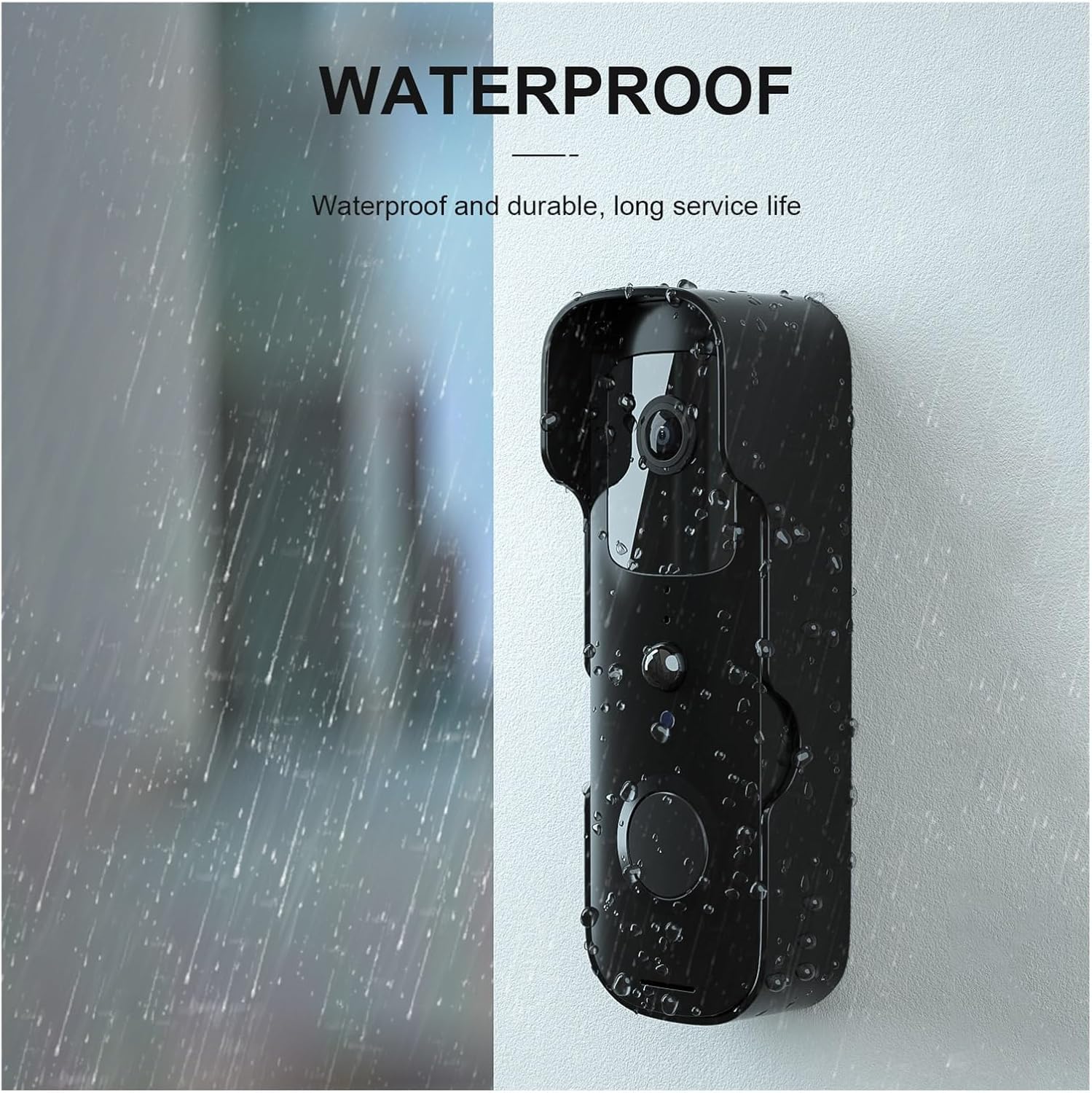
Figure 3: The doorbell camera features a waterproof design, ensuring durability and reliable performance in various weather conditions.

ചിത്രം 4: ഓവർview of the video doorbell's capabilities, including outside control, doorbell function, visitor viewing, wireless connectivity, power status, induction light, open door detection, and warning alerts.
സജ്ജമാക്കുക
1. പ്രാരംഭ ചാർജിംഗ്
Before first use, fully charge the doorbell camera using the provided USB cable. A full charge ensures optimal performance and battery life.
2. ആപ്പ് ഡൗൺലോഡും രജിസ്ട്രേഷനും
- ഡൗൺലോഡ് ചെയ്യുക Tuya Smartlife APP നിങ്ങളുടെ സ്മാർട്ട്ഫോണിന്റെ ആപ്പ് സ്റ്റോറിൽ നിന്ന് (iOS ആപ്പ് സ്റ്റോർ അല്ലെങ്കിൽ ഗൂഗിൾ പ്ലേ സ്റ്റോർ).
- ആപ്പ് തുറന്ന് പുതിയൊരു അക്കൗണ്ടിനായി രജിസ്റ്റർ ചെയ്യുക അല്ലെങ്കിൽ നിങ്ങൾക്ക് ഇതിനകം ഒരു അക്കൗണ്ട് ഉണ്ടെങ്കിൽ ലോഗിൻ ചെയ്യുക.
3. ഉപകരണ ജോടിയാക്കൽ
- Ensure your doorbell camera is powered on and in pairing mode (refer to the device's indicator light for status).
- In the Tuya Smartlife APP, tap the "+" icon to add a new device.
- ഉപകരണ ലിസ്റ്റിൽ നിന്ന് "വീഡിയോ സർവൈലൻസ്" അല്ലെങ്കിൽ "സ്മാർട്ട് ഡോർബെൽ" തിരഞ്ഞെടുക്കുക.
- Follow the on-screen instructions to connect the doorbell to your 2.4GHz Wi-Fi network. You may need to scan a QR code displayed on your phone with the doorbell camera.
- Once connected, name your device and complete the setup process.
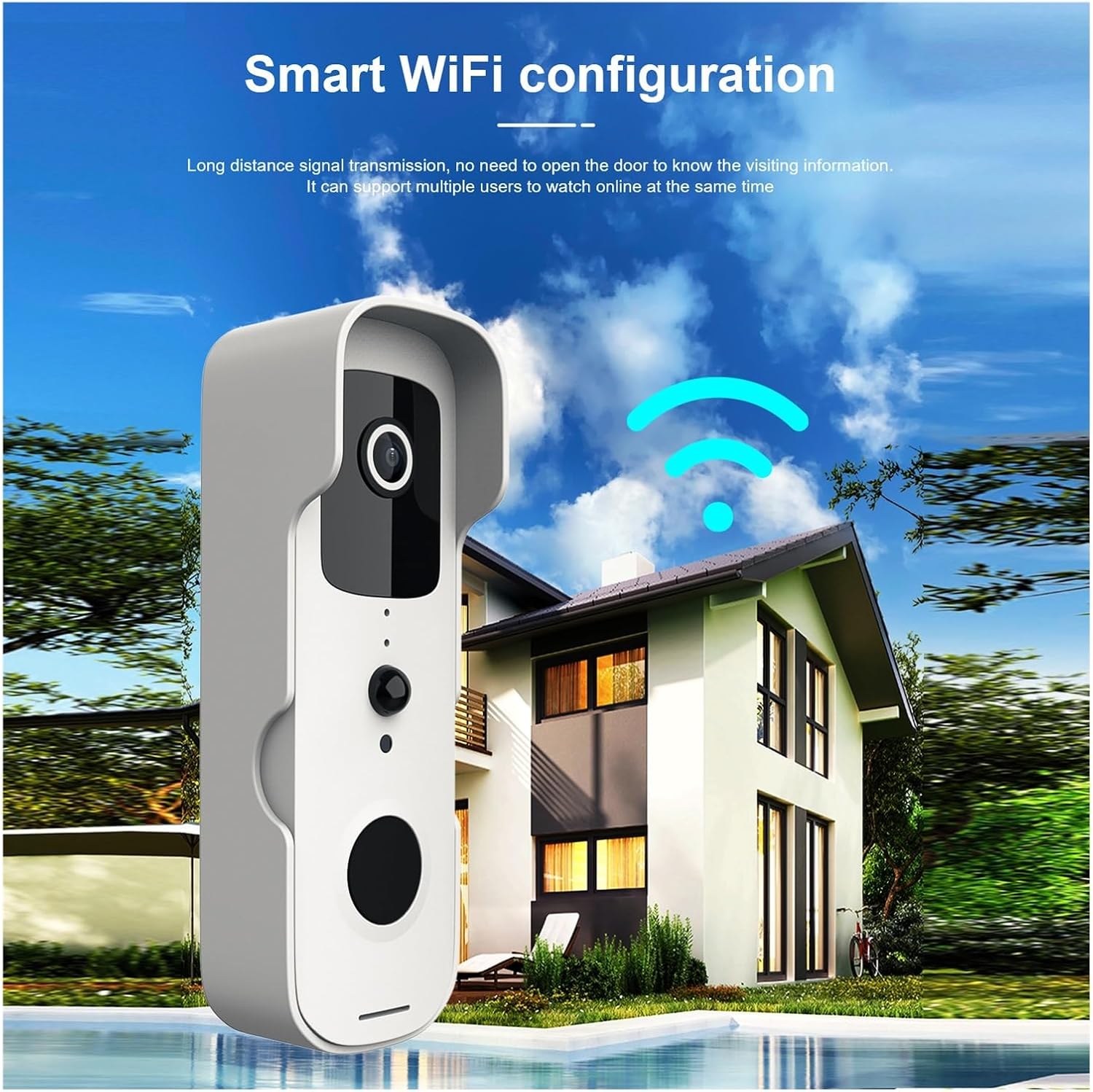
Figure 5: The doorbell camera establishing a wireless connection to a home network, indicating its WiFi configuration for remote access.
4. ഫിസിക്കൽ ഇൻസ്റ്റലേഷൻ
Choose a suitable location near your door, ensuring clear line of sight and good Wi-Fi signal strength. Use the provided mounting bracket and screws to securely fix the doorbell camera to the wall or door frame. Ensure the installation height allows for optimal viewing of visitors.
പ്രവർത്തന നിർദ്ദേശങ്ങൾ
1. തത്സമയം View ഒപ്പം ടു-വേ ഓഡിയോയും
Open the Tuya Smartlife APP and select your doorbell device. You will see a live video feed from the camera. To speak with a visitor, tap the microphone icon in the app. To listen, ensure the speaker icon is enabled.

Figure 6: A mobile phone displaying a live video call from the doorbell camera, demonstrating the two-way communication feature compatible with both iPhone and Android devices.
2. മോഷൻ ഡിറ്റക്ഷനും അലേർട്ടുകളും
The doorbell camera is equipped with PIR (Passive Infrared) detection to identify human and pet movement. When motion is detected, you will receive an instant notification on your smartphone. You can adjust the sensitivity of motion detection in the app settings to minimize false alerts.

Figure 7: Diagram illustrating the PIR detection capabilities of the doorbell camera, showing its ability to detect people, birds, and pets, while filtering out non-relevant movements like cars, wind, and insects.
3. വീഡിയോ റെക്കോർഡിംഗും പ്ലേബാക്കും
The doorbell camera supports local storage (via microSD card, not included) or cloud storage (subscription may be required) for recording events. Access recorded videos through the Tuya Smartlife APP's playback function.
4. മൾട്ടി-ഉപയോക്തൃ പങ്കിടൽ
To share access with family members, navigate to the device settings in the Tuya Smartlife APP and select "Share Device." You can invite other users to view തത്സമയ ഫീഡ്, അലേർട്ടുകൾ സ്വീകരിക്കുക.
മെയിൻ്റനൻസ്
- വൃത്തിയാക്കൽ: ക്യാമറ ലെൻസും ബോഡിയും മൃദുവായ, d തുണി ഉപയോഗിച്ച് സൌമ്യമായി തുടയ്ക്കുക.amp തുണി. കഠിനമായ രാസവസ്തുക്കളോ ഉരച്ചിലുകളുള്ള ക്ലീനറുകളോ ഉപയോഗിക്കരുത്.
- ബാറ്ററി ലൈഫ്: The low power design extends battery life. Recharge the device when the battery indicator in the app shows low power.
- ഫേംവെയർ അപ്ഡേറ്റുകൾ: Periodically check the Tuya Smartlife APP for available firmware updates to ensure optimal performance and security.
ട്രബിൾഷൂട്ടിംഗ്
| പ്രശ്നം | സാധ്യമായ കാരണം | പരിഹാരം |
|---|---|---|
| Device won't connect to Wi-Fi. | വൈഫൈ പാസ്വേഡ് തെറ്റാണ്; 5GHz വൈഫൈ നെറ്റ്വർക്ക്; ദുർബലമായ സിഗ്നൽ. | Ensure correct 2.4GHz Wi-Fi password; move doorbell closer to router; restart router. |
| ചലന കണ്ടെത്തൽ അലേർട്ടുകളൊന്നുമില്ല. | Motion detection disabled; low sensitivity; app notifications off. | Enable motion detection in app; increase sensitivity; check phone notification settings. |
| മോശം വീഡിയോ നിലവാരം. | ദുർബലമായ വൈ-ഫൈ സിഗ്നൽ; വൃത്തികെട്ട ലെൻസ്. | Improve Wi-Fi signal strength; clean camera lens. |
| ടു-വേ ഓഡിയോ പ്രവർത്തിക്കുന്നില്ല. | Microphone/speaker muted in app; network issues. | Check app audio settings; ensure stable internet connection. |
സ്പെസിഫിക്കേഷനുകൾ
- മോഡൽ: Mini 1080P WiFi Doorbell Camera
- വീഡിയോ മിഴിവ്: 1080P HD
- കണക്റ്റിവിറ്റി: വൈഫൈ (2.4GHz മാത്രം)
- ആപ്പ് പിന്തുണ: Tuya Smartlife APP
- ചലനം കണ്ടെത്തൽ: PIR (നിഷ്ക്രിയ ഇൻഫ്രാറെഡ്)
- ഓഡിയോ: ടു-വേ ഇൻ്റർകോം
- ശക്തി: Low power consumption design (battery operated)
- വാട്ടർപ്രൂഫ്: അതെ
- നിർമ്മാതാവ്: YUD5DAS
- മാതൃരാജ്യം: ചൈന
- ASIN: B0F2M93Y7F
വാറൻ്റിയും പിന്തുണയും
For warranty information and technical support, please refer to the contact details provided by your retailer or visit the official Generic brand webവാറന്റി ക്ലെയിമുകൾക്കുള്ള വാങ്ങലിന്റെ തെളിവായി നിങ്ങളുടെ വാങ്ങൽ രസീത് സൂക്ഷിക്കുക.
Ask a question about this manual
Ask about setup, troubleshooting, compatibility, parts, safety, or missing instructions. Manuals+ will review the question and use this page’s manual context to help answer it.