
1. ആമുഖം
This manual provides essential information for setting up, operating, and maintaining your DOOGEE NOTE59PRO+ 5G Smartphone. Please read this manual thoroughly before using your device to ensure proper functionality and safety.
2. ഉൽപ്പന്നം കഴിഞ്ഞുview
The DOOGEE NOTE59PRO+ is a 5G smartphone designed for efficient performance and a rich user experience. It features a powerful Octa-Core processor, ample memory, a high-refresh-rate display, and advanced camera capabilities.
2.1 പ്രധാന സവിശേഷതകൾ
- പ്രോസസ്സർ: UNISOC T8200 Octa-Core 2.3GHz (6nm technology) for smooth and fast operation.
- മെമ്മറി: 36GB RAM (12GB physical + 24GB extended) and 512GB internal storage, expandable up to 2TB via TF card.
- ഡിസ്പ്ലേ: 6.75-inch IPS HD+ display with 120Hz refresh rate, 720x1600 resolution, 260 PPI, and 16.7 million colors. Widevine L1 support for high-quality streaming.
- ബാറ്ററി: 6250mAh large capacity battery with Type-C charging and OTG support for reverse charging.
- ക്യാമറകൾ: 50MP AI main camera and 8MP front camera for clear photos and selfies.
- ഓപ്പറേറ്റിംഗ് സിസ്റ്റം: Android 15 for the latest features and security updates.
- സുരക്ഷ: Fingerprint unlock and Face ID for secure access.
- കണക്റ്റിവിറ്റി: 5G network support, NFC, Bluetooth 5.0, Dual WiFi (2.4G/5G), FM radio, GPS, and Google Pay compatibility.
- ഡിസൈൻ: Ultra-thin 8.6mm body, weighing 199g.
3. ആരംഭിക്കുന്നു
3.1 പാക്കേജ് ഉള്ളടക്കം
ബോക്സിൽ എല്ലാ ഇനങ്ങളും ഉണ്ടെന്ന് ഉറപ്പാക്കുക:
- DOOGEE NOTE59PRO+ Smartphone
- ടൈപ്പ്-സി കേബിൾ
- ചാർജർ
- SIM Card Pin Ejector
- സംരക്ഷണ കേസ്
- ഉപയോക്തൃ മാനുവൽ

Image: Contents of the DOOGEE NOTE59PRO+ retail package.
3.2 സിം/ടിഎഫ് കാർഡ് ചേർക്കൽ
- നിങ്ങളുടെ ഫോണിന്റെ വശത്ത് സിം കാർഡ് ട്രേ കണ്ടെത്തുക.
- Insert the SIM ejector pin into the small hole next to the tray and press gently until the tray pops out.
- Place your Nano-SIM card(s) and/or TF card into the designated slots on the tray. Ensure the gold contacts face downwards.
- ട്രേ അതിന്റെ സ്ഥാനത്ത് ക്ലിക്കായി വരുന്നത് വരെ ശ്രദ്ധാപൂർവ്വം ഫോണിലേക്ക് തിരികെ തള്ളുക.
3.3 പ്രാരംഭ പവർ ഓണും സജ്ജീകരണവും
- Press and hold the Power button until the DOOGEE logo appears.
- നിങ്ങളുടെ ഭാഷ തിരഞ്ഞെടുക്കുന്നതിനും, വൈഫൈയിലേക്ക് കണക്റ്റുചെയ്യുന്നതിനും, നിങ്ങളുടെ Google അക്കൗണ്ട് സജ്ജീകരിക്കുന്നതിനും ഓൺ-സ്ക്രീൻ നിർദ്ദേശങ്ങൾ പാലിക്കുക.
- Configure security features such as fingerprint unlock and Face ID during the setup process.
4. പ്രവർത്തന നിർദ്ദേശങ്ങൾ
4.1 അടിസ്ഥാന നാവിഗേഷൻ
- പവർ ബട്ടൺ: സ്ക്രീൻ ഓൺ/ഓഫ് ചെയ്യാൻ അമർത്തുക. പവർ ഓഫ് ചെയ്യാനോ പുനരാരംഭിക്കാനോ അമർത്തിപ്പിടിക്കുക.
- വോളിയം ബട്ടണുകൾ: മീഡിയ വോളിയം, കോൾ വോളിയം, അറിയിപ്പ് വോളിയം എന്നിവ ക്രമീകരിക്കുക.
- ടച്ച്സ്ക്രീൻ ആംഗ്യങ്ങൾ: തിരഞ്ഞെടുക്കാൻ ടാപ്പ് ചെയ്യുക, സ്ക്രോൾ ചെയ്യാൻ സ്വൈപ്പ് ചെയ്യുക, സൂം ചെയ്യാൻ പിഞ്ച് ചെയ്യുക.
4.2 കോളുകളും സന്ദേശമയയ്ക്കലും
- കോളുകൾ ചെയ്യുന്നു: ഫോൺ ആപ്പ് തുറന്ന് നമ്പർ നൽകുക, തുടർന്ന് കോൾ ഐക്കണിൽ ടാപ്പ് ചെയ്യുക.
- സന്ദേശങ്ങൾ അയയ്ക്കുന്നു: Open the Messages app, start a new conversation, enter the recipient and message, then send.
4.3 ഇന്റർനെറ്റും കണക്റ്റിവിറ്റിയും
- വൈഫൈ: ലഭ്യമായ നെറ്റ്വർക്കുകളിലേക്ക് കണക്റ്റുചെയ്യാൻ ക്രമീകരണങ്ങൾ > നെറ്റ്വർക്കും ഇന്റർനെറ്റും > വൈ-ഫൈ എന്നതിലേക്ക് പോകുക.
- മൊബൈൽ ഡാറ്റ: Ensure mobile data is enabled in Settings > Network & internet > Mobile network for internet access via your SIM card.
- ബ്ലൂടൂത്ത്: Pair with other devices via Settings > Connected devices > Bluetooth.
- NFC: Enable NFC in Settings > Connected devices > Connection preferences > NFC for contactless payments and data transfer.

Image: Illustration of Wi-Fi 5 high-speed transmission features.
5. ക്യാമറ സവിശേഷതകൾ
The DOOGEE NOTE59PRO+ is equipped with a 50MP AI main camera and an 8MP front camera, offering various modes for capturing high-quality images and videos.
5.1 ഫോട്ടോകളും വീഡിയോകളും എടുക്കൽ
- ക്യാമറ ആപ്പ് തുറക്കുക.
- Select between Photo, Video, Portrait, or other available modes.
- ഒരു ഫോട്ടോ എടുക്കാൻ ഷട്ടർ ബട്ടൺ ടാപ്പ് ചെയ്യുക അല്ലെങ്കിൽ വീഡിയോ റെക്കോർഡിംഗ് ആരംഭിക്കുക/നിർത്തുക.
- Use the AI features for automatic scene recognition and optimization.

Image: Close-up of the smartphone's camera module, highlighting the 50MP AI main camera and 8MP front camera.

Image: The smartphone's camera interface with AI intelligent identification for 12 independent scenarios.
6. ഡിസ്പ്ലേ സവിശേഷതകൾ
The 6.75-inch IPS HD+ display with a 120Hz refresh rate provides a smooth and immersive visual experience.
6.1 വൈഡ്വൈൻ എൽ1 പിന്തുണ
With Widevine L1 certification, your device supports high-definition streaming from popular platforms, ensuring a premium viewഅനുഭവം.

Image: The smartphone's display highlighting its 6.75-inch size, 120Hz refresh rate, and 720x1600 resolution.
7. ബാറ്ററിയും ചാർജിംഗും
The 6250mAh battery provides extended usage, and the Type-C port supports efficient charging.
7.1 നിങ്ങളുടെ ഉപകരണം ചാർജ് ചെയ്യുന്നു
- ഫോണിന്റെ ചാർജിംഗ് പോർട്ടിലേക്ക് ടൈപ്പ്-സി കേബിൾ ബന്ധിപ്പിക്കുക.
- Connect the other end of the cable to the provided charger and plug it into a power outlet.
- ചാർജിംഗ് ഇൻഡിക്കേറ്റർ സ്ക്രീനിൽ ദൃശ്യമാകും.

Image: The smartphone connected to a charger, illustrating its 6250mAh battery and charging process.
7.2 OTG Reverse Charging
The device supports OTG (On-The-Go) reverse charging, allowing you to use your smartphone as a power bank to charge other compatible devices using a suitable OTG cable (sold separately).

Image: The DOOGEE NOTE59PRO+ demonstrating OTG reverse charging capability for headphones, smartphones, and smartwatches.
8. സംഭരണവും പ്രകടനവും
With 36GB of RAM and 512GB of internal storage, the NOTE59PRO+ handles multitasking and large fileകൾ കാര്യക്ഷമമായി.
8.1 RAM Expansion
The device features dynamic RAM expansion, allowing you to extend the 12GB physical RAM with an additional 24GB from internal storage, totaling 36GB for enhanced performance. To enable this:
- ക്രമീകരണങ്ങളിലേക്ക് പോകുക.
- Navigate to "Extended Memory" or "RAM Expansion".
- Adjust the desired expansion amount and confirm.
- Restart the phone for changes to take effect.
8.2 സംഭരണ വികസനം
The 512GB internal storage can be expanded up to 2TB using a TF (microSD) card, providing ample space for applications, photos, videos, and documents.

Image: The smartphone's display illustrating its 512GB ROM and 36GB RAM (12GB base + 24GB extended).
9. സുരക്ഷാ സവിശേഷതകൾ
Your device offers multiple security options to protect your data and privacy.
9.1 ഫിംഗർപ്രിന്റ് അൺലോക്ക്
- Go to Settings > Security & privacy > Device unlock > Fingerprint.
- നിങ്ങളുടെ വിരലടയാളം രജിസ്റ്റർ ചെയ്യുന്നതിന് ഓൺ-സ്ക്രീൻ നിർദ്ദേശങ്ങൾ പാലിക്കുക.
9.2 ഫെയ്സ് ഐഡി
- Go to Settings > Security & privacy > Device unlock > Face unlock.
- Follow the on-screen instructions to register your face for quick and secure unlocking.

Image: Visual representation of the smartphone's facial recognition and side-mounted fingerprint sensor for secure unlocking.
10. Software (Android 15)
The DOOGEE NOTE59PRO+ runs on Android 15, offering an intuitive interface and access to a vast ecosystem of applications.
10.1 ആൻഡ്രോയിഡ് 15 സവിശേഷതകൾ
- Enhanced privacy controls and permissions management.
- Improved notification management for better focus.
- New customization options for themes and widgets.
- Optimized battery usage and performance.
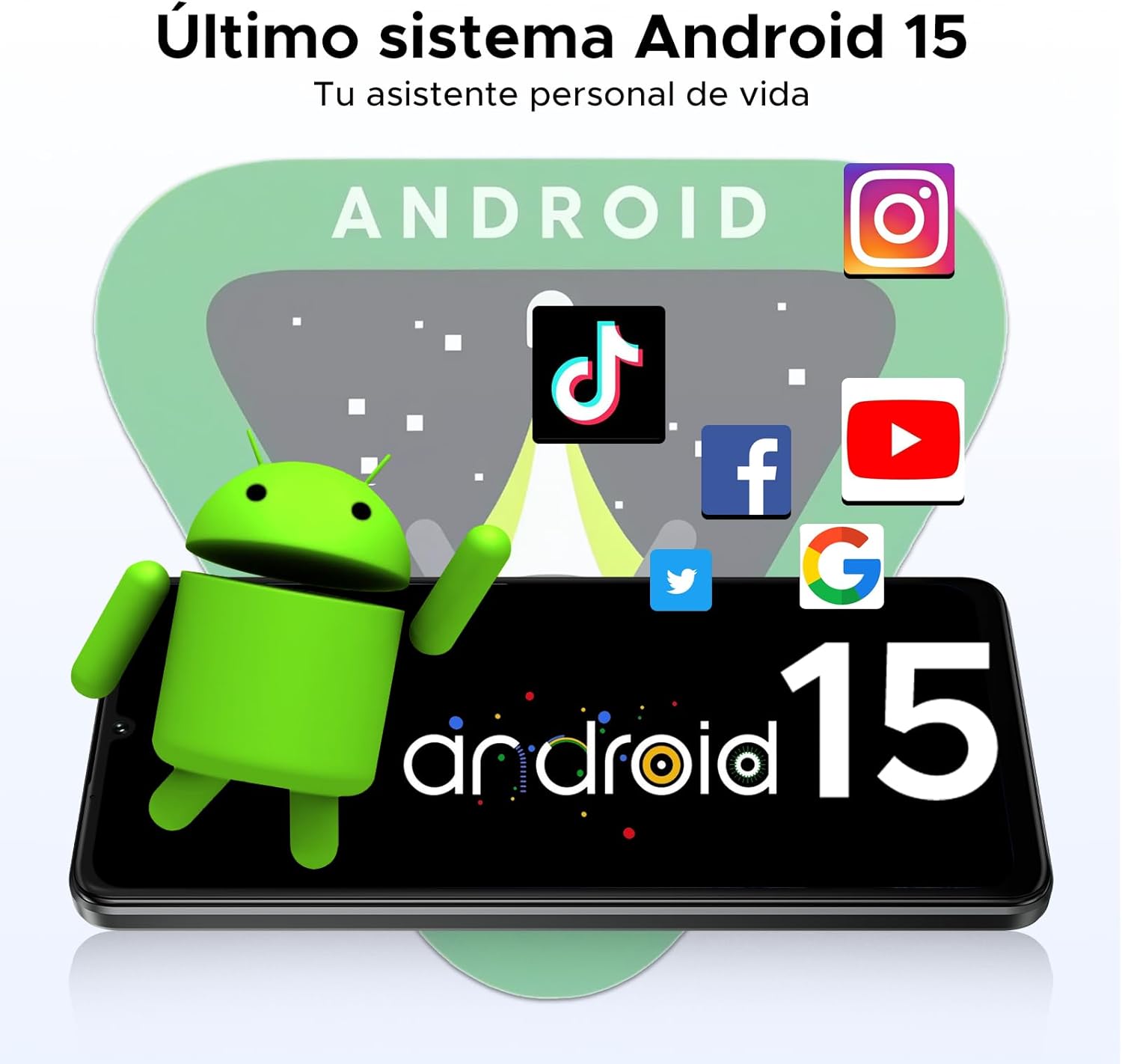
Image: The smartphone screen showing the Android 15 logo and interface.
11 സ്പെസിഫിക്കേഷനുകൾ
| ഫീച്ചർ | സ്പെസിഫിക്കേഷൻ |
|---|---|
| ബ്രാൻഡ് | ഡോഗി |
| മോഡൽ | NOTE59PRO+ |
| പ്രോസസ്സർ | UNISOC T8200 Octa-Core 2.3GHz (6nm) |
| റാം | 36GB (12GB physical + 24GB extended) |
| ആന്തരിക സംഭരണം | 512 ജിബി |
| വികസിപ്പിക്കാവുന്ന സംഭരണം | TF കാർഡ് വഴി 2TB വരെ |
| ഡിസ്പ്ലേ വലിപ്പം | 6.75 ഇഞ്ച് |
| ഡിസ്പ്ലേ തരം | IPS HD+ |
| റെസലൂഷൻ | 720 x 1600 പിക്സലുകൾ |
| പുതുക്കിയ നിരക്ക് | 120Hz |
| പ്രധാന ക്യാമറ | 50MP AI |
| മുൻ ക്യാമറ | 8എംപി |
| ബാറ്ററി ശേഷി | 6250mAh |
| ചാർജിംഗ് പോർട്ട് | ടൈപ്പ്-സി |
| ഓപ്പറേറ്റിംഗ് സിസ്റ്റം | ആൻഡ്രോയിഡ് 15 |
| കണക്റ്റിവിറ്റി | 5G, NFC, Bluetooth 5.0, Dual WiFi (2.4G/5G), FM, GPS |
| സുരക്ഷ | Fingerprint Sensor, Face ID |
| അളവുകൾ | 8.6 മി.മീ. കനം |
| ഭാരം | 199 ഗ്രാം |

Image: A comprehensive infographic detailing the main features and specifications of the DOOGEE NOTE59PRO+.
12. പ്രശ്നപരിഹാരം
നിങ്ങളുടെ ഉപകരണത്തിൽ പ്രശ്നങ്ങൾ നേരിടുകയാണെങ്കിൽ, ഇനിപ്പറയുന്ന പൊതുവായ പരിഹാരങ്ങൾ പരിശോധിക്കുക:
- ഉപകരണം ഓണാക്കുന്നില്ല: ബാറ്ററി ചാർജ്ജ് ചെയ്തിട്ടുണ്ടെന്ന് ഉറപ്പാക്കുക. ചാർജർ കണക്റ്റ് ചെയ്ത് വീണ്ടും പവർ ചെയ്യാൻ ശ്രമിക്കുന്നതിന് മുമ്പ് കുറച്ച് മിനിറ്റ് കാത്തിരിക്കുക.
- Screen frozen: റീസ്റ്റാർട്ട് ചെയ്യാൻ പവർ ബട്ടൺ ഏകദേശം 10-15 സെക്കൻഡ് അമർത്തിപ്പിടിക്കുക.
- ആപ്പുകൾ ക്രാഷാകുന്നു: പ്രശ്നമുള്ള ആപ്പിന്റെ കാഷെ മായ്ക്കുക (ക്രമീകരണങ്ങൾ > ആപ്പുകൾ > [ആപ്പ് നാമം] > സംഭരണവും കാഷെയും > കാഷെ മായ്ക്കുക). പ്രശ്നം നിലനിൽക്കുകയാണെങ്കിൽ, ആപ്പ് വീണ്ടും ഇൻസ്റ്റാൾ ചെയ്യാൻ ശ്രമിക്കുക.
- മോശം നെറ്റ്വർക്ക് സിഗ്നൽ: Check if your SIM card is properly inserted. Try restarting the device or moving to an area with better coverage.
- ബാറ്ററി വേഗത്തിൽ തീർന്നു: Reduce screen brightness, close unused apps, disable unnecessary background processes, or check for app updates.
For more complex issues, consider performing a factory reset (backup your data first) or contacting customer support.
13. വാറൻ്റിയും പിന്തുണയും
Your DOOGEE NOTE59PRO+ comes with a 2-year official warranty from the date of purchase. This warranty covers manufacturing defects and ensures peace of mind for your device.
For warranty claims, technical support, or further assistance, please refer to the contact information provided on the DOOGEE official webസൈറ്റ് അല്ലെങ്കിൽ നിങ്ങളുടെ വാങ്ങൽ ഡോക്യുമെന്റേഷൻ.