
1. ആമുഖം
Welcome to the user manual for your new DOOGEE Tab A9 Pro+ Android 15 Tablet. This guide provides detailed instructions on how to set up, operate, and maintain your device, ensuring you get the most out of its features. Please read this manual carefully before using your tablet.
2. പാക്കേജ് ഉള്ളടക്കം
Verify that all items listed below are included in your package. If any item is missing or damaged, please contact customer support.
- DOOGEE Tab A9 Pro+ Tablet
- ടൈപ്പ്-സി യുഎസ്ബി കേബിൾ
- ചാർജർ
- Stylus (VIP Edition)
- Tempered Film (VIP Edition)
- Bluetooth Mouse (VIP Edition)
- Leather Protective Cover (VIP Edition)
- Bluetooth Keyboard (VIP Edition)
- പാക്കിംഗ് ബോക്സ്
- ഉപയോക്തൃ മാനുവൽ
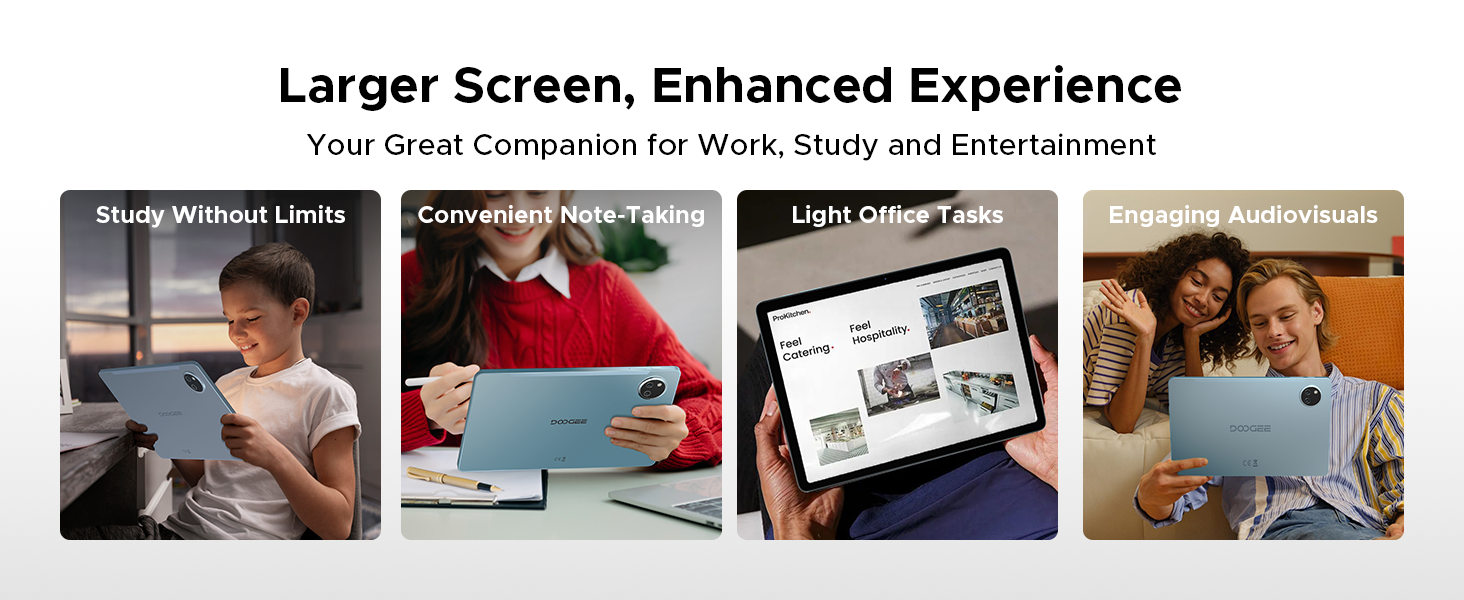
Image: Contents of the DOOGEE Tab A9 Pro+ package, including the tablet, charger, USB cable, stylus, tempered film, Bluetooth mouse, leather protective cover, and Bluetooth keyboard.
3. ഡിവൈസ് ഓവർview
The DOOGEE Tab A9 Pro+ features a sleek design with essential components strategically placed for optimal user experience.
- മുൻഭാഗം: 11-inch display, 5MP front camera, ambient light sensor.
- പിൻഭാഗം: 13MP main camera, LED flash.
- വശങ്ങൾ: Power button, volume buttons, USB Type-C port, 3.5mm headphone jack, speaker grilles, microphone, SIM/microSD card tray.
4. പ്രാരംഭ സജ്ജീകരണം
4.1. ടാബ്ലെറ്റ് ചാർജ് ചെയ്യുന്നു
Before first use, fully charge your tablet. Connect the provided USB Type-C cable to the tablet's charging port and the other end to the included power adapter. Plug the adapter into a wall outlet. The charging indicator will show the charging status.
4.2. പവർ ഓൺ/ഓഫ്
- പവർ ഓണാക്കാൻ: Press and hold the Power button until the DOOGEE logo appears.
- പവർ ഓഫ് ചെയ്യാൻ: പവർ ഓപ്ഷനുകൾ സ്ക്രീനിൽ ദൃശ്യമാകുന്നതുവരെ പവർ ബട്ടൺ അമർത്തിപ്പിടിക്കുക, തുടർന്ന് 'പവർ ഓഫ്' തിരഞ്ഞെടുക്കുക.
- പുനരാരംഭിക്കാൻ: പവർ ഓപ്ഷനുകൾ ദൃശ്യമാകുന്നതുവരെ പവർ ബട്ടൺ അമർത്തിപ്പിടിക്കുക, തുടർന്ന് 'പുനരാരംഭിക്കുക' തിരഞ്ഞെടുക്കുക.
4.3. Wi-Fi-ലേക്ക് ബന്ധിപ്പിക്കുന്നു
പോകുക ക്രമീകരണങ്ങൾ > നെറ്റ്വർക്കും ഇന്റർനെറ്റും > വൈ-ഫൈ. Turn on Wi-Fi, select your desired network, and enter the password if prompted.
4.4. Setting Up Google Account
During the initial setup, you will be prompted to sign in with your Google account. This is necessary to access the Google Play Store, Gmail, and other Google services. If you don't have an account, you can create one.
4.5. സിം/മൈക്രോ എസ്ഡി കാർഡ് ചേർക്കുന്നു
Locate the SIM/microSD card tray on the side of the tablet. Use the provided SIM ejector tool to open the tray. Insert your SIM card (if applicable) and/or a microSD card for expandable storage (up to 2TB) into the designated slots, then gently push the tray back into the tablet.
5. ഓപ്പറേറ്റിംഗ് സിസ്റ്റം (ആൻഡ്രോയിഡ് 15)
Your DOOGEE Tab A9 Pro+ runs on the Android 15 operating system, offering an intelligent, seamless, and secure user experience.
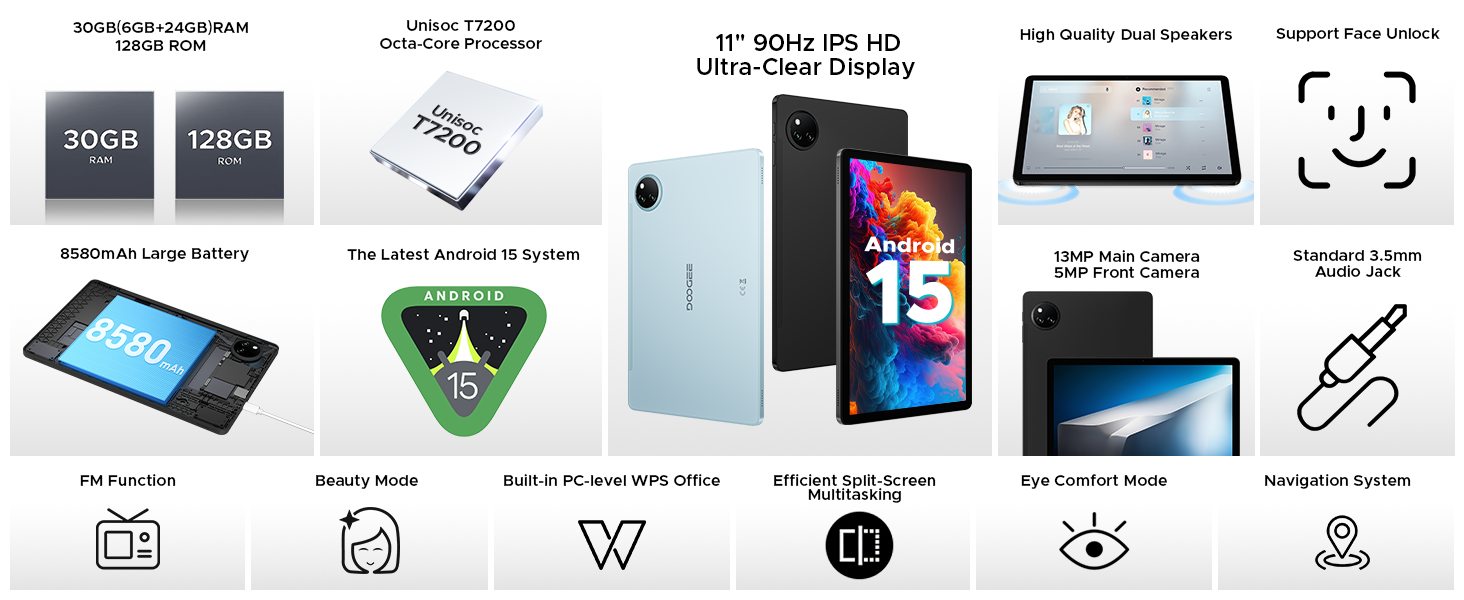
Image: Screenshot of the Android 15 system interface, highlighting its intelligent, seamless, and secure nature.
5.1 പ്രധാന സവിശേഷതകൾ
- Multi-user System: Create separate user profiles for different individuals, each with their own apps, settings, and data. Access this feature via ക്രമീകരണങ്ങൾ > സിസ്റ്റം > ഒന്നിലധികം ഉപയോക്താക്കൾ.
- രക്ഷാകർതൃ നിയന്ത്രണം: Manage and restrict access to content and apps for children's profiles.
- Split-Screen Multitasking: Run two applications simultaneously side-by-side for enhanced productivity. To activate, open a recent apps view, tap the app icon at the top of a window, and select 'Split screen'.
- സ്വകാര്യതാ ഷീൽഡ്: Advanced privacy controls and regular security updates protect your data and device.
- ബെഡ്ടൈം മോഡ്: Configure settings to help you wind down before sleep, such as grayscale display and Do Not Disturb.
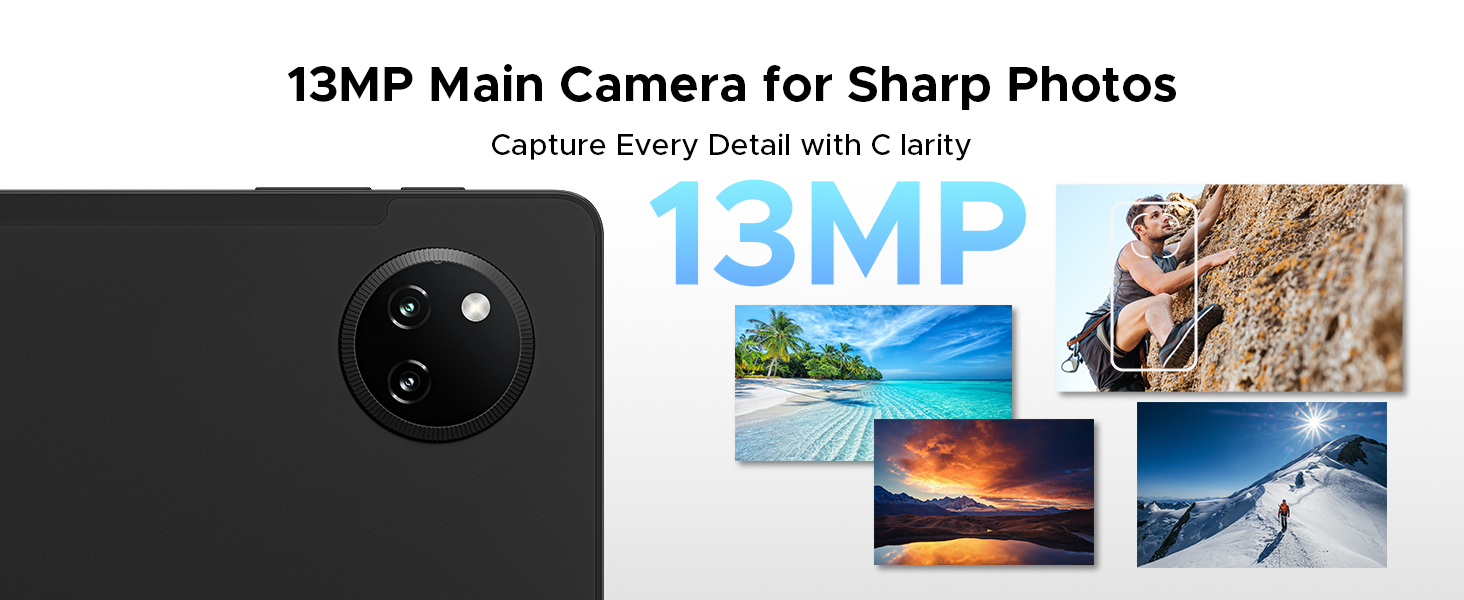
Image: Visual representation of Android 15 features including Bedtime Mode, Multi-user System, and Parental Control.
Image: The tablet displaying two applications side-by-side in split-screen multitasking mode.
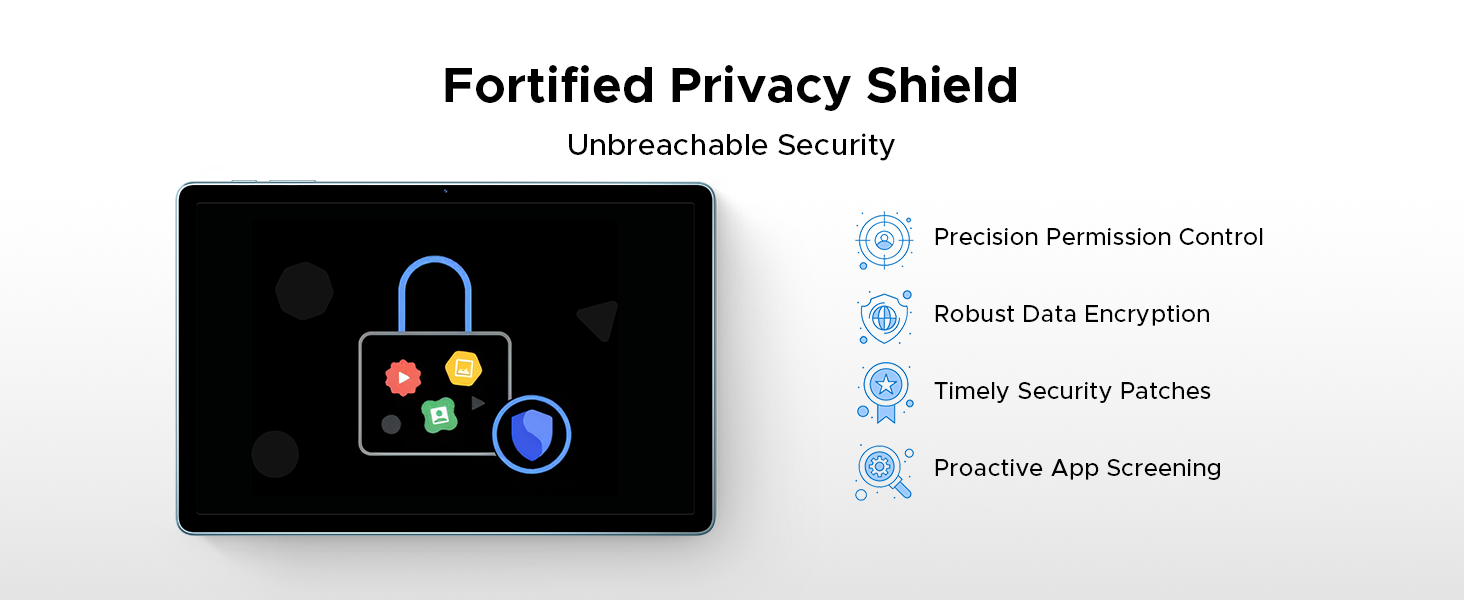
Image: A visual representation of the Android 15 Privacy Shield, indicating robust security features.
6. ഡിസ്പ്ലേയും ദൃശ്യങ്ങളും
The DOOGEE Tab A9 Pro+ features an 11-inch IPS HD display with a 90Hz refresh rate, providing a clear and smooth visual experience.
- ഡിസ്പ്ലേ വലുപ്പം: 11 ഇഞ്ച്
- റെസലൂഷൻ: 1920 x 1200 പിക്സലുകൾ
- പുതുക്കൽ നിരക്ക്: 90Hz for smoother motion
- വൈഡ്വൈൻ എൽ1: Supports high-definition streaming content from platforms like Netflix.
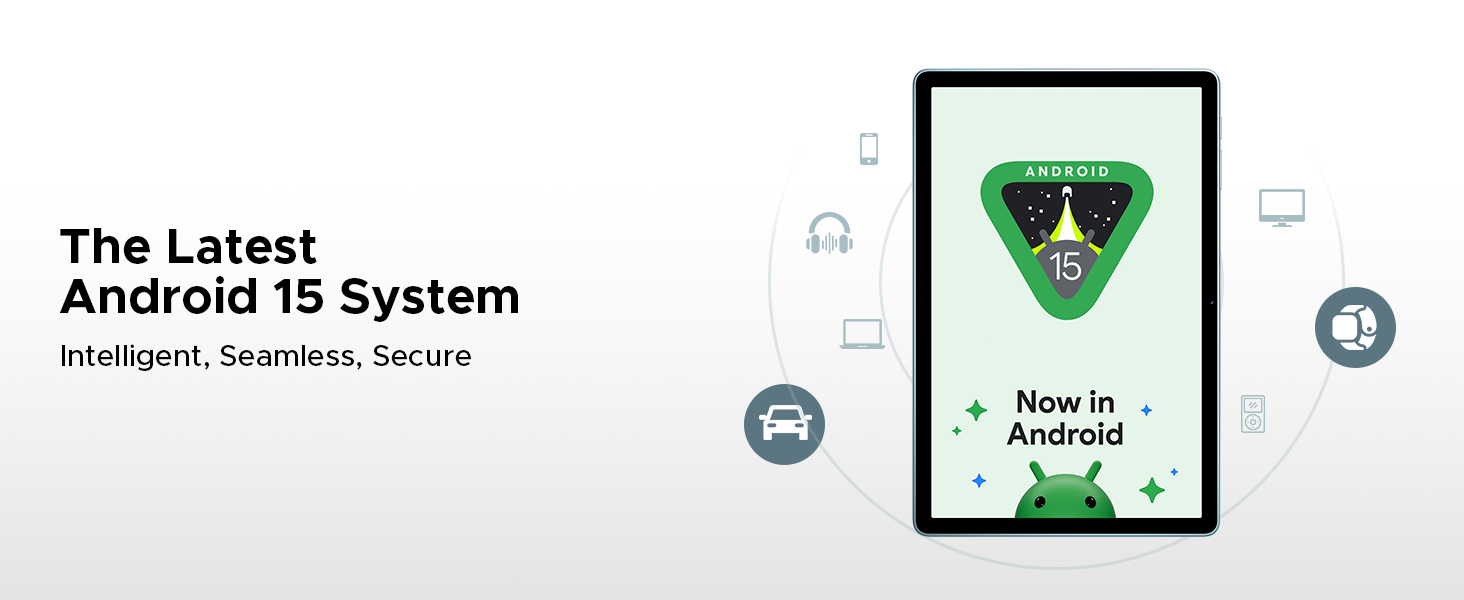
Image: The 11-inch IPS HD Ultra-Clear Display of the DOOGEE Tab A9 Pro+ highlighting its resolution, screen-to-body ratio, screen color, and aspect ratio.
6.1. ഡിസ്പ്ലേ മോഡുകൾ
Adjust display settings for enhanced comfort and visual quality:
- Eye-Caring Mode (Low Blue Light): Reduces blue light emission to protect your eyes, especially during prolonged use.
- ഡാർക്ക് മോഡ്: Softens screen light for comfortable night use and can help conserve battery.
- Anti-Flicker Mode: Minimizes screen flickering for enhanced visual comfort.

Image: Illustrations of Eye-Caring Mode (low blue light) and Dark Mode for visual comfort.
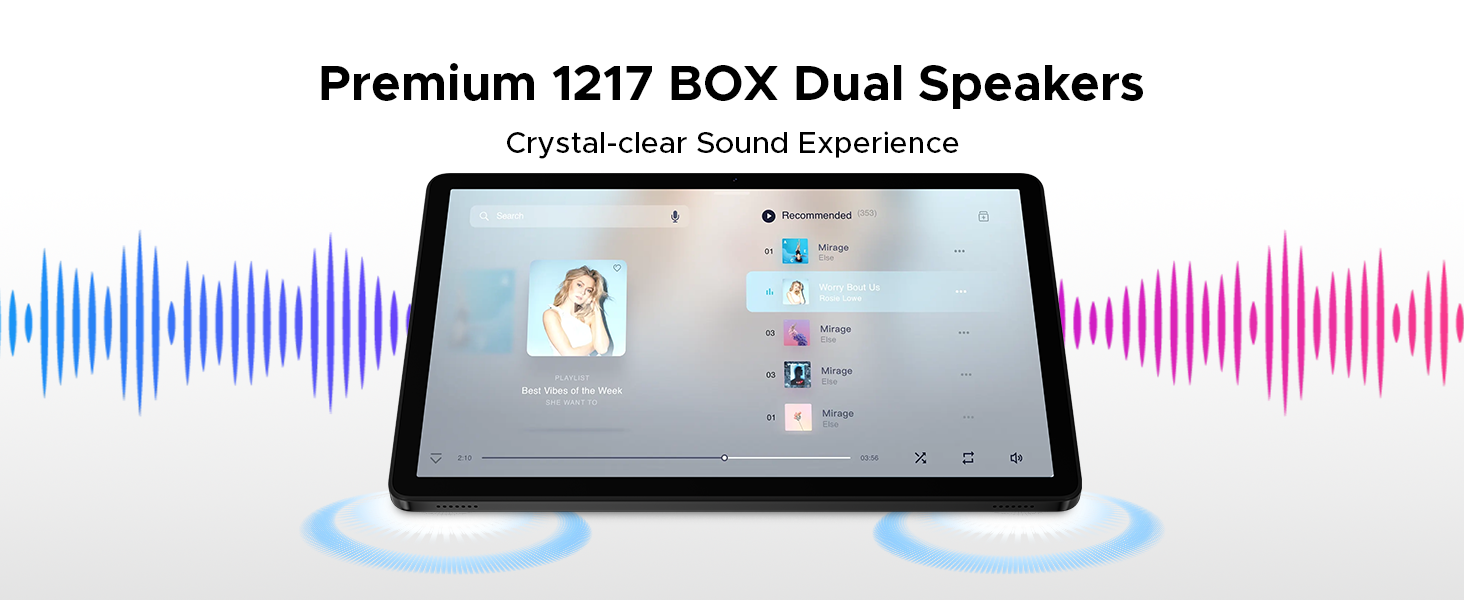
Image: A comparison showing the effect of Anti-Flicker Mode on the display.
7. പ്രകടനവും സംഭരണവും
The DOOGEE Tab A9 Pro+ is equipped with a powerful processor and ample memory for smooth operation and extensive storage.
- പ്രോസസ്സർ: Unisoc T7200 Octa-Core Processor (1.6GHz, 12nm advanced process technology)
- റാം: 30GB (6GB base + up to 24GB extended RAM)
- ആന്തരിക സംഭരണം (ROM): 128 ജിബി
- വികസിപ്പിക്കാവുന്ന സംഭരണം: Up to 2TB via microSD card (TF card needs to be purchased separately).

Image: A visual representation of the Unisoc T7200 Octa-Core Processor, highlighting its speed and efficiency.
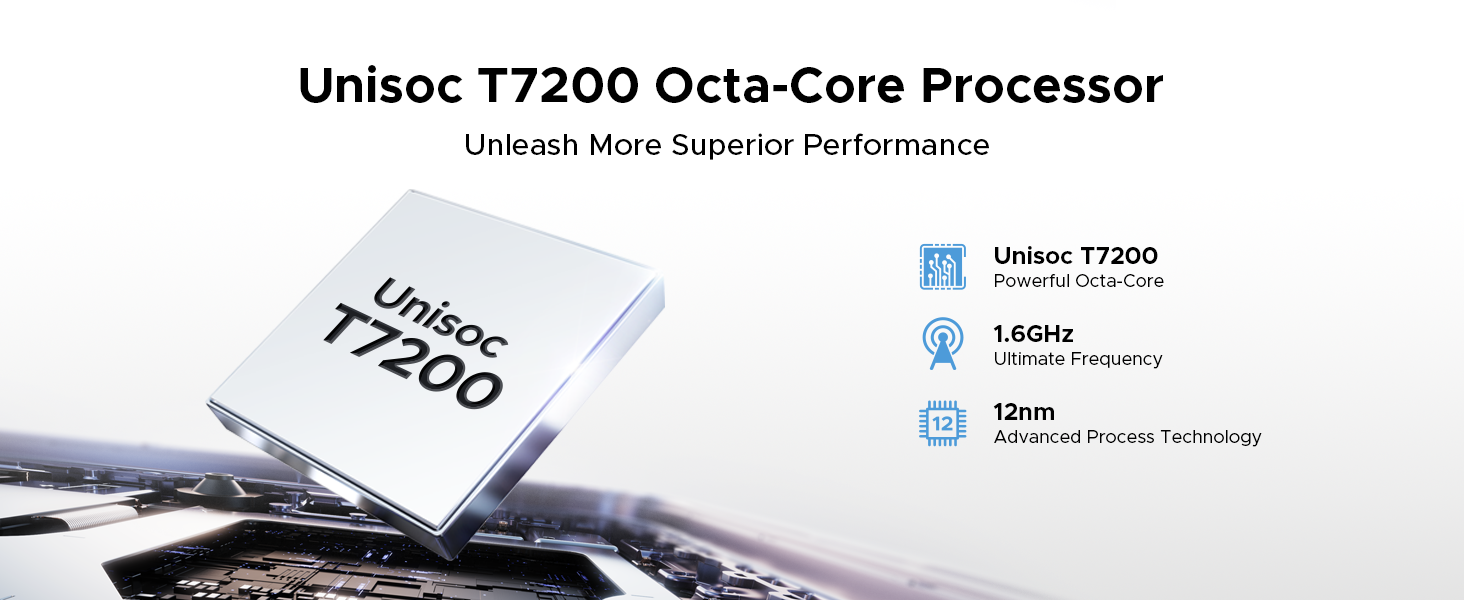
Image: Illustration showing the 30GB RAM (6GB base + 24GB extended) and 128GB ROM with 2TB expandable memory.
8. ബാറ്ററി മാനേജ്മെന്റ്
The tablet is equipped with an 8580mAh high-capacity battery for extended usage.
- ബാറ്ററി ശേഷി: 8580mAh
- ചാർജിംഗ്: 10W ഫാസ്റ്റ് ചാർജിംഗ് പിന്തുണയ്ക്കുന്നു.
- വിപരീത ചാർജിംഗ്: Supports 5W reverse charging, allowing the tablet to act as a power bank for other devices.
- കണക്കാക്കിയ ബാറ്ററി ലൈഫ്: Up to 24 days standby (airplane mode), 36 hours music playback, 6.5 hours video watching, 7 hours web ബ്രൗസിംഗ്.
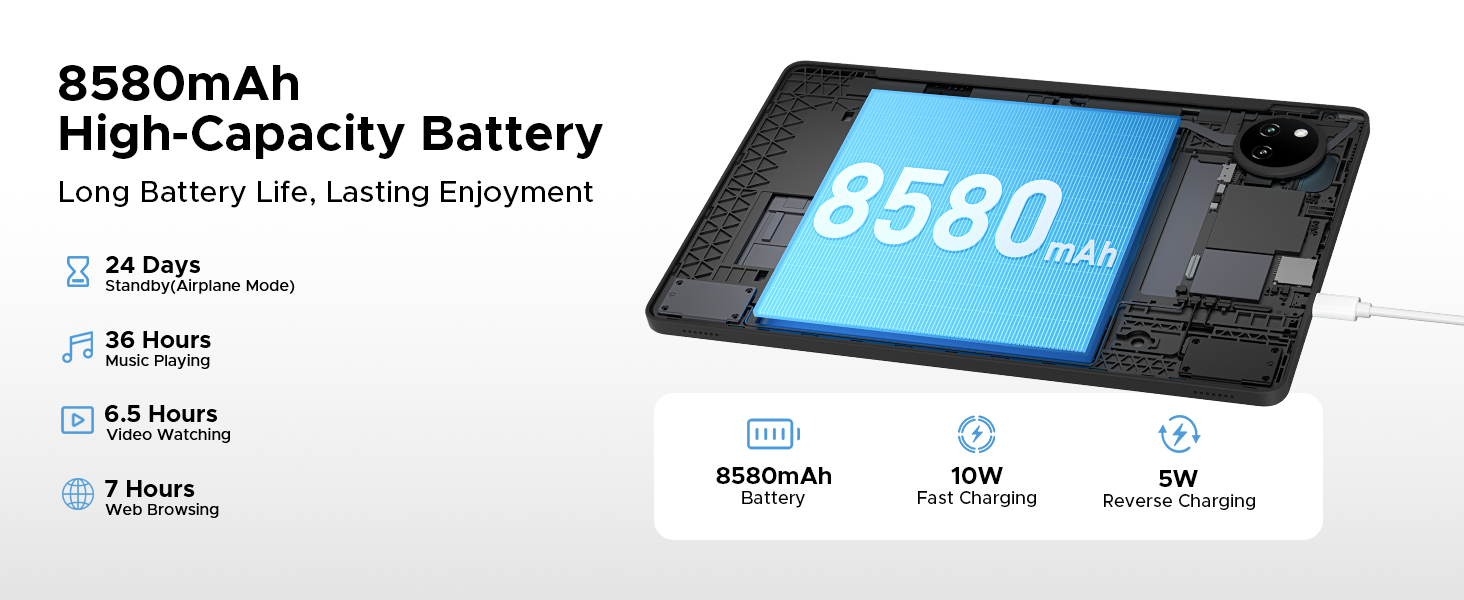
Image: Diagram illustrating the 8580mAh battery, 10W fast charging, and 5W reverse charging capabilities.
9. ക്യാമറ
Capture moments with the tablet's integrated cameras.
- പ്രധാന ക്യാമറ: 13MP for sharp photos.
- മുൻ ക്യാമറ: വീഡിയോ കോളുകൾക്കും സെൽഫികൾക്കും 5MP.
- ബ്യൂട്ടി മോഡ്: Enhance your photos with built-in beauty features.
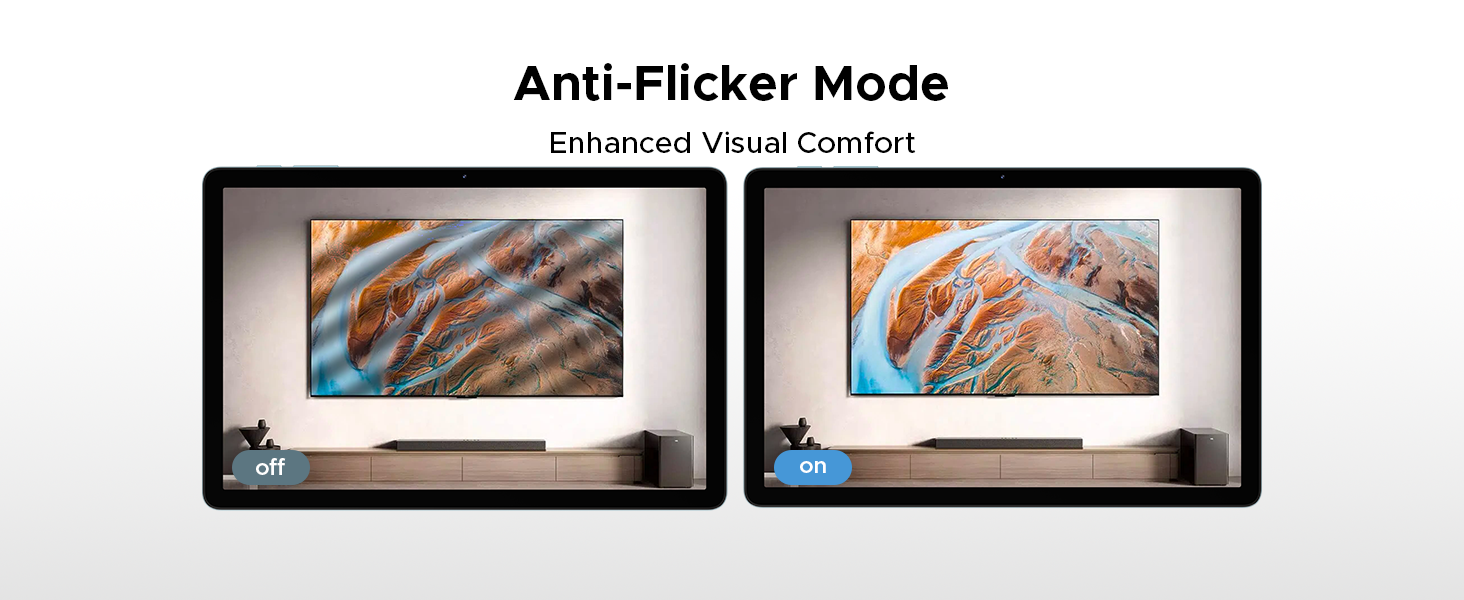
Image: Close-up of the tablet's rear camera module and example photos taken with the 13MP main camera.

Image: The tablet displaying a video call, showcasing the 5MP front camera's capability for clear communication.

Image: A comparison demonstrating the effect of Beauty Mode on a photograph.
10. ഓഡിയോ
Experience clear audio with the tablet's dual speakers and headphone jack.
- ഇരട്ട സ്പീക്കറുകൾ: Premium 1217 BOX Dual Speakers provide a crystal-clear sound experience.
- 3.5mm ഓഡിയോ ജാക്ക്: A standard headphone jack allows for private listening with stable and distortion-free transmission.
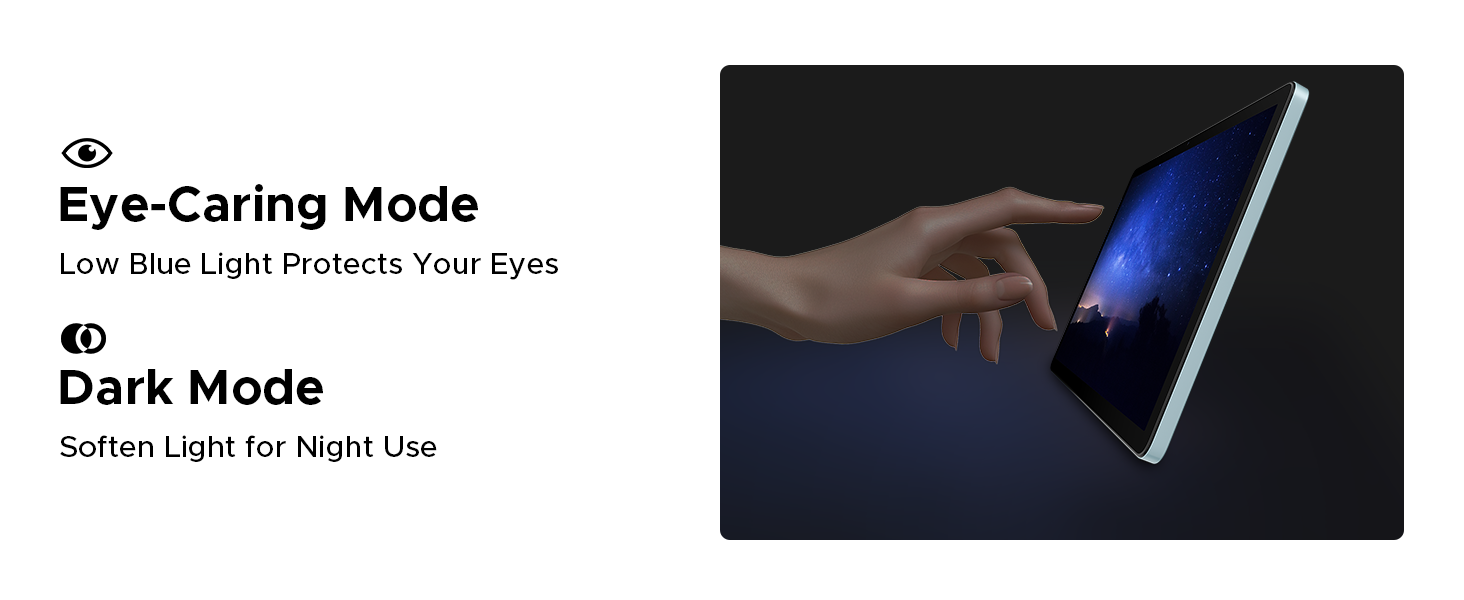
Image: The tablet displaying a music player interface, with visual cues indicating sound output from dual speakers.

Image: A person using headphones connected to the tablet via the 3.5mm audio jack.
11. കണക്റ്റിവിറ്റി
The DOOGEE Tab A9 Pro+ offers various connectivity options for seamless integration into your digital life.
- വൈഫൈ: Supports faster Wi-Fi 5 (2.4G/5G) for low latency, anti-congestion, wide coverage, low power consumption, and high-speed internet access.
- ബ്ലൂടൂത്ത്: വയർലെസ് ഹെഡ്ഫോണുകൾ, സ്പീക്കറുകൾ, മറ്റ് ബ്ലൂടൂത്ത് പ്രവർത്തനക്ഷമമാക്കിയ ഉപകരണങ്ങൾ എന്നിവയിലേക്ക് കണക്റ്റുചെയ്യുക.
- നാവിഗേഷൻ സിസ്റ്റം: Integrated GPS, Glonass, Galileo, and Beidou for precise location tracking and navigation.
- OTG (ഓൺ-ദി-ഗോ): Connect USB peripherals such as flash drives, keyboards, or mice directly to your tablet.

Image: A visual representation of WiFi 2.4G/5G connectivity, emphasizing low latency, anti-congestion, wide coverage, low power consumption, and high speed.
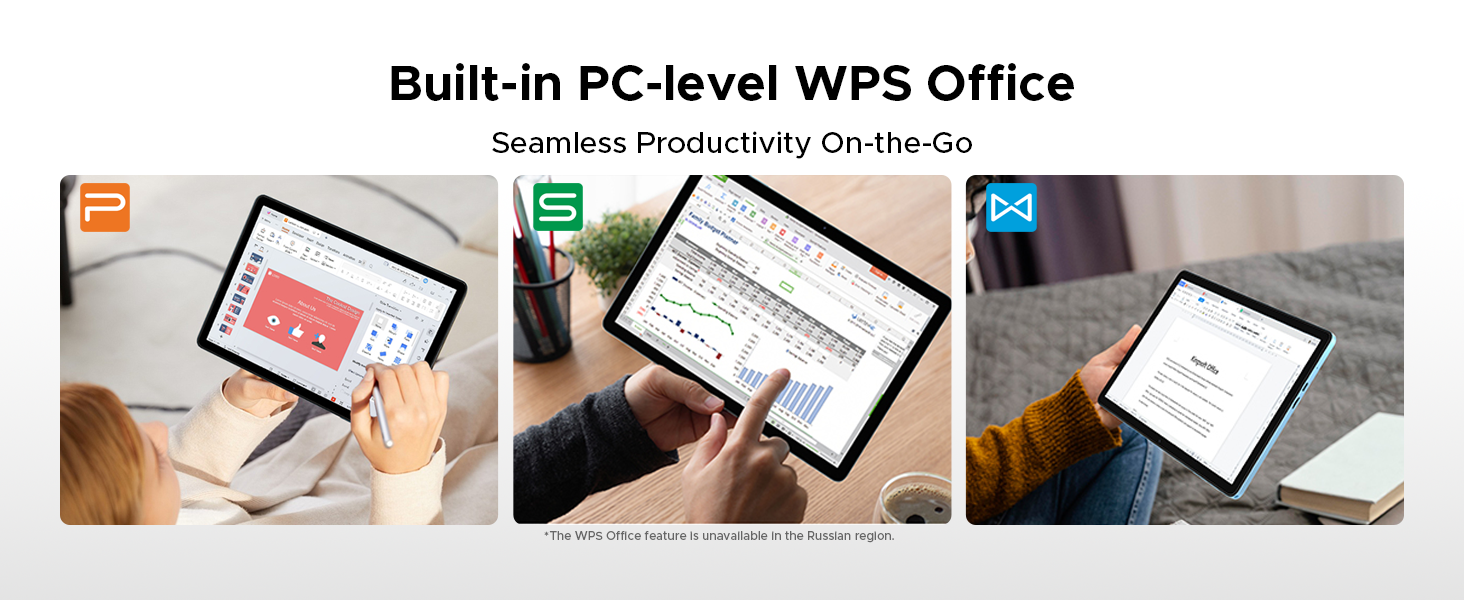
Image: A person using the tablet for navigation in a car, showing the GPS, Glonass, Galileo, and Beidou systems.
12 ആക്സസറികൾ
The DOOGEE Tab A9 Pro+ VIP Edition includes several accessories to enhance your tablet experience, effectively turning it into a portable workstation.
- ബ്ലൂടൂത്ത് കീബോർഡ്: Connect wirelessly for comfortable typing.
- സ്റ്റൈലസ്: For precise input, drawing, and note-taking.
- ബ്ലൂടൂത്ത് മൗസ്: Navigate the tablet interface with greater precision.
- Leather Protective Cover: Protects your tablet and often doubles as a stand.
- Tempered Film: Provides additional screen protection.

Image: A display of the included accessories: tempered film, stylus, leather protective cover, Bluetooth mouse, and Bluetooth keyboard.
12.1. Facial Recognition Unlock
For effortless access, the tablet supports facial recognition unlock. Set this up in Settings > Security & privacy > Face unlock.
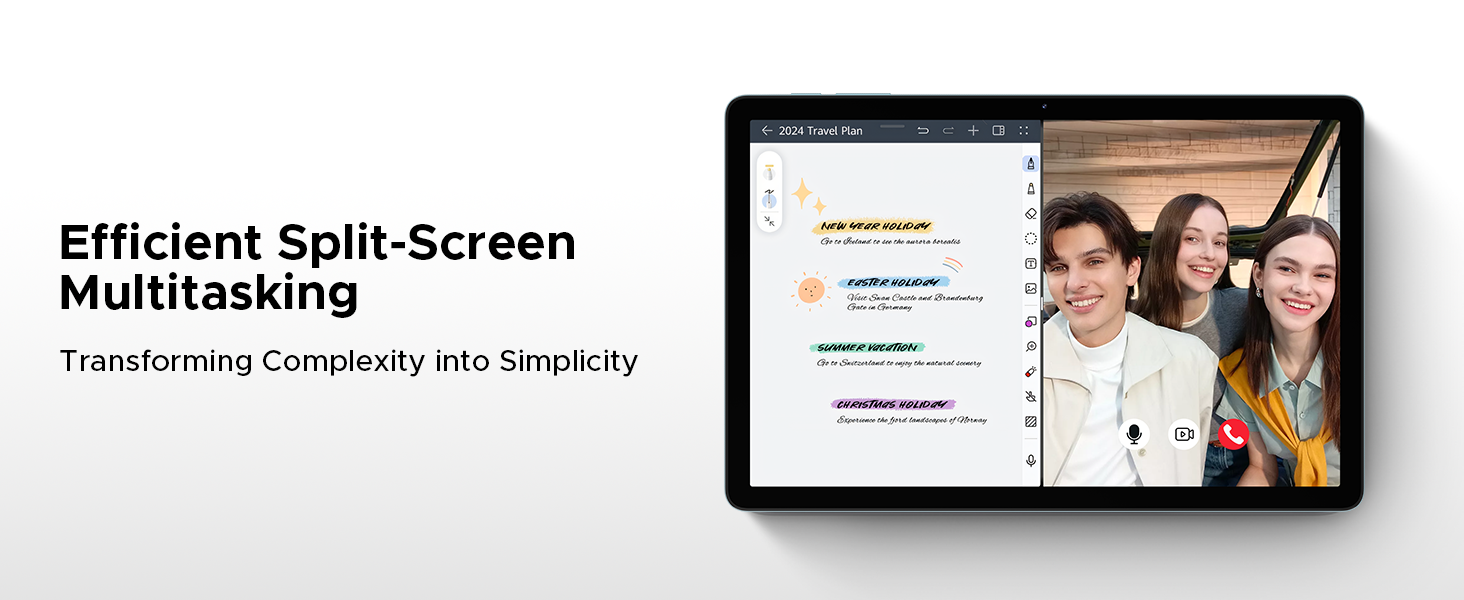
Image: An illustration depicting the facial recognition unlock feature for quick and secure device access.
12.2. Built-in WPS Office
The tablet comes with a built-in PC-level WPS Office suite, enabling seamless productivity for documents, spreadsheets, and presentations on the go. (Note: WPS Office feature may be unavailable in certain regions).
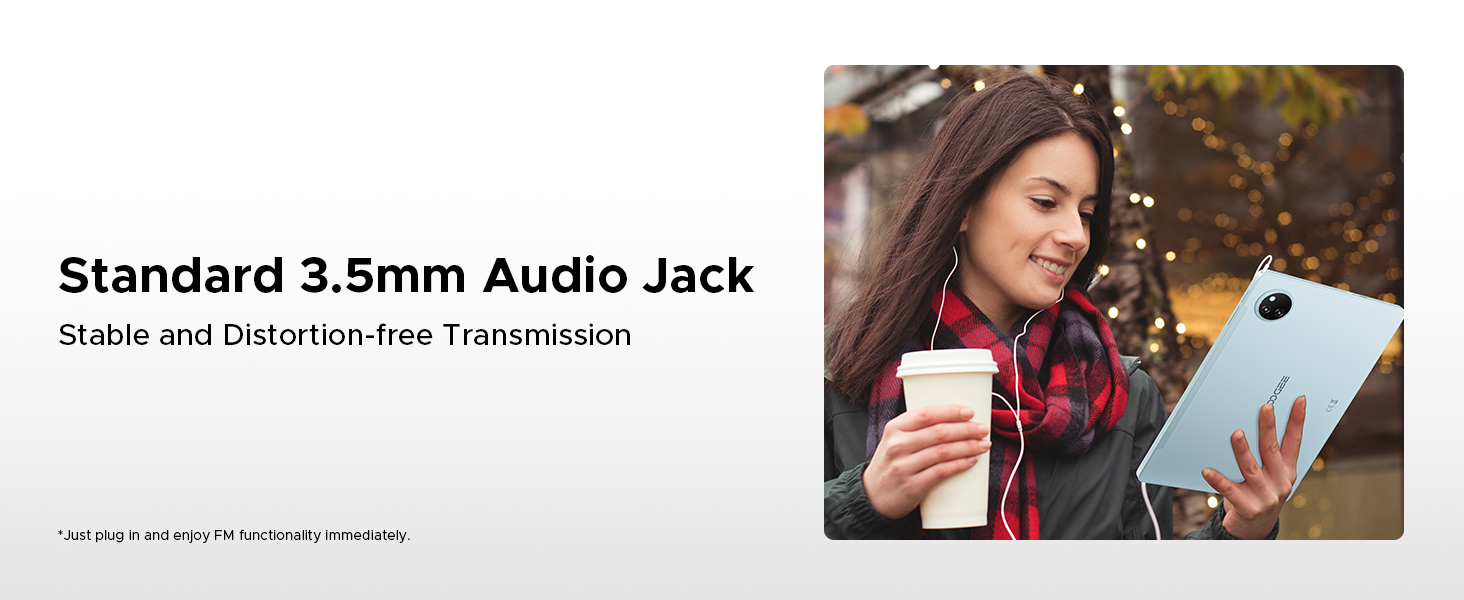
Image: Screenshots of the tablet running WPS Office applications for documents, spreadsheets, and presentations.
13. പരിപാലനം
13.1. ഉപകരണം വൃത്തിയാക്കൽ
Use a soft, lint-free cloth to clean the screen and body of the tablet. Avoid using abrasive cleaners or solvents, which can damage the surface. For stubborn smudges, slightly dampതുണിയിൽ വെള്ളം അല്ലെങ്കിൽ സ്ക്രീൻ ക്ലീനിംഗ് ലായനി ഉപയോഗിച്ച് നനയ്ക്കുക.
13.2. സോഫ്റ്റ്വെയർ അപ്ഡേറ്റുകൾ
നിങ്ങളുടെ ടാബ്ലെറ്റിൽ ഏറ്റവും പുതിയ സവിശേഷതകൾ, സുരക്ഷാ പാച്ചുകൾ, പ്രകടന മെച്ചപ്പെടുത്തലുകൾ എന്നിവ ഉറപ്പാക്കാൻ സോഫ്റ്റ്വെയർ അപ്ഡേറ്റുകൾ പതിവായി പരിശോധിച്ച് ഇൻസ്റ്റാൾ ചെയ്യുക. പോകുക ക്രമീകരണങ്ങൾ > സിസ്റ്റം > സിസ്റ്റം അപ്ഡേറ്റ്.
13.3. സ്റ്റോറേജ് മാനേജ്മെൻ്റ്
To maintain optimal performance, periodically manage your tablet's storage. Delete unnecessary files ഉപയോഗിക്കുക, ഉപയോഗിക്കാത്ത ആപ്പുകൾ അൺഇൻസ്റ്റാൾ ചെയ്യുക, വലിയ മീഡിയ നീക്കുക files to expandable storage or cloud services. Check storage usage in ക്രമീകരണങ്ങൾ > സംഭരണം.
14. പ്രശ്നപരിഹാരം
This section addresses common issues you might encounter with your DOOGEE Tab A9 Pro+.
| പ്രശ്നം | പരിഹാരം |
|---|---|
| ടാബ്ലെറ്റ് ഓണാക്കുന്നില്ല | ബാറ്ററി ചാർജ്ജ് ചെയ്തിട്ടുണ്ടെന്ന് ഉറപ്പാക്കുക. ചാർജർ കണക്റ്റ് ചെയ്ത് വീണ്ടും പവർ ചെയ്യാൻ ശ്രമിക്കുന്നതിന് മുമ്പ് കുറച്ച് മിനിറ്റ് കാത്തിരിക്കുക. പ്രതികരിക്കുന്നില്ലെങ്കിൽ, റീസ്റ്റാർട്ട് ചെയ്യാൻ നിർബന്ധിതമാക്കാൻ പവർ ബട്ടൺ 10-15 സെക്കൻഡ് അമർത്തിപ്പിടിക്കുക. |
| Wi-Fi കണക്ഷൻ പ്രശ്നങ്ങൾ | Check if Wi-Fi is enabled in Settings. Restart your router and the tablet. Ensure you are entering the correct Wi-Fi password. Try forgetting the network and reconnecting. |
| മന്ദഗതിയിലുള്ള പ്രകടനം | Close unused applications. Clear cache for frequently used apps. Check for available software updates. Consider freeing up storage space. Restart the tablet. |
| ബാറ്ററി പെട്ടെന്ന് തീരുന്നു | സ്ക്രീൻ തെളിച്ചം കുറയ്ക്കുക. ഉപയോഗത്തിലില്ലാത്തപ്പോൾ വൈഫൈ/ബ്ലൂടൂത്ത് ഓഫാക്കുക. പശ്ചാത്തല ആപ്പുകൾ അടയ്ക്കുക. ലൊക്കേഷൻ സേവനങ്ങൾ പരിമിതപ്പെടുത്തുക. പവർ കൂടുതലുള്ള ആപ്പുകൾ തിരിച്ചറിയാൻ ക്രമീകരണങ്ങളിൽ ബാറ്ററി ഉപയോഗം പരിശോധിക്കുക. |
| ആപ്പുകൾ ക്രാഷാകുന്നു അല്ലെങ്കിൽ മരവിക്കുന്നു | Force close the app and reopen it. Clear the app's cache and data in ക്രമീകരണങ്ങൾ > ആപ്പുകൾ. Uninstall and reinstall the app. Ensure the app is updated to its latest version. |
15 സ്പെസിഫിക്കേഷനുകൾ
Detailed technical specifications for the DOOGEE Tab A9 Pro+.
| ഫീച്ചർ | വിശദാംശങ്ങൾ |
|---|---|
| ബ്രാൻഡ് | ഡോഗി |
| മോഡലിൻ്റെ പേര് | DOOGEE Tab A9 Pro+ |
| ഓപ്പറേറ്റിംഗ് സിസ്റ്റം | ആൻഡ്രോയിഡ് 15 |
| പ്രോസസ്സർ | Unisoc T7200 Octa-Core (1.6GHz, 12nm) |
| റാം | 30GB (6GB base + 24GB extended) |
| ആന്തരിക സംഭരണം | 128 ജിബി |
| വികസിപ്പിക്കാവുന്ന സംഭരണം | മൈക്രോ എസ്ഡി കാർഡ് വഴി 2TB വരെ |
| സ്ക്രീൻ വലിപ്പം | 11 ഇഞ്ച് |
| ഡിസ്പ്ലേ തരം | ഐപിഎസ് എച്ച്ഡി |
| റെസലൂഷൻ | 1920 x 1200 പിക്സലുകൾ |
| പുതുക്കിയ നിരക്ക് | 90Hz |
| ബാറ്ററി ശേഷി | 8580mAh ലിഥിയം പോളിമർ |
| ചാർജിംഗ് | 10W ഫാസ്റ്റ് ചാർജിംഗ്, 5W റിവേഴ്സ് ചാർജിംഗ് |
| പ്രധാന ക്യാമറ | 13എംപി |
| മുൻ ക്യാമറ | 5എംപി |
| കണക്റ്റിവിറ്റി | Wi-Fi 5 (2.4G/5G), Bluetooth, OTG |
| നാവിഗേഷൻ | ജിപിഎസ്, ഗ്ലോനാസ്, ഗലീലിയോ, ബീഡോ |
| ഓഡിയോ | Dual Speakers (1217 BOX), 3.5mm Audio Jack |
| അളവുകൾ | 24.53 x 16.33 x 0.99 സെ.മീ |
| ഭാരം | 644 ഗ്രാം |
16. വാറൻ്റിയും പിന്തുണയും
Your DOOGEE Tab A9 Pro+ comes with a 2-year after-sales service, ensuring peace of mind regarding your purchase.
16.1. വാറൻ്റി വിവരങ്ങൾ
The tablet is covered by a manufacturer's warranty against defects in materials and workmanship for a period of two years from the date of purchase. This warranty does not cover damage caused by misuse, accidents, unauthorized modifications, or normal wear and tear. Please retain your proof of purchase for warranty claims.
16.2. ഉപഭോക്തൃ പിന്തുണ
For technical assistance, warranty claims, or any other inquiries, please contact DOOGEE customer support through the following channels:
- Webസൈറ്റ്: Visit the official DOOGEE webപിന്തുണാ ഉറവിടങ്ങൾ, പതിവുചോദ്യങ്ങൾ, കോൺടാക്റ്റ് ഫോമുകൾ എന്നിവയ്ക്കുള്ള സൈറ്റ്.
- ഇമെയിൽ: നിങ്ങളുടെ ഉൽപ്പന്ന പാക്കേജിംഗ് അല്ലെങ്കിൽ ഔദ്യോഗിക webഉപഭോക്തൃ പിന്തുണ ഇമെയിൽ വിലാസത്തിനായുള്ള സൈറ്റ്.
- ഓൺലൈൻ റീട്ടെയിലർ: For purchase-related issues, you may also contact the retailer where you purchased the tablet.