
1. ആമുഖം
The DOOGEE S Cyber is a rugged smartphone engineered for durability and high performance in challenging environments. This device combines a robust design with advanced features, including a large-capacity battery, a versatile camera system, and the Android 14 operating system. This manual provides essential information for setting up, operating, and maintaining your DOOGEE S Cyber smartphone.
2. പാക്കേജ് ഉള്ളടക്കം
നിങ്ങളുടെ ഉൽപ്പന്ന പാക്കേജിൽ എല്ലാ ഇനങ്ങളും ഉണ്ടെന്ന് ദയവായി പരിശോധിക്കുക:
- DOOGEE S Cyber Rugged Smartphone
- പവർ അഡാപ്റ്റർ (18W)
- യുഎസ്ബി ടൈപ്പ്-സി കേബിൾ
- സിം എജക്ടർ ഉപകരണം
- ഉപയോക്തൃ മാനുവൽ
- വാറൻ്റി കാർഡ്

Figure 2.1: Contents of the DOOGEE S Cyber retail package.
3. സജ്ജീകരണം
3.1 സിം കാർഡ് ഇൻസ്റ്റാളേഷൻ
- ഉപകരണത്തിന്റെ വശത്ത് സിം കാർഡ് ട്രേ കണ്ടെത്തുക.
- Insert the SIM ejector tool into the small hole next to the tray and press firmly until the tray ejects.
- നിങ്ങളുടെ നാനോ-സിം കാർഡ്(കൾ) അല്ലെങ്കിൽ മൈക്രോ എസ്ഡി കാർഡ് ട്രേയിലെ നിയുക്ത സ്ലോട്ടുകളിൽ വയ്ക്കുക. സ്വർണ്ണ കോൺടാക്റ്റുകൾ താഴേക്ക് അഭിമുഖീകരിക്കുന്നുണ്ടെന്ന് ഉറപ്പാക്കുക.
- ട്രേ അതിന്റെ സ്ഥാനത്ത് ക്ലിക്കായി വരുന്നത് വരെ ശ്രദ്ധാപൂർവ്വം ഫോണിലേക്ക് വീണ്ടും തിരുകുക.
3.2 പ്രാരംഭ പവർ ഓണും നെറ്റ്വർക്ക് കോൺഫിഗറേഷനും
- Press and hold the Power button until the DOOGEE logo appears.
- ഭാഷാ തിരഞ്ഞെടുപ്പ്, വൈ-ഫൈ കണക്ഷൻ, ഗൂഗിൾ അക്കൗണ്ട് സജ്ജീകരണം എന്നിവയുൾപ്പെടെയുള്ള പ്രാരംഭ സജ്ജീകരണം പൂർത്തിയാക്കാൻ ഓൺ-സ്ക്രീൻ നിർദ്ദേശങ്ങൾ പാലിക്കുക.
- The device supports various network bands, including GSM: B2/3/5/8; WCDMA: B1/2/4/5/8; TDD: B34/38/39/40/41; FDD: B1/2/3/4/5/7/8/18/19/20/25/26/28A/28B/66. Ensure your carrier is compatible with these bands for optimal service.
4. പ്രവർത്തന നിർദ്ദേശങ്ങൾ
4.1 ഡിസ്പ്ലേ
The DOOGEE S Cyber features a 6.58-inch FHD+ IPS display with a resolution of 1080 x 2340 pixels. This display provides clear and vibrant visuals for various applications.

Figure 4.1: The 6.58-inch FHD+ IPS display with key specifications.
4.2 ക്യാമറ
നൂതന ക്യാമറ സംവിധാനം ഉപയോഗിച്ച് ഉയർന്ന നിലവാരമുള്ള ഫോട്ടോകളും വീഡിയോകളും പകർത്തുക:
- പിൻ ക്യാമറ: 50MP AI Main Lens, 5MP Wide-Angle Lens.
- മുൻ ക്യാമറ: 16 എംപി.
- മോഡുകൾ: HDR, AI, Night View, Panorama, and Beauty modes are available to enhance your photography.
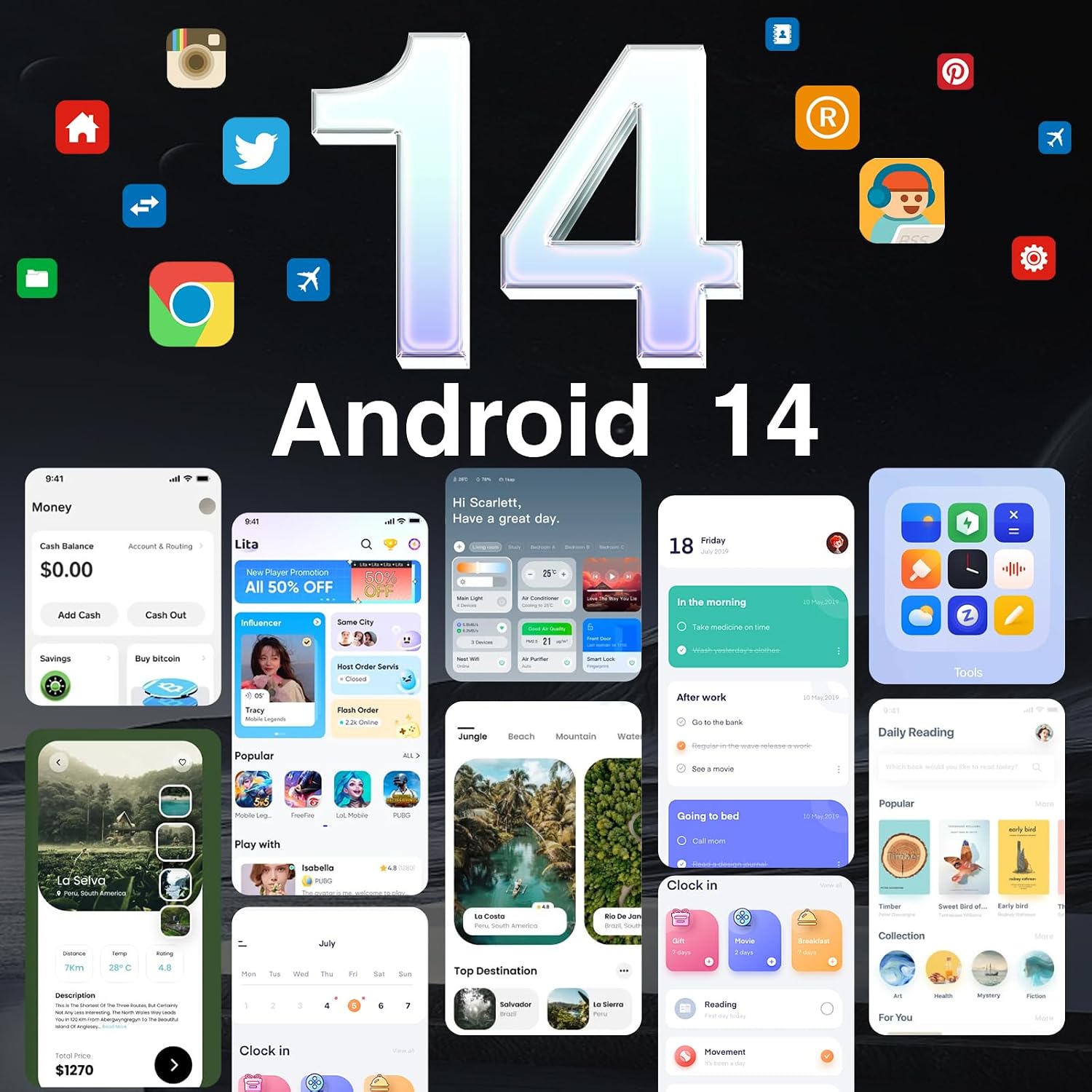
Figure 4.2: Rear camera setup with 50MP AI main camera and 5MP wide-angle lens.

Figure 4.3: Available camera modes for diverse photographic needs.
4.3 ബാറ്ററിയും ചാർജിംഗും
The device is equipped with a 10800mAh battery, providing extended usage times. It supports 18W fast charging to quickly replenish power. Additionally, OTG reverse charging allows the phone to act as a power bank for other devices.

Figure 4.4: The 10800mAh battery capacity for prolonged use.
4.4 ഈട് സവിശേഷതകൾ
The DOOGEE S Cyber is built to withstand harsh conditions, featuring:
- IP68/IP69K റേറ്റിംഗ്: Provides resistance against dust and water immersion.
- MIL-STD-810H സർട്ടിഫിക്കേഷൻ: വീഴ്ചകൾ, ആഘാതങ്ങൾ, തീവ്രമായ താപനിലകൾ എന്നിവയ്ക്കെതിരായ ഈടുതലിന് സൈനിക മാനദണ്ഡങ്ങൾ പാലിക്കുന്നു.

Figure 4.5: Durability ratings ensuring protection against environmental factors.
4.5 പ്രകടനവും സംഭരണവും
Powered by an Octa-Core CPU, the S Cyber offers smooth multitasking. It comes with 20GB RAM (8GB physical + 12GB virtual) and 256GB of internal storage, expandable up to 1TB via microSD card.

Figure 4.6: Memory and storage configuration for efficient operation.
4.6 ഓപ്പറേറ്റിംഗ് സിസ്റ്റം
The smartphone runs on the latest Android 14 operating system, providing enhanced privacy, security features, and improved performance.
Figure 4.7: The Android 14 user interface.
4.7 കണക്റ്റിവിറ്റിയും സുരക്ഷയും
The device supports dual SIM functionality, GPS (including GLONASS, Galileo, Beidou) for precise navigation, NFC for convenient transactions (e.g., Google Pay), facial recognition, and a side-mounted fingerprint sensor for quick and secure unlocking.

Figure 4.8: Key connectivity and security features.
5. പരിപാലനം
To ensure the longevity and optimal performance of your DOOGEE S Cyber, consider the following maintenance tips:
- വൃത്തിയാക്കൽ: സോഫ്റ്റ്, ഡി ഉപയോഗിച്ച് ഉപകരണം തുടയ്ക്കുകamp cloth. Avoid harsh chemicals or abrasive materials. Ensure all ports are dry before charging or connecting accessories.
- സോഫ്റ്റ്വെയർ അപ്ഡേറ്റുകൾ: Regularly check for and install system updates to benefit from the latest security patches and feature enhancements. Navigate to ക്രമീകരണങ്ങൾ > സിസ്റ്റം > സിസ്റ്റം അപ്ഡേറ്റ്.
- ബാറ്ററി കെയർ: Avoid extreme temperatures. While the phone has a large battery, prolonged exposure to very hot or cold conditions can affect battery life.
- സ്റ്റോറേജ് മാനേജ്മെന്റ്: അനാവശ്യമായത് ഇടയ്ക്കിടെ നീക്കം ചെയ്യുക fileഒപ്റ്റിമൽ പ്രകടനം നിലനിർത്തുന്നതിനുള്ള ആപ്ലിക്കേഷനുകളും.
6. പ്രശ്നപരിഹാരം
If you encounter issues with your DOOGEE S Cyber, refer to the following common troubleshooting steps:
- ഉപകരണം പവർ ചെയ്യുന്നില്ല: ബാറ്ററി ചാർജ്ജ് ചെയ്തിട്ടുണ്ടെന്ന് ഉറപ്പാക്കുക. ഫോൺ അതിന്റെ ചാർജറുമായി ബന്ധിപ്പിച്ച് കുറച്ച് മിനിറ്റ് കാത്തിരുന്ന് വീണ്ടും പവർ ചെയ്യാൻ ശ്രമിക്കുക.
- നെറ്റ്വർക്ക് കണക്റ്റിവിറ്റി പ്രശ്നങ്ങൾ: Check if your SIM card is properly inserted. Verify that mobile data is enabled in settings. If issues persist, contact your network carrier.
- Applications Crashing/Freezing: Close and restart the application. If the problem continues, clear the app's cache (ക്രമീകരണങ്ങൾ > ആപ്പുകൾ > [ആപ്പ് നാമം] > സംഭരണവും കാഷെയും > കാഷെ മായ്ക്കുക) അല്ലെങ്കിൽ ആപ്പ് വീണ്ടും ഇൻസ്റ്റാൾ ചെയ്യുക.
- മന്ദഗതിയിലുള്ള പ്രകടനം: Close background applications. Free up storage space by deleting unnecessary files or apps. Consider performing a factory reset as a last resort (ക്രമീകരണങ്ങൾ > സിസ്റ്റം > റീസെറ്റ് ഓപ്ഷനുകൾ > എല്ലാ ഡാറ്റയും മായ്ക്കുക (ഫാക്ടറി റീസെറ്റ്)). കുറിപ്പ്: A factory reset will erase all data on your device. Back up important information before proceeding.
7 സ്പെസിഫിക്കേഷനുകൾ
| ഫീച്ചർ | വിശദാംശങ്ങൾ |
|---|---|
| മോഡലിൻ്റെ പേര് | SCYBER |
| ഓപ്പറേറ്റിംഗ് സിസ്റ്റം | ആൻഡ്രോയിഡ് 14 |
| സിപിയു മോഡൽ | ഒക്ട-കോർ സിപിയു |
| ഇൻസ്റ്റാൾ ചെയ്ത RAM മെമ്മറി വലുപ്പം | 20 ജിബി (8 ജിബി + 12 ജിബി വെർച്വൽ) |
| മെമ്മറി സ്റ്റോറേജ് കപ്പാസിറ്റി | 256 ജിബി (1 ടിബി വരെ വികസിപ്പിക്കാം) |
| സ്ക്രീൻ വലിപ്പം | 6.58 ഇഞ്ച് |
| റെസലൂഷൻ | 1080 x 2340 |
| പുതുക്കിയ നിരക്ക് | 90 Hz |
| പിൻ ക്യാമറ | 50MP AI Main, 5MP Wide-Angle |
| മുൻ ക്യാമറ | 16എംപി |
| ബാറ്ററി ശേഷി | 10800 മില്ലിamp മണിക്കൂറുകൾ |
| ഫാസ്റ്റ് ചാർജിംഗ് | 18W |
| ഈട് | IP68/IP69K, MIL-STD-810H |
| കണക്റ്റിവിറ്റി ടെക്നോളജികൾ | ബ്ലൂടൂത്ത്, എൻഎഫ്സി, യുഎസ്ബി, വൈ-ഫൈ |
| നാവിഗേഷൻ | Built-In GPS (GPS, GLONASS, Galileo, Beidou) |
| സുരക്ഷാ സവിശേഷതകൾ | Face Unlock, Side-Fingerprint Unlock |
| ഇനത്തിൻ്റെ ഭാരം | 1 പൗണ്ട് |
| അളവുകൾ | 7 x 4 x 2 ഇഞ്ച് (പാക്കേജ്) |
8. വാറൻ്റിയും പിന്തുണയും
The DOOGEE S Cyber Rugged Smartphone comes with a 2 വർഷത്തെ വാറൻ്റി വാങ്ങിയ തീയതി മുതൽ. കൂടാതെ, ഒരു 30-day no-questions-asked refund policy is offered. For warranty claims, technical support, or further assistance, please refer to the contact information provided on the warranty card included in your package or visit the official DOOGEE support webസൈറ്റ്.
വാറന്റി സാധൂകരണത്തിനായി നിങ്ങളുടെ വാങ്ങിയതിന്റെ തെളിവ് സൂക്ഷിക്കുക.