
1. ആമുഖം
Thank you for choosing the Lekaby Q22 Wireless Earbuds. This manual provides essential information for setting up, operating, and maintaining your earbuds to ensure optimal performance and longevity. Please read this manual thoroughly before use.
2. ബോക്സിൽ എന്താണുള്ളത്?
- Lekaby Q22 Earbuds (2 units)
- 2600mAh Charging Case (1 unit)
- USB Type-C Charging Cable (1 unit)
- Silicone Ear Tips (S/M/L, 6 units total)
- ഉപയോക്തൃ മാനുവൽ (1 യൂണിറ്റ്)
3. സജ്ജീകരണ ഗൈഡ്
3.1 ഇയർബഡുകളും കേസും ചാർജ് ചെയ്യുന്നു
Before first use, fully charge the earbuds and the charging case. The charging case features a dual LED digital display to show the remaining battery power of both the case and the earbuds in real-time. Use the provided USB Type-C cable for charging.

Image: Lekaby Q22 Earbuds and Charging Case illustrating 128 hours of total playback time and Type-C fast charging capability.

Image: The Lekaby Q22 Charging Case connected to a smartphone via USB-C, highlighting its emergency power bank functionality for other devices.
3.2 ബ്ലൂടൂത്ത് ജോടിയാക്കൽ
The Lekaby Q22 earbuds utilize Bluetooth 5.3 technology for stable and fast connections. Follow these steps for initial pairing:
- ഘട്ടം 1: ചാർജിംഗ് കെയ്സിൽ നിന്ന് ഇയർബഡുകൾ എടുക്കുക. അവർ യാന്ത്രികമായി ജോടിയാക്കൽ മോഡിൽ പ്രവേശിക്കും.
- ഘട്ടം 2: നിങ്ങളുടെ ഉപകരണത്തിൽ (സ്മാർട്ട്ഫോൺ, ടാബ്ലെറ്റ്, ലാപ്ടോപ്പ്) ബ്ലൂടൂത്ത് പ്രവർത്തനക്ഷമമാക്കുക.
- ഘട്ടം 3: ഇതിനായി തിരയുക 'Q22' in the list of available Bluetooth devices and select it to pair.
- Once paired, the earbuds will automatically connect to your device when removed from the case for future use. To disconnect, simply place the earbuds back into the charging case.

Image: The Lekaby Q22 Earbuds and a smartphone screen displaying the 'Q22' device ready for one-step Bluetooth pairing.

Image: A visual representation of the Lekaby Q22 Earbuds emphasizing the advanced Bluetooth 5.3 technology for stable and uninterrupted connections.
Video: This video demonstrates the Bluetooth pairing process for the Lekaby Q22 earbuds, from taking them out of the case to connecting with a smartphone.
4. പ്രവർത്തന നിർദ്ദേശങ്ങൾ
4.1 ഇയർബഡുകൾ ധരിക്കൽ
The earbuds are designed with flexible ear hooks for a secure and comfortable fit, especially during physical activities. Choose the appropriate ear tip size (S/M/L) for the best seal and comfort.

Image: A user demonstrating the secure and comfortable fit of the Lekaby Q22 Earbuds, emphasizing the flexible earhook design.
4.2 സ്മാർട്ട് ടച്ച് കൺട്രോൾ
The Lekaby Q22 earbuds feature intuitive touch controls for managing audio playback and calls without needing to access your phone.

Image: A diagram detailing the smart touch control functions of the Lekaby Q22 Earbuds, including play/pause, previous/next track, volume control, answer/hang up calls, and voice assistant activation.
- പ്ലേ/താൽക്കാലികമായി നിർത്തുക: Double-tap either the left or right earbud.
- വോളിയം കൂട്ടുക: വലതുവശത്തെ ഇയർബഡിൽ ഒറ്റത്തവണ ടാപ്പ് ചെയ്യുക.
- വോളിയം താഴേക്ക്: ഇടതുവശത്തെ ഇയർബഡിൽ ഒറ്റത്തവണ ടാപ്പ് ചെയ്യുക.
- അടുത്ത ട്രാക്ക്: വലത് ഇയർബഡ് 2 സെക്കൻഡ് അമർത്തിപ്പിടിക്കുക.
- മുമ്പത്തെ ട്രാക്ക്: ഇടത് ഇയർബഡ് 2 സെക്കൻഡ് അമർത്തിപ്പിടിക്കുക.
- ഉത്തരം/ഹാംഗ് അപ്പ് കോൾ: ഒന്നുകിൽ ഇയർബഡിൽ രണ്ടുതവണ ടാപ്പ് ചെയ്യുക.
- വോയ്സ് അസിസ്റ്റന്റിനെ സജീവമാക്കുക: ഒന്നുകിൽ ഇയർബഡിൽ മൂന്ന് തവണ ടാപ്പ് ചെയ്യുക.
Video: This video demonstrates the various touch controls on the Lekaby Q22 earbuds, including volume adjustment, play/pause, and track navigation.
Video: This video illustrates how to answer and hang up calls using the touch controls on the Lekaby Q22 earbuds.
5. പരിപാലനം
5.1 വാട്ടർപ്രൂഫ് സംരക്ഷണം
The Lekaby Q22 earbuds feature IPX7 nano-coating waterproof technology, providing protection against sweat and rain. This makes them suitable for workouts, commuting, and outdoor activities. Avoid submerging the earbuds in water for extended periods.
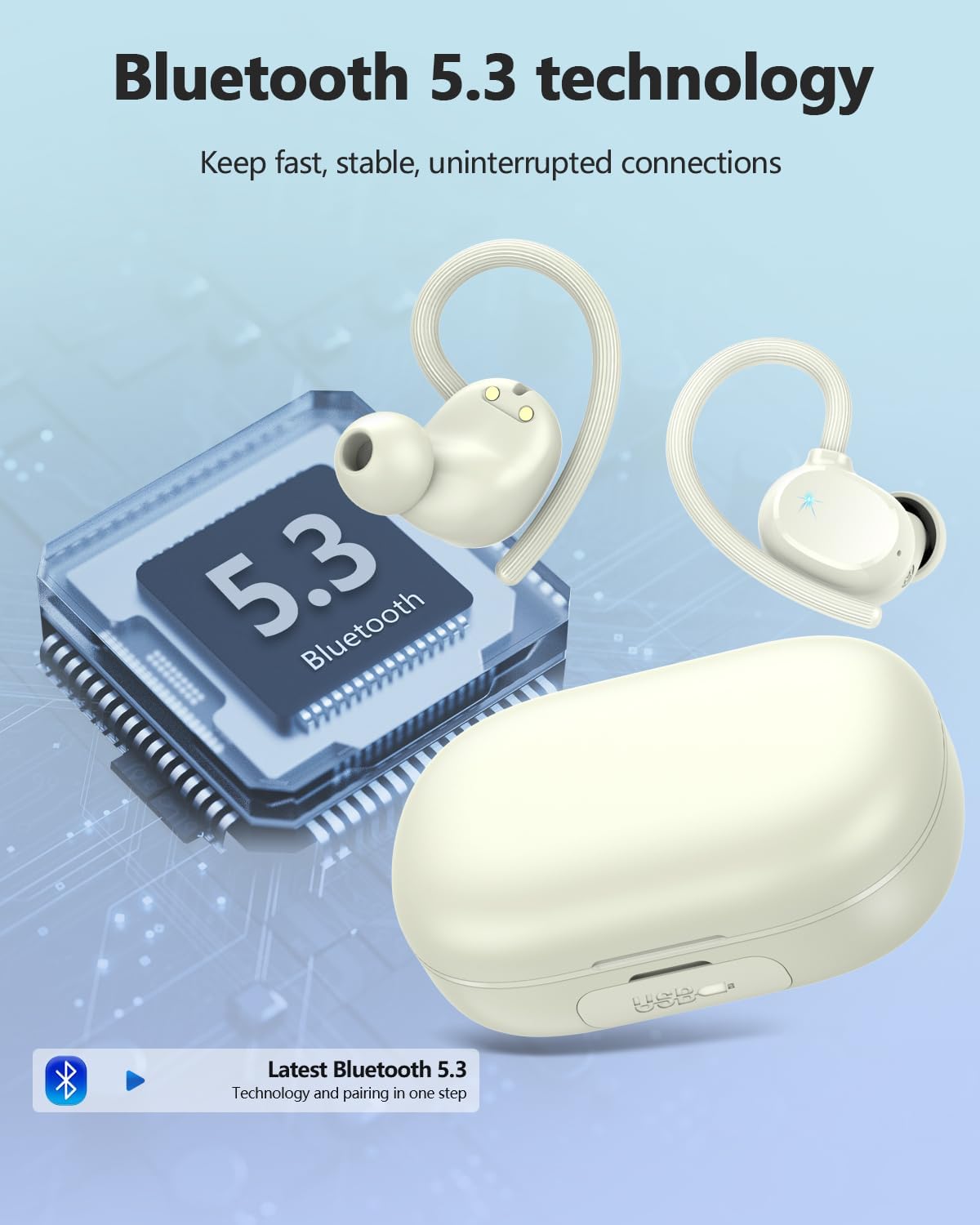
Image: The Lekaby Q22 Earbuds displayed with water droplets, highlighting their IP7 waterproof and sweatproof design for active use.
5.2 വൃത്തിയാക്കലും സംഭരണവും
- ഇയർബഡുകളും ചാർജിംഗ് കെയ്സും മൃദുവായതും ഉണങ്ങിയതുമായ തുണി ഉപയോഗിച്ച് പതിവായി വൃത്തിയാക്കുക.
- ചെവിയുടെ അറ്റം നീക്കം ചെയ്ത് നേരിയ സോപ്പും വെള്ളവും ഉപയോഗിച്ച് വൃത്തിയാക്കുക, തുടർന്ന് വീണ്ടും ഘടിപ്പിക്കുന്നതിന് മുമ്പ് നന്നായി ഉണക്കുക.
- ഇയർബഡുകൾ ഉപയോഗിക്കാത്തപ്പോൾ അവയുടെ ചാർജ്ജിംഗ് കെയ്സിൽ സൂക്ഷിക്കുക, അവയെ സംരക്ഷിക്കുകയും ചാർജ്ജ് ചെയ്തിരിക്കുകയും ചെയ്യുക.
- ഇയർബഡുകൾ കടുത്ത താപനിലയിലോ നേരിട്ടുള്ള സൂര്യപ്രകാശത്തിലോ ഏൽക്കുന്നത് ഒഴിവാക്കുക.
6. പ്രശ്നപരിഹാരം
6.1 ജോടിയാക്കൽ പ്രശ്നങ്ങൾ
- ഉപകരണവുമായി ഇയർബഡുകൾ ജോടിയാക്കുന്നില്ല: Ensure Bluetooth is enabled on your device and the earbuds are out of the charging case. If 'Q22' does not appear, try turning Bluetooth off and on again on your device.
- ഒരു ഇയർബഡ് മാത്രം ബന്ധിപ്പിക്കുന്നു: Place both earbuds back into the charging case, close the lid, then open it and take them out again. This should reset their connection.
6.2 ചാർജിംഗ് പ്രശ്നങ്ങൾ
- ഇനിപ്പറയുന്ന സാഹചര്യങ്ങളിൽ ഇയർബഡുകൾ ചാർജ് ചെയ്യുന്നില്ല: Ensure the earbuds are correctly seated in their charging slots and the charging pins are clean. Check the charging case battery level.
- ചാർജിംഗ് കേസ് ചാർജുചെയ്യുന്നില്ല: Verify the USB-C cable is securely connected to both the case and a power source. Try a different cable or power adapter if necessary.
6.3 ശബ്ദ നിലവാര പ്രശ്നങ്ങൾ
- കുറഞ്ഞ ശബ്ദം അല്ലെങ്കിൽ മോശം ശബ്ദം: Adjust the volume on both your device and the earbuds. Ensure ear tips provide a good seal in your ear canal. Clean any debris from the earbud speakers.
- ഇടവിട്ടുള്ള കണക്ഷൻ: Ensure your device is within the Bluetooth range (up to 15m) and there are no significant obstructions. Avoid environments with strong electromagnetic interference.
7 സ്പെസിഫിക്കേഷനുകൾ
| ഫീച്ചർ | സ്പെസിഫിക്കേഷൻ |
|---|---|
| മോഡലിൻ്റെ പേര് | Q22 |
| ബ്രാൻഡ് | ലെകാബി |
| കണക്റ്റിവിറ്റി ടെക്നോളജി | വയർലെസ്സ് (ബ്ലൂടൂത്ത് 5.3) |
| ബ്ലൂടൂത്ത് ശ്രേണി | 15 മീറ്റർ |
| ബാറ്ററി ലൈഫ് (ഇയർബഡുകൾ) | 8 മണിക്കൂർ (ഒറ്റ ചാർജ്) |
| ആകെ പ്ലേബാക്ക് സമയം (കേസിനൊപ്പം) | 128 മണിക്കൂർ വരെ |
| ചാർജിംഗ് കേസ് കപ്പാസിറ്റി | 2600mAh |
| ചാർജിംഗ് സമയം | 2 മണിക്കൂർ |
| ജല പ്രതിരോധ നില | IPX7 |
| ശബ്ദ നിയന്ത്രണം | Passive Noise Cancellation (ENC for Mic) |
| നിയന്ത്രണ തരം | ടച്ച് നിയന്ത്രണം |
| ഓഡിയോ ഡ്രൈവർ തരം | 13.44 എംഎം ഡൈനാമിക് ഡ്രൈവർ |
| ഇനത്തിൻ്റെ ഭാരം | 50 മില്ലിഗ്രാം |
8 സുരക്ഷാ വിവരങ്ങൾ
- Do not disassemble or attempt to repair the earbuds or charging case.
- കുട്ടികൾക്കും വളർത്തുമൃഗങ്ങൾക്കും ലഭ്യമാകാതെ സൂക്ഷിക്കുക.
- കേൾവിക്ക് കേടുപാടുകൾ സംഭവിക്കാതിരിക്കാൻ ഇയർബഡുകൾ ഉയർന്ന ശബ്ദത്തിൽ ദീർഘനേരം ഉപയോഗിക്കുന്നത് ഒഴിവാക്കുക.
- പ്രാദേശിക ചട്ടങ്ങൾക്കനുസൃതമായി ഉൽപ്പന്നം ഉത്തരവാദിത്തത്തോടെ വിനിയോഗിക്കുക.