
1. ആമുഖം
Thank you for choosing the GOBOULT Anchor Bluetooth Wireless Over-Ear Headphones. This manual provides essential information for setting up, operating, and maintaining your headphones to ensure optimal performance and longevity. Please read this manual thoroughly before use.

Image 1.1: GOBOULT Anchor Bluetooth Wireless Over-Ear Headphones.
2. ബോക്സിൽ എന്താണുള്ളത്?
പാക്കേജിംഗിൽ എല്ലാ ഇനങ്ങളും ഉണ്ടെന്ന് ഉറപ്പാക്കുക:
- GOBOULT Anchor Over-Ear Headphones
- ടൈപ്പ്-സി ഫാസ്റ്റ് ചാർജിംഗ് കേബിൾ
- AUX Cable (for wired connection)
- ഉപയോക്തൃ മാനുവൽ (ഈ പ്രമാണം)
- വാറൻ്റി കാർഡ്
3. ഉൽപ്പന്ന സവിശേഷതകൾ
The GOBOULT Anchor headphones are designed with advanced features for an enhanced audio experience:
- സജീവ നോയ്സ് റദ്ദാക്കൽ (ANC): Up to 35dB hybrid ANC to minimize ambient noise.
- വിപുലീകരിച്ച കളിസമയം: Up to 72 hours of battery life without ANC, and 40 hours with ANC activated.
- Powerful Audio Drivers: 40mm Bass Boosted Drivers for rich, immersive sound.
- ബ്ലൂടൂത്ത് v5.4: Ensures fast pairing, stable connection, and low latency.
- Dual ENC Tuned Mics: വ്യക്തമായ കോളുകൾക്ക് പാരിസ്ഥിതിക ശബ്ദ റദ്ദാക്കൽ.
- ടൈപ്പ്-സി ഫാസ്റ്റ് ചാർജിംഗ്: Quick charging capability; 10 minutes of charge provides approximately 6 hours of playback.
- കുറഞ്ഞ ലേറ്റൻസി ഗെയിമിംഗ് മോഡ്: Reduces audio delay for an optimized gaming experience.
- ഇരട്ട ഉപകരണ കണക്റ്റിവിറ്റി: ബന്ധിപ്പിച്ചിരിക്കുന്ന രണ്ട് ഉപകരണങ്ങൾക്കിടയിൽ സുഗമമായി മാറുക.
- സുഖപ്രദമായ ഡിസൈൻ: Ergonomic over-ear cushions and a compact, foldable design for long-wear comfort and portability.
- IPX5 ജല പ്രതിരോധം: തെറിച്ചു വീഴുന്നതിൽ നിന്നും വിയർപ്പിൽ നിന്നും സംരക്ഷണം നൽകുന്നു.
- വോയ്സ് അസിസ്റ്റന്റ് പിന്തുണ: Easy access to your device's voice assistant.
- Tactile Buttons: Dedicated buttons for intuitive control.

ചിത്രം 3.1: കഴിഞ്ഞുview of GOBOULT Anchor headphone features.
4. സജ്ജീകരണം
4.1 ഹെഡ്ഫോണുകൾ ചാർജ് ചെയ്യുന്നു
ആദ്യമായി ഉപയോഗിക്കുന്നതിന് മുമ്പ്, നിങ്ങളുടെ ഹെഡ്ഫോണുകൾ പൂർണ്ണമായും ചാർജ് ചെയ്യുക. നൽകിയിരിക്കുന്ന ടൈപ്പ്-സി ചാർജിംഗ് കേബിൾ ഉപയോഗിക്കുക.
- Connect the Type-C end of the cable to the charging port on the headphones.
- USB-A എൻഡ് അനുയോജ്യമായ ഒരു USB പവർ അഡാപ്റ്ററിലേക്കോ (ഉൾപ്പെടുത്തിയിട്ടില്ല) അല്ലെങ്കിൽ ഒരു കമ്പ്യൂട്ടറിന്റെ USB പോർട്ടിലേക്കോ ബന്ധിപ്പിക്കുക.
- LED ഇൻഡിക്കേറ്റർ ചാർജിംഗ് സ്റ്റാറ്റസ് കാണിക്കും (വിശദാംശങ്ങൾക്ക് LED ഇൻഡിക്കേറ്റർ വിഭാഗം കാണുക).
- ഒരു ഫുൾ ചാർജിന് ഏകദേശം 60 മിനിറ്റ് എടുക്കും.
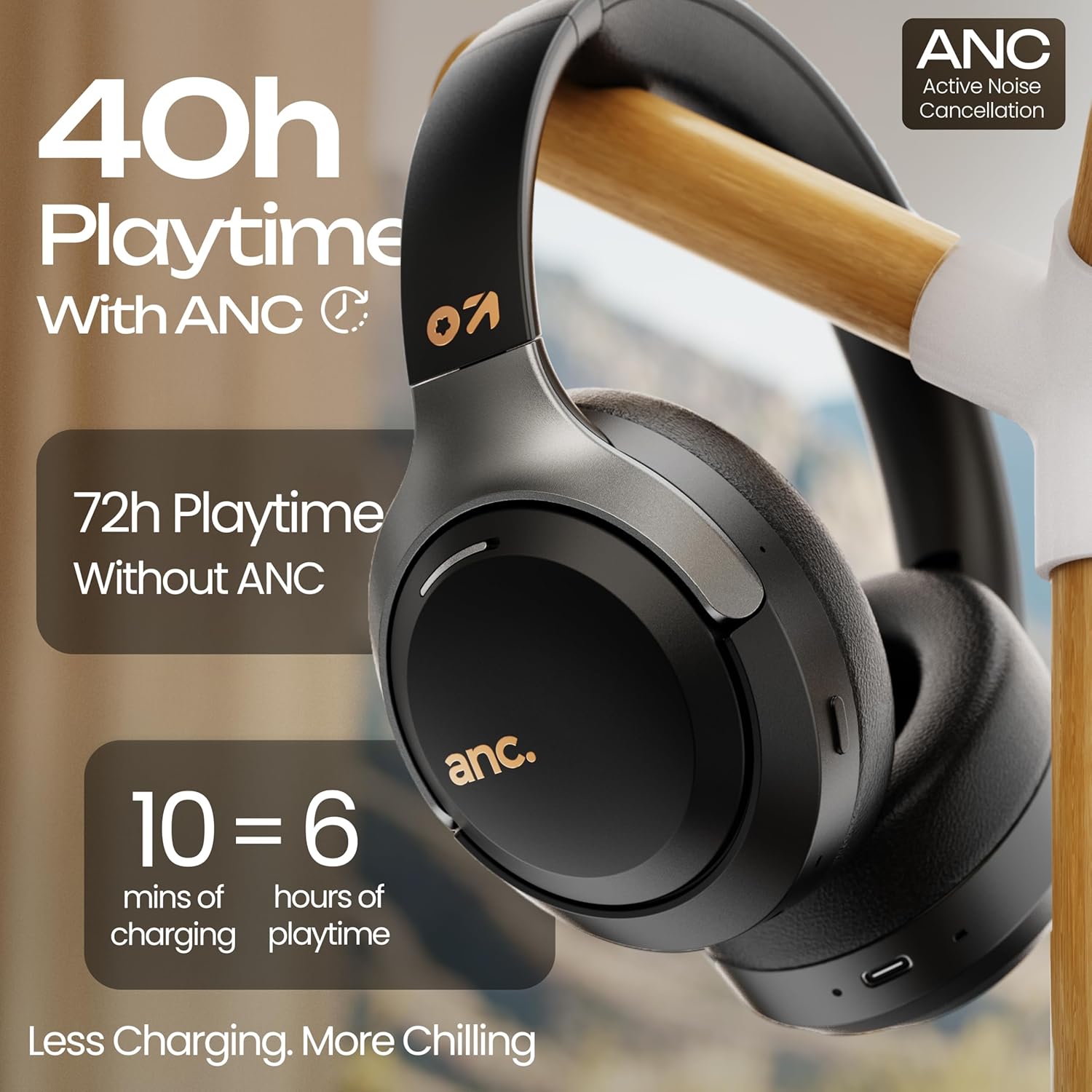
Image 4.1: Battery life and fast charging capabilities.
4.2 പവർ ഓൺ/ഓഫ്
- പവർ ഓണാക്കാൻ: LED ഇൻഡിക്കേറ്റർ മിന്നുന്നത് വരെ ഏകദേശം 3 സെക്കൻഡ് നേരത്തേക്ക് പവർ ബട്ടൺ അമർത്തിപ്പിടിക്കുക.
- പവർ ഓഫ് ചെയ്യാൻ: LED ഇൻഡിക്കേറ്റർ ഓഫാകുന്നതുവരെ ഏകദേശം 5 സെക്കൻഡ് നേരത്തേക്ക് പവർ ബട്ടൺ അമർത്തിപ്പിടിക്കുക.
4.3 ബ്ലൂടൂത്ത് ജോടിയാക്കൽ
Pair your headphones with a Bluetooth-enabled device for wireless audio.
- ഹെഡ്ഫോണുകൾ ഓഫാണെന്ന് ഉറപ്പാക്കുക.
- എൽഇഡി ഇൻഡിക്കേറ്റർ ചുവപ്പും നീലയും മാറിമാറി മിന്നുന്നതുവരെ ഏകദേശം 5-7 സെക്കൻഡ് നേരത്തേക്ക് പവർ ബട്ടൺ അമർത്തിപ്പിടിക്കുക, ഇത് ജോടിയാക്കൽ മോഡിനെ സൂചിപ്പിക്കുന്നു.
- നിങ്ങളുടെ ഉപകരണത്തിൽ (സ്മാർട്ട്ഫോൺ, ടാബ്ലെറ്റ്, കമ്പ്യൂട്ടർ), ബ്ലൂടൂത്ത് പ്രവർത്തനക്ഷമമാക്കി ലഭ്യമായ ഉപകരണങ്ങൾക്കായി തിരയുക.
- Select "GOBOULT Anchor" from the list of devices.
- Once paired, the LED indicator will flash blue slowly.
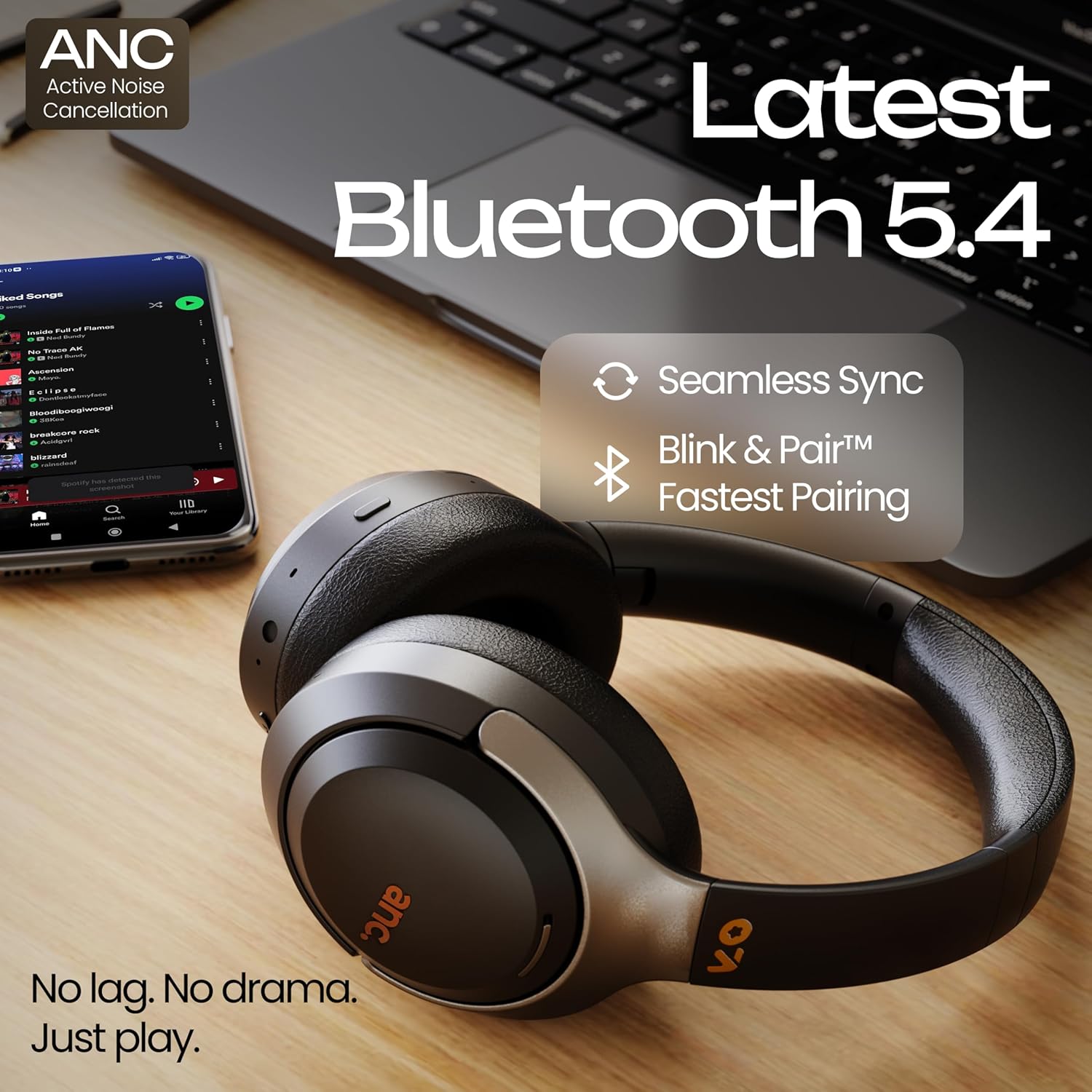
Image 4.2: Bluetooth 5.4 connectivity for seamless pairing.
5. പ്രവർത്തന നിർദ്ദേശങ്ങൾ
5.1 സജീവ ശബ്ദം റദ്ദാക്കൽ (ANC)
The ANC feature reduces ambient noise for a more focused listening experience.
- To Activate/Deactivate ANC: Press the dedicated ANC button (usually located on one of the earcups). The LED indicator will change to confirm ANC status.
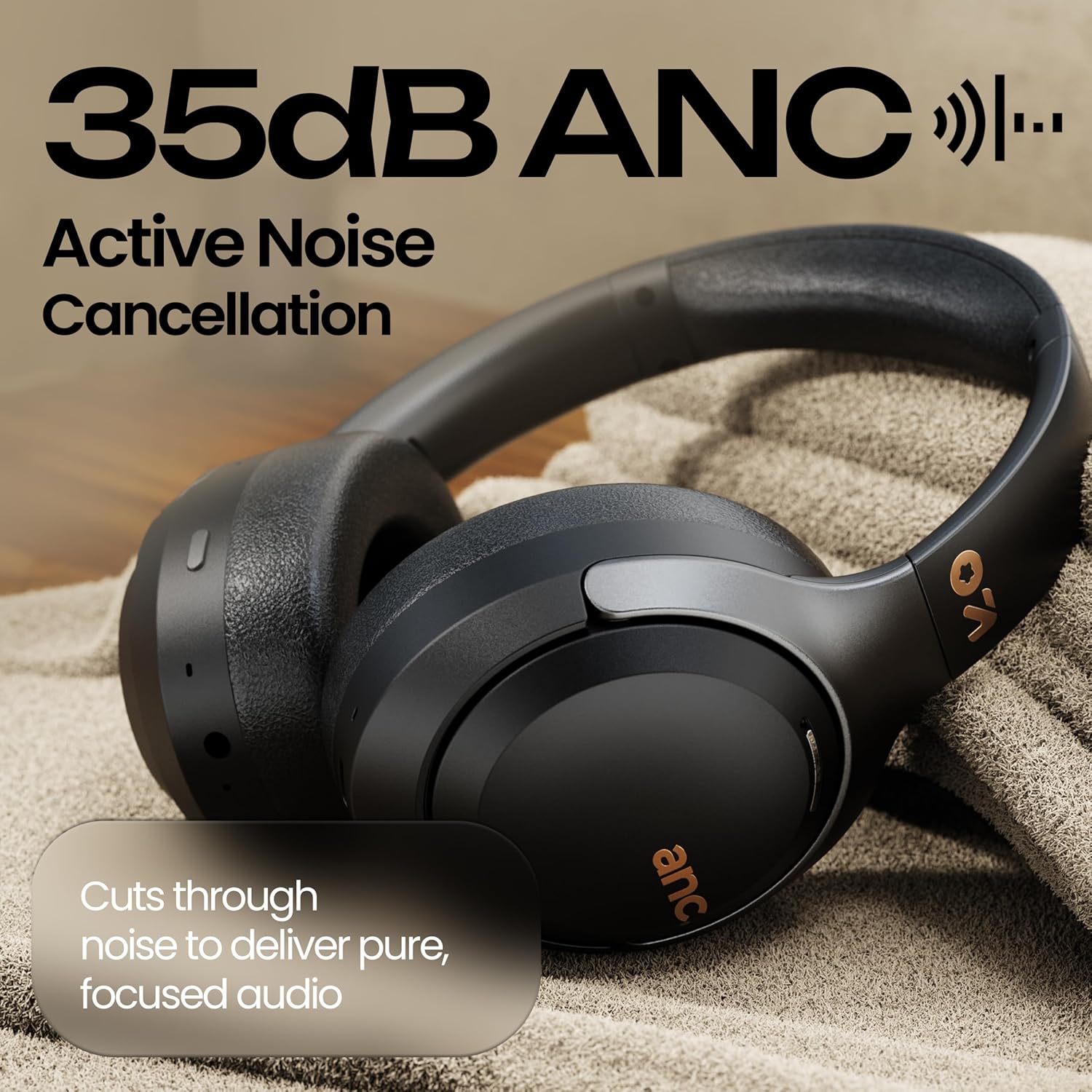
Image 5.1: Active Noise Cancellation in action.
5.2 സംഗീത പ്ലേബാക്ക് നിയന്ത്രണം
Use the tactile buttons on the headphones to control your music.
- പ്ലേ/താൽക്കാലികമായി നിർത്തുക: മൾട്ടി-ഫംഗ്ഷൻ ബട്ടൺ ഒരിക്കൽ അമർത്തുക.
- അടുത്ത ട്രാക്ക്: വോളിയം അപ്പ് ബട്ടൺ അമർത്തിപ്പിടിക്കുക.
- മുമ്പത്തെ ട്രാക്ക്: വോളിയം ഡൗൺ ബട്ടൺ അമർത്തിപ്പിടിക്കുക.
- വോളിയം കൂട്ടുക: വോളിയം അപ്പ് ബട്ടൺ ചുരുക്കി അമർത്തുക.
- വോളിയം താഴേക്ക്: വോളിയം ഡൗൺ ബട്ടൺ ചുരുക്കി അമർത്തുക.

Image 5.2: Tactile buttons for easy control.
5.3 കോൾ മാനേജ്മെന്റ്
Manage phone calls using the headphone controls.
- ഉത്തരം/അവസാന കോൾ: മൾട്ടി-ഫംഗ്ഷൻ ബട്ടൺ ഒരിക്കൽ അമർത്തുക.
- കോൾ നിരസിക്കുക: മൾട്ടി-ഫംഗ്ഷൻ ബട്ടൺ 2 സെക്കൻഡ് അമർത്തിപ്പിടിക്കുക.
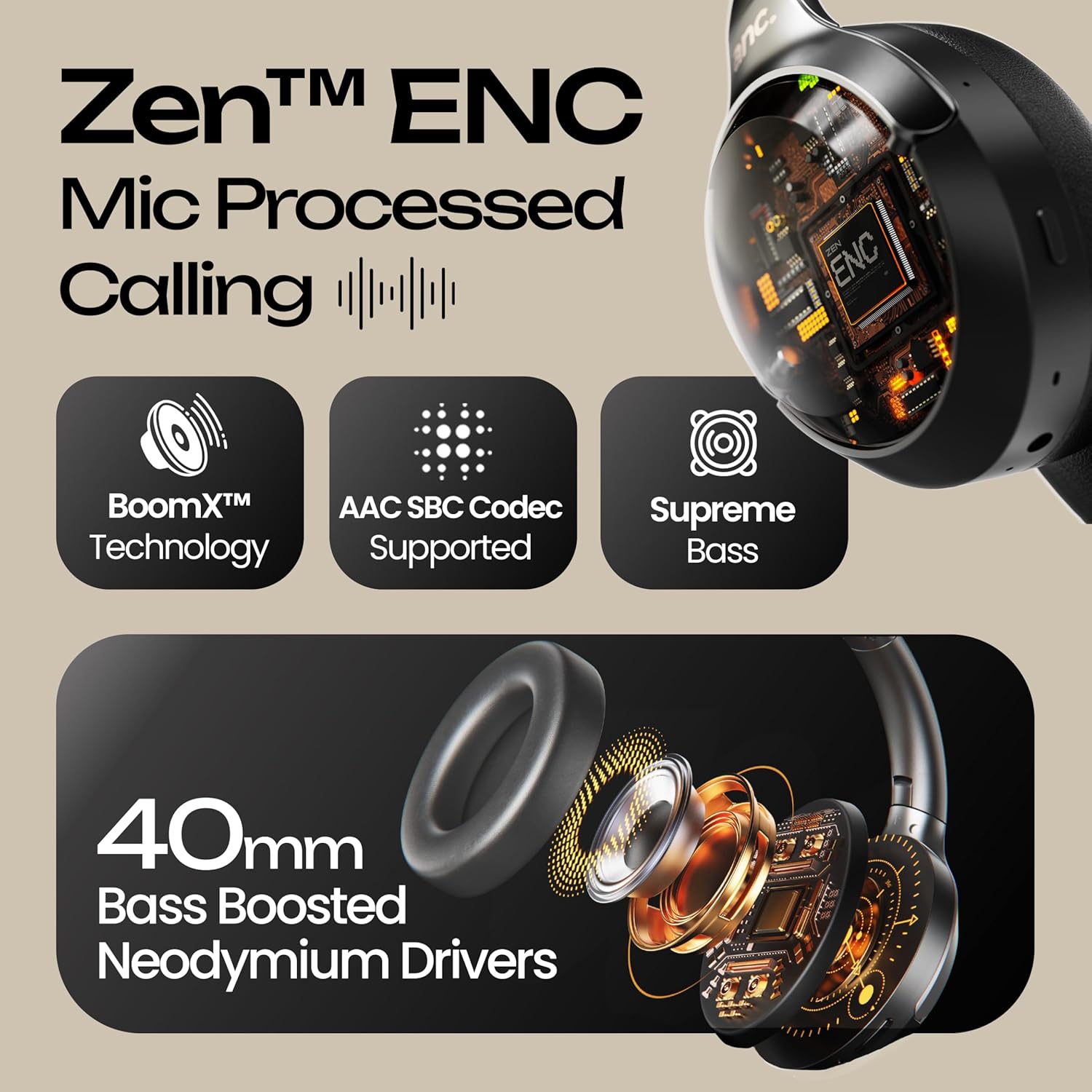
Image 5.3: Dual ENC Tuned Mics for clear calls.
5.4 ലോ ലേറ്റൻസി ഗെയിമിംഗ് മോഡ്
Activate Gaming Mode for reduced audio delay, ideal for gaming.
- To Activate/Deactivate Gaming Mode: Refer to your device's specific instructions or the headphone's dedicated button (if available, usually a triple press of the Multi-function button).
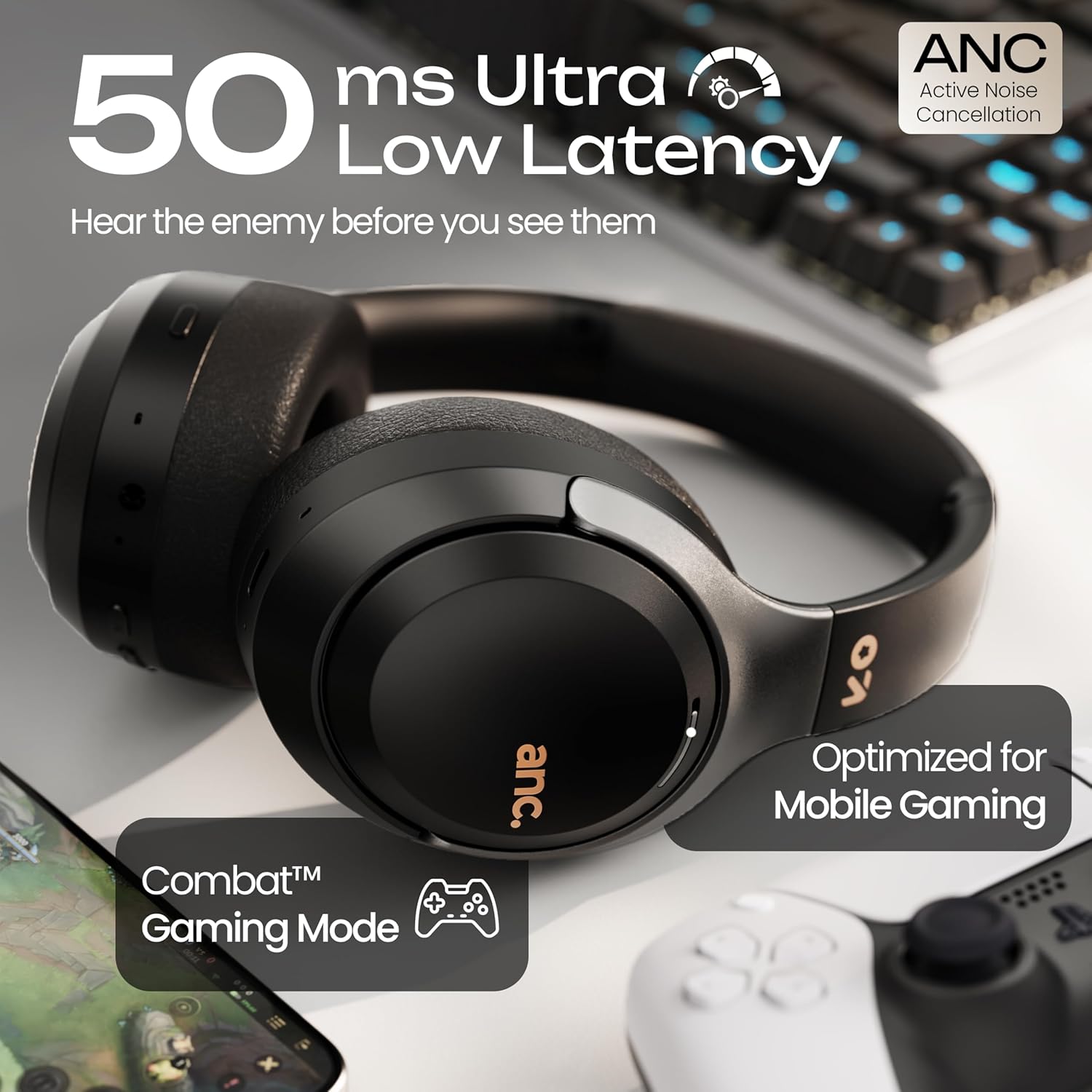
Image 5.4: Low Latency Gaming Mode.
5.5 Dual Device Connectivity
Connect your headphones to two devices simultaneously and switch between them.
- Pair the headphones with the first device (Device A) as described in section 4.3.
- Disconnect Bluetooth on Device A. The headphones will re-enter pairing mode.
- Pair the headphones with the second device (Device B).
- Reconnect Bluetooth on Device A. The headphones should now be connected to both devices.
- Audio will play from the device that is actively playing media or receiving a call.

Image 5.5: Dual Device Connectivity.
5.6 വോയ്സ് അസിസ്റ്റന്റ്
Activate your device's voice assistant (e.g., Google Assistant, Siri) through the headphones.
- സജീവമാക്കുന്നതിന്: മൾട്ടി-ഫംഗ്ഷൻ ബട്ടൺ ഇരട്ട-അമർത്തുക.
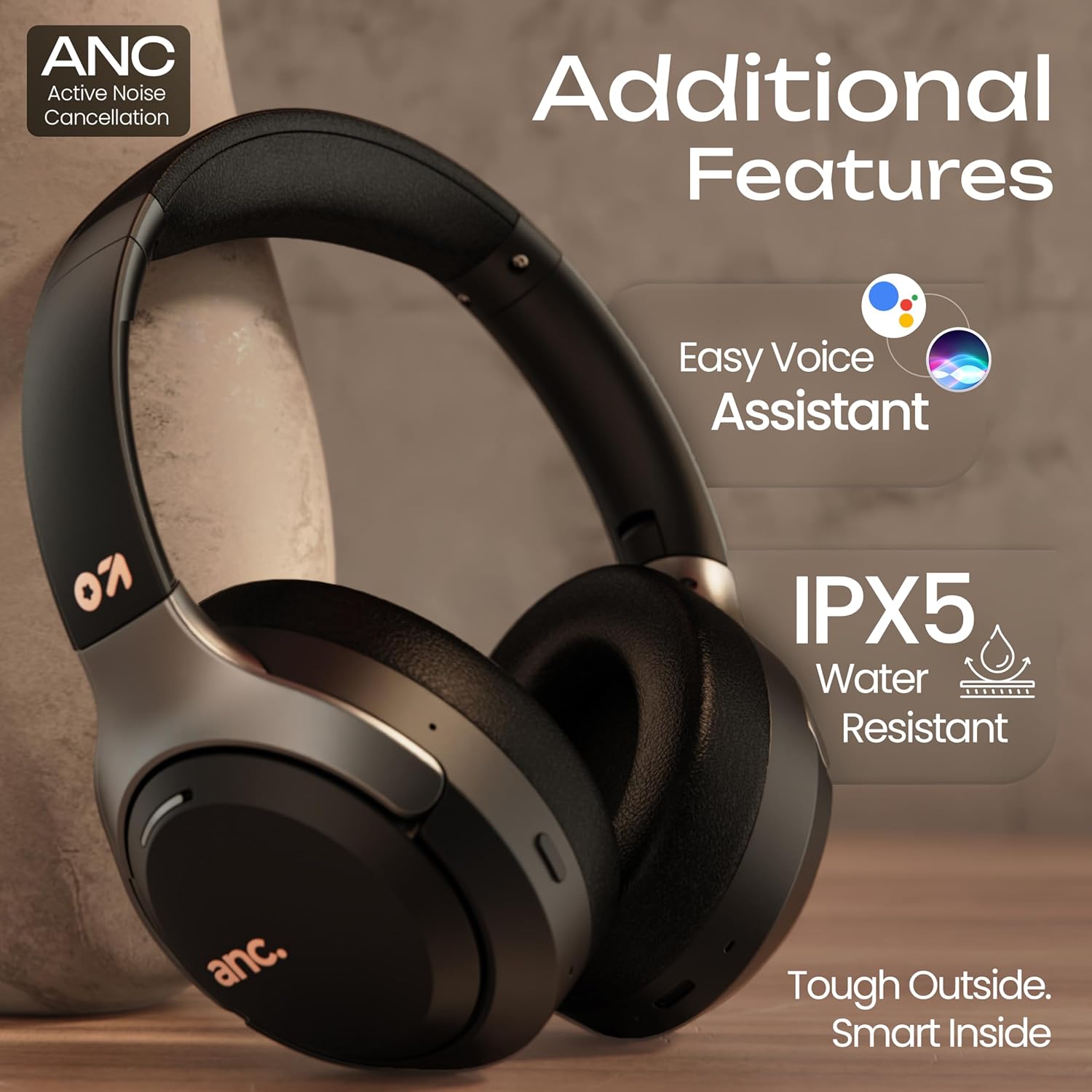
Image 5.6: Voice Assistant and IPX5 Water Resistance.
5.7 വയേർഡ് മോഡ് (AUX)
Use the provided AUX cable for a wired connection, especially when the battery is low or for devices without Bluetooth.
- Connect one end of the AUX cable to the 3.5mm audio jack on the headphones.
- മറ്റേ അറ്റം നിങ്ങളുടെ ഉപകരണത്തിന്റെ 3.5mm ഓഡിയോ ഔട്ട്പുട്ടിലേക്ക് ബന്ധിപ്പിക്കുക.
- In wired mode, some headphone controls may be disabled, and audio is controlled directly from the connected device.
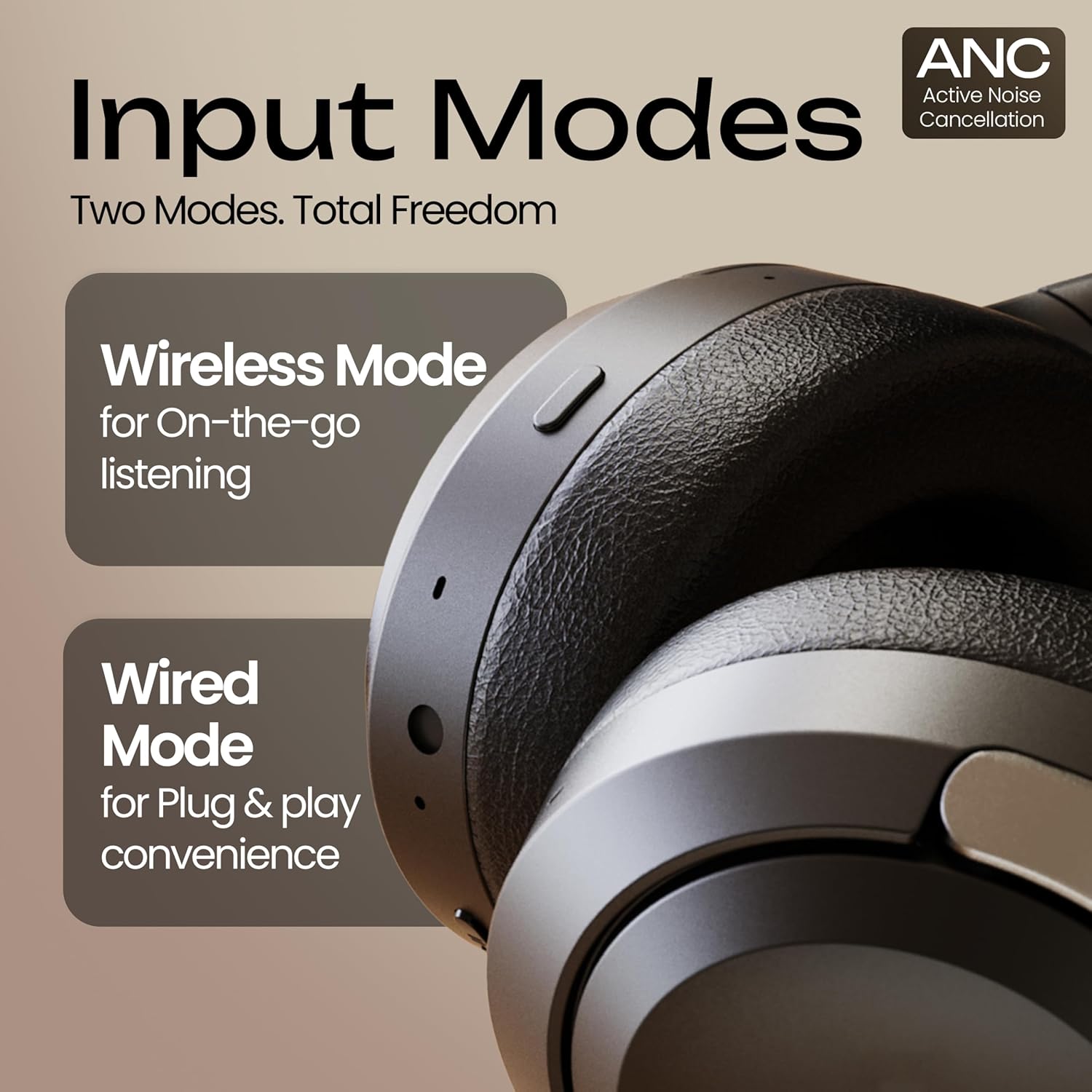
Image 5.7: Wireless and Wired Input Modes.
6. പരിപാലനം
6.1 വൃത്തിയാക്കൽ
- മൃദുവായതും ഉണങ്ങിയതും ലിന്റ് രഹിതവുമായ തുണി ഉപയോഗിച്ച് ഹെഡ്ഫോണുകൾ തുടയ്ക്കുക.
- കഠിനമായ രാസവസ്തുക്കൾ, ക്ലീനിംഗ് ലായകങ്ങൾ അല്ലെങ്കിൽ ശക്തമായ ഡിറ്റർജന്റുകൾ ഉപയോഗിക്കരുത്.
- ഏതെങ്കിലും ദ്വാരങ്ങളിൽ ഈർപ്പം കയറുന്നത് ഒഴിവാക്കുക.
6.2 സംഭരണം
- Store the headphones in a cool, dry place away from extreme temperatures.
- ദീർഘനേരം ഉപയോഗിക്കാത്തപ്പോൾ, ബാറ്ററിയുടെ ആരോഗ്യം നിലനിർത്താൻ ഹെഡ്ഫോണുകൾ ഇടയ്ക്കിടെ ചാർജ് ചെയ്യുക.
- Utilize the foldable design for compact storage and protection during travel.
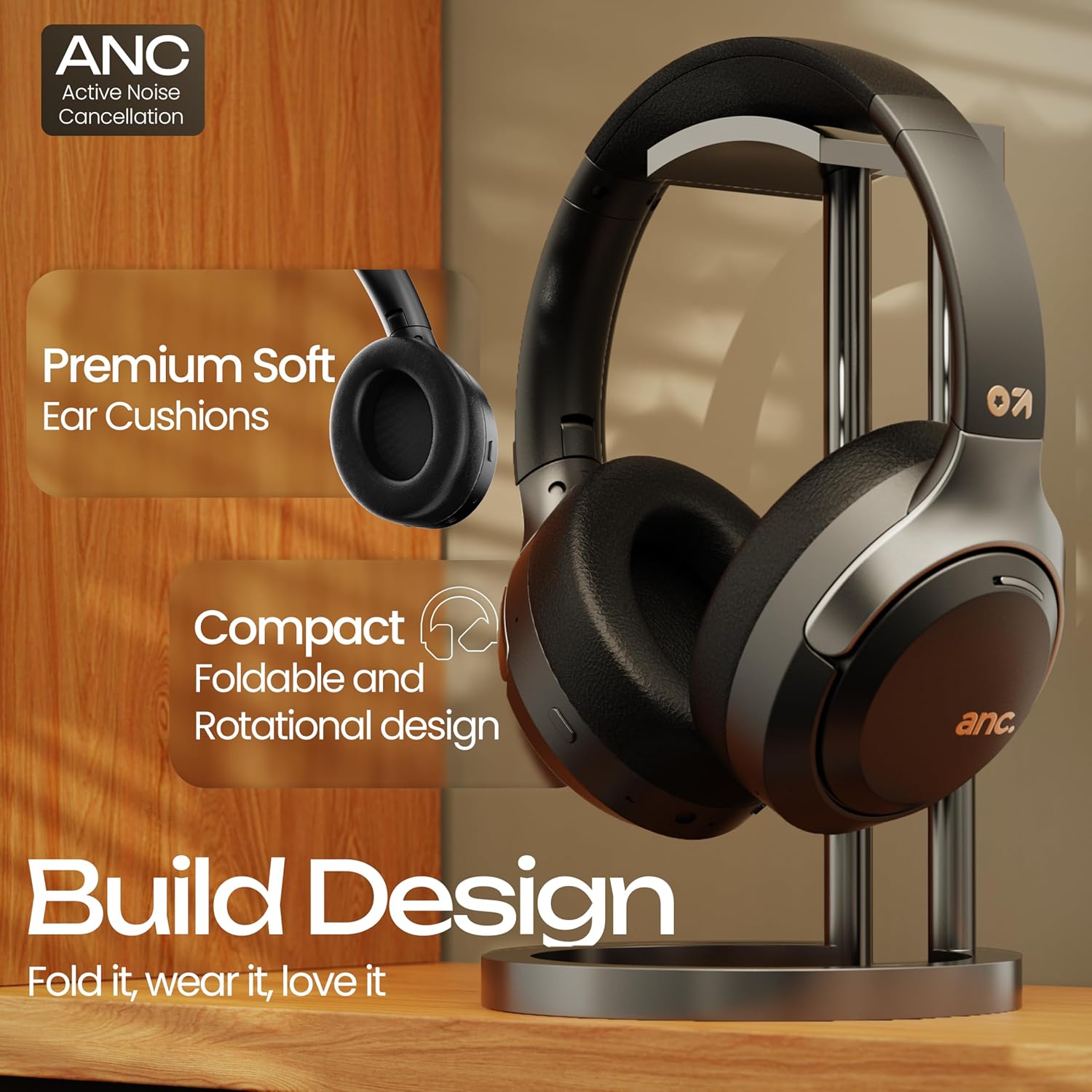
Image 6.1: Premium ear cushions and foldable design for comfort and storage.
7. പ്രശ്നപരിഹാരം
If you encounter issues with your GOBOULT Anchor headphones, refer to the following common solutions:
| പ്രശ്നം | പരിഹാരം |
|---|---|
| ഹെഡ്ഫോണുകൾ ഓണാകുന്നില്ല | ഹെഡ്ഫോണുകൾ ചാർജ് ചെയ്തിട്ടുണ്ടെന്ന് ഉറപ്പാക്കുക. ടൈപ്പ്-സി കേബിൾ ഉപയോഗിച്ച് ഒരു പവർ സ്രോതസ്സിലേക്ക് കണക്റ്റ് ചെയ്യുക. |
| ബ്ലൂടൂത്ത് വഴി ജോടിയാക്കാൻ കഴിയില്ല | Ensure headphones are in pairing mode (LED flashes red/blue). Turn off and on Bluetooth on your device. Forget previous pairings and try again. Ensure headphones are within 10 meters of the device. |
| ശബ്ദമോ കുറഞ്ഞ വോളിയമോ ഇല്ല | Check volume levels on both headphones and connected device. Ensure headphones are properly paired. Try playing audio from a different source. If using wired mode, ensure the AUX cable is fully inserted. |
| ANC ഫലപ്രദമായി പ്രവർത്തിക്കുന്നില്ല. | Ensure ANC is activated. Adjust headphone fit to ensure a good seal around your ears. ANC is most effective against low-frequency, constant noise. |
| കോളുകൾക്കിടയിൽ മൈക്രോഫോൺ പ്രശ്നങ്ങൾ | Ensure the headphones are connected and selected as the audio input device. Check for obstructions around the microphone. Ensure the environment is not excessively noisy. |
8 സ്പെസിഫിക്കേഷനുകൾ
Detailed technical specifications for the GOBOULT Anchor AirBass headphones:
- മോഡലിൻ്റെ പേര്: എയർബാസ്
- കണക്റ്റിവിറ്റി: Bluetooth v5.4, Wired (AUX)
- ശബ്ദ നിയന്ത്രണം: Active Noise Cancellation (35dB), Passive Noise Cancellation
- ഓഡിയോ ഡ്രൈവറുകൾ: 40 എംഎം ഡൈനാമിക് ഡ്രൈവറുകൾ
- ഫ്രീക്വൻസി പ്രതികരണം: 20 Hz
- സംവേദനക്ഷമത: 118 ഡി.ബി
- പ്രതിരോധം: 32 ഓം
- ബാറ്ററി ലൈഫ്: Up to 72 hours (without ANC), 40 hours (with ANC)
- ചാർജിംഗ് സമയം: ഏകദേശം 60 മിനിറ്റ്
- ചാർജിംഗ് പോർട്ട്: ടൈപ്പ്-സി
- ബ്ലൂടൂത്ത് ശ്രേണി: 10 മീറ്റർ വരെ
- ജല പ്രതിരോധം: IPX5
- ഇനത്തിൻ്റെ ഭാരം: 242.2 ഗ്രാം
- ഉൽപ്പന്ന അളവുകൾ: 18 x 8 x 21 സെ.മീ
- മെറ്റീരിയൽ: പ്ലാസ്റ്റിക്
- നിയന്ത്രണ രീതി: Button, Voice (Google Assistant)
9. വാറൻ്റിയും പിന്തുണയും
Your GOBOULT Anchor Bluetooth Wireless Over-Ear Headphones come with a 1 വർഷത്തെ നിർമ്മാതാവിൻ്റെ വാറൻ്റി വാങ്ങിയ തീയതി മുതൽ. ഈ വാറന്റി നിർമ്മാണ വൈകല്യങ്ങൾ ഉൾക്കൊള്ളുന്നു. വാറന്റി ക്ലെയിമുകൾക്കായി നിങ്ങളുടെ വാങ്ങിയതിന്റെ തെളിവ് സൂക്ഷിക്കുക.
For technical support, warranty claims, or further assistance, please refer to the contact information provided on your warranty card or visit the official GOBOULT webസൈറ്റ്.