
1. ഉൽപ്പന്നം കഴിഞ്ഞുview
The AISLPC R36T is a portable retro gaming console designed to bring classic gaming experiences to your fingertips. Featuring a 3.5-inch IPS screen with a CRT-inspired design, it supports a wide range of game simulators and comes pre-loaded with over 18,000 classic games. Its compact size and long battery life make it ideal for gaming on the go.

Image: The R36T Retro Gaming Console in its red variant, showcasing its compact design and screen.
പ്രധാന സവിശേഷതകൾ
- EmuELEC System: Equipped with a stable and efficient EmuELEC system for broad game compatibility.
- വിപുലമായ ഗെയിം ലൈബ്രറി: Includes a 64GB TF card with over 18,000 classic games, supporting 23+ game simulators.
- CRT-Inspired IPS Screen: A 3.5-inch IPS full-viewing angle screen with 640x480 resolution, offering clear visuals and a nostalgic CRT aesthetic.
- വയർലെസ് കണക്റ്റിവിറ്റി: Supports 5G WiFi and 2.4G OTG Wireless Controller for networked multiplayer gaming.
- ഇഷ്ടാനുസൃതമാക്കാവുന്ന RGB ലൈറ്റിംഗ്: Features 16 million color RGB joystick lighting with 16 adjustable light effects.
- നീണ്ട ബാറ്ററി ലൈഫ്: Built-in 3500mAh battery provides 6-8 hours of continuous gameplay.

ചിത്രം: ഒരു ഓവർview of the R36T's key features, including system, CPU, WiFi, TF card, emulators, classic games, display, RGB lighting, OTG controller, and battery.
2. ബോക്സിൽ എന്താണുള്ളത്?
Upon unboxing your AISLPC R36T Retro Gaming Console, you should find the following items:
- Handheld Game Console (R36T)
- പോർട്ടബിൾ സ്റ്റോറേജ് ബാഗ്
- TYPE-C Charger Cable
- ഇൻസ്ട്രക്ഷൻ മാനുവൽ
- 64GB TF Card (pre-installed or separate)
3. സജ്ജീകരണ ഗൈഡ്
3.1 പ്രാരംഭ ചാർജിംഗ്
Before first use, fully charge the console. Connect the provided Type-C charging cable to the console's charging port and plug the other end into a compatible USB power adapter (not included). The console features a 3500mAh battery, providing ample playtime once fully charged.
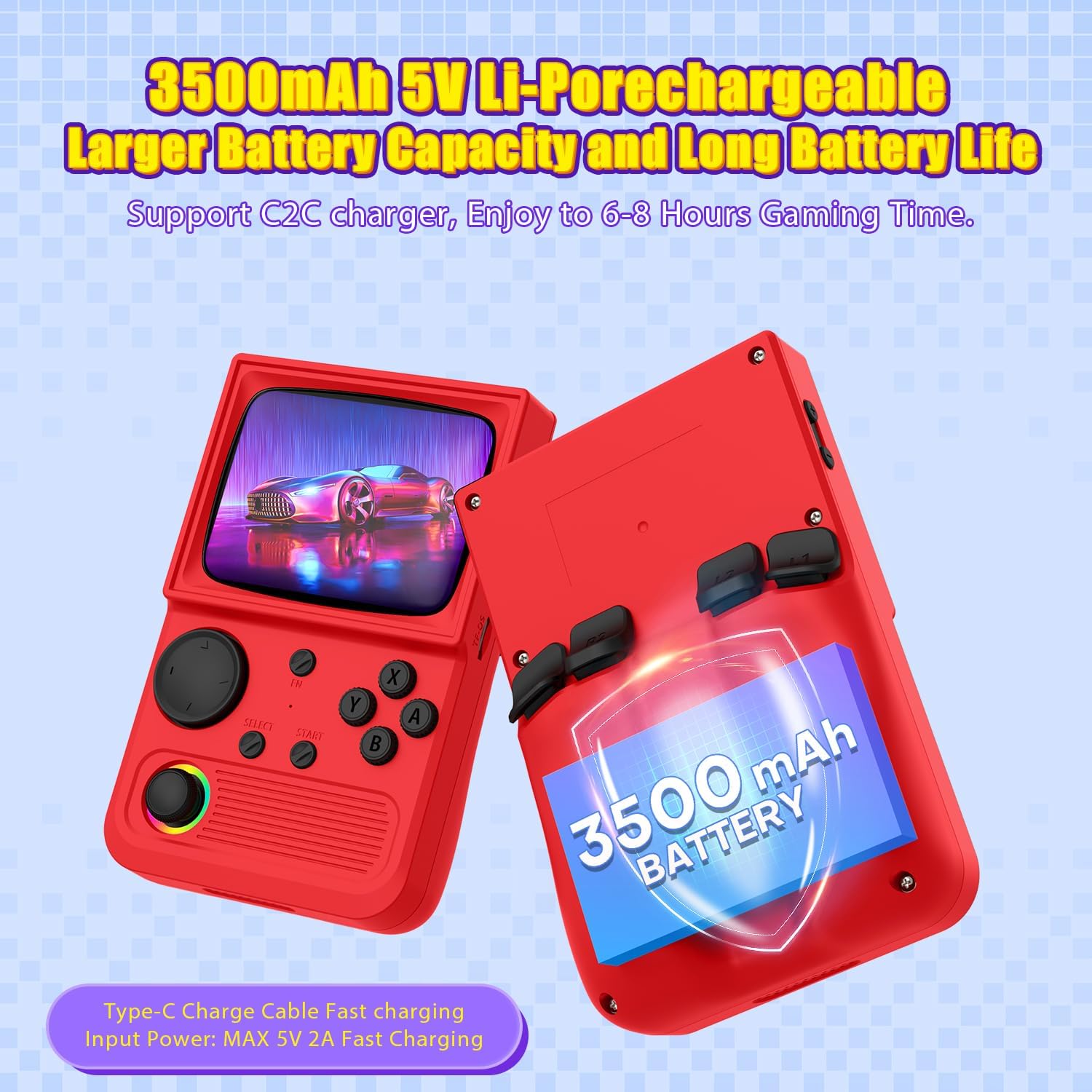
Image: Illustration highlighting the 3500mAh battery capacity and Type-C charging port of the R36T console.
3.2 TF കാർഡ് ചേർക്കൽ
The 64GB TF card, pre-loaded with games, should be inserted into the designated TF card slot on the console. Ensure it is properly seated to allow the system to read the game library.
3.3 പവർ ഓൺ/ഓഫ്
To power on the console, locate the power button (usually on the side) and press and hold it for a few seconds until the screen illuminates. To power off, press and hold the power button again until the shutdown prompt appears, then confirm.
4. പ്രവർത്തന നിർദ്ദേശങ്ങൾ
4.1 നാവിഗേഷനും നിയന്ത്രണങ്ങളും
The R36T console features a high-precision joystick and classic buttons (A, B, X, Y, Select, Start) for intuitive gameplay. Familiarize yourself with the button layout for optimal control across various games.
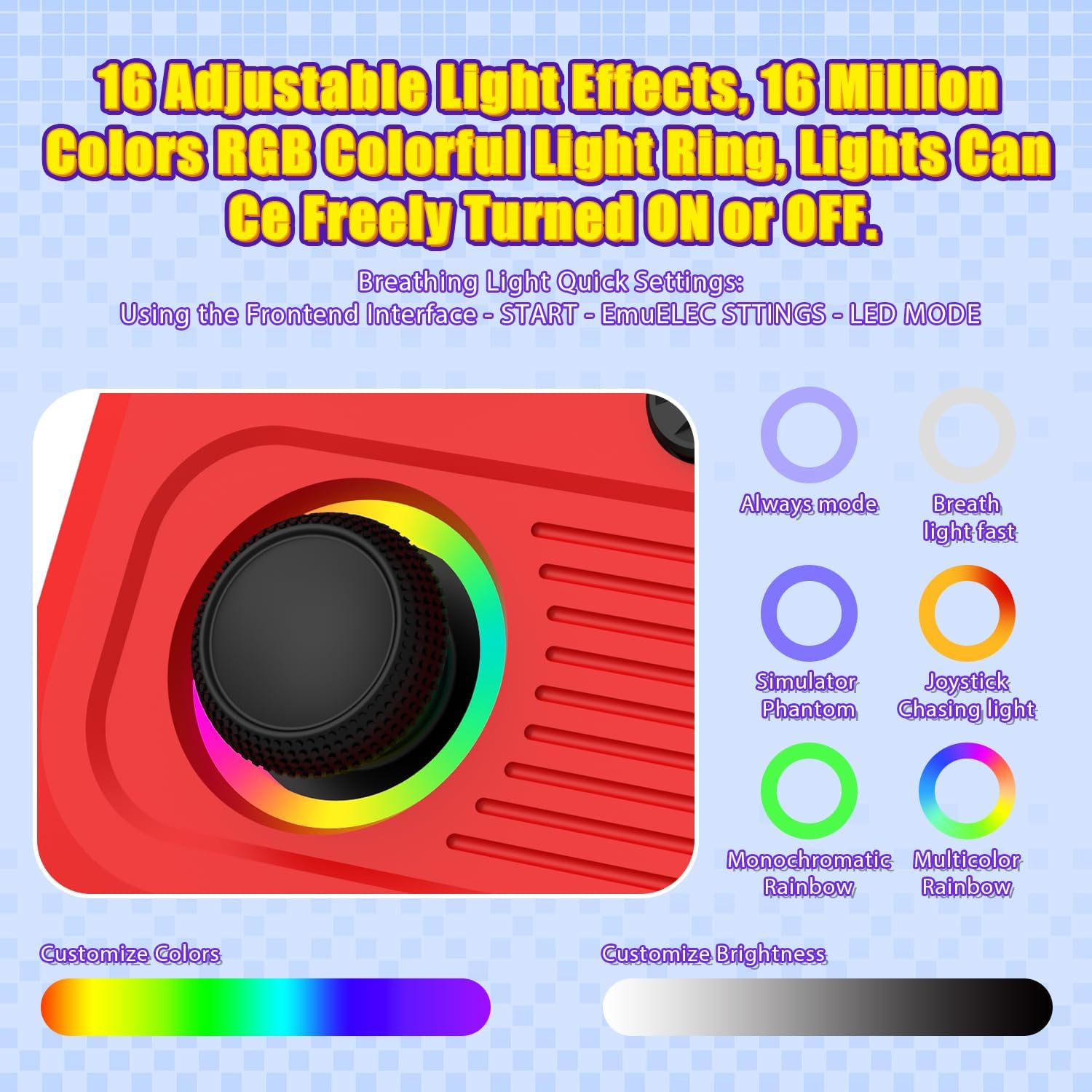
Image: Close-up of the R36T's joystick with customizable RGB lighting and control buttons.
4.2 Accessing and Playing Games
The console runs on the EmuELEC system, providing access to over 18,000 pre-installed classic games from various emulators. Navigate through the main menu using the joystick or D-pad to select your desired game or emulator.
4.3 Multiplayer Gaming
The R36T supports online multiplayer via 5G WiFi and local multiplayer using a 2.4G OTG Wireless Controller. To engage in multiplayer combat:
- വൈഫൈയിലേക്ക് കണക്റ്റുചെയ്യുക: Ensure all consoles are connected to the same Wi-Fi network.
- ഗെയിം ആരംഭിക്കുക: Open the same game on all devices.
- Host/Join: One player hosts the game, others join by entering the host's IP address.
- Fight: Begin your networked gaming session.

Image: Two R36T consoles being used simultaneously to illustrate the multiplayer gaming feature.
4.4 ഡിസ്പ്ലേയും ശബ്ദവും
The 3.5-inch IPS screen offers a clear and vibrant display with a 640x480 pixel resolution. The console includes a built-in speaker for audio, and a 3.5mm headphone jack is available for private listening.
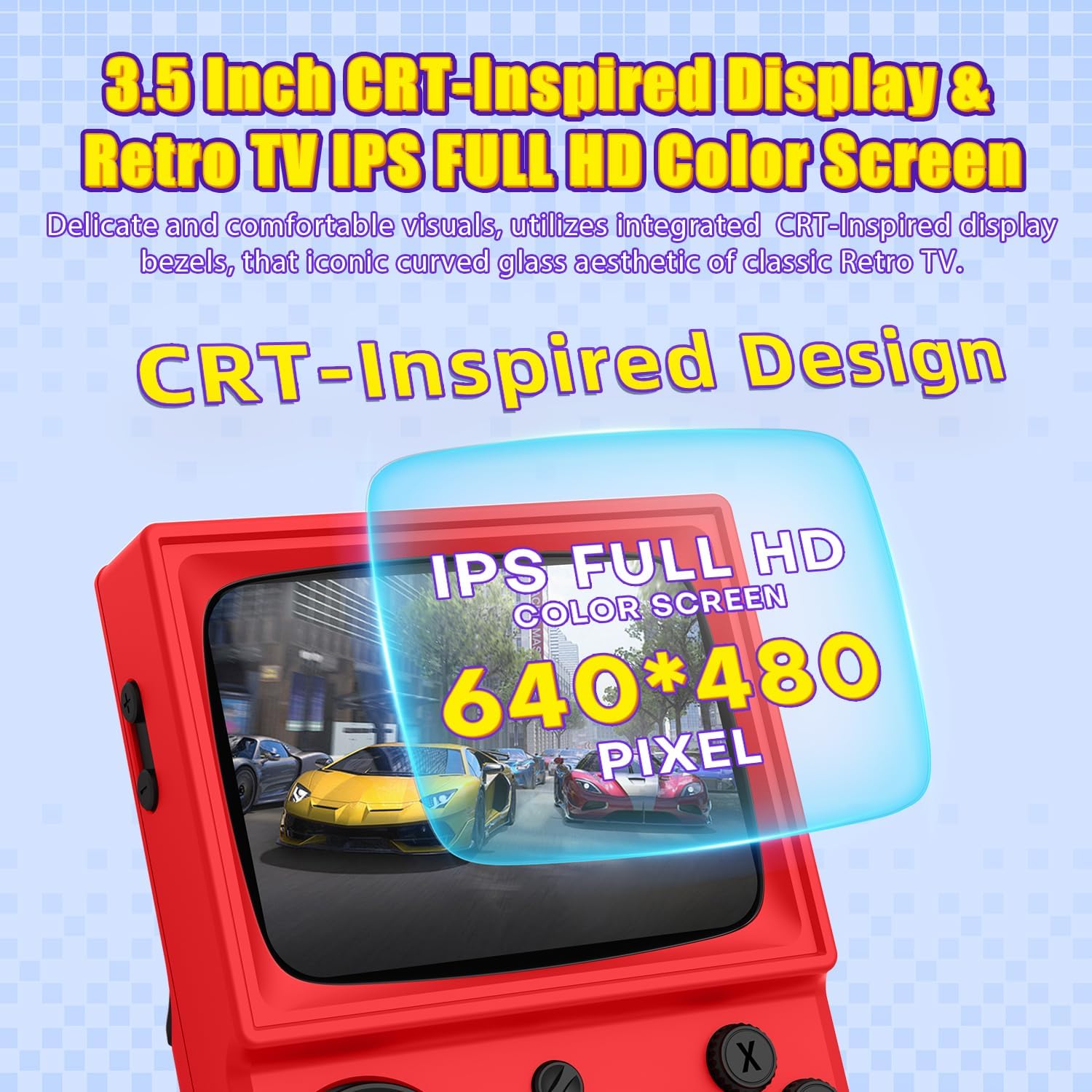
ചിത്രം: വിശദമായ ഒരു ചിത്രം view of the R36T's 3.5-inch IPS full HD color screen, emphasizing its CRT-inspired design.
5. പരിപാലനം
5.1 വൃത്തിയാക്കൽ
Use a soft, dry cloth to clean the console's exterior. For the screen, use a microfiber cloth specifically designed for electronics. Avoid using harsh chemicals or abrasive materials.
5.2 സംഭരണം
When not in use, store the console in its provided portable storage bag to protect it from dust, scratches, and minor impacts. Keep it in a cool, dry place away from direct sunlight and extreme temperatures.
5.3 ബാറ്ററി കെയർ
To prolong battery life, avoid fully discharging the console frequently. Charge it regularly, and if storing for an extended period, ensure it has at least a 50% charge.
6. പ്രശ്നപരിഹാരം
പൊതുവായ പ്രശ്നങ്ങളും പരിഹാരങ്ങളും:
- Console not powering on: ബാറ്ററി ചാർജ്ജ് ചെയ്തിട്ടുണ്ടെന്ന് ഉറപ്പാക്കുക. ടൈപ്പ്-സി കേബിൾ ബന്ധിപ്പിച്ച് വീണ്ടും ശ്രമിക്കുക.
- Games not loading: Check if the TF card is properly inserted. Restart the console.
- മോശം വൈ-ഫൈ കണക്ഷൻ: Ensure the console is within range of a strong Wi-Fi signal. Restart your router if necessary.
- Screen issues (flickering, no display): Try restarting the console. If the issue persists, contact customer support.
For further assistance, please refer to the official AISLPC support resources.
7 സ്പെസിഫിക്കേഷനുകൾ
| ഫീച്ചർ | വിശദാംശങ്ങൾ |
|---|---|
| ബ്രാൻഡ് | എ.ഐ.എസ്.എൽ.പി.സി |
| മോഡൽ നമ്പർ | R36T |
| മെറ്റീരിയൽ | പ്ലാസ്റ്റിക് |
| ഉൽപ്പന്ന അളവുകൾ | 5 x 2 x 6 ഇഞ്ച് |
| ഇനത്തിൻ്റെ ഭാരം | 12.3 ഔൺസ് |
| സ്ക്രീൻ വലിപ്പം | 3.5 ഇഞ്ച് |
| സ്ക്രീൻ റെസല്യൂഷൻ | 640x480 പിക്സലുകൾ |
| ബാറ്ററി ശേഷി | 3500mAh |
| സിസ്റ്റം | EmuELEC System |
| സിപിയു | RK3326 Quad Core Cortex-A35 CPU |
| മെമ്മറി | 1GB RAM + 8GB internal (64GB TF card included) |
8 സുരക്ഷാ വിവരങ്ങൾ
For external use only. Do not attempt to disassemble or modify the device. Keep out of reach of small children due to small parts. Avoid exposure to water or extreme temperatures. Use only the provided charging cable.
9. വാറൻ്റിയും പിന്തുണയും
For warranty information and customer support, please refer to the official AISLPC webസൈറ്റിൽ ബന്ധപ്പെടുകയോ അവരുടെ ഉപഭോക്തൃ സേവനവുമായി നേരിട്ട് ബന്ധപ്പെടുകയോ ചെയ്യുക. ഏതെങ്കിലും വാറന്റി ക്ലെയിമുകൾക്കായി നിങ്ങളുടെ വാങ്ങൽ രസീത് സൂക്ഷിക്കുക.