
ആമുഖം
This manual provides comprehensive instructions for the safe and efficient use of your DOOGEE Fire 3 Pro Rugged Phone. Please read this manual thoroughly before operating your device to ensure optimal performance and longevity. This device is designed for durability and performance in challenging environments, featuring an 8350mAh battery, Android 15, and IP68/IP69K ratings.
1. പാക്കേജ് ഉള്ളടക്കം
ഉൽപ്പന്ന പാക്കേജിംഗിൽ എല്ലാ ഇനങ്ങളും ഉണ്ടെന്ന് ഉറപ്പാക്കുക:
- 1x DOOGEE Fire 3 Pro Smartphone
- 1x ടൈപ്പ്-സി യുഎസ്ബി കേബിൾ
- 1x 18W Charger
- 1x Card Slot Opener
- 1x സ്ലിംഗ്

ചിത്രം: മുന്നിലും പിന്നിലും view of the DOOGEE Fire 3 Pro Rugged Phone, showcasing അതിന്റെ കരുത്തുറ്റ രൂപകൽപ്പനയും ക്യാമറ മൊഡ്യൂളും.
2. ഡിവൈസ് ഓവർview
Familiarize yourself with the physical components of your DOOGEE Fire 3 Pro:
- മുൻഭാഗം: 5.5-inch IPS HD+ Display, Front Camera, Earpiece.
- പിൻഭാഗം: 16MP Main Camera, Flash, Fingerprint Sensor.
- വശങ്ങൾ: Power Button, Volume Buttons, Customizable Side Button, SIM/TF Card Slot, USB Type-C Port, 3.5mm Audio Jack.
3. സജ്ജീകരണം
3.1. സിം കാർഡും TF കാർഡും ഇൻസ്റ്റാൾ ചെയ്യൽ
- ഉപകരണത്തിന്റെ വശത്ത് സിം/ടിഎഫ് കാർഡ് സ്ലോട്ട് കണ്ടെത്തുക.
- Insert the provided card slot opener into the small hole next to the tray and push gently until the tray ejects.
- Place your Nano SIM card(s) and/or TF card (up to 2TB) into the designated slots on the tray. Ensure the cards are correctly oriented.
- ഉപകരണ ബോഡിയുമായി ഫ്ലഷ് ആകുന്നതുവരെ ട്രേ ഫോണിലേക്ക് ശ്രദ്ധാപൂർവ്വം വീണ്ടും തിരുകുക.
3.2. പ്രാരംഭ പവർ ഓണും സജ്ജീകരണവും
- Press and hold the Power button until the DOOGEE logo appears.
- നിങ്ങളുടെ ഭാഷ തിരഞ്ഞെടുക്കുന്നതിനും, വൈഫൈയിലേക്ക് കണക്റ്റുചെയ്യുന്നതിനും, നിങ്ങളുടെ Google അക്കൗണ്ട് സജ്ജീകരിക്കുന്നതിനും ഓൺ-സ്ക്രീൻ നിർദ്ദേശങ്ങൾ പാലിക്കുക.
- Configure security settings such as fingerprint unlock and face recognition.
3.3 ഉപകരണം ചാർജ് ചെയ്യുന്നു
Connect the Type-C USB cable to the phone's charging port and the 18W charger to a power outlet. The device supports 18W fast charging. The 8350mAh battery provides extended usage time.

Image: The DOOGEE Fire 3 Pro connected to an 18W charger, highlighting its 8350mAh battery capacity and OTG support.
4. പ്രവർത്തന നിർദ്ദേശങ്ങൾ
4.1. അടിസ്ഥാന നാവിഗേഷൻ
The DOOGEE Fire 3 Pro operates on Android 15. Navigate using standard touchscreen gestures: tap, swipe, pinch-to-zoom.
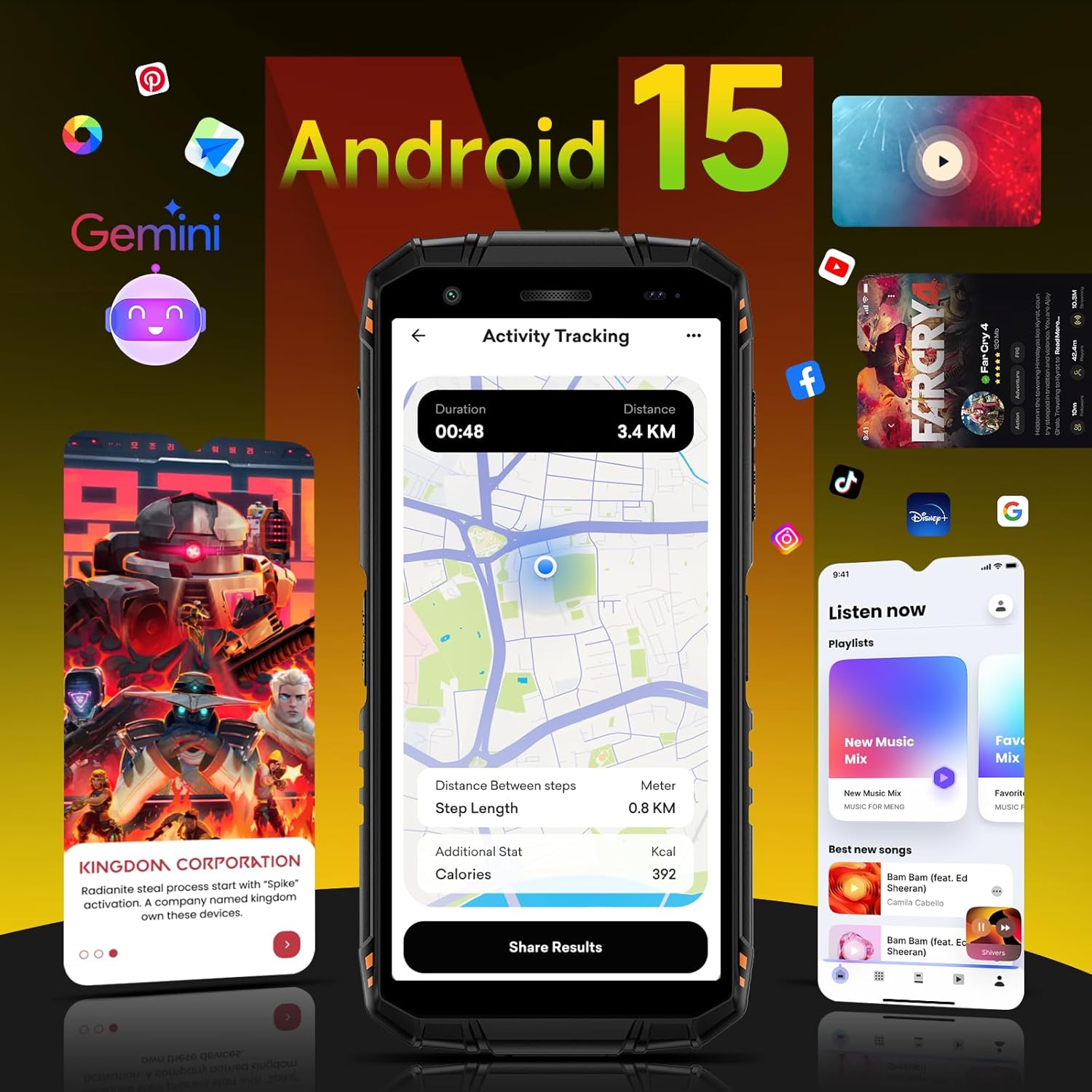
Image: The DOOGEE Fire 3 Pro screen showing the Android 15 operating system interface with various applications and Gemini AI integration.
4.2. സുരക്ഷാ സവിശേഷതകൾ
- ഫിംഗർപ്രിന്റ് അൺലോക്ക്: Register your fingerprints in the Security settings for quick and secure access.
- മുഖം തിരിച്ചറിയൽ: Set up face unlock for convenient access to your device.
4.3. Custom Key Functionality
The customizable side button can be configured in settings to quickly launch applications or perform specific functions.
4.4. NFC and Google Pay
Utilize NFC (Near Field Communication) for contactless payments via Google Pay and for quick pairing with compatible devices.
4.5. Connectivity (Wi-Fi, Bluetooth, GPS)
- വൈഫൈ: Supports 2.4G/5G Wi-Fi for stable internet connectivity.
- ബ്ലൂടൂത്ത്: Connect to wireless accessories such as headphones or speakers.
- ജിപിഎസ്: Integrated GPS+GLONASS+Galileo+BEIDOU for precise location tracking and navigation.
4.6. ക്യാമറ പ്രവർത്തനം
The device features a 16MP main camera and an 8MP front camera. Access the camera app to capture photos and videos. Built-in modes include portrait and panorama. AI intelligent scene recognition automatically adjusts settings for optimal results. The phone also supports underwater photography.

Image: Close-up of the DOOGEE Fire 3 Pro's rear camera module, alongside examples of photos taken with the 16MP rear and 8MP front cameras, including an underwater shot.
4.7. Widevine L1 for Streaming
The 5.5-inch IPS HD+ display supports Widevine L1, enabling high-definition playback from streaming services without lag.

Image: The DOOGEE Fire 3 Pro displaying a vibrant image on its 5.5-inch HD+ screen, highlighting its 60Hz refresh rate, 18:9 aspect ratio, and 720x1440 resolution.
5. പരിപാലനം
5.1. ഉപകരണം വൃത്തിയാക്കൽ
Use a soft, lint-free cloth to clean the screen and body of the phone. For stubborn dirt, a slightly damp തുണി ഉപയോഗിക്കാം. കഠിനമായ രാസവസ്തുക്കളോ ഉരച്ചിലുകളോ ഉള്ള വസ്തുക്കൾ ഒഴിവാക്കുക.
5.2. സോഫ്റ്റ്വെയർ അപ്ഡേറ്റുകൾ
Regularly check for and install software updates to ensure your device has the latest features, security patches, and performance improvements. Updates can be found in the device's settings menu.
5.3. ബാറ്ററി പരിചരണം
To prolong battery life, avoid exposing the phone to extreme temperatures. It is recommended to keep the battery charge between 20% and 80% for optimal long-term health.
6. പ്രശ്നപരിഹാരം
- ഉപകരണം ഓണാക്കുന്നില്ല: ബാറ്ററി ചാർജ്ജ് ചെയ്തിട്ടുണ്ടെന്ന് ഉറപ്പാക്കുക. ചാർജർ കണക്റ്റ് ചെയ്ത് വീണ്ടും പവർ ചെയ്യാൻ ശ്രമിക്കുന്നതിന് മുമ്പ് കുറച്ച് മിനിറ്റ് കാത്തിരിക്കുക.
- നെറ്റ്വർക്ക് പ്രശ്നങ്ങൾ: Check if your SIM card is properly inserted. Verify that mobile data is enabled in settings. Contact your carrier to confirm service availability.
- മന്ദഗതിയിലുള്ള പ്രകടനം: Close unused applications. Clear cache regularly. Consider performing a factory reset if issues persist (back up data first).
- ടച്ച്സ്ക്രീൻ പ്രതികരിക്കുന്നില്ല: ഉപകരണം റീസ്റ്റാർട്ട് ചെയ്യുക. പ്രശ്നം തുടരുകയാണെങ്കിൽ, പിന്തുണയെ ബന്ധപ്പെടുക.
7 സ്പെസിഫിക്കേഷനുകൾ

Image: Diagram illustrating the DOOGEE Fire 3 Pro's 16GB RAM (4GB physical + 12GB virtual) and 128GB ROM, expandable up to 2TB, powered by an Octa-Core processor and Android 15.
| ഫീച്ചർ | വിശദാംശങ്ങൾ |
|---|---|
| മോഡലിൻ്റെ പേര് | DOOGEE Fire 3 Pro |
| ഓപ്പറേറ്റിംഗ് സിസ്റ്റം | ആൻഡ്രോയിഡ് 15 |
| റാം | 16GB (4GB ഫിസിക്കൽ + 12GB വെർച്വൽ) |
| ആന്തരിക സംഭരണം | 128GB (Expandable up to 2TB via TF card) |
| ബാറ്ററി ശേഷി | 8350mAh |
| ചാർജിംഗ് | 18W ഫാസ്റ്റ് ചാർജിംഗ്, OTG റിവേഴ്സ് ചാർജിംഗ് |
| ഡിസ്പ്ലേ വലിപ്പം | 5.5 Inches IPS HD+ |
| റെസലൂഷൻ | 720*1440 |
| പുതുക്കിയ നിരക്ക് | 60 Hz |
| പിൻ ക്യാമറ | 16എംപി |
| മുൻ ക്യാമറ | 8എംപി |
| കണക്റ്റിവിറ്റി | 4G Dual SIM, Wi-Fi (2.4G/5G), Bluetooth, NFC, 3.5mm Audio Jack |
| നാവിഗേഷൻ | GPS+GLONASS+Galileo+BEIDOU |
| ഈട് റേറ്റിംഗുകൾ | IP68, IP69K, MIL-STD-810H |
| അളവുകൾ | 6.39 x 3.04 x 0.70 ഇഞ്ച് |
| ഇനത്തിൻ്റെ ഭാരം | 1.2 പൗണ്ട് |
8. Durability and Environmental Resistance
The DOOGEE Fire 3 Pro is engineered for rugged use:
- IP68 Certified: Dustproof and waterproof up to 1.5 meters for 30 minutes.
- IP69K സാക്ഷ്യപ്പെടുത്തിയത്: Resistant to high-pressure, high-temperature water jets.
- MIL-STD-810H സാക്ഷ്യപ്പെടുത്തിയത്: Military-grade drop resistance up to 1.5 meters.
- 360° Dustproof: Provides complete protection against dust ingress.

Image: The DOOGEE Fire 3 Pro highlighting its MIL-STD-810H, IP68 waterproof, and IP69K certifications, demonstrating its robust construction.
9. വാറൻ്റി വിവരങ്ങൾ
For detailed warranty information, please refer to the official DOOGEE webനിങ്ങളുടെ ഉൽപ്പന്നത്തിന്റെ വെബ്സൈറ്റിലോ വാറന്റി കാർഡിലോ ഉൾപ്പെടുത്തിയിട്ടില്ല. വാറന്റി നിബന്ധനകളും വ്യവസ്ഥകളും പ്രദേശത്തിനനുസരിച്ച് വ്യത്യാസപ്പെടാം.
10. പിന്തുണ
If you encounter any issues or require further assistance, please visit the official DOOGEE support page or contact their customer service. You can find more information and products at the DOOGEE Store on Amazon.