
1. ആമുഖം
This manual provides essential information for the safe and efficient use of your DOOGEE U11 Android 16 Tablet. Please read it thoroughly before operating the device and retain it for future reference.

ചിത്രം 1.1: മുന്നിലും പിന്നിലും view of the DOOGEE U11 Tablet, highlighting its sleek design and camera module.
2 സുരക്ഷാ വിവരങ്ങൾ
To prevent damage to your device or injury to yourself or others, observe the following precautions:
- ടാബ്ലെറ്റിനെ തീവ്രമായ താപനിലയിലോ, നേരിട്ടുള്ള സൂര്യപ്രകാശത്തിലോ, ഉയർന്ന ആർദ്രതയിലോ തുറന്നുകാട്ടരുത്.
- ടാബ്ലെറ്റ് താഴെയിടുകയോ ഗുരുതരമായ ആഘാതത്തിന് വിധേയമാക്കുകയോ ചെയ്യുന്നത് ഒഴിവാക്കുക.
- അംഗീകൃത ചാർജറുകളും അനുബന്ധ ഉപകരണങ്ങളും മാത്രം ഉപയോഗിക്കുക.
- ടാബ്ലെറ്റ് സ്വയം വേർപെടുത്താനോ നന്നാക്കാനോ ശ്രമിക്കരുത്. യോഗ്യതയുള്ള സേവന ഉദ്യോഗസ്ഥരെ ബന്ധപ്പെടുക.
- Keep the tablet away from medical devices, as it may interfere with their operation.
- പ്രാദേശിക നിയന്ത്രണങ്ങൾ അനുസരിച്ച് ടാബ്ലെറ്റും അതിന്റെ ബാറ്ററിയും ഉത്തരവാദിത്തത്തോടെ നിർമാർജനം ചെയ്യുക.
3. പാക്കേജ് ഉള്ളടക്കം
നിങ്ങളുടെ ഉൽപ്പന്ന പാക്കേജിൽ എല്ലാ ഇനങ്ങളും ഉണ്ടെന്ന് ഉറപ്പാക്കുക:
- DOOGEE U11 Android 16 Tablet
- യുഎസ്ബി ടൈപ്പ്-സി ചാർജിംഗ് കേബിൾ
- പവർ അഡാപ്റ്റർ
- ദ്രുത ആരംഭ ഗൈഡ്
- സിം എജക്റ്റ് ടൂൾ (ബാധകമെങ്കിൽ)
4. ഉപകരണ ലേഔട്ട്
Familiarize yourself with the physical components of your DOOGEE U11 Tablet.
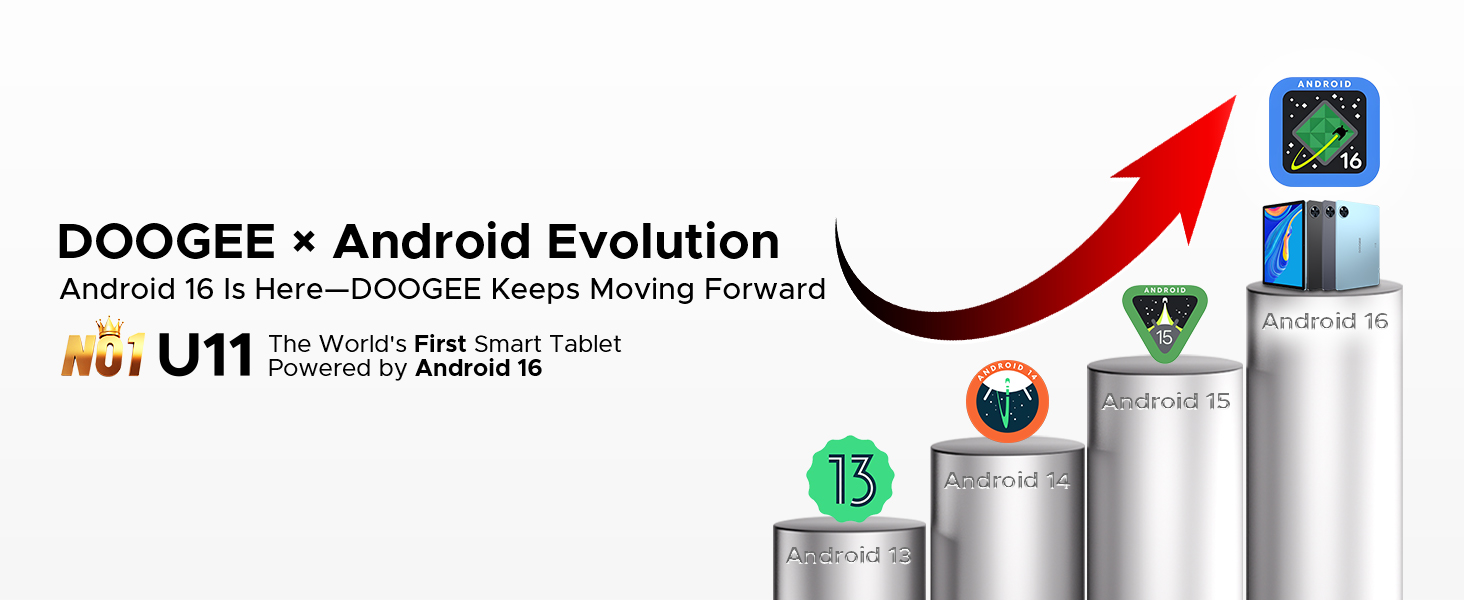
Image 4.1: The elegant metal body design of the DOOGEE U11 Tablet, showcasing ഇത് സ്ലിം പ്രോ ആണ്file and rear camera placement.
The tablet features a durable metal body with a thickness of 8.0mm and weighs approximately 537g. Key physical features include:
- പവർ ബട്ടൺ: വശത്ത് സ്ഥിതിചെയ്യുന്നു, ഉപകരണം ഓൺ/ഓഫ് ചെയ്യുന്നതിനോ സ്ക്രീൻ ഉണർത്തുന്നതിനോ ഉറങ്ങുന്നതിനോ ഉപയോഗിക്കുന്നു.
- വോളിയം ബട്ടണുകൾ: ഓഡിയോ വോളിയം ക്രമീകരിക്കുക.
- യുഎസ്ബി ടൈപ്പ്-സി പോർട്ട്: ചാർജിംഗിനും ഡാറ്റ കൈമാറ്റത്തിനും.
- 3.5mm ഓഡിയോ ജാക്ക്: ഹെഡ്ഫോണുകൾ ബന്ധിപ്പിക്കുന്നതിന്.
- സ്പീക്കർ ഗ്രിൽസ്: ഓഡിയോ ഔട്ട്പുട്ടിനായി ഇരട്ട സ്പീക്കറുകൾ.
- മുൻ ക്യാമറ: Located on the bezel above the screen.
- പിൻ ക്യാമറ: Located on the back of the tablet.
- മൈക്രോ എസ്ഡി കാർഡ് സ്ലോട്ട്: വികസിപ്പിക്കാവുന്ന സംഭരണത്തിനായി.
5. സജ്ജീകരണം
5.1 പ്രാരംഭ പവർ ഓൺ
- Press and hold the Power button until the DOOGEE logo appears.
- നിങ്ങളുടെ ഭാഷ തിരഞ്ഞെടുക്കുന്നതിനും, വൈഫൈയിലേക്ക് കണക്റ്റുചെയ്യുന്നതിനും, നിങ്ങളുടെ Google അക്കൗണ്ട് സജ്ജീകരിക്കുന്നതിനും ഓൺ-സ്ക്രീൻ നിർദ്ദേശങ്ങൾ പാലിക്കുക.
5.2 ബാറ്ററി ചാർജ് ചെയ്യുന്നു
Before first use, fully charge the tablet. Connect the USB Type-C cable to the tablet's charging port and the other end to the power adapter. Plug the adapter into a wall outlet. The battery indicator on the screen will show charging status.
5.3 ഒരു മൈക്രോ എസ്ഡി കാർഡ് ചേർക്കൽ
To expand storage, insert a MicroSD card (up to 2TB supported):
- ടാബ്ലെറ്റിൻ്റെ വശത്ത് കാർഡ് സ്ലോട്ട് കണ്ടെത്തുക.
- ട്രേ തുറക്കാൻ നൽകിയിരിക്കുന്ന സിം എജക്റ്റ് ടൂൾ ഉപയോഗിക്കുക.
- Place the MicroSD card into the designated slot on the tray.
- ടാബ്ലെറ്റിലേക്ക് ട്രേ ശ്രദ്ധാപൂർവ്വം വീണ്ടും തിരുകുക.
6. ടാബ്ലെറ്റ് പ്രവർത്തിപ്പിക്കൽ
6.1 അടിസ്ഥാന പ്രവർത്തനങ്ങൾ
- പവർ ഓൺ/ഓഫ്: പവർ ബട്ടൺ അമർത്തിപ്പിടിക്കുക. 'പവർ ഓഫ്' അല്ലെങ്കിൽ 'റീസ്റ്റാർട്ട്' തിരഞ്ഞെടുക്കുക.
- സ്ക്രീൻ ലോക്ക്/അൺലോക്ക്: Press the Power button briefly. Use Face ID or your set PIN/pattern/password to unlock.
- നാവിഗേഷൻ: Use gestures (swipe up for home, swipe from sides for back, swipe up and hold for recent apps) or the on-screen navigation bar.
6.2 Operating System: Android 16
The DOOGEE U11 runs on Android 16, offering enhanced app permission controls, stronger privacy protection, and a smoother user experience.

Image 6.2.1: The user interface of the Android 16 operating system on the DOOGEE U11 Tablet.
Image 6.2.2: Icons representing key Android 16 OS features: Bedtime Mode, Automatic Screen Brightness Adjustment, Multi-user System, and Parental Control.
Key OS features include:
- ബെഡ്ടൈം മോഡ്: Helps manage screen time and promotes better sleep.
- Automatic Screen Brightness Adjustment: Optimizes display brightness based on ambient light.
- Multi-user System: Allows multiple users to have separate profiles on the tablet.
- രക്ഷാകർതൃ നിയന്ത്രണം: Tools to manage and restrict content for children.
6.3 കണക്റ്റിവിറ്റി
- വൈഫൈ: Supports dual-band Wi-Fi (2.4GHz/5GHz) for stable internet connection. Access Wi-Fi settings via the Quick Settings panel or Settings app.
- OTG (ഓൺ-ദി-ഗോ): Connect USB peripherals like flash drives, keyboards, or mice using an OTG adapter (sold separately). The tablet also supports 5W reverse charging to power other devices.
6.4 ക്യാമറ ഉപയോഗം
The tablet is equipped with a 13MP rear camera and a 5MP front camera.

Image 6.4.1: Visual representation of the 13MP main camera and 5MP front camera, showing exampലെ ഫോട്ടോകൾ.
ക്യാമറ ഉപയോഗിക്കുന്നതിന്:
- ക്യാമറ ആപ്ലിക്കേഷൻ തുറക്കുക.
- ഒരു ഫോട്ടോ എടുക്കാൻ ഷട്ടർ ബട്ടൺ ടാപ്പ് ചെയ്യുക.
- ക്യാമറ ടോഗിൾ ഐക്കൺ ഉപയോഗിച്ച് മുൻ ക്യാമറയും പിൻ ക്യാമറയും തമ്മിൽ മാറുക.
6.5 മൾട്ടിമീഡിയ
- ഓഡിയോ: Enjoy immersive sound through dual professionally tuned speakers.
- വീഡിയോ: Widevine L1 certification ensures full 1080P HD playback on supported streaming platforms like Netflix, YouTube, Hulu, and Amazon Prime Video.

Image 6.5.1: Illustration of the tablet's dual speaker system, showing sound waves emanating from the device during use.

Image 6.5.2: The DOOGEE U11 Tablet displaying a movie scene, with logos of streaming services like Netflix, Hulu, Prime Video, HBO Max, and YouTube, indicating Widevine L1 support.
6.6 AI Features (Gemini AI)
The tablet integrates Gemini AI for intelligent optimization and enhanced functionality.
Image 6.6.1: Icons representing Gemini AI capabilities: Content Creation, Information Retrieval & Summarization, Image Analysis, Code Development, Language Learning, and Smart Assistant.
Gemini AI assists with tasks such as:
- Optimizing system resources for smoother performance.
- Assisting with photo editing and real-time translation.
- Providing smart assistance for various queries and tasks.
6.7 Productivity
- WPS Office: Built-in PC-level WPS Office suite for document creation and editing (Word, Excel, PPT).
- Split-screen Mode: Allows running two applications simultaneously for efficient multitasking.
- ആപ്പ് ക്ലോണിംഗ്: Run two instances of social media or messaging apps simultaneously.
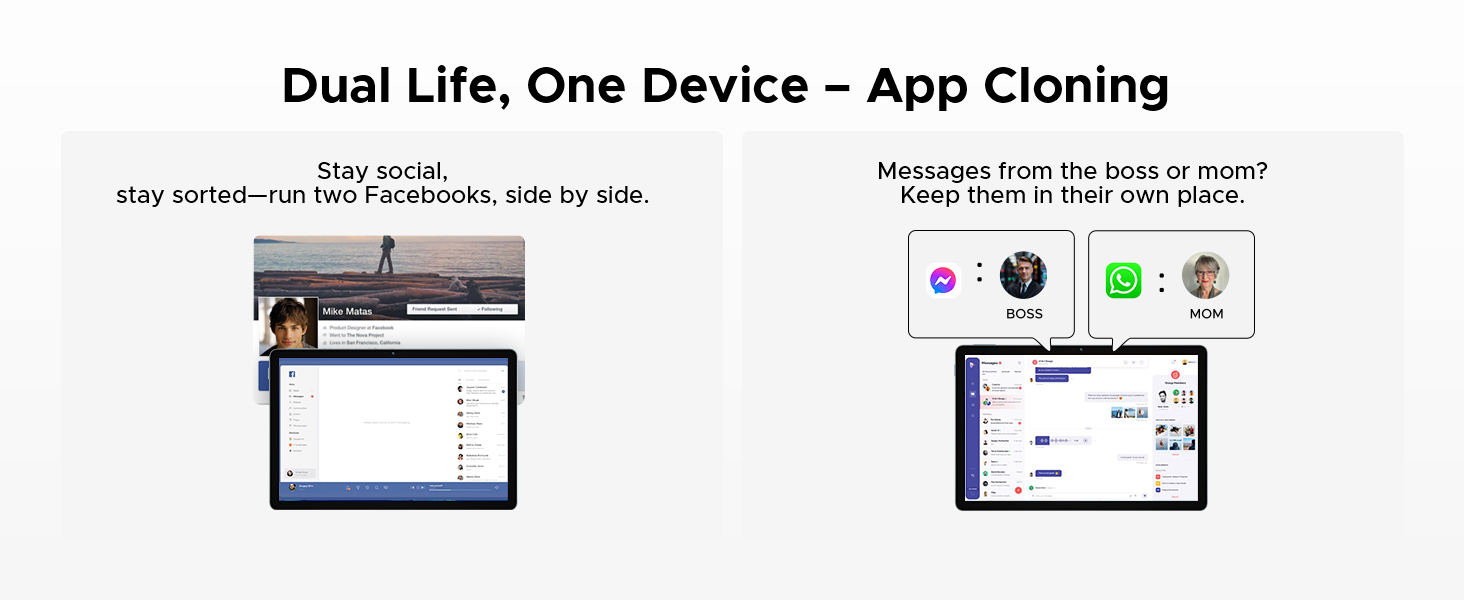
Image 6.7.1: The DOOGEE U11 Tablet displaying WPS Word, WPS Excel, and WPS PPT applications, demonstrating its productivity capabilities.
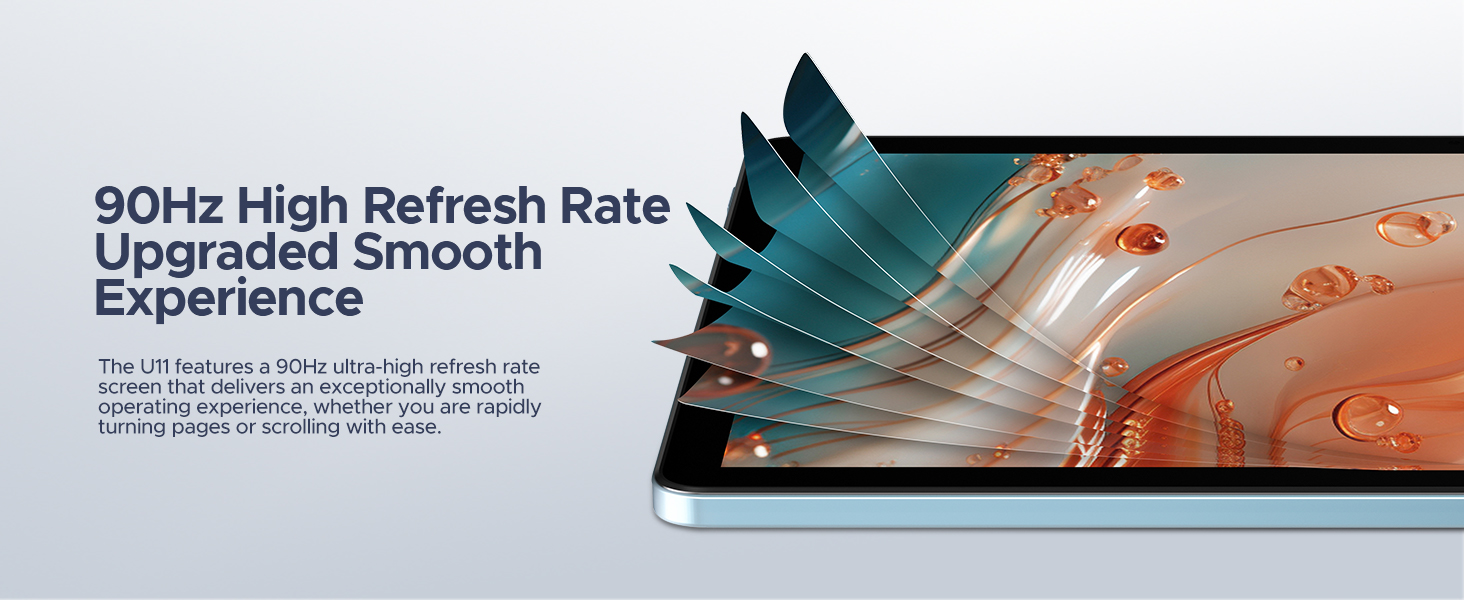
Image 6.7.2: The DOOGEE U11 Tablet in split-screen mode, showing two applications open side-by-side for efficient multitasking.

Image 6.7.3: Illustration of the App Cloning feature, showing two separate instances of Facebook and messaging apps running concurrently.
6.8 Gaming (Game Space)
The Game Space feature optimizes the tablet for gaming, ensuring high frame rates and an immersive experience.

Image 6.8.1: The Game Space feature displaying a split view of a game in SDR and HDR modes, highlighting visual enhancements.
6.9 മറ്റ് സവിശേഷതകൾ
- ഫേസ് അൺലോക്ക്: മുഖം തിരിച്ചറിയൽ ഉപയോഗിച്ച് നിങ്ങളുടെ ഉപകരണം സുരക്ഷിതമായി അൺലോക്ക് ചെയ്യുക.
- എഫ്എം റേഡിയോ: Enjoy local radio stations by plugging in headphones (which act as an antenna).
- നാവിഗേഷൻ സിസ്റ്റം: Supports GPS, Beidou, GLONASS, Galileo, and AGPS for accurate location and navigation.
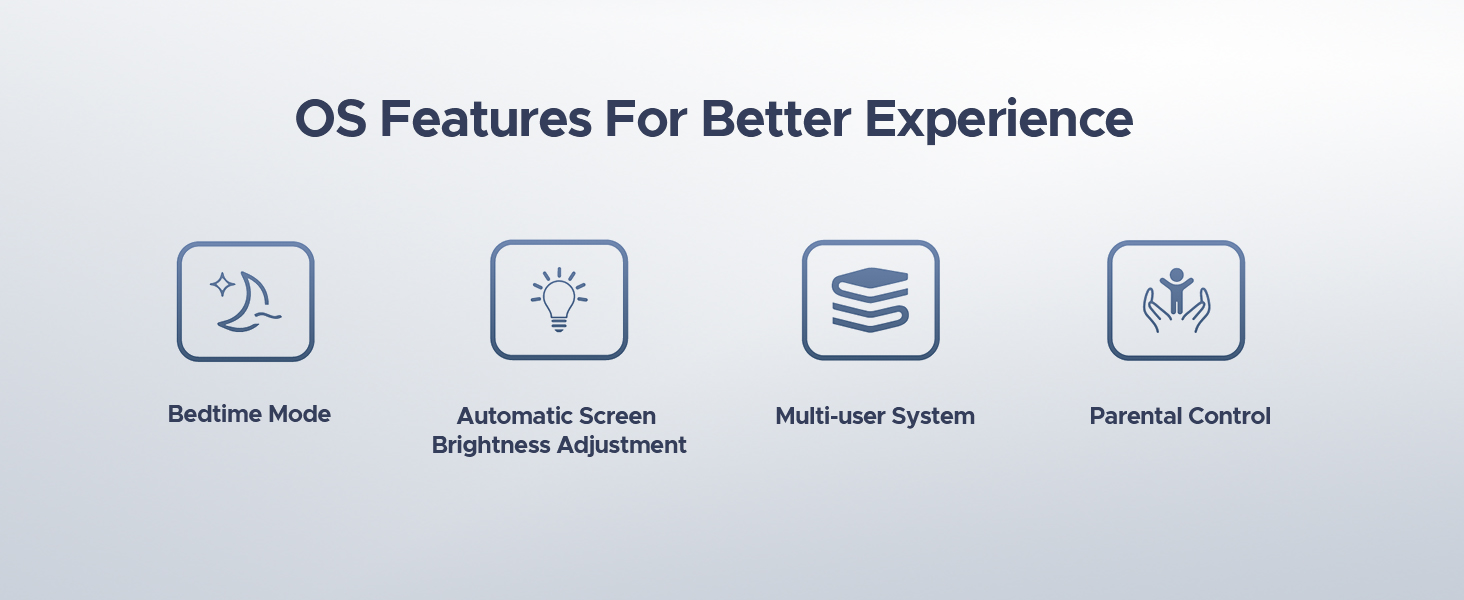
Image 6.9.1: A user unlocking the DOOGEE U11 Tablet using the Face Unlock feature, with a facial recognition overlay.
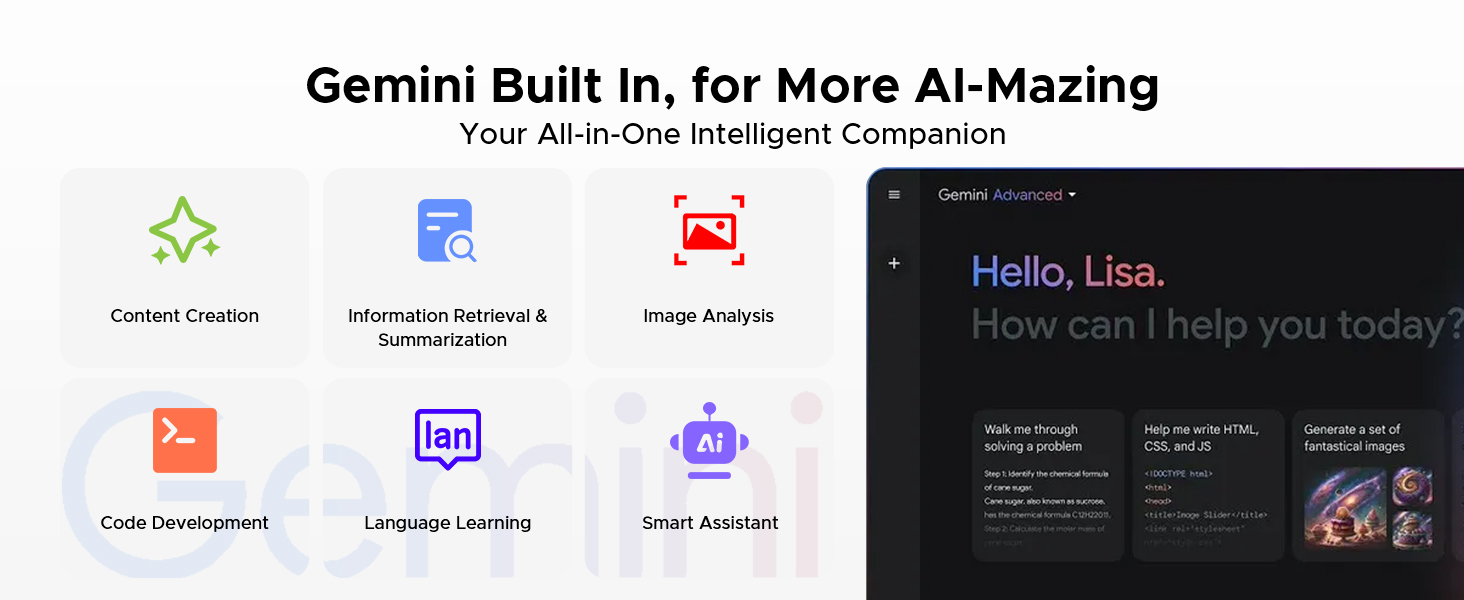
Image 6.9.2: A person listening to music on the DOOGEE U11 Tablet using the FM Radio function with headphones.
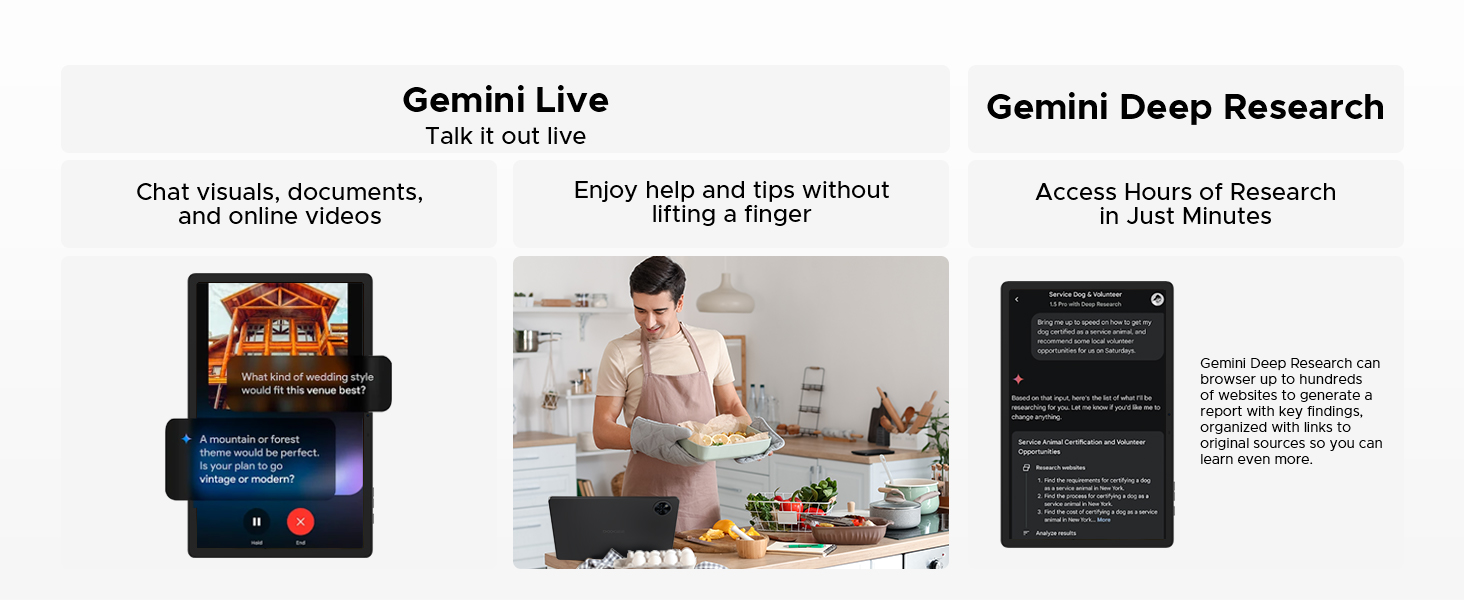
Image 6.9.3: The DOOGEE U11 Tablet displaying a navigation map in a car, illustrating its accurate navigation system.
7. ബാറ്ററി മാനേജ്മെന്റ്
The DOOGEE U11 is equipped with an 8580mAh battery.

ചിത്രം 7.1: ഒരു ആന്തരിക view of the DOOGEE U11 Tablet highlighting the 8580mAh battery, with estimated usage times for standby, video watching, music playing, and web ബ്രൗസിംഗ്.
ബാറ്ററി ലൈഫ് ഒപ്റ്റിമൈസ് ചെയ്യാൻ:
- Adjust screen brightness to a comfortable level or enable automatic brightness.
- പശ്ചാത്തലത്തിൽ പ്രവർത്തിക്കുന്ന ഉപയോഗിക്കാത്ത ആപ്ലിക്കേഷനുകൾ അടയ്ക്കുക.
- ഉപയോഗത്തിലില്ലാത്തപ്പോൾ വൈഫൈ അല്ലെങ്കിൽ ബ്ലൂടൂത്ത് ഓഫാക്കുക.
- Enable battery saver mode when the battery is low.
7.1 റിവേഴ്സ് ചാർജിംഗ്
The DOOGEE U11 supports 5W reverse charging, allowing it to act as a power bank for other devices in emergencies.

Image 7.1.1: The DOOGEE U11 Tablet connected via a cable to a smartphone, demonstrating its reverse charging capability.
8. സ്റ്റോറേജ് മാനേജ്മെൻ്റ്
The tablet comes with 128GB of internal storage and supports expansion up to 2TB via a TF (MicroSD) card.

Image 8.1: The DOOGEE U11 Tablet displaying various app icons, illustrating its 128GB internal storage and 2TB expandable storage capacity.
To manage storage:
- Regularly clear cache data from apps.
- ഉപയോഗിക്കാത്ത ആപ്ലിക്കേഷനുകൾ അൺഇൻസ്റ്റാൾ ചെയ്യുക.
- വലുതായി നീക്കുക files (photos, videos) to the MicroSD card or cloud storage.
- Access storage settings in the Settings app to view ഉപയോഗവും സ്ഥലം ശൂന്യമാക്കലും.
9. പരിപാലനവും പരിചരണവും
- വൃത്തിയാക്കൽ: സ്ക്രീനും ബോഡിയും വൃത്തിയാക്കാൻ മൃദുവായ, ലിന്റ് രഹിത തുണി ഉപയോഗിക്കുക. ഉരച്ചിലുകൾ ഉള്ള ക്ലീനറുകളോ ലായകങ്ങളോ ഉപയോഗിക്കുന്നത് ഒഴിവാക്കുക.
- സോഫ്റ്റ്വെയർ അപ്ഡേറ്റുകൾ: Keep your tablet's software updated to ensure optimal performance and security. Check for updates in the Settings app.
- പരിസ്ഥിതി വ്യവസ്ഥകൾ: Operate the tablet within recommended temperature and humidity ranges.
- ലോ ബ്ലൂ ലൈറ്റ് മോഡ്: The U11 features a low blue light eye protection mode to enhance visual comfort during extended use.
Image 9.1: The DOOGEE U11 Tablet displaying a warmer color temperature on the screen, illustrating the Low Blue Light Mode for eye protection.
10. പ്രശ്നപരിഹാരം
If you encounter issues with your DOOGEE U11 Tablet, try the following solutions:
| പ്രശ്നം | പരിഹാരം |
|---|---|
| ടാബ്ലെറ്റ് ഓണാക്കുന്നില്ല | Ensure the battery is charged. Connect to charger for at least 30 minutes. If still unresponsive, perform a force restart by holding the Power button for 10-15 seconds. |
| സ്ക്രീൻ പ്രതികരിക്കുന്നില്ല | ടാബ്ലെറ്റ് പുനരാരംഭിക്കുക. പ്രശ്നം നിലനിൽക്കുകയാണെങ്കിൽ, സ്ക്രീൻ വൃത്തിയുള്ളതും അവശിഷ്ടങ്ങളില്ലാത്തതുമാണെന്ന് ഉറപ്പാക്കുക. |
| Wi-Fi കണക്ഷൻ പ്രശ്നങ്ങൾ | Restart your Wi-Fi router and the tablet. Forget the network in Wi-Fi settings and reconnect. Ensure you are within range. |
| ആപ്പുകൾ ക്രാഷാകുന്നു അല്ലെങ്കിൽ മരവിക്കുന്നു | Clear the app's cache and data in Settings > Apps. If the problem continues, uninstall and reinstall the app. Ensure the tablet's software is up to date. |
| മന്ദഗതിയിലുള്ള പ്രകടനം | Close unused background apps. Clear storage space. Restart the tablet. |
ഈ ഘട്ടങ്ങൾ പ്രശ്നം പരിഹരിക്കുന്നില്ലെങ്കിൽ, ദയവായി ഉപഭോക്തൃ പിന്തുണയുമായി ബന്ധപ്പെടുക.
11 സ്പെസിഫിക്കേഷനുകൾ
The following table outlines the key specifications of the DOOGEE U11 Android 16 Tablet:
| ഫീച്ചർ | വിശദാംശങ്ങൾ |
|---|---|
| മോഡൽ | U11 |
| ഓപ്പറേറ്റിംഗ് സിസ്റ്റം | ആൻഡ്രോയിഡ് 16 |
| പ്രോസസ്സർ | യൂണിസോക്ക് T7200 ഒക്ടാ-കോർ |
| റാം | 16GB (4GB LPDDR4X + 12GB വെർച്വൽ റാം) |
| ആന്തരിക സംഭരണം | 128 ജിബി |
| വികസിപ്പിക്കാവുന്ന സംഭരണം | TF കാർഡ് വഴി 2TB വരെ |
| ഡിസ്പ്ലേ വലിപ്പം | 11 ഇഞ്ച് |
| ഡിസ്പ്ലേ റെസല്യൂഷൻ | 1280 x 800 പിക്സലുകൾ |
| പുതുക്കിയ നിരക്ക് | 90Hz |
| പിൻ ക്യാമറ | 13എംപി |
| മുൻ ക്യാമറ | 5എംപി |
| ബാറ്ററി ശേഷി | 8580mAh |
| കണക്റ്റിവിറ്റി | 2.4G+5G WIFI, OTG |
| ഓഡിയോ | ഡ്യുവൽ സ്പീക്കറുകൾ, 3.5mm ഓഡിയോ ജാക്ക് |
| സുരക്ഷ | മുഖം ഐഡി |
| അളവുകൾ (LxWxH) | 10.1 x 6.67 x 0.31 ഇഞ്ച് |
| ഭാരം | 14.7 ഔൺസ് (ഏകദേശം 416 ഗ്രാം) |
ശ്രദ്ധിക്കുക: മുൻകൂർ അറിയിപ്പ് കൂടാതെ സ്പെസിഫിക്കേഷനുകൾ മാറ്റത്തിന് വിധേയമാണ്.
12. വാറൻ്റിയും പിന്തുണയും
DOOGEE provides comprehensive support for its products.
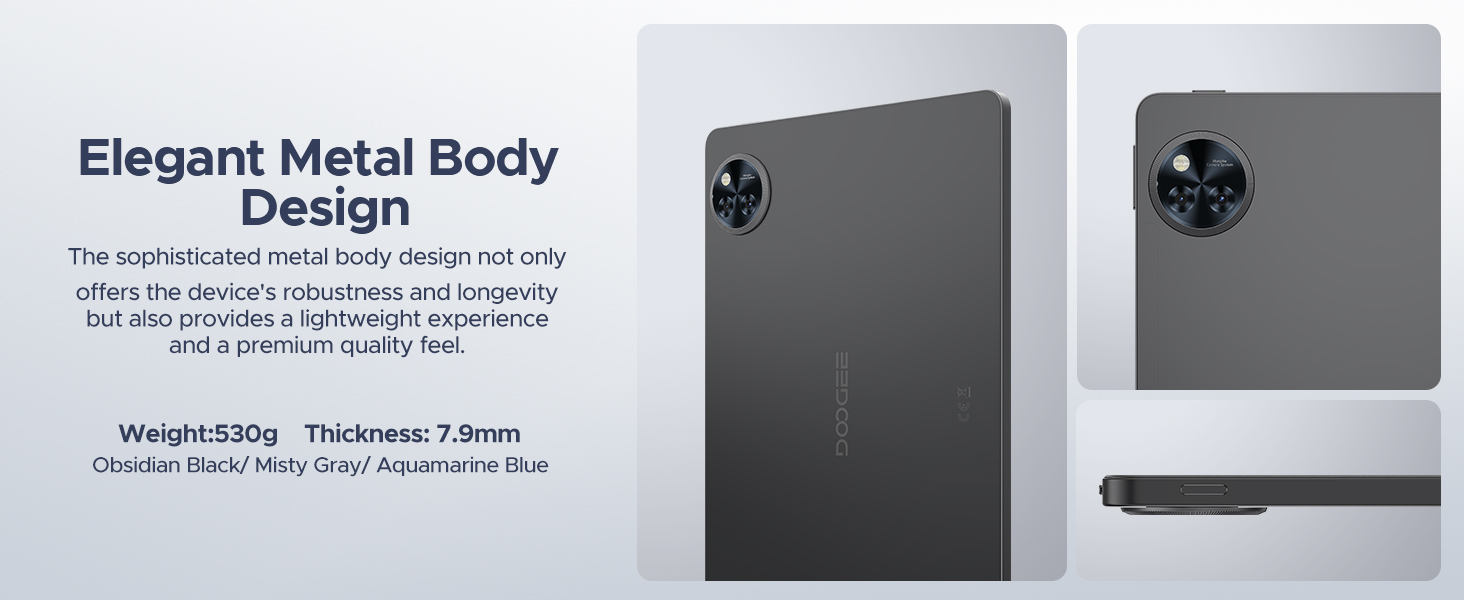
Image 12.1: Icons representing DOOGEE's customer service offerings: 30-Days Money Back Guarantee and Free Return, 2-Years Limited Warranty, and 24/7 One-on-One Online Support.
- 30 ദിവസത്തെ പണം തിരികെ നൽകൽ ഗ്യാരണ്ടി: നിങ്ങളുടെ വാങ്ങലിൽ നിങ്ങൾ തൃപ്തനല്ലെങ്കിൽ, 30 ദിവസത്തിനുള്ളിൽ അത് തിരികെ നൽകുന്നതിലൂടെ മുഴുവൻ റീഫണ്ടും ലഭിക്കും.
- 2-വർഷ പരിമിത വാറൻ്റി: Your DOOGEE U11 Tablet is covered by a 2-year limited warranty against manufacturing defects. This warranty does not cover damage caused by misuse, accidents, or unauthorized modifications.
- 24/7 ഓൺലൈൻ പിന്തുണ: For technical assistance or warranty claims, please visit the official DOOGEE website or contact their customer service team available 24/7.