
KEF XIOSB
KEF XIO Dolby Atmos 5.1.2 Soundbar User Manual
Model: XIOSB
1. ആമുഖം
The KEF XIO Dolby Atmos 5.1.2 Soundbar is engineered to deliver a truly cinematic audio experience with its full 5.1.2 speaker configuration and 12 discreet amplifiers. This manual provides essential information for setting up, operating, and maintaining your KEF XIO Soundbar to ensure optimal performance and longevity.
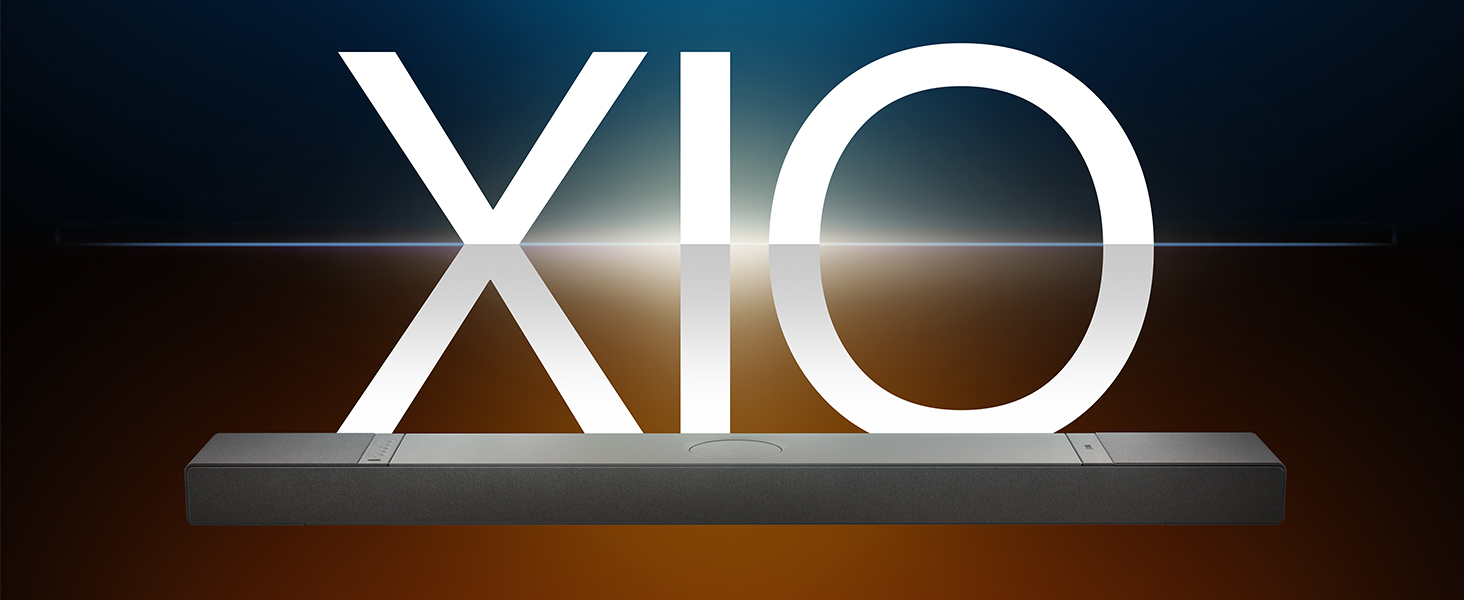
Image: The KEF XIO Soundbar, showcasing its sleek design and the XIO branding.
2 സുരക്ഷാ വിവരങ്ങൾ
Please read all safety instructions carefully before using the KEF XIO Soundbar. Retain this manual for future reference.
- വൈദ്യുതി വിതരണം: Use only the power cable provided. Ensure the voltagഇ നിങ്ങളുടെ പ്രാദേശിക വൈദ്യുതി വിതരണവുമായി പൊരുത്തപ്പെടുന്നു.
- വെൻ്റിലേഷൻ: വെന്റിലേഷൻ തുറസ്സുകളൊന്നും തടയരുത്. നിർമ്മാതാവിന്റെ നിർദ്ദേശങ്ങൾക്കനുസൃതമായി ഇൻസ്റ്റാൾ ചെയ്യുക.
- ജലവും ഈർപ്പവും: Do not expose the soundbar to rain, moisture, dripping, or splashing. Do not place objects filled with liquids, such as vases, on the apparatus.
- ചൂട്: റേഡിയറുകൾ, ഹീറ്റ് രജിസ്റ്ററുകൾ, സ്റ്റൗകൾ, അല്ലെങ്കിൽ മറ്റ് ഉപകരണങ്ങൾ (ഉൾപ്പെടെ) പോലെയുള്ള താപ സ്രോതസ്സുകൾക്ക് സമീപം ഇൻസ്റ്റാൾ ചെയ്യരുത്. ampലൈഫയറുകൾ) ചൂട് ഉത്പാദിപ്പിക്കുന്നത്.
- വൃത്തിയാക്കൽ: Unplug the soundbar from the power outlet before cleaning. Clean only with a dry cloth.
- സേവനം: ഈ ഉൽപ്പന്നം സ്വയം സേവിക്കാൻ ശ്രമിക്കരുത്. യോഗ്യതയുള്ള സേവന ഉദ്യോഗസ്ഥർക്ക് എല്ലാ സേവനങ്ങളും റഫർ ചെയ്യുക.
3. ബോക്സിൽ എന്താണുള്ളത്?
സജ്ജീകരണവുമായി മുന്നോട്ടുപോകുന്നതിനുമുമ്പ് എല്ലാ ഘടകങ്ങളും നിലവിലുണ്ടെന്ന് ഉറപ്പാക്കുക.
- KEF XIO Dolby Atmos 5.1.2 Soundbar
- പവർ കേബിൾ
- റിമോട്ട് കൺട്രോൾ
- HDMI കേബിൾ
- മതിൽ മൗണ്ടിംഗ് ബ്രാക്കറ്റ്
- വാൾ മൗണ്ടിംഗ് ടെംപ്ലേറ്റ്
- ദ്രുത ആരംഭ ഗൈഡ്
4. സജ്ജീകരണം
4.1 പ്ലേസ്മെന്റ് ഓപ്ഷനുകൾ
The KEF XIO Soundbar offers flexible placement options to suit your home environment. It can be placed on a credenza or mounted to a wall using the included hardware. The soundbar automatically senses its position and adjusts its speakers accordingly for optimal audio performance.

Image: The KEF XIO Soundbar positioned on a credenza beneath a television in a modern living room setting.

Image: The KEF XIO Soundbar wall-mounted below a large screen in a dedicated gaming or entertainment area.

ചിത്രം: വിശദമായ ഒരു ചിത്രം view of the KEF XIO Soundbar resting on a credenza, highlighting its sleek profile.
4.2 നിങ്ങളുടെ സൗണ്ട്ബാർ ബന്ധിപ്പിക്കുന്നു
The KEF XIO Soundbar offers a variety of connectivity options for seamless integration with your home entertainment system.

Image: The rear panel of the KEF XIO Soundbar, displaying the various input ports including HDMI eARC, Optical, and Ethernet.
- HDMI eARC: Connect the included HDMI cable from the HDMI eARC port on your soundbar to the HDMI eARC/ARC port on your television for high-quality audio transmission and control.
- ഒപ്റ്റിക്കൽ: For devices without HDMI eARC, use an optical cable to connect to the soundbar's optical input.
- ശക്തി: Connect the power cable to the soundbar and then to a wall outlet.
- നെറ്റ്വർക്ക് (ഓപ്ഷണൽ): വയർഡ് നെറ്റ്വർക്ക് കണക്റ്റിവിറ്റിക്ക്, ലാൻ പോർട്ടിലേക്ക് ഒരു ഇതർനെറ്റ് കേബിൾ ബന്ധിപ്പിക്കുക.
For wireless connectivity (Wi-Fi, Bluetooth), refer to the "Operating" section for initial pairing and setup.
5. നിങ്ങളുടെ സൗണ്ട്ബാർ പ്രവർത്തിപ്പിക്കുക
5.1 നിയന്ത്രണ രീതികൾ
You can control your KEF XIO Soundbar using the included customizable remote, the KEF Connect App, or your smart remote.
- റിമോട്ട് കൺട്രോൾ: Use the dedicated remote for power, volume, input selection, and sound mode adjustments.
- KEF Connect App: Download the KEF Connect App from your device's app store for advanced control, settings customization, and firmware updates.
- സ്മാർട്ട് റിമോട്ട്: If your TV supports HDMI CEC (Consumer Electronics Control), you may be able to control basic functions like volume and power using your TV's remote.
5.2 സൗണ്ട് മോഡുകൾ
Easily switch between optimized sound modes for different content types:
- മൂവി മോഡ്: Enhances cinematic audio with immersive surround sound.
- ഡയലോഗ് മോഡ്: Clarifies spoken words, making conversations easier to understand.
- രാത്രി മോഡ്: Reduces dynamic range for quieter listening, ideal for late-night viewing.
5.3 Connectivity and Streaming
The KEF XIO is engineered for seamless connectivity and easy streaming, supporting a wide range of wireless technologies and services.

Image: The KEF XIO Soundbar displayed with icons representing its support for Google Cast, Amazon Music, Qobuz, Apple Music, Bluetooth, Spotify, and Tidal.
- വൈഫൈ: Connect to your home Wi-Fi network via the KEF Connect App for access to online streaming services and multi-room audio.
- ആപ്പിൾ എയർപ്ലേ: നിങ്ങളുടെ ആപ്പിൾ ഉപകരണങ്ങളിൽ നിന്ന് നേരിട്ട് ഓഡിയോ സ്ട്രീം ചെയ്യുക.
- ബ്ലൂടൂത്ത് 5.3: Pair your smartphone, tablet, or other Bluetooth-enabled devices for wireless audio playback.
- സ്ട്രീമിംഗ് സേവനങ്ങൾ: Enjoy direct integration with Spotify Connect, Tidal Connect, Google Cast, Apple Music, Amazon Music, and Qobuz Connect.
5.4 Spatial Audio Support
The KEF XIO brings the world of spatial audio into your home, transforming your entertainment experience. It effortlessly plays Dolby Atmos, DTS:X, Sony 360 Reality Audio, and more by up-mixing mono/stereo content.

Image: An artistic representation of sound waves emanating from the KEF XIO Soundbar, illustrating immersive audio filling a living space.
6. പരിപാലനം
Proper care will ensure the longevity and performance of your KEF XIO Soundbar.
- വൃത്തിയാക്കൽ:
- Always unplug the soundbar before cleaning.
- പ്രതലങ്ങൾ തുടയ്ക്കാൻ മൃദുവായതും ഉണങ്ങിയതും ലിന്റ് രഹിതവുമായ തുണി ഉപയോഗിക്കുക.
- Do not use liquid cleaners, aerosol sprays, or abrasive chemicals, as they may damage the finish.
- പൊടി: Regularly dust the soundbar to prevent accumulation, especially around speaker grilles and ventilation openings.
- സംഭരണം: If storing the soundbar for an extended period, place it in its original packaging in a cool, dry place.
7. പ്രശ്നപരിഹാരം
If you encounter issues with your KEF XIO Soundbar, refer to the following common problems and solutions.
| പ്രശ്നം | സാധ്യമായ കാരണം | പരിഹാരം |
|---|---|---|
| ശക്തിയില്ല | പവർ കേബിൾ ബന്ധിപ്പിച്ചിട്ടില്ല; പവർ ഔട്ട്ലെറ്റ് സജീവമല്ല. | പവർ കേബിൾ സൗണ്ട്ബാറിലേക്കും പ്രവർത്തിക്കുന്ന ഒരു പവർ ഔട്ട്ലെറ്റിലേക്കും സുരക്ഷിതമായി ബന്ധിപ്പിച്ചിട്ടുണ്ടെന്ന് ഉറപ്പാക്കുക. |
| ശബ്ദമില്ല | Incorrect input selected; volume too low; audio cable loose/damaged; TV audio output settings. | Select correct input; increase volume; check audio cable connections; adjust TV audio output to external speakers (e.g., PCM, Bitstream). |
| ബ്ലൂടൂത്ത് ജോടിയാക്കൽ പ്രശ്നങ്ങൾ | സൗണ്ട്ബാർ ജോടിയാക്കൽ മോഡിൽ ഇല്ല; ഉപകരണം വളരെ അകലെയാണ്; ഇടപെടൽ. | Ensure soundbar is in Bluetooth pairing mode; move device closer; minimize interference from other wireless devices. |
| റിമോട്ട് കൺട്രോൾ പ്രവർത്തിക്കുന്നില്ല | ബാറ്ററികൾ തീർന്നു; തടസ്സം; റിമോട്ട് പരിധിക്ക് പുറത്താണ്. | Replace batteries; remove obstructions between remote and soundbar; ensure remote is within range. |
| മോശം ശബ്ദ നിലവാരം | Incorrect sound mode; improper placement; source audio quality. | Try different sound modes; ensure soundbar is placed optimally (refer to placement section); check source audio quality. |
If the problem persists, please contact KEF customer support for assistance.
8 സ്പെസിഫിക്കേഷനുകൾ
| ഫീച്ചർ | വിശദാംശങ്ങൾ |
|---|---|
| മോഡലിൻ്റെ പേര് | XIO |
| ഇനം മോഡൽ നമ്പർ | XIOSB |
| സ്പീക്കർ തരം | സൗണ്ട്ബാർ |
| സറൗണ്ട് സൗണ്ട് ചാനൽ കോൺഫിഗറേഷൻ | 5.1.2 |
| സ്പീക്കർ പരമാവധി ഔട്ട്പുട്ട് പവർ | 820 വാട്ട്സ് |
| മൗണ്ടിംഗ് തരം | Wall Mount, Credenza |
| കണക്റ്റിവിറ്റി ടെക്നോളജി | Bluetooth, Wi-Fi, Ethernet, HDMI (eARC), Optical, IR |
| വയർലെസ് കമ്മ്യൂണിക്കേഷൻ ടെക്നോളജി | എയർപ്ലേ, ബ്ലൂടൂത്ത്, വൈ-ഫൈ |
| ഓഡിയോ put ട്ട്പുട്ട് മോഡ് | ചുറ്റുക |
| പ്രത്യേക സവിശേഷതകൾ | Bass Boost, Hi Res Audio, Dolby Enabled, Built-in Microphone, Automatic Position Sensing |
| ഉൽപ്പന്ന അളവുകൾ (D x W x H) | 6.5"D x 47.6"W x 2.8"H |
| ഇനത്തിൻ്റെ ഭാരം | 23.1 പൗണ്ട് |
| നിറം | Black (Slate Black) |
| യു.പി.സി | 637203051234 |

Image: An exploded diagram of the KEF XIO Soundbar, illustrating its internal components including speakers and circuitry.

ചിത്രം: വിശദമായ ഒരു ചിത്രം view of one of the internal speaker drivers, showcasing അതിന്റെ രൂപകൽപ്പനയും നിർമ്മാണവും.
9. വാറൻ്റിയും പിന്തുണയും
KEF products are designed and manufactured to the highest quality standards. For warranty information and customer support, please refer to the warranty card included with your product or visit the official KEF webസൈറ്റ്.
For technical assistance or service inquiries, please contact KEF customer support through their official channels. Keep your purchase receipt as proof of purchase for warranty claims.
കൂടുതൽ വിവരങ്ങളും പിന്തുണാ ഉറവിടങ്ങളും നിങ്ങൾക്ക് ഇവിടെ കണ്ടെത്താനാകും KEF Brand Store on Amazon.
Ask a question about this manual
Ask about setup, troubleshooting, compatibility, parts, safety, or missing instructions. Manuals+ will review the question and use this page’s manual context to help answer it.