
TOPTRO A1
TOPTRO A1 Smart Projector Instruction Manual
മോഡൽ: A1
ബ്രാൻഡ്: TOPTRO
1. ആമുഖം
The TOPTRO A1 Smart Projector is an all-in-one portable home entertainment system designed for exceptional visual and audio experiences. Featuring WiFi 6, two-way Bluetooth, AI auto-focus and keystone correction, and Dolby Audio, this projector offers seamless streaming and versatile installation options. Its compact design makes it suitable for various environments, from indoor movie nights to outdoor gatherings.
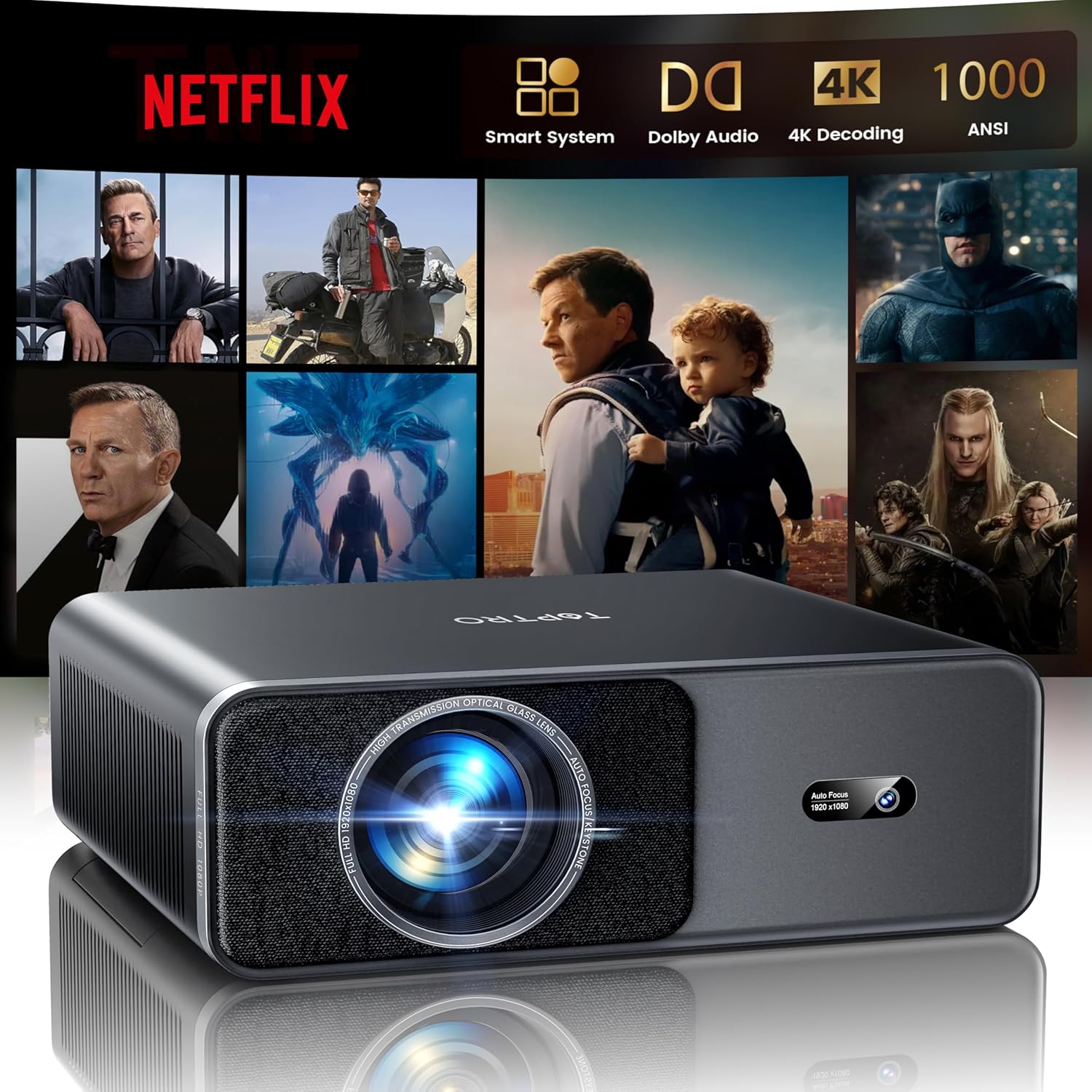
Image 1.1: TOPTRO A1 Smart Projector displaying a streaming service interface.
2. സജ്ജീകരണം
2.1 അൺബോക്സിംഗും പ്രാരംഭ പവർ-ഓണും
Carefully remove all components from the packaging. The box includes the TOPTRO Smart Projector, a remote control (requires 2x AAA batteries, not included), an HDMI cable, a power cord, a quick start guide, a projector lens cover, and a cleaning kit. Connect the power cord to the projector and a power outlet. Press the power button to turn on the device.
2.2 AI Automatic Adjustments
The TOPTRO A1 features intelligent AI technology for quick and precise image setup:
- ഓട്ടോ ഫോക്കസ്: പ്രൊജക്ടർ ചിത്രത്തിന്റെ വ്യക്തത യാന്ത്രികമായി ക്രമീകരിക്കുന്നു.
- യാന്ത്രിക കീസ്റ്റോൺ തിരുത്തൽ: Corrects trapezoidal distortion to ensure a perfectly rectangular image.
- സ്വയമേവയുള്ള സ്ക്രീൻ വിന്യാസം: Adjusts the image to fit the screen area.
- യാന്ത്രിക തടസ്സം ഒഴിവാക്കൽ: പ്രൊജക്ഷൻ പാതയിലെ തടസ്സങ്ങൾ ഒഴിവാക്കാൻ പ്രൊജക്ഷൻ കണ്ടെത്തി ക്രമീകരിക്കുന്നു.
These adjustments occur automatically upon startup or when the projector is moved, providing a clear image in approximately 1 second.
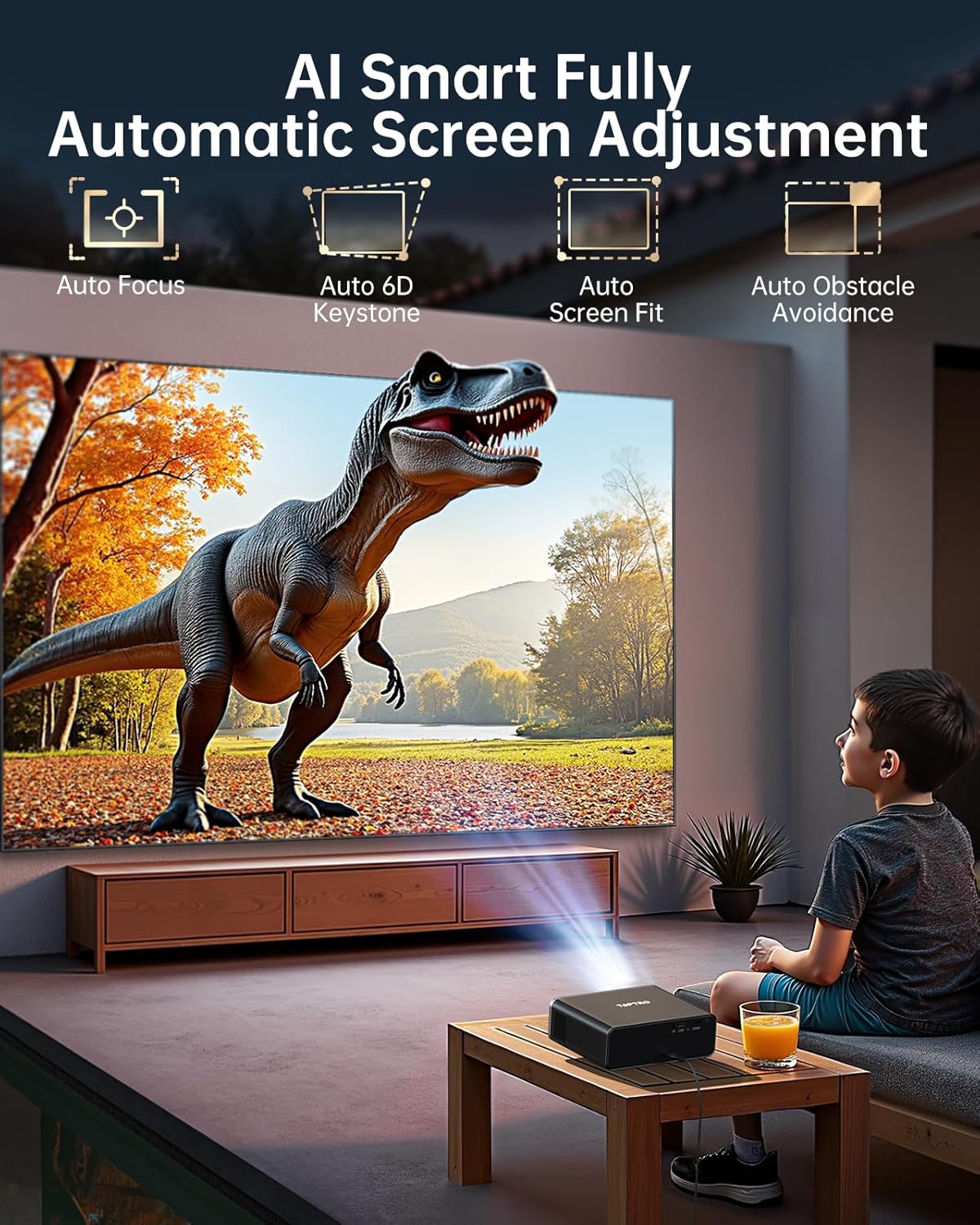
Image 2.1: Visual representation of the AI auto-adjustment capabilities.
2.3 നെറ്റ്വർക്ക് കണക്ഷൻ (വൈഫൈ 6)
Navigate to the settings menu to connect to your WiFi 6 network. This enables high-speed, lag-free streaming and screen mirroring. The projector supports speeds up to 9.6 Gbps, offering a significant boost over WiFi 5.
2.4 ബ്ലൂടൂത്ത് ജോടിയാക്കൽ
The projector supports two-way Bluetooth 5.2. To pair with external audio devices (e.g., Bluetooth speakers), go to the Bluetooth settings and select 'Scan' for available devices. To use the projector as a standalone Bluetooth speaker, pair your phone or other device directly with the projector.
3. പ്രവർത്തന നിർദ്ദേശങ്ങൾ
3.1 സ്ട്രീമിംഗ് സേവനങ്ങൾ
The TOPTRO A1 is fully compatible with Netflix certification standards and provides instant access to major platforms like Netflix, Prime Video, and YouTube. Explore a vast video library via the built-in app store and open browser. Regular system updates ensure application security and stability.

Image 3.1: Projector interface showing available streaming applications.
3.2 Image Quality and Display
Experience vibrant, true-to-life colors with 1000 ANSI lumens, 4K decoding HDR10+, and AI image optimization covering 98% NTSC gamut. The projector delivers a native resolution of 1080P, with 4K decoding support. An eye-comfort mode is available to reduce blue light during extended viewing.

Image 3.2: High-definition image projection demonstrating AI color optimization and HDR technology.
3.3 ഓഡിയോ അനുഭവം
Equipped with powerful 20W speakers and Dolby Audio technology, the projector provides an immersive 3D sound experience. Advanced AI sound balance ensures clear vocals and natural instrumental sound. The two-way Bluetooth functionality allows it to function as a standalone speaker.
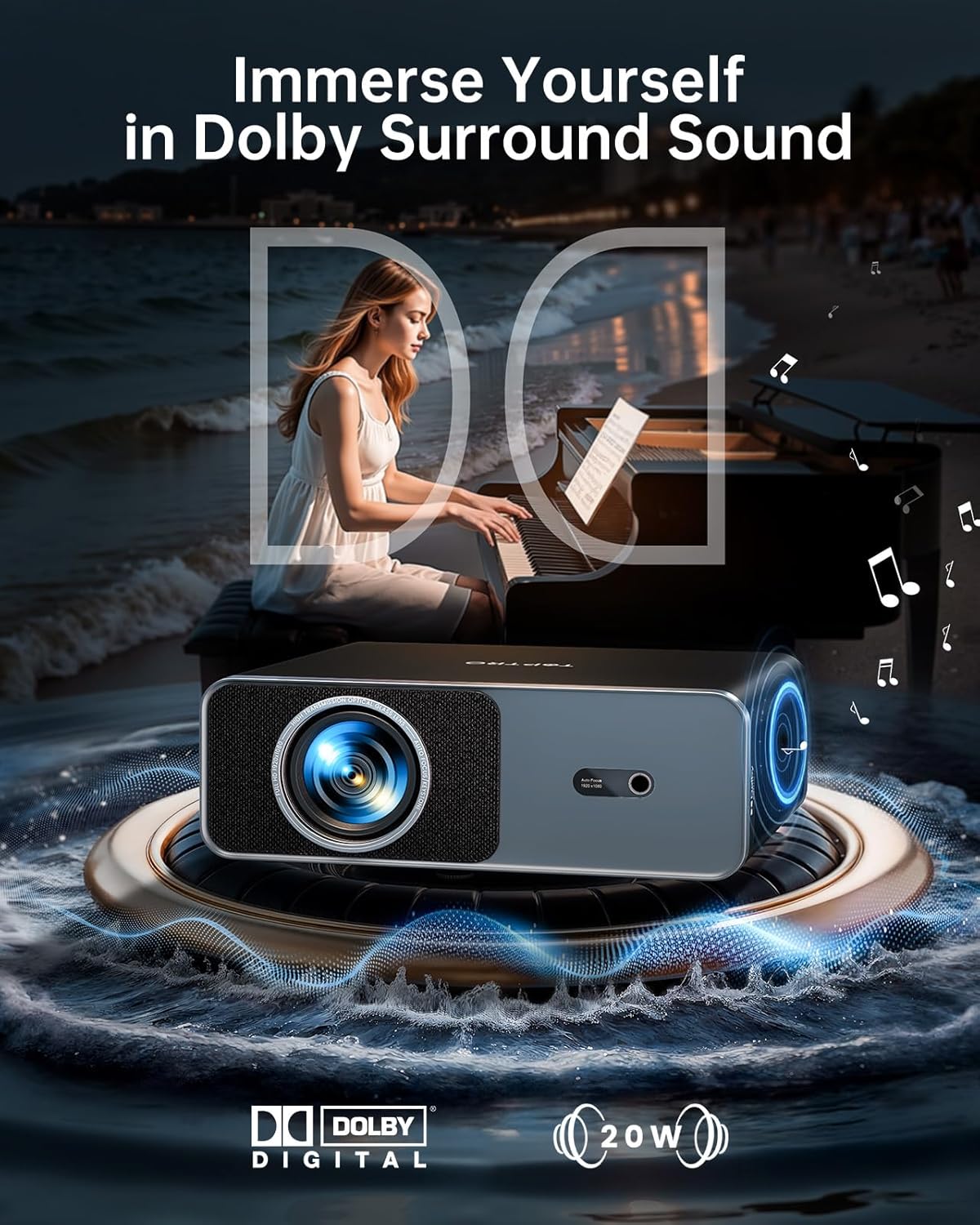
Image 3.3: Projector highlighting its Dolby Audio and 20W speaker capabilities.
3.4 ഡിജിറ്റൽ സൂം
The projector supports 50–100% digital zoom, allowing you to resize the screen without physically moving the unit. This feature is accessible through the remote control or settings menu.
4. കണക്റ്റിവിറ്റി
The TOPTRO A1 offers a full suite of ports and advanced wireless protocols for versatile connectivity:
- എച്ച്ഡിഎംഐ ആർസി: Connect gaming consoles, laptops, or TV sticks. HDMI ARC allows for audio return channel functionality, simplifying audio connections to home theater systems.
- USB: ബാഹ്യ സംഭരണ ഉപകരണങ്ങൾ ബന്ധിപ്പിക്കുന്നതിന്.
- 3.5mm ഓഡിയോ ജാക്ക്: വയർഡ് ഹെഡ്ഫോണുകളോ ബാഹ്യ സ്പീക്കറുകളോ ബന്ധിപ്പിക്കുന്നതിന്.
- വയർലെസ് പ്രോട്ടോക്കോളുകൾ: Supports AirPlay (iOS), Miracast (Android/Windows), and DLNA for seamless screen sharing from mobile devices.

ചിത്രം 4.1: കഴിഞ്ഞുview of the projector's connectivity options.
5 ഇൻസ്റ്റലേഷൻ ഓപ്ഷനുകൾ
The TOPTRO A1 is designed for flexible installation in various settings:
- ടേബിൾ സ്റ്റാൻഡ്: പരന്ന പ്രതലത്തിൽ പ്രൊജക്ടർ സ്ഥാപിക്കുക.
- വാൾ മൗണ്ട്: Securely mount to a wall using appropriate hardware.
- ട്രൈപോഡ് മൗണ്ട്: Utilize the central 1/4'' thread on the bottom for tripod compatibility.
- സീലിംഗ് മൗണ്ട്: The projector can be securely installed using four M4 screw holes on the bottom. The AI auto-adjustment features are specially tuned for ceiling installations.

Image 5.1: Various installation scenarios for the TOPTRO A1 Projector.
6. പരിപാലനം
To ensure reliable performance and extend the lifespan of your TOPTRO A1 projector:
- പൊടി പ്രതിരോധം: The sealed optical engine enhances dust resistance, protecting internal components.
- തണുപ്പിക്കൽ സംവിധാനം: An advanced dual-fan cooling system improves heat dissipation and reduces operating noise.
- വൃത്തിയാക്കൽ: Use the provided cleaning kit to gently clean the lens and exterior surfaces. Avoid abrasive materials or harsh chemicals.
- സംഭരണം: When not in use, cover the lens with the projector lens cover and store the unit in a cool, dry place.
7. പ്രശ്നപരിഹാരം
If you encounter issues with your TOPTRO A1 projector, please refer to the following common solutions:
- ശക്തിയില്ല: പ്രൊജക്ടറിലേക്കും പ്രവർത്തിക്കുന്ന ഒരു പവർ ഔട്ട്ലെറ്റിലേക്കും പവർ കോർഡ് സുരക്ഷിതമായി ബന്ധിപ്പിച്ചിട്ടുണ്ടെന്ന് ഉറപ്പാക്കുക.
- ചിത്രം/മങ്ങിയ ചിത്രം ഇല്ല: Check if the lens cover is removed. Allow the AI auto-focus to complete its cycle. If the image remains blurry, manually adjust focus if available in settings. Ensure the input source is correctly selected.
- ശബ്ദമില്ല: Verify that the volume is not muted or set too low. Check audio output settings and ensure external speakers (if connected) are powered on and paired correctly.
- നെറ്റ്വർക്ക് കണക്ഷൻ പ്രശ്നങ്ങൾ: Restart your router and the projector. Re-enter WiFi credentials in the settings. Ensure the projector is within range of your WiFi network.
- റിമോട്ട് കൺട്രോൾ പ്രതികരിക്കുന്നില്ല: Replace the AAA batteries in the remote control. Ensure there are no obstructions between the remote and the projector's IR receiver.
കൂടുതൽ സഹായത്തിന്, ദയവായി ഉപഭോക്തൃ പിന്തുണയുമായി ബന്ധപ്പെടുക.
8 സ്പെസിഫിക്കേഷനുകൾ
| ഫീച്ചർ | വിശദാംശങ്ങൾ |
|---|---|
| ബ്രാൻഡ് | ടോപ്ട്രോ |
| മോഡൽ നമ്പർ | A1 |
| ഇനത്തിൻ്റെ ഭാരം | 4.4 പൗണ്ട് (ഏകദേശം 2 കിലോഗ്രാം) |
| ഉൽപ്പന്ന അളവുകൾ | 9 x 7 x 3.5 ഇഞ്ച് (ഏകദേശം 22.86 x 17.78 x 8.89 സെ.മീ) |
| നിറം | കറുപ്പ് |
| ഡിസ്പ്ലേ റെസല്യൂഷൻ | 1920 x 1080 (Native 1080P, 4K Decoding) |
| തെളിച്ചം | 1000 ആൻസി ലുമെൻസ് |
| കണക്റ്റിവിറ്റി ടെക്നോളജി | 3.5mm Jack, Bluetooth 5.2 (Two-way), HDMI ARC, Wi-Fi 6 |
| പ്രത്യേക സവിശേഷതകൾ | Compatible with Netflix/YouTube/Prime Video, Compact portable Design, 20W Stereo Speakers with Dolby Audio, AI Auto Focus / Auto Keystone / Auto Screen Alignment / Auto Obstacle Avoidance, Intelligent Eye Protection |
| ശുപാർശ ചെയ്യുന്ന ഉപയോഗങ്ങൾ | ബിസിനസ്സ്, വിദ്യാഭ്യാസം, ഗെയിമിംഗ്, ഹോം സിനിമ |
9. വാറൻ്റിയും പിന്തുണയും
The TOPTRO A1 projector comes with comprehensive warranty coverage:
- 1 വർഷത്തെ സൗജന്യ മാറ്റിസ്ഥാപിക്കൽ: For qualifying issues within the first year.
- 3 വർഷത്തെ വാറൻ്റി: Covers manufacturing defects and ensures long-term reliability.
To activate your 3-year warranty and view a detailed user manual, please scan the QR code provided in the product packaging or visit the official TOPTRO website. For professional support, contact service@toptro.com.
Ask a question about this manual
Ask about setup, troubleshooting, compatibility, parts, safety, or missing instructions. Manuals+ will review the question and use this page’s manual context to help answer it.