
ഉൽപ്പന്നം കഴിഞ്ഞുview
The CHUBORY F89 Foldable Drone is designed for both beginners and experienced users, offering advanced features for capturing stunning aerial footage and enjoying versatile flight experiences. Its compact design and intuitive controls make it an excellent choice for exploring the skies.
- Unmatched 2650 FT Control Span: Fly freely with an extended range, enabling navigation across vast skies.
- Durable Motors & Long-Lasting Batteries: Features brushless alloy motors for strong wind resistance and smooth flights, with three advanced batteries providing up to 60 minutes of total flight time.
- 4K HD 120° Wide-Angle Optics: Capture stunning 120° wide-angle 4K HD footage with switchable front and bottom optical flow cameras, delivering real-time sky and terrain imagery.
- തുടക്കക്കാർക്ക് അനുയോജ്യമായ സവിശേഷതകൾ: Includes Optical Flow Stabilization, Altitude Lock, FPV, One-Key Launch/Landing, 360 Rolls, Follow Me, Trajectory Flight, Headless Mode, Speed Adjustment, Gesture Shots, and more for versatile flying.
- Worry-Free Ownership: Weighing under 249g, no registration is needed. Its compact, foldable build and carry case ensure portability.
പാക്കേജ് ഉള്ളടക്കം
Ensure all items are present in your package before proceeding with setup.
- ചുബോറി F89 മടക്കാവുന്ന ഡ്രോൺ
- റിമോട്ട് കൺട്രോളർ
- 3 x ഫ്ലൈറ്റ് ബാറ്ററികൾ
- യുഎസ്ബി ചാർജിംഗ് കേബിൾ
- സ്പെയർ പ്രൊപ്പല്ലറുകൾ
- പ്രൊപ്പല്ലർ ഗാർഡുകൾ
- സ്ക്രൂഡ്രൈവർ
- ഉപയോക്തൃ മാനുവൽ (ഈ പ്രമാണം)
- ദ്രുത ആരംഭ ഗൈഡ്
- കേസ് എടുക്കുക

Image: All components of the CHUBORY F89 drone package laid out, including the drone, remote controller, three batteries, charging cables, spare propellers, and a carry case.
സജ്ജീകരണ ഗൈഡ്
1. Drone Preparation
- ഡ്രോൺ ആയുധങ്ങൾ തുറക്കുക: Gently unfold all four arms of the drone until they click into place.
- Install Flight Battery: Insert a fully charged flight battery into the designated compartment on the drone until it is securely latched.
- ബാറ്ററികൾ ചാർജ് ചെയ്യുക: Use the provided USB charging cable to charge all flight batteries. The indicator light will show charging status.
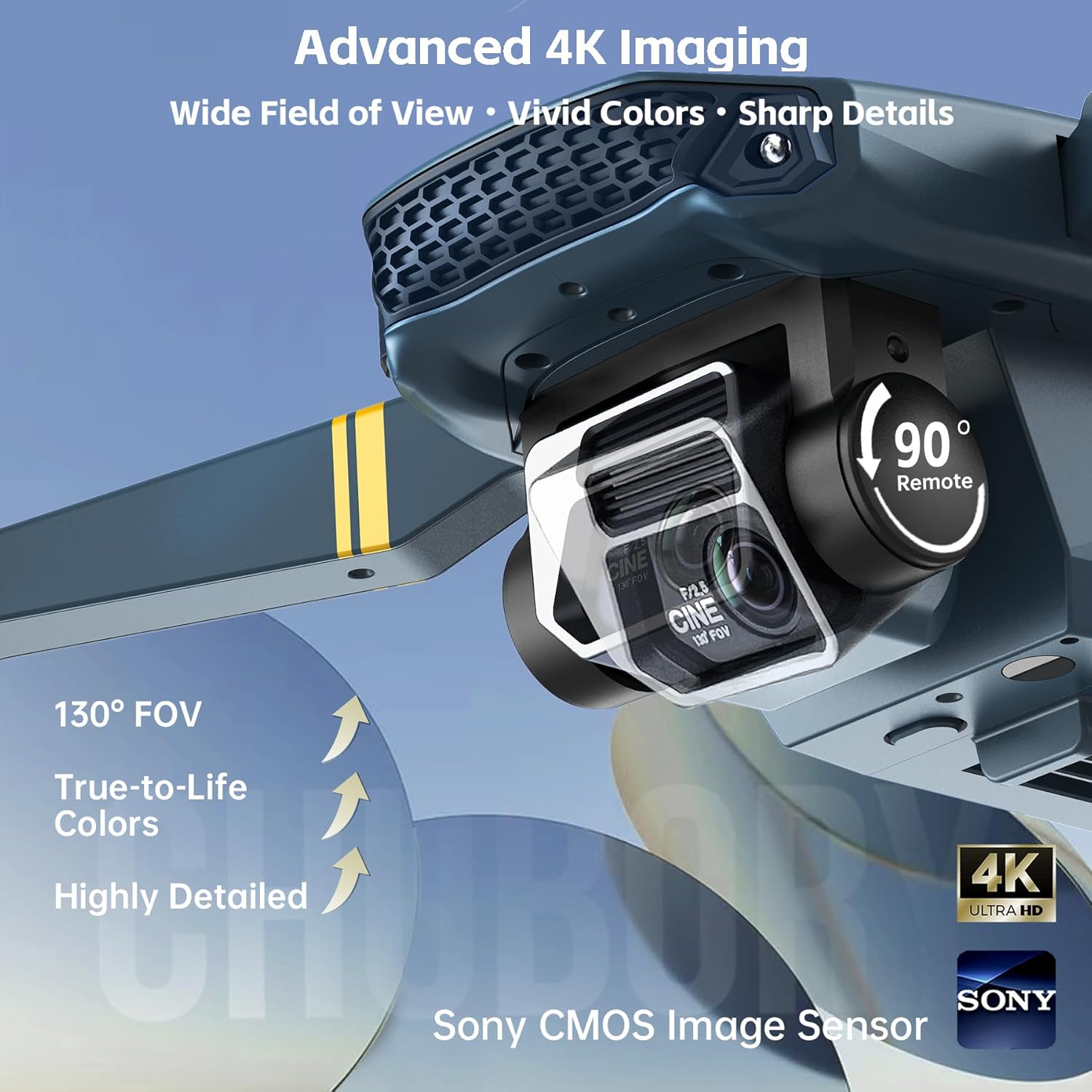
Image: The CHUBORY F89 drone with its arms fully extended, ready for flight. The camera is visible at the front.
2. റിമോട്ട് കൺട്രോളർ സജ്ജീകരണം
- ബാറ്ററികൾ ഇൻസ്റ്റാൾ ചെയ്യുക: Open the battery compartment on the remote controller and insert the required batteries (not included, typically AA or AAA).
- Attach Phone Holder: Extend the phone holder on the remote controller and securely place your smartphone.
3. ആപ്പ് കണക്ഷൻ
- അപ്ലിക്കേഷൻ ഡൗൺലോഡുചെയ്യുക: Scan the QR code in the Quick Start Guide or search for the official CHUBORY drone app in your smartphone's app store.
- Connect to Drone Wi-Fi: Power on the drone. On your smartphone, go to Wi-Fi settings and connect to the drone's Wi-Fi network (usually named
Ask a question about this manual
Ask about setup, troubleshooting, compatibility, parts, safety, or missing instructions. Manuals+ will review the question and use this page’s manual context to help answer it.