
Metz MUE7800Z
Metz Art TV Smart 65-inch QLED Television MUE7800Z User Manual
Model: MUE7800Z
1. ആമുഖം
Welcome to the user manual for your Metz Art TV Smart 65-inch QLED Television, model MUE7800Z. This television is designed to seamlessly integrate advanced multimedia technology with sophisticated interior design. It functions as a high-quality display for entertainment and transforms into a piece of art when not in use, offering a customizable visual experience with digital artworks or personal photos.
2 പ്രധാനപ്പെട്ട സുരക്ഷാ വിവരങ്ങൾ
Please read all safety instructions carefully before using your television. Keep this manual for future reference. Always ensure the television is installed on a stable surface or securely mounted to a wall. Do not expose the unit to rain or moisture to prevent fire or electric shock. Avoid blocking ventilation openings. Disconnect the power cord during lightning storms or when unused for long periods.
3. ബോക്സിൽ എന്താണുള്ളത്?
Upon unpacking your Metz Art TV, please ensure all the following items are present:
- റിമോട്ട് കൺട്രോൾ
- പവർ കേബിൾ
- ഉപയോക്തൃ മാനുവൽ
- Bases (for tabletop installation)
4. സജ്ജീകരണവും ഇൻസ്റ്റാളേഷനും
4.1 മൗണ്ടിംഗ് ഓപ്ഷനുകൾ
The Metz Art TV features an all-in-one design that eliminates the need for an external connection box, allowing for easy and flush wall mounting. Its slim profile integrates seamlessly into your living space.

Image: Metz Art TV mounted flush against a wall, highlighting its slim design.

ചിത്രം: സൈഡ് പ്രോfile comparison showing the slimness of the Metz Art TV.
4.2. കണക്ഷനുകൾ
Connect your external devices using the available ports. The TV includes multiple HDMI and USB ports, along with Wi-Fi and Bluetooth connectivity for a versatile setup.

ചിത്രം: കഴിഞ്ഞുview ടിവിയുടെ ഇൻപുട്ട്, ഔട്ട്പുട്ട് പോർട്ടുകളുടെ.
The TV features:
- 3 HDMI പോർട്ടുകൾ
- 2 USB പോർട്ടുകൾ
- ഇഥർനെറ്റ് (LAN)
- ഡിജിറ്റൽ ഓഡിയോ Out ട്ട് (ഒപ്റ്റിക്കൽ)
- വൈ-ഫൈ, ബ്ലൂടൂത്ത് കണക്റ്റിവിറ്റി
- CI+ സ്ലോട്ട്
- DVB-T/T2/C and DVB-S/S2 tuners
5. Operating Your Metz Art TV
5.1. ചിത്രത്തിന്റെ ഗുണനിലവാരം
Experience stunning visuals with the Metz Art TV's advanced display technologies:
- QLED+ 4K: Utilizes the latest quantum dot technology for enhanced durability and a wider color gamut, delivering exceptional image and color quality.
- HDR and Dolby Vision: Bring your movies to life with breathtaking HDR and Dolby Vision image quality, offering vibrant colors and deep contrasts.
- Matte Screen: Minimizes reflections and glare, providing a comfortable viewing experience even in brightly lit rooms.
- EyeCare: Features flicker-free technology and low blue light emission to reduce eye fatigue and protect your vision.
- Adaptive Ambient Brightness: Automatically adjusts screen brightness and color temperature based on ambient light conditions for optimal viewആശ്വാസം.

Image: QLED+ 4K technology for vibrant colors.

Image: HDR and Dolby Vision for enhanced picture realism.

Image: Matte Screen technology reducing glare.
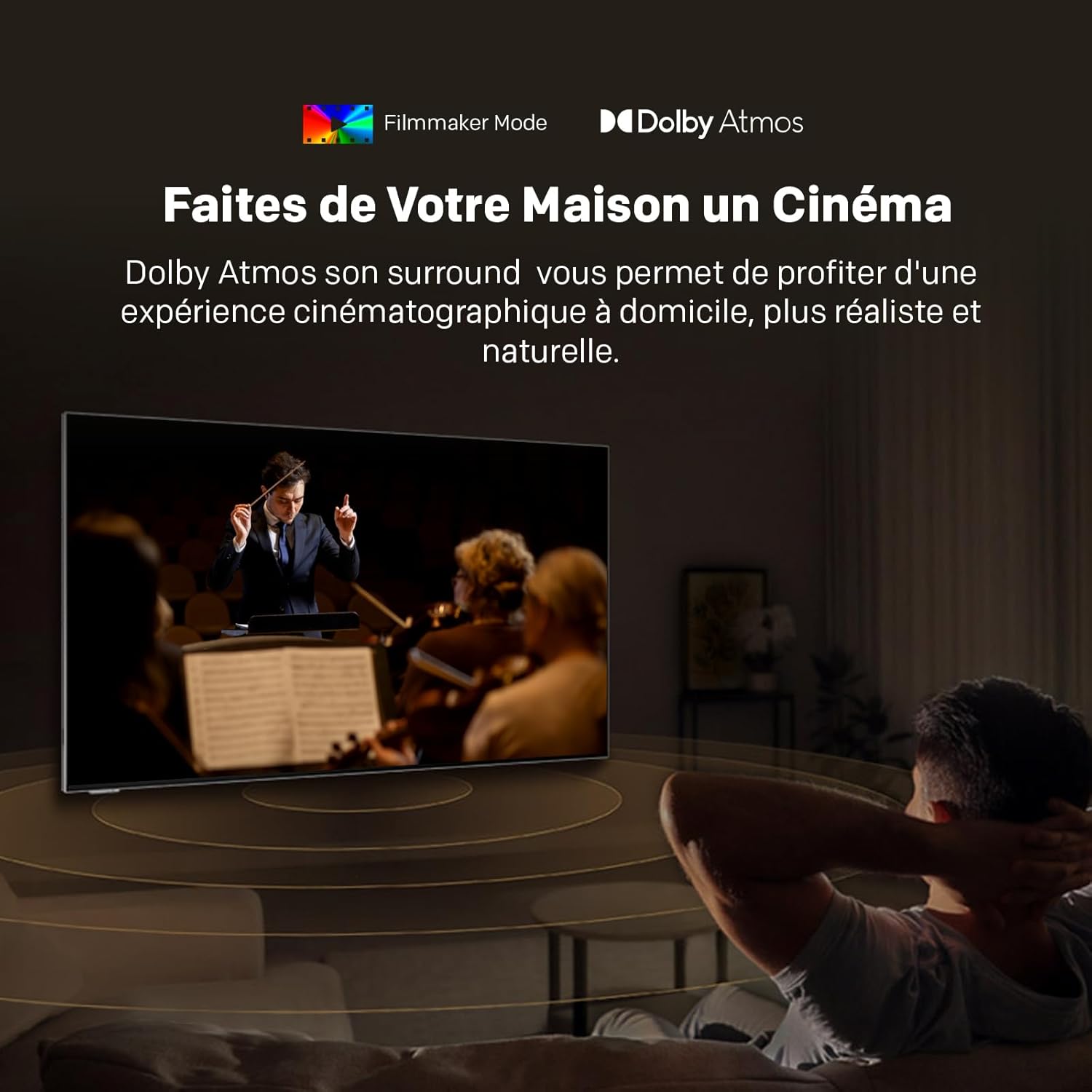
Image: EyeCare features for comfortable viewing.

Image: Adaptive Ambient Brightness in action.
5.2. ശബ്ദ നിലവാരം
Immerse yourself in superior audio with Dolby Atmos, providing a surround sound experience that places you at the heart of the action.

Image: Dolby Atmos delivering immersive audio.
5.3. സ്മാർട്ട് ടിവി സവിശേഷതകൾ
Your Metz Art TV comes equipped with Google TV and a unique Art Time mode:
- ഗൂഗിൾ ടിവി: Access a vast library of cinematic and television content, streaming services, and apps. Enjoy personalized recommendations and voice control with 'Hey Google'.
- Art Time: Transform your television into a stunning work of art. Choose from over 150 high-quality digital images or display your personal photos, seamlessly integrating the TV into your home decor.

Image: Google TV interface for easy content access.

Image: Art Time mode displaying classic artwork.
5.4. ഔദ്യോഗിക ഉൽപ്പന്ന വീഡിയോ
ഒരു ഓവറിനായി ഈ വീഡിയോ കാണുകview of features found in Metz QLED TVs with Google TV and EyeCare technology.
Video: Metz MQE7100Z TV overview, കാണിക്കുകasing QLED+, Google TV, and EyeCare features.
6. പരിപാലനവും പരിചരണവും
To ensure the longevity and optimal performance of your Metz Art TV, follow these maintenance guidelines:
- സ്ക്രീൻ ക്ലീനിംഗ്: മൃദുവായതും, ലിന്റ് രഹിതവുമായ ഒരു തുണി ഉപയോഗിച്ച് സ്ക്രീൻ സൌമ്യമായി തുടയ്ക്കുക. കഠിനമായ പാടുകൾക്ക്, സ്ക്രീനിൽ നേരിട്ട് പുരട്ടുന്നതിനു പകരം, തുണിയിൽ പുരട്ടിയ ഒരു സ്ക്രീൻ നിർദ്ദിഷ്ട ക്ലീനിംഗ് ലായനി ഉപയോഗിക്കുക.
- പൊടിയിടൽ: Regularly dust the TV frame and back panel with a dry, soft cloth.
- വെൻ്റിലേഷൻ: Ensure the ventilation openings on the back of the TV are not obstructed to prevent overheating.
- ശക്തി: വൃത്തിയാക്കുന്നതിന് മുമ്പ് അല്ലെങ്കിൽ അത് ദീർഘനേരം ഉപയോഗിക്കാതിരുന്നാൽ, പവർ ഔട്ട്ലെറ്റിൽ നിന്ന് ടിവി അൺപ്ലഗ് ചെയ്യുക.
7. പൊതുവായ പ്രശ്നങ്ങൾ പരിഹരിക്കുന്നു
If you encounter any issues with your Metz Art TV, refer to the following common solutions:
- ശക്തിയില്ല: പവർ കേബിൾ ടിവിയിലേക്കും വാൾ ഔട്ട്ലെറ്റിലേക്കും സുരക്ഷിതമായി ബന്ധിപ്പിച്ചിട്ടുണ്ടോയെന്ന് പരിശോധിക്കുക. മറ്റൊരു ഔട്ട്ലെറ്റ് പരീക്ഷിക്കുക.
- ചിത്രം/ശബ്ദം ഇല്ല: ശരിയായ ഇൻപുട്ട് ഉറവിടം തിരഞ്ഞെടുത്തിട്ടുണ്ടെന്ന് ഉറപ്പാക്കുക. എല്ലാ കേബിൾ കണക്ഷനുകളും (HDMI, ഓഡിയോ) പരിശോധിക്കുക.
- റിമോട്ട് പ്രവർത്തിക്കുന്നില്ല: റിമോട്ട് കൺട്രോളിലെ ബാറ്ററികൾ മാറ്റിസ്ഥാപിക്കുക. റിമോട്ടിനും ടിവിയുടെ ഐആർ സെൻസറിനും ഇടയിൽ തടസ്സങ്ങളൊന്നുമില്ലെന്ന് ഉറപ്പാക്കുക.
- മോശം ചിത്ര നിലവാരം: ചിത്ര ക്രമീകരണങ്ങൾ (തെളിച്ചം, ദൃശ്യതീവ്രത, മൂർച്ച) ക്രമീകരിക്കുക. നിങ്ങളുടെ ഉള്ളടക്ക ഉറവിടം ഉയർന്ന നിലവാരമുള്ളതാണെന്ന് ഉറപ്പാക്കുക.
- നെറ്റ്വർക്ക് കണക്ഷൻ പ്രശ്നങ്ങൾ: നിങ്ങളുടെ റൂട്ടറും മോഡവും പുനരാരംഭിക്കുക. ടിവിയിലെ വൈഫൈ ക്രമീകരണങ്ങൾ പരിശോധിച്ച് പാസ്വേഡ് ശരിയാണെന്ന് ഉറപ്പാക്കുക.
For more complex issues, please refer to the full user manual or contact customer support.
8 സാങ്കേതിക സവിശേഷതകൾ

Image: Product Information Sheet with detailed technical specifications.

| ഫീച്ചർ | വിശദാംശങ്ങൾ |
|---|---|
| ബ്രാൻഡ് | മെറ്റ്സ് |
| മോഡൽ | MUE7800Z |
| സ്ക്രീൻ വലിപ്പം | 65 ഇഞ്ച് (164 സെ.മീ) |
| ഡിസ്പ്ലേ ടെക്നോളജി | ക്യുഎൽഇഡി |
| റെസലൂഷൻ | 4K (3840x2160 Pixels) |
| പുതുക്കിയ നിരക്ക് | 60 Hz |
| പ്രത്യേക സവിശേഷതകൾ | Auto Volume Leveller, Bezel-Less Design, Ambient Light Sensor, Chromecast, Eye Comfort Mode, Art Time Mode, Matte Screen |
| കണക്റ്റിവിറ്റി | ബ്ലൂടൂത്ത്, യുഎസ്ബി, വൈ-ഫൈ |
| HDMI പോർട്ടുകൾ | 3 |
| USB പോർട്ടുകൾ | 2 |
| ട്യൂണർ | DVB-T2/C/S/S2 |
| Dimensions (W x D x H) without base | 145.0 x 3.1 x 84.4 സെ.മീ |
| ഭാരം (അടിത്തറയോടുകൂടിയത്) | 34 കി.ഗ്രാം |

Image: Repairability Index for the Metz TV.
9. വാറൻ്റിയും പിന്തുണയും
Your Metz Art TV MUE7800Z comes with a 2 വർഷത്തെ നിർമ്മാതാവിന്റെ വാറന്റി. For warranty claims, technical support, or any inquiries, please contact Metz customer service. Refer to the contact information provided in your product packaging or visit the official Metz webവിശദാംശങ്ങൾക്ക് സൈറ്റ്.
അനുബന്ധ രേഖകൾ - MUE7800Z
 |
Metz Mqf7500Z QLED Pro Google TV User Manual Comprehensive user manual for the Metz Mqf7500Z QLED Pro Google TV, detailing setup, features such as 120Hz HSR, MEMC, HDR10+, Dolby Vision, Dolby Atmos, Voice Control, and Eyecare 5.0. |
 |
METZ Mini LED TV Serie MNE80* - Manual de Inicio Rápido y Especificaciones Guía de inicio rápido y manual de usuario para el televisor METZ Mini LED Serie MNE80*, incluyendo configuración, características, especificaciones técnicas, seguridad y solución de problemas. |
 |
Manual de Inicio Rápido: Televisión QLED Serie MQE76* Metz Guía de inicio rápido para el Televisor QLED Serie MQE76* de Metz, cubriendo configuración, instalación, precauciones de seguridad, control remoto, solución de problemas y especificaciones. |
 |
Metz QLED TV 100MQE8500Z Quick Start Guide Official Quick Start Guide for the Metz 100MQE8500Z QLED TV, covering installation, safety, remote control operation, voice functions, and technical specifications. |
 |
METZ 32MQE7100Z QLED TV Quick Start Guide This document provides a quick start guide for the METZ 32MQE7100Z QLED TV. It covers unpacking, installation, safety precautions, remote control usage, connections, basic operations, troubleshooting, and technical specifications. The guide is designed to be concise, accessible, and SEO-optimized. |
 |
METZ MQF70* Series QLED TV Quick Start Guide This Quick Start Guide provides essential information for setting up and using your METZ MQF70* Series QLED TV. It covers unpacking, installation, safety precautions, connecting devices, remote control operation, basic functions, troubleshooting, and technical specifications. |
Ask a question about this manual
Ask about setup, troubleshooting, compatibility, parts, safety, or missing instructions. Manuals+ will review the question and use this page’s manual context to help answer it.