
1. ആമുഖം
Welcome to the user manual for your new vivo Y31 Pro 5G smartphone. This guide provides essential information on setting up, operating, maintaining, and troubleshooting your device. Please read this manual thoroughly to ensure proper usage and to maximize your phone's capabilities.
The vivo Y31 Pro 5G is a powerful smartphone featuring a 50MP camera, a large 6500 mAh battery with 44W fast charging, 8GB RAM, 256GB storage, and 5G connectivity, all powered by Funtouch OS 15.
2. ബോക്സിൽ എന്താണുള്ളത്?
Upon unboxing your vivo Y31 Pro 5G, please verify that all the following items are included:
- വിവോ വൈ31 പ്രോ 5G സ്മാർട്ട്ഫോൺ
- ഫോൺ കേസ്
- പവർ അഡാപ്റ്റർ (44W ഫാസ്റ്റ് ചാർജർ)
- സിം ട്രേ എജക്ടർ
- സ്ക്രീൻ പ്രൊട്ടക്ടർ (മുൻകൂട്ടി പ്രയോഗിച്ചത്)
- USB കേബിൾ (ടൈപ്പ്-സി)
3. ഡിവൈസ് ഓവർview
Familiarize yourself with the physical components and layout of your vivo Y31 Pro 5G.
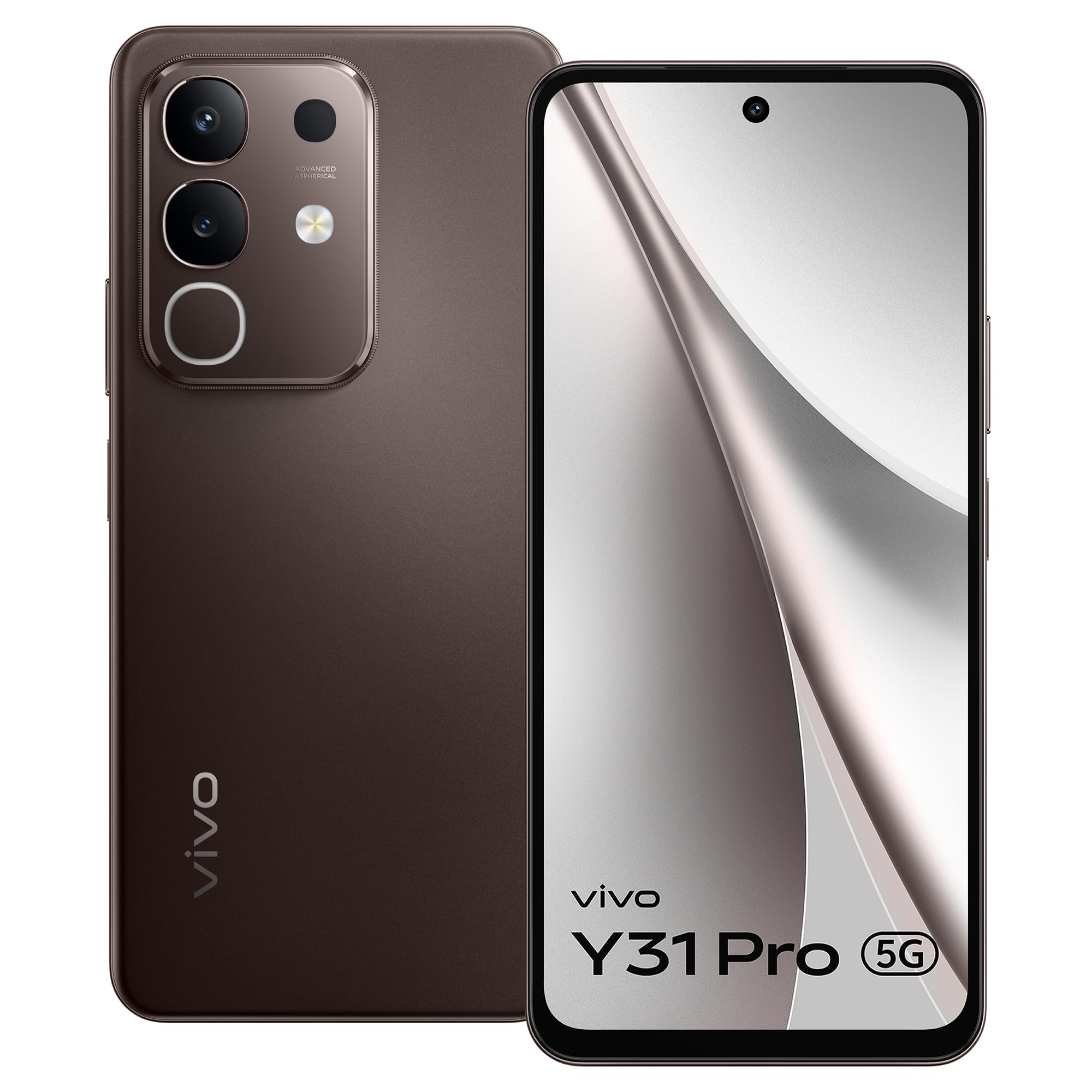
ചിത്രം 3.1: ഫ്രണ്ട് view of the vivo Y31 Pro 5G, showcasing അതിന്റെ ഡിസ്പ്ലേയും ഫ്രണ്ട് ക്യാമറയും.

ചിത്രം 3.2: തിരികെ view of the vivo Y31 Pro 5G, highlighting the camera module and vivo branding.
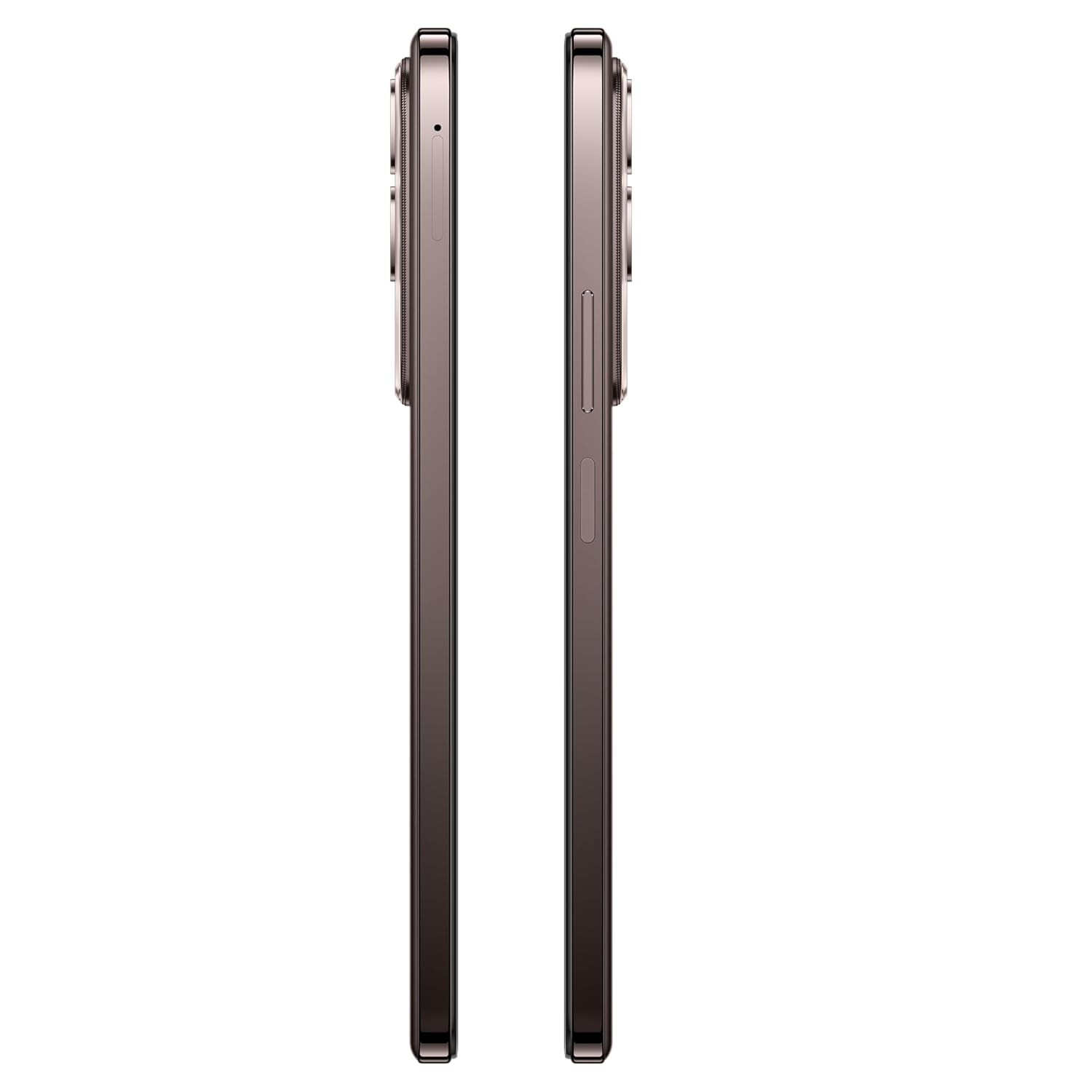
ചിത്രം 3.3: വശം view of the vivo Y31 Pro 5G, illustrating the power button, volume rocker, and SIM card tray location.

ചിത്രം 3.4: മുകളിലും താഴെയും view of the vivo Y31 Pro 5G, showing the USB Type-C port, speaker grille, and microphone.
4. സജ്ജീകരണം
4.1. സിം കാർഡും മെമ്മറി കാർഡും ഇൻസ്റ്റാൾ ചെയ്യൽ
Your vivo Y31 Pro 5G supports dual Nano SIM cards. Follow these steps to install your SIM cards:
- Locate the SIM card tray on the side of your phone (refer to Figure 3.3).
- ട്രേയുടെ അടുത്തുള്ള ചെറിയ ദ്വാരത്തിലേക്ക് സിം ട്രേ എജക്റ്റർ ടൂൾ തിരുകുക, ട്രേ പുറത്തേക്ക് വരുന്നത് വരെ ദൃഢമായി അമർത്തുക.
- സിം ട്രേ ശ്രദ്ധാപൂർവ്വം പുറത്തെടുക്കുക.
- Place your Nano SIM cards into the designated slots on the tray, ensuring the gold contacts face downwards and the cut corner aligns correctly.
- Gently push the SIM tray back into the phone until it is flush with the device's side.
4.2. പ്രാരംഭ പവർ ഓൺ
നിങ്ങളുടെ ഉപകരണം ആദ്യമായി ഓണാക്കാൻ:
- Press and hold the Power button (located on the side) until the vivo logo appears on the screen.
- ഭാഷാ തിരഞ്ഞെടുപ്പ്, വൈ-ഫൈ കണക്ഷൻ, ഗൂഗിൾ അക്കൗണ്ട് സജ്ജീകരണം, സുരക്ഷാ ക്രമീകരണങ്ങൾ എന്നിവയുൾപ്പെടെയുള്ള പ്രാരംഭ സജ്ജീകരണം പൂർത്തിയാക്കാൻ ഓൺ-സ്ക്രീൻ നിർദ്ദേശങ്ങൾ പാലിക്കുക.
4.3 ഉപകരണം ചാർജ് ചെയ്യുന്നു
Before first use, it is recommended to fully charge your phone.
- നിങ്ങളുടെ ഫോണിന്റെ അടിയിലുള്ള ചാർജിംഗ് പോർട്ടിലേക്ക് USB ടൈപ്പ്-സി കേബിൾ ബന്ധിപ്പിക്കുക.
- Connect the other end of the USB cable to the provided 44W Power Adapter.
- ഒരു മതിൽ ഔട്ട്ലെറ്റിലേക്ക് പവർ അഡാപ്റ്റർ പ്ലഗ് ചെയ്യുക.
- The charging indicator will appear on the screen. Your device supports 44W fast charging for quick power-ups.
5 പ്രധാന സവിശേഷതകൾ
Explore the advanced features of your vivo Y31 Pro 5G.
5.1. ഡിസ്പ്ലേ
Enjoy a vibrant visual experience on the 17.06 cm (6.72-inch) FHD display with a high brightness mode of 1050 Nits and a smooth 120 Hz refresh rate.
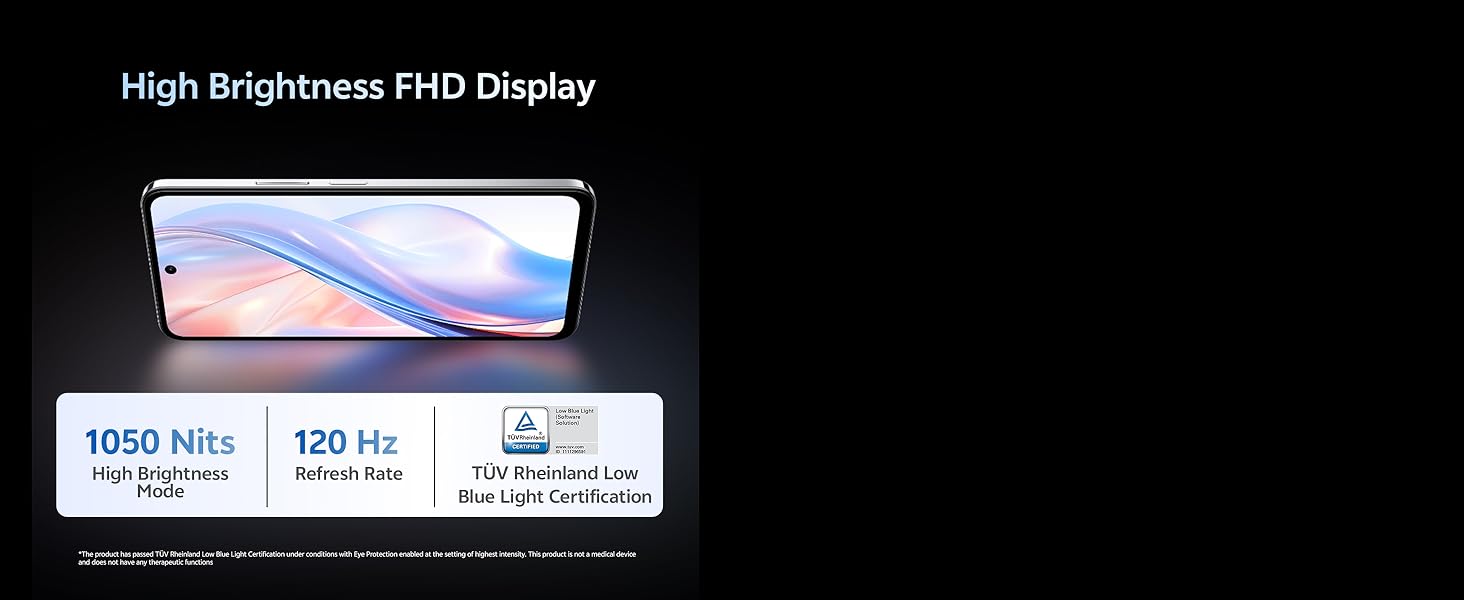
ചിത്രം 5.1: The vivo Y31 Pro 5G features a High Brightness FHD Display with 1050 Nits and 120 Hz Refresh Rate for clear and fluid visuals.
5.2. ക്യാമറ സിസ്റ്റം
വൈവിധ്യമാർന്ന ക്യാമറ സജ്ജീകരണം ഉപയോഗിച്ച് അതിശയിപ്പിക്കുന്ന ഫോട്ടോകളും വീഡിയോകളും പകർത്തുക:
- പിൻ ക്യാമറ: 50 MP Main Camera + 2 MP Secondary Camera
- മുൻ ക്യാമറ: 8 MP Selfie Camera
- വീഡിയോ റെക്കോർഡിംഗ്: Supports 4K video recording for high-definition footage.
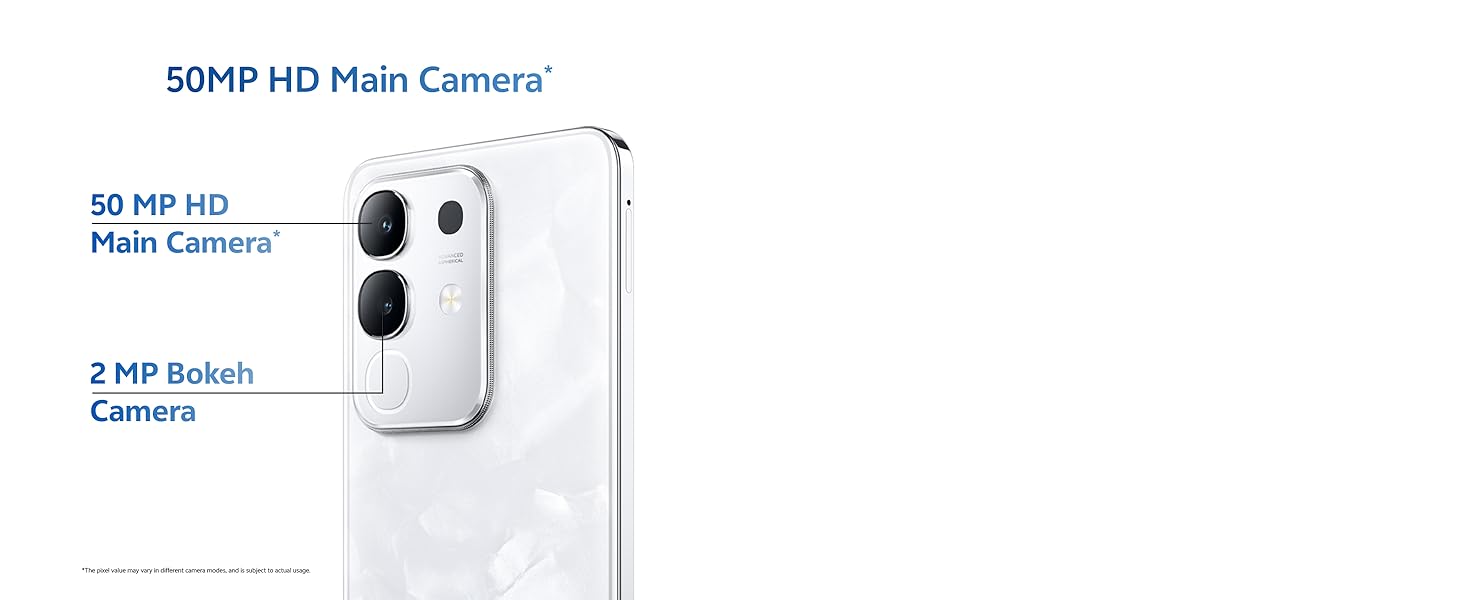
ചിത്രം 5.2: Close-up of the 50MP HD Main Camera module on the vivo Y31 Pro 5G.
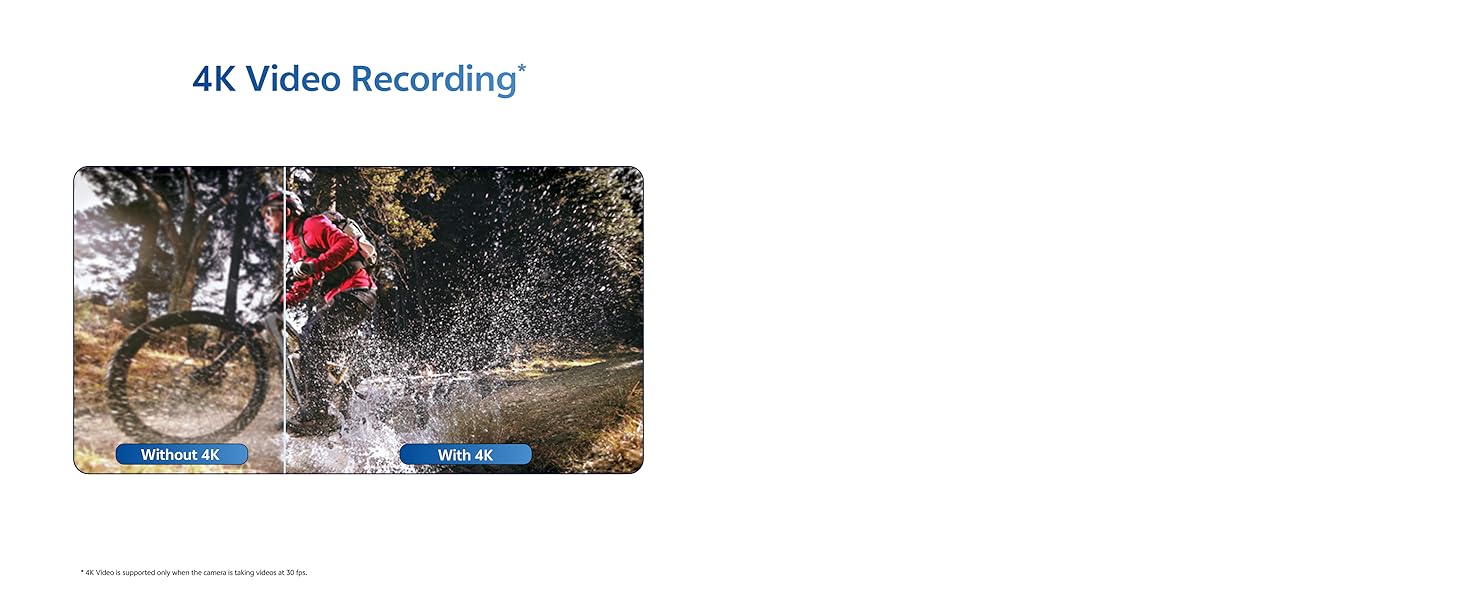
ചിത്രം 5.3: Illustration of the 4K Video Recording feature, demonstrating enhanced detail.
5.3. പ്രകടനം
The vivo Y31 Pro 5G is engineered for smooth and efficient performance:
- പ്രോസസ്സർ: Powered by the MediaTek Dimensity 7300 Processor for robust performance.
- റാം: 8GB RAM ensures seamless multitasking.
- സംഭരണം: 256GB internal memory provides ampആപ്പുകൾ, ഫോട്ടോകൾ, മീഡിയ എന്നിവയ്ക്കുള്ള ഇടം.
- കണക്റ്റിവിറ്റി: 5G cellular technology for lightning-fast internet speeds.
ചിത്രം 5.4: The Powerful Dimensity 7300 Processor, central to the phone's high performance.
5.4. ബാറ്ററിയും ചാർജിംഗും
Stay powered throughout your day with:
- ബാറ്ററി ശേഷി: Massive 6500 mAh lithium-ion battery.
- ഫാസ്റ്റ് ചാർജിംഗ്: 44W fast charging technology for quick recharges.
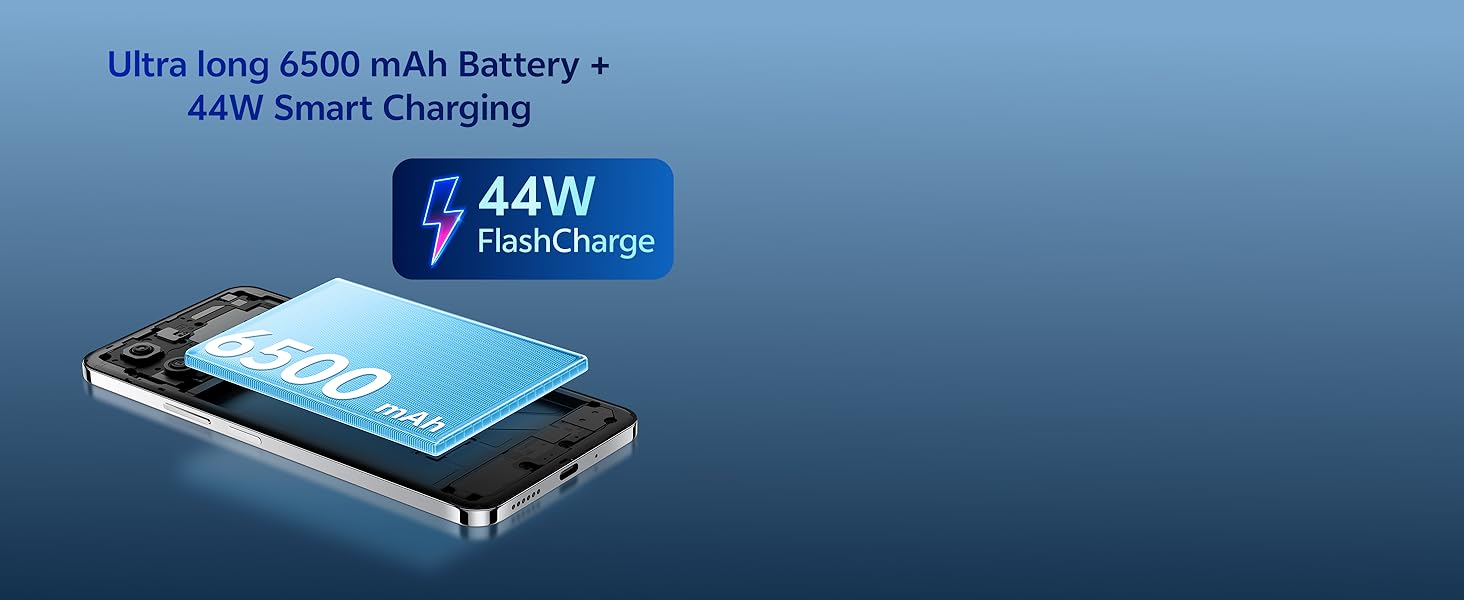
ചിത്രം 5.5: The Ultra long 6500 mAh Battery with 44W FlashCharge capability.
5.5. Durability & Design
The vivo Y31 Pro 5G is built to withstand daily use:
- ഈട്: Features Military Grade durability, tested to MIL-STD-810H standards.
- ജല പ്രതിരോധം: IP64 rating for All-Life-Scenario Water Resistance, offering protection against dust and water splashes.
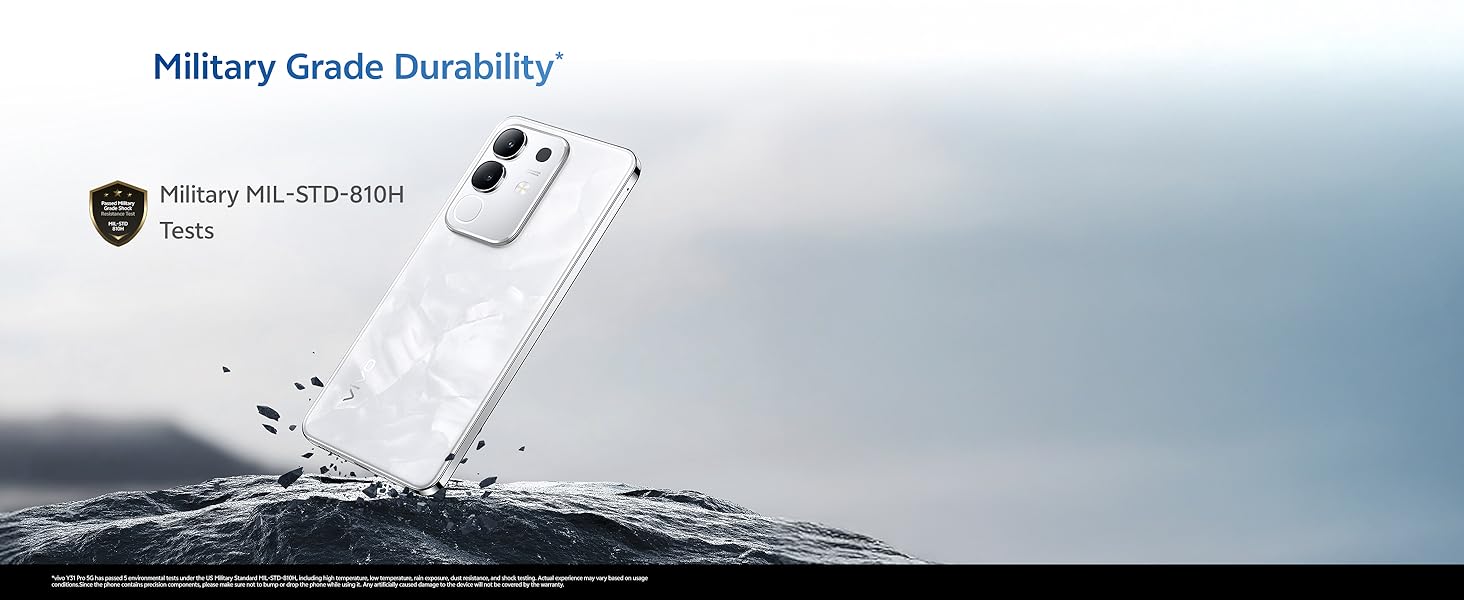
ചിത്രം 5.6: The vivo Y31 Pro 5G demonstrating Military Grade durability in a rugged environment.
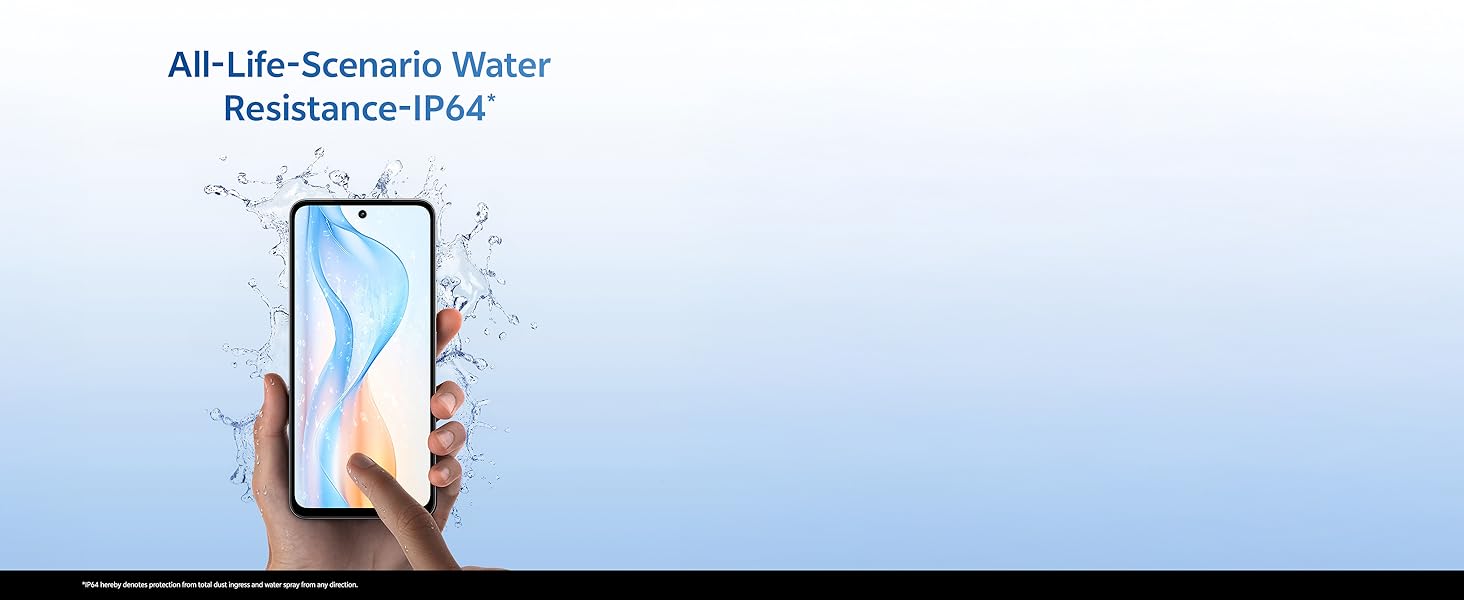
ചിത്രം 5.7: A hand holding the vivo Y31 Pro 5G, illustrating its IP64 water resistance against splashes.
5.6. ഓഡിയോ
Experience immersive sound with dual stereo speakers, offering 400% boosted volume for enhanced audio playback.
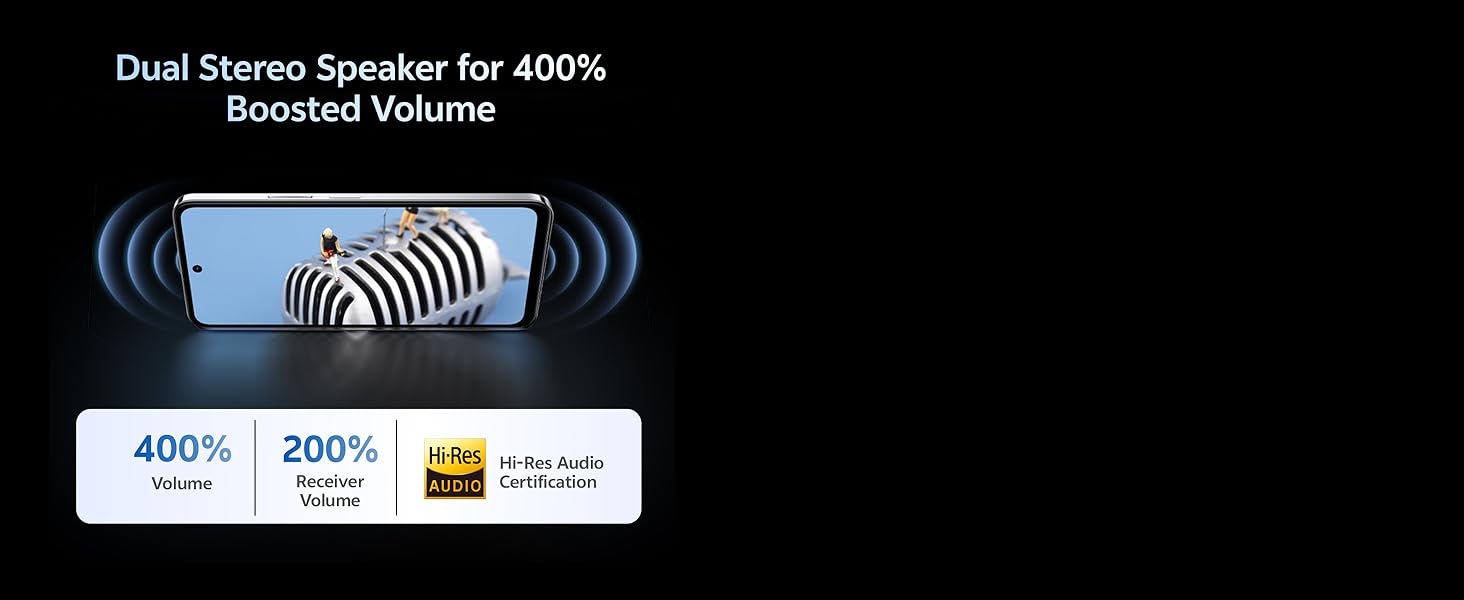
ചിത്രം 5.8: Visual representation of the Dual Stereo Speaker system providing boosted volume.
5.7. AI Suite
Leverage intelligent features for enhanced user experience:
- AI മായ്ക്കൽ: Intelligently remove unwanted objects from your photos.
- AI ഫോട്ടോ മെച്ചപ്പെടുത്തൽ: Automatically improve photo quality with AI algorithms.

ചിത്രം 5.9: Examples of AI Suite functionalities, including AI Erase and AI Photo Enhance.
6. ഓപ്പറേറ്റിംഗ് സിസ്റ്റം
The vivo Y31 Pro 5G runs on ഫൺടച്ച് ഒ.എസ് 15, vivo's customized Android operating system. Funtouch OS 15 offers a user-friendly interface, enhanced privacy features, and various customization options. It also includes biometric security features such as Face Recognition for convenient and secure unlocking.
7. പ്രശ്നപരിഹാരം
This section addresses common issues you might encounter with your vivo Y31 Pro 5G. If you experience problems not covered here, please refer to the Warranty and Support section for further assistance.
- ഉപകരണം ഓണാക്കുന്നില്ല: Ensure the battery is charged. Connect the phone to the charger and wait a few minutes before attempting to power it on again. If it still doesn't turn on, press and hold the Power button for at least 10-15 seconds to force a restart.
- ഫോൺ ചാർജ് ചെയ്യുന്നില്ല: Check if the USB cable and power adapter are securely connected to both the phone and the power outlet. Try using a different outlet or a different compatible charger and cable. Ensure the charging port is clean and free of debris.
- മോശം നെറ്റ്വർക്ക് സിഗ്നൽ: Check if your SIM card is correctly inserted. Try restarting your phone. If the issue persists, contact your network provider to check for service outagനിങ്ങളുടെ പ്രദേശത്താണ്.
- ആപ്പുകൾ ക്രാഷാകുകയോ മരവിക്കുകയോ ചെയ്യുന്നു: Close the problematic app and reopen it. If the issue continues, clear the app's cache and data in the phone's settings, or uninstall and reinstall the app. Ensure your Funtouch OS is updated to the latest version.
- സ്ക്രീൻ പ്രതികരിക്കുന്നില്ല: Force restart your phone by pressing and holding the Power button for 10-15 seconds. If the screen remains unresponsive after restarting, contact customer support.
8 സ്പെസിഫിക്കേഷനുകൾ
Detailed technical specifications for the vivo Y31 Pro 5G:
| ഫീച്ചർ | സ്പെസിഫിക്കേഷൻ |
|---|---|
| ബ്രാൻഡ് | vivo |
| മോഡലിൻ്റെ പേര് | Y31 Pro 5G |
| ഓപ്പറേറ്റിംഗ് സിസ്റ്റം | ഫൺടച്ച് ഒ.എസ് 15 |
| ഇൻസ്റ്റാൾ ചെയ്ത RAM മെമ്മറി വലുപ്പം | 8 ജിബി |
| മെമ്മറി സ്റ്റോറേജ് കപ്പാസിറ്റി | 256 ജിബി |
| സ്ക്രീൻ വലിപ്പം | 6.72 ഇഞ്ച് (17.06 സെ.മീ) |
| റെസലൂഷൻ | 2408 x 1080 പിക്സലുകൾ (FHD) |
| ഡിസ്പ്ലേ തരം | എൽസിഡി |
| പിൻ ക്യാമറ റെസല്യൂഷൻ | 50 എംപി + 2 എംപി |
| ഫ്രണ്ട് ക്യാമറ റെസല്യൂഷൻ | 8 എം.പി |
| ബാറ്ററി ശേഷി | 6500 മില്ലിamp മണിക്കൂറുകൾ |
| ചാർജിംഗ് സാങ്കേതികവിദ്യ | 44W ഫാസ്റ്റ് ചാർജിംഗ് |
| സിം കാർഡ് സ്ലോട്ട് എണ്ണം | ഡ്യുവൽ സിം (നാനോ) |
| കണക്റ്റർ തരം | യുഎസ്ബി ടൈപ്പ് സി |
| സെല്ലുലാർ ടെക്നോളജി | 5G |
| ബയോമെട്രിക് സുരക്ഷ | മുഖം തിരിച്ചറിയൽ |
| ജല പ്രതിരോധ നില | IP64 (സ്പ്ലാഷ് റെസിസ്റ്റന്റ്) |
| ഇനത്തിൻ്റെ ഭാരം | 204 ഗ്രാം |
| ഇനത്തിൻ്റെ അളവുകൾ | 16.6 x 7.6 x 0.8 സെൻ്റീമീറ്റർ |
| മോഡൽ വർഷം | 2025 |
9. വാറൻ്റിയും പിന്തുണയും
Your vivo Y31 Pro 5G comes with a manufacturer's warranty to ensure your peace of mind.
- ഉപകരണ വാറന്റി: വാങ്ങിയ തീയതി മുതൽ 1 വർഷത്തെ നിർമ്മാതാവിന്റെ വാറന്റി.
- ഇൻ-ബോക്സ് ആക്സസറീസ് വാറന്റി: 6 months manufacturer warranty for accessories included in the box from the date of purchase.
For warranty claims, technical support, or further assistance, please contact vivo customer service or visit an authorized service center. You can find contact information on the official vivo webസൈറ്റ് അല്ലെങ്കിൽ നിങ്ങളുടെ ഉപകരണത്തിന്റെ ക്രമീകരണങ്ങളുടെ പിന്തുണ വിഭാഗം വഴി.
നിർമ്മാതാവിനെ ബന്ധപ്പെടാനുള്ള വിവരങ്ങൾ: vivo Mobile India Pvt Ltd Plot No 08, Sector 24, Yamuna Expressway Area, Gautam Buddha Nagar, Uttar Pradesh, 201310
10. ഉൽപ്പന്ന വീഡിയോ കഴിഞ്ഞുview
Watch this short video for a quick overview of the vivo Y31 Pro 5G's key features and design.
വീഡിയോ 10.1: ഒരു ചെറിയ ആമുഖ വീഡിയോ പ്രദർശനംasing the design and main functionalities of the vivo Y31 Pro 5G smartphone.