
1. ഓവർview
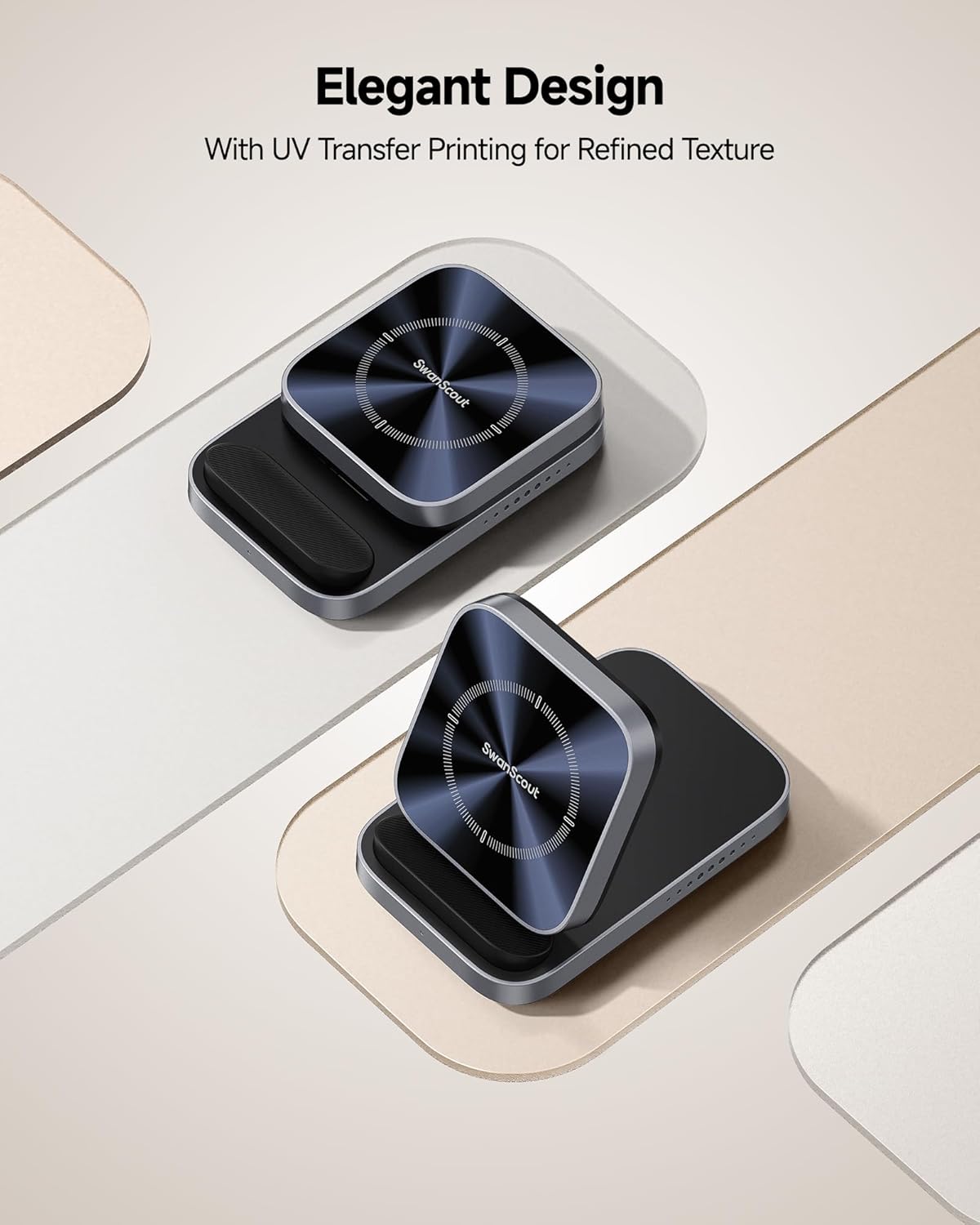
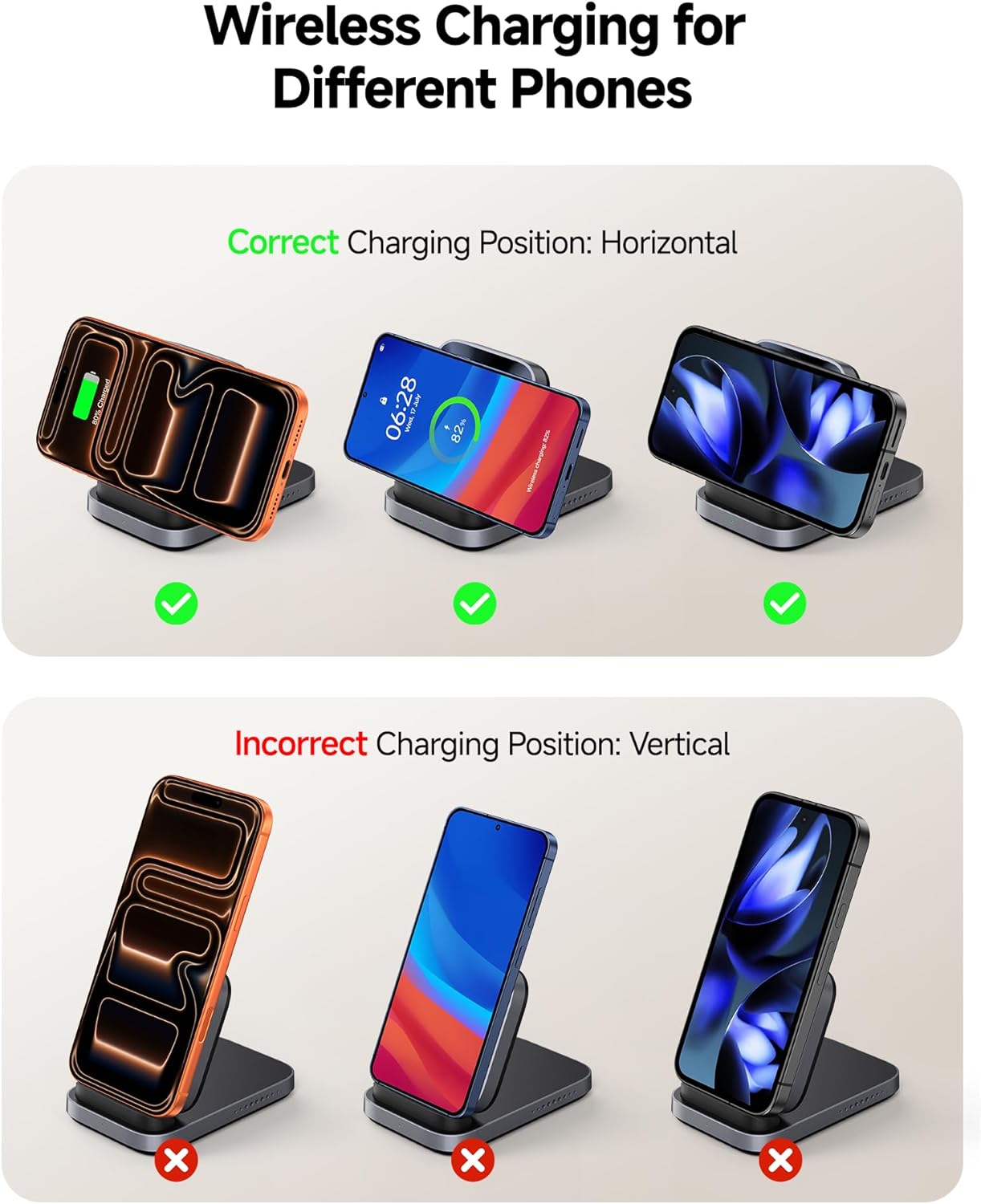
The SwanScout 508 Wireless Charger Stand is designed to provide efficient and convenient wireless charging for a wide range of compatible smartphones. Its foldable design enhances portability, making it suitable for home, office, or travel use. This charger supports horizontal charging only, allowing for media consumption while your device powers up.
2. എന്താണ് ഉൾപ്പെടുത്തിയിരിക്കുന്നത്
- 1 x SwanScout 508 Wireless Charger Stand (Power adapter not included)
- 1 x USB-C to USB-C Charging Cable (1.5m/4.92ft)
- 1 x ഉപയോക്തൃ മാനുവൽ
The package includes the SwanScout 508 Wireless Charger Stand, a USB-C to USB-C charging cable, and this user manual. Please note that a power adapter is not included and must be purchased separately.
3. സജ്ജീകരണം
- Connect the provided USB-C to USB-C cable to the charging port on the back of the SwanScout 508 Wireless Charger Stand.
- Connect the other end of the USB-C cable to a compatible power adapter. For 15W fast charging, an 18W or higher power adapter (not included) is required.
- Plug the power adapter into a wall outlet. The charger is now ready for use.
Ensure all connections are secure. For optimal charging performance, use a power adapter that meets the recommended specifications.
4. പ്രവർത്തന നിർദ്ദേശങ്ങൾ
Horizontal Charging Only
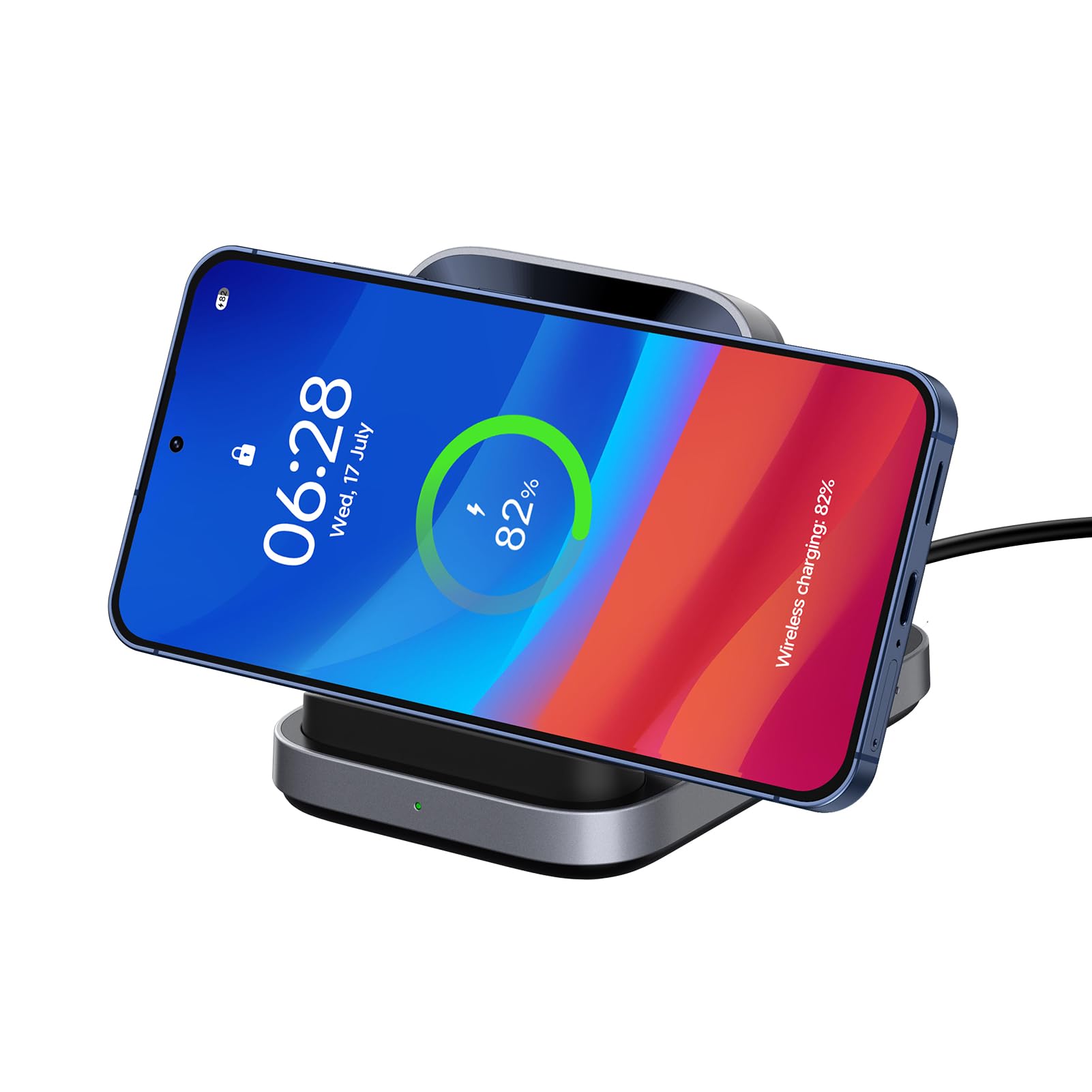
The SwanScout 508 Wireless Charger Stand is designed exclusively for horizontal charging. Place your compatible smartphone horizontally on the charging pad. Charging will begin automatically upon correct placement.

ചാർജിംഗ് ഇൻഡിക്കേറ്റർ
An indicator light on the front of the charger confirms the charging status. The light will illuminate when a device is actively charging. Note that the light remains green even after the device is fully charged, indicating power is still supplied to the stand.
5 അനുയോജ്യത
The SwanScout 508 Wireless Charger Stand offers wide compatibility with various smartphone models that support wireless charging, delivering up to 15W. Compatible devices include:
- For Samsung Galaxy Series: S25 Ultra/S25+/S25/S24/S23/S22/S21 series, Note 20/10/9/8 series, Z Fold/Flip series.
- For iPhone Series: iPhone 17/Air/16/15/14/13/12/11 series.
- For Google Pixel Series: Pixel 9/9a/8/7/6 series.
6. Case-Friendly Design
The charger is designed to work with most phone cases up to 5mm (0.2 inches) thick. However, certain types of cases or accessories may interfere with wireless charging. Avoid using:
- Metal cases
- Cases with credit cards
- Cases with magnetic pads
- Cases with metal rings

7. പോർട്ടബിലിറ്റി
The SwanScout 508 features a unique folding mechanism, allowing it to be easily collapsed for compact storage and transport. Its lightweight design makes it convenient to carry in a bag or pocket, ensuring fast charging is always accessible.

8. സുരക്ഷാ സവിശേഷതകൾ
The SwanScout 508 Wireless Charger Stand incorporates multiple safety protections to ensure secure and reliable charging for your devices. These features include:
- ഓവർ വോൾtagഇ സംരക്ഷണം
- അണ്ടർവോൾtagഇ സംരക്ഷണം
- ഓവർ ടെമ്പറേച്ചർ പ്രൊട്ടക്ഷൻ
- സ്റ്റാറ്റിക് പരിരക്ഷണം
- ഓവർലോഡ് സംരക്ഷണം
- Foreign Object Protection
- ഓവർകറൻ്റ് സംരക്ഷണം
- താപ വിസർജ്ജനം

9 സ്പെസിഫിക്കേഷനുകൾ
| ബ്രാൻഡ് | സ്വാൻസ്കൗട്ട് |
| മോഡൽ നമ്പർ | എസ് 10038 |
| കണക്റ്റർ തരം | യുഎസ്ബി ടൈപ്പ് സി |
| അനുയോജ്യമായ ഉപകരണങ്ങൾ | iPhone, Samsung, Google Pixel |
| പ്രത്യേക ഫീച്ചർ | Fast Charging, Lightweight Design, Travel, Wireless Charging |
| നിറം | Tech Grey |
| ഇൻപുട്ട് വോളിയംtage | 9 വോൾട്ട് |
| വാട്ട്tage | 15 വാട്ട്സ് |
| ഔട്ട്പുട്ട് കറൻ്റ് | 2 Amps |
| Putട്ട്പുട്ട് വോളിയംtage | 9 വോൾട്ട് |
| പവർ ഉറവിടം | കോർഡഡ് ഇലക്ട്രിക് |
| പോർട്ടബിൾ | അതെ |
| എൻക്ലോഷർ മെറ്റീരിയൽ | അക്രിലോണിട്രൈൽ ബ്യൂട്ടാഡൈൻ സ്റ്റൈറൈൻ |
| ഇനത്തിൻ്റെ ഭാരം | 139 ഗ്രാം |
10. വാറൻ്റിയും പിന്തുണയും
The SwanScout 508 Wireless Charger Stand comes with a 1-Year Manufacturer Warranty. For any product inquiries, technical support, or warranty claims, please contact the dedicated SwanScout customer support team. Refer to the contact information provided in your product packaging or visit the official SwanScout webസഹായത്തിനുള്ള സൈറ്റ്.