
ഉൽപ്പന്നം കഴിഞ്ഞുview
The SofaBaton R1 Repeater is an infrared wireless extender kit designed to enhance the range and reliability of your SofaBaton X2 Universal Remote Control. It provides powerful, whole-home IR coverage, allowing you to control devices even through walls and closed cabinets.
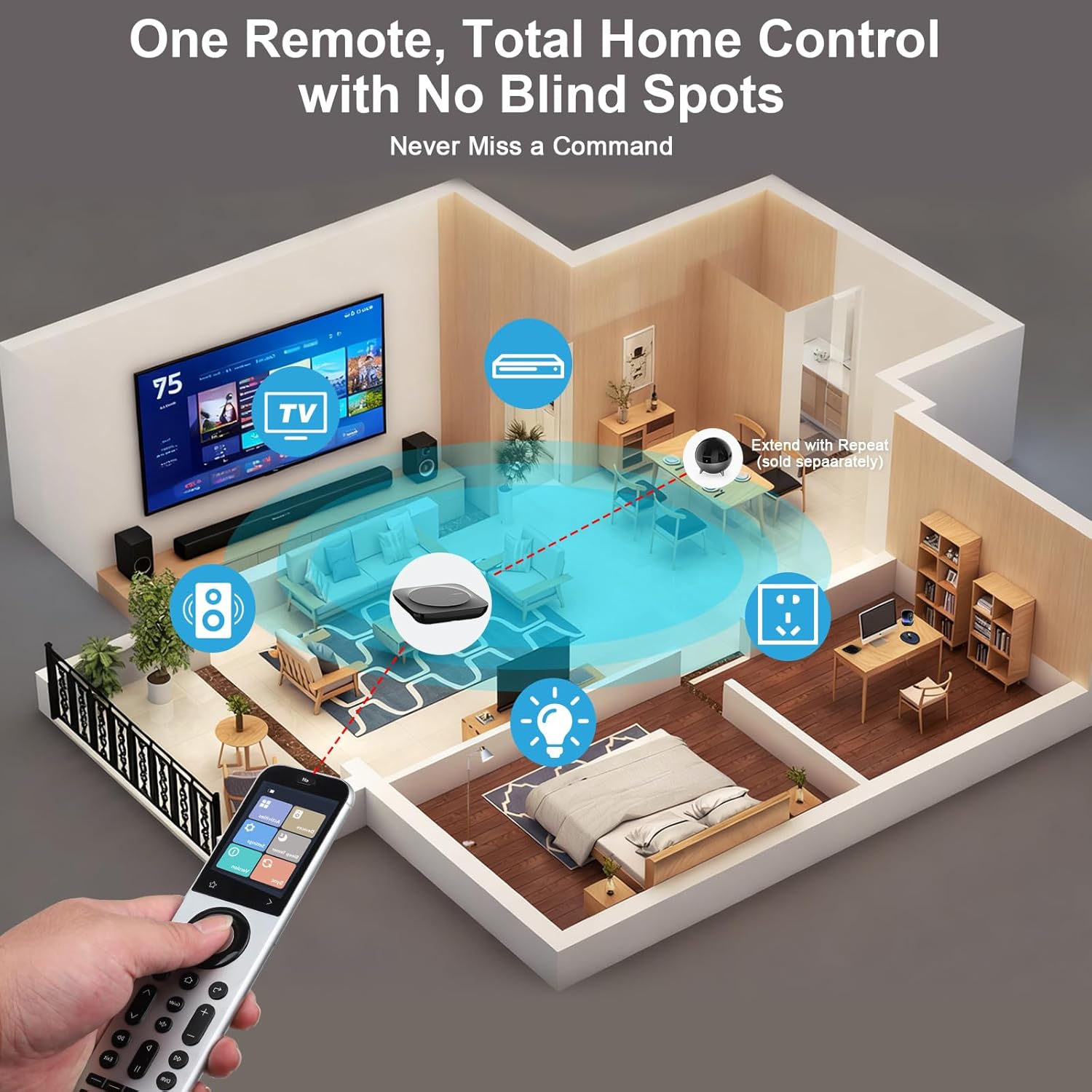
Image: SofaBaton R1 Repeater shown alongside the SofaBaton X2 Universal Remote, illustrating the complete control system.
അനുയോജ്യതാ അറിയിപ്പ്
The R1 Repeater is designed exclusively for use with the SofaBaton X2 Universal Remote and newer SofaBaton remotes. Please be advised that it will not work with the X1S universal remote control.
ബോക്സിൽ എന്താണുള്ളത്
- 1 x R1 IR Repeater
- 1 x 5V/1A പവർ അഡാപ്റ്റർ
- 1 x USB-C മുതൽ USB-A കേബിൾ വരെ
- 1 x 3-meter 3.5mm IR Blaster Cable
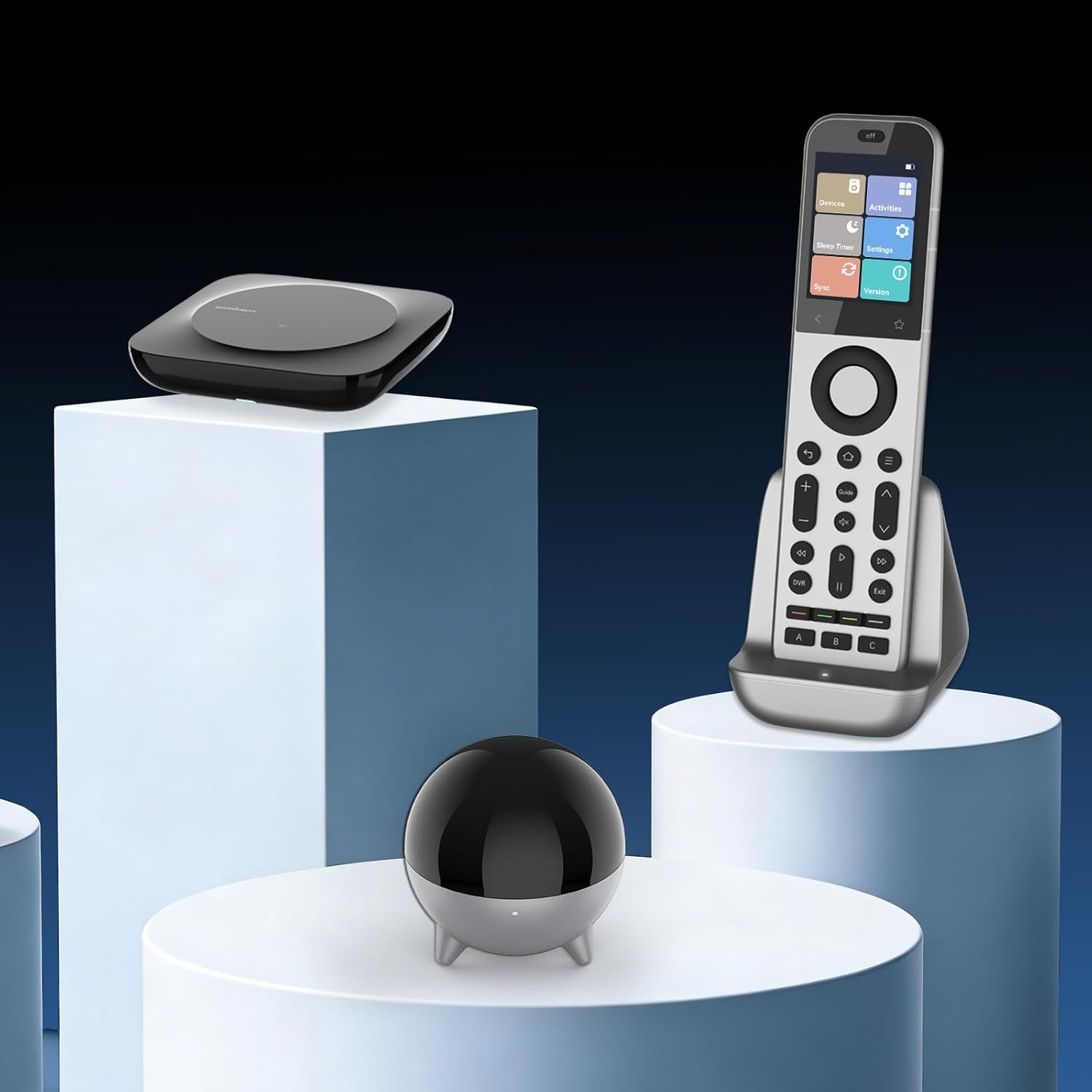
Image: The R1 Repeater, SofaBaton X2 Remote, and the X2 Hub displayed together, representing the core components of the system.
സജ്ജീകരണ നിർദ്ദേശങ്ങൾ
- ഘടകങ്ങൾ അൺപാക്ക് ചെയ്യുക: Remove all items from the box and ensure all listed components are present.
- Power the Repeater: Connect the R1 IR Repeater to a power outlet using the provided 5V/1A power adapter and USB-C to USB-A cable.
- Position the Repeater: Place the R1 Repeater in a central location within the area where you wish to extend IR signal coverage. For optimal 360° coverage, ensure it has a clear line of sight to the general area of your devices.
- Connect IR Blaster (Optional): If controlling devices inside closed cabinets or in hard-to-reach areas, connect the 3-meter 3.5mm IR blaster cable to the R1 Repeater. Position the small emitter head of the IR blaster near the IR receiver window of the specific device you wish to control.
- Pair with SofaBaton X2 Remote:
- Ensure your SofaBaton X2 Universal Remote is powered on and connected to its hub.
- Follow the pairing instructions provided with your SofaBaton X2 remote to connect the R1 Repeater. This typically involves using the SofaBaton mobile application to discover and pair new accessories.
- ടെസ്റ്റ് പ്രവർത്തനം: After pairing, test the remote control functionality with your devices to ensure commands are being transmitted effectively through the R1 Repeater.
Operating the R1 Repeater
The R1 Repeater works in conjunction with your SofaBaton X2 Universal Remote to provide seamless control over your infrared-controlled devices.
- ഹോം കവറേജ്: The repeater's 7 high-power emitters and optional 3-meter wired IR blaster cable ensure 360° signal coverage, allowing you to control devices from any room without direct line of sight to the original device.
- Macro-Friendly: The R1 Repeater supports macro-friendly operation. When a macro is executed from your SofaBaton X2 remote, the repeater triggers all associated devices simultaneously, simplifying complex commands.
- Reliable Transmission: Advanced signal-boosting technology ensures that every command from your X2 remote is delivered instantly and accurately to your devices, minimizing dropouts or delays.
- എവിടെ നിന്നും നിയന്ത്രണം: Enjoy the convenience of controlling devices like your AC or TV from different rooms, even before you enter them.
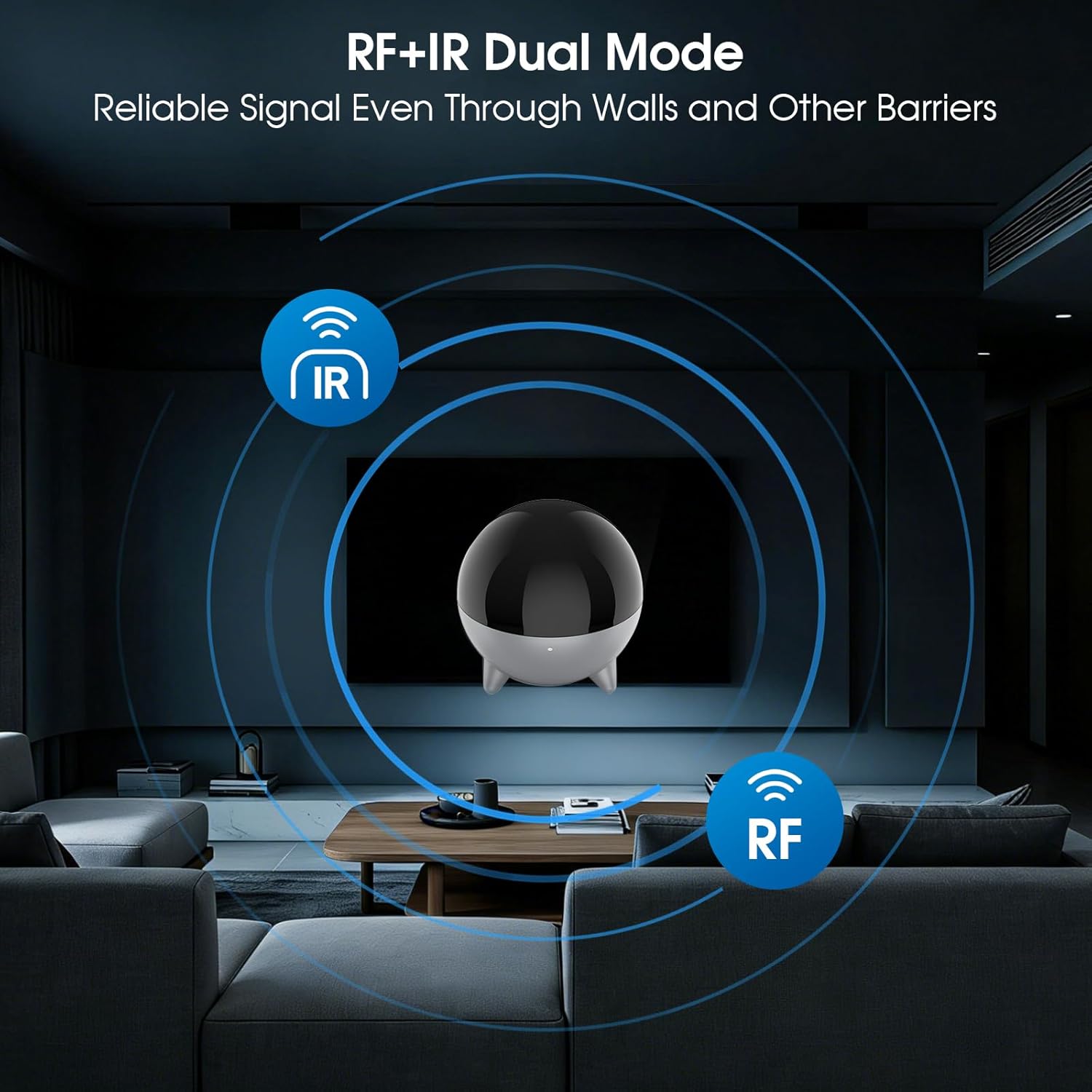
Image: Illustration showing the R1 Repeater's RF+IR dual mode for reliable signal transmission through barriers.
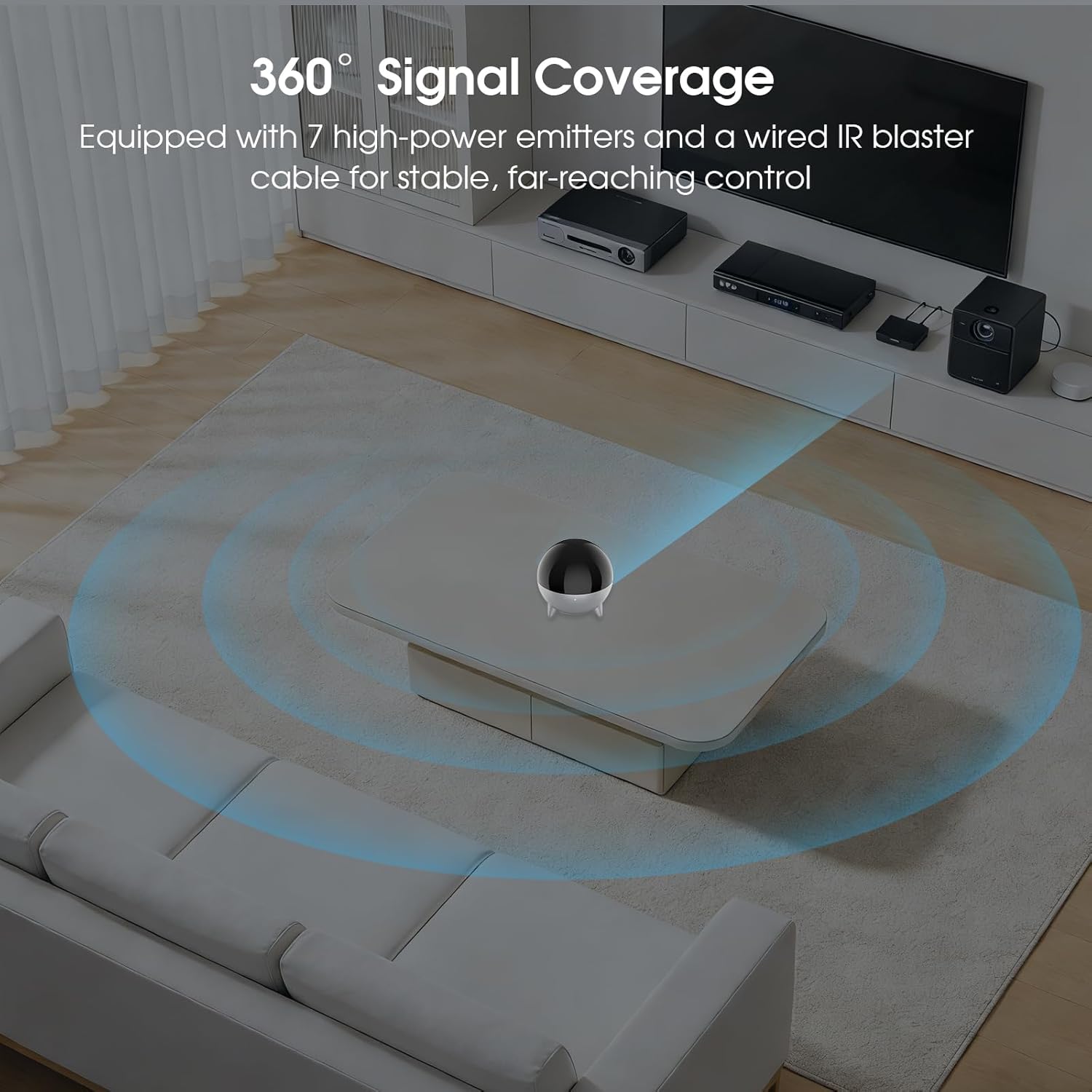
Image: The R1 Repeater positioned on a coffee table, demonstrating its 360° signal coverage in a living room setting.
മെയിൻ്റനൻസ്
To ensure the longevity and optimal performance of your SofaBaton R1 Repeater, follow these simple maintenance guidelines:
- വൃത്തിയാക്കൽ: Use a soft, dry cloth to clean the exterior of the R1 Repeater. Avoid using liquid cleaners or abrasive materials, as they may damage the surface.
- പ്ലേസ്മെൻ്റ്: Keep the repeater in a stable, dry environment away from direct sunlight, extreme temperatures, and excessive moisture. Ensure proper ventilation around the device.
- കേബിൾ കെയർ: Handle the USB-C and IR blaster cables with care. Avoid sharp bends or excessive pulling that could damage the connectors or wiring.
- ഫേംവെയർ അപ്ഡേറ്റുകൾ: Periodically check the SofaBaton mobile application for any available firmware updates for your R1 Repeater and X2 remote. Keeping the firmware updated ensures the best performance and compatibility.
ട്രബിൾഷൂട്ടിംഗ്
If you encounter issues with your SofaBaton R1 Repeater, please refer to the following common troubleshooting steps:
- No Signal Transmission:
- Ensure the R1 Repeater is properly powered on and its indicator light is active.
- Verify that the SofaBaton X2 remote is correctly paired with the R1 Repeater via the mobile application.
- Check the placement of the R1 Repeater. It should be centrally located and ideally have a clear path to the general area of your devices.
- If using the IR blaster cable, ensure the emitter head is securely attached and directly facing the IR receiver of the target device.
- Confirm that the target device is IR-controlled and not using RF or Bluetooth exclusively.
- ഇടവിട്ടുള്ള നിയന്ത്രണം:
- Reduce the distance between the SofaBaton X2 remote, the R1 Repeater, and the target devices.
- Check for potential interference from other electronic devices.
- Ensure the R1 Repeater's power supply is stable.
- അനുയോജ്യത പ്രശ്നങ്ങൾ:
- Double-check that your universal remote is a SofaBaton X2 or a newer compatible SofaBaton remote. The R1 Repeater is not compatible with the X1S model.
- Verify that the device you are trying to control is compatible with IR signals.
- ആപ്പുമായി ബന്ധപ്പെട്ട പ്രശ്നങ്ങൾ:
- Ensure your SofaBaton mobile application is updated to the latest version.
- Restart the SofaBaton mobile application and your mobile device.
- If pairing issues persist, try unpairing and re-pairing the R1 Repeater through the app.
For further assistance, please consult the SofaBaton support resources or contact customer service.
സ്പെസിഫിക്കേഷനുകൾ
| ഫീച്ചർ | വിശദാംശങ്ങൾ |
|---|---|
| മോഡൽ നമ്പർ | R1 |
| ബ്രാൻഡ് | SofaBaton |
| വയർലെസ് കമ്മ്യൂണിക്കേഷൻ സ്റ്റാൻഡേർഡ് | ഇൻഫ്രാറെഡ് |
| പ്രത്യേക ഫീച്ചർ | Extended IR signal, IR Signal Extension |
| നിറം | കറുപ്പ് |
| ഇനത്തിൻ്റെ ഭാരം | 8.4 ഔൺസ് |
| പാക്കേജ് അളവുകൾ | 5.75 x 3.82 x 2.99 ഇഞ്ച് |
| ഉൾപ്പെടുത്തിയ ഘടകങ്ങൾ | R1 IR Repeater, 5V/1A power adapter, USB-C to USB-A cable, 3-meter 3.5mm IR blaster |
വാറൻ്റിയും പിന്തുണയും
For warranty information and customer support, please refer to the official SofaBaton website or the documentation included with your SofaBaton X2 Universal Remote Control.