
1. ഉൽപ്പന്നം കഴിഞ്ഞുview
The Tangxi 2G Unlocked Mobile Phone is designed for simplicity and reliability, featuring a clear 2.8-inch screen and large, tactile buttons. It supports triple Nano SIM cards and a memory card for expanded storage. With a 3800mAh battery, it offers extended usage, making it suitable for seniors and children. Key features include an FM radio, music player, recorder, camera, and a bright flashlight.
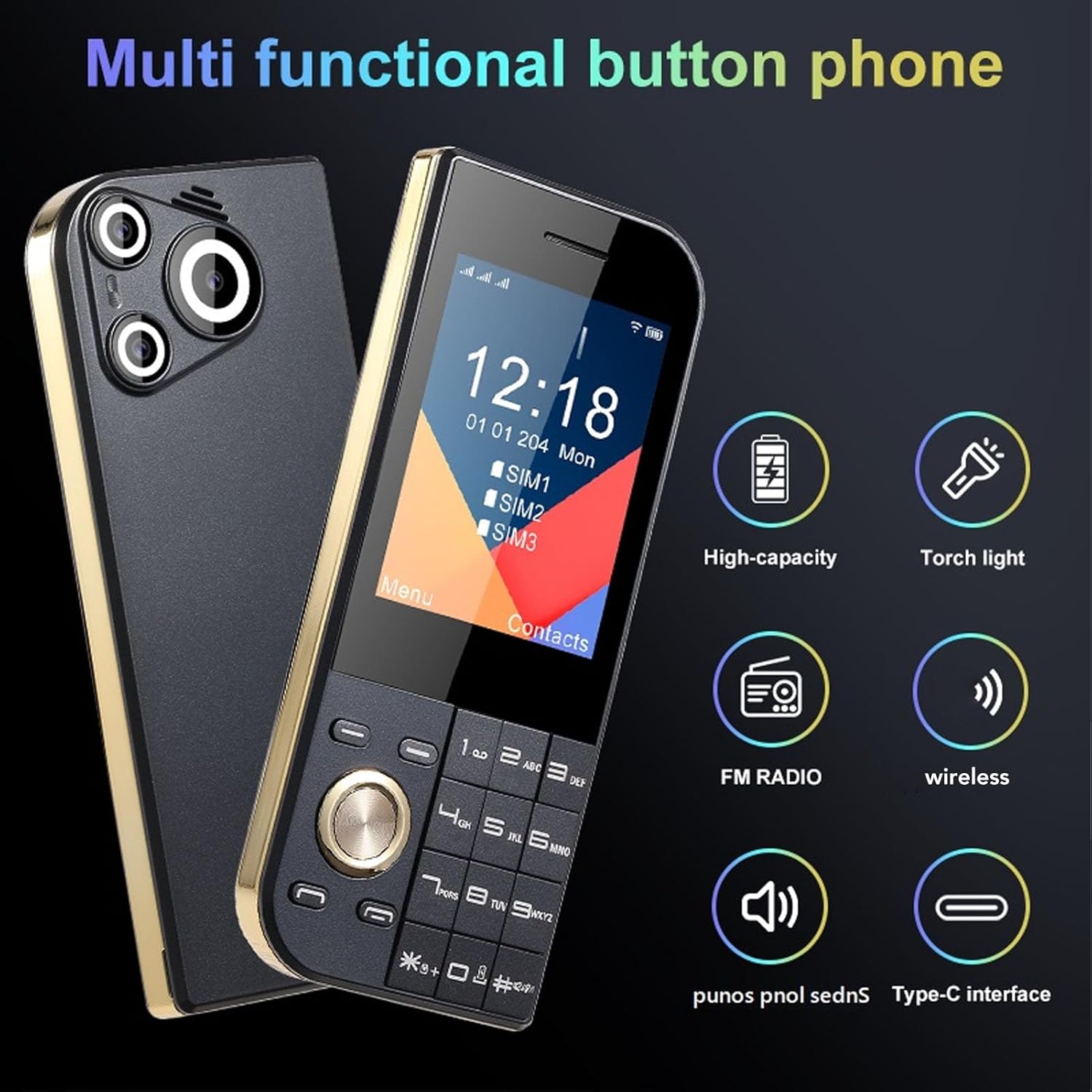
Figure 1: Tangxi 2G Mobile Phone highlighting its multi-functional button phone features.
പാക്കേജ് ഉള്ളടക്കം:
- 1 x Tangxi 2G Mobile Phone
- 1 x ചാർജിംഗ് കേബിൾ
- 1 x ഉപയോക്തൃ മാനുവൽ
2. സജ്ജീകരണ ഗൈഡ്
2.1. സിം കാർഡും മെമ്മറി കാർഡും ഇൻസ്റ്റാൾ ചെയ്യൽ
This phone supports up to three Nano SIM cards and one memory card (up to 64GB, not included). To install, carefully remove the back cover and battery. Insert the Nano SIM cards into the designated slots and the memory card into its slot. Ensure they are correctly oriented. Replace the battery and back cover.
2.2. ബാറ്ററി ചാർജിംഗ്
The phone is equipped with a 3800mAh lithium polymer battery. Before first use, fully charge the device. Connect the provided charging cable to the phone's Type-C charging port and the other end to a compatible power adapter. The charging indicator will show the charging status.

Figure 2: The Type-C charging port allows for easy, blind insertion on both sides.
2.3. പവർ ഓൺ/ഓഫ്
To power on, press and hold the Power button until the screen lights up. To power off, press and hold the Power button, then select 'Power Off' from the options.
2.4. നെറ്റ്വർക്ക് അനുയോജ്യത
Before using the phone, consult with your local carrier to confirm support for GSM frequency bands 850, 900, 1800, and 1900 MHZ.
3. പ്രവർത്തന നിർദ്ദേശങ്ങൾ
3.1. അടിസ്ഥാന നാവിഗേഷൻ
Use the large, tactile buttons for navigation. The directional pad allows you to move through menus, and the 'OK' button confirms selections. The 'Back' button returns to the previous screen.
3.2. കോളുകൾ ചെയ്യലും സ്വീകരിക്കലും
- ഒരു കോൾ ചെയ്യുന്നു: Enter the phone number using the keypad and press the green call button.
- ഒരു കോൾ സ്വീകരിക്കുന്നു: ഫോൺ റിംഗ് ചെയ്യുമ്പോൾ പച്ച കോൾ ബട്ടൺ അമർത്തുക.
- ഒരു കോൾ അവസാനിപ്പിക്കുന്നു: ചുവന്ന എൻഡ് കോൾ ബട്ടൺ അമർത്തുക.
3.3. സന്ദേശമയയ്ക്കൽ
Access the messaging application from the main menu to compose and send text messages. Use the keypad to type messages.
3.4. Multimedia Features
- എഫ്എം റേഡിയോ: The phone features a built-in FM radio that does not require headphones or an external antenna for operation. Access it from the main menu.
- മ്യൂസിക് പ്ലെയർ: ഓഡിയോ പ്ലേ ചെയ്യുക files stored on your memory card using the music player.
- വീഡിയോ പ്ലെയർ: View വീഡിയോ fileനിങ്ങളുടെ മെമ്മറി കാർഡിൽ സംഭരിച്ചിരിക്കുന്നു.
- റെക്കോർഡർ: Use the voice recorder function to capture audio.
- ക്യാമറ: The phone includes a 130,000px camera for taking pictures. Access the camera from the main menu.
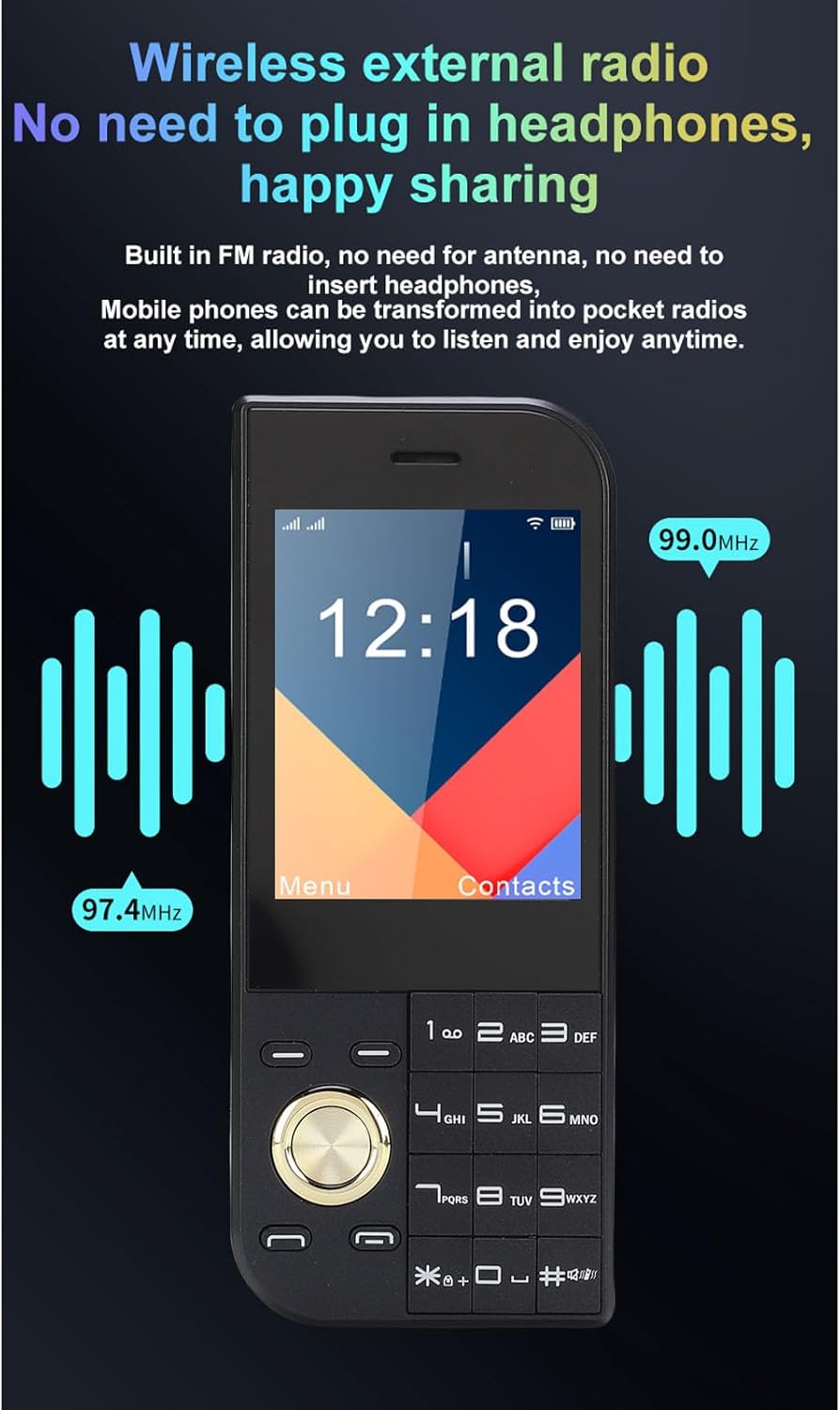
Figure 3: The phone's wireless external radio allows listening without headphones or antenna.

Figure 4: The rear camera allows for easy photo capture.
3.5. Utility Features
- ഫ്ലാഷ്ലൈറ്റ്: Long press the 'OK' button to activate the built-in high brightness flashlight.
- Family Number Setting: Set up quick-dial family numbers for easy access. Refer to the phone's settings menu for configuration.
- വൈബ്രേഷൻ: The phone features a strong vibration function to ensure call and message reminders are not missed, even in noisy environments.
- മറ്റ് ഉപകരണങ്ങൾ: Access Clock, Calculator, Calendar, Bluetooth, and Games from the main menu.

Figure 5: The strong light flashlight provides convenient illumination.

Figure 6: Strong vibration ensures no missed connections.
4. പരിപാലനം
4.1. ബാറ്ററി പരിചരണം
- ബാറ്ററി ലൈഫ് കുറയ്ക്കാൻ സാധ്യതയുള്ള തീവ്രമായ താപനില ഒഴിവാക്കുക.
- ഫോൺ പൂർണ്ണമായും ചാർജ് ചെയ്തതിനുശേഷം അധികനേരം ചാർജിൽ വയ്ക്കരുത്.
- ഫോൺ കൂടുതൽ നേരം ഉപയോഗിക്കാൻ കഴിയുന്നില്ലെങ്കിൽ, സൂക്ഷിക്കുന്നതിന് മുമ്പ് ഏകദേശം 50% വരെ ചാർജ് ചെയ്യുക.
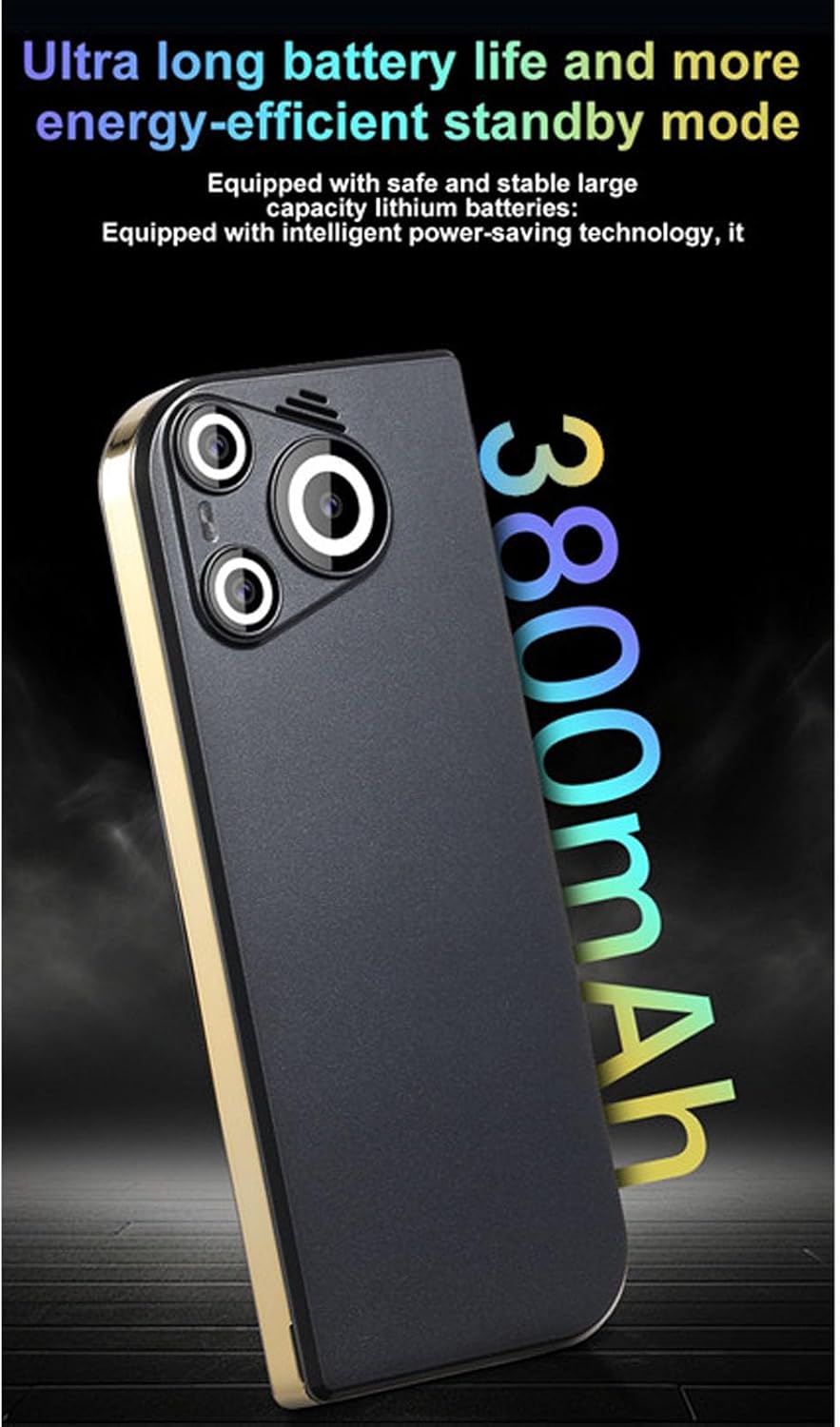
Figure 7: The 3800mAh battery provides ultra-long battery life and energy-efficient standby.
4.2. ഉപകരണം വൃത്തിയാക്കൽ
ഫോണിന്റെ സ്ക്രീനും ബോഡിയും വൃത്തിയാക്കാൻ മൃദുവായതും ഉണങ്ങിയതുമായ തുണി ഉപയോഗിക്കുക. കഠിനമായ രാസവസ്തുക്കളോ ഉരച്ചിലുകളോ ഉള്ള വസ്തുക്കൾ ഉപയോഗിക്കുന്നത് ഒഴിവാക്കുക.
4.3. ജനറൽ കെയർ
Protect the phone from drops and impacts. While the phone features a sturdy body, excessive force can cause damage.

Figure 8: The phone features a sturdy, dustproof, and anti-drop design for durability.
5. പ്രശ്നപരിഹാരം
5.1. Phone Not Turning On
- ബാറ്ററി ശരിയായി ഇൻസ്റ്റാൾ ചെയ്തിട്ടുണ്ടെന്നും ചാർജ്ജ് ചെയ്തിട്ടുണ്ടെന്നും ഉറപ്പാക്കുക.
- Press and hold the Power button for several seconds.
5.2. No Network Signal
- Check if the SIM card(s) are correctly inserted.
- Verify that your local carrier supports the phone's GSM frequency bands (850/900/1800/1900 MHZ).
- മികച്ച നെറ്റ്വർക്ക് കവറേജ് ഉള്ള ഒരു പ്രദേശത്തേക്ക് മാറുക.
5.3. ചാർജിംഗ് പ്രശ്നങ്ങൾ
- ചാർജിംഗ് കേബിളും അഡാപ്റ്ററും സുരക്ഷിതമായി ബന്ധിപ്പിച്ചിട്ടുണ്ടെന്ന് ഉറപ്പാക്കുക.
- Try using a different compatible charging cable and adapter.
- ചാർജിംഗ് പോർട്ടിൽ എന്തെങ്കിലും അവശിഷ്ടങ്ങൾ ഉണ്ടോ എന്ന് പരിശോധിക്കുക.
5.4. Buttons Unresponsive
- ഫോൺ പുനരാരംഭിക്കുക.
- Ensure the phone is clean and free from dirt or moisture around the buttons.
6 സ്പെസിഫിക്കേഷനുകൾ
| ഫീച്ചർ | സ്പെസിഫിക്കേഷൻ |
|---|---|
| ഇനം തരം | 2G മൊബൈൽ ഫോൺ |
| മെറ്റീരിയൽ | എബിഎസ് |
| സ്ക്രീൻ വലിപ്പം | 2.8 ഇഞ്ച് |
| Camera (Pixels) | 130,000px |
| ബാറ്ററി | Built-in Lithium Polymer 3800mAh |
| മെമ്മറി | 32MB and 64MB (Supports up to 64GB, Not Included) |
| Network Format | GSM: 850 900 1800 1900 MHZ |
| കാർഡ് സ്ലോട്ടുകൾ | 4 Slots (Triple SIM Standby: 1 Memory Card and 3 SIM Cards) |
| ഭാഷകൾ | English, Arabic, French, Indonesian, Portuguese, Russian, Spanish, Thai, Serbian |
| ഇനത്തിൻ്റെ ഭാരം | 5.9 ഔൺസ് |
| പാക്കേജ് അളവുകൾ | 5.51 x 3.54 x 2.36 ഇഞ്ച് |
7. വാറൻ്റിയും പിന്തുണയും
For warranty information and technical support, please refer to the documentation included with your purchase or contact Tangxi customer service. Keep your proof of purchase for any warranty claims.