
ആമുഖം
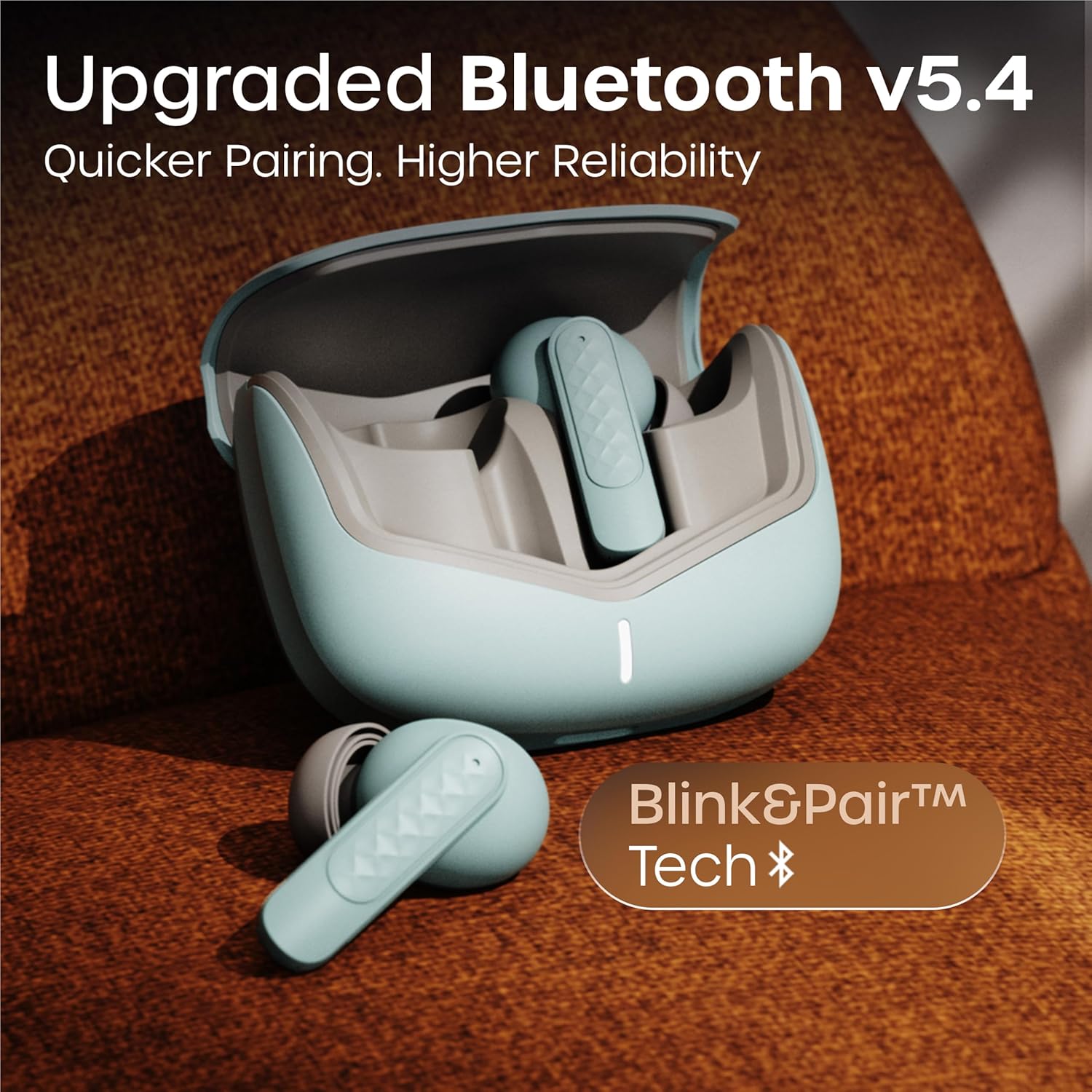
Thank you for choosing the GOBOULT Z40 V2.0 True Wireless Earbuds. These earbuds are designed to provide a superior audio experience with advanced features such as 70 hours of total playtime, Quad Mic Environmental Noise Cancellation (ENC), 45ms low latency for gaming, and Bluetooth 5.4 connectivity. This manual will guide you through the setup, operation, maintenance, and troubleshooting of your new earbuds.
ബോക്സിൽ എന്താണുള്ളത്
എല്ലാ ഇനങ്ങളും ഉണ്ടെന്ന് ഉറപ്പാക്കാൻ പാക്കേജ് ഉള്ളടക്കങ്ങൾ പരിശോധിക്കുക:
- GOBOULT Z40 V2.0 Earbuds
- ചാർജിംഗ് കേസ്
- യുഎസ്ബി ചാർജിംഗ് കേബിൾ
- ഇയർടിപ്പുകൾ (വിവിധ വലുപ്പങ്ങൾ)
- ഉപയോക്തൃ മാനുവൽ
- വാറൻ്റി കാർഡ്
ഉൽപ്പന്നം കഴിഞ്ഞുview
The GOBOULT Z40 V2.0 earbuds offer a range of features for enhanced audio and communication.


സജ്ജമാക്കുക
പ്രാരംഭ ചാർജിംഗ്
Before first use, ensure both the earbuds and the charging case are fully charged. Connect the charging case to a power source using the provided USB cable. The LED indicator on the case will show charging status. A 10-minute charge can provide approximately 120 minutes of playtime.

നിങ്ങളുടെ ഉപകരണം ഉപയോഗിച്ച് ജോടിയാക്കുന്നു
- ചാർജിംഗ് കേസിന്റെ ലിഡ് തുറക്കുക. ഇയർബഡുകൾ സ്വയമേവ ഓൺ ചെയ്യുകയും ജോടിയാക്കൽ മോഡിൽ പ്രവേശിക്കുകയും ചെയ്യും.
- നിങ്ങളുടെ സ്മാർട്ട്ഫോണിലോ ബ്ലൂടൂത്ത് പ്രവർത്തനക്ഷമമാക്കിയ ഉപകരണത്തിലോ, ബ്ലൂടൂത്ത് ക്രമീകരണങ്ങളിലേക്ക് പോകുക.
- ഇതിനായി തിരയുക available devices and select 'GOBOULT Z40 V2.0' from the list.
- Once connected, you will hear a confirmation tone, and the LED indicator on the earbuds will change.
The earbuds utilize Bluetooth 5.4 technology for a stable and efficient connection.
പ്രവർത്തന നിർദ്ദേശങ്ങൾ
പവർ ഓൺ/ഓഫ്
- പവർ ഓൺ: ചാർജിംഗ് കേസ് തുറക്കുക, ഇയർബഡുകൾ സ്വയമേവ പവർ ഓൺ ആകും. പകരമായി, രണ്ട് ഇയർബഡുകളിലെയും ടച്ച് ഏരിയ 3 സെക്കൻഡ് ദീർഘനേരം അമർത്തിപ്പിടിക്കുക.
- പവർ ഓഫ്: Place the earbuds back into the charging case and close the lid. Alternatively, long-press the touch area on both earbuds for 5 seconds.
സംഗീത പ്ലേബാക്ക്
| ആക്ഷൻ | ടച്ച് നിയന്ത്രണം |
|---|---|
| പ്ലേ/താൽക്കാലികമായി നിർത്തുക | ഏതെങ്കിലും ഇയർബഡിൽ ഒറ്റ ടാപ്പ് ചെയ്യുക |
| അടുത്ത ട്രാക്ക് | വലതുവശത്തെ ഇയർബഡിൽ രണ്ടുതവണ ടാപ്പ് ചെയ്യുക |
| മുമ്പത്തെ ട്രാക്ക് | ഇടതുവശത്തെ ഇയർബഡിൽ രണ്ടുതവണ ടാപ്പ് ചെയ്യുക |
| വോളിയം കൂട്ടുക | വലത് ഇയർബഡിൽ മൂന്ന് തവണ ടാപ്പ് ചെയ്യുക |
| വോളിയം ഡൗൺ | ഇടത് ഇയർബഡിൽ മൂന്ന് തവണ ടാപ്പ് ചെയ്യുക |
കോൾ മാനേജുമെന്റ്
| ആക്ഷൻ | ടച്ച് നിയന്ത്രണം |
|---|---|
| ഉത്തരം / കോൾ അവസാനിപ്പിക്കുക | ഏതെങ്കിലും ഇയർബഡിൽ ഒറ്റ ടാപ്പ് ചെയ്യുക |
| കോൾ നിരസിക്കുക | ഇയർബഡുകളിൽ ഏതെങ്കിലുമൊന്നിൽ 2 സെക്കൻഡ് ദീർഘനേരം അമർത്തിപ്പിടിക്കുക |
The Quad Mic Environmental Noise Cancellation (ENC) ensures clear voice calls by minimizing background noise, making them ideal for office calls and online meetings.

വോയ്സ് അസിസ്റ്റൻ്റ്
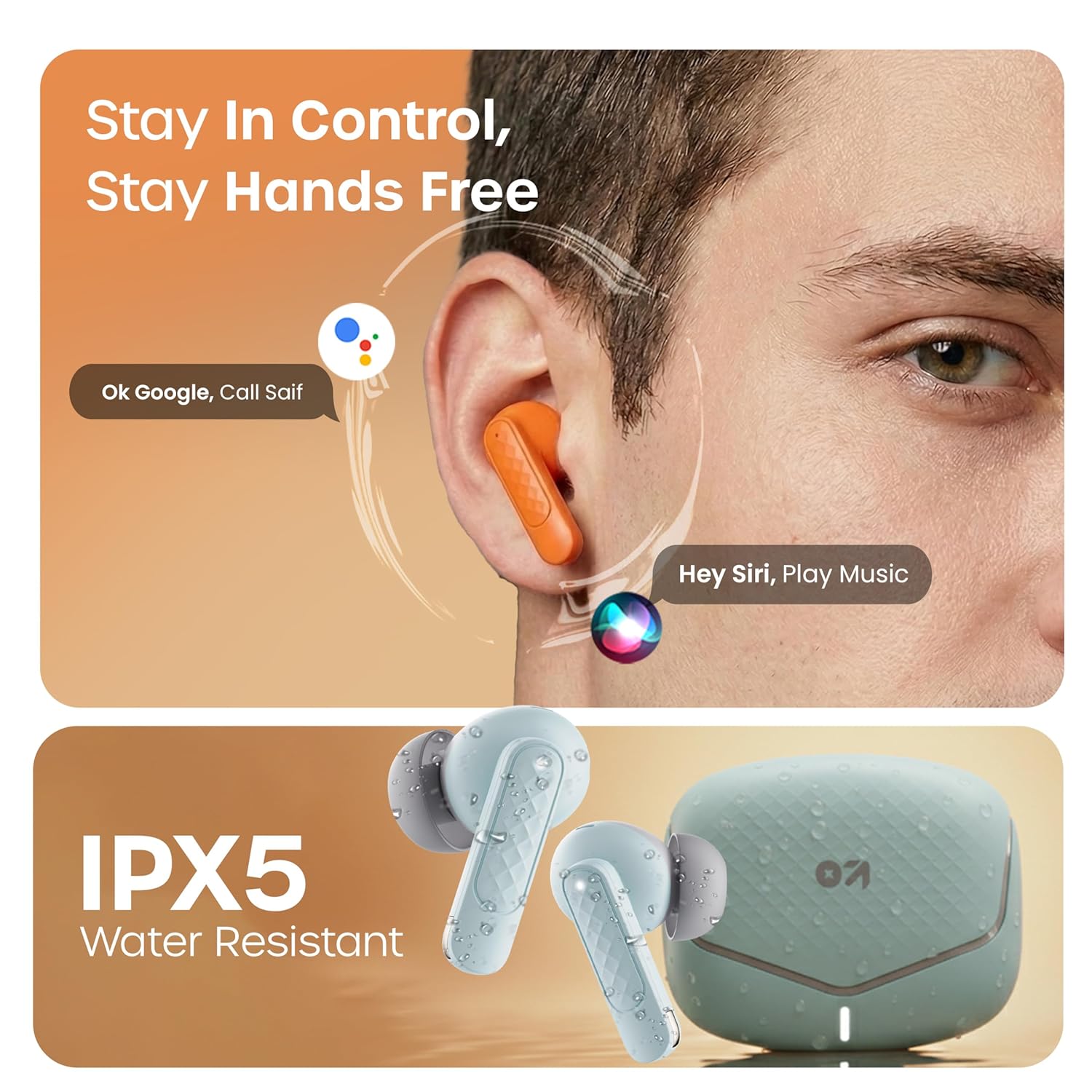
Activate your device's voice assistant (e.g., Google Assistant, Siri) by long-pressing the touch area on either earbud for 2 seconds (when not on a call).
ഗെയിമിംഗ് മോഡ്
Activate the low latency gaming mode for a synchronized audio experience during gaming. This mode reduces audio delay to 45 milliseconds, providing faster responses and an immersive gaming experience.
- ഗെയിമിംഗ് മോഡ് സജീവമാക്കുക: Long press the touch area on the left earbud for 2 seconds.
- ഗെയിമിംഗ് മോഡ് നിർജ്ജീവമാക്കുക: Repeat the same action.

മെയിൻ്റനൻസ്
വൃത്തിയാക്കൽ
Regularly clean your earbuds and charging case to ensure optimal performance and hygiene. Use a soft, dry, lint-free cloth. Do not use abrasive cleaners, solvents, or harsh chemicals. Gently remove any earwax or debris from the eartips and speaker mesh.
ജല പ്രതിരോധം
The GOBOULT Z40 V2.0 earbuds are IPX5 water-resistant, meaning they are protected against sweat and splashes. They are suitable for workouts and outdoor activities. However, they are not designed for swimming or submersion in water. Avoid exposing them to heavy rain or direct water jets.
ട്രബിൾഷൂട്ടിംഗ്
If you encounter any issues with your GOBOULT Z40 V2.0 earbuds, please refer to the following common solutions:
- ശബ്ദമില്ല:
- ഇയർബഡുകൾ നിങ്ങളുടെ ഉപകരണവുമായി ശരിയായി ജോടിയാക്കിയിട്ടുണ്ടെന്ന് ഉറപ്പാക്കുക.
- നിങ്ങളുടെ ഉപകരണത്തിലെയും ഇയർബഡുകളിലെയും വോളിയം ലെവൽ പരിശോധിക്കുക.
- Make sure the earbuds are seated correctly in your ears.
- ജോടിയാക്കാൻ കഴിയില്ല:
- Ensure the earbuds are charged and in pairing mode (LED blinking).
- നിങ്ങളുടെ ഉപകരണത്തിൽ Bluetooth ഓഫാക്കി ഓണാക്കുക.
- ഇയർബഡുകൾ നിങ്ങളുടെ ഉപകരണത്തിന് അടുത്തേക്ക് നീക്കുക.
- നിങ്ങളുടെ ബ്ലൂടൂത്ത് ലിസ്റ്റിൽ നിന്ന് ഉപകരണം മറന്ന് വീണ്ടും ജോടിയാക്കാൻ ശ്രമിക്കുക.
- ഒരു ഇയർബഡ് പ്രവർത്തിക്കുന്നില്ല:
- രണ്ട് ഇയർബഡുകളും ചാർജിംഗ് കെയ്സിലേക്ക് തിരികെ വയ്ക്കുക, ലിഡ് അടയ്ക്കുക, തുടർന്ന് കണക്ഷൻ പുനഃസജ്ജമാക്കാൻ അത് വീണ്ടും തുറക്കുക.
- രണ്ട് ഇയർബഡുകളും ചാർജ്ജ് ചെയ്തിട്ടുണ്ടെന്ന് ഉറപ്പാക്കുക.
- ചാർജിംഗ് പ്രശ്നങ്ങൾ:
- ചാർജിംഗ് കേബിൾ കേസിലേക്കും പവർ സ്രോതസ്സിലേക്കും സുരക്ഷിതമായി ബന്ധിപ്പിച്ചിട്ടുണ്ടോയെന്ന് പരിശോധിക്കുക.
- ഇയർബഡുകളിലെയും കേസിനുള്ളിലെയും ചാർജിംഗ് കോൺടാക്റ്റുകൾ വൃത്തിയുള്ളതും അവശിഷ്ടങ്ങളില്ലാത്തതുമാണെന്ന് ഉറപ്പാക്കുക.
- മറ്റൊരു ചാർജിംഗ് കേബിളോ പവർ അഡാപ്റ്ററോ പരീക്ഷിച്ചുനോക്കൂ.
സ്പെസിഫിക്കേഷനുകൾ
| ഫീച്ചർ | വിശദാംശങ്ങൾ |
|---|---|
| ബ്രാൻഡ് | ഗോബോൾട്ട് |
| മോഡലിൻ്റെ പേര് | Z40 V2.0 (Airbass) |
| ചെവി പ്ലേസ്മെൻ്റ് | ചെവിയിൽ |
| ശബ്ദ നിയന്ത്രണം | പരിസ്ഥിതി ശബ്ദ റദ്ദാക്കൽ (ക്വാഡ് മൈക്ക്) |
| ബാറ്ററി ശരാശരി ആയുസ്സ് | 70 മണിക്കൂർ (ചാർജിംഗ് കേസിനൊപ്പം) |
| ബാറ്ററി ചാർജ് സമയം | 10 Minutes for 120 Minutes Playtime |
| ഓഡിയോ ഡ്രൈവർ വലിപ്പം | 13 മില്ലിമീറ്റർ |
| ഓഡിയോ ലേറ്റൻസി | 45 മില്ലിസെക്കൻഡ് (ഗെയിമിംഗ് മോഡ്) |
| നിയന്ത്രണ രീതി | സ്പർശിക്കുക |
| ജല പ്രതിരോധ നില | IPX5 (വാട്ടർ റെസിസ്റ്റൻ്റ്) |
| വയർലെസ് ടെക്നോളജി തരം | ബ്ലൂടൂത്ത് |
| ബ്ലൂടൂത്ത് പതിപ്പ് | 5.4 |
| ബ്ലൂടൂത്ത് ശ്രേണി | 10 മീറ്റർ |
| ഇനത്തിൻ്റെ ഭാരം | 0.6 Kilograms (total package weight) |
| ബോക്സ് ഉള്ളടക്കം | Cable, Eartip, User Manual, Warranty Card, Z40v2.0 Earbuds |
വാറൻ്റിയും പിന്തുണയും
വാറൻ്റി വിവരങ്ങൾ
The GOBOULT Z40 V2.0 True Wireless Earbuds are backed by a 1 വർഷത്തെ നിർമ്മാതാവിന്റെ വാറന്റി from the date of purchase. This warranty covers manufacturing defects. Please retain your purchase receipt as proof of purchase for warranty claims.
ഉപഭോക്തൃ പിന്തുണ
For any technical assistance, warranty claims, or product-related inquiries, please refer to the contact information provided on the warranty card included in your product box. You may also visit the official GOBOULT website for further support resources.