
ആമുഖം
Thank you for choosing the OGERY F11 Camping Fan. This portable and rechargeable fan is designed to provide powerful airflow, versatile lighting, and convenient charging capabilities for various outdoor and indoor activities. With its 20000mAh battery, stepless speed control, remote operation, and integrated LED lantern, the F11 is an essential companion for camping, travel, car use, and emergency backup.
ഉൽപ്പന്നം കഴിഞ്ഞുview
OGERY F11 C എന്ന പേരിൽ ഒരു പുതിയ കാർ പുറത്തിറങ്ങി.amping Fan combines a powerful fan with an LED lantern and a power bank function. It features a robust design suitable for rugged environments and offers multiple ways to position it for optimal comfort.
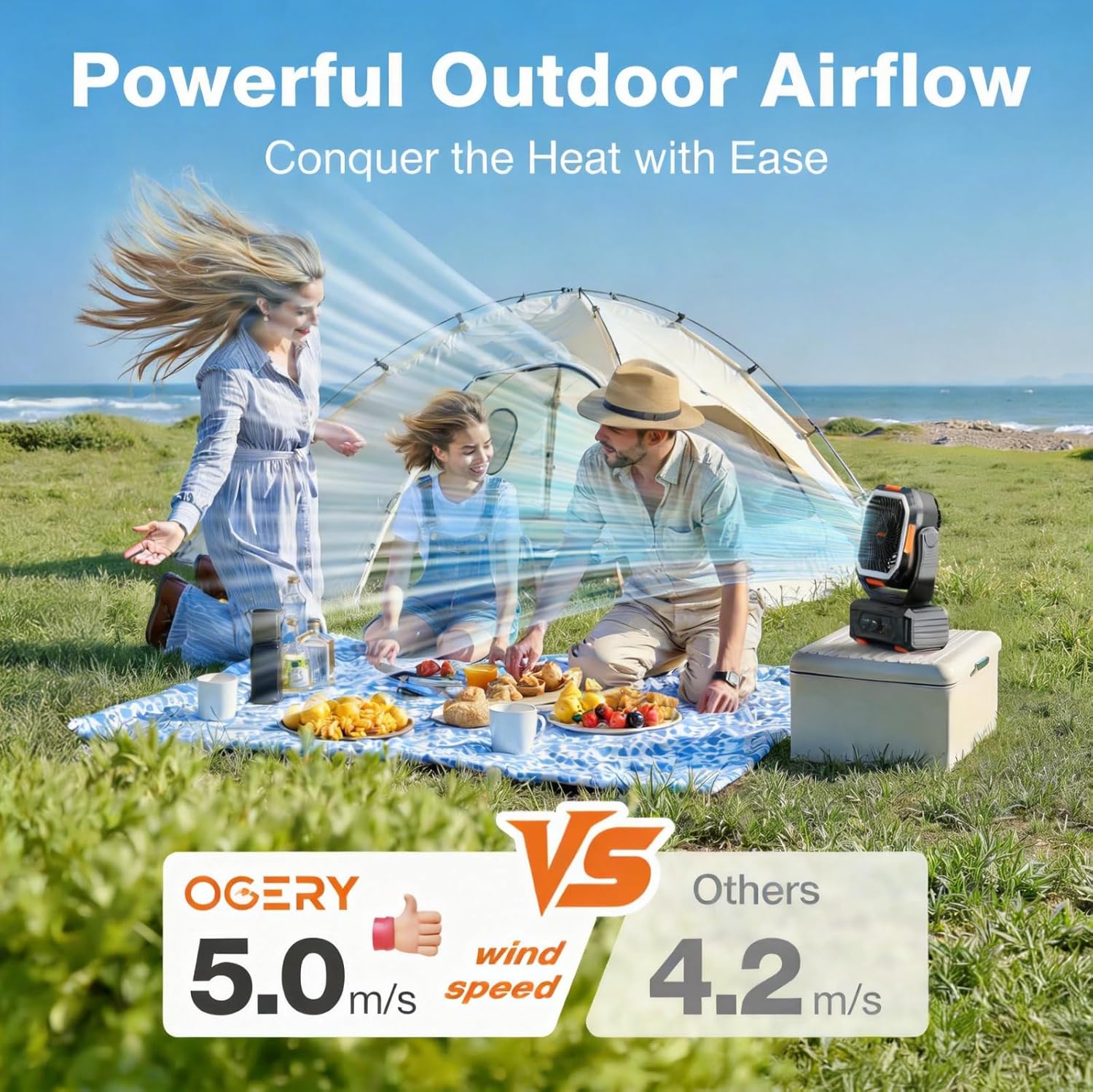
Image: The OGERY F11 Camping Fan, showcasing its compact and robust design with integrated fan and LED light ring.
പാക്കേജ് ഉള്ളടക്കം
- 1 × OGERY F11 Campഫാൻ
- 1 × റിമോട്ട് കൺട്രോൾ
- 1 × USB Charging Cable (USB-C to USB-C)
- 1 × ഉപയോക്തൃ മാനുവൽ
സജ്ജമാക്കുക
പ്രാരംഭ ചാർജിംഗ്
Before first use, fully charge the OGERY F11 Camping Fan. Connect the provided USB-C charging cable to the fan's IN/OUT port and to a compatible 18W fast charger (not included). The battery indicator lights on the control panel will show the charging progress. A full charge takes approximately 7.5 hours.

Image: The OGERY F11 Camping Fan connected for 18W fast charging, illustrating the charging process.
റിമോട്ട് കൺട്രോൾ ആക്ടിവേഷൻ
The remote control comes with a protective tab to prevent battery drain. Pull out this tab before first use. The remote can be stored in a dedicated slot on the fan's base.
Video: An unboxing and initial setup guide for the OGERY F11 Camping Fan, demonstrating how to remove the remote control's battery tab and its storage location.
പ്രവർത്തന നിർദ്ദേശങ്ങൾ
നിയന്ത്രണ പാനൽ ഓവർview
The fan's base features a control panel with various buttons and indicators:
- പവർ സൂചകം: ബാറ്ററി ലെവൽ കാണിക്കുന്നു.
- ഫാൻ സ്പീഡ് സൂചകം: നിലവിലെ ഫാൻ വേഗത പ്രദർശിപ്പിക്കുന്നു.
- ടൈമർ സൂചകം: Shows active timer setting.
- Rocking Head Indicator: Indicates oscillation status.
- സ്ലീപ്പ് ബട്ടൺ: Activates/deactivates night mode (turns off blue indicator lights).
- ലൈറ്റിംഗ് ബട്ടൺ: Cycles through 3 brightness levels for the LED lantern.
- Fan Speed Control Knob: Turns the fan ON/OFF and adjusts stepless speed.
- ഓസിലേഷൻ ബട്ടൺ: Activates/deactivates oscillation (30°/60°/90°/120°).
- ടൈമർ ബട്ടൺ: Sets the auto-off timer (1H/2H/4H/8H).

ചിത്രം: വിശദമായത് view of the OGERY F11 Camping Fan's control panel, highlighting each button and indicator.
ഫാൻ ഓപ്പറേഷൻ
- പവർ ഓൺ/ഓഫ്: Press the Fan Speed Control Knob to turn the fan ON. Press again to turn OFF.
- ഫാൻ വേഗത ക്രമീകരിക്കുക: Rotate the Fan Speed Control Knob clockwise to increase speed, counter-clockwise to decrease. The fan offers stepless speed control for precise airflow adjustment.
- ഓസിലേഷൻ: Press the Oscillation Button to activate the automatic left-right swing. Press again to cycle through 30°/60°/90°/120° angles or turn off.
- ലംബ ചെരിവ്: Manually adjust the fan head up or down by 270° to direct airflow.

Image: The OGERY F11 Camping Fan demonstrating its stepless speed control, allowing users to fine-tune airflow.

Image: The OGERY F11 Camping Fan illustrating its 270° vertical tilt and automatic oscillation for omnidirectional airflow.
LED Lantern Operation
Press the Lighting Button to turn on the LED lantern. Each press cycles through 3 brightness levels (Low, Medium, Strong). Press a fourth time to turn the light off.

Image: The OGERY F11 Camping Fan's LED lantern with three brightness levels, suitable for various lighting needs in a tent.
Night Mode & Timer
- രാത്രി മോഡ്: Press the Sleep Button to turn off all blue indicator lights on the control panel for an undisturbed sleep environment. Press again to reactivate.
- ടൈമർ: Press the Timer Button to set an auto-off timer for 1, 2, 4, or 8 hours. The corresponding indicator light will illuminate.

Image: The OGERY F11 Camping Fan highlighting its low noise operation and night-friendly features like indicator light off function and timer settings.
വിദൂര നിയന്ത്രണ പ്രവർത്തനങ്ങൾ
The included remote control duplicates all major functions of the control panel, allowing convenient adjustments from a distance.
- പവർ ഓൺ/ഓഫ്: Central OFF button.
- ഫാൻ വേഗത: '+' and '-' buttons for increasinഗ്രാം/ഡിക്രിasinഗ്രാം ഫാൻ വേഗത.
- ലൈറ്റിംഗ്: Sun icon buttons for increasinഗ്രാം/ഡിക്രിasing light brightness.
- ഓസിലേഷൻ: Circular arrow button.
- രാത്രി മോഡ്: Moon and stars icon button.
- ടൈമർ: Clock icon button.

Image: Layout of the OGERY F11 Camping Fan's remote control, showing buttons for power, fan speed, lighting, oscillation, night mode, and timer.
വീഡിയോ: ഒരു ആഴത്തിലുള്ള പുനരവലോകനംview of the OGERY F11 Camping Fan, demonstrating the remote control's functionality for fan speed, oscillation, and light settings.
പവർ ബാങ്ക് പ്രവർത്തനം
The fan features USB and USB-C output ports, allowing it to charge up to two small devices simultaneously with up to 22.5W max output. This is ideal for charging phones, tablets, or other small electronics during campയാത്രകൾ അല്ലെങ്കിൽ വൈദ്യുതിtages.

Image: The OGERY F11 Camping Fan being used as a power bank, charging a mobile phone and a tablet via its USB and USB-C output ports.
മൗണ്ടിംഗ് ഓപ്ഷനുകൾ
The OGERY F11 offers multiple ways to be positioned:
- ഫ്രീസ്റ്റാൻഡിംഗ്: Use it on any flat surface like a table or desk.
- ബിൽറ്റ്-ഇൻ കാരി ഹാൻഡിൽ: Easily transport the fan or use it as a handheld device.
- 360° Rotating Hook: Hang the fan inside a tent, on a branch, or any suitable overhead point. The hook rotates for flexible positioning.

Image: The OGERY F11 Camping Fan hanging inside a tent, demonstrating its integrated hook for overhead placement.
Video: A demonstration of the OGERY F11 Camping Fan's versatile mounting options, including its ability to stand on a surface or hang from its integrated hook.
മെയിൻ്റനൻസ്
- വൃത്തിയാക്കൽ: Ensure the fan is turned off and unplugged before cleaning. Use a soft, dry cloth to wipe down the exterior. Do not use abrasive cleaners or immerse the unit in water.
- സംഭരണം: ഉപയോഗത്തിലില്ലാത്തപ്പോൾ തണുത്തതും വരണ്ടതുമായ സ്ഥലത്ത് ഫാൻ സൂക്ഷിക്കുക.
ട്രബിൾഷൂട്ടിംഗ്
- ഫാൻ ഓണാകുന്നില്ല: Check battery level and ensure it is charged.
- റിമോട്ട് കൺട്രോൾ പ്രവർത്തിക്കുന്നില്ല: Ensure the protective tab has been removed from the battery compartment. Check battery orientation.
- Oscillation not working: Ensure the remote control is not stored in its slot on the fan base while oscillation is active, as this can obstruct movement.
- ലൈറ്റ് ഓണാക്കുന്നില്ല: Ensure the fan has sufficient battery charge.
സ്പെസിഫിക്കേഷനുകൾ
| ബ്രാൻഡ് | ഓഗറി |
| മോഡലിൻ്റെ പേര് | F11fan |
| മോഡൽ നമ്പർ | F11 |
| പവർ ഉറവിടം | ബാറ്ററി പവർ |
| ബാറ്ററി ശേഷി | 20000mAh |
| ഉൽപ്പന്ന അളവുകൾ | 4.3"D x 9.5"W x 15"H |
| മെറ്റീരിയൽ | അക്രിലോണിട്രൈൽ ബ്യൂട്ടാഡൈൻ സ്റ്റൈറൈൻ |
| പ്രത്യേക സവിശേഷതകൾ | LED Light, Oscillating, Remote Control, Stepless Speed Regulation |
| ഇൻപുട്ട് ചാർജ് ചെയ്യുന്നു | 18W Max Fast Charging (USB-C) |
| പവർ ഔട്ട്പുട്ട് | 22.5W Max (USB & USB-C) |
വാറൻ്റിയും പിന്തുണയും
For warranty information or technical support, please refer to the contact details provided in your product packaging or visit the official OGERY webസൈറ്റ്. വാറൻ്റി ക്ലെയിമുകൾക്കായി നിങ്ങളുടെ വാങ്ങൽ രസീത് സൂക്ഷിക്കുക.