
1. ആമുഖം
This manual provides instructions for the setup, operation, and maintenance of your NIIMBOT B2 Pro Label Maker Machine. Please read this manual thoroughly before using the device to ensure proper function and longevity.
2. പാക്കേജ് ഉള്ളടക്കം
പാക്കേജിൽ എല്ലാ ഇനങ്ങളും ഉണ്ടെന്ന് ഉറപ്പാക്കുക:
- NIIMBOT B2 Pro Label Maker (x1)
- ടൈപ്പ്-സി കേബിൾ (x1)
- 50x30mm White Label Tape (x1, pre-installed inside the machine)
- ഉപയോക്തൃ മാനുവൽ (x1)
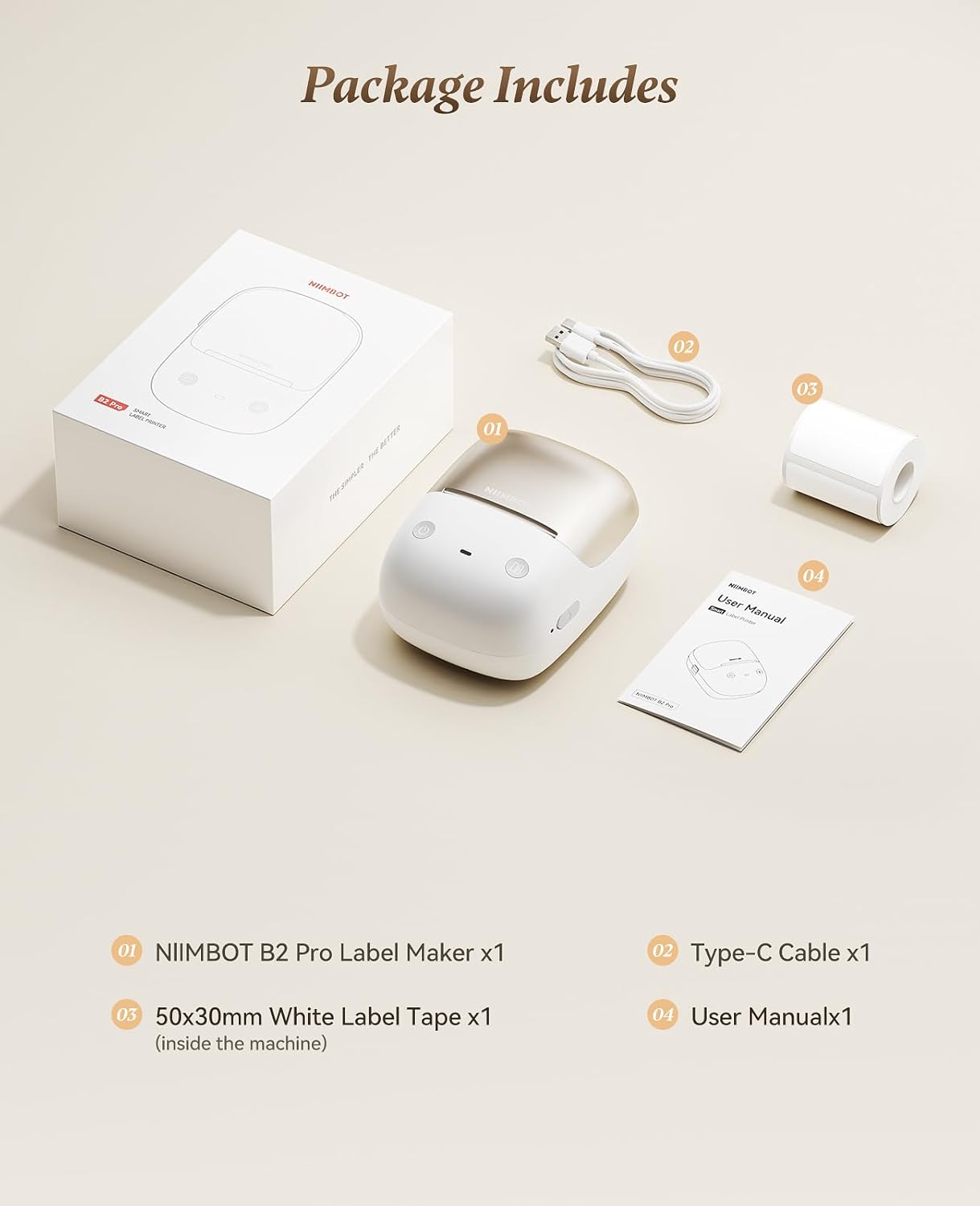
3. ഡിവൈസ് ഓവർview
The NIIMBOT B2 Pro is a portable thermal label printer designed for various labeling needs. It features a 300dpi print head for clear output and supports both mobile and PC connectivity.

പ്രധാന സവിശേഷതകൾ:
- അൾട്രാ പോർട്ടബിൾ ഡിസൈൻ: Weighs approximately 348g, with ergonomic curves for comfortable handling.
- 300dpi High-Definition Printing: Ensures crisp and clear label output. Supports NIIMBOT grayscale photo paper labels and red-and-black dual-color printing.
- One-key Smart Operation: Allows independent operation for real-time, history, and preset template printing without a smartphone or PC after initial setup.
- Multi-Point Bluetooth Connectivity: Connects to mobile devices (iOS and Android) and PC (Windows). Supports simultaneous connection of up to 10 smartphones (3 iOS, 7 Android) for multi-user editing.
- ആപ്പ് സവിശേഷതകൾ: Access to over 1500 icons, borders, 249 free fonts, and 100+ VIP exclusive fonts, with over 1,000 design templates.
- വൈഡ് ലേബൽ അനുയോജ്യത: Supports label widths from 20mm to 50mm.
4. സജ്ജീകരണ ഗൈഡ്
4.1 ഉപകരണം ചാർജ് ചെയ്യുന്നു
Before first use, fully charge the NIIMBOT B2 Pro using the provided Type-C cable. The charging port is located on the device.
4.2 Installing the NIIMBOT App
- Download the "NIIMBOT" app from your mobile device's app store (iOS or Android).
- Alternatively, for PC (Windows), download the NIIMBOT software from the official website. (Note: Incompatible with iPad).

4.3 ഉപകരണത്തിലേക്ക് ബന്ധിപ്പിക്കുന്നു
- Ensure the NIIMBOT B2 Pro is powered on. The power button is typically located on the right side.
- Open the NIIMBOT app on your smartphone or PC.
- Follow the in-app instructions to connect to the printer via Bluetooth.
The device supports simultaneous connection with up to 10 smartphones (3 iOS and 7 Android).
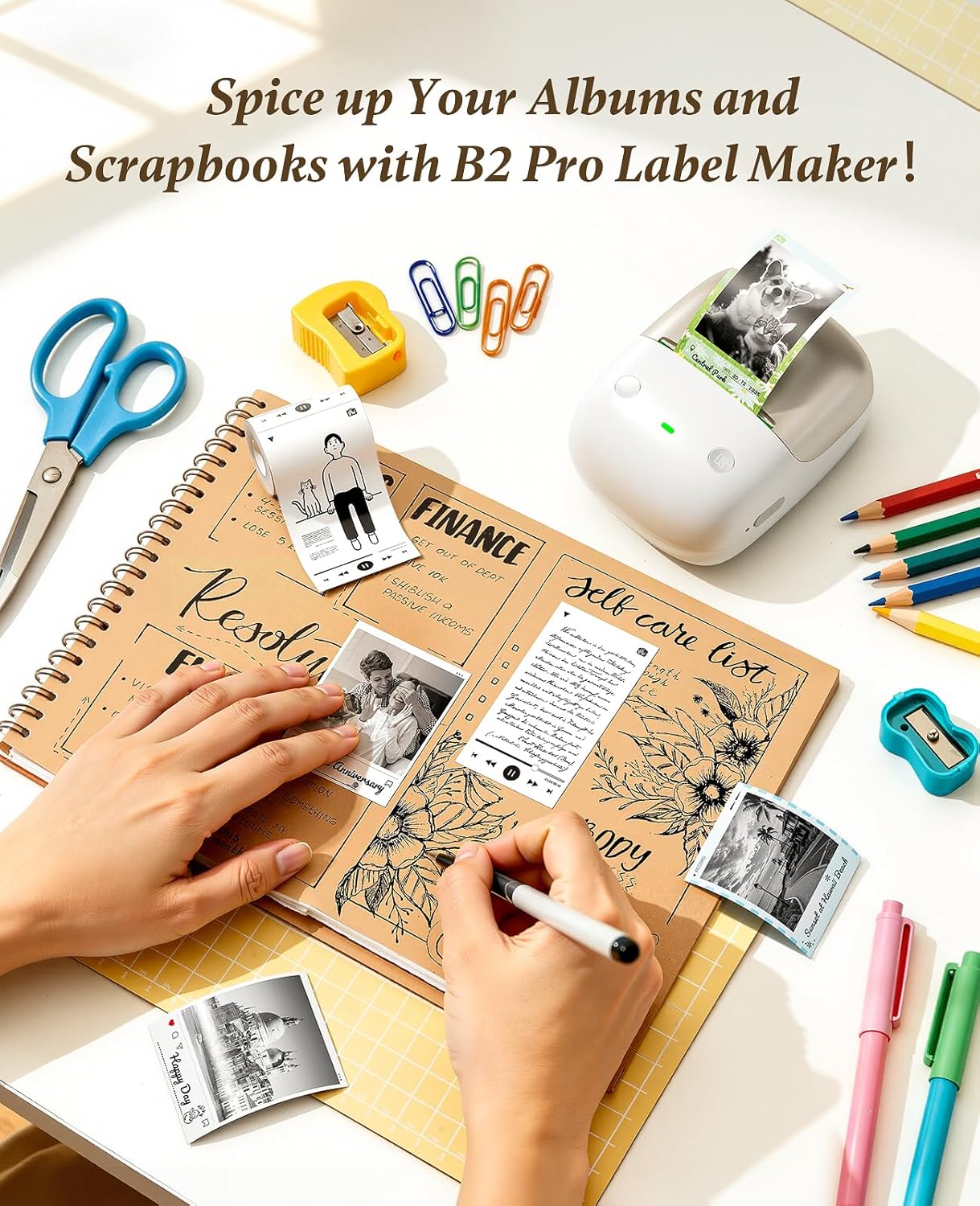
4.4 ലേബൽ ടേപ്പ് ലോഡുചെയ്യുന്നു
The NIIMBOT B2 Pro features a shaftless design for easy label loading.
- ലേബൽ കമ്പാർട്ട്മെന്റ് കവർ തുറക്കുക.
- Place the label roll into the compartment, ensuring the labels feed out correctly.
- കവർ അടയ്ക്കുക. പ്രിന്റർ ലേബലിന്റെ വലുപ്പവും തരവും സ്വയമേവ കണ്ടെത്തും.

5. പ്രവർത്തന നിർദ്ദേശങ്ങൾ
5.1 NIIMBOT ആപ്പ് ഉപയോഗിക്കുന്നു
The NIIMBOT app provides extensive customization options for your labels.
- ടെക്സ്റ്റ് എഡിറ്റിംഗ്: Double-tap a text box to enter content. Adjust font, size, style, and alignment.
- ഐക്കണുകളും ബോർഡറുകളും: Choose from over 1500 icons and 100+ borders to enhance your labels.
- ടെംപ്ലേറ്റുകൾ: Utilize over 1,000 pre-designed templates for various scenarios (catering, office, retail, etc.).
- ഇമേജ് ഇന്റഗ്രേഷൻ: Import your own photos for personalized projects.
- ബഹുഭാഷാ പിന്തുണ: The app supports multiple languages.

5.2 പ്രിന്റിംഗ് ലേബലുകൾ
After designing your label in the app, tap "Print" to send the job to the B2 Pro. The printer offers three fully configurable offline printing modes:
- Mode 1: Print Real-time: For dynamic information such as expiration dates or material receiving times.
- Mode 2: Print Previous One: Re-print a previously used label without re-editing.
- Mode 3: Designate "My Templates": Print from your saved preset templates for standardized labeling.


6. പ്രശ്നപരിഹാരം
6.1 "Printer connection failed" with Android phone
If you encounter this issue, follow these steps:
- Update the printer's Bluetooth firmware via an iOS device or PC cloud printing.
- After the update, double-press the printer's power button to print a self-test page.
- Verify that the Bluetooth version on the self-test page has changed to 7470.
പ്രശ്നങ്ങൾ നിലനിൽക്കുകയാണെങ്കിൽ, സഹായത്തിനായി ഉപഭോക്തൃ പിന്തുണയുമായി ബന്ധപ്പെടുക.
7 സ്പെസിഫിക്കേഷനുകൾ
| ഫീച്ചർ | വിശദാംശങ്ങൾ |
|---|---|
| ബ്രാൻഡ് | നിംബോട്ട് |
| മോഡലിൻ്റെ പേര് | B2 പ്രോ |
| കണക്റ്റിവിറ്റി ടെക്നോളജി | ബ്ലൂടൂത്ത് |
| പ്രിൻ്റിംഗ് ടെക്നോളജി | തെർമൽ |
| പ്രത്യേക ഫീച്ചർ | Bluetooth, Inkless Printing, Portable |
| പ്രിൻ്റർ ഔട്ട്പുട്ട് | മോണോക്രോം |
| പരമാവധി പ്രിന്റ് സ്പീഡ് മോണോക്രോം | 40 മിമി/സെ |
| ഇനത്തിൻ്റെ ഭാരം | 12 ഔൺസ് (ഏകദേശം 340 ഗ്രാം) |
| ഉൽപ്പന്ന അളവുകൾ (D x W x H) | 5" x 2.6" x 3.6" |
| അച്ചടി മാധ്യമം | ലേബലുകൾ |
| റെസലൂഷൻ | 300 x 300 ബിപിഐ |
| പരമാവധി മീഡിയ വലുപ്പം | 2x14 ഇഞ്ച് |
| Paper Size (Exampലെ) | 2x1.2 ഇഞ്ച് |
| ഇരട്ട-വശങ്ങളുള്ള പ്രിന്റിംഗ് | ഇല്ല (സിംപ്ലക്സ്) |

8. വാറൻ്റിയും പിന്തുണയും
8.1 വാറൻ്റി വിവരങ്ങൾ
The NIIMBOT B2 Pro Label Maker Machine comes with a 2 വർഷത്തെ വാറൻ്റി നിർമ്മാതാവിൽ നിന്ന്.
8.2 ഉപഭോക്തൃ പിന്തുണ
For any issues or inquiries not covered in this manual, please contact NIIMBOT customer support. Refer to the product packaging or official NIIMBOT webബന്ധപ്പെടാനുള്ള വിശദാംശങ്ങൾക്കുള്ള സൈറ്റ്.