1. ആമുഖം
This manual provides detailed instructions for the MECHEN D53 MP3 Player. This portable device features a 2.4-inch full touchscreen, Bluetooth 5.3 connectivity, built-in speakers, and supports a wide range of audio formats. It also includes functions such as voice recording, FM radio, e-book reading, and video playback. Please read this manual thoroughly to ensure proper use and maintenance of your device.

Figure 1: MECHEN D53 MP3 Player (Front and Back)
2. ഉൽപ്പന്നം കഴിഞ്ഞുview
2.1 പ്രധാന സവിശേഷതകൾ
- സംഭരണം: 64GB/128GB built-in memory, expandable up to 512GB via memory card.
- കണക്റ്റിവിറ്റി: Bluetooth 5.3 for stable connection with wireless headphones and speakers.
- ഓഡിയോ നിലവാരം: HiFi Lossless Sound Quality with MSONV Super HiFi audio technology and intelligent digital noise reduction chip.
- പ്രദർശിപ്പിക്കുക: 2.4-inch full touchscreen.
- മൾട്ടി ഫങ്ഷണൽ: Includes FM radio, voice recording, Ebook reader, video player, pedometer, photo viewer, and world clock.
- ബിൽറ്റ്-ഇൻ സ്പീക്കർ: For direct audio playback.
- Dual Audio Jack: Allows two listeners simultaneously.
2.2. ഉപകരണ ലേഔട്ട്
The MECHEN D53 MP3 Player features a sleek design with intuitive controls. The front is dominated by the 2.4-inch full touchscreen, while physical buttons are located below the screen for playback control. The device also includes a Type-C port for charging and data transfer, a 3.5mm audio jack, and an FM radio jack.

Figure 2: Device Layout with Type-C, FM Radio, and 3.5mm Audio Jacks
3. സജ്ജീകരണം
3.1 ഉപകരണം ചാർജ് ചെയ്യുന്നു
Before first use, fully charge your MP3 player. Connect the provided Type-C charging cable to the device and a 5V/1A-2A power adapter or a computer's USB port. A full charge typically provides 10-20 hours of battery life.
3.2. ഒരു മെമ്മറി കാർഡ് ചേർക്കൽ (ഓപ്ഷണൽ)
The device supports memory card expansion up to 512GB. Locate the memory card slot on the side of the player. Gently insert a compatible microSD card until it clicks into place.
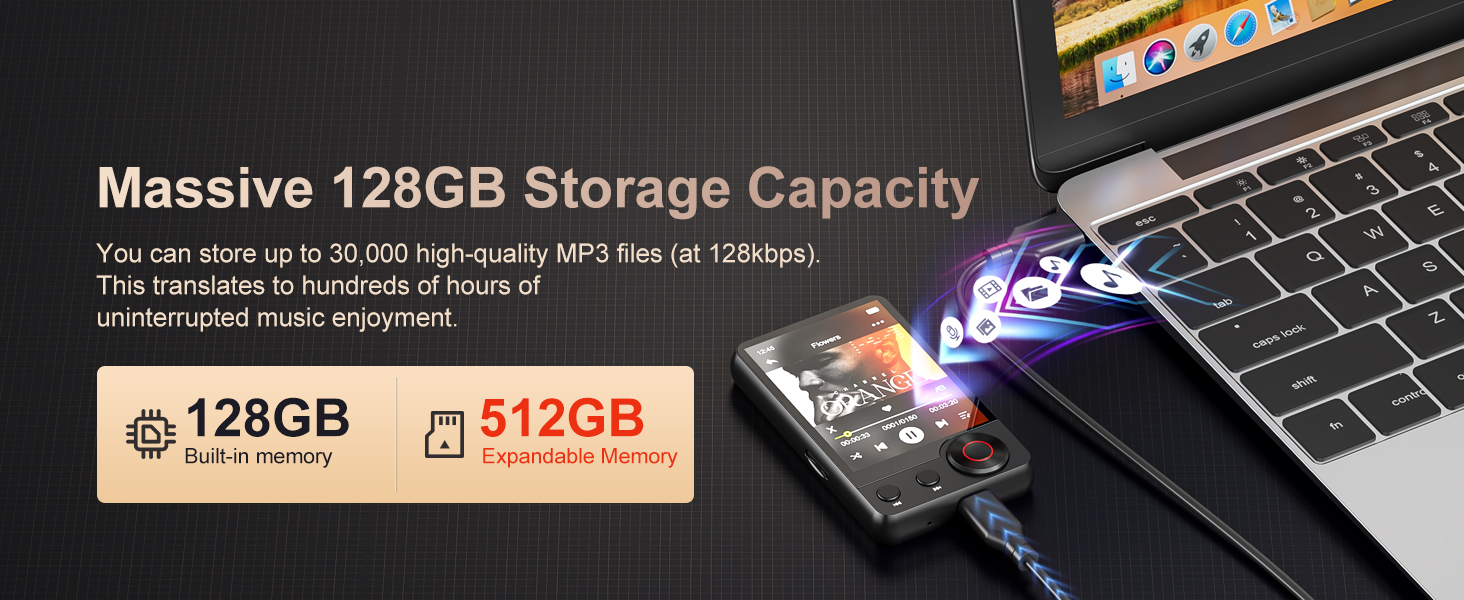
Figure 3: Memory Expansion Slot
3.3. Transferring Music and Files
Connect the MP3 player to your computer using the Type-C USB cable. The device will appear as a removable disk. You can then drag and drop your music files (MP3, WAV, APE, FLAC, WMA, AAC) and other supported files (TXT for Ebooks, AMV/AVI for videos) into the appropriate folders on the player's internal storage or memory card.
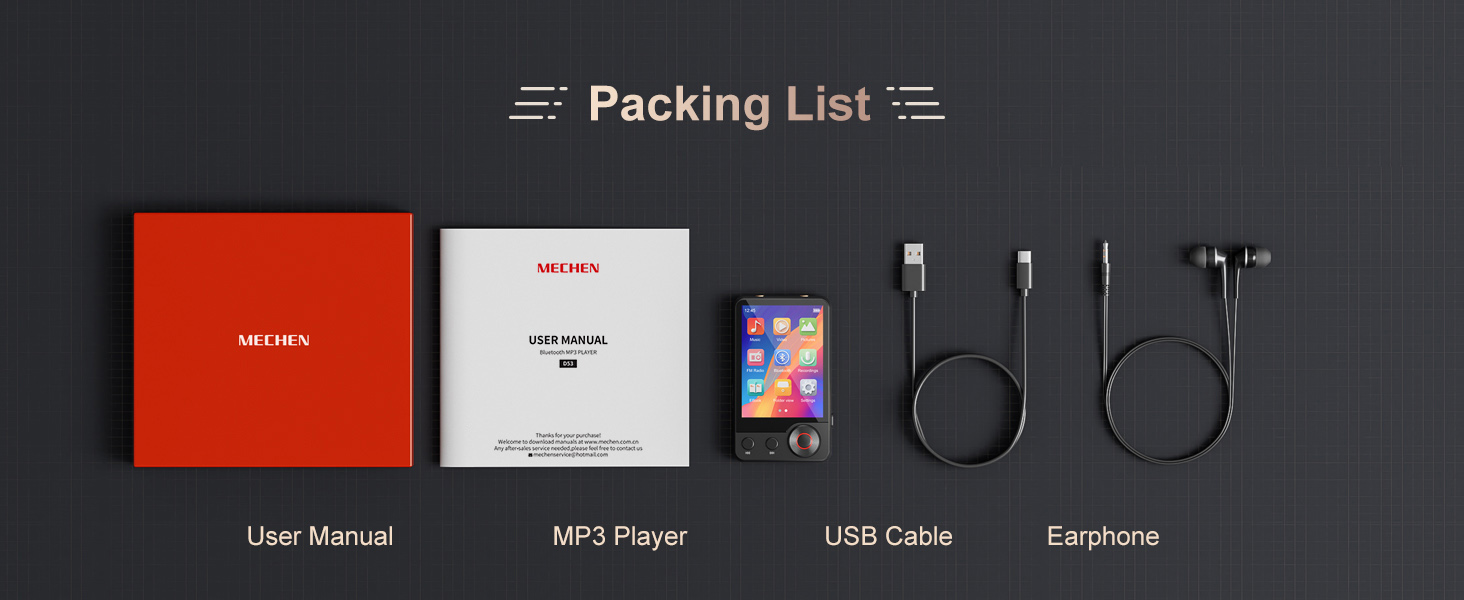
Figure 4: Connecting to a Computer for File കൈമാറ്റം
4. പ്രവർത്തന നിർദ്ദേശങ്ങൾ
4.1. പവർ ഓൺ/ഓഫ്, അടിസ്ഥാന നാവിഗേഷൻ
- പവർ ഓൺ: സ്ക്രീൻ പ്രകാശിക്കുന്നത് വരെ പവർ ബട്ടൺ അമർത്തിപ്പിടിക്കുക.
- പവർ ഓഫ്: Press and hold the power button, then confirm power off on the screen.
- നാവിഗേഷൻ: Use the 2.4-inch full touchscreen to navigate through menus and select functions. Physical buttons below the screen provide additional control for playback (play/pause, skip tracks).
4.2. സംഗീതം പ്ലേബാക്ക്
From the main menu, select "Music" to access your audio library. The player supports MP3, WAV, APE, FLAC, WMA, and AAC formats. Enjoy HIFI lossless sound quality thanks to the MSONV Super HiFi audio technology and dedicated digital noise reduction chip.

ചിത്രം 5: മ്യൂസിക് പ്ലേബാക്ക് ഇന്റർഫേസ്
4.3. ബ്ലൂടൂത്ത് കണക്ഷൻ
The MP3 player features Bluetooth 5.3 for wireless audio.
- നിങ്ങളുടെ ബ്ലൂടൂത്ത് ഹെഡ്ഫോണുകളോ സ്പീക്കറോ പെയറിംഗ് മോഡിലാണെന്ന് ഉറപ്പാക്കുക.
- On the MP3 player, navigate to "Settings" and select "Bluetooth".
- ബ്ലൂടൂത്ത് ഓണാക്കി ലഭ്യമായ ഉപകരണങ്ങൾക്കായി തിരയുക.
- ജോടിയാക്കാൻ ലിസ്റ്റിൽ നിന്ന് നിങ്ങളുടെ ഉപകരണം തിരഞ്ഞെടുക്കുക.
Note: The Bluetooth function only supports connection to Bluetooth headphones and speakers. It cannot pair with PCs or mobile phones.
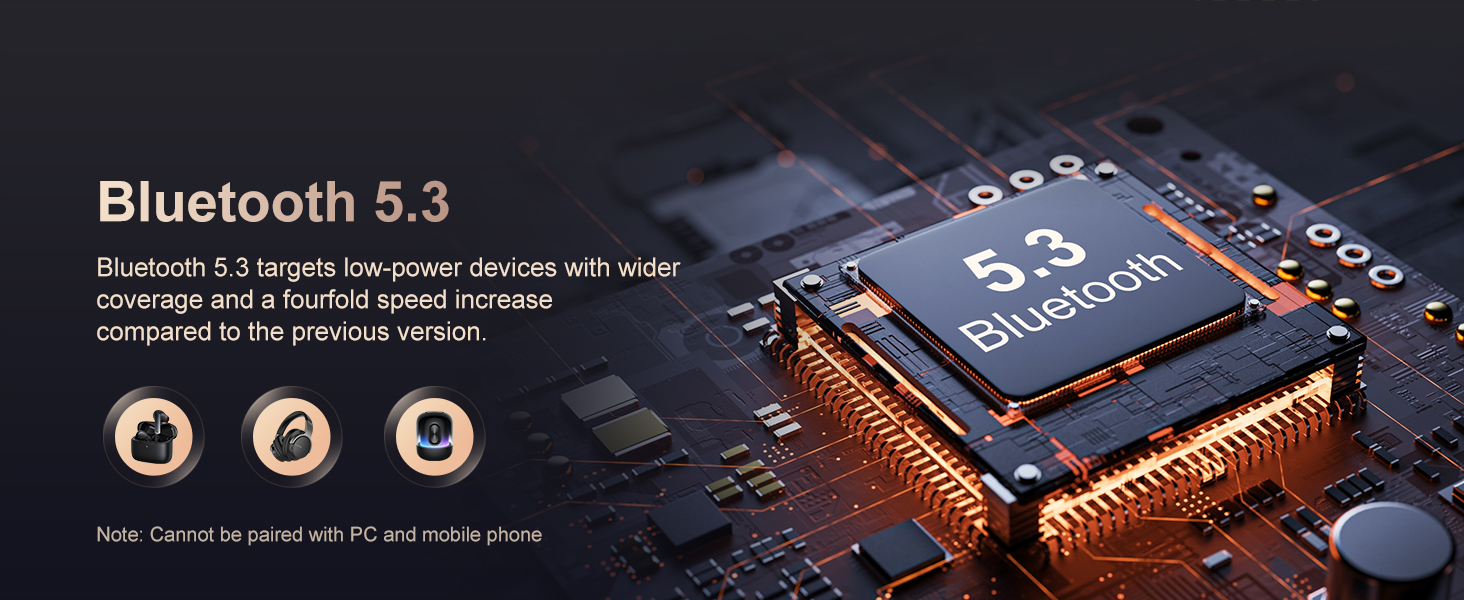
ചിത്രം 6: ബ്ലൂടൂത്ത് കണക്റ്റിവിറ്റി
4.4. Song Search Function
To quickly find a song, use the new song search function.
- While in the music library, look for the search icon (magnifying glass).
- Tap the search icon and enter letters or words related to the song title.
- The player will display matching results, allowing you to quickly select your desired track.
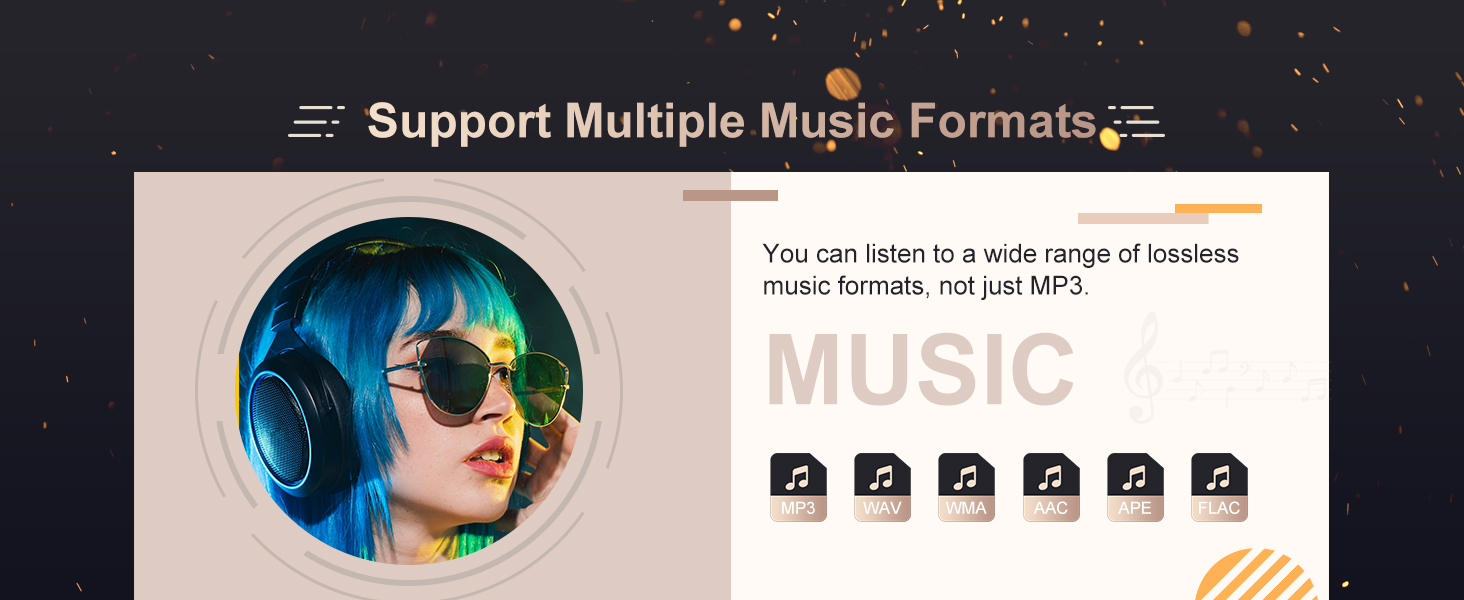
Figure 7: Song Search Interface
4.5. എഫ്എം റേഡിയോ
To use the FM radio, connect wired headphones to either the 3.5mm audio jack or the dedicated FM radio jack, as they act as the antenna. Navigate to the "FM Radio" application from the main menu. You can then scan for stations or manually tune to a frequency.

ചിത്രം 8: എഫ്എം റേഡിയോ ഇന്റർഫേസ്
4.6. വോയ്സ് റെക്കോർഡർ
Access the "Recorder" function from the main menu. You can record audio for up to 74 hours on a full charge. Use this feature for meetings, lectures, interviewകൾ, അല്ലെങ്കിൽ വ്യക്തിഗത കുറിപ്പുകൾ.

Figure 9: Voice Recorder Interface
4.7. Ebook Reader
The player supports Ebooks in TXT format only. Transfer your TXT files to the device and open the "Ebook" application to read them.

Figure 10: Ebook Reader Interface
4.8. വീഡിയോ പ്ലേബാക്ക്
The player supports video files in AMV/AVI format. Note that videos must be converted using a specific video converter tool to be compatible with the player. Please contact customer support for information on obtaining the conversion tool.

Figure 11: Video Playback Interface
5. പരിപാലനം
- ഉപകരണം വരണ്ടതും ഈർപ്പത്തിൽ നിന്ന് അകറ്റി നിർത്തുന്നതും സൂക്ഷിക്കുക.
- തീവ്രമായ താപനില ഒഴിവാക്കുക.
- Clean the screen and body with a soft, dry cloth.
- ഉപകരണത്തെ ശക്തമായ ആഘാതങ്ങൾക്ക് വിധേയമാക്കുകയോ ഉപേക്ഷിക്കുകയോ ചെയ്യരുത്.
- Use only the specified charging adapter (5V/1A-2A) to protect battery life.
6. പ്രശ്നപരിഹാരം
| പ്രശ്നം | പരിഹാരം |
|---|---|
| ഉപകരണം ചാർജ് ചെയ്യുന്നില്ല അല്ലെങ്കിൽ പതുക്കെ ചാർജ് ചെയ്യുന്നു. | Ensure you are using a 5V/1A-2A power adapter or a computer USB port. Check the Type-C cable for damage. |
| ബ്ലൂടൂത്ത് ഹെഡ്ഫോണുകൾ/സ്പീക്കറുമായി ജോടിയാക്കാൻ കഴിയില്ല. |
|
| Bluetooth does not auto-connect after restarting the player. | Contact customer support for a firmware update that enables automatic Bluetooth connection upon startup. |
| വീഡിയോ fileകളിക്കുന്നില്ല. | Videos must be in AMV/AVI format and converted using a specific conversion tool. Contact customer support for the tool. |
| Cannot find desired songs. | Use the "Song Search Function" by entering keywords. Ensure music files are in supported formats (MP3/WMA/APE/FLAC/WAV/AAC). |
7 സ്പെസിഫിക്കേഷനുകൾ
| ഫീച്ചർ | വിശദാംശങ്ങൾ |
|---|---|
| മോഡൽ നമ്പർ | D53 |
| ഡിസ്പ്ലേ വലിപ്പം | 2.4 ഇഞ്ച് |
| ഓപ്പറേഷൻ മോഡ് | ടച്ച് സ്ക്രീൻ + ടച്ച് ടോൺ |
| ബോഡി മെറ്റീരിയൽ | ലോഹം |
| സംഭരണ തരം | Flash Memory (64GB/128GB built-in) |
| ബാഹ്യ മെമ്മറി | അതെ (512GB വരെ) |
| ബ്ലൂടൂത്ത് | Yes (Bluetooth 5.3) |
| Have Speakers | അതെ |
| എഫ്എം പിന്തുണയ്ക്കുന്നു | അതെ |
| റെക്കോർഡിംഗ് ഫംഗ്ഷനെ പിന്തുണയ്ക്കുന്നു | അതെ |
| ഇ-ബുക്ക് വായനയെ പിന്തുണയ്ക്കുന്നു | Yes (TXT format only) |
| ഓഡിയോ ഫോർമാറ്റ് പിന്തുണ | MP3, WAV, APE, FLAC, WMA, AAC |
| വീഡിയോ ഫോർമാറ്റ് പിന്തുണ | AMV, AVI (requires conversion) |
| ബാറ്ററി സ്പെസിഫിക്കേഷൻ | ലിഥിയം ബാറ്ററി |
| ബാറ്ററി ലൈഫ് | 10 - 20 മണിക്കൂർ |
| അളവുകൾ (WxHxD) | 8.3*5*1.2സെ.മീ |
| വൈഫൈ | ഇല്ല |
| സർട്ടിഫിക്കേഷൻ | CE, FCC, WEEE |
8 ഉപയോക്തൃ നുറുങ്ങുകൾ
- For optimal battery longevity, always use a 5V/1A-2A charger.
- When pairing Bluetooth devices, ensure there are no other active Bluetooth connections nearby to avoid interference.
- If you frequently use Bluetooth and prefer automatic reconnection, check with customer support for potential firmware updates.
- Remember to convert video files to AMV/AVI format using the recommended tool for smooth playback.
- Utilize the song search function to quickly navigate large music libraries.
9. പാക്കേജ് ഉള്ളടക്കം
നിങ്ങളുടെ ഉൽപ്പന്ന പാക്കേജിൽ ഇനിപ്പറയുന്ന ഇനങ്ങൾ ഉൾപ്പെടുത്തിയിട്ടുണ്ട്:
- 1 x MECHEN D53 MP3 Player
- 1 x Audio Cable (for Line-in Recording)
- 1 x ടൈപ്പ്-സി ചാർജിംഗ് കേബിൾ
- 1 x വയർഡ് ഹെഡ്സെറ്റ്
- 1 x ഉപയോക്തൃ മാനുവൽ (ഈ പ്രമാണം)

ചിത്രം 12: പാക്കേജ് ഉള്ളടക്കം
10. പിന്തുണ
For any questions, technical assistance, or firmware updates, please contact MECHEN customer support. The product comes with 12 months of after-sales service.


