1. ആമുഖവും അവസാനവുംview
The AUTOPHIX 5900 is a professional OBD2 scanner and code reader specifically designed for BMW and MINI vehicles. This multi-system diagnostic scan tool offers comprehensive capabilities for reading and clearing trouble codes across various vehicle systems, including ABS, Transmission, BMS, PCM, EPB, SAS, and performs essential service functions like Oil Reset and Battery Registration.
It provides enhanced full OBDII diagnosis for a wide range of vehicles, allowing users to quickly identify and address issues, saving time and potential repair costs. The device features a 2.4" TFT 262K true color LCD display and comfortable silicone buttons for easy navigation and operation.

Figure 1.1: The AUTOPHIX 5900 Multi-Systems Diagnostic Scan Tool.
2. സജ്ജീകരണം
Setting up your AUTOPHIX 5900 is a straightforward process:
- OBD-II പോർട്ട് കണ്ടെത്തുക: The OBD-II (On-Board Diagnostics II) port is typically located under the dashboard on the driver's side of your vehicle. Refer to your vehicle's owner's manual if you have difficulty locating it.
- സ്കാനർ ബന്ധിപ്പിക്കുക: With the vehicle's ignition turned off, firmly plug the scanner's OBD-II connector into the vehicle's OBD-II port.
- ഇഗ്നിഷൻ ഓണാക്കുക: Turn the vehicle's ignition to the "ON" position (do not start the engine). The scanner will automatically power on and begin communication with the vehicle's systems.
- പ്രാരംഭ സജ്ജീകരണം: Follow the on-screen prompts to select your language and other initial settings.
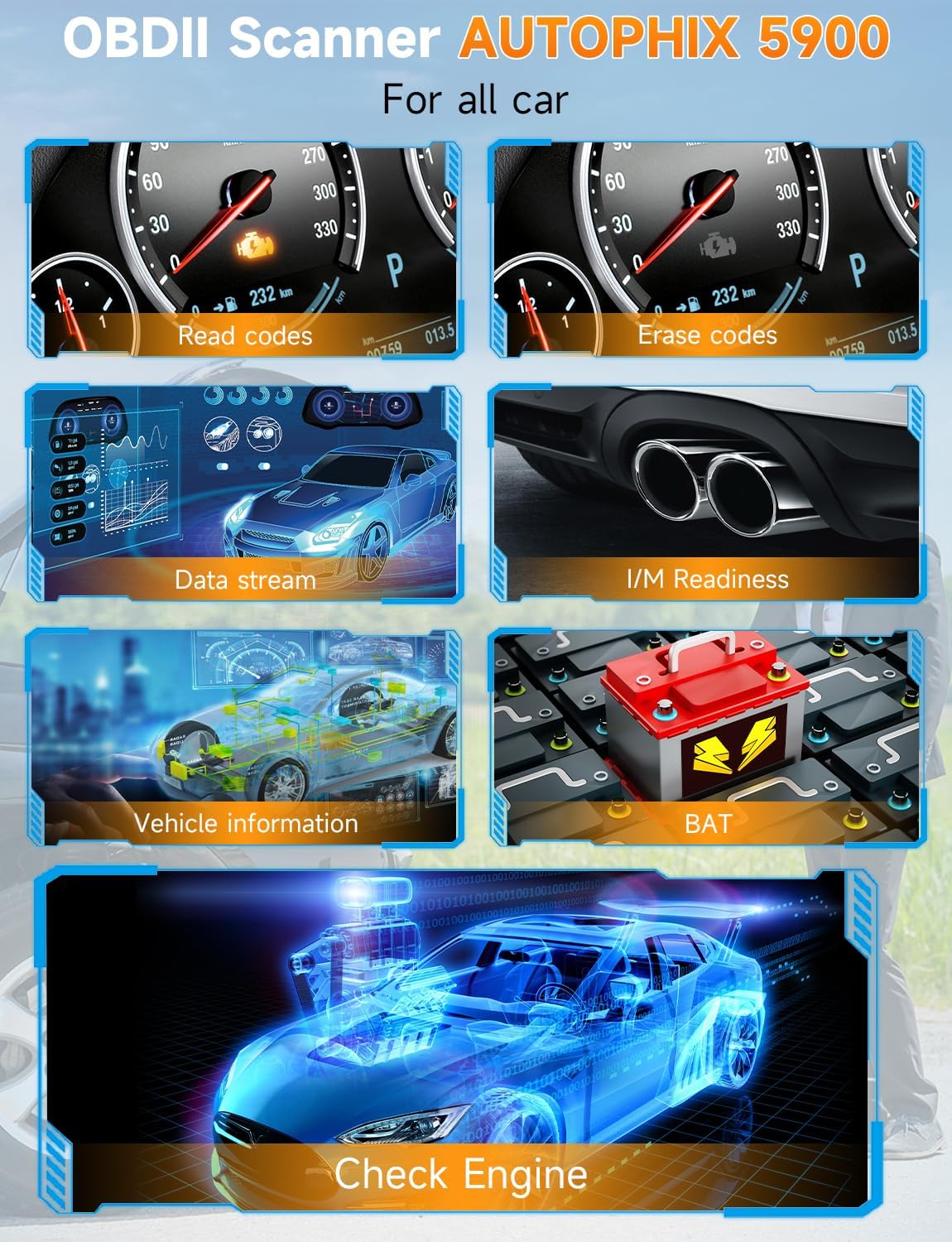
Figure 2.1: Connecting the AUTOPHIX 5900 to the vehicle's OBD-II port.
3. ഉപകരണം പ്രവർത്തിപ്പിക്കുന്നു
The AUTOPHIX 5900 is designed for ease of use with its intuitive menu system and comfortable silicone keypad. Use the directional buttons to navigate through menus and the "OK" button to confirm selections. The "ESC" button is used to go back to the previous screen.
3.1. Full System Diagnostic for BMW/MINI
This tool is capable of diagnosing all major systems in BMW and MINI vehicles. After connecting the device, select the "For BMW" option from the main menu to access specific diagnostic functions for these brands.
- Reading and Clearing Trouble Codes: Access specific control modules (e.g., Engine, ABS, Transmission, Airbag) to read diagnostic trouble codes (DTCs) and clear them after repairs.
- തത്സമയ ഡാറ്റ സ്ട്രീം: View real-time data from various sensors and components, which can be crucial for diagnosing intermittent issues.
- പ്രത്യേക പ്രവർത്തനങ്ങൾ: Perform resets and adaptations for systems like Oil Service, EPB (Electronic Parking Brake), BMS (Battery Management System), and CBS (Condition Based Service) Reset.

ചിത്രം 3.1: ഓവർview of professional all-system diagnostic functions.

ചിത്രം 3.2: വിശദമായി view of full function scan tool capabilities including Oil Service, Battery Registration, EPB, BMS, and Airbag.

Figure 3.3: Comprehensive module support for BMW Group vehicles, including Damper Control, Throttle-Valve Control, and Dynamic Stability Control.
3.2. Enhanced Full OBDII Diagnosis (Generic Vehicles)
For non-BMW/MINI vehicles, the AUTOPHIX 5900 provides standard OBDII diagnostic functions:
- കോഡുകൾ വായിക്കുക: Retrieve generic (P0, P2, P3, and U0) and manufacturer specific (P1, P3, and U1) codes.
- മായ്ക്കൽ കോഡുകൾ: Clear Diagnostic Trouble Codes (DTCs) and reset the Check Engine Light (MIL).
- I/M സന്നദ്ധത: Check the readiness status of various emission-related monitors.
- വാഹന വിവരം: Display the Vehicle Identification Number (VIN), Calibration ID (CID), and Calibration Verification Number (CVN).

Figure 3.4: Standard OBDII functions available for all compatible vehicles.
3.3. Professional Battery Test and Registration
The device supports real-time battery voltage analysis and displays results graphically, providing insight into the battery's health and expected remaining life. For BMW/MINI vehicles, it also supports battery registration after replacement.
- Replace New Battery: Ensure the new battery is installed correctly.
- Ignition ON, Engine OFF: Turn the vehicle's ignition to the "ON" position without starting the engine.
- Select Model and Special Functions: Navigate through the menu to select the correct model chassis, then proceed to "Special Functions".
- ബാറ്ററി മാനേജ്മെൻ്റ്: Select "Battery Management" from the special functions menu.
- Register Battery Change: Follow the on-screen instructions to register the new battery. This step is crucial for the vehicle's electrical system to correctly adapt to the new battery.
Figure 3.5: Step-by-step process for battery management and registration.
4. പരിപാലനം
To ensure the longevity and optimal performance of your AUTOPHIX 5900 diagnostic tool, follow these maintenance guidelines:
- വൃത്തിയാക്കൽ: ഒരു സോഫ്റ്റ് ഉപയോഗിക്കുക, ഡിamp ഉപകരണം വൃത്തിയാക്കാൻ തുണി ഉപയോഗിക്കുക. അബ്രസീവ് ക്ലീനറുകളോ ലായകങ്ങളോ ഉപയോഗിക്കരുത്.
- സംഭരണം: Store the device in a dry, cool environment, away from direct sunlight and extreme temperatures.
- സോഫ്റ്റ്വെയർ അപ്ഡേറ്റുകൾ: The AUTOPHIX 5900 supports lifetime free software updates. Regularly check the official AUTOPHIX website for the latest software versions to ensure compatibility with new vehicle models and improved functionalities.
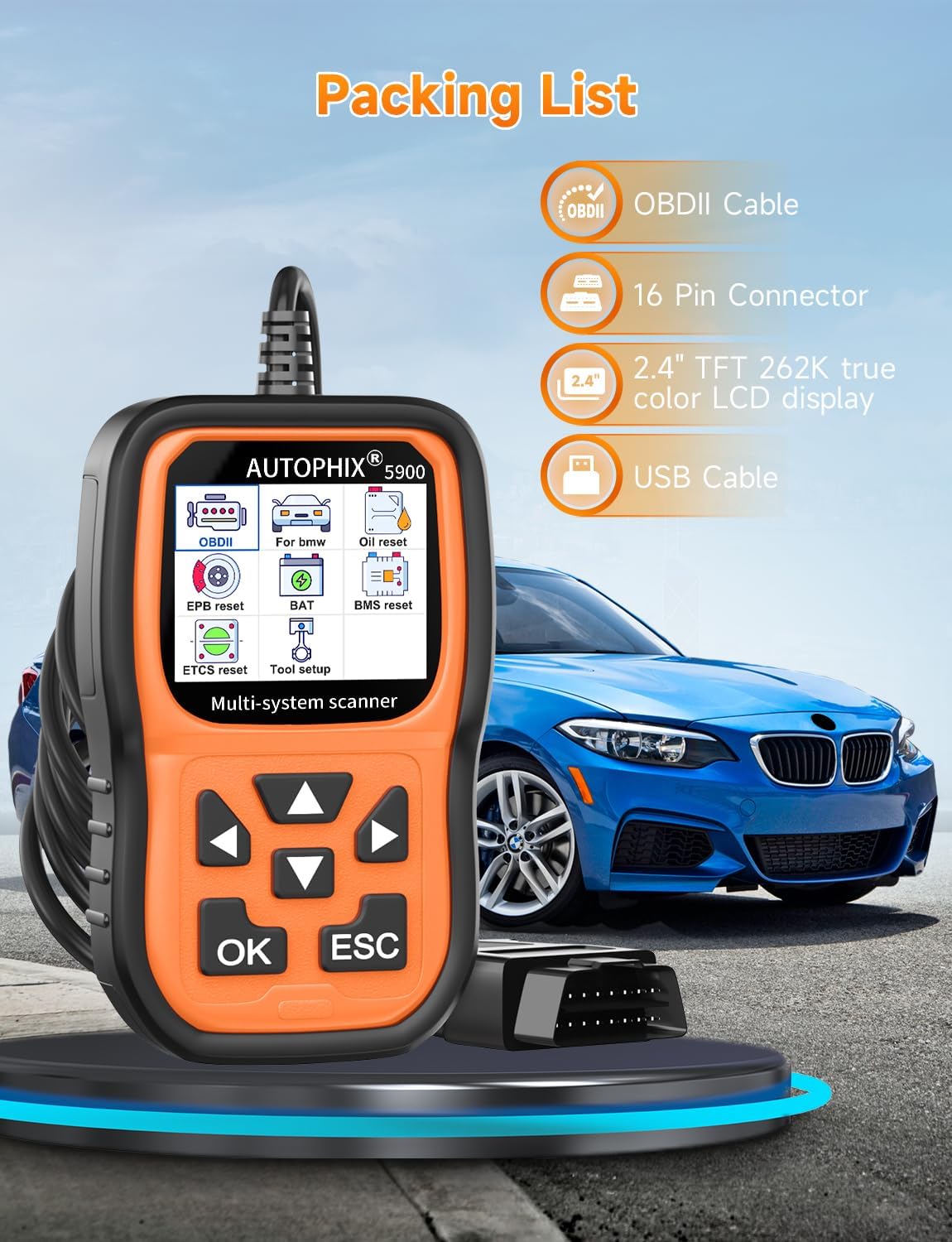
Figure 4.1: The device supports lifetime free upgrades and multiple languages.
5. പ്രശ്നപരിഹാരം
If you encounter issues while using your AUTOPHIX 5900, consider the following common troubleshooting steps:
- ശക്തിയില്ല: Ensure the OBD-II connector is firmly plugged into the vehicle's port and the vehicle's ignition is in the "ON" position. Check the vehicle's fuse for the OBD-II port if the issue persists.
- ആശയവിനിമയ പിശക്: Verify that the vehicle's ignition is on and the scanner is correctly connected. Try the scanner on a different compatible vehicle to rule out a vehicle-specific issue.
- Incompatible Vehicle: While the AUTOPHIX 5900 is designed for BMW/MINI and general OBDII vehicles, some specific models or years might have compatibility nuances. If you encounter vehicle incompatibility, please provide your vehicle's model, year, and VIN to customer support for assistance.
- സ്ക്രീൻ പ്രശ്നങ്ങൾ: If the screen is dim or unreadable, adjust the contrast settings in the device's tool setup menu.
6 സ്പെസിഫിക്കേഷനുകൾ
| ഫീച്ചർ | വിശദാംശങ്ങൾ |
|---|---|
| ബ്രാൻഡ് | ഓട്ടോഫിക്സ് |
| മോഡൽ | 5900 |
| ഇനത്തിൻ്റെ ഭാരം | 4.8 ഔൺസ് |
| ഉൽപ്പന്ന അളവുകൾ | 9.5 x 2 x 7 ഇഞ്ച് |
| പ്രദർശിപ്പിക്കുക | 2.4" TFT 262K ട്രൂ കളർ LCD |
| Supported Systems (BMW/MINI) | ABS, Transmission, BMS, PCM, EPB, SAS, Oil Reset, CBS Reset, etc. |
| OBDII Compatibility | All OBDII compliant vehicles |
| പിന്തുണയ്ക്കുന്ന ഭാഷകൾ | English, French, Spanish, German, Italian, Polish, Russian, Portuguese, Finnish, Swedish, Danish, Norwegian |
| ബോക്സിൽ ഉൾപ്പെടുത്തിയിട്ടുണ്ട് | 5900 SCANNER, OBDII Cable, USB Cable |
7. വാറൻ്റിയും പിന്തുണയും
AUTOPHIX provides comprehensive after-sales support for the 5900 diagnostic tool:
- വാറൻ്റി: We offer a 48-month warranty for any quality problems, including replacement or refund.
- സാങ്കേതിക സഹായം: 24/7 technical assistance is available to help with any operational or compatibility questions.
- ബന്ധപ്പെടുക: For support or to report vehicle incompatibility, please contact us via Amazon message.


