1. ആമുഖം
This manual provides essential information for the safe and efficient use of your Samsung 49-Inch CHG90 Curved Gaming Monitor. Please read this manual thoroughly before operating the device and retain it for future reference.
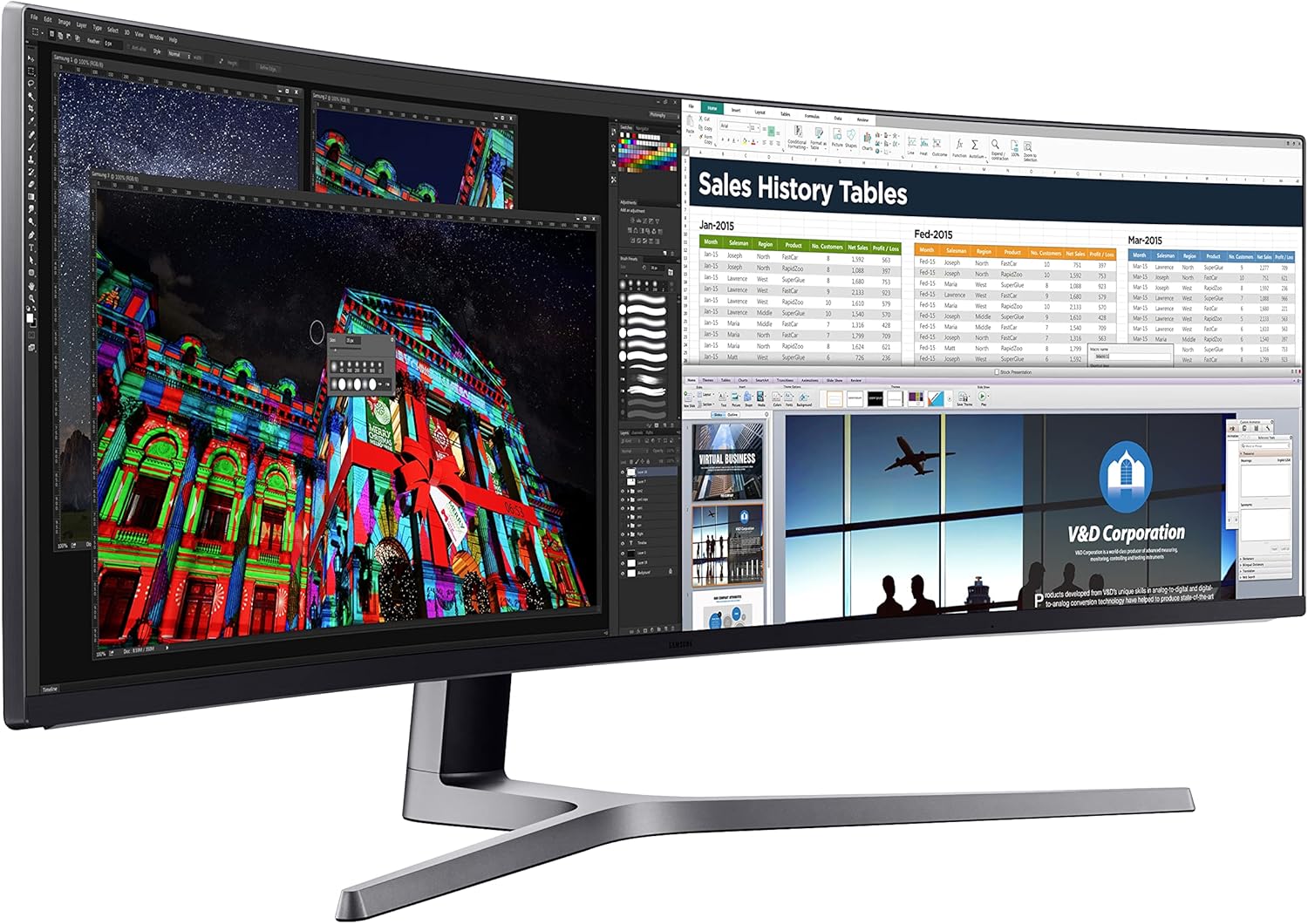
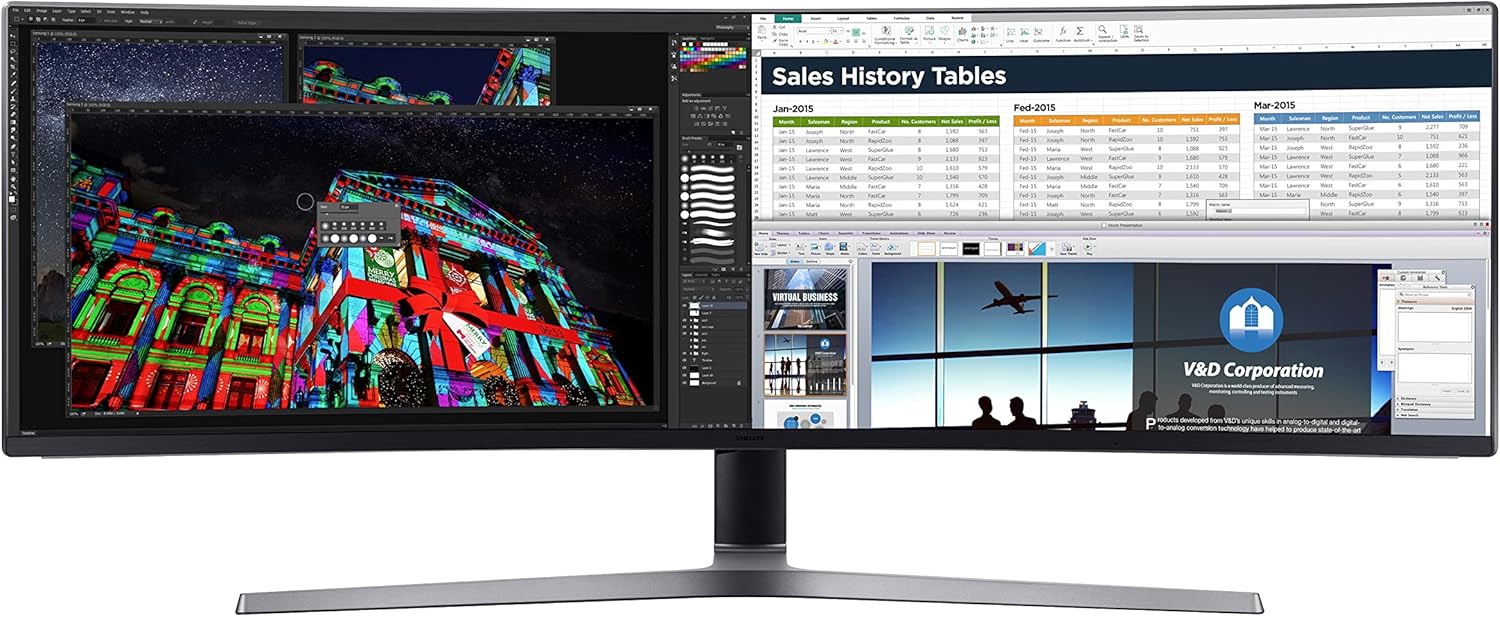
ചിത്രം 1: മുൻഭാഗം view of the Samsung 49-Inch CHG90 Curved Gaming Monitor.
2 സുരക്ഷാ വിവരങ്ങൾ
To reduce the risk of electric shock, fire, and other hazards, observe the following safety precautions:
- മോണിറ്ററിൽ മഴയോ ഈർപ്പമോ ഏൽക്കരുത്.
- മോണിറ്റർ തുറക്കരുത് casing; എല്ലാ സേവനങ്ങളും യോഗ്യതയുള്ള ഉദ്യോഗസ്ഥർക്ക് റഫർ ചെയ്യുക.
- മോണിറ്ററിന് ചുറ്റും ശരിയായ വെൻ്റിലേഷൻ ഉറപ്പാക്കുക.
- Use only the power cord provided with the monitor.
- മോണിറ്റർ നേരിട്ടുള്ള സൂര്യപ്രകാശത്തിൽ നിന്നും താപ സ്രോതസ്സുകളിൽ നിന്നും അകറ്റി നിർത്തുക.
3. പാക്കേജ് ഉള്ളടക്കം
നിങ്ങളുടെ ഉൽപ്പന്ന ബോക്സിൽ എല്ലാ ഇനങ്ങളും ഉണ്ടെന്ന് ഉറപ്പാക്കുക:
- മോണിറ്റർ
- HDMI കേബിൾ
- പോർട്ട് കേബിൾ പ്രദർശിപ്പിക്കുക
- യുഎസ്ബി 3.0 കേബിൾ
- Install CD
4. സജ്ജീകരണം
4.1 സ്റ്റാൻഡ് കൂട്ടിച്ചേർക്കൽ
- മോണിറ്റർ അതിന്റെ പാക്കേജിംഗിൽ നിന്ന് ശ്രദ്ധാപൂർവ്വം നീക്കംചെയ്യുക.
- മോണിറ്റർ പാനലിലേക്ക് സ്റ്റാൻഡ് നെക്ക് ഘടിപ്പിക്കുക.
- നൽകിയിരിക്കുന്ന സ്ക്രൂകൾ ഉപയോഗിച്ച് സ്റ്റാൻഡ് ബേസ് സ്റ്റാൻഡ് നെക്കിൽ ഉറപ്പിക്കുക.
4.2 ഒരു കമ്പ്യൂട്ടറിലേക്ക് ബന്ധിപ്പിക്കുന്നു
Connect the monitor to your computer using either the HDMI or DisplayPort cable. For optimal performance, especially for gaming, DisplayPort is recommended to utilize the 144Hz refresh rate and FreeSync 2 with HDR capabilities.
ചിത്രം 2: പിൻഭാഗം view ഇൻപുട്ട് പോർട്ടുകളുള്ള മോണിറ്ററിന്റെ.
4.3 പവർ ഓണാണ്
Connect the power cable to the monitor and then to a wall outlet. Press the power button located on the monitor to turn it on.
5. മോണിറ്റർ പ്രവർത്തിപ്പിക്കുക
5.1 അടിസ്ഥാന നിയന്ത്രണങ്ങൾ
The monitor features an On-Screen Display (OSD) menu for adjusting settings. Use the joystick button, typically located on the bottom center or rear of the monitor, to navigate the menu and select options.
5.2 പ്രധാന സവിശേഷതകൾ
- Super Ultrawide 32:9 Aspect Ratio: Provides an expansive viewing area for multitasking and immersive gaming.
- 144Hz പുതുക്കൽ നിരക്ക്: Delivers smooth motion for fast-paced content and gaming.
- 1ms MPRT പ്രതികരണ സമയം: Reduces motion blur for clear and crisp visuals.
- QLED സാങ്കേതികവിദ്യ: Offers vibrant, lifelike colors with a wide color gamut.
- FreeSync 2 with HDR: Ensures tear-free gaming and enhanced contrast with High Dynamic Range content.
For a visual demonstration of the monitor's capabilities, please refer to the following video:
Video 1: Demonstration of the Samsung CHG90 QLED Gaming Monitor's features and display quality.
6. പരിപാലനം
To maintain the performance and appearance of your monitor:
- Clean the screen with a soft, lint-free cloth. Avoid using harsh chemicals or abrasive materials.
- Dust the monitor casing regularly with a dry cloth.
- Ensure proper airflow by keeping vents clear of obstructions.
7. പ്രശ്നപരിഹാരം
നിങ്ങളുടെ മോണിറ്ററിൽ പ്രശ്നങ്ങൾ നേരിടുകയാണെങ്കിൽ, ഇനിപ്പറയുന്ന പൊതുവായ പ്രശ്നങ്ങളും പരിഹാരങ്ങളും പരിശോധിക്കുക:
| പ്രശ്നം | സാധ്യമായ കാരണം | പരിഹാരം |
|---|---|---|
| സ്ക്രീനിൽ ചിത്രമൊന്നുമില്ല | പവർ കേബിൾ വിച്ഛേദിച്ചു, വീഡിയോ കേബിൾ വിച്ഛേദിച്ചു, തെറ്റായ ഇൻപുട്ട് ഉറവിടം. | Check power and video cable connections. Select the correct input source via the OSD menu. |
| ചിത്രം മങ്ങിയതോ വളച്ചൊടിച്ചതോ ആണ് | Incorrect resolution, faulty video cable, graphics card issue. | Set the display resolution to 3840x1080. Try a different video cable. Update graphics drivers. |
| Screen flickering or lines | Faulty cable, refresh rate mismatch, graphics card issue. | Replace video cable. Ensure refresh rate is set correctly (e.g., 144Hz). Update graphics drivers. |
| കമ്പ്യൂട്ടർ മോണിറ്റർ കണ്ടെത്തിയില്ല. | Video cable disconnected, graphics card issue, monitor power off. | Verify all connections. Ensure monitor is powered on. Restart computer. |
ഈ പരിഹാരങ്ങൾ പരീക്ഷിച്ചതിന് ശേഷവും പ്രശ്നം നിലനിൽക്കുകയാണെങ്കിൽ, ദയവായി സാംസങ് ഉപഭോക്തൃ പിന്തുണയുമായി ബന്ധപ്പെടുക.
8 സ്പെസിഫിക്കേഷനുകൾ
| ഫീച്ചർ | സ്പെസിഫിക്കേഷൻ |
|---|---|
| സ്റ്റാൻഡിംഗ് സ്ക്രീൻ ഡിസ്പ്ലേ വലുപ്പം | 49 ഇഞ്ച് |
| സ്ക്രീൻ റെസല്യൂഷൻ | 3840x1080 |
| പരമാവധി സ്ക്രീൻ റെസല്യൂഷൻ | 3840 x 1080 പിക്സലുകൾ |
| USB 2.0 പോർട്ടുകളുടെ എണ്ണം | 1 |
| ബ്രാൻഡ് | സാംസങ് |
| പരമ്പര | CHG90 |
| ഇനം മോഡൽ നമ്പർ | LC49HG90DMNXZA |
| ഇനത്തിൻ്റെ ഭാരം | 33.1 പൗണ്ട് |
| ഉൽപ്പന്ന അളവുകൾ | 5.91 x 18.65 x 8.14 ഇഞ്ച് |
| ഇനത്തിൻ്റെ അളവുകൾ LxWxH | 5.91 x 18.65 x 8.14 ഇഞ്ച് |
| നിറം | കറുപ്പ് |
| വാല്യംtage | 240 വോൾട്ട് |
| നിർമ്മാതാവ് | Samsung Electronics DAV |
| ASIN | B072C7TNC5 |
| ആദ്യ തീയതി ലഭ്യമാണ് | ജൂൺ 9, 2017 |
| സ്ക്രീൻ വലിപ്പം | 49 ഇഞ്ച് |
| റെസലൂഷൻ | FHD 1080p Ultra Wide + |
| വീക്ഷണാനുപാതം | 32:9 |
| സ്ക്രീൻ ഉപരിതല വിവരണം | വളഞ്ഞത് |

ചിത്രം 3: മോണിറ്റർ അളവുകൾ.
9. വാറൻ്റിയും പിന്തുണയും
വാറന്റി വിവരങ്ങൾക്കും സാങ്കേതിക പിന്തുണയ്ക്കും, ദയവായി നിങ്ങളുടെ വാങ്ങലിനൊപ്പം ഉൾപ്പെടുത്തിയിരിക്കുന്ന ഡോക്യുമെന്റേഷൻ പരിശോധിക്കുക അല്ലെങ്കിൽ ഔദ്യോഗിക സാംസങ് പിന്തുണ സന്ദർശിക്കുക. webസൈറ്റ്. വാറന്റി ക്ലെയിമുകൾക്കായി നിങ്ങളുടെ വാങ്ങലിന്റെ തെളിവ് സൂക്ഷിക്കുക.


