ആമുഖം
Welcome to your new Spigen S530W Bluetooth Selfie Stick. This manual provides essential instructions for the safe and effective use of your device. Please read it thoroughly before operation and retain it for future reference.
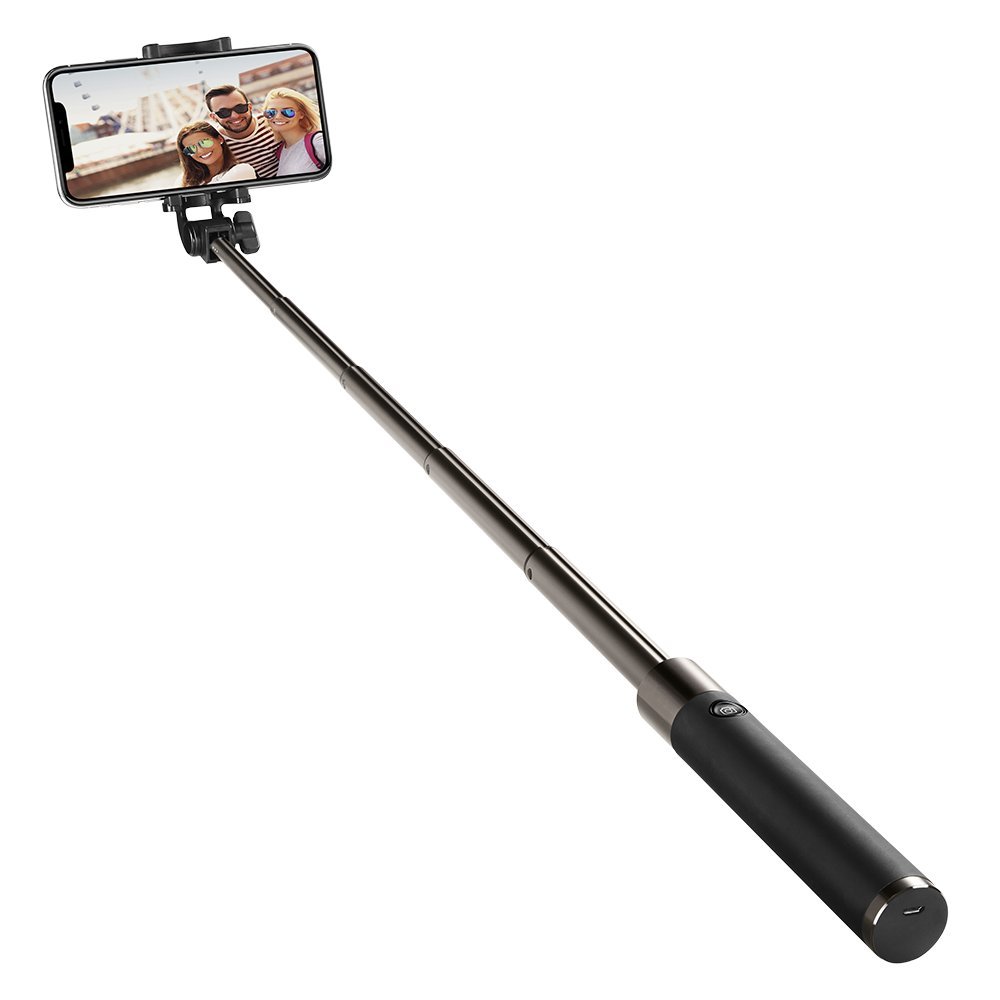
Image: The Spigen S530W Bluetooth Selfie Stick in its extended form, holding a smartphone.
ഉൽപ്പന്ന സവിശേഷതകൾ
- Lightweight and compact design with comfortable grip handle.
- Extendable handheld design with an adjustable mounting bracket for versatile angles.
- Suitable for various conditions, offering compact portability.
- Compatible with iOS and Android smartphones via Bluetooth.
പാക്കേജ് ഉള്ളടക്കം
- Spigen S530W Bluetooth Selfie Stick
- ചാർജിംഗ് കേബിൾ (മൈക്രോ യുഎസ്ബി)
- ഉപയോക്തൃ മാനുവൽ
സജ്ജമാക്കുക
Charging the Selfie Stick
The selfie stick uses a built-in rechargeable battery. Before first use, fully charge the device.
- Locate the charging port on the handle.
- Connect the provided charging cable to the port and a standard USB power source.
- The indicator light will illuminate (e.g., red) during charging and typically turn off or change color (e.g., blue) when fully charged.
ബ്ലൂടൂത്ത് ജോടിയാക്കൽ
Follow these steps to pair your selfie stick with your smartphone:
- നിങ്ങളുടെ സ്മാർട്ട്ഫോണിന്റെ ബ്ലൂടൂത്ത് പ്രവർത്തനക്ഷമമാക്കിയിട്ടുണ്ടെന്ന് ഉറപ്പാക്കുക.
- Press and hold the power button on the selfie stick handle until the indicator light flashes (usually blue), indicating pairing mode.
- On your smartphone, navigate to Bluetooth settings, search for available devices, and select "Spigen S530W" or a similar name.
- Once successfully paired, the indicator light will stop flashing and remain solid or turn off.
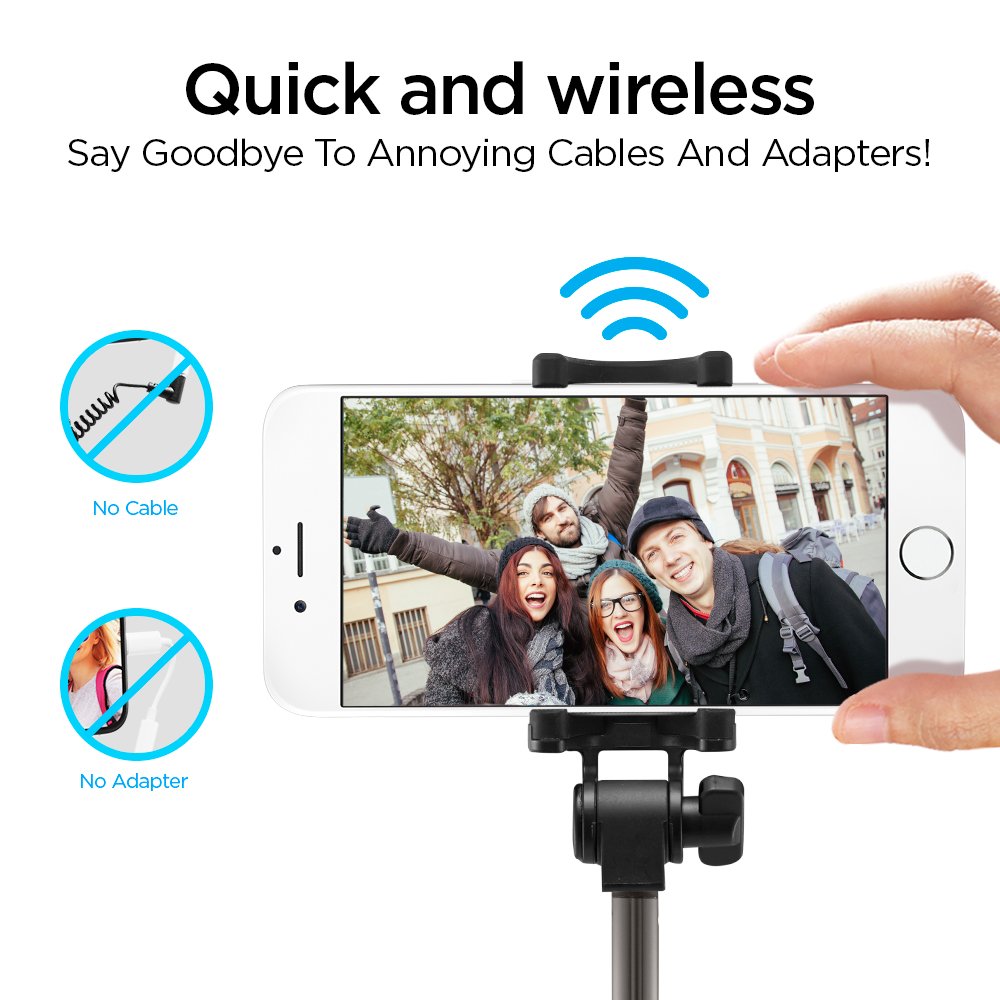
Image: Wireless Bluetooth connection for the Spigen S530W selfie stick, eliminating the need for cables or adapters.
Attaching Your Smartphone
ക്രമീകരിക്കാവുന്ന clamp securely holds your smartphone.
- Gently pull apart the phone clamp അത് തുറക്കാൻ.
- നിങ്ങളുടെ സ്മാർട്ട്ഫോൺ cl-യിലേക്ക് തിരുകുകamp, ensuring it is centered and securely held by the rubber grips.

Image: The adjustable phone clamp of the Spigen S530W, designed to accommodate smartphones from 2.2 to 3.3 inches in width.
പ്രവർത്തന നിർദ്ദേശങ്ങൾ
Extending and Retracting the Stick
To extend the selfie stick, gently pull the telescopic rod outwards. To retract, push it back into the handle until it is fully collapsed.

Image: The Spigen S530W selfie stick can be extended from a compact 185mm to a maximum length of 770mm.
ആംഗിൾ ക്രമീകരിക്കുന്നു
The phone mount can be adjusted to achieve the desired shooting angle.
- Loosen the adjustment knob on the phone mount.
- Tilt the phone mount to your preferred angle (up to 295 degrees of rotation).
- Tighten the adjustment knob to secure the position.

Image: The phone mount offers a 295-degree rotation for flexible angle adjustments.
ഫോട്ടോ/വീഡിയോ എടുക്കൽ
Once your phone is paired and positioned, open your camera app.
- നിങ്ങളുടെ സ്മാർട്ട്ഫോണിന്റെ ക്യാമറ ആപ്ലിക്കേഷൻ തുറക്കുക.
- Press the shutter button on the selfie stick handle to capture a photo or start/stop video recording.

Image: The Spigen S530W features a comfortable matte handle and an easily accessible shutter button for convenient operation.
മെയിൻ്റനൻസ്
To ensure the longevity and optimal performance of your selfie stick:
- Clean the device with a soft, dry cloth. Avoid using harsh chemicals, solvents, or abrasive materials.
- Store the selfie stick in a cool, dry place away from direct sunlight, high humidity, and extreme temperatures.
- ഉപകരണം ഡിസ്അസംബ്ലിംഗ് ചെയ്യാനോ പരിഷ്ക്കരിക്കാനോ ശ്രമിക്കരുത്, കാരണം ഇത് വാറന്റി അസാധുവാക്കും.
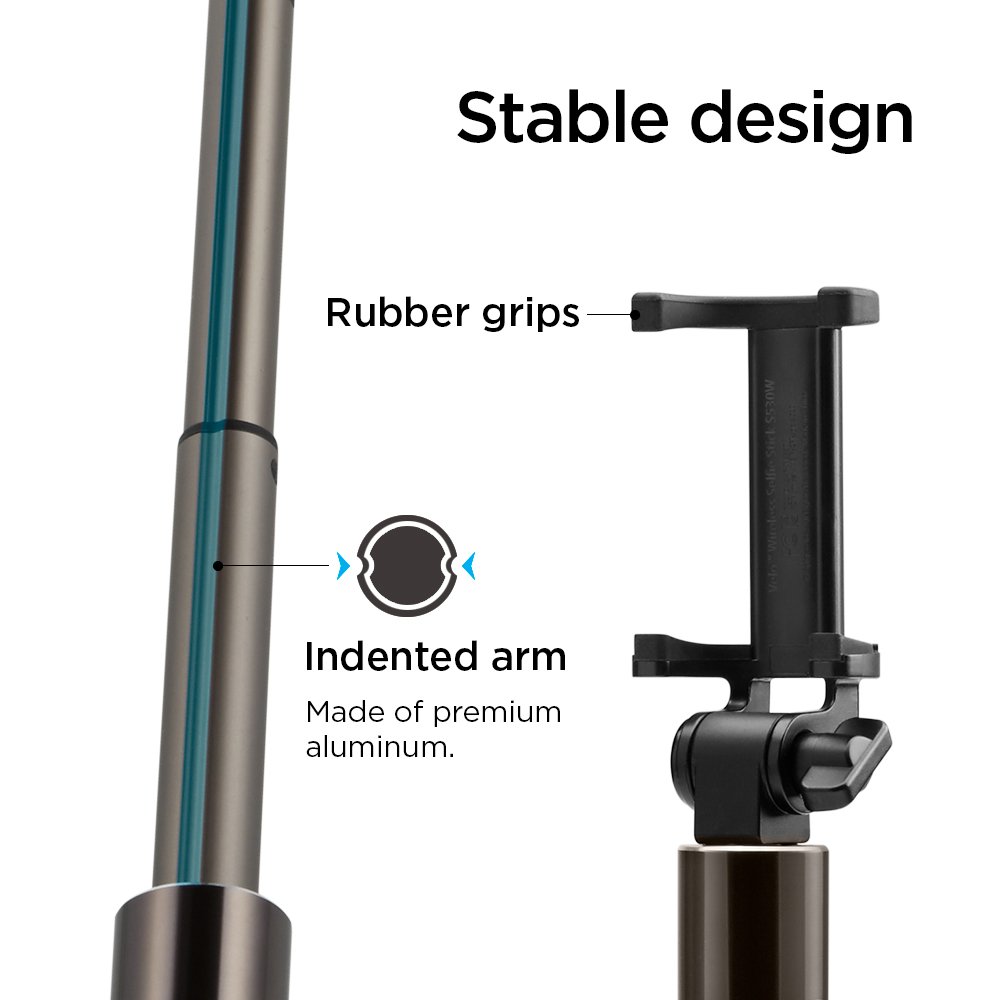
Image: The stable design incorporates rubber grips for secure phone holding and an indented aluminum arm for durability.
ട്രബിൾഷൂട്ടിംഗ്
ഉപകരണം പവർ ചെയ്യുന്നില്ല
Ensure the battery is charged. Connect the selfie stick to a power source using the charging cable and allow sufficient time for charging.
ബ്ലൂടൂത്ത് കണക്റ്റുചെയ്യുന്നില്ല
- Ensure the selfie stick is in pairing mode (flashing indicator light).
- നിങ്ങളുടെ സ്മാർട്ട്ഫോണിൽ ബ്ലൂടൂത്ത് പ്രവർത്തനക്ഷമമാണോയെന്ന് പരിശോധിക്കുക.
- Forget the device from your phone's Bluetooth settings and attempt to re-pair.
- Ensure the selfie stick is within close range of your smartphone.
- Restart both the selfie stick and your smartphone.
Shutter Button Not Working
- Verify that the selfie stick is successfully paired with your smartphone.
- Ensure your camera application is open and active.
- For some Android phones, you may need to adjust camera settings to assign the volume key function to "shutter" or "capture."
സ്പെസിഫിക്കേഷനുകൾ
| ഫീച്ചർ | വിശദാംശങ്ങൾ |
|---|---|
| ബ്രാൻഡ് | സ്പൈജൻ |
| മോഡൽ | S530W |
| ഇനം മോഡൽ നമ്പർ | 000SS21746 |
| കണക്റ്റിവിറ്റി | ബ്ലൂടൂത്ത് |
| Material (Pole) | അലുമിനിയം |
| വിപുലീകരിച്ച ദൈർഘ്യം | 770 മില്ലിമീറ്റർ വരെ |
| മടക്കിയ നീളം | 185 മി.മീ |
| ഭാരം | 113.4 ഗ്രാം (4 ഔൺസ്) |
| ബാറ്ററി തരം | 1 ലിഥിയം മെറ്റൽ ബാറ്ററി |
| അനുയോജ്യമായ ഉപകരണങ്ങൾ | Cellphones (iOS & Android) |
| നിറം | കറുപ്പ് |
| ഉൽപ്പന്ന അളവുകൾ (LxWxH) | 25.4 x 5.08 x 38.1 സെ.മീ |
| ആദ്യ തീയതി ലഭ്യമാണ് | 11 ജനുവരി 2021 |
| GTIN | 08809522196794 |
വാറൻ്റിയും പിന്തുണയും
For detailed warranty information or technical support, please refer to the official Spigen webസൈറ്റിൽ ബന്ധപ്പെടുകയോ അവരുടെ ഉപഭോക്തൃ സേവന വിഭാഗവുമായി ബന്ധപ്പെടുകയോ ചെയ്യുക. ഏതെങ്കിലും വാറന്റി ക്ലെയിമുകൾക്ക് വാങ്ങിയതിന്റെ തെളിവായി നിങ്ങളുടെ വാങ്ങൽ രസീത് സൂക്ഷിക്കാൻ ശുപാർശ ചെയ്യുന്നു.


