ആമുഖം
This manual provides comprehensive instructions for the AULCMEET XRT020 replacement remote control. This remote is designed to function directly with various VIZIO LED TV models without requiring any programming. Please read this manual carefully to ensure proper use and longevity of your remote control.
സജ്ജമാക്കുക
ബാറ്ററി ഇൻസ്റ്റാളേഷൻ
The AULCMEET XRT020 remote control requires two (2) AAA batteries for operation. Batteries are not included with the remote.
- റിമോട്ട് കൺട്രോളിന്റെ പിൻഭാഗത്ത് ബാറ്ററി കമ്പാർട്ട്മെന്റ് കണ്ടെത്തുക.
- ബാറ്ററി കമ്പാർട്ട്മെന്റ് കവർ തുറക്കാൻ താഴേക്ക് അല്ലെങ്കിൽ പുറത്തേക്ക് സ്ലൈഡ് ചെയ്യുക.
- കമ്പാർട്ടുമെന്റിനുള്ളിലെ അടയാളപ്പെടുത്തലുകളുമായി പോസിറ്റീവ് (+), നെഗറ്റീവ് (-) ടെർമിനലുകൾ ശരിയായി വിന്യസിക്കുന്നുണ്ടെന്ന് ഉറപ്പാക്കാൻ രണ്ട് AAA ബാറ്ററികൾ ഇടുക.
- സുരക്ഷിതമായി ക്ലിക്ക് ചെയ്യുന്നതുവരെ ബാറ്ററി കമ്പാർട്ട്മെന്റ് കവർ തിരികെ സ്ഥലത്തേക്ക് സ്ലൈഡുചെയ്ത് മാറ്റിസ്ഥാപിക്കുക.
Once batteries are installed, the remote is ready for immediate use with compatible VIZIO LED TVs. No additional programming is required.

Image: The AULCMEET XRT020 remote control, highlighting its direct usability without programming. A couple is shown watching television in the background, illustrating typical use.
പ്രവർത്തന നിർദ്ദേശങ്ങൾ
The AULCMEET XRT020 remote control is designed for straightforward operation with compatible VIZIO LED TVs. Simply point the remote towards your television and press the desired function button.
പ്രധാന പ്രവർത്തനങ്ങൾ
- പവർ ബട്ടൺ: ടിവി ഓണാക്കുകയോ ഓഫാക്കുകയോ ചെയ്യുന്നു.
- ഇൻപുട്ട് ബട്ടൺ: ലഭ്യമായ ഇൻപുട്ട് സ്രോതസ്സുകളിലൂടെ (HDMI, AV, മുതലായവ) സൈക്കിൾ ചെയ്യുന്നു.
- മെനു ബട്ടൺ: Accesses the TV's main menu for settings adjustments.
- നാവിഗേഷൻ ബട്ടണുകൾ (മുകളിലേക്ക്, താഴേക്ക്, ഇടത്, വലത്, ശരി): മെനുകൾ നാവിഗേറ്റ് ചെയ്യുന്നതിനും തിരഞ്ഞെടുപ്പുകൾ സ്ഥിരീകരിക്കുന്നതിനും ഉപയോഗിക്കുന്നു.
- ബാക്ക്/എക്സിറ്റ് ബട്ടണുകൾ: മുമ്പത്തെ സ്ക്രീനിലേക്ക് മടങ്ങുന്നു അല്ലെങ്കിൽ നിലവിലെ മെനുവിൽ നിന്ന് പുറത്തുകടക്കുന്നു.
- വോളിയം കൂട്ടുക/താഴ്ത്തുക: Adjusts the television's volume level.
- ചാനൽ മുകളിലേക്കും താഴേക്കും: ടിവി ചാനലുകൾ മാറ്റുന്നു.
- നമ്പർ പാഡ് (0-9): ടിവി ചാനലുകൾ നേരിട്ട് തിരഞ്ഞെടുക്കുന്നു.
- നിശബ്ദ ബട്ടൺ: ടിവി ഓഡിയോ നിശബ്ദമാക്കുന്നു.
അനുയോജ്യത
This remote control is compatible with a wide range of VIZIO LED TV models, including but not limited to:
- D32hn-E0, D43n-E1, D32hn-D0, E280-B1, D32hn-E1, D39hn-E0
- D60n-E3, D50n-E1, D28h-C1, D32h-C0, D32-D1, D24-D1
- D24hn-D1, D40n-E3, D32hn-D1, D55n-E2, D32hnx-E1, E320-B2
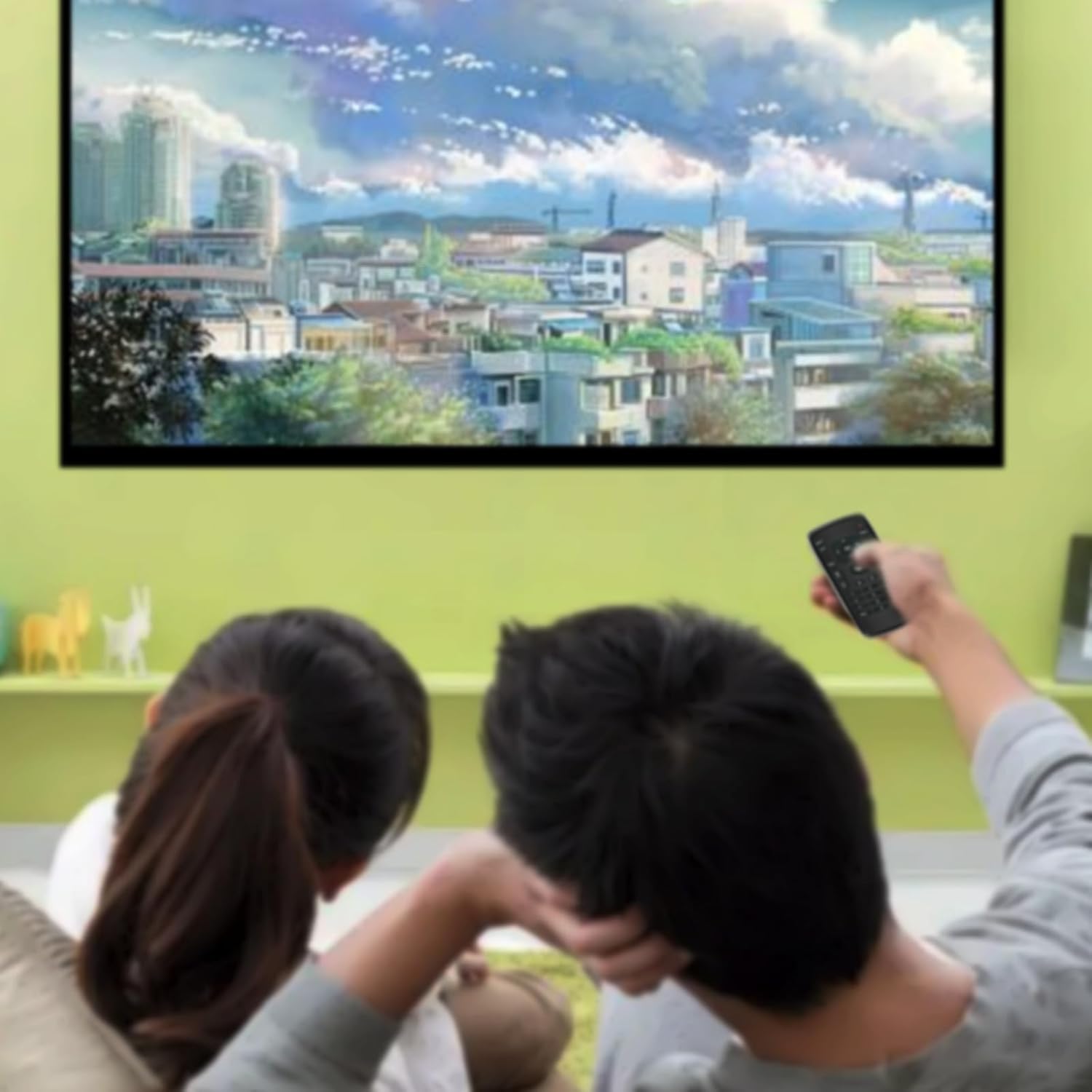
Image: The AULCMEET XRT020 remote control displayed alongside a VIZIO television, illustrating its compatibility with various VIZIO TV models.

Image: The AULCMEET XRT020 remote control, emphasizing its advanced infrared technology for easy use, long distance, and wide-angle control. A person is shown comfortably using the remote to watch TV.
മെയിൻ്റനൻസ്
റിമോട്ട് വൃത്തിയാക്കൽ
റിമോട്ട് കൺട്രോളിന്റെ രൂപവും പ്രവർത്തനക്ഷമതയും നിലനിർത്താൻ, അത് പതിവായി വൃത്തിയാക്കുക:
- റിമോട്ടിന്റെ ഉപരിതലം തുടയ്ക്കാൻ മൃദുവായതും ഉണങ്ങിയതുമായ തുണി ഉപയോഗിക്കുക.
- കഠിനമായ അഴുക്കിന്, ചെറുതായി dampവെള്ളം അല്ലെങ്കിൽ നേരിയതും ഉരച്ചിലുകൾ ഇല്ലാത്തതുമായ ഒരു ക്ലീനർ ഉപയോഗിച്ച് തുണി തുടയ്ക്കുക. അമിതമായ ഈർപ്പം ഒഴിവാക്കുക.
- കഠിനമായ രാസവസ്തുക്കളോ, ലായകങ്ങളോ, അബ്രസീവ് ക്ലീനിംഗ് പാഡുകളോ ഉപയോഗിക്കരുത്, കാരണം ഇവ റിമോട്ടിന്റെ ഫിനിഷിനോ ആന്തരിക ഘടകങ്ങളോ കേടുവരുത്തും.
ബാറ്ററി കെയർ
- റിമോട്ടിന്റെ പ്രതികരണം മന്ദഗതിയിലാകുകയോ സ്ഥിരതയില്ലായ്മ അനുഭവപ്പെടുകയോ ചെയ്യുമ്പോൾ ബാറ്ററികൾ മാറ്റിസ്ഥാപിക്കുക.
- റിമോട്ട് ദീർഘനേരം ഉപയോഗിക്കുന്നില്ലെങ്കിൽ, ചോർച്ചയും സാധ്യതയുള്ള കേടുപാടുകളും തടയാൻ ബാറ്ററികൾ നീക്കം ചെയ്യുക.
- ഉപയോഗിച്ച ബാറ്ററികൾ പ്രാദേശിക ചട്ടങ്ങൾക്കനുസൃതമായി നീക്കം ചെയ്യുക.
ട്രബിൾഷൂട്ടിംഗ്
If you encounter issues with your AULCMEET XRT020 remote control, please refer to the following common solutions:
- റിമോട്ട് പ്രതികരിക്കുന്നില്ല:
- ബാറ്ററികൾ ശരിയായ പോളാരിറ്റിയിൽ (+/-) ശരിയായി ഇൻസ്റ്റാൾ ചെയ്തിട്ടുണ്ടെന്ന് ഉറപ്പാക്കുക.
- പഴയ ബാറ്ററികൾ പുതിയ AAA ബാറ്ററികൾ ഉപയോഗിച്ച് മാറ്റിസ്ഥാപിക്കുക.
- Check for any obstructions between the remote and the TV's infrared sensor. Ensure a clear line of sight.
- Confirm that the remote is pointed directly at the TV.
- പ്രവർത്തിക്കാത്ത പ്രത്യേക ബട്ടണുകൾ:
- This remote is a direct replacement and does not require programming. If a button is not working, it might be due to a dirty contact or a malfunction.
- Clean the remote as described in the Maintenance section.
- Verify that your TV model is listed as compatible. While this remote supports many VIZIO models, some specific functions might vary slightly depending on the TV's original remote layout.
- ഇടവിട്ടുള്ള പ്രവർത്തനം:
- Weak batteries can cause intermittent functionality. Replace them.
- Ensure there are no strong light sources (like direct sunlight or bright fluorescent lights) interfering with the infrared signal.
സ്പെസിഫിക്കേഷനുകൾ
| മോഡൽ നമ്പർ | XRT02-1 |
| ബ്രാൻഡ് | ഓൾക്മീറ്റ് |
| അനുയോജ്യമായ ഉപകരണങ്ങൾ | VIZIO LED Televisions (various models) |
| പവർ ഉറവിടം | 2 x AAA ബാറ്ററികൾ (ഉൾപ്പെടുത്തിയിട്ടില്ല) |
| ഉൽപ്പന്ന അളവുകൾ | 7.5 x 2 x 0.5 ഇഞ്ച് (19.05 x 5.08 x 1.27 സെ.മീ) |
| ഇനത്തിൻ്റെ ഭാരം | 1.76 ഔൺസ് (50 ഗ്രാം) |
| നിറം | കറുപ്പ് |
| പ്രത്യേക ഫീച്ചർ | Ergonomic design, No programming required |

Image: The AULCMEET XRT020 remote control with its key dimensions, 5.31 inches in length and 2.17 inches in width, clearly indicated.
വാറൻ്റി വിവരങ്ങൾ
Specific warranty details for the AULCMEET XRT020 remote control are not provided in this manual. For information regarding warranty coverage, terms, and conditions, please refer to the product packaging or contact the seller directly. Typically, electronic accessories come with a limited manufacturer's warranty against defects in materials and workmanship.
ഉപഭോക്തൃ പിന്തുണ
If you require further assistance, have questions not covered in this manual, or experience issues that cannot be resolved with the troubleshooting steps, please contact the seller or manufacturer of the AULCMEET XRT020 remote control. Please have your product model number (XRT02-1) and purchase details ready when contacting support.
For general inquiries or to find contact information, you may visit the AULCMEET brand page or the platform where the product was purchased.


