1. ആമുഖം
വാങ്ങിയതിന് നന്ദി.asing the Fenton FT10LED Portable Battery-Powered DJ Music System. This versatile 10-inch 450W Bluetooth speaker is designed for portable audio entertainment, featuring integrated LED party lights and a wireless microphone. This manual provides essential information for safe operation, setup, and maintenance of your device.

Figure 1: Fenton FT10LED Portable DJ Music System, including the main speaker unit, a wireless microphone, and a remote control.
2. സുരക്ഷാ നിർദ്ദേശങ്ങൾ
- ഉപയോഗിക്കുന്നതിന് മുമ്പ് എല്ലാ നിർദ്ദേശങ്ങളും ശ്രദ്ധാപൂർവ്വം വായിക്കുക.
- വെള്ളം, ഈർപ്പം, തീവ്രമായ താപനില എന്നിവയിൽ നിന്ന് ഉപകരണം അകറ്റി നിർത്തുക.
- സി തുറക്കരുത്.asing; എല്ലാ സേവനങ്ങളും യോഗ്യതയുള്ള ഉദ്യോഗസ്ഥർക്ക് റഫർ ചെയ്യുക.
- ചാർജ് ചെയ്യുന്നതിന് നിർദ്ദിഷ്ട പവർ അഡാപ്റ്റർ മാത്രം ഉപയോഗിക്കുക.
- കേൾവിക്ക് കേടുപാടുകൾ സംഭവിക്കാതിരിക്കാൻ ഉയർന്ന ശബ്ദത്തിൽ ദീർഘനേരം കേൾക്കുന്നത് ഒഴിവാക്കുക.
- പ്രവർത്തന സമയത്ത് യൂണിറ്റിന് ചുറ്റും ശരിയായ വായുസഞ്ചാരം ഉറപ്പാക്കുക.
3. പാക്കേജ് ഉള്ളടക്കം
അൺപാക്ക് ചെയ്യുമ്പോൾ എല്ലാ ഇനങ്ങളും അവിടെയുണ്ടെന്ന് ദയവായി പരിശോധിക്കുക:
- Fenton FT10LED Portable Speaker Unit
- വയർലെസ് മൈക്രോഫോൺ
- റിമോട്ട് കൺട്രോൾ
- പവർ അഡാപ്റ്റർ
- ഉപയോക്തൃ മാനുവൽ (ഈ പ്രമാണം)
4. ഉൽപ്പന്നം കഴിഞ്ഞുview
4.1. Main Unit Features
The FT10LED is designed for portability and ease of use, featuring a retractable handle and wheels for transport.

Figure 2: The FT10LED features a retractable handle and wheels for easy portability, allowing it to be transported like a trolley.
4.2. Control Panel and Connections
The rear panel houses all controls and input/output connections. Familiarize yourself with these components before operation.
ചിത്രം 3: വിശദമായി view of the rear control panel, including media player controls, volume knobs, input ports, and power switches.
- Media Player Display: നിലവിലെ മോഡും ട്രാക്ക് വിവരങ്ങളും കാണിക്കുന്നു.
- മോഡ് ബട്ടൺ: Switches between Bluetooth, USB, SD, and AUX input.
- Media Player Controls: Play/Pause, Skip Forward/Backward, Record.
- മാസ്റ്റർ വോളിയം: മൊത്തത്തിലുള്ള ഔട്ട്പുട്ട് വോളിയം ക്രമീകരിക്കുന്നു.
- മൈക്ക് വോളിയം: ബന്ധിപ്പിച്ച മൈക്രോഫോണിന്റെ ശബ്ദം ക്രമീകരിക്കുന്നു.
- എക്കോ കൺട്രോൾ: മൈക്രോഫോണിനായി എക്കോ ഇഫക്റ്റ് ക്രമീകരിക്കുന്നു.
- AUX ഇൻപുട്ട്: ബാഹ്യ ഓഡിയോ ഉപകരണങ്ങൾ ബന്ധിപ്പിക്കുന്നതിനുള്ള 3.5mm ജാക്ക്.
- USB/SD Slot: ഓഡിയോ പ്ലേ ചെയ്യുന്നതിന് files from USB drives or SD cards.
- മൈക്ക് ഇൻപുട്ട്: 6.3mm jack for connecting a wired microphone (if applicable).
- Charge/Full Indicator: ബാറ്ററി ചാർജിംഗ് നില സൂചിപ്പിക്കുന്ന LED.
- വൈദ്യുതി സ്വിച്ച്: യൂണിറ്റ് ഓൺ/ഓഫ് ചെയ്യുന്നു.
- LED സ്വിച്ച്: Turns the front LED lights ON/OFF.
- പവർ ഇൻപുട്ട്: പവർ അഡാപ്റ്റർ ബന്ധിപ്പിക്കുന്നതിന്.
5. സജ്ജീകരണം
5.1. പ്രാരംഭ ചാർജിംഗ്
Before first use, fully charge the speaker's internal battery. Connect the power adapter to the unit's power input and plug it into a suitable power outlet. The "Charge" indicator will illuminate. It will turn "Full" when charging is complete.
5.2. പവർ ഓൺ/ഓഫ്
കണ്ടെത്തുക പവർ സ്വിച്ച് on the rear panel. Flip it to the "ON" position to power on the speaker. Flip it to "OFF" to power off.
5.3. വയർലെസ് മൈക്രോഫോൺ സജ്ജീകരണം
The included wireless microphone is pre-paired with the speaker. Ensure the microphone has fresh batteries and is switched on. The speaker will automatically detect it.
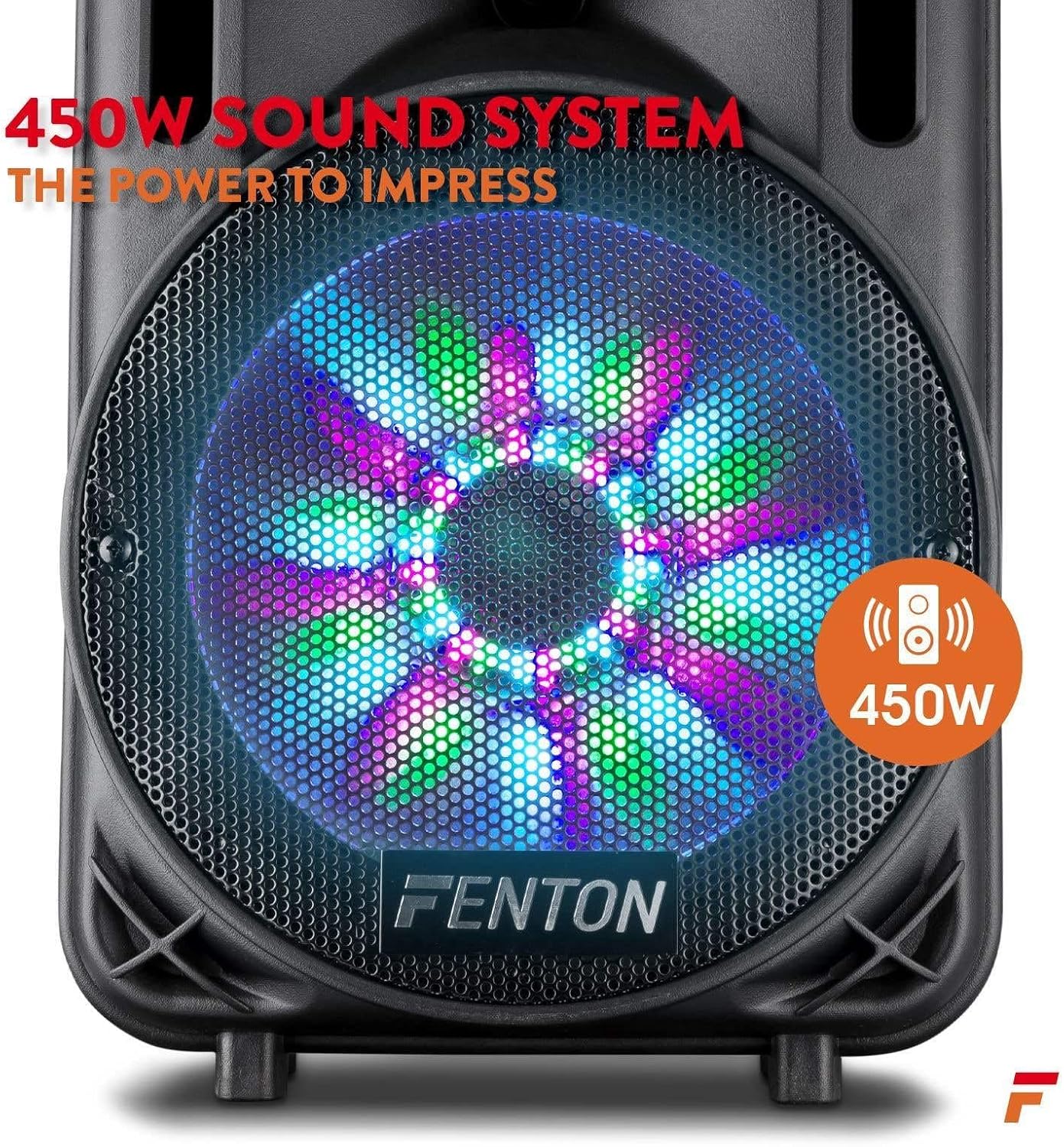
Figure 4: The wireless microphone is ready for use once powered on. The image also shows the USB/SD slot for media playback.
6. പ്രവർത്തന നിർദ്ദേശങ്ങൾ
6.1. ഇൻപുട്ട് മോഡ് തിരഞ്ഞെടുക്കൽ
അമർത്തുക മോഡ് ബട്ടൺ repeatedly to cycle through available input sources: Bluetooth, USB, SD, and AUX. The selected mode will be displayed on the media player screen.
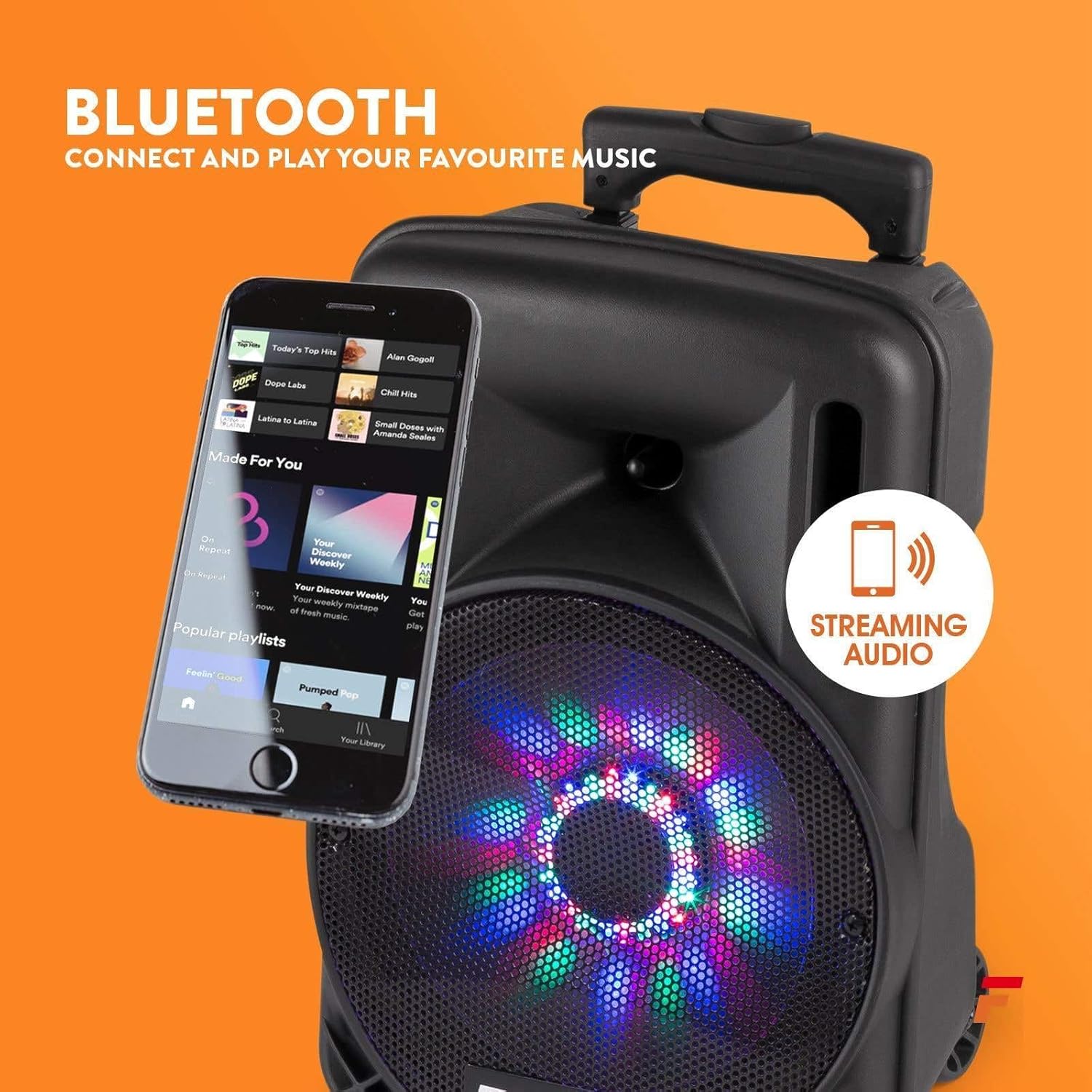
6.2. ബ്ലൂടൂത്ത് ജോടിയാക്കൽ
- സ്പീക്കർ ഓണാക്കി ബ്ലൂടൂത്ത് മോഡ് തിരഞ്ഞെടുക്കുക ഉപയോഗിച്ച് മോഡ് ബട്ടൺ. The display will show "BLUE" or a similar indicator.
- നിങ്ങളുടെ സ്മാർട്ട്ഫോണിലോ, ടാബ്ലെറ്റിലോ, മറ്റ് ഓഡിയോ ഉപകരണത്തിലോ ബ്ലൂടൂത്ത് പ്രവർത്തനക്ഷമമാക്കുക.
- ഇതിനായി തിരയുക "Fenton FT10LED" (or similar name) in your device's Bluetooth settings.
- Select the speaker to pair. Once connected, a confirmation sound may play.
- നിങ്ങളുടെ ഉപകരണത്തിൽ നിന്ന് സ്പീക്കറിലേക്ക് ഇപ്പോൾ വയർലെസ് ആയി ഓഡിയോ സ്ട്രീം ചെയ്യാൻ കഴിയും.

Figure 5: Wirelessly stream music from your Bluetooth-enabled device to the FT10LED speaker.
6.3. യുഎസ്ബി/എസ്ഡി കാർഡ് പ്ലേബാക്ക്
Insert a USB flash drive or SD card (with audio files in MP3 format) into the corresponding slot. The speaker will automatically switch to USB/SD mode and begin playback. Use the media player controls (Play/Pause, Skip) to manage your music.
6.4. AUX ഇൻപുട്ട്
Connect an external audio source (e.g., CD player, laptop) to the AUX ഇൻപുട്ട് using a 3.5mm audio cable. Select AUX mode using the മോഡ് ബട്ടൺ. Control playback from your external device.
6.5. മൈക്രോഫോൺ ഉപയോഗം
Ensure the wireless microphone is powered on. Adjust the microphone's volume using the മൈക്ക് വോളിയം knob on the rear panel. Use the എക്കോ നിയന്ത്രണം knob to add an echo effect to your voice.
6.6. എൽഇഡി പാർട്ടി ലൈറ്റുകൾ
The speaker features integrated LED lights on the woofer that react to the music. To turn these lights ON or OFF, use the LED സ്വിച്ച് പിൻ പാനലിൽ.

Figure 6: The speaker's woofer features dynamic LED lights that synchronize with the audio.
7. പരിപാലനം
- വൃത്തിയാക്കൽ: സ്പീക്കറിന്റെ പുറംഭാഗം വൃത്തിയാക്കാൻ മൃദുവായതും ഉണങ്ങിയതുമായ തുണി ഉപയോഗിക്കുക. അബ്രസീവ് ക്ലീനറുകളോ ലായകങ്ങളോ ഉപയോഗിക്കരുത്.
- ബാറ്ററി കെയർ: For optimal battery life, avoid fully discharging the battery frequently. Recharge the unit regularly, especially if stored for extended periods.
- സംഭരണം: നേരിട്ടുള്ള സൂര്യപ്രകാശത്തിൽ നിന്നും കടുത്ത താപനിലയിൽ നിന്നും മാറി തണുത്തതും വരണ്ടതുമായ സ്ഥലത്ത് സ്പീക്കർ സൂക്ഷിക്കുക.
8. പ്രശ്നപരിഹാരം
| പ്രശ്നം | സാധ്യമായ കാരണം | പരിഹാരം |
|---|---|---|
| ശക്തിയില്ല | Battery discharged; Power switch OFF; Power adapter not connected. | Charge the battery; Turn the power switch ON; Connect the power adapter securely. |
| ശബ്ദമില്ല | ശബ്ദം വളരെ കുറവാണ്; തെറ്റായ ഇൻപുട്ട് മോഡ്; ഉപകരണം ജോടിയാക്കിയിട്ടില്ല (ബ്ലൂടൂത്ത്); കേബിൾ ബന്ധിപ്പിച്ചിട്ടില്ല (AUX). | Increase Master Volume; Select correct input mode; Pair Bluetooth device; Check AUX cable connection. |
| മൈക്രോഫോൺ പ്രവർത്തിക്കുന്നില്ല | Microphone OFF; Low microphone battery; Mic Volume too low. | Turn microphone ON; Replace microphone batteries; Increase Mic Volume. |
| ബ്ലൂടൂത്ത് കണക്ഷൻ അസ്ഥിരമാണ് | ഉപകരണം വളരെ അകലെയാണ്; തടസ്സങ്ങൾ; തടസ്സം. | ഉപകരണം സ്പീക്കറിന് അടുത്തേക്ക് നീക്കുക; തടസ്സങ്ങൾ നീക്കം ചെയ്യുക; മറ്റ് വയർലെസ് ഉപകരണങ്ങൾ ഒഴിവാക്കുക. |
9 സ്പെസിഫിക്കേഷനുകൾ
| ഫീച്ചർ | വിശദാംശങ്ങൾ |
|---|---|
| ബ്രാൻഡ് | ഫെൻ്റൺ |
| മോഡൽ | FT10LED |
| പവർ ഔട്ട്പുട്ട് | 450W |
| കണക്റ്റിവിറ്റി ടെക്നോളജി | AUX, ബ്ലൂടൂത്ത്, USB |
| അനുയോജ്യമായ ഉപകരണങ്ങൾ | Television, Laptop, Smartphone, Tablet |
| പവർ ഉറവിടം | ബാറ്ററി പവർ |
| അളവുകൾ (L x W x H) | 31.5 x 30 x 50 സെ.മീ (12.4 x 11.8 x 19.7 ഇഞ്ച്) |
| ഭാരം | 4.8 കിലോഗ്രാം (10.6 പൗണ്ട്) |
| മെറ്റീരിയൽ | മരം |
| നിറം | കറുപ്പ് അല്ലെങ്കിൽ ചാരനിറം |
10. വാറൻ്റിയും പിന്തുണയും
വാറന്റി വിവരങ്ങൾക്കും സാങ്കേതിക പിന്തുണയ്ക്കും, നിങ്ങളുടെ വാങ്ങലിനൊപ്പം നൽകിയിരിക്കുന്ന ഡോക്യുമെന്റേഷൻ പരിശോധിക്കുകയോ നിങ്ങളുടെ റീട്ടെയിലറെ ബന്ധപ്പെടുകയോ ചെയ്യുക. ഏതെങ്കിലും വാറന്റി ക്ലെയിമുകൾക്കായി നിങ്ങളുടെ വാങ്ങിയതിന്റെ തെളിവ് സൂക്ഷിക്കുക.


