1. ആമുഖവും അവസാനവുംview
The Lenco Xemio-768 is a versatile portable media player designed for music, video, photo, and e-book playback. It features an 8GB internal storage capacity, which can be expanded using a microSD card up to 32GB. The device is equipped with a 1.8-inch TFT LCD screen and Bluetooth 2.1 connectivity for wireless audio streaming. Key functionalities include a voice recorder and support for various media file ഫോർമാറ്റുകൾ.
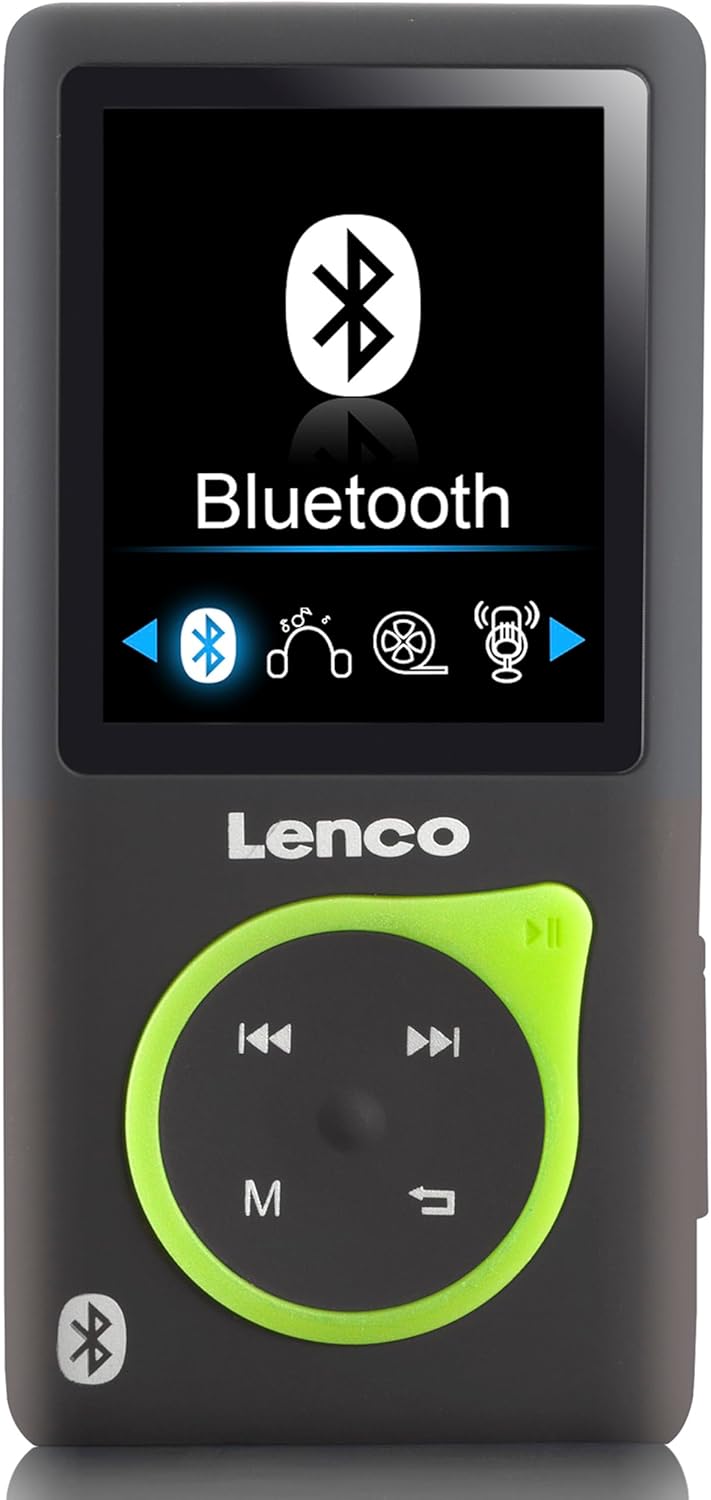
ചിത്രം 1.1: മുൻഭാഗം view of the Lenco Xemio-768 MP3/MP4 player, showing its 1.8-inch screen with the Bluetooth menu active, and the control buttons below.
2. പാക്കേജ് ഉള്ളടക്കം
താഴെ ലിസ്റ്റ് ചെയ്തിരിക്കുന്ന എല്ലാ ഇനങ്ങളും നിങ്ങളുടെ പാക്കേജിൽ ഉൾപ്പെടുത്തിയിട്ടുണ്ടെന്ന് ദയവായി പരിശോധിക്കുക:
- Lenco Xemio-768 MP3/MP4 Player
- USB കേബിൾ
- ഇൻ-ഇയർ ഇയർഫോണുകൾ
- 8 ജിബി മൈക്രോ എസ്ഡി കാർഡ്
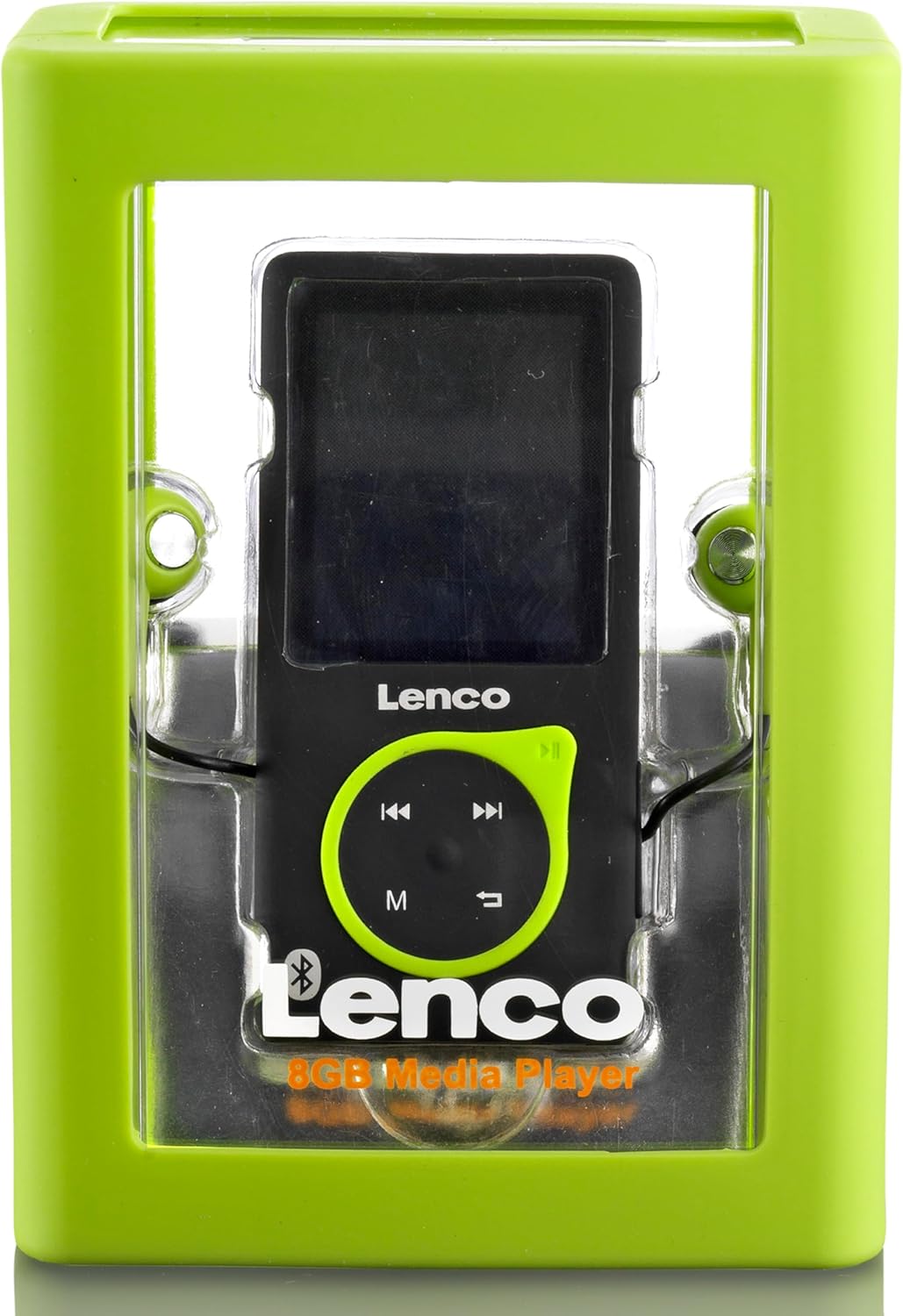
Figure 2.1: The Lenco Xemio-768 MP3/MP4 player shown inside its transparent retail packaging, highlighting the device and its included accessories.
3. ഡിവൈസ് ഓവർview
Familiarize yourself with the physical components of your Xemio-768 player:
- 1.8-inch TFT LCD Screen: Displays menus, media content, and settings.
- കൺട്രോൾ പാഡ്: Includes directional buttons (up, down, left, right) for navigation, a central Play/Pause button, an 'M' button for menu access, and a Return/Back button.
- മൈക്രോ യുഎസ്ബി പോർട്ട്: Used for charging the device and transferring fileകമ്പ്യൂട്ടറിലേക്കും തിരിച്ചും.
- മൈക്രോ എസ്ഡി കാർഡ് സ്ലോട്ട്: For expanding storage capacity with a microSD card (up to 32GB).
- 3.5 എംഎം ഹെഡ്ഫോൺ ജാക്ക്: For connecting wired earphones or headphones.
- പവർ ബട്ടൺ: വശത്ത് സ്ഥിതിചെയ്യുന്നു, ഉപകരണം ഓൺ/ഓഫ് ചെയ്യാനും സ്ക്രീൻ ലോക്ക്/അൺലോക്ക് ചെയ്യാനും ഉപയോഗിക്കുന്നു.
4. സജ്ജീകരണം
4.1 ഉപകരണം ചാർജ് ചെയ്യുന്നു
Before first use, fully charge the Xemio-768. Connect the included USB cable to the Micro USB port on the player and the other end to a USB power adapter (not included) or a computer's USB port. The battery indicator on the screen will show charging status.
4.2 Inserting/Removing a MicroSD Card
To expand storage, gently insert a microSD card into the designated slot until it clicks into place. To remove, push the card inward until it springs out. Ensure the device is powered off before inserting or removing the card to prevent data loss.
4.3 കൈമാറ്റം Files
Connect the Xemio-768 to your computer using the USB cable. The device will appear as a removable disk. You can then drag and drop music, video, photo, and e-book files directly into the player's internal storage or the inserted microSD card.
5. പ്രവർത്തന നിർദ്ദേശങ്ങൾ
5.1 Power On/Off and Screen Lock
- പവർ ഓൺ: സ്ക്രീൻ പ്രകാശിക്കുന്നതുവരെ പവർ ബട്ടൺ അമർത്തിപ്പിടിക്കുക.
- പവർ ഓഫ്: Press and hold the Power button until a power-off prompt appears, then confirm.
- സ്ക്രീൻ ലോക്ക്/അൺലോക്ക്: Briefly press the Power button to lock or unlock the screen during operation.
5.2 അടിസ്ഥാന നാവിഗേഷൻ
Use the directional buttons on the control pad to navigate through menus and select options. The central Play/Pause button often acts as a confirmation button. The 'M' button typically brings up context-sensitive menus or returns to the main menu. The Return/Back button navigates back to the previous screen.
5.3 മ്യൂസിക് പ്ലേബാക്ക്
- പ്രധാന മെനുവിൽ നിന്ന്, 'സംഗീതം' തിരഞ്ഞെടുക്കുക.
- Browse your music library by artist, album, genre, or all songs.
- Select a song or album and press the Play/Pause button to begin playback.
- Supported audio formats include MP3, WAV, APE, and FLAC.
5.4 വീഡിയോ പ്ലേബാക്ക്
- പ്രധാന മെനുവിൽ നിന്ന്, 'വീഡിയോ' തിരഞ്ഞെടുക്കുക.
- Browse your video files.
- Select a video and press the Play/Pause button to start playback.
5.5 ഫോട്ടോ Viewing
- From the main menu, select 'Photos'.
- Browse your image files.
- ഒരു ചിത്രം തിരഞ്ഞെടുക്കുക view it. Supported formats include JPG, BMP, and GIF.
5.6 E-book Reading
- പ്രധാന മെനുവിൽ നിന്ന്, 'ഇ-ബുക്ക്' തിരഞ്ഞെടുക്കുക.
- Browse your text files.
- Select a TXT file to open and read it.
5.7 വോയ്സ് റെക്കോർഡിംഗ്
- പ്രധാന മെനുവിൽ നിന്ന്, 'റെക്കോർഡർ' തിരഞ്ഞെടുക്കുക.
- Follow the on-screen prompts to start, pause, save, or delete recordings.
5.8 ബ്ലൂടൂത്ത് കണക്റ്റിവിറ്റി
To connect wireless headphones or speakers:
- നിങ്ങളുടെ ബ്ലൂടൂത്ത് ഓഡിയോ ഉപകരണം ജോടിയാക്കൽ മോഡിലാണെന്ന് ഉറപ്പാക്കുക.
- On the Xemio-768, navigate to the Bluetooth menu (usually found in Settings or as a direct option).
- Enable Bluetooth and select 'ഇതിനായി തിരയുക ഉപകരണങ്ങൾ'.
- ലിസ്റ്റിൽ നിങ്ങളുടെ ഉപകരണം പ്രത്യക്ഷപ്പെട്ടുകഴിഞ്ഞാൽ, ജോടിയാക്കാൻ അത് തിരഞ്ഞെടുക്കുക.
- ആവശ്യപ്പെടുകയാണെങ്കിൽ രണ്ട് ഉപകരണങ്ങളിലും ജോടിയാക്കൽ സ്ഥിരീകരിക്കുക.
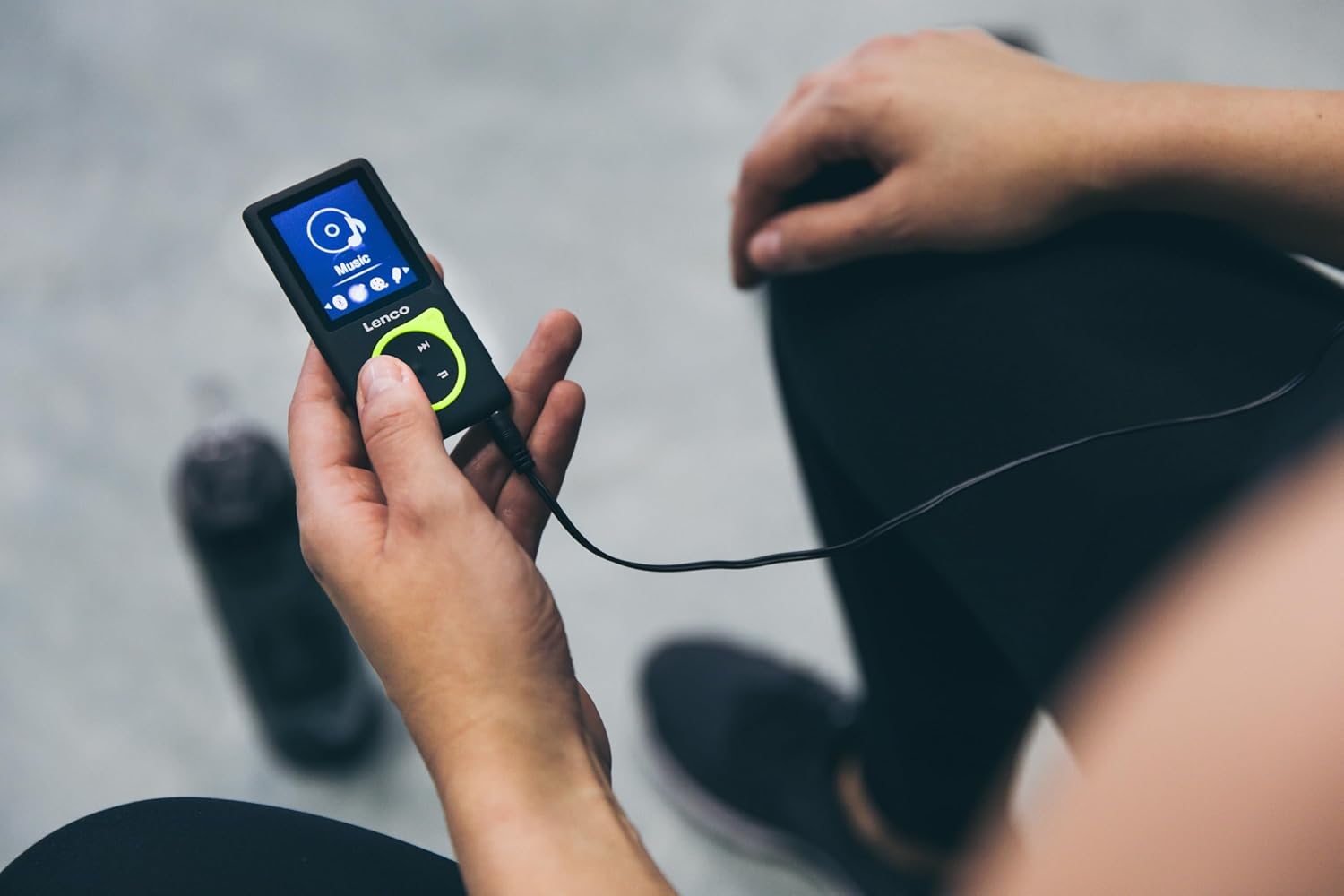
Figure 5.1: A person is shown holding the Lenco Xemio-768 MP3/MP4 player, connected to wired headphones, indicating active use for music playback.
6. പരിപാലനം
6.1 വൃത്തിയാക്കൽ
Wipe the device with a soft, dry, lint-free cloth. Do not use liquid cleaners, aerosols, or solvents, as these may damage the device's finish or internal components.
6.2 ബാറ്ററി കെയർ
To prolong battery life, avoid fully discharging the battery frequently. Charge the device regularly and avoid exposing it to extreme temperatures (hot or cold), which can degrade battery performance.
6.3 സംഭരണം
When not in use for extended periods, store the Xemio-768 in a cool, dry place, away from direct sunlight and moisture.
7. പ്രശ്നപരിഹാരം
If you encounter issues with your Lenco Xemio-768, please refer to the following common solutions:
- ഉപകരണം ഓണാക്കുന്നില്ല: ബാറ്ററി ചാർജ്ജ് ചെയ്തിട്ടുണ്ടെന്ന് ഉറപ്പാക്കുക. ഉപകരണം ഒരു പവർ സ്രോതസ്സുമായി ബന്ധിപ്പിച്ച് വീണ്ടും ശ്രമിക്കുക.
- കൈമാറാൻ കഴിയില്ല files: Verify the USB cable is securely connected to both the player and the computer. Try a different USB port or cable. Ensure the device is recognized by your computer.
- ബ്ലൂടൂത്ത് ബന്ധിപ്പിക്കുന്നില്ല: Make sure your Bluetooth audio device is in pairing mode and within range. Restart both the player and the Bluetooth device.
- മൈക്രോഎസ്ഡി കാർഡ് തിരിച്ചറിഞ്ഞില്ല: Ensure the microSD card is inserted correctly. Check if the card is formatted to a compatible file system (e.g., FAT32). Try a different microSD card to rule out card issues.
- സ്ക്രീൻ പ്രതികരിക്കുന്നില്ല: If the device is frozen, try performing a soft reset by pressing and holding the Power button for approximately 10-15 seconds until it restarts.
8 സ്പെസിഫിക്കേഷനുകൾ
| ബ്രാൻഡ് | ലെൻകോ |
| മോഡലിൻ്റെ പേര് | സെമിയോ -768 |
| സ്ക്രീൻ വലിപ്പം | 1.8 ഇഞ്ച് TFT LCD |
| ആന്തരിക സംഭരണം | 8 ജിബി |
| വികസിപ്പിക്കാവുന്ന സംഭരണം | 32 ജിബി വരെ മൈക്രോ എസ്ഡി |
| കണക്റ്റിവിറ്റി | Bluetooth 2.1, Micro USB, 3.5mm Headphone Jack |
| പിന്തുണയ്ക്കുന്ന ഓഡിയോ ഫോർമാറ്റുകൾ | MP3, WAV, APE, FLAC |
| പിന്തുണയ്ക്കുന്ന ഫോട്ടോ ഫോർമാറ്റുകൾ | JPG, BMP, GIF |
| Supported E-book Format | ടെക്സ്റ്റ് |
| ബാറ്ററി തരം | Integrated Lithium Polymer (3.7V, 250mAh) |
| വീഡിയോ പ്ലേബാക്ക് സമയം | ഏകദേശം 3 മണിക്കൂർ |
| പ്രത്യേക സവിശേഷതകൾ | വോയ്സ് റെക്കോർഡർ |
9. വാറൻ്റിയും പിന്തുണയും
For detailed warranty information, technical support, or service inquiries, please refer to the warranty card included with your purchase or visit the official Lenco webസൈറ്റ്. ഏതെങ്കിലും വാറന്റി ക്ലെയിമുകൾക്ക് നിങ്ങളുടെ വാങ്ങലിന്റെ തെളിവ് സൂക്ഷിക്കുക.