ആമുഖം
വാങ്ങിയതിന് നന്ദി.asing the Trust Vigor 22867 Wireless Bluetooth Soundbar. This portable speaker is designed to deliver powerful and rich stereo sound, suitable for various audio sources and environments. Please read this manual carefully to ensure proper setup, operation, and maintenance of your device.
സുരക്ഷാ വിവരങ്ങൾ
- ഉപകരണം വെള്ളം, ഈർപ്പം അല്ലെങ്കിൽ തീവ്രമായ താപനില എന്നിവയിൽ തുറന്നുകാട്ടരുത്.
- ശക്തമായ ആഘാതങ്ങൾക്ക് ഉപകരണം ഇടുകയോ ഇടുകയോ ചെയ്യുന്നത് ഒഴിവാക്കുക.
- ഉപകരണം സ്വയം ഡിസ്അസംബ്ലിംഗ് ചെയ്യാനോ നന്നാക്കാനോ ശ്രമിക്കരുത്. എല്ലാ സേവനങ്ങളും യോഗ്യതയുള്ള ഉദ്യോഗസ്ഥരെ ഏൽപ്പിക്കുക.
- റേഡിയേറ്ററുകൾ, സ്റ്റൗകൾ അല്ലെങ്കിൽ മറ്റ് ചൂട് ഉൽപ്പാദിപ്പിക്കുന്ന ഉപകരണങ്ങൾ പോലുള്ള താപ സ്രോതസ്സുകളിൽ നിന്ന് ഉപകരണം അകറ്റി നിർത്തുക.
- നൽകിയിരിക്കുന്ന ചാർജിംഗ് കേബിളോ സാക്ഷ്യപ്പെടുത്തിയ തത്തുല്യമായതോ മാത്രം ഉപയോഗിക്കുക.
- ഉയർന്ന ശബ്ദത്തിൽ ദീർഘനേരം കേൾക്കുന്നത് കേൾവിക്ക് കേടുപാടുകൾ വരുത്തിയേക്കാം. സുരക്ഷിതമായ തലത്തിലേക്ക് ശബ്ദം ക്രമീകരിക്കുക.
പാക്കേജ് ഉള്ളടക്കം
പാക്കേജിൽ എല്ലാ ഇനങ്ങളും ഉണ്ടെന്ന് ഉറപ്പാക്കുക:
- Trust Vigor 22867 Wireless Bluetooth Soundbar
- 1-meter Micro-USB Charging Cable
- 3.5 എംഎം ഓക്സ് കേബിൾ
- ഉപയോക്തൃ മാനുവൽ (ഈ പ്രമാണം)
ഉൽപ്പന്നം കഴിഞ്ഞുview
Familiarize yourself with the main components and controls of your soundbar.
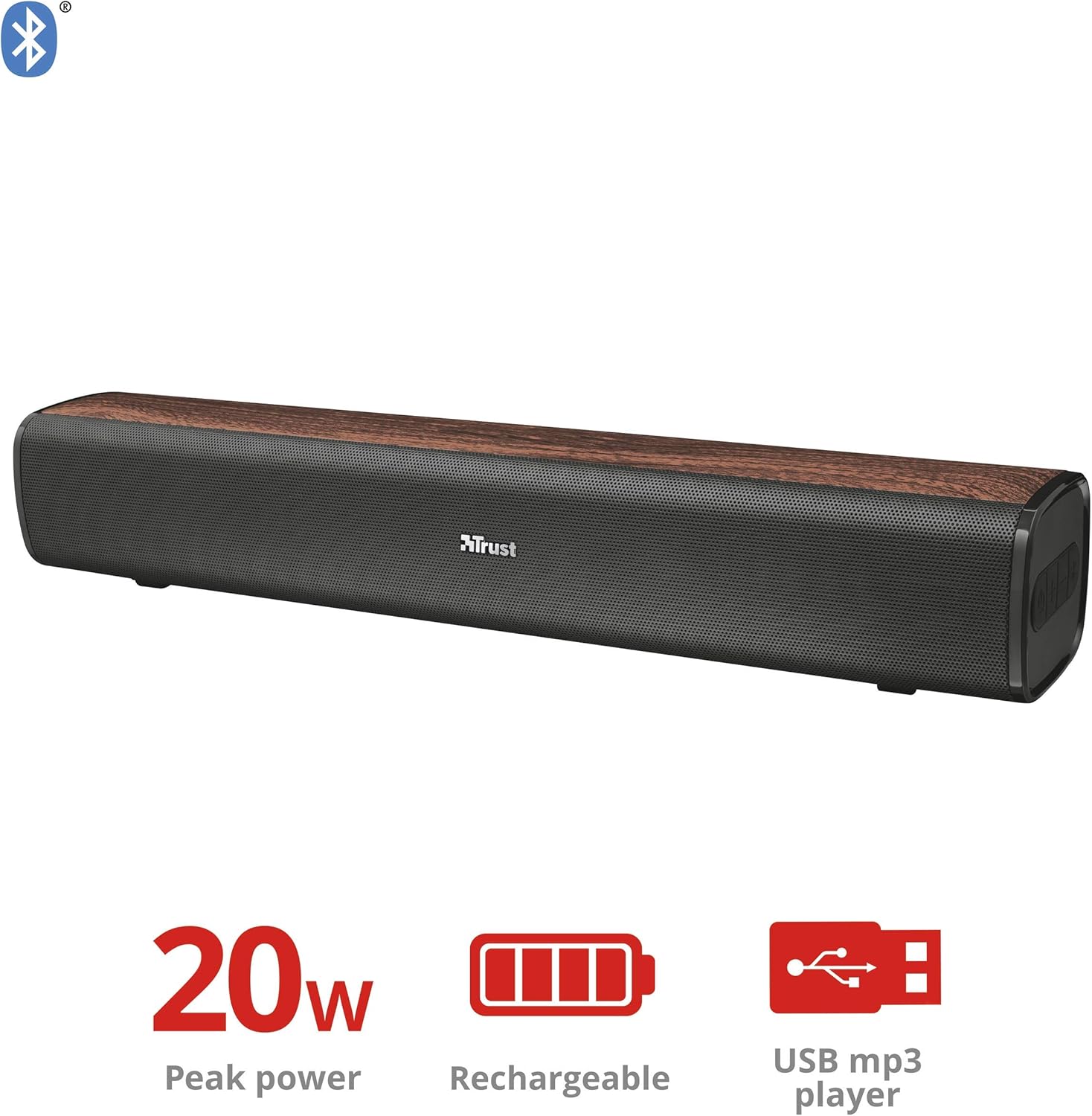
ചിത്രം 1: മുൻഭാഗം view of the Trust Vigor 22867 Soundbar, highlighting its 20W peak power, rechargeable battery, and USB MP3 player functionality.
നിയന്ത്രണ പാനൽ

ചിത്രം 2: മുകളിൽ view of the soundbar's control panel, showing the power button, volume controls, and Bluetooth pairing button.
- പവർ ബട്ടൺ: Press and hold to turn on/off. Short press to change modes.
- വോളിയം കൂട്ടുക (+): വോളിയം കൂട്ടുക.
- വോളിയം ഡൗൺ (-): വോളിയം കുറയ്ക്കുക.
- ബ്ലൂടൂത്ത് ബട്ടൺ: ബ്ലൂടൂത്ത് ജോടിയാക്കൽ മോഡിൽ പ്രവേശിക്കാൻ അമർത്തുക.
പിൻ തുറമുഖങ്ങൾ

ചിത്രം 3: പിൻഭാഗം view of the soundbar, displaying the USB port, AUX input, and DC IN charging port.
- USB പോർട്ട്: MP3 പ്ലേ ചെയ്യുന്നതിന് fileഒരു USB ഡ്രൈവിൽ നിന്നുള്ള എസ്.
- AUX ഇൻപുട്ട് (3.5mm): ഓഡിയോ ഉപകരണങ്ങളിലേക്കുള്ള വയർ കണക്ഷന്.
- DC IN (Micro-USB): സൗണ്ട്ബാർ ചാർജ് ചെയ്യുന്നതിന്.
സജ്ജമാക്കുക
1. സൗണ്ട്ബാർ ചാർജ് ചെയ്യുന്നു
- Connect the Micro-USB end of the charging cable to the DC IN port on the soundbar.
- Connect the standard USB end of the cable to a USB power adapter (not included) or a computer's USB port.
- The charging indicator light will illuminate. Once fully charged (approximately 3-4 hours), the light will change or turn off.
- ഒരു ഫുൾ ചാർജ് 20 മണിക്കൂർ വരെ പ്ലേടൈം നൽകുന്നു.
2. പവർ ഓൺ/ഓഫ്
- To power on, press and hold the Power button on the control panel until the indicator light illuminates.
- പവർ ഓഫ് ചെയ്യാൻ, ഇൻഡിക്കേറ്റർ ലൈറ്റ് ഓഫ് ആകുന്നതുവരെ പവർ ബട്ടൺ വീണ്ടും അമർത്തിപ്പിടിക്കുക.
പ്രവർത്തിക്കുന്നു
1. ബ്ലൂടൂത്ത് കണക്ഷൻ
- Turn on the soundbar. It will automatically enter Bluetooth pairing mode, indicated by a flashing blue light.
- നിങ്ങളുടെ സ്മാർട്ട്ഫോണിലോ, ടാബ്ലെറ്റിലോ, മറ്റ് ബ്ലൂടൂത്ത് പ്രവർത്തനക്ഷമമാക്കിയ ഉപകരണത്തിലോ, ബ്ലൂടൂത്ത് പ്രവർത്തനക്ഷമമാക്കി ലഭ്യമായ ഉപകരണങ്ങൾക്കായി തിരയുക.
- Select "Trust Vigor" (or similar name) from the list of devices.
- Once connected, the indicator light will turn solid blue, and you will hear a confirmation tone.
- പാസ്വേഡ് ആവശ്യപ്പെടുകയാണെങ്കിൽ, "0000" എന്ന് നൽകുക.
- The soundbar will automatically reconnect to the last paired device when powered on, if available.
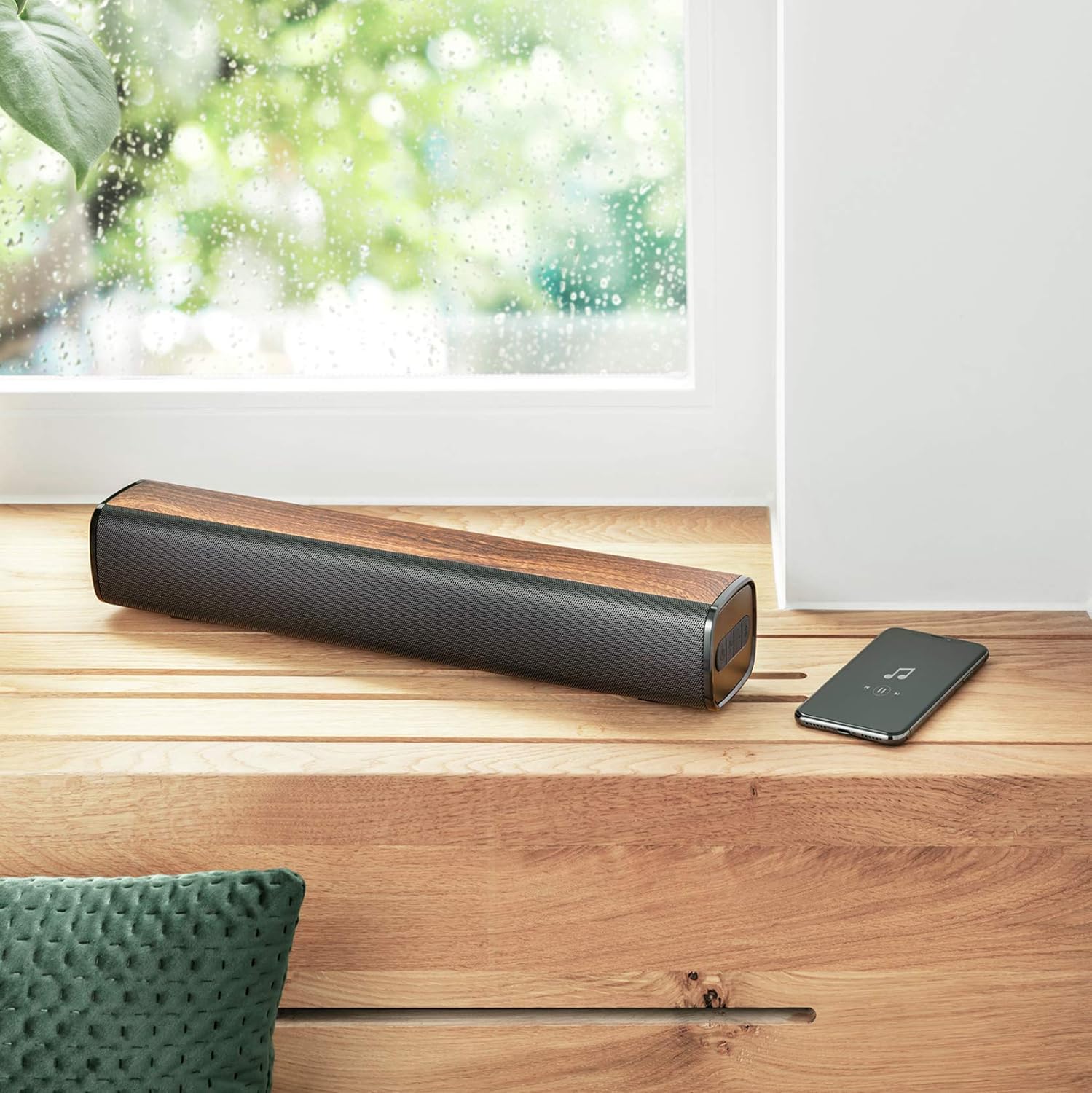
Figure 4: The soundbar wirelessly connected to a smartphone, demonstrating its portable use.
2. AUX കണക്ഷൻ
- Connect one end of the 3.5mm AUX cable to the AUX input port on the soundbar.
- Connect the other end of the AUX cable to the headphone jack or audio output of your PC, TV, or other audio device.
- Press the Power button briefly to cycle through modes until the AUX mode is selected (indicator light may change color or flash differently).
3. യുഎസ്ബി എംപി3 പ്ലെയർ
- MP3 ഓഡിയോ അടങ്ങിയ ഒരു USB ഡ്രൈവ് ഇടുക fileസൗണ്ട്ബാറിലെ USB പോർട്ടിലേക്ക് s.
- The soundbar will automatically switch to USB mode and begin playing music. If not, briefly press the Power button to cycle modes.
- Use the volume buttons to control playback (short press for track skip, long press for volume).
4. വോളിയം നിയന്ത്രണം
- അമർത്തുക + വോളിയം വർദ്ധിപ്പിക്കുന്നതിനുള്ള ബട്ടൺ.
- അമർത്തുക - ശബ്ദം കുറയ്ക്കുന്നതിനുള്ള ബട്ടൺ.
മെയിൻ്റനൻസ്
- മൃദുവായതും ഉണങ്ങിയതുമായ തുണി ഉപയോഗിച്ച് സൗണ്ട്ബാർ വൃത്തിയാക്കുക. അബ്രസീവ് ക്ലീനറുകളോ ലായകങ്ങളോ ഉപയോഗിക്കരുത്.
- ദീർഘനേരം ഉപയോഗിക്കാത്തപ്പോൾ ഉപകരണം തണുത്തതും വരണ്ടതുമായ സ്ഥലത്ത് സൂക്ഷിക്കുക.
- Avoid blocking the speaker grilles to ensure optimal sound quality and prevent overheating.
ട്രബിൾഷൂട്ടിംഗ്
| പ്രശ്നം | സാധ്യമായ കാരണം | പരിഹാരം |
|---|---|---|
| ശക്തിയില്ല | ബാറ്ററി തീർന്നു. | Charge the soundbar using the provided Micro-USB cable. |
| ശബ്ദമില്ല | Volume is too low or muted. Incorrect input mode selected. Device not properly connected. | Increase volume. Press the Power button to cycle through input modes (Bluetooth, AUX, USB). Ensure cables are securely connected or Bluetooth is paired. |
| ബ്ലൂടൂത്ത് ജോടിയാക്കൽ പരാജയപ്പെടുന്നു | Soundbar is not in pairing mode. Device is too far from the soundbar. Bluetooth is not enabled on the source device. | Press the Bluetooth button on the soundbar to enter pairing mode. Move the source device closer (within 10 meters). Enable Bluetooth on your source device. |
| USB MP3 player not working | USB drive not inserted correctly. Files are not in MP3 format. Soundbar not in USB mode. | Ensure USB drive is fully inserted. Verify files are MP3. Press the Power button to cycle to USB mode. |
സ്പെസിഫിക്കേഷനുകൾ
| ഫീച്ചർ | വിശദാംശങ്ങൾ |
|---|---|
| മോഡലിൻ്റെ പേര് | വീര്യം |
| മോഡൽ നമ്പർ | 22867 |
| സ്പീക്കർ തരം | സ്റ്റീരിയോ |
| കണക്റ്റിവിറ്റി | ബ്ലൂടൂത്ത്, യുഎസ്ബി, 3.5 എംഎം ഓക്സ് |
| ഔട്ട്പുട്ട് പവർ | 10W RMS (20W പീക്ക്) |
| പ്രതിരോധം | 4 ഓം |
| ബാറ്ററി തരം | 1x Lithium Ion (included) |
| ബാറ്ററി എനർജി ഉള്ളടക്കം | 8.14 വാട്ട് മണിക്കൂർ |
| കളിസമയം | 20 മണിക്കൂർ വരെ |
| ഇൻപുട്ട് ചാർജ് ചെയ്യുന്നു | Micro-USB, 3.7 Volt |
| അളവുകൾ (L x W x H) | 41 x 7 x 7.5 സെ.മീ |
| ഭാരം | 0.94 കി.ഗ്രാം |
| നിറം | ബ്രൗൺ |
| ഡിഎസ്പി ടെക്നോളജി | അതെ |
| Integrated MP3 Player | Yes (via USB drive) |
വാറൻ്റി വിവരങ്ങൾ
Trust products are manufactured to high quality standards. This product is covered by the manufacturer's warranty, which typically covers defects in materials and workmanship for a specified period from the date of purchase. Please retain your proof of purchase for warranty claims. For specific warranty terms and conditions, refer to the warranty card included with your product or visit the official Trust webസൈറ്റ്.
പിന്തുണ
If you encounter any issues or have questions regarding your Trust Vigor 22867 Wireless Bluetooth Soundbar that are not addressed in this manual, please contact Trust customer support. You can usually find contact information on the official Trust website or on the product packaging. Please have your product model number (22867) and proof of purchase ready when contacting support.


