1. ആമുഖം
Welcome to the SteelSeries QcK Gaming Mouse Pad instruction manual. The QcK Edge mouse pad is designed for optimal gaming performance, featuring a micro-woven cloth surface and durable stitched edges. This manual provides essential information for setup, maintenance, and specifications.
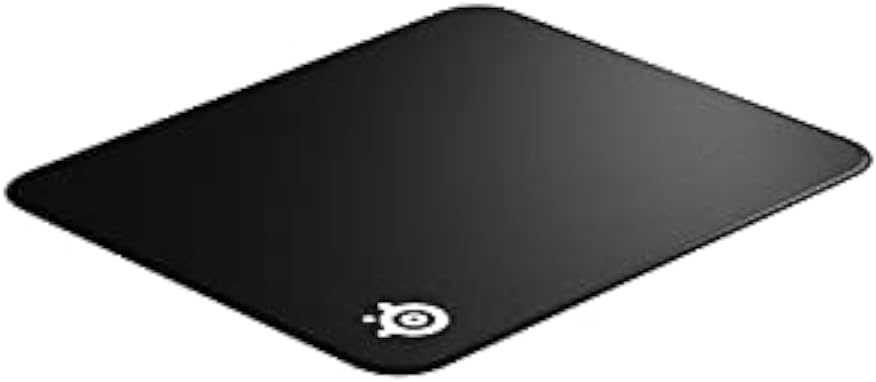
Figure 1: SteelSeries QcK Gaming Mouse Pad (top-down view).
2 പ്രധാന സവിശേഷതകൾ
- Exclusive QcK Micro-Woven Cloth: Optimized for both low and high DPI tracking movements, providing a smooth and consistent glide for optical and laser sensors.
- Stitched Edges: Enhanced durability prevents fraying and extends the lifespan of the mouse pad.
- നോൺ-സ്ലിപ്പ് റബ്ബർ ബേസ്: തീവ്രമായ ഗെയിമിംഗ് സെഷനുകളിൽ മൗസ് പാഡ് സ്ഥാനത്ത് ഉറച്ചുനിൽക്കുന്നുവെന്ന് ഉറപ്പാക്കുന്നു.
- മെഷീൻ കഴുകാവുന്നവ: Easy to clean and maintain for long-lasting performance.

Figure 2: Gaming setup featuring the SteelSeries QcK mouse pad.
3. സജ്ജീകരണം
Setting up your SteelSeries QcK Gaming Mouse Pad is straightforward:
- Unroll the Mouse Pad: Carefully unroll the mouse pad onto a clean, flat surface.
- പരത്തുക: Allow some time for the mouse pad to flatten completely. Gentle pressure or placing heavy, flat objects on the corners overnight can help.
- സ്ഥാനം: Place your gaming mouse and keyboard on the pad as desired. The non-slip rubber base will keep it secure.

Figure 3: The QcK mouse pad unrolled and ready for use.
4. പ്രവർത്തന നിർദ്ദേശങ്ങൾ
The SteelSeries QcK Gaming Mouse Pad is designed for immediate use with any optical or laser gaming mouse. Its optimized surface ensures precise tracking and smooth movement, enhancing your gaming and computing experience.
Simply place your mouse on the pad and enjoy the consistent glide and control it provides.

ചിത്രം 4: ക്ലോസപ്പ് view of mouse tracking on the QcK surface.
5. പരിപാലനവും ശുചീകരണവും
To maintain the performance and appearance of your QcK Gaming Mouse Pad:
- പതിവ് വൃത്തിയാക്കൽ: For light dust or debris, gently wipe the surface with a soft, damp തുണി.
- മെഷീൻ വാഷിംഗ്: The QcK Edge is machine washable. Use cold water and a gentle cycle. Do not use bleach or harsh detergents. Air dry completely; do not tumble dry.
- മടക്കിക്കളയുന്നത് ഒഴിവാക്കുക: To prevent creases, store the mouse pad rolled up rather than folded.
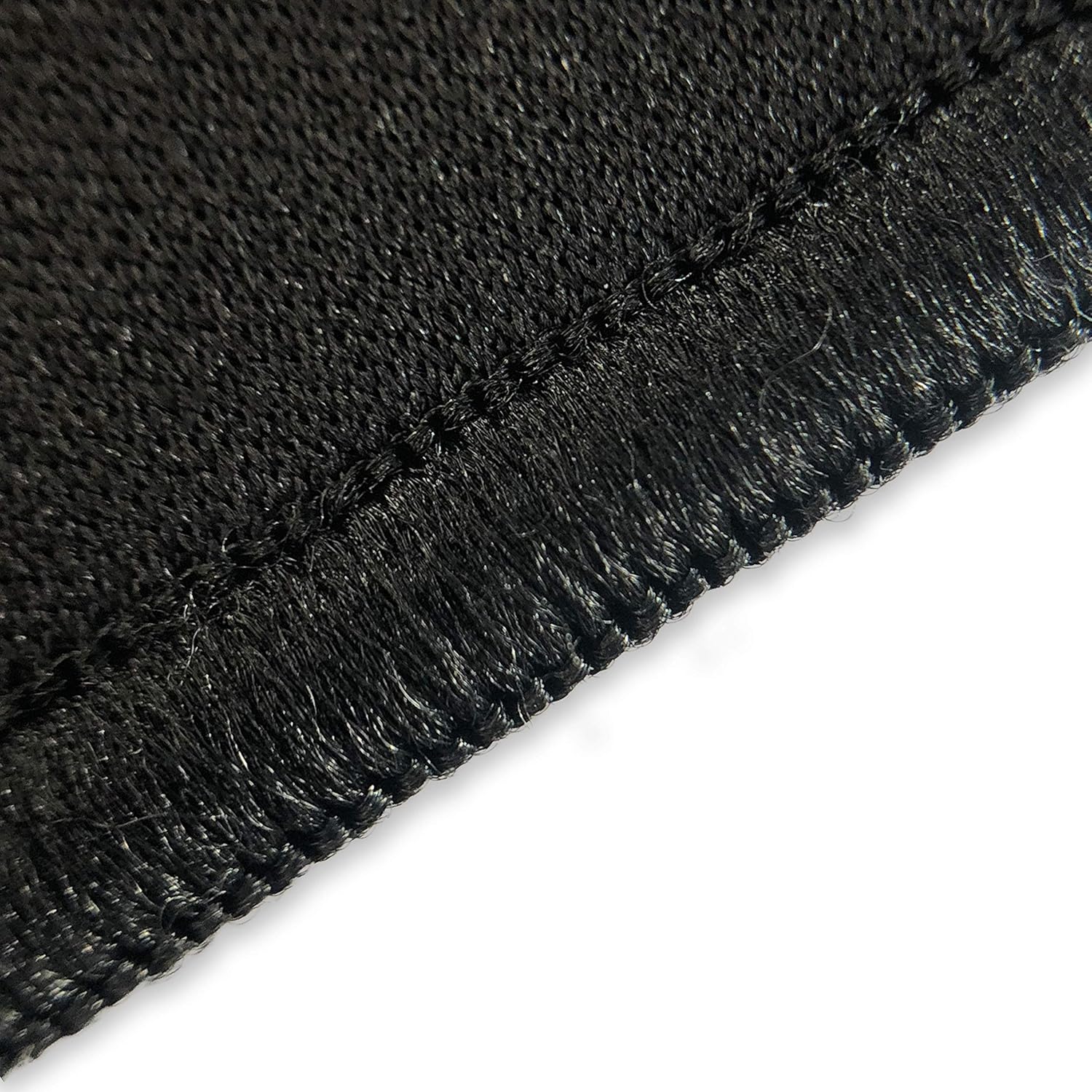
Figure 5: The QcK mouse pad can be rolled for easy storage and transport.

Figure 6: Durable stitched edges prevent fraying.
6. പ്രശ്നപരിഹാരം
Most issues with a mouse pad are minor. Here are some common concerns:
| പ്രശ്നം | പരിഹാരം |
|---|---|
| Mouse pad not lying flat | Unroll and place heavy, flat objects on it overnight. Over time, it will naturally flatten. |
| മൗസ് ട്രാക്കിംഗ് പ്രശ്നങ്ങൾ | Ensure the mouse pad surface is clean. Check your mouse's sensor for debris. |
| Mouse pad slipping | Ensure the surface beneath the mouse pad is clean and dry. The non-slip rubber base requires a clean surface for optimal grip. |
7 സ്പെസിഫിക്കേഷനുകൾ
| ആട്രിബ്യൂട്ട് | വിശദാംശങ്ങൾ |
|---|---|
| മോഡലിൻ്റെ പേര് | QcK Edge |
| മോഡൽ നമ്പർ | 63823 |
| അളവുകൾ (L x W x H) | 15.7 x 17.7 x 0.1 ഇഞ്ച് |
| ഉപരിതല മെറ്റീരിയൽ | Micro-woven Cloth |
| അടിസ്ഥാന മെറ്റീരിയൽ | നോൺ-സ്ലിപ്പ് റബ്ബർ |
| നിറം | കറുപ്പ് |
| പ്രത്യേക സവിശേഷതകൾ | Stitched Edges, Machine Washable |
| ശുപാർശ ചെയ്യുന്ന ഉപയോഗം | ഗെയിമിംഗ് |
8. വാറൻ്റിയും പിന്തുണയും
For warranty information and customer support, please visit the official SteelSeries webസൈറ്റിൽ ബന്ധപ്പെടുകയോ അവരുടെ ഉപഭോക്തൃ സേവന വിഭാഗവുമായി ബന്ധപ്പെടുകയോ ചെയ്യുക. വാറന്റി ക്ലെയിമുകൾക്കായി നിങ്ങളുടെ വാങ്ങൽ രസീത് സൂക്ഷിക്കുക.


