1. ആമുഖം
This manual provides comprehensive instructions for the Zerone replacement remote control. Designed for compatibility with various Sony AV System models, including RM-AAU019, RM-AAU005, RM-AAU013, and RM-AAU025, this remote offers full functionality and a comfortable user experience. It is constructed from durable ABS material for longevity.
Please read this manual carefully before use to ensure correct operation and to familiarize yourself with all features.

ചിത്രം 1: മുന്നിലും പിന്നിലും view of the Zerone replacement remote control. The front displays all control buttons, while the back shows the battery compartment cover.
2. സജ്ജീകരണം
2.1 ബാറ്ററി ഇൻസ്റ്റാളേഷൻ
The remote control requires two (2) AA batteries (not included) for operation. Follow these steps to install the batteries:
- റിമോട്ട് കൺട്രോളിൻ്റെ പിൻഭാഗത്ത് ബാറ്ററി കമ്പാർട്ട്മെൻ്റ് കവർ കണ്ടെത്തുക.
- Press down on the latch and slide the cover downwards to open the compartment.
- കമ്പാർട്ടുമെന്റിനുള്ളിലെ അടയാളപ്പെടുത്തലുകളുമായി പോസിറ്റീവ് (+), നെഗറ്റീവ് (-) ടെർമിനലുകൾ ശരിയായി വിന്യസിക്കുന്നുണ്ടെന്ന് ഉറപ്പാക്കിക്കൊണ്ട് രണ്ട് AA ബാറ്ററികൾ ഇടുക.
- സുരക്ഷിതമായി ക്ലിക്ക് ചെയ്യുന്നതുവരെ ബാറ്ററി കമ്പാർട്ട്മെന്റ് കവർ തിരികെ സ്ഥലത്തേക്ക് സ്ലൈഡ് ചെയ്യുക.

ചിത്രം 2: Illustration of the battery compartment, showing where to insert two AA batteries. Batteries are not supplied with the remote.
2.2 പ്രാരംഭ ഉപയോഗം
Once batteries are installed, the remote control is ready for use. No programming is typically required for compatible Sony AV systems. Point the remote directly at your AV system's infrared receiver.
3. പ്രവർത്തന നിർദ്ദേശങ്ങൾ
This remote control provides a comprehensive set of functions for your Sony AV system. The effective operating distance is typically more than 8 meters, though this can vary depending on the specific AV system model and environmental factors.

ചിത്രം 3: വിശദമായി view of the remote control's front panel, highlighting the layout of all buttons for various functions.
3.1 Key Functions Overview
- Power (I/O): Turns the AV system on or off.
- ടിവി ഇൻപുട്ട്: Selects the TV input source.
- ഉറക്കം: സ്ലീപ്പ് ടൈമർ ഫംഗ്ഷൻ സജീവമാക്കുന്നു.
- DMPORT / AV I/O: Selects digital media port or audio/video input.
- Video 1, Video 2, Video 3, DVD: Direct selection for video inputs and DVD player.
- SAT, TV, SA-CD/CD, Tuner: Direct selection for satellite, television, Super Audio CD/CD, and tuner functions.
- 2CH, A.F.D., Movie, Music: Sound field and audio mode selections.
- AMP MENU, AUTO CAL, D.TUNING: പ്രവേശനം amplifier menu, auto calibration, and digital tuning.
- Number Buttons (0-9, 10>/11, 0/10, 12): Direct channel or track selection.
- ENTER, MEMORY, FM MODE, TOOLS, MUTING: Various utility and control functions.
- Navigation Pad (Up, Down, Left, Right, Center ENTER): മെനു നാവിഗേഷനും തിരഞ്ഞെടുപ്പിനും.
- TV VOL MASTER VOL (+/-): Adjusts television and master volume levels.
- RETURN/EXIT, MENU: Navigates back or exits menus, and accesses the main menu.
- PRESET-, REPLAY, ADVANCE, PRESET+: Controls for preset selection and media playback.
- TUNING-, TUNING+: Adjusts radio tuning.
- Playback Controls (Rewind, Play, Fast Forward, Stop, Pause): സ്റ്റാൻഡേർഡ് മീഡിയ പ്ലേബാക്ക് നിയന്ത്രണങ്ങൾ.
4. പരിപാലനം
4.1 വൃത്തിയാക്കൽ
To clean the remote control, use a soft, dry cloth. Do not use abrasive cleaners, solvents, or alcohol, as these can damage the surface and markings.
4.2 ബാറ്ററി മാറ്റിസ്ഥാപിക്കൽ
Replace batteries when the remote control's response becomes sluggish or stops functioning. Always replace both batteries at the same time with new AA batteries. Do not mix old and new batteries, or different types of batteries. Dispose of used batteries according to local regulations.
4.3 സംഭരണം
റിമോട്ട് കൺട്രോൾ ദീർഘനേരം ഉപയോഗിക്കുന്നില്ലെങ്കിൽ, ചോർച്ചയും ഉപകരണത്തിന് കേടുപാടുകൾ സംഭവിക്കാനുള്ള സാധ്യതയും തടയാൻ ബാറ്ററികൾ നീക്കം ചെയ്യുക.
5. പ്രശ്നപരിഹാരം
- റിമോട്ട് പ്രതികരിക്കുന്നില്ല:
- Ensure batteries are installed correctly with the correct polarity.
- പഴയ ബാറ്ററികൾ പുതിയവ ഉപയോഗിച്ച് മാറ്റിസ്ഥാപിക്കുക.
- Check for any obstructions between the remote control and the AV system's infrared receiver.
- Ensure you are within the effective operating range (typically within 8 meters).
- പ്രവർത്തിക്കാത്ത നിർദ്ദിഷ്ട പ്രവർത്തനങ്ങൾ:
- Verify that your AV system model is listed as compatible (RM-AAU019, RM-AAU005, RM-AAU013, RM-AAU025).
- Some advanced functions may require specific settings on your AV system. Refer to your AV system's manual.
6 സ്പെസിഫിക്കേഷനുകൾ
| ഫീച്ചർ | വിശദാംശങ്ങൾ |
|---|---|
| ബ്രാൻഡ് | സീറോൺ |
| അനുയോജ്യമായ മോഡലുകൾ | Sony AV System RM-AAU019, RM-AAU005, RM-AAU013, RM-AAU025 |
| മെറ്റീരിയൽ | എബിഎസ് |
| വിദൂര ദൂരം | More than 8 meters (varies by machine type) |
| വൈദ്യുതി വിതരണം | 2 x AA ബാറ്ററികൾ (ഉൾപ്പെടുത്തിയിട്ടില്ല) |
| ഉൽപ്പന്ന അളവുകൾ | 8.27 x 1.85 x 0.87 ഇഞ്ച് (210 x 47 x 22 മിമി) |
| ഇനത്തിൻ്റെ ഭാരം | 2.82 ഔൺസ് (ഏകദേശം 80 ഗ്രാം) |
| പ്രത്യേക ഫീച്ചർ | എർഗണോമിക് ഡിസൈൻ |

ചിത്രം 4: Physical dimensions of the remote control, showing its length, width, and thickness.
7 പ്രധാനപ്പെട്ട സുരക്ഷാ വിവരങ്ങൾ
ഇനിപ്പറയുന്ന സുരക്ഷാ മാർഗ്ഗനിർദ്ദേശങ്ങൾ പാലിക്കുക:
- നേരിട്ടുള്ള സൂര്യപ്രകാശം, താപ സ്രോതസ്സുകൾ, അല്ലെങ്കിൽ തീവ്രമായ താപനില എന്നിവയിലേക്ക് റിമോട്ട് കൺട്രോൾ തുറന്നുകാട്ടരുത്.
- റിമോട്ട് കൺട്രോൾ താഴെയിടുകയോ ശക്തമായ ആഘാതങ്ങൾക്ക് വിധേയമാക്കുകയോ ചെയ്യുന്നത് ഒഴിവാക്കുക.
- റിമോട്ട് കൺട്രോൾ വെള്ളത്തിൽ നിന്നും മറ്റ് ദ്രാവകങ്ങളിൽ നിന്നും അകറ്റി നിർത്തുക.
- റിമോട്ട് കൺട്രോൾ ഡിസ്അസംബ്ലിംഗ് ചെയ്യാനോ പരിഷ്ക്കരിക്കാനോ ശ്രമിക്കരുത്.
- ബാറ്ററികൾ കുട്ടികൾക്ക് ലഭ്യമാകാതെ സൂക്ഷിക്കുക. വിഴുങ്ങിയാൽ ഉടൻ വൈദ്യസഹായം തേടുക.
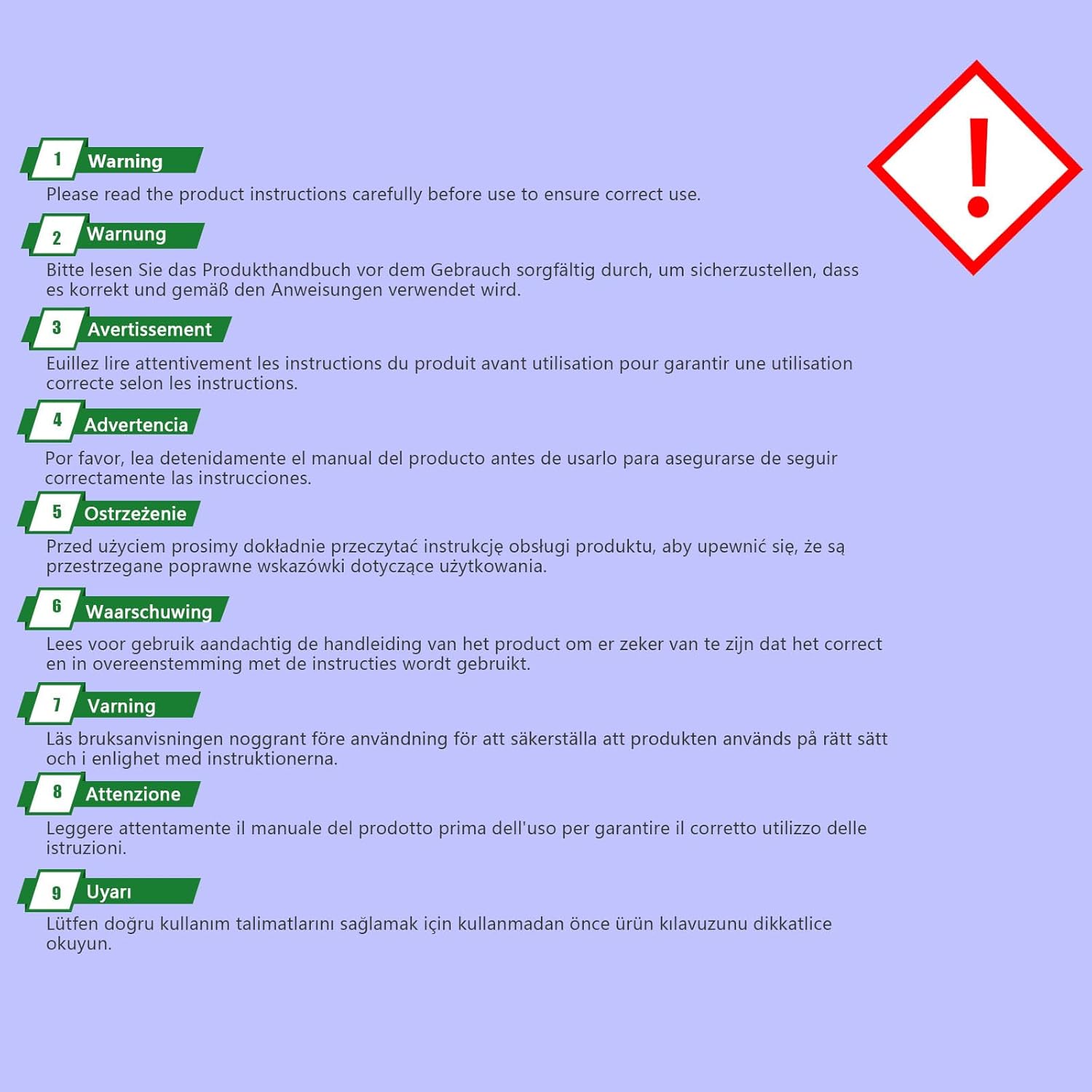
ചിത്രം 5: General warning to read the instruction manual carefully before using the product.


