1. ആമുഖം
Thank you for choosing the Boltune BT-BH020 Truly Wireless Bluetooth In-Ear Headphones. This manual provides detailed instructions on how to set up, operate, and maintain your new headphones. Please read this manual thoroughly before use to ensure optimal performance and longevity of your device.
2. പാക്കേജ് ഉള്ളടക്കം
Verify that all items listed below are present in your package. If any item is missing or damaged, please contact customer support.
- 1 x ചാർജിംഗ് കേസ്
- 2 x ഇയർബഡുകൾ (ഇടതും വലതും)
- 6 x ഇയർടിപ്പുകൾ (വിവിധ വലുപ്പങ്ങൾ)
- 1 x യുഎസ്ബി ടൈപ്പ്-സി ചാർജിംഗ് കേബിൾ
- 1 x ഉപയോക്തൃ മാനുവൽ (ഈ പ്രമാണം)

3. ഉൽപ്പന്നം കഴിഞ്ഞുview
The Boltune BT-BH020 earbuds feature a compact design with advanced Bluetooth 5.2 technology for stable connectivity and clear audio.


4. സജ്ജീകരണം
4.1 ഇയർബഡുകളും കേസും ചാർജ് ചെയ്യുന്നു
ആദ്യമായി ഉപയോഗിക്കുന്നതിന് മുമ്പ്, ഇയർബഡുകളും ചാർജിംഗ് കേസും പൂർണ്ണമായും ചാർജ് ചെയ്യുക.
- ചാർജിംഗ് കെയ്സിലേക്ക് ഇയർബഡുകൾ സ്ഥാപിക്കുക.
- യുഎസ്ബി ടൈപ്പ്-സി ചാർജിംഗ് കേബിൾ കേസിലെ ചാർജിംഗ് പോർട്ടിലേക്കും ഒരു പവർ സ്രോതസ്സിലേക്കും ബന്ധിപ്പിക്കുക.
- കേസിലെ ഇൻഡിക്കേറ്റർ ലൈറ്റുകൾ ചാർജിംഗ് നില കാണിക്കും.
A full charge provides over 40 hours of total battery life with the charging case, and approximately 6 hours of playtime per single earbud charge. The Type-C port supports quick charging.

4.2 ഒരു ബ്ലൂടൂത്ത് ഉപകരണവുമായി ജോടിയാക്കൽ
The BT-BH020 features one-step pairing technology for convenience.
- ചാർജിംഗ് കേസ് തുറക്കുക. ഇയർബഡുകൾ സ്വയമേവ ഓണാകുകയും ജോടിയാക്കൽ മോഡിലേക്ക് പ്രവേശിക്കുകയും ചെയ്യും.
- നിങ്ങളുടെ ഉപകരണത്തിൽ (ഉദാ, സ്മാർട്ട്ഫോൺ, ടാബ്ലെറ്റ്), ബ്ലൂടൂത്ത് പ്രവർത്തനക്ഷമമാക്കി ലഭ്യമായ ഉപകരണങ്ങൾക്കായി തിരയുക.
- Select "BT-BH020" from the list of found devices to connect.
- കണക്റ്റ് ചെയ്തുകഴിഞ്ഞാൽ, നിങ്ങൾക്ക് ഒരു ഓഡിയോ പ്രോംപ്റ്റ് കേൾക്കാൻ കഴിയും, ഇയർബഡുകൾ ഉപയോഗത്തിന് തയ്യാറാകും.
The Bluetooth V5.2 technology ensures a stable connection with a range of up to 50 feet, providing faster transmission speed and reliable connectivity without signal loss.

5. പ്രവർത്തന നിർദ്ദേശങ്ങൾ
5.1 ടച്ച് നിയന്ത്രണങ്ങൾ
The BT-BH020 earbuds feature touch controls for managing music playback and calls. Specific touch gestures for functions like play/pause, skip track, answer/end call, and activate voice assistant are typically detailed in a quick start guide. Refer to the included quick start guide for a complete list of touch commands.
5.2 കോളുകൾ ചെയ്യലും സ്വീകരിക്കലും
The earbuds are equipped with a built-in microphone and support call control functions.
- ഒരു കോളിന് മറുപടി നൽകുന്നു: ഇയർബഡുകളിൽ ഏതിലെങ്കിലും ഒന്നിലെ ടച്ച് കൺട്രോൾ ഏരിയയിൽ ഒരിക്കൽ ടാപ്പ് ചെയ്യുക.
- ഒരു കോൾ അവസാനിപ്പിക്കുന്നു: Tap the touch control area on either earbud once during a call.
- ഒരു കോൾ നിരസിക്കുന്നു: Press and hold the touch control area on either earbud for approximately 2 seconds.
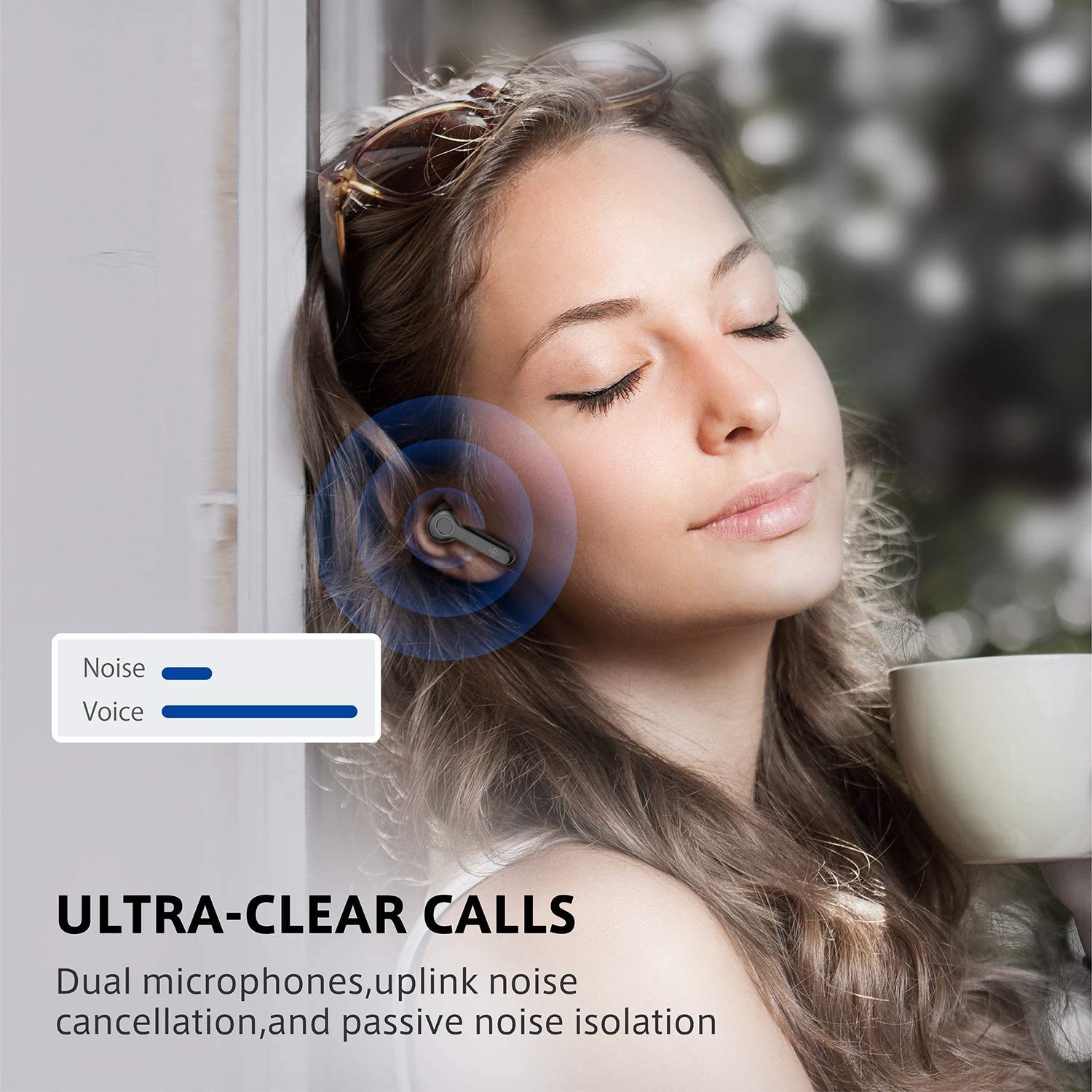
Dual microphones with uplink noise cancellation and passive noise isolation ensure clear conversations.
5.3 മ്യൂസിക് പ്ലേബാക്ക്
Enjoy high-quality audio playback with your BT-BH020 earbuds.
- പ്ലേ/താൽക്കാലികമായി നിർത്തുക: ഇയർബഡുകളിൽ ഏതിലെങ്കിലും ഒന്നിലെ ടച്ച് കൺട്രോൾ ഏരിയയിൽ ഒരിക്കൽ ടാപ്പ് ചെയ്യുക.
- അടുത്ത ട്രാക്ക്: വലത് ഇയർബഡിൽ രണ്ടുതവണ ടാപ്പ് ചെയ്യുക.
- മുമ്പത്തെ ട്രാക്ക്: ഇടത് ഇയർബഡിൽ രണ്ടുതവണ ടാപ്പ് ചെയ്യുക.
The ergonomic design ensures a secure and comfortable fit for extended listening sessions.

6. പരിപാലനം
Proper maintenance ensures the longevity and optimal performance of your Boltune BT-BH020 earbuds.
- വൃത്തിയാക്കൽ: ഇയർബഡുകളും ചാർജിംഗ് കെയ്സും മൃദുവായതും ഉണങ്ങിയതും ലിന്റ് രഹിതവുമായ തുണി ഉപയോഗിച്ച് പതിവായി വൃത്തിയാക്കുക. കഠിനമായ രാസവസ്തുക്കളോ ഉരച്ചിലുകളോ ഉള്ള വസ്തുക്കൾ ഉപയോഗിക്കരുത്.
- ജല പ്രതിരോധം: The earbuds are rated IPX6 waterproof, meaning they are protected against high-pressure water jets. However, they are not designed for submersion. Avoid prolonged exposure to water.
- സംഭരണം: ഉപയോഗത്തിലില്ലാത്തപ്പോൾ, പൊടിയിൽ നിന്നും കേടുപാടുകളിൽ നിന്നും സംരക്ഷിക്കാൻ ഇയർബഡുകൾ അവയുടെ ചാർജിംഗ് കേസിൽ സൂക്ഷിക്കുക. തണുത്തതും വരണ്ടതുമായ സ്ഥലത്ത് സൂക്ഷിക്കുക.
- ബാറ്ററി കെയർ: ബാറ്ററി ലൈഫ് നിലനിർത്താൻ, ഇയർബഡുകൾ പൂർണ്ണമായും ഡിസ്ചാർജ് ചെയ്യുന്നതും കേസ് ഇടയ്ക്കിടെ ചാർജ് ചെയ്യുന്നതും ഒഴിവാക്കുക. തുടർച്ചയായ ഉപയോഗത്തിലല്ലെങ്കിൽ പോലും അവ പതിവായി ചാർജ് ചെയ്യുക.
7. പ്രശ്നപരിഹാരം
If you encounter issues with your BT-BH020 earbuds, refer to the following common solutions.
| പ്രശ്നം | സാധ്യമായ പരിഹാരം |
|---|---|
| ഇയർബഡുകൾ ജോടിയാക്കുന്നില്ല |
|
| ഒരു ഇയർബഡിൽ നിന്ന് ശബ്ദമില്ല |
|
| മോശം ശബ്ദ നിലവാരം |
|
| ചാർജിംഗ് കേസ് ചാർജുചെയ്യുന്നില്ല |
|
8 സ്പെസിഫിക്കേഷനുകൾ
| ഫീച്ചർ | വിശദാംശങ്ങൾ |
|---|---|
| മോഡലിൻ്റെ പേര് | BT-BH020 |
| കണക്റ്റിവിറ്റി ടെക്നോളജി | വയർലെസ് (ബ്ലൂടൂത്ത്) |
| ബ്ലൂടൂത്ത് പതിപ്പ് | V5.2 |
| ജല പ്രതിരോധ നില | IPX6 (വാട്ടർപ്രൂഫ്) |
| നിയന്ത്രണ രീതി | സ്പർശിക്കുക |
| മൈക്രോഫോൺ ഫോർമാറ്റ് | Built-In (Dual Microphones with Uplink Noise Cancellation) |
| ചാർജ് ചെയ്താൽ പ്ലേടൈം | ഏകദേശം 6 മണിക്കൂർ |
| ആകെ പ്ലേടൈം (ചാർജിംഗ് കേസിനൊപ്പം) | 40 മണിക്കൂറിലധികം |
| ചാർജിംഗ് പോർട്ട് | യുഎസ്ബി ടൈപ്പ്-സി |
| ഇനത്തിൻ്റെ ഭാരം | 5.09 ഗ്രാം (ഓരോ ഇയർബഡിനും) |
| ഉൽപ്പന്ന അളവുകൾ | 4.19 x 2.31 x 2.31 സെ.മീ |
| മെറ്റീരിയൽ | പ്ലാസ്റ്റിക് |
| യു.പി.സി | 661094416582, 661094416605 |
9. വാറൻ്റിയും പിന്തുണയും
For warranty information and customer support, please refer to the warranty card included in your package or visit the official Boltune webസൈറ്റ്.
If you have any questions or require assistance, please contact Boltune customer service.


