1. ആമുഖം
This manual provides detailed instructions for the installation, operation, and maintenance of your Hunter 52-inch Contemporary Matte Black Indoor Ceiling Fan. Please read all instructions carefully before beginning installation and retain this manual for future reference. This ceiling fan features a modern design, integrated light kit, and a convenient remote control for ease of use. It is designed for indoor use only.
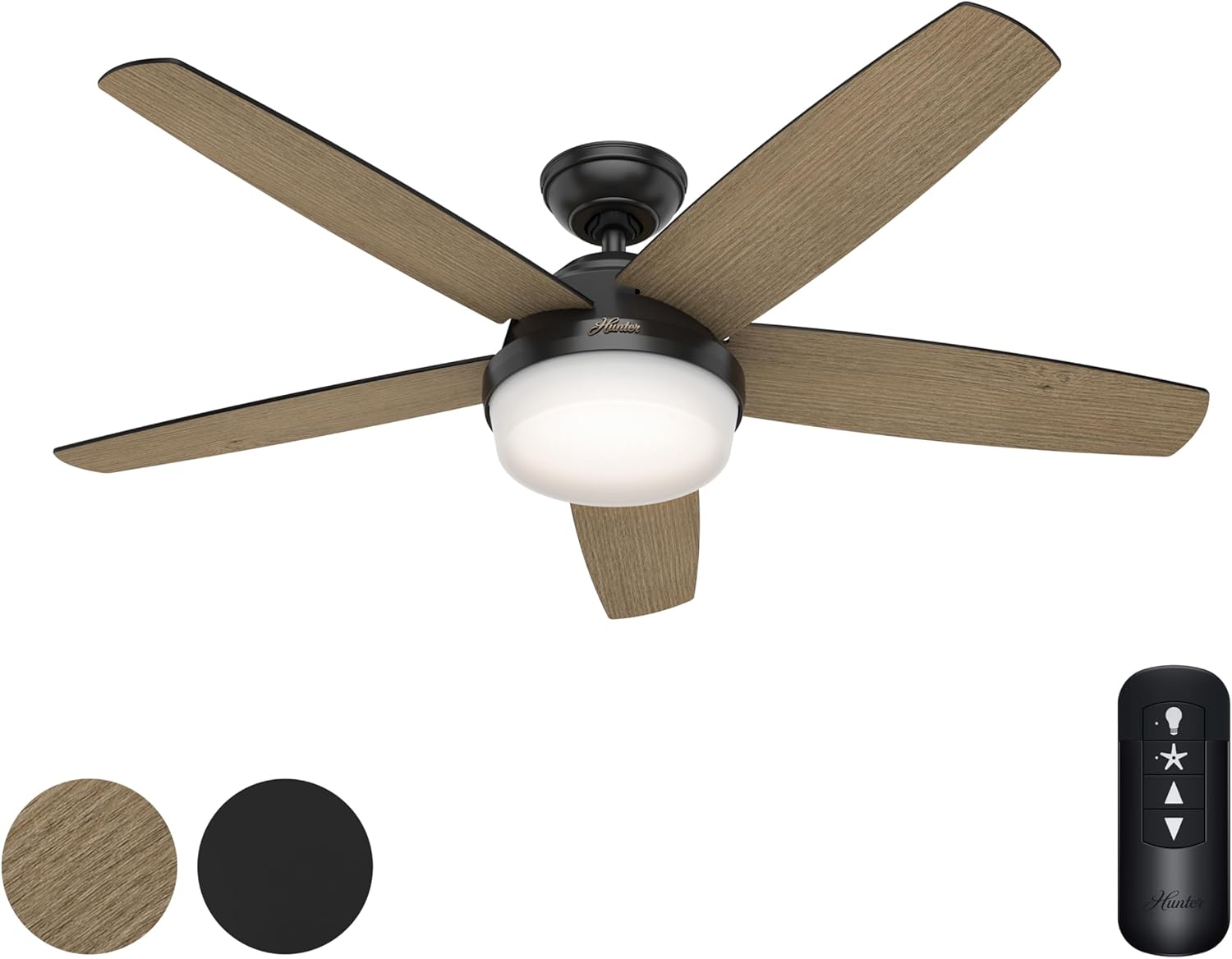
Figure 1: Hunter 52-inch Contemporary Matte Black Ceiling Fan with Light and Remote Control. The fan features five reversible blades, a central integrated light, and a handheld remote for control.
2 സുരക്ഷാ വിവരങ്ങൾ
- Always disconnect power at the circuit breaker or fuse box before beginning installation or performing any maintenance.
- എല്ലാ വയറിംഗും ദേശീയ, പ്രാദേശിക ഇലക്ട്രിക്കൽ കോഡുകൾക്ക് അനുസൃതമായിരിക്കണം. വയറിംഗിൽ നിങ്ങൾക്ക് പരിചയമില്ലെങ്കിൽ, യോഗ്യതയുള്ള ഒരു ഇലക്ട്രീഷ്യനെ സമീപിക്കുക.
- Ensure the installation location can support the weight of the fan (approximately 26.1 pounds).
- ഇൻസ്റ്റാളേഷൻ അല്ലെങ്കിൽ വൃത്തിയാക്കൽ സമയത്ത് ബ്ലേഡ് ബ്രാക്കറ്റുകൾ വളയ്ക്കരുത്.
- Keep children away from the fan during installation and operation.
- This fan is rated for indoor use only. Do not install in damp അല്ലെങ്കിൽ നനഞ്ഞ സ്ഥലങ്ങൾ.
3. പാക്കേജ് ഉള്ളടക്കം
താഴെ ലിസ്റ്റ് ചെയ്തിരിക്കുന്ന എല്ലാ ഘടകങ്ങളും നിങ്ങളുടെ പാക്കേജിൽ ഉൾപ്പെടുത്തിയിട്ടുണ്ടെന്ന് ഉറപ്പാക്കുക:
- ഫാൻ മോട്ടോർ അസംബ്ലി
- 5 Reversible Fan Blades (Aged Oak / Matte Black)
- Light Kit with Integrated Light Type (2 bulbs included)
- ഹാൻഡ്ഹെൽഡ് റിമോട്ട് കൺട്രോൾ
- 4-ഇഞ്ച് ഡൗൺറോഡ്
- മൌണ്ടിംഗ് ഹാർഡ്വെയർ
4. സജ്ജീകരണവും ഇൻസ്റ്റാളേഷനും
Follow these steps for proper installation of your ceiling fan. It is recommended that two people perform the installation for safety and ease.
- മൗണ്ടിംഗ് ലൊക്കേഷൻ തയ്യാറാക്കുക: Ensure the electrical box is securely mounted to the building structure and can support the fan's weight.
- മൗണ്ടിംഗ് ബ്രാക്കറ്റ് ഇൻസ്റ്റാൾ ചെയ്യുക: നൽകിയിരിക്കുന്ന സ്ക്രൂകൾ ഉപയോഗിച്ച് ഇലക്ട്രിക്കൽ ബോക്സിൽ മൗണ്ടിംഗ് ബ്രാക്കറ്റ് ഘടിപ്പിക്കുക.
- ഡൗൺറോഡ് കൂട്ടിച്ചേർക്കുക: Insert the 4-inch downrod through the canopy and connect it to the fan motor assembly.
- ഫാൻ തൂക്കിയിടുക: ഫാൻ അസംബ്ലി ശ്രദ്ധാപൂർവ്വം ഉയർത്തി മൗണ്ടിംഗ് ബ്രാക്കറ്റിൽ തൂക്കിയിടുക.
- Perform Electrical Connections: Connect the fan's wiring to the household wiring according to the wiring diagram in the full instruction manual. Ensure all connections are secure.
- ഫാൻ ബ്ലേഡുകൾ ഘടിപ്പിക്കുക: Securely attach the five reversible fan blades to the motor housing. You can choose between the Aged Oak or Matte Black finish for the visible side.
- ലൈറ്റ് കിറ്റ് ഇൻസ്റ്റാൾ ചെയ്യുക: Connect the light kit wiring and attach the light kit to the bottom of the fan motor assembly.
- പവർ പുന ore സ്ഥാപിക്കുക: എല്ലാ കണക്ഷനുകളും സുരക്ഷിതമാവുകയും ഫാൻ പൂർണ്ണമായും കൂട്ടിച്ചേർക്കുകയും ചെയ്തുകഴിഞ്ഞാൽ, സർക്യൂട്ട് ബ്രേക്കറിൽ പവർ പുനഃസ്ഥാപിക്കുക.
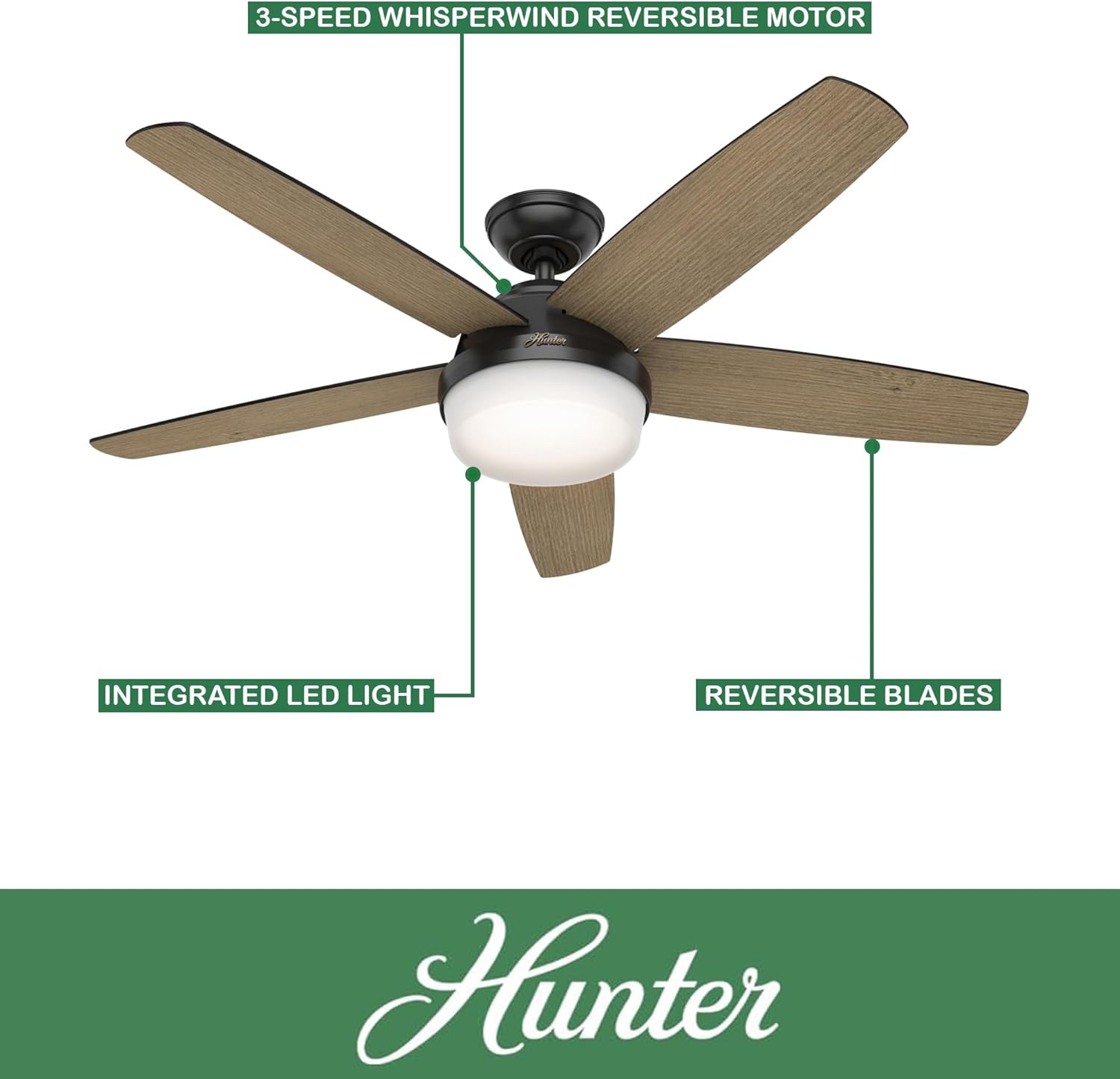
Figure 2: Key features of the Hunter ceiling fan, including the 3-speed WhisperWind reversible motor, integrated LED light, and reversible blades.
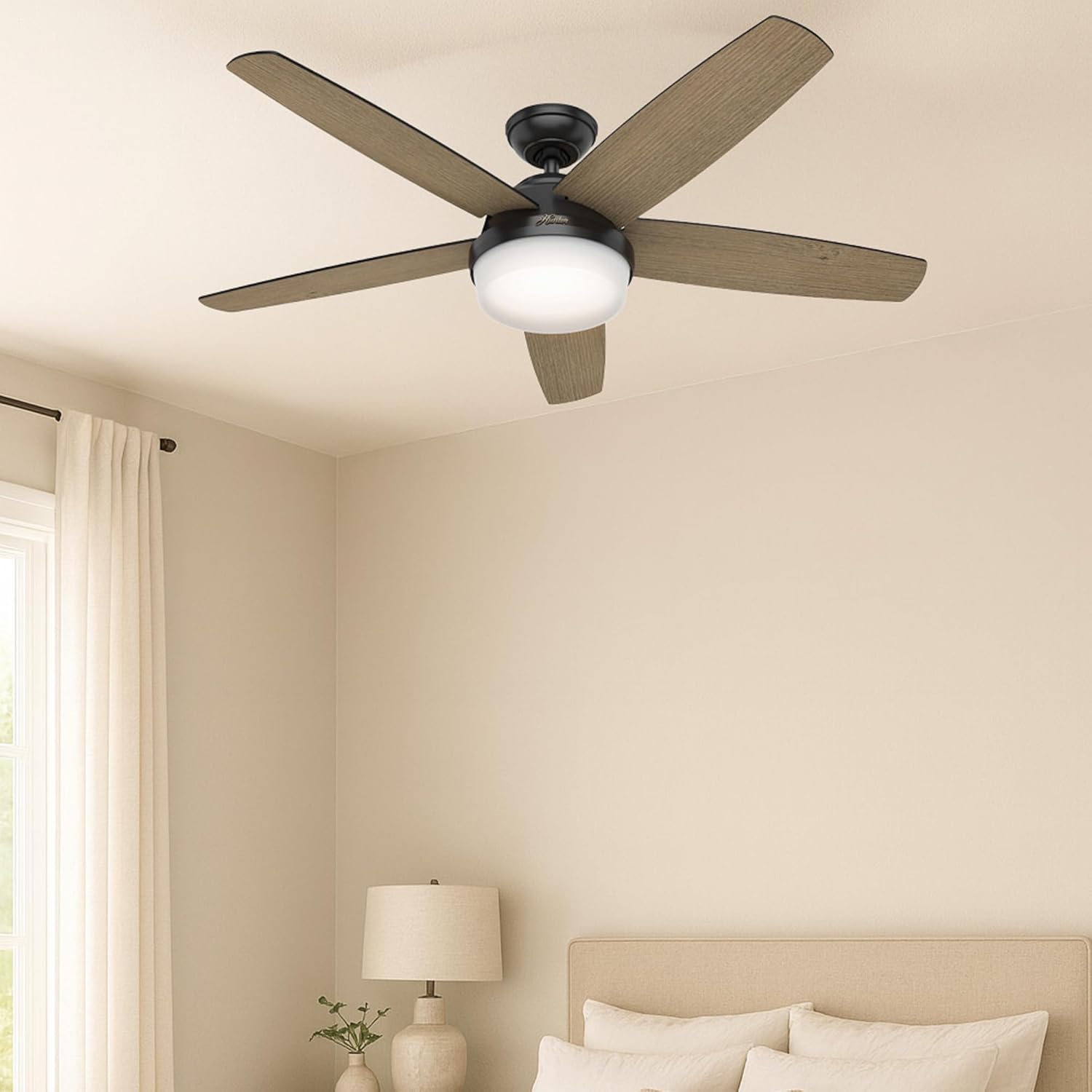
Figure 3: The Hunter ceiling fan seamlessly integrated into a modern bedroom setting, demonstrating its aesthetic appeal when installed.
5. പ്രവർത്തന നിർദ്ദേശങ്ങൾ
Your Hunter ceiling fan is operated using the included handheld remote control.
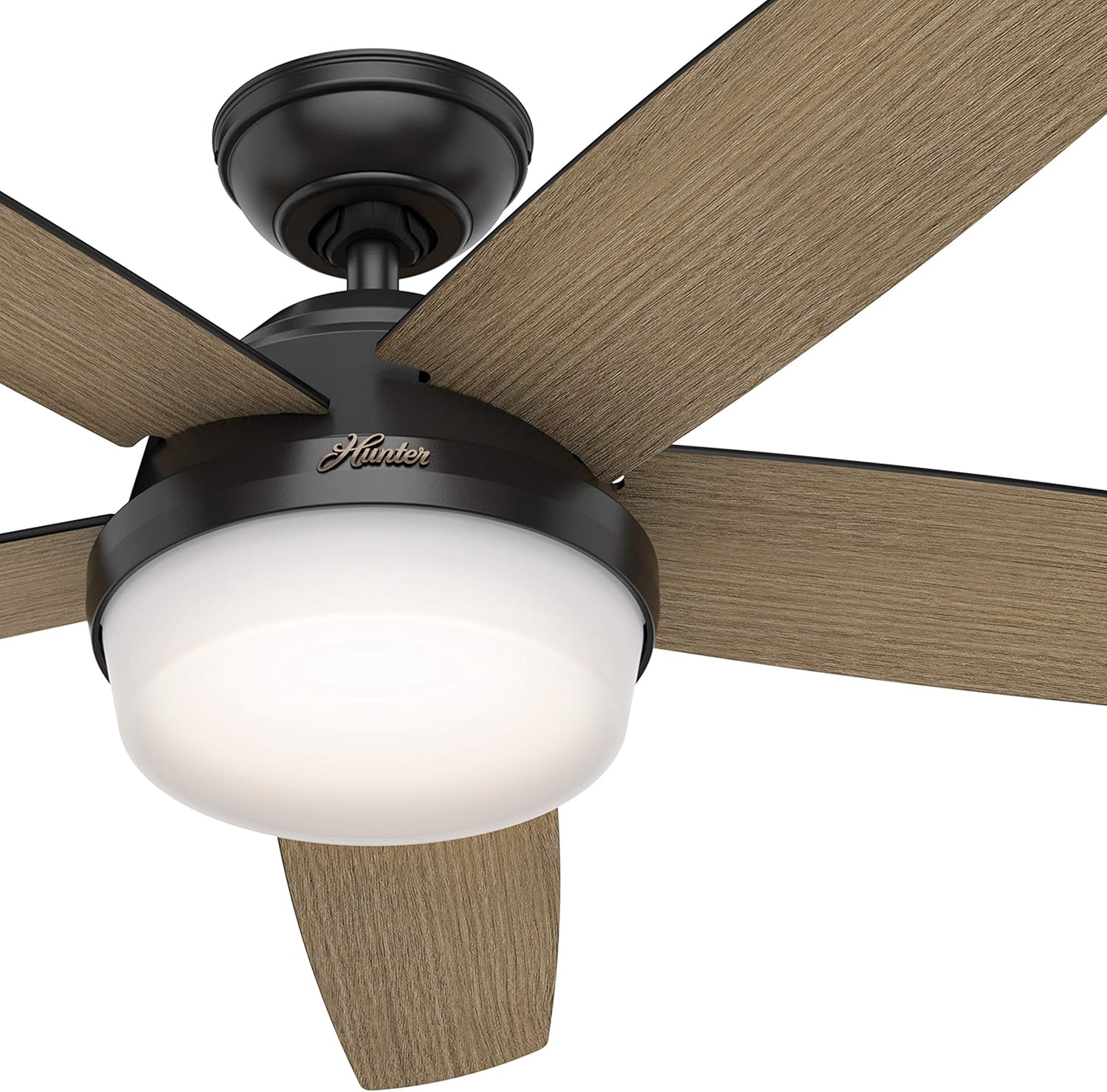
Figure 4: The Hunter handheld remote control, detailing buttons for light dimming, fan speed adjustment, battery access, and fan direction reversal.
- ഫാൻ സ്പീഡ് നിയന്ത്രണം: Use the speed buttons (up/down arrows) on the remote to cycle through the 3 available fan speeds (Low, Medium, High).
- പ്രകാശ നിയന്ത്രണം: Press the light bulb button to turn the light on or off. Hold the light button to dim or brighten the light.
- Fan Direction (Reversible Motor): The fan features a reversible motor for year-round comfort. In warm weather, operate the fan in a counter-clockwise direction to create a cooling breeze. In cool weather, operate the fan in a clockwise direction at a low speed to circulate warm air near the ceiling. The remote control includes a button to change the fan direction.

ചിത്രം 5: ഒരു ഓവർview of the fan's key specifications and features, including its size, color, control method, blade count, motor type, speed options, airflow, and suitability for indoor use in large rooms.
6. പരിപാലനം
പതിവ് അറ്റകുറ്റപ്പണികൾ നിങ്ങളുടെ സീലിംഗ് ഫാനിന്റെ മികച്ച പ്രകടനവും ദീർഘായുസ്സും ഉറപ്പാക്കുന്നു.
- വൃത്തിയാക്കൽ: ഫാൻ വൃത്തിയാക്കാൻ, മൃദുവായ, ഡി തുണി ഉപയോഗിച്ച് തുടയ്ക്കുക.amp തുണി. അബ്രാസീവ് ക്ലീനറുകളോ ലായകങ്ങളോ ഉപയോഗിക്കരുത്, കാരണം ഇവ ഫിനിഷിന് കേടുവരുത്തും.
- ബ്ലേഡ് കെയർ: Periodically check the fan blades for dust accumulation. Clean them gently to maintain balance and airflow.
- ഫാസ്റ്റനറുകൾ ശക്തമാക്കുക: Over time, some fasteners may become loose. Check all mounting screws and blade attachment screws annually and tighten them if necessary.

Figure 6: Detail of the Aged Oak finish on one side of the reversible fan blade.

Figure 7: Detail of the Matte Black finish on the other side of the reversible fan blade.
7. പ്രശ്നപരിഹാരം
നിങ്ങളുടെ ഫാനിൽ പ്രശ്നങ്ങൾ അനുഭവപ്പെടുകയാണെങ്കിൽ, ഇനിപ്പറയുന്ന പൊതുവായ ട്രബിൾഷൂട്ടിംഗ് ഘട്ടങ്ങൾ പരിശോധിക്കുക:
| പ്രശ്നം | സാധ്യമായ കാരണം | പരിഹാരം |
|---|---|---|
| ഫാൻ ആരംഭിക്കുന്നില്ല | No power to the fan; Loose wire connections; Remote control battery dead | Check circuit breaker/fuse; Verify all wire connections are secure; Replace remote control battery. |
| ഫാൻ കുലുങ്ങുന്നു | അയഞ്ഞ ബ്ലേഡ് സ്ക്രൂകൾ; അസന്തുലിതമായ ബ്ലേഡുകൾ; അയഞ്ഞ മൗണ്ടിംഗ് ബ്രാക്കറ്റ് | എല്ലാ ബ്ലേഡ് സ്ക്രൂകളും മുറുക്കുക; ബ്ലേഡുകൾ ബാലൻസ് ചെയ്യാൻ ഒരു ബാലൻസിംഗ് കിറ്റ് (ഉൾപ്പെടുത്തിയിട്ടില്ല) ഉപയോഗിക്കുക; മൗണ്ടിംഗ് ബ്രാക്കറ്റ് സുരക്ഷിതമായി ഉറപ്പിച്ചിട്ടുണ്ടെന്ന് ഉറപ്പാക്കുക. |
| ശബ്ദായമാനമായ പ്രവർത്തനം | Loose screws; Fan not properly seated; Blade rubbing | Check and tighten all screws; Ensure fan is properly seated in the mounting bracket; Check for any obstructions or rubbing blades. |
| വെളിച്ചം പ്രവർത്തിക്കുന്നില്ല | Loose wire connection; Faulty bulb; Remote control issue | Check light kit wiring; Ensure bulbs are correctly installed; Replace bulbs if necessary; Check remote battery. |
8 സ്പെസിഫിക്കേഷനുകൾ
- ബ്രാൻഡ്:
- വേട്ടക്കാരൻ
- മോഡലിൻ്റെ പേര്:
- CC5C95C93
- നിറം:
- മാറ്റ് ബ്ലാക്ക്
- വലിപ്പം:
- 52 ഇഞ്ച്
- ഉൽപ്പന്ന അളവുകൾ:
- 52"D x 52"W x 14.75"H
- ഇനത്തിൻ്റെ ഭാരം:
- 26.1 പൗണ്ട് (11.86 കിലോഗ്രാം)
- ബ്ലേഡുകളുടെ എണ്ണം:
- 5
- ഫിനിഷ് തരം:
- മാറ്റ്
- ഊർജ്ജ സ്രോതസ്സ്:
- എസി (120 വോൾട്ട്)
- വാട്ട്tage:
- 9 വാട്ട്സ്
- എയർ ഫ്ലോ കപ്പാസിറ്റി:
- മിനിറ്റിന് 2618 ക്യുബിക് അടി (CFM)
- വേഗത ക്രമീകരണങ്ങൾ:
- 3
- പ്രത്യേക സവിശേഷതകൾ:
- AC Motor, Dimmable Light, Reversible Motor, Variable Speed
- നിയന്ത്രണ രീതി:
- റിമോട്ട്
- ഇൻഡോർ/ഔട്ട്ഡോർ ഉപയോഗം:
- ഇൻഡോർ മാത്രം
- സർട്ടിഫിക്കേഷൻ:
- ETL
9. വാറൻ്റിയും പിന്തുണയും
For warranty information or technical support, please refer to the documentation included with your purchase or visit the official Hunter Fan Company website. You may also contact Hunter customer service directly for assistance with product issues or replacement parts.


